19

现代电影式肖像场景
Enlarge

Example images

现代电影式肖像场景

Prompt
Use your own picture to create this image on Nano Banana . I created it on @Somake_ai using below prompt
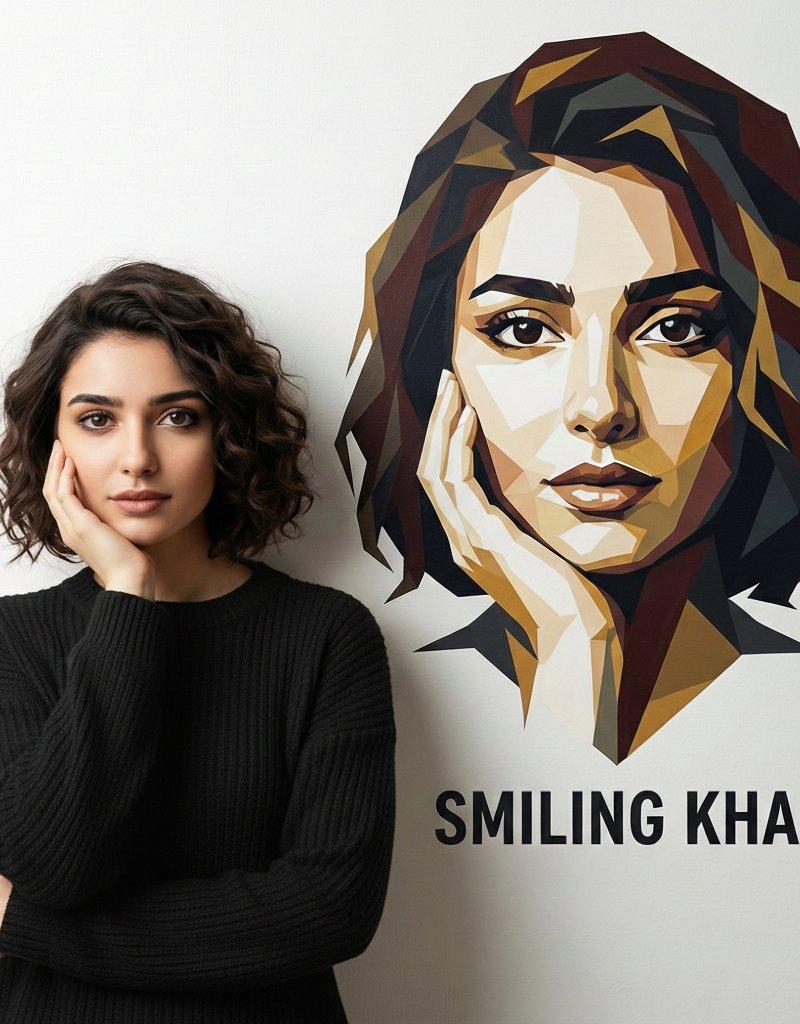
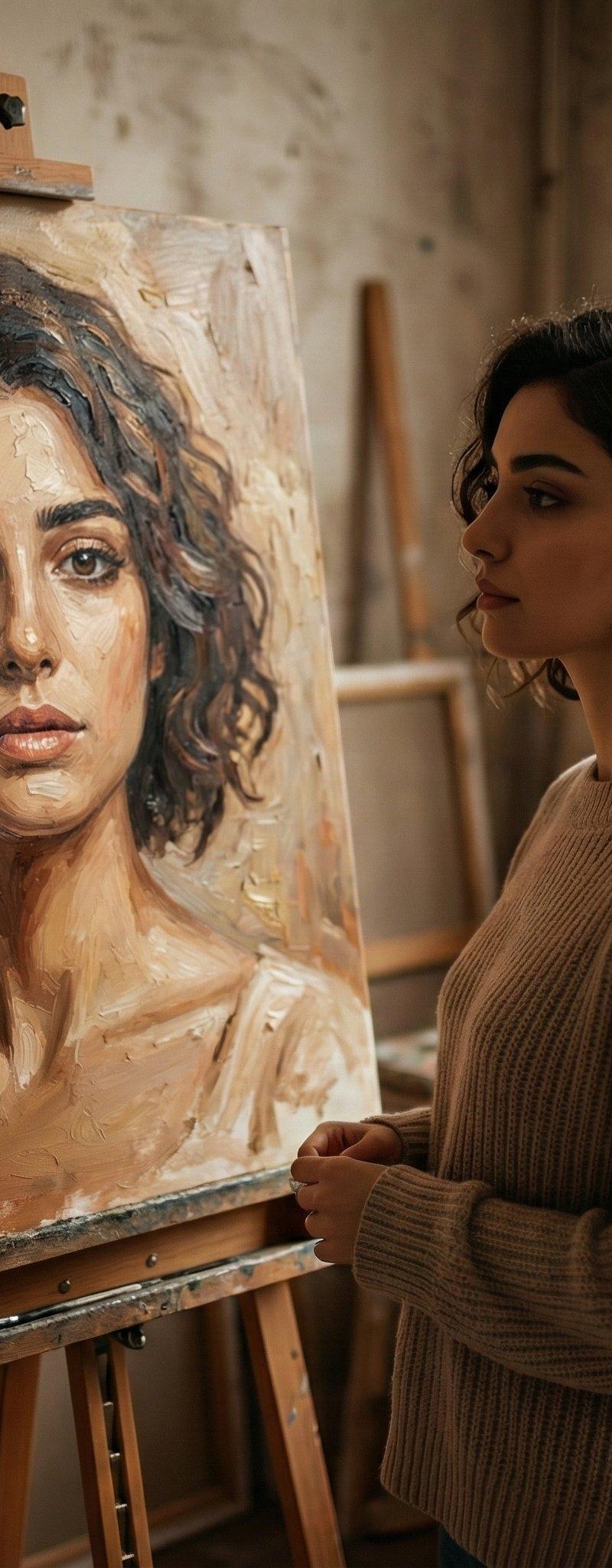
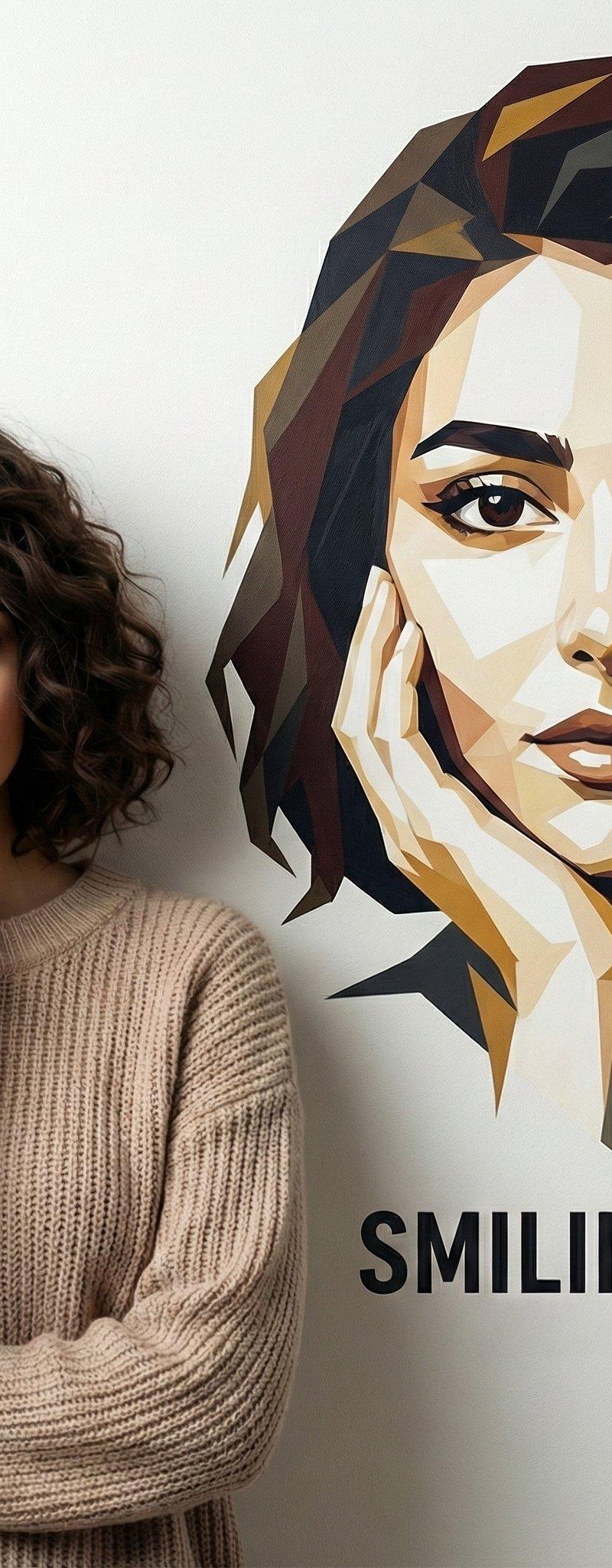
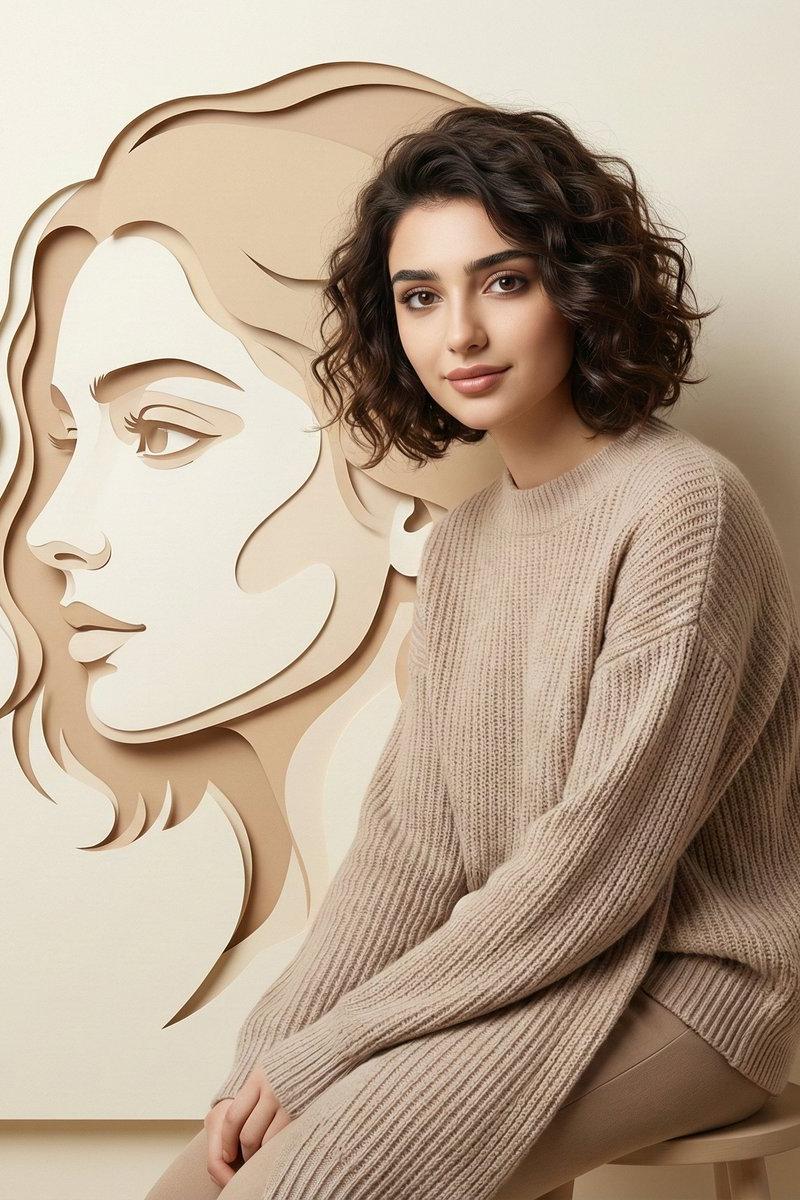
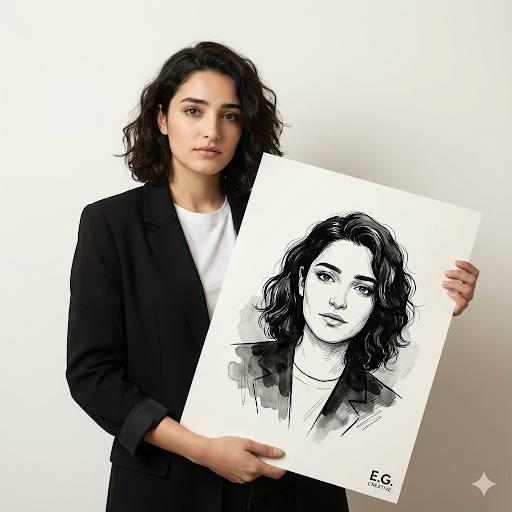
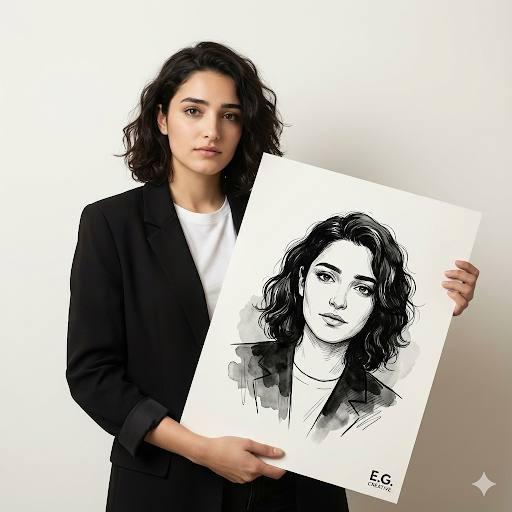
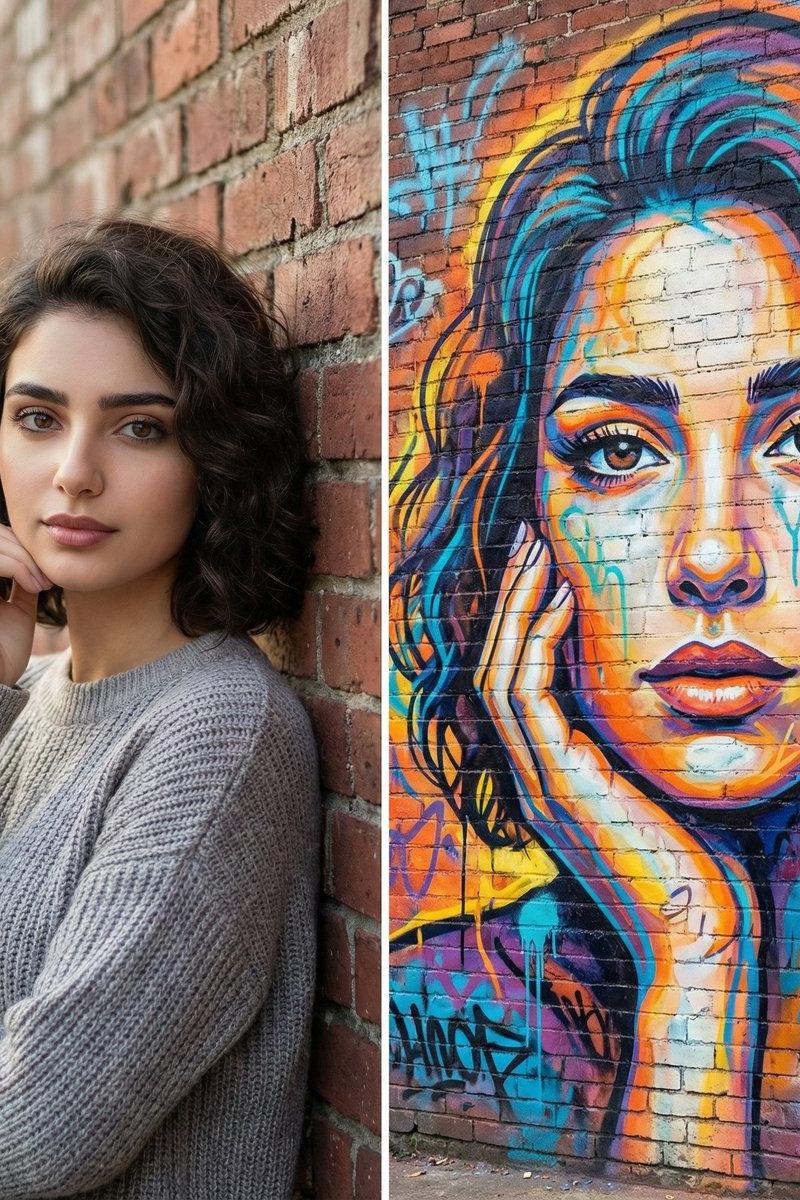
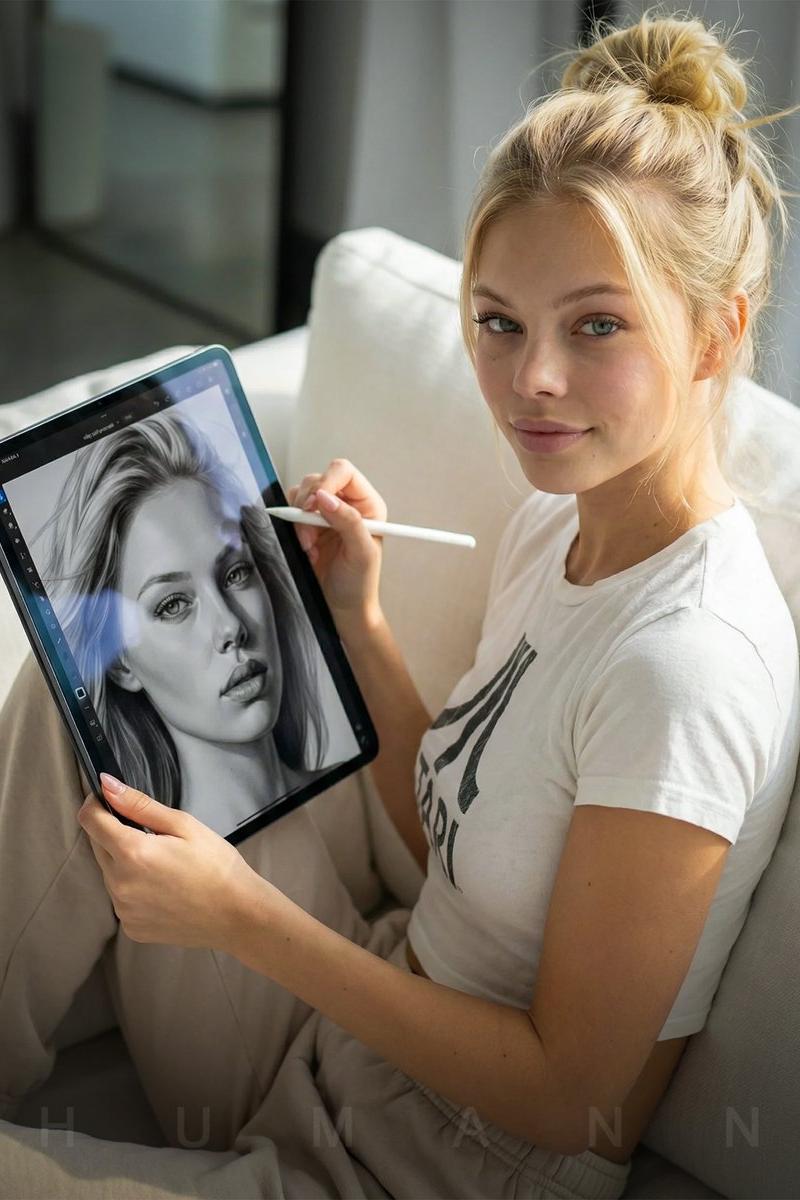
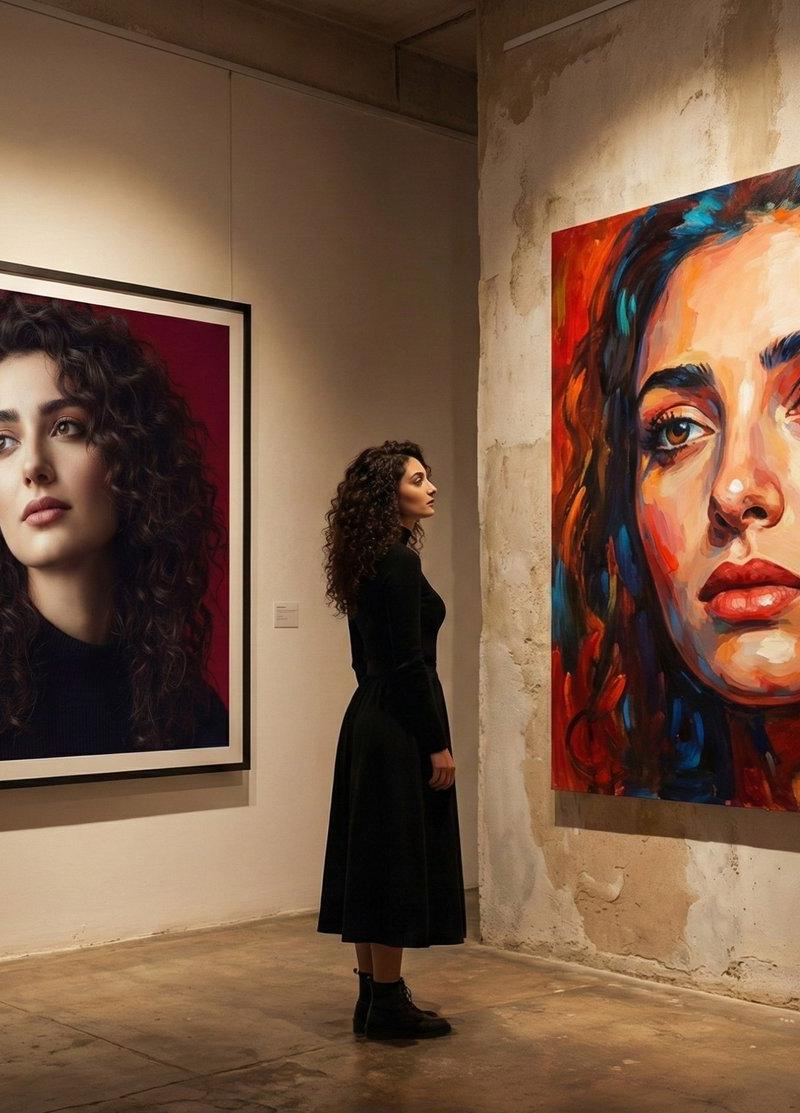
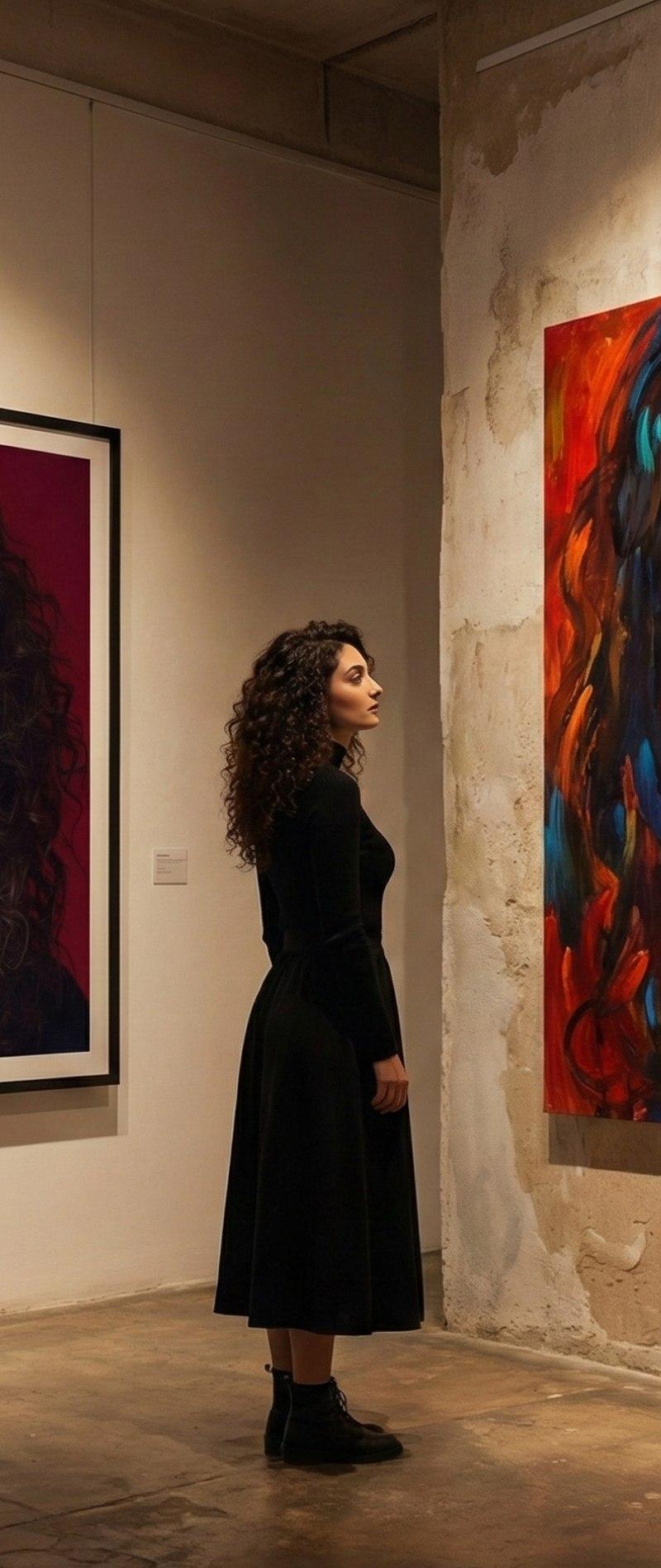
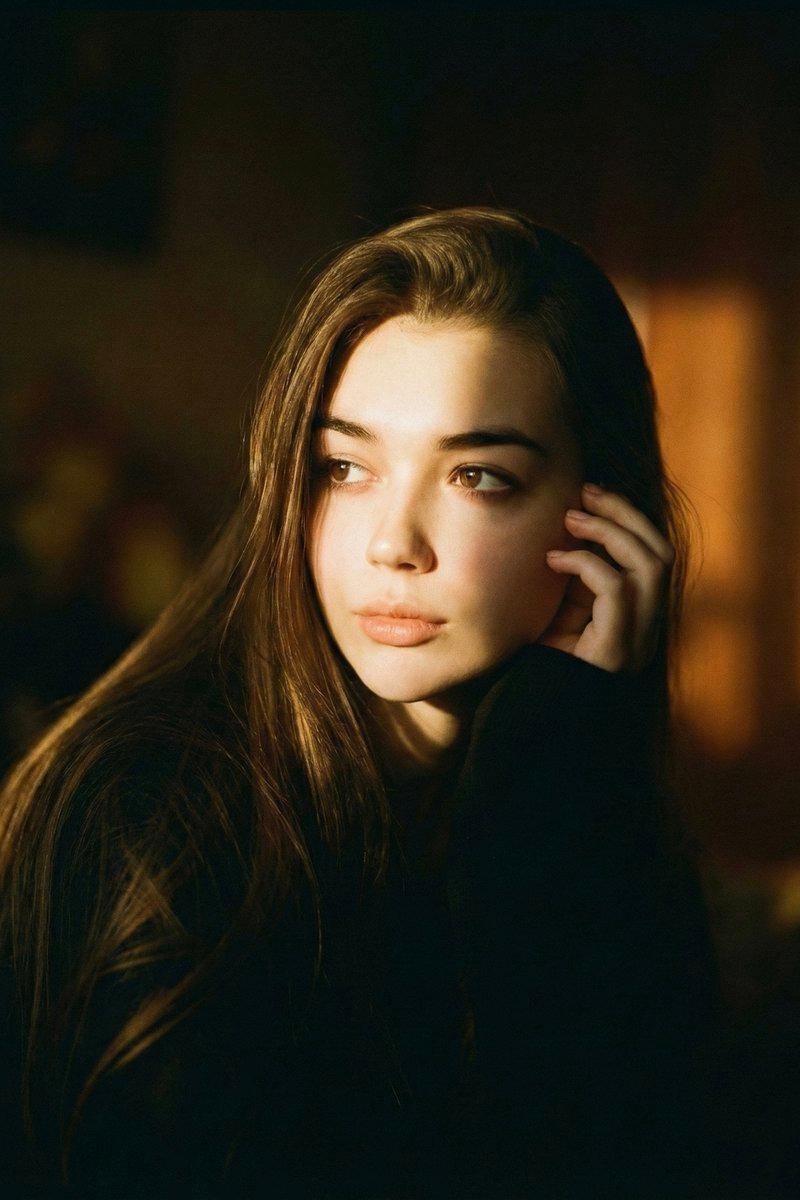
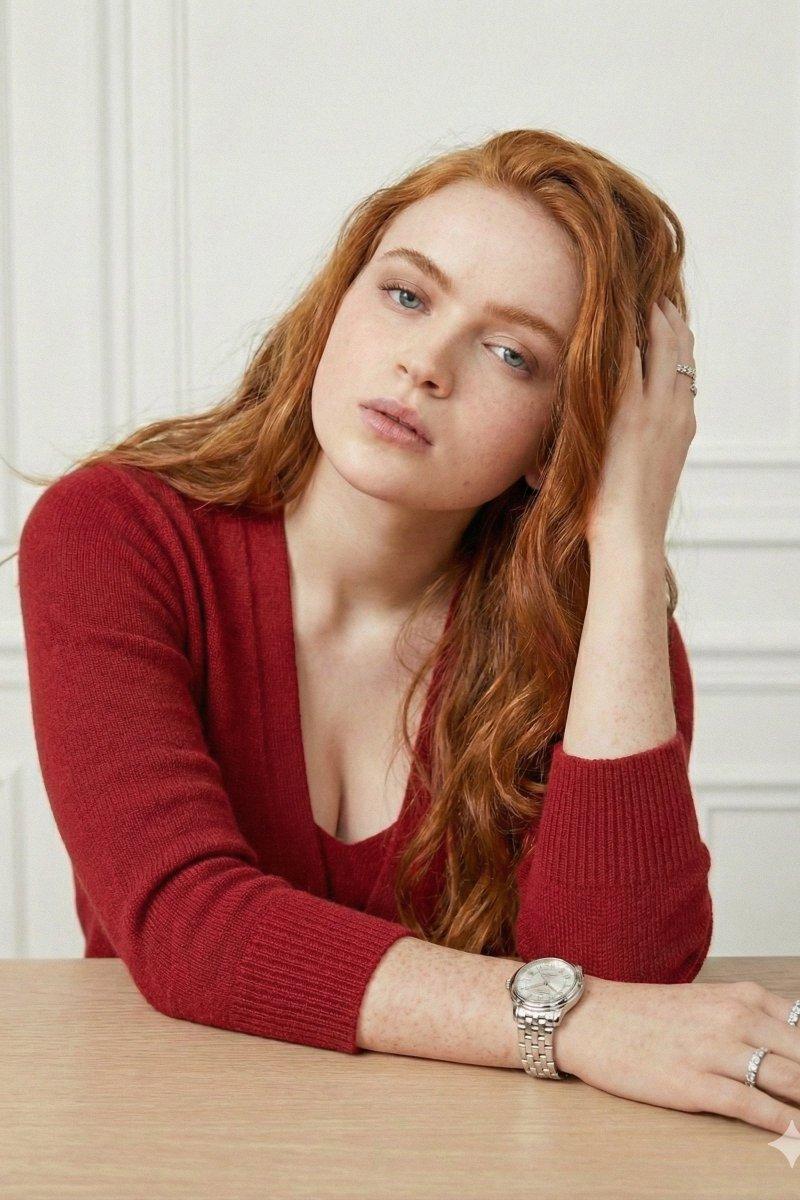
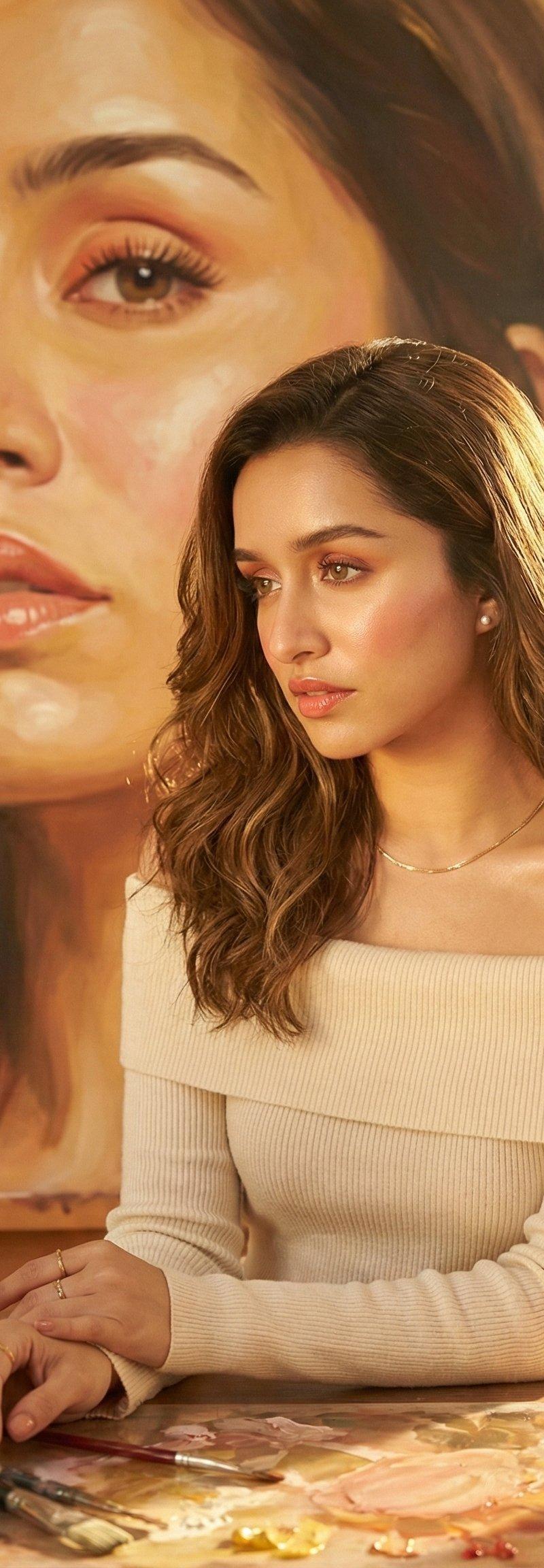
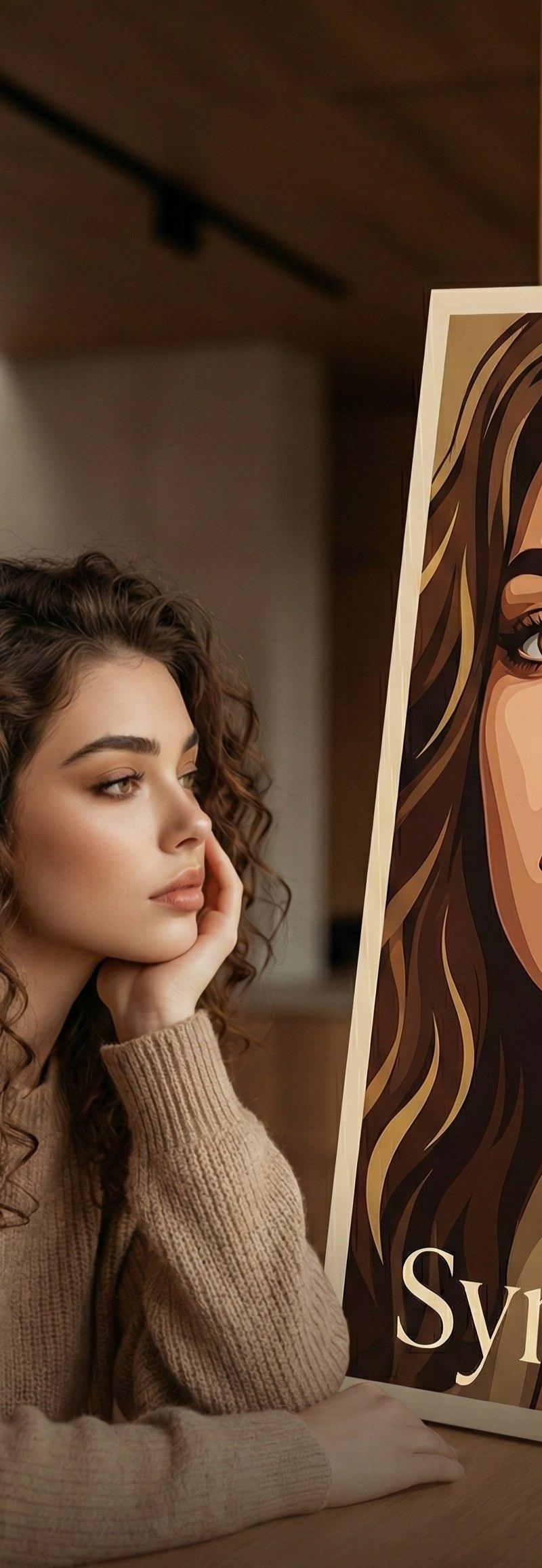
Create a modern cinematic portrait scene using my uploaded photo. A woman with soft natural curls sits indoors beside a large vertical illustrated poster of her own face in a bold vector-art style. She rests her face gently on her hand, gazing thoughtfully toward the poster, creating a visual dialogue between realism and illustration. Warm ambient indoor lighting, soft shadows, shallow depth of field, cinematic color grading with beige and warm brown tones. Google Gemini Minimal modern interior background, cozy sweater outfit, calm emotional expression. The poster features elegant typography at the bottom with customizable text. Ultra-realistic photography blended with clean graphic illustration, editorial magazine style, high resolution, modern cinematic aesthetic.
Category
Photography & Realism
Model
Nano Banana
Creator
Synthia
Source language
zh-CN
Views0
Source ID
modern-cinematic-portrait-scene
Studio

Guide

About "现代电影式肖像场景"

What is this prompt for?

"现代电影式肖像场景" AI image prompt for Nano Banana (Photography & Realism). Use your own picture to create this image on Nano Banana . I created it on @Somake_ai usin…

The full copyable prompt and example visuals above are ready for AI image generation or one-click recreate in Picva.

How to use this prompt

  1. Step 1

    Open the prompt detail

    Review the example visuals, category, and full prompt text for "现代电影式肖像场景".

  2. Step 2

    Copy the prompt

    Copy the prompt body from this page, or load it directly in Studio.

  3. Step 3

    Pick a model (Nano Banana)

    Prefer Nano Banana. If you switch models, keep subject and composition and tweak style terms.

  4. Step 4

    Generate and export

    Recreate the look in Picva, or export into your workflow for editing and publishing.

FAQ

What is the "现代电影式肖像场景" prompt?
It is an AI image-generation prompt for Nano Banana in the Photography & Realism category. This page includes the full prompt text, example visuals, and a one-click recreate path in Picva.
How do I use this prompt to generate an image?
Copy the prompt from this page, or use Generate / Studio. Paste it into a compatible image model, or recreate the look in Picva with optional reference images.
Which model is this prompt for?
This page lists Nano Banana. Most descriptive prompts also transfer to nearby image models such as GPT Image, Flux, or Midjourney with light style tweaks.
Can I use the result commercially?
You can usually copy the prompt for creation, but commercial use of the final image depends on the model terms, reference-image rights, and the generated content. Follow the source author and platform rules.