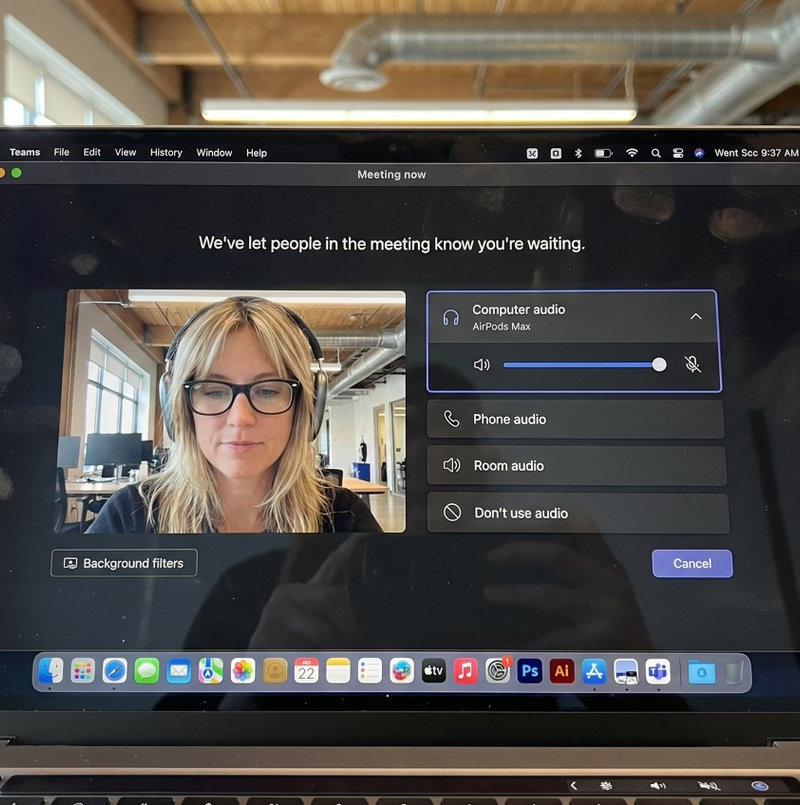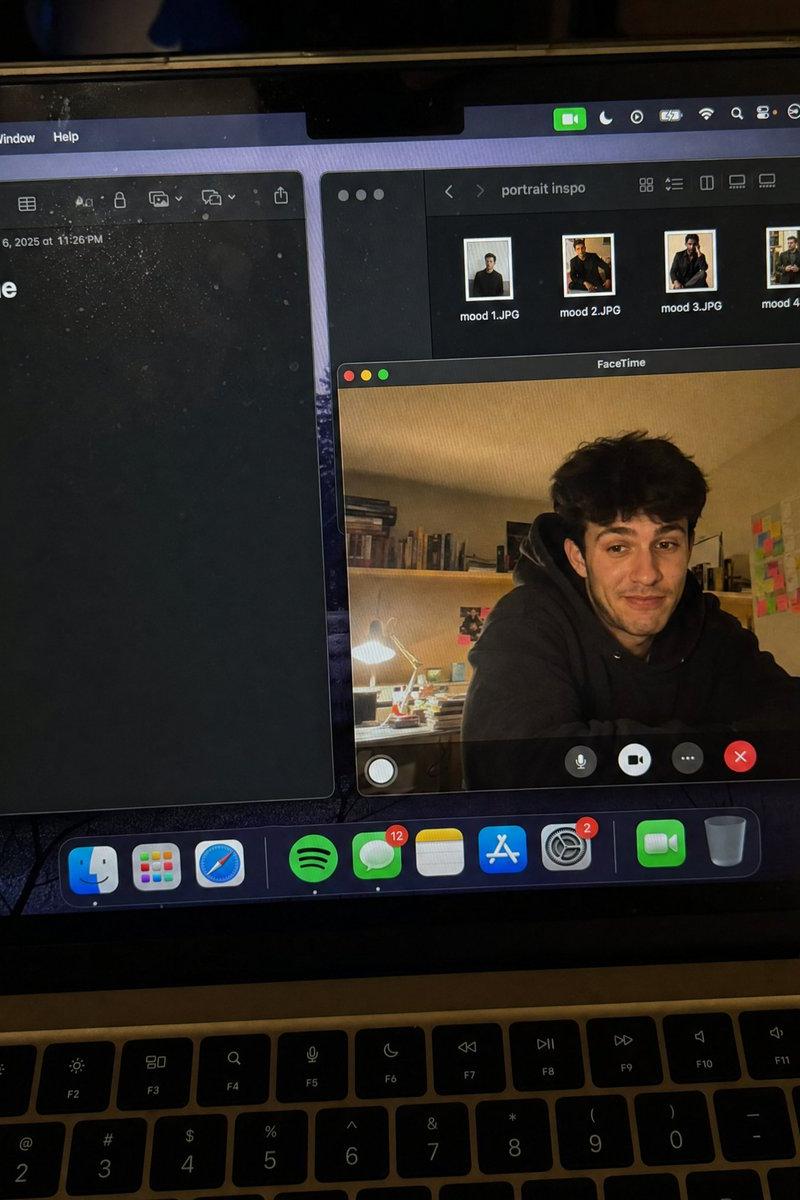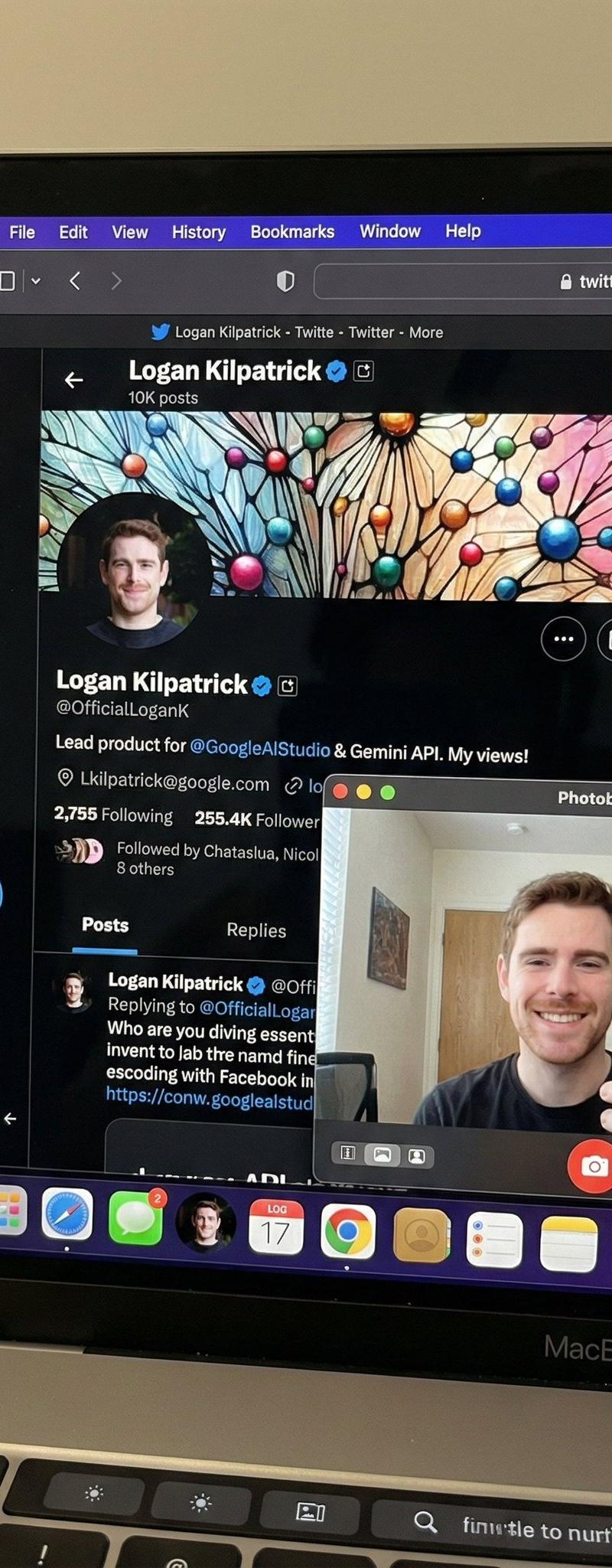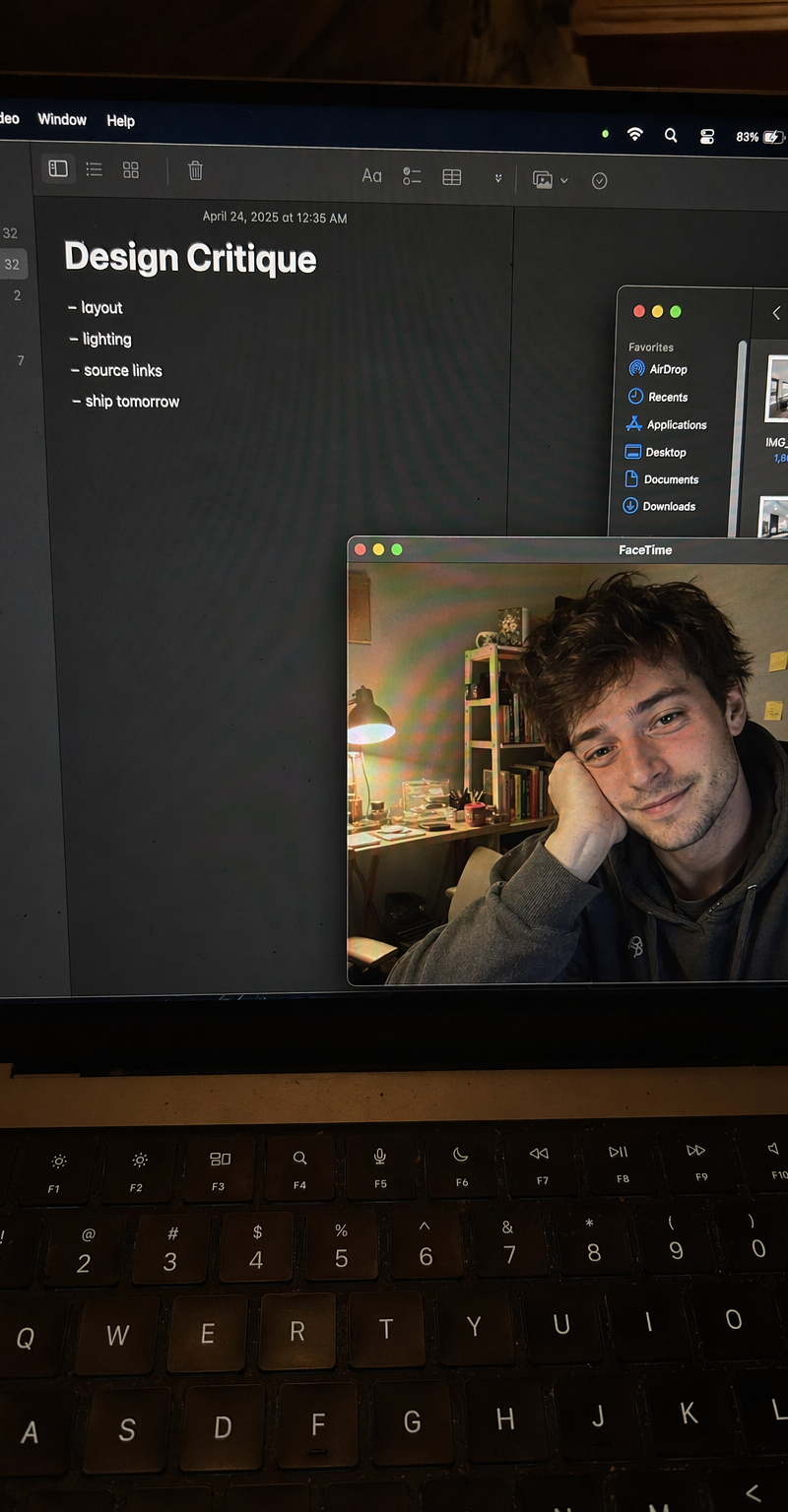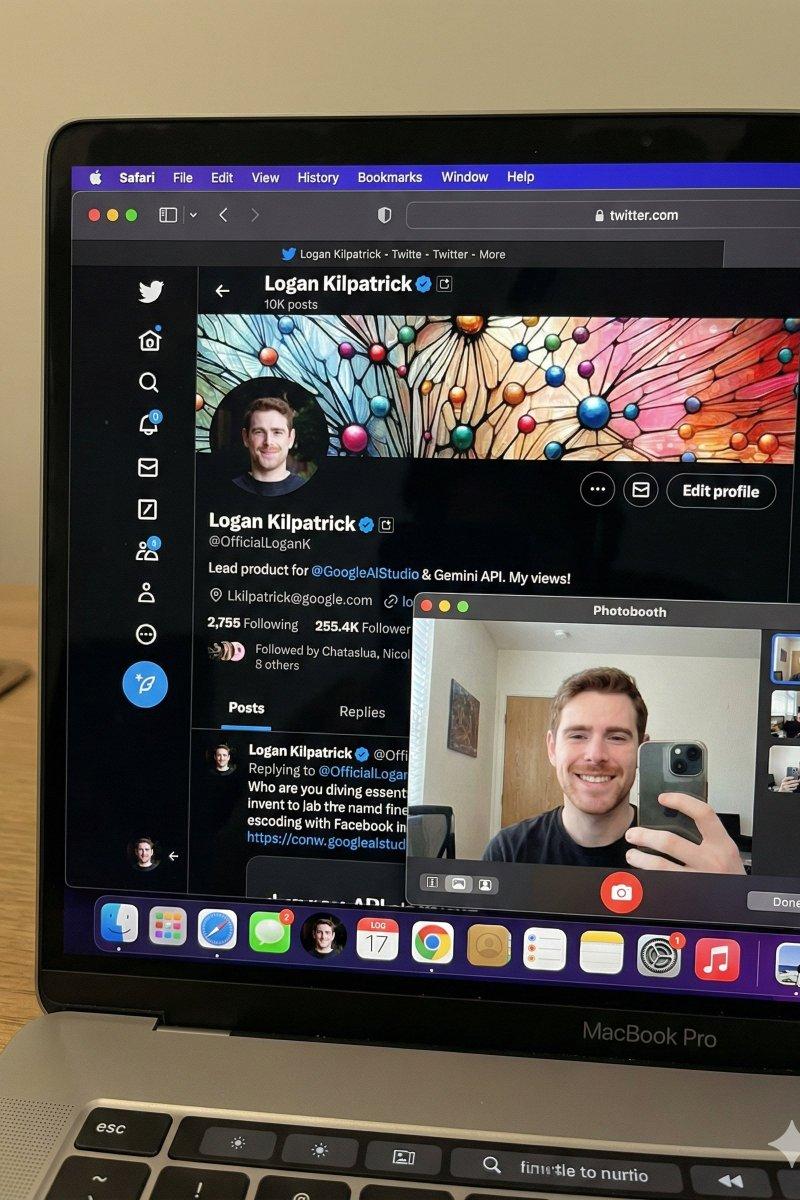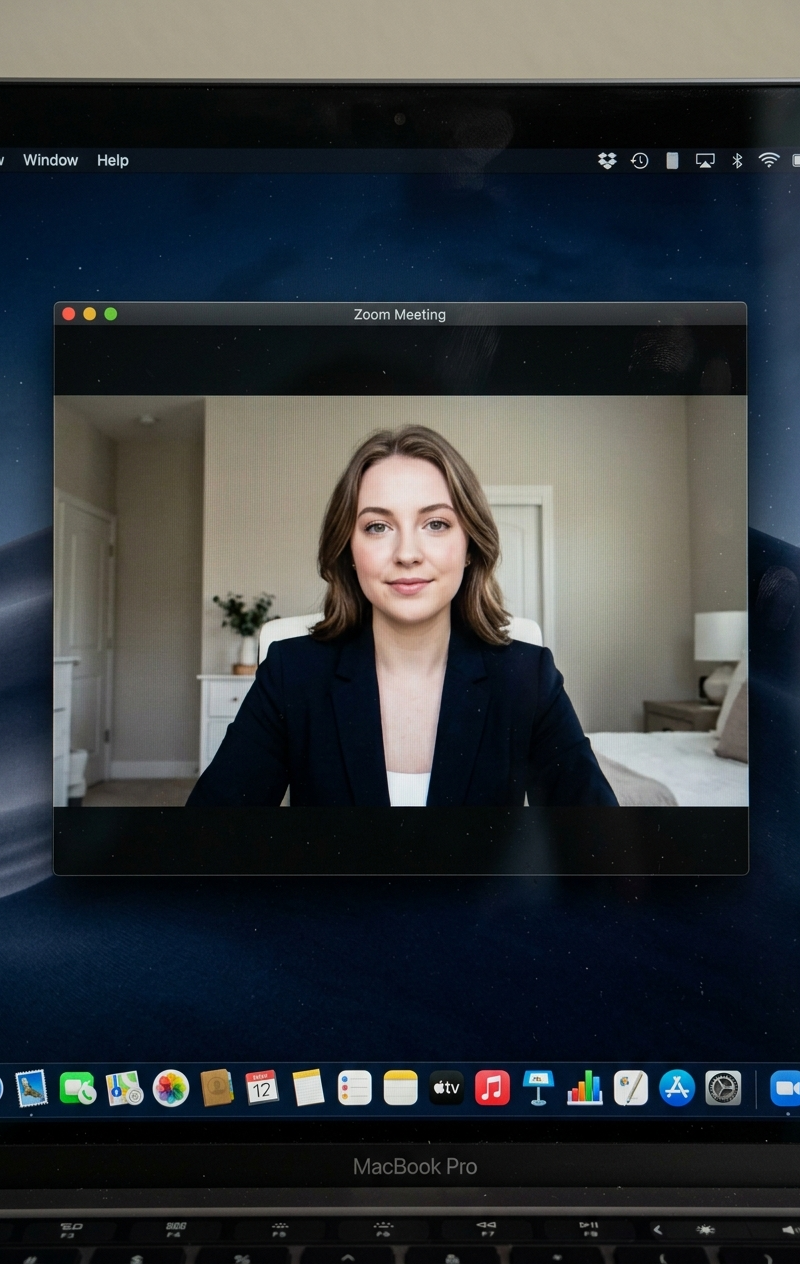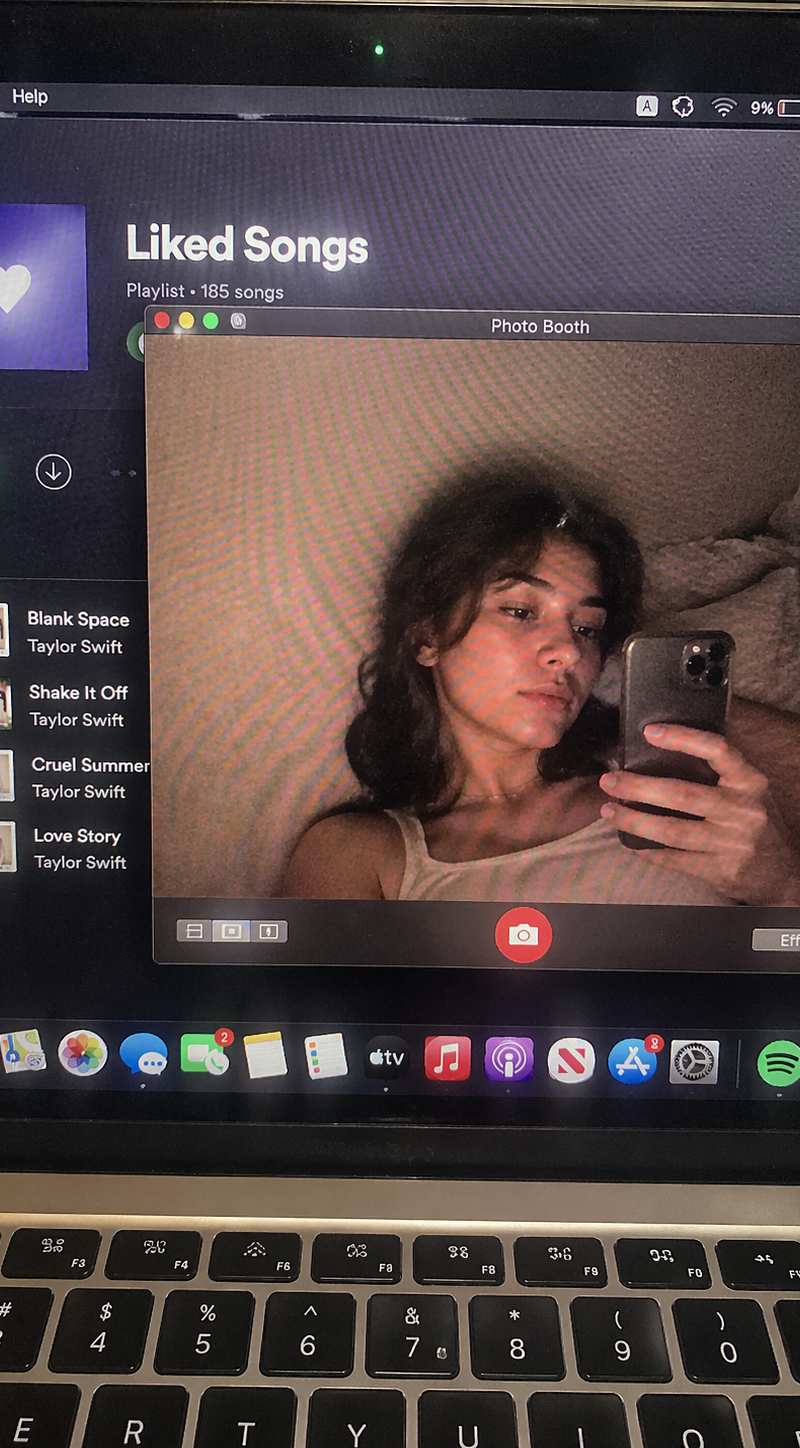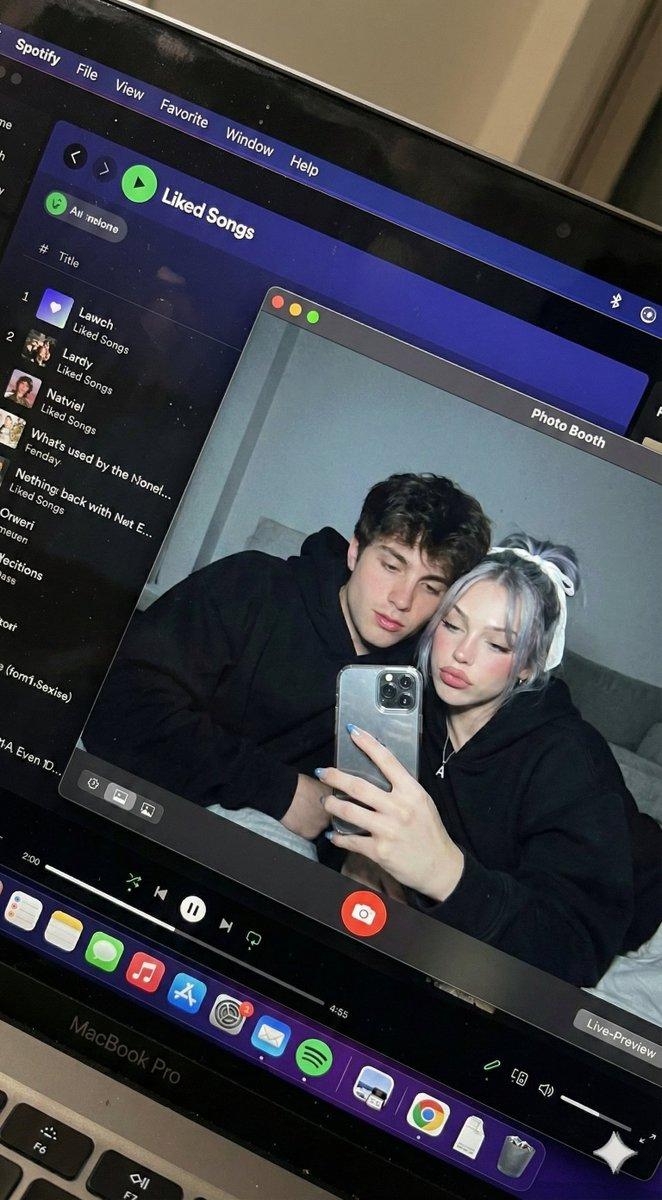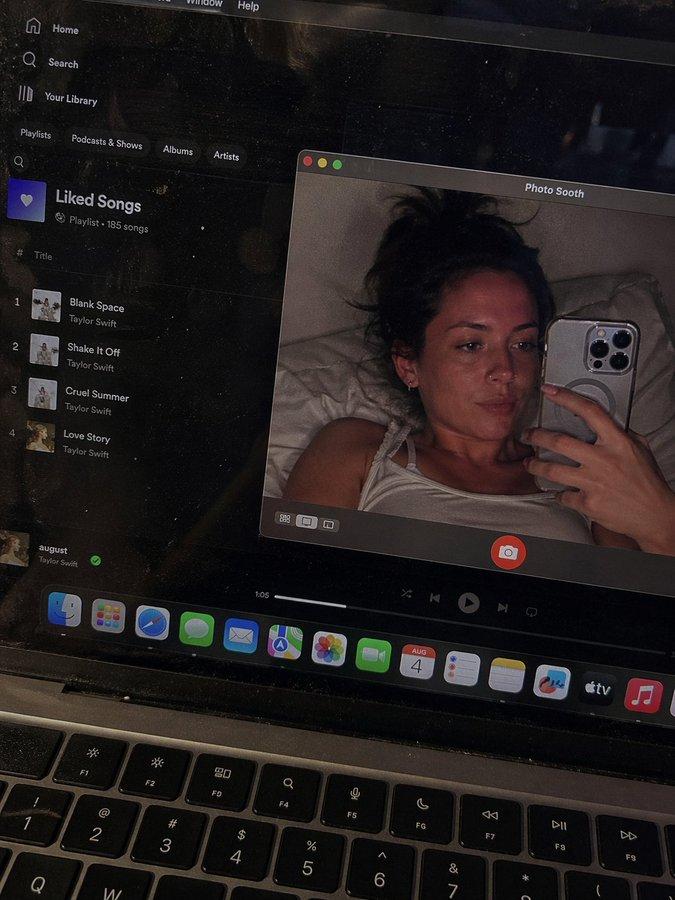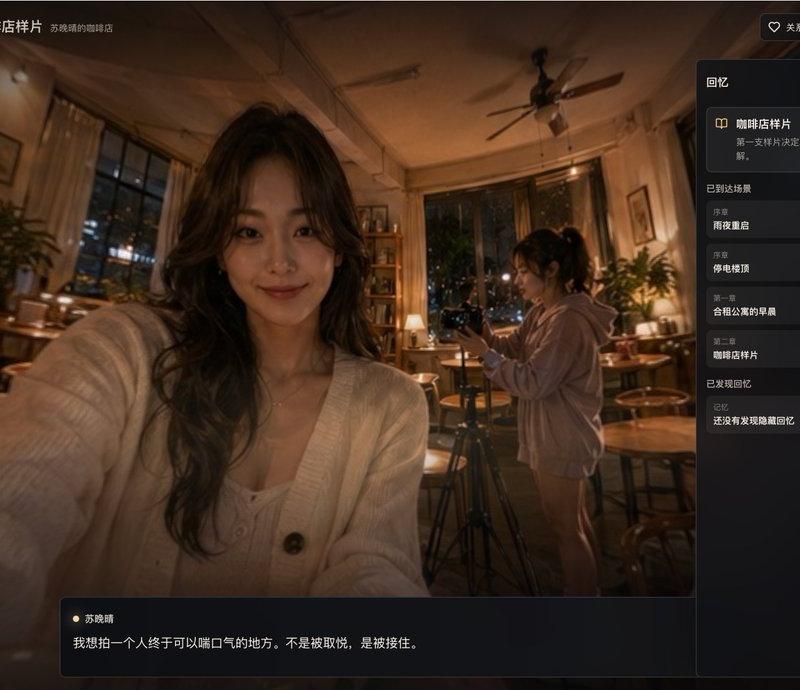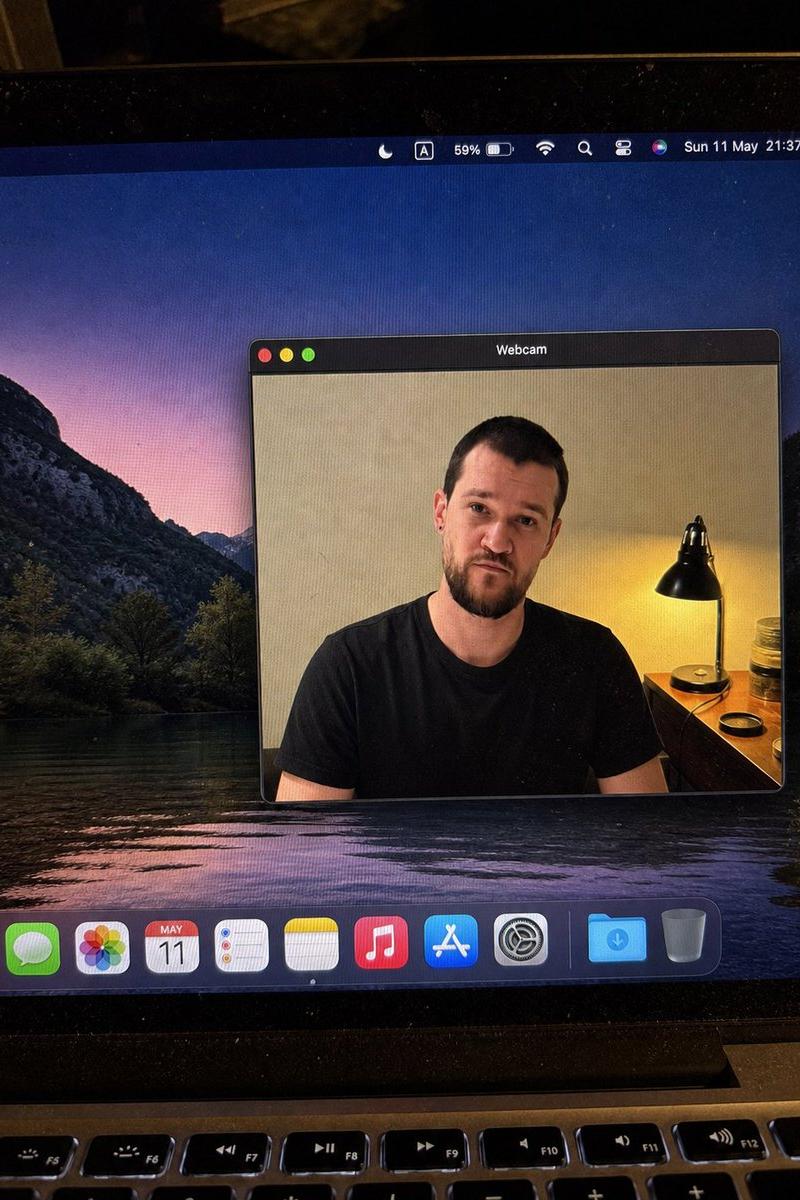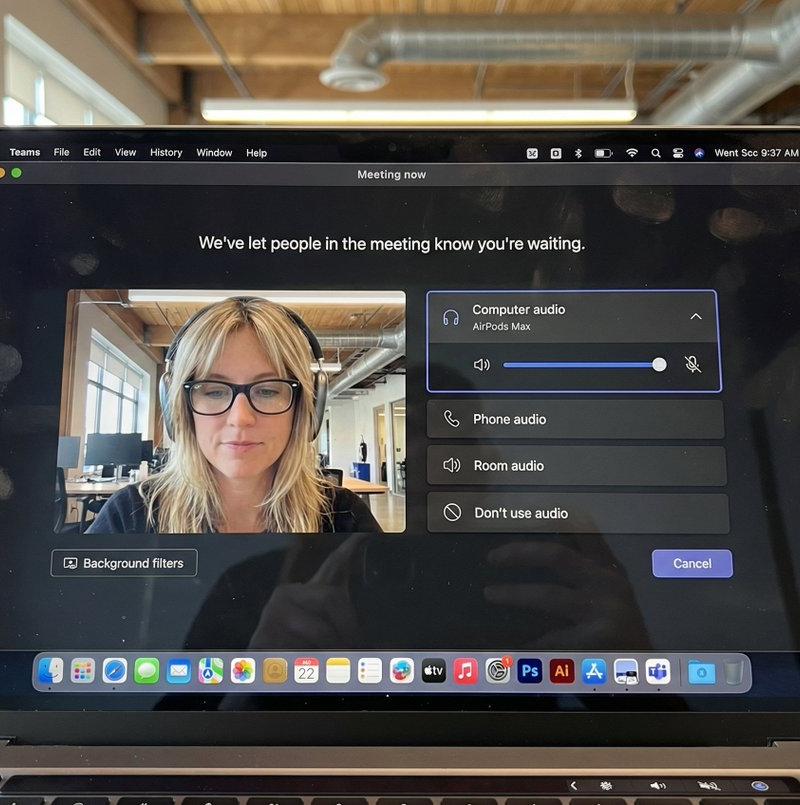
现代办公场景下女性使用MacBook屏幕拍摄
Prompt
Saw this cool prompt and had to try my own version!
{
"task": "hyper_realistic_macbook_screen_photography",
"reference_logic": "exact_microsoft_teams_waiting_room_ui_macos",
"output": {
"type": "single_image",
"resolution": "ultra_high_resolution_8k",
"realism": "indistinguishable_from_real_laptop_photo",
"capture_style": "iphone_photo_of_macbook_screen",
"post_processing": "none"
},
"scene": {
"application": "Microsoft Teams",
"platform": "macOS",
"ui_state": "meeting_waiting_room",
"top_status_text": "Meeting now",
"center_message": "We\'ve let people in the meeting know you\'re waiting.",
"background": "pure_black_dark_mode"
},
"ui_layout": {
"left_panel": {
"video_preview": {
"position": "bottom_left",
"aspect_ratio": "landscape",
"camera_toggle": "on",
"background_filters_button": "visible_below_preview"
}
},
"right_panel": {
"audio_section": {
"title": "Computer audio",
"selected_device": "AirPods Max",
"volume_slider": "horizontal_blue_indicator",
"mute_toggle": "off"
},
"audio_options": [
"Phone audio",
"Room audio",
"Don\'t use audio"
],
"cancel_button": {
"label": "Cancel",
"position": "bottom_right",
"style": "rounded_rectangle"
}
}
},
"subject": {
"gender": "female",
"hair": {
"color": "natural_blonde",
"style": "soft_bangs_with_loose_layers",
"texture": "individual_strands_visible"
},
"face": {
"skin": "true_human_skin_texture",
"details": "visible_pores_micro_imperfections",
"retouching": "none"
},
"eyewear": {
"brand": "Ray-Ban",
"model": "Wayfarer",
"type": "prescription_glasses",
"frame_color": "black",
"lens_reflection": "subtle_real_world_glare"
},
"headphones": {
"model": "AirPods Max",
"color": "space_gray",
"fit": "natural_over_ear_position"
},
"clothing": {
"top": "neutral_crop_top",
"style": "casual_minimal"
},
"expression": "calm_focused_waiting",
"gaze": "slightly_downward"
},
"environment": {
"background": "modern_open_office",
"ceiling": "exposed_industrial_ducts",
"lighting": {
"type": "soft_natural_daylight",
"mixed_with": "indoor_office_lighting",
"temperature": "5200K"
}
},
"screen_reflection": {
"enabled": true,
"source": "same_subject_as_video_preview",
"reflection_type": "soft_glass_reflection",
"intensity": "very_subtle",
"opacity": 0.05,
"sharpness": "low",
"distortion": "slight_glass_warp",
"positioning": "offset_not_centered",
"visibility_rules": {
"ui_text": "fully_readable",
"icons": "unobstructed",
"reflection_never_overpowers_ui": true
},
"realism_notes": [
"not_mirror_like",
"not_double_face",
"no_symmetry",
"appears_only_on_dark_areas"
]
},
"macos_elements": {
"dock": {
"visible": true,
"style": "macos_default_big_sur_or_later",
"reflection": "subtle",
"indicator_dot": "visible_under_active_apps",
"icons": [
"Finder",
"Mail",
"Calendar",
"Microsoft Teams",
"Adobe Illustrator",
"Adobe InDesign",
"Adobe After Effects",
"Adobe Lightroom",
"Adobe Photoshop",
"Adobe Premiere Pro",
"App Store",
"System Settings"
]
},
"menu_bar": {
"visibility": "partial_top_edge",
"elements": [
"WiFi",
"Battery",
"Time",
"macOS_control_icons"
]
}
},
"camera": {
"device": "iPhone",
"angle": "slightly_off_axis",
"handheld": true,
"screen_artifacts": [
"soft_glass_reflection",
"minor_glare",
"fingerprint_smudges",
"dust_particles",
"moire_pattern"
]
},
"color_profile": {
"contrast": "natural_display_contrast",
"saturation": "neutral_realistic",
"white_balance": "accurate_screen_calibrated"
},
"negative_prompt": [
"generic_video_call_ui",
"zoom_interface",
"google_meet_ui",
"fake_buttons",
"wrong_fonts",
"misaligned_panels",
"ai_generated_ui",
"blurred_text",
"plastic_skin",
"over_sharpening",
"mirror_reflection",
"double_face",
"incorrect_dock_icons"
]
}- Category
- Photography & Realism
- Model
- Unknown
- Creator
- Ege
- Source language
- zh-CN
- Source ID
- modern-office-scene-woman-macbook-screen
Views0