16

Nano Banana Pro 200% 使用技巧7则
Enlarge

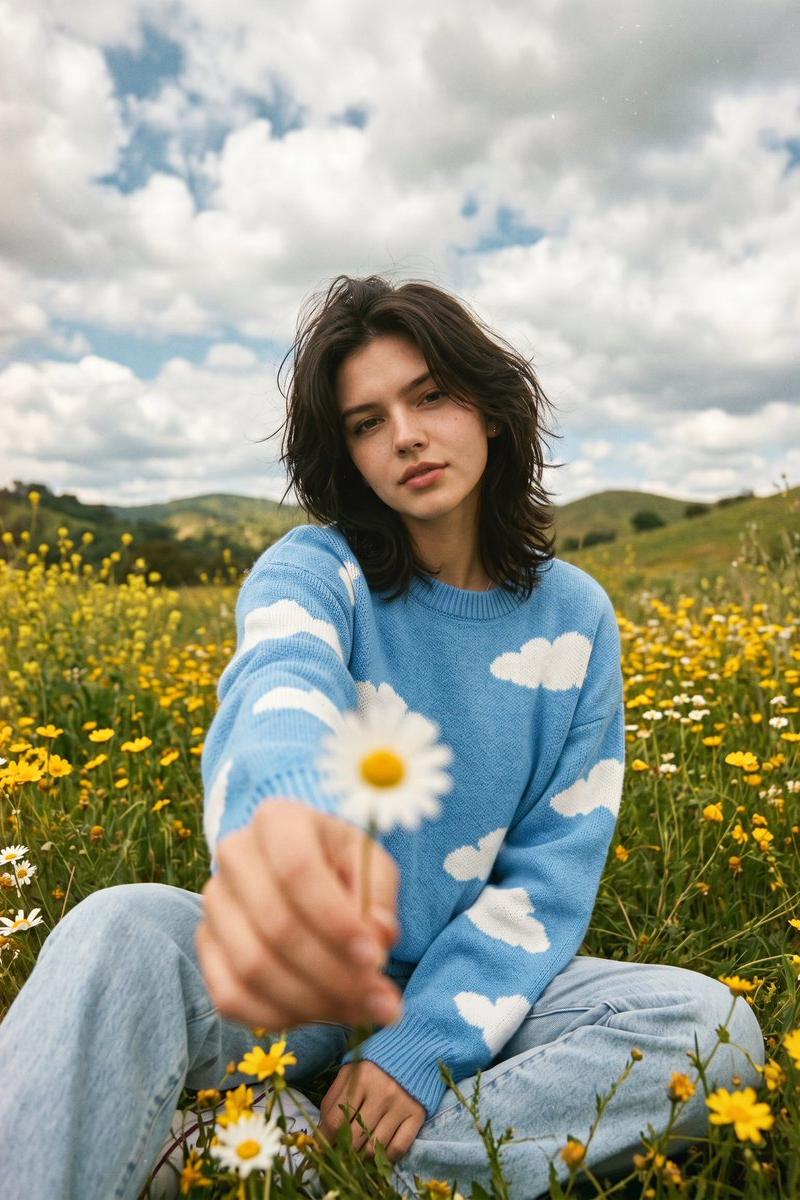
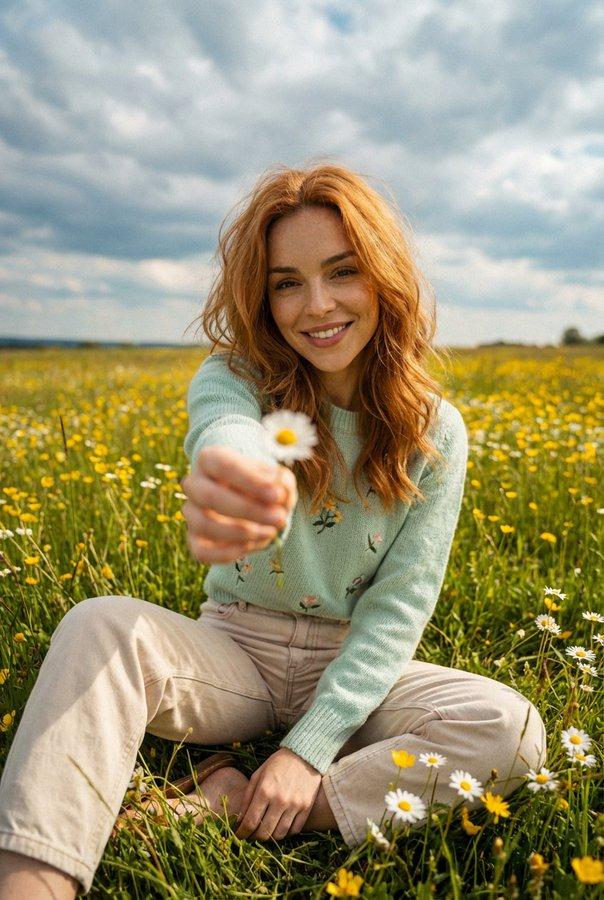
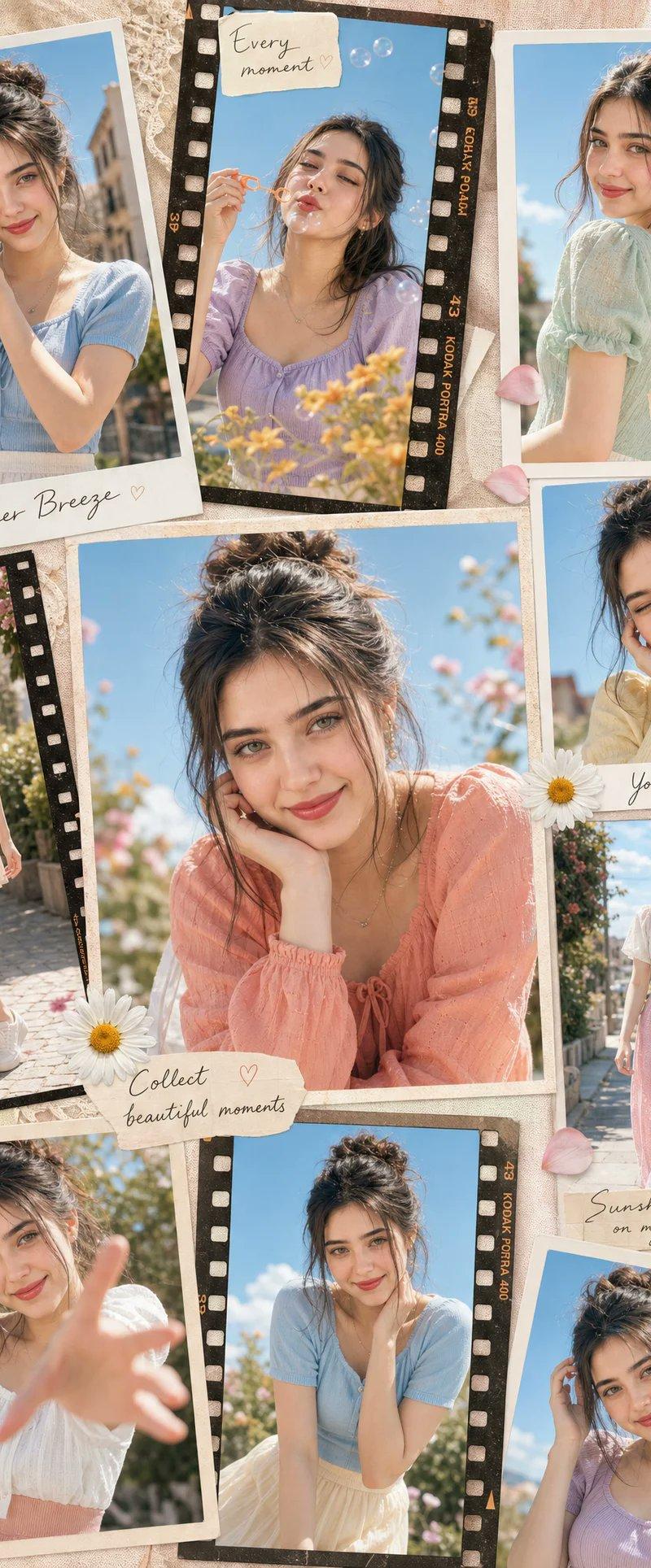
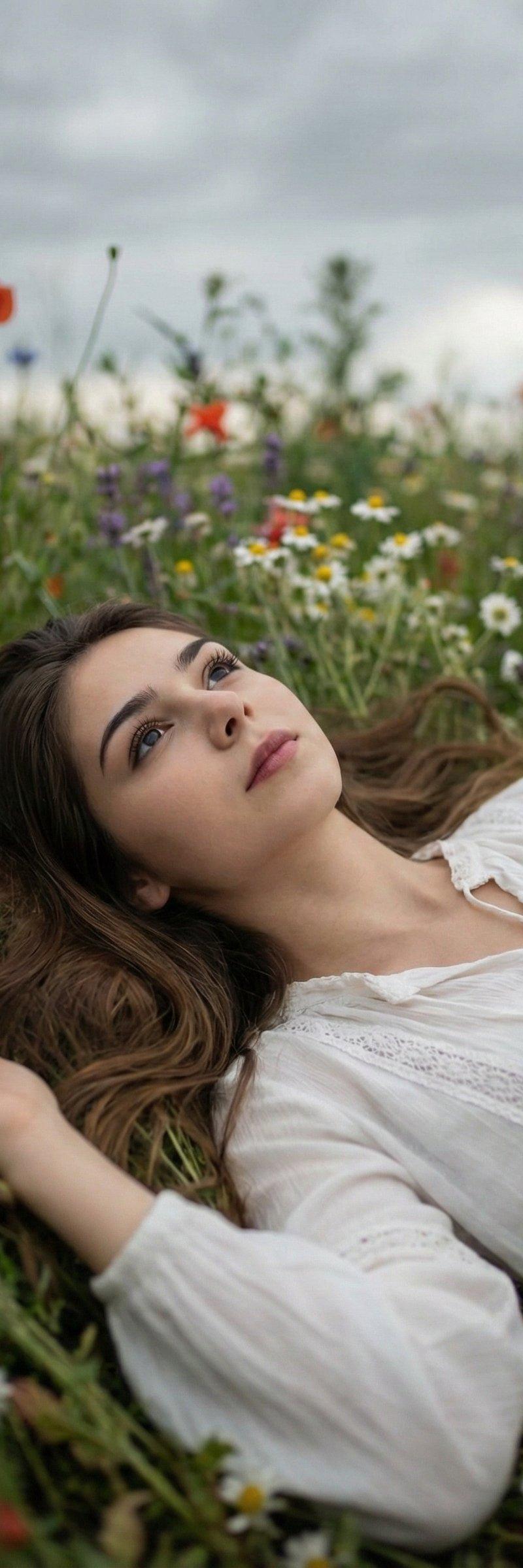
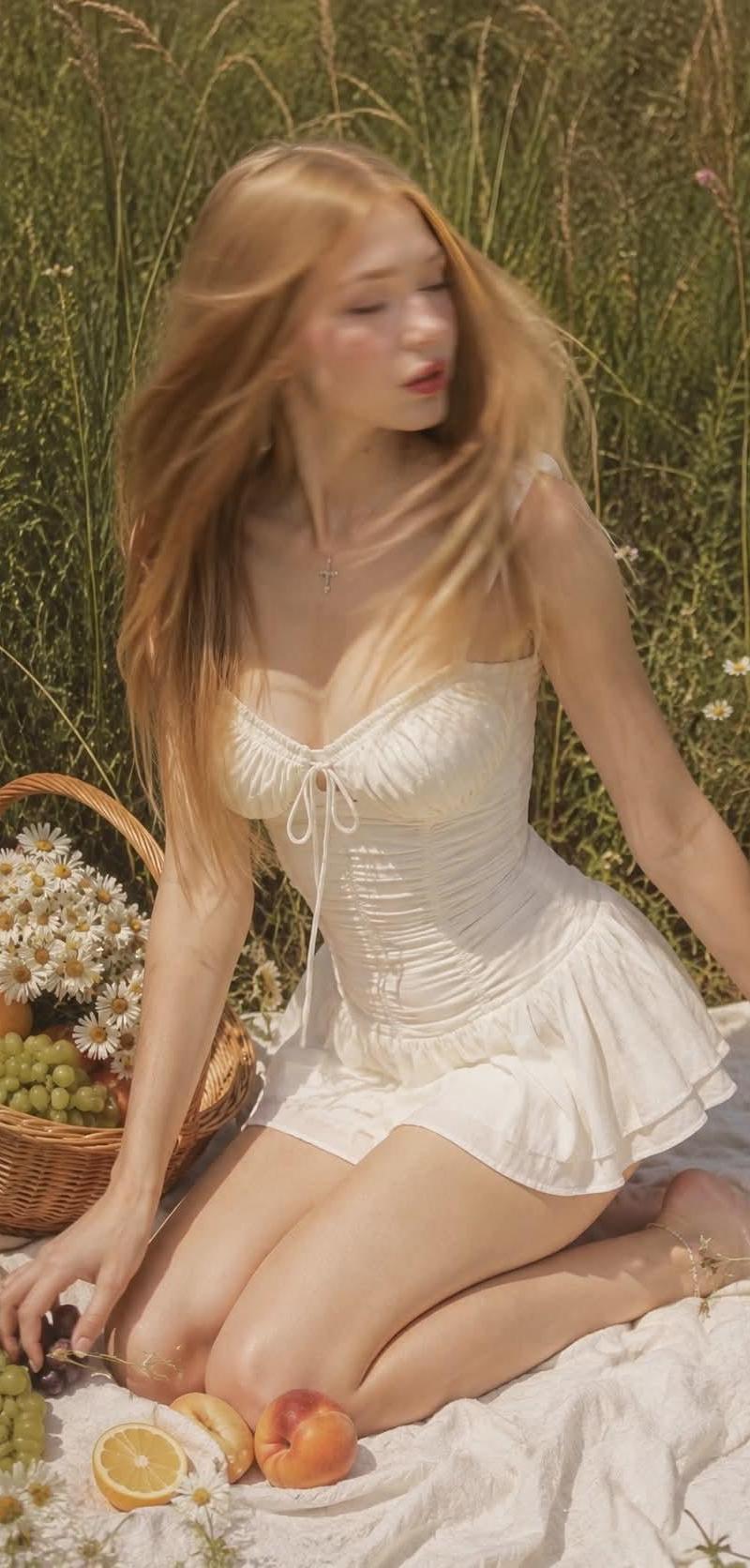
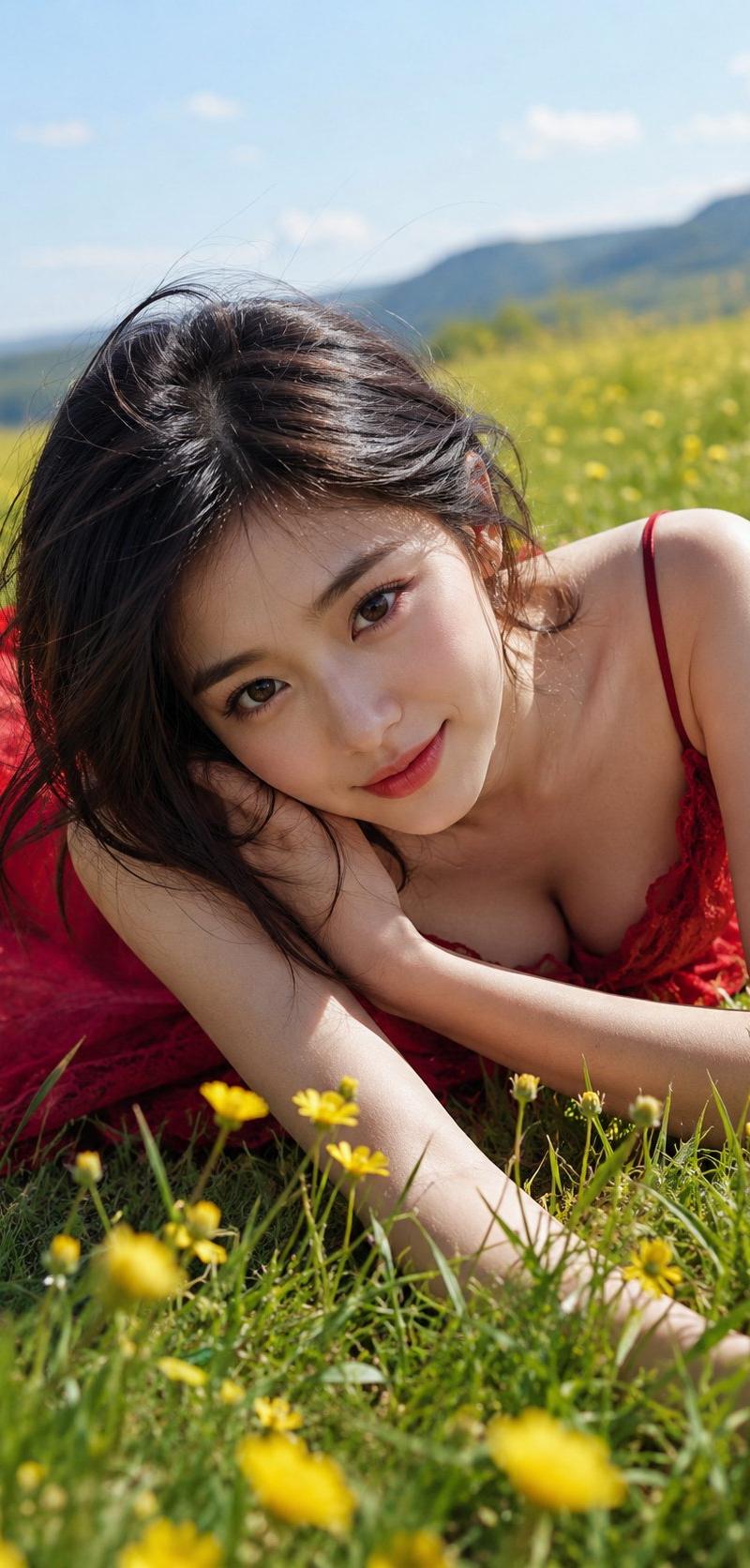
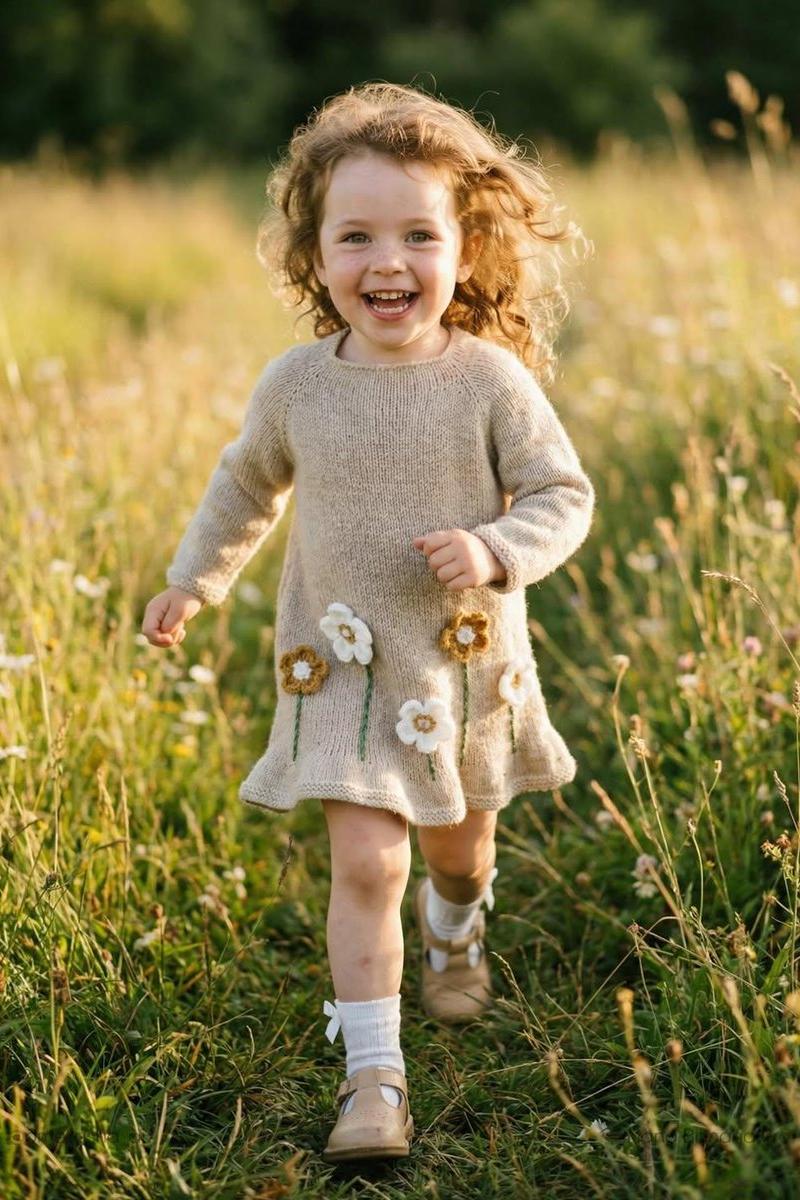
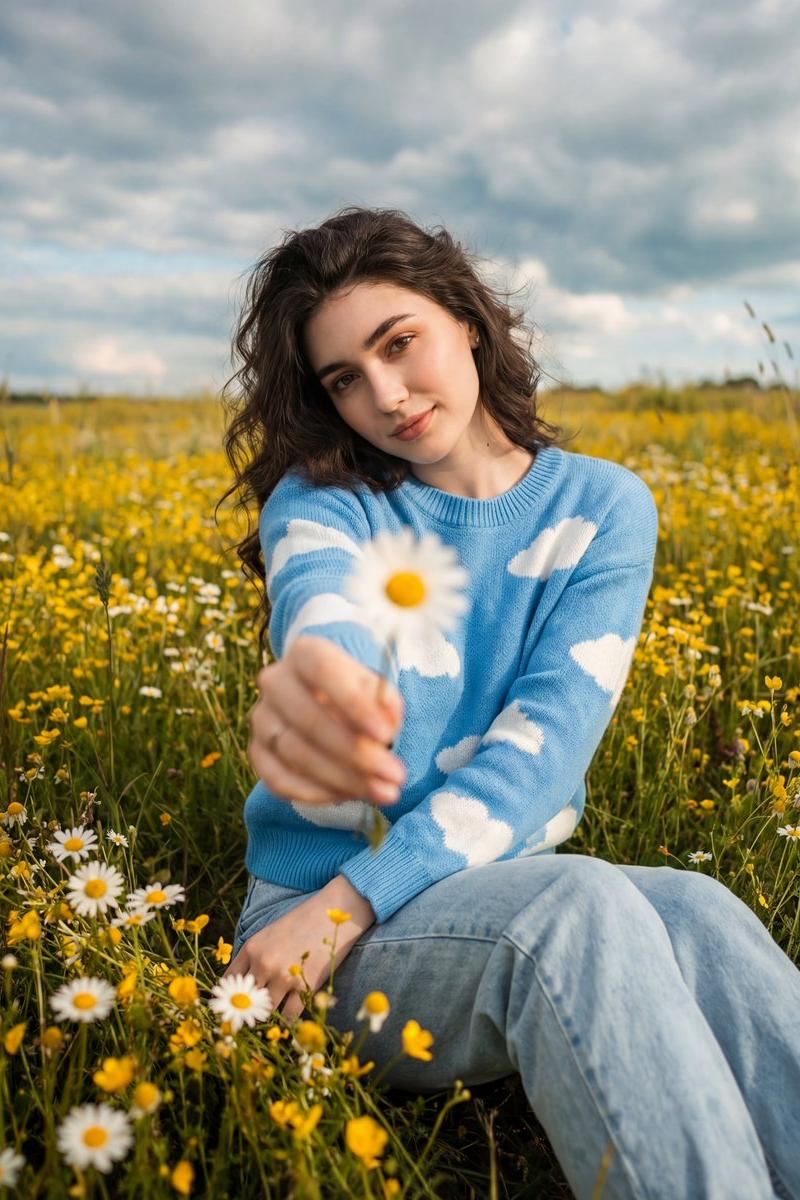
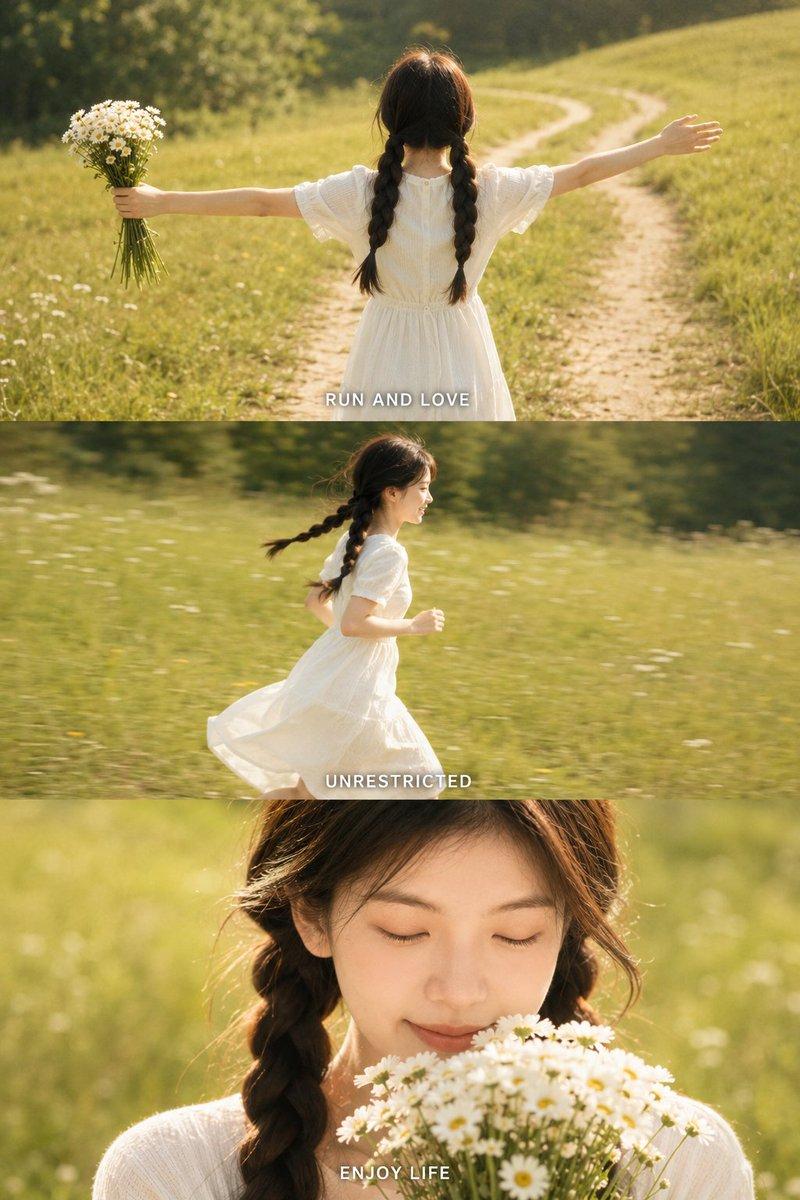
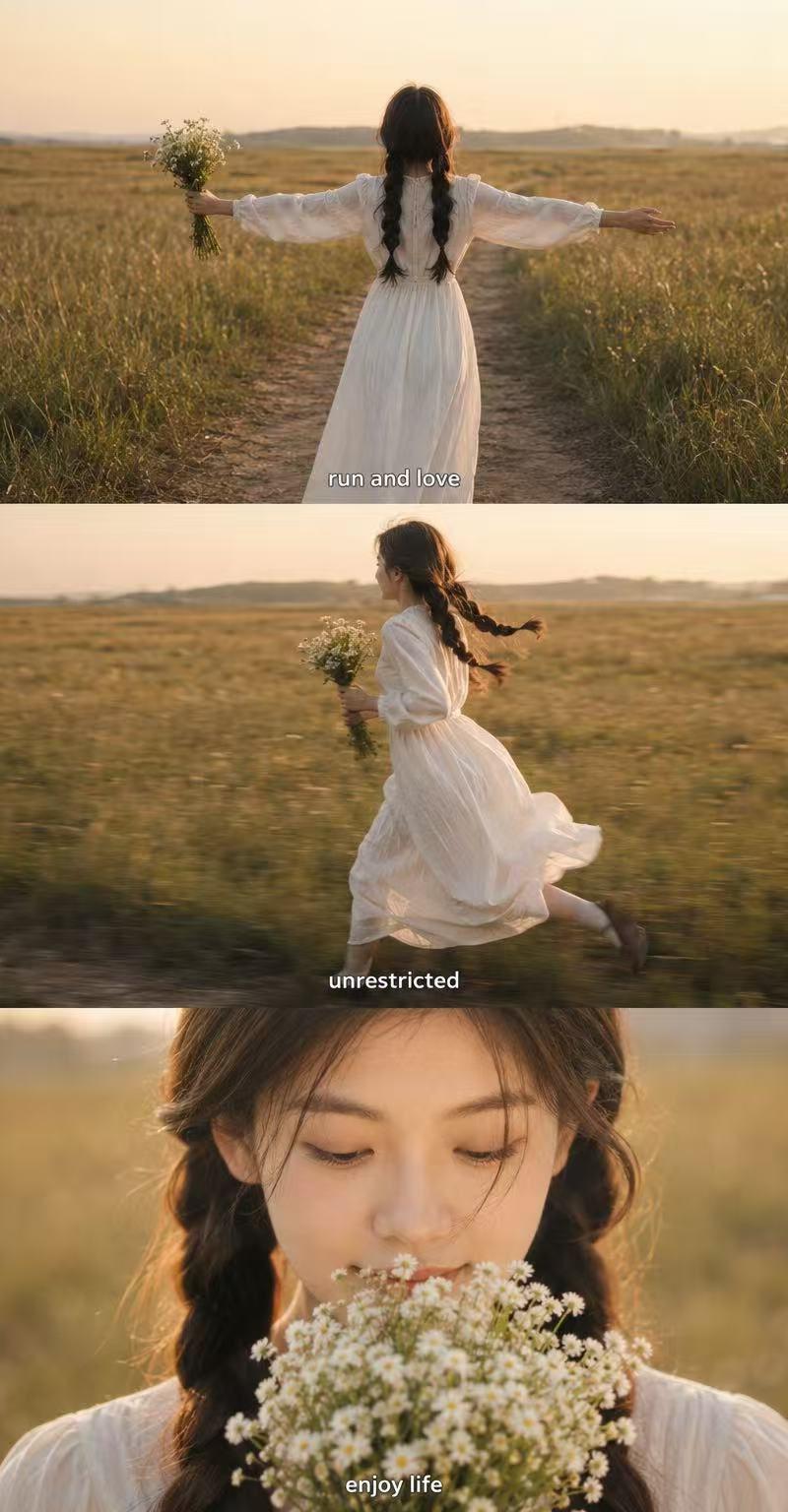
Example images

Nano Banana Pro 200% 使用技巧7则

Prompt
🍌 Nano Banana Pro 200% 활용하는 7가지 팁
Nano Banana Pro는 단순한 이미지 생성을 넘어, '디렉팅'이 가능한 전문가용 도구가 되었네요. 원하는 이미지를 의도대로 제대로 뽑아내기 위한 7가지 내용을 기억해보세요.
🔬 주인공(Subject)은 '현미경'으로 보듯 묘사하세요
단순히 "고양이"라고 하지 마세요. AI는 상상력이 너무 풍부해서 엉뚱한 고양이를 데려옵니다.
- Bad: "커피 마시는 로봇"
- Good: "푸른색 광학 눈을 가진 근엄한 표정의 로봇 바리스타"처럼 외형, 표정, 특징을 구체적으로 적어주세요.
↓
📸 카메라 감독이 되어 앵글(Composition)을 지시하세요
사진 찍을 때처럼 구도와 카메라 세팅을 알려주세요. Nano Banana Pro는 조명과 심도 조절에 탁월합니다.
- Tip: "로우 앵글(Low angle)", "광각 샷(Wide shot)", "심도 얕게(f/1.8, 아웃포커싱)", "골든 아워의 역광" 같은 전문 용어를 섞어주면 퀄리티가 확 달라집니다.
↓
🏃‍♀️ 멈춰있는 그림에도 '이야기(Action)'를 담으세요
피사체가 멍하니 서 있게 하지 마세요. '무엇을 하고 있는지' 행동을 부여하면 생동감이 생깁니다.
- 예시: "들판에 서 있는 사람" 대신 → "들판을 가로질러 힘차게 달리고 있는 도중(mid-stride)"이라고 적어보세요.
↓
🌍 배경(Location)으로 세계관을 완성하세요
주인공이 어디에 있는지가 분위기를 좌우합니다.
- 예시: "화성(Mars)에 있는 미래적인 카페", "온갖 잡동사니가 쌓인 연금술사의 서재"처럼 구체적인 장소와 분위기를 함께 묘사하세요.
↓
🎨 스타일(Style)을 명확히 정의하세요
실사인지 그림인지 헷갈리게 두지 마세요. 원하는 예술적 화풍이나 매체를 콕 집어 말해야 합니다.
- 키워드: 3D 애니메이션, 필름 누아르, 수채화, 1990년대 제품 사진 스타일, 초현실주의 등..
↓
🔡 텍스트(Text)도 이제 '디자인'입니다
Nano Banana Pro의 가장 큰 장점 중 하나는 이미지 내 텍스트 렌더링 능력입니다. 간판, 포스터, 티셔츠에 들어갈 글자를 정확히 지시하세요.
- How-to: "상단에 굵은 산세리프 폰트로 \'URBAN EXPLORER\'라는 흰색 제목을 넣어줘"라고 구체적으로 요청하면 깨지지 않는 텍스트를 얻을 수 있습니다.
↓
🔗 레퍼런스로 '일관성'을 유지하세요 (Pro Tip ⭐)
이게 진짜 핵심입니다. Nano Banana Pro는 최대 14장의 레퍼런스 이미지를 참고할 수 있습니다.
- 활용법: 브랜드 로고, 캐릭터 시트, 제품 사진 등을 업로드하고 "이 캐릭터의 생김새를 유지하면서 옷만 바꿔줘"라고 요청하세요.
(전문 용어로 Few-shot Prompting 효과를 시각적으로 낼 수 있어요)
💡 이렇게 "AI에게 단순히 \'그려줘\'라고 하지 말고, 영화감독이 스태프에게 지시하듯 조명, 배우(피사체), 소품, 앵글을 디테일하게 주문하세요."
Category
Illustration & Art
Model
Nano Banana Pro
Creator
lucas
Source language
zh-CN
Views0
Source ID
nano-banana-pro-200-tips
Studio

Guide

About "Nano Banana Pro 200% 使用技巧7则"

What is this prompt for?

"Nano Banana Pro 200% 使用技巧7则" AI image prompt for Nano Banana Pro (Illustration & Art). 🍌 Nano Banana Pro 200% 활용하는 7가지 팁 Nano Banana Pro는 단순한 이미지 생성을 넘어, '디렉…

The full copyable prompt and example visuals above are ready for AI image generation or one-click recreate in Picva.

How to use this prompt

  1. Step 1

    Open the prompt detail

    Review the example visuals, category, and full prompt text for "Nano Banana Pro 200% 使用技巧7则".

  2. Step 2

    Copy the prompt

    Copy the prompt body from this page, or load it directly in Studio.

  3. Step 3

    Pick a model (Nano Banana Pro)

    Prefer Nano Banana Pro. If you switch models, keep subject and composition and tweak style terms.

  4. Step 4

    Generate and export

    Recreate the look in Picva, or export into your workflow for editing and publishing.

FAQ

What is the "Nano Banana Pro 200% 使用技巧7则" prompt?
It is an AI image-generation prompt for Nano Banana Pro in the Illustration & Art category. This page includes the full prompt text, example visuals, and a one-click recreate path in Picva.
How do I use this prompt to generate an image?
Copy the prompt from this page, or use Generate / Studio. Paste it into a compatible image model, or recreate the look in Picva with optional reference images.
Which model is this prompt for?
This page lists Nano Banana Pro. Most descriptive prompts also transfer to nearby image models such as GPT Image, Flux, or Midjourney with light style tweaks.
Can I use the result commercially?
You can usually copy the prompt for creation, but commercial use of the final image depends on the model terms, reference-image rights, and the generated content. Follow the source author and platform rules.