18

Nano Banana Pro實現漫畫擬音效果
Enlarge

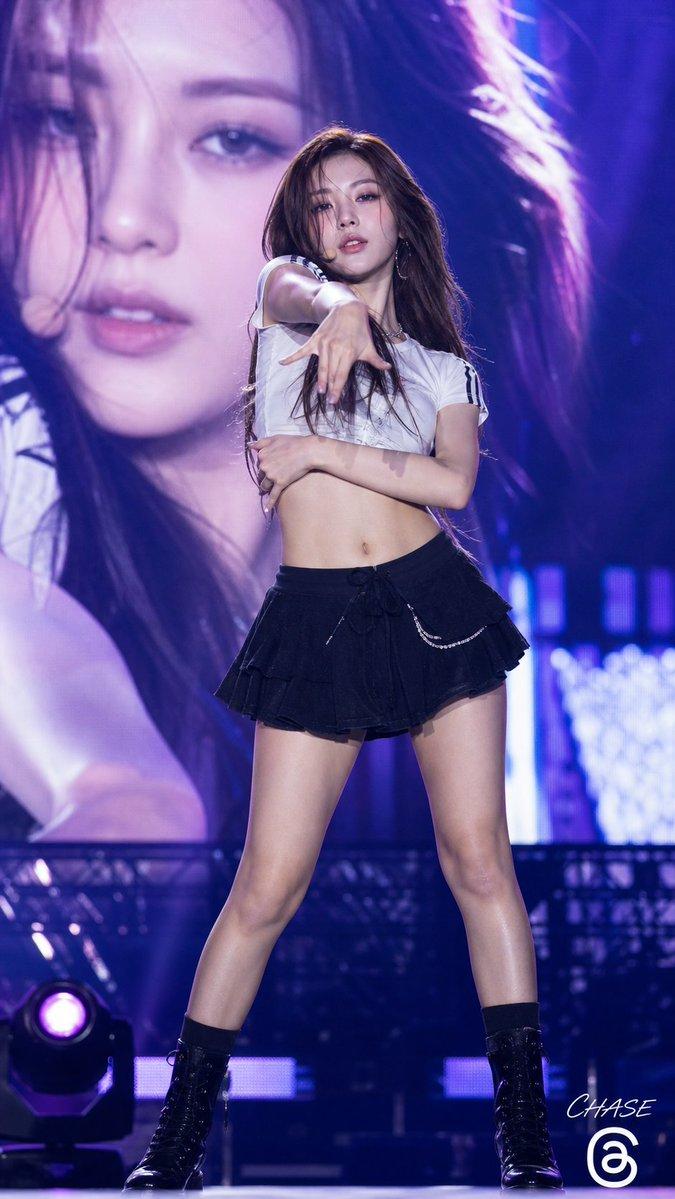
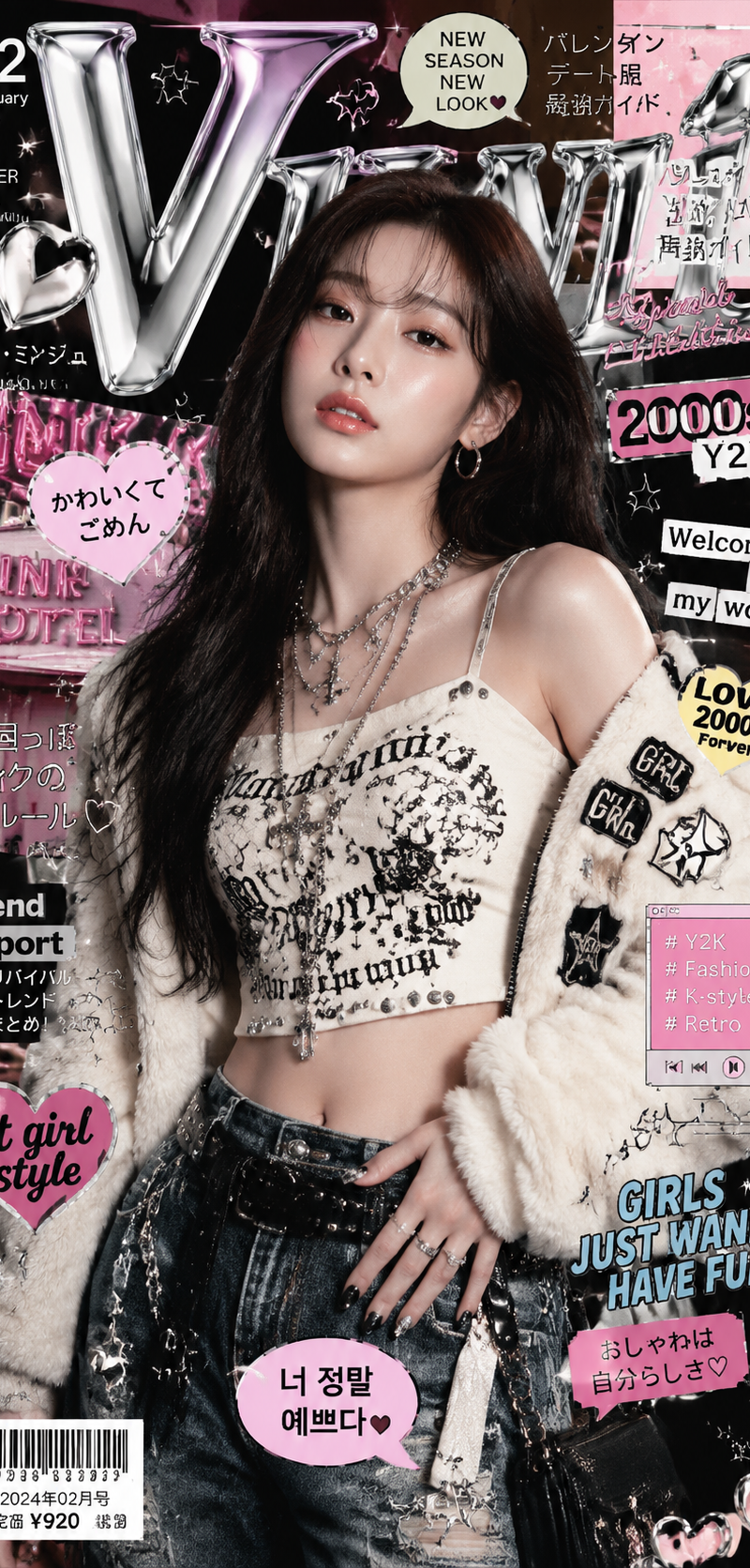
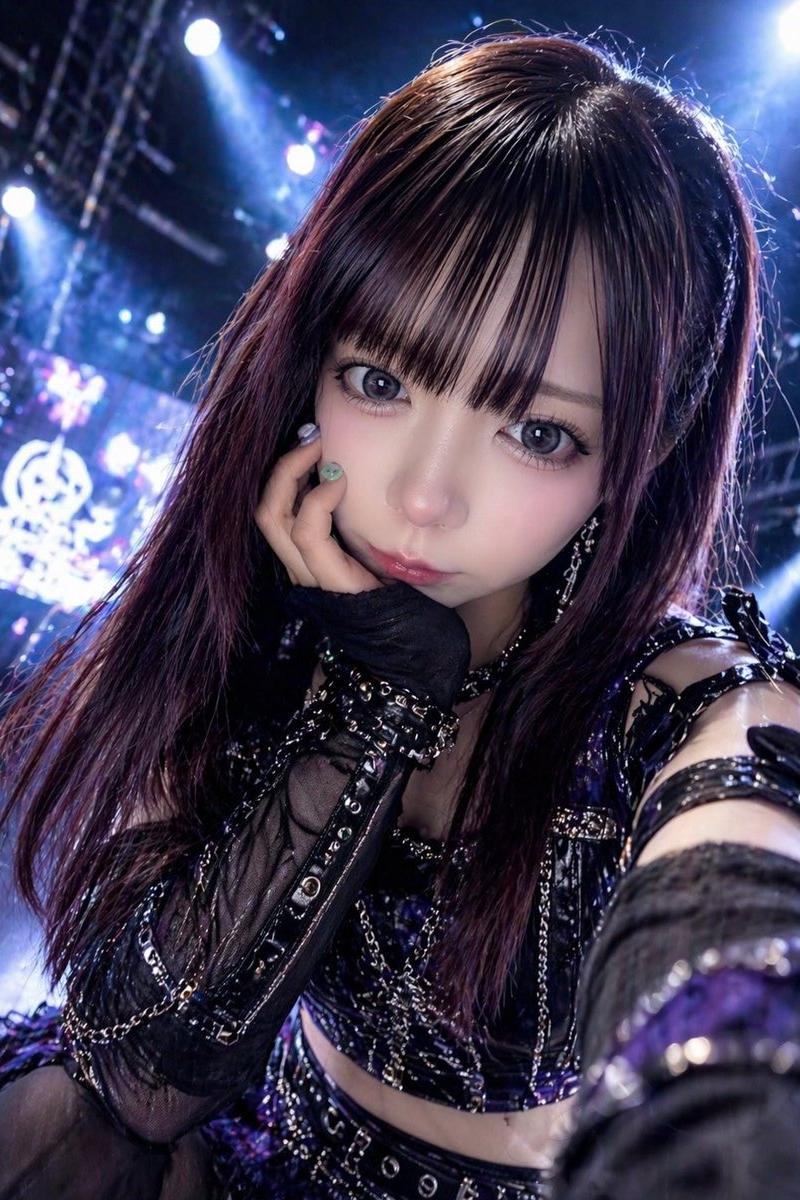
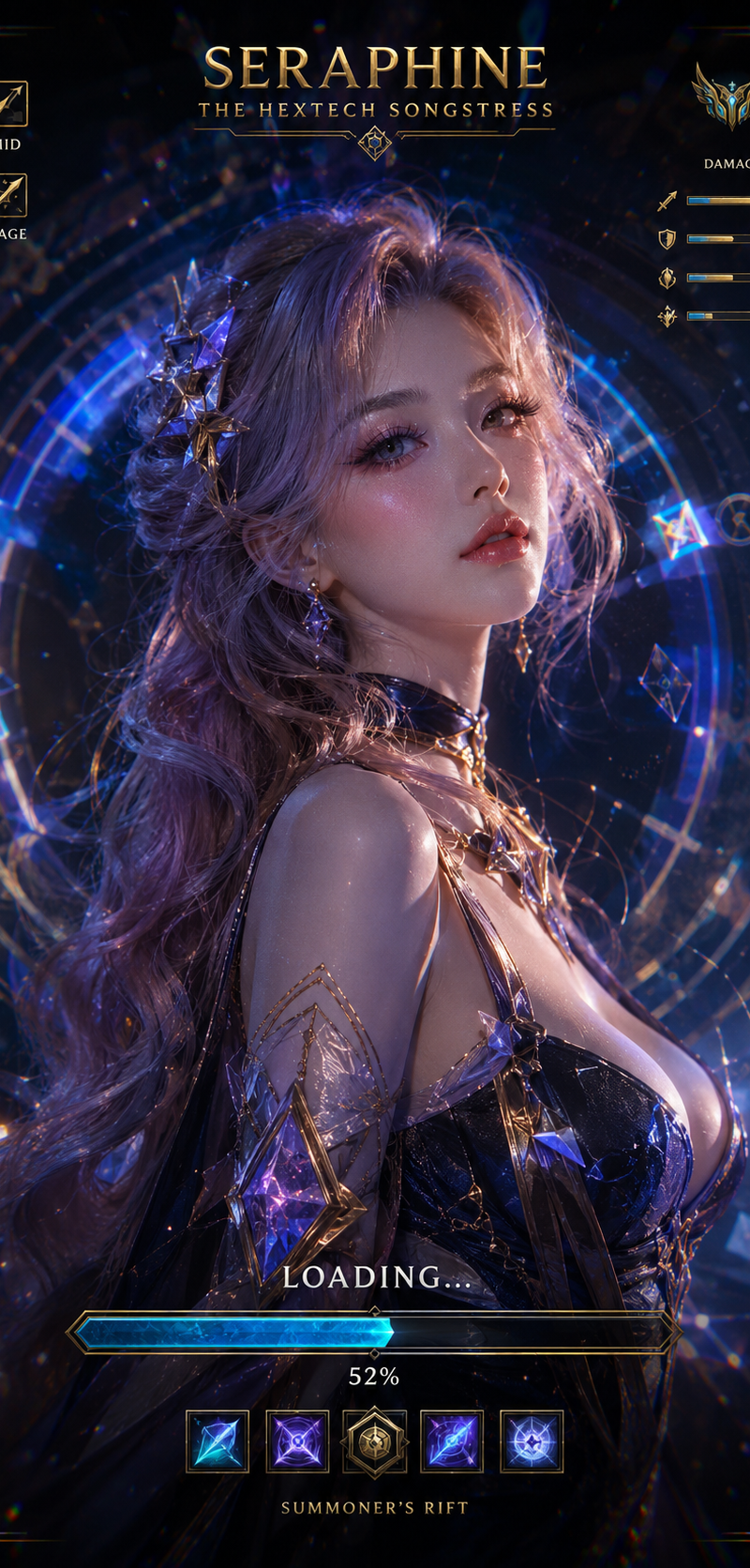
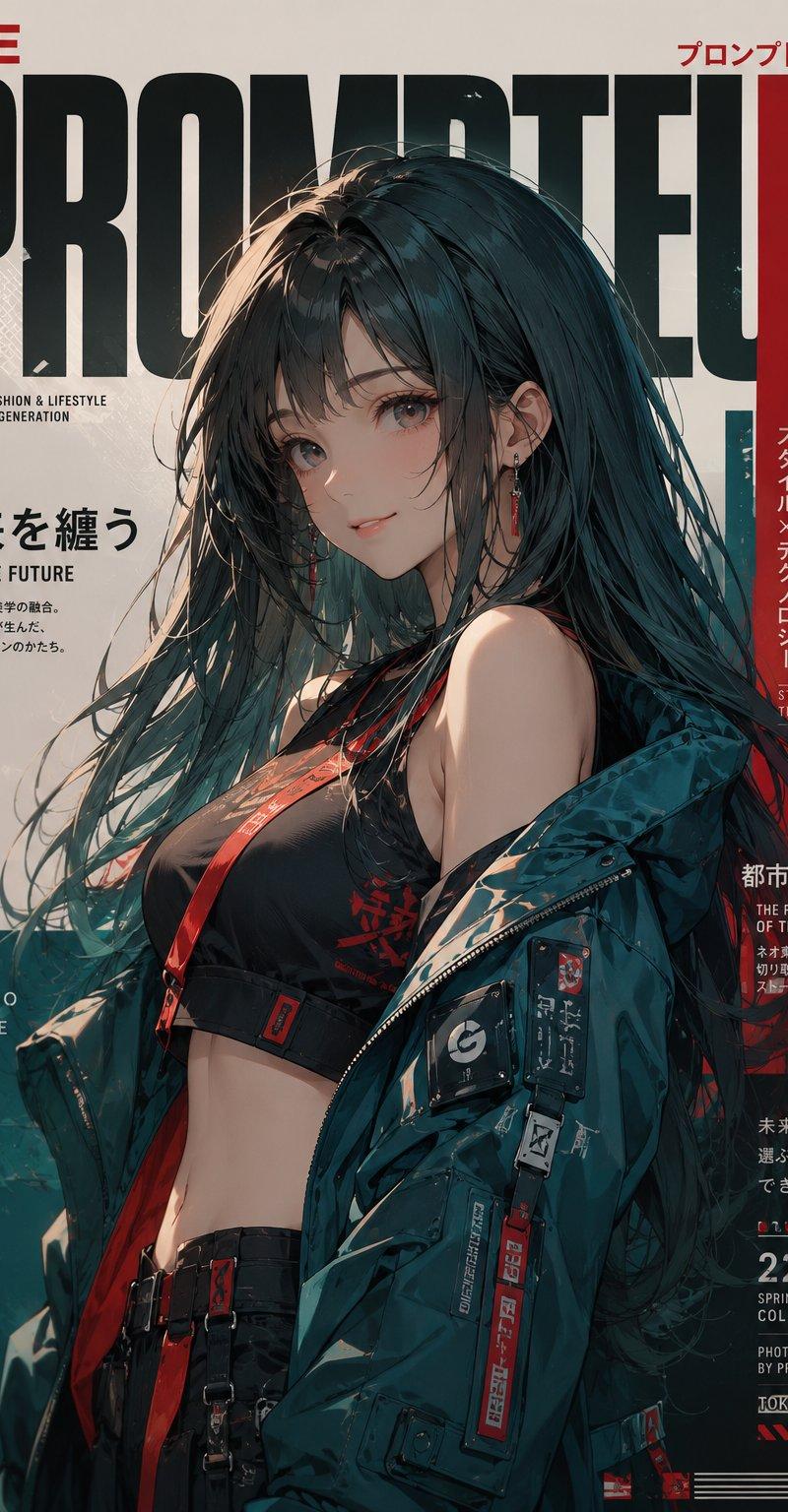
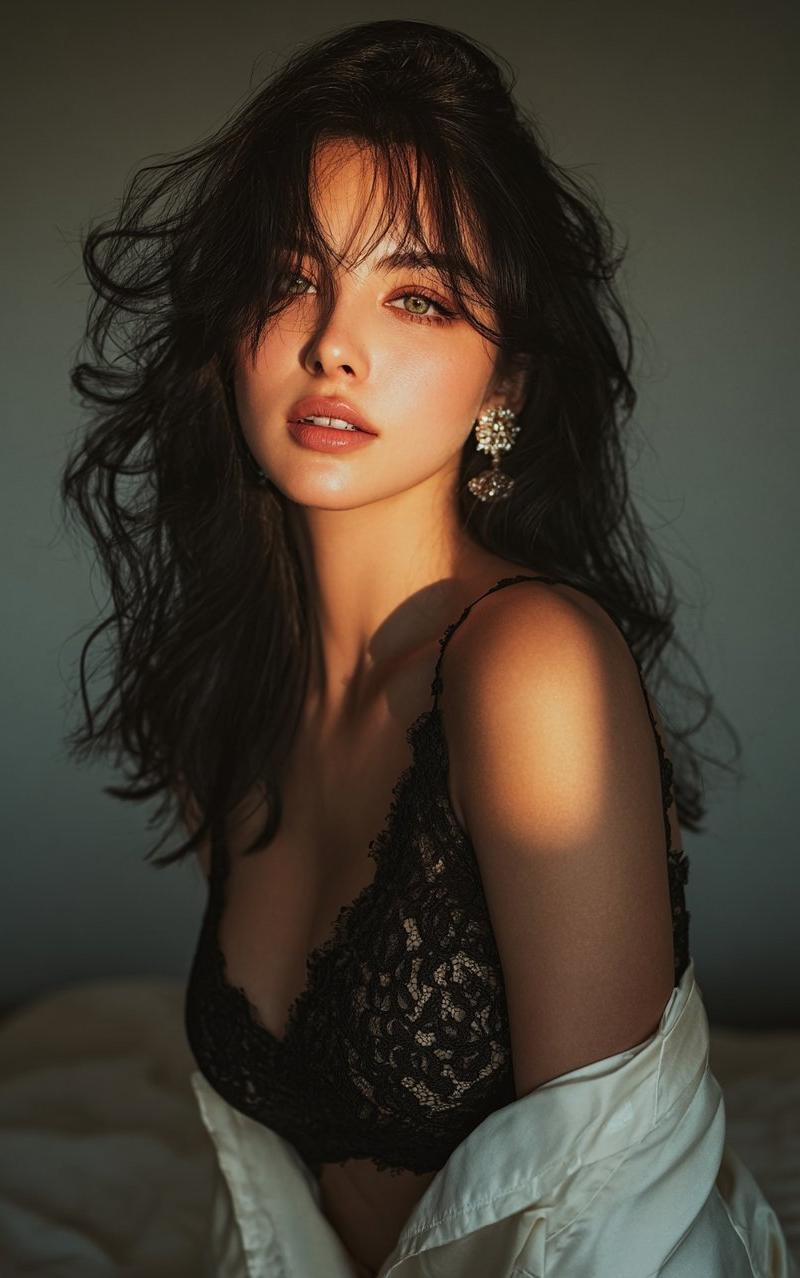
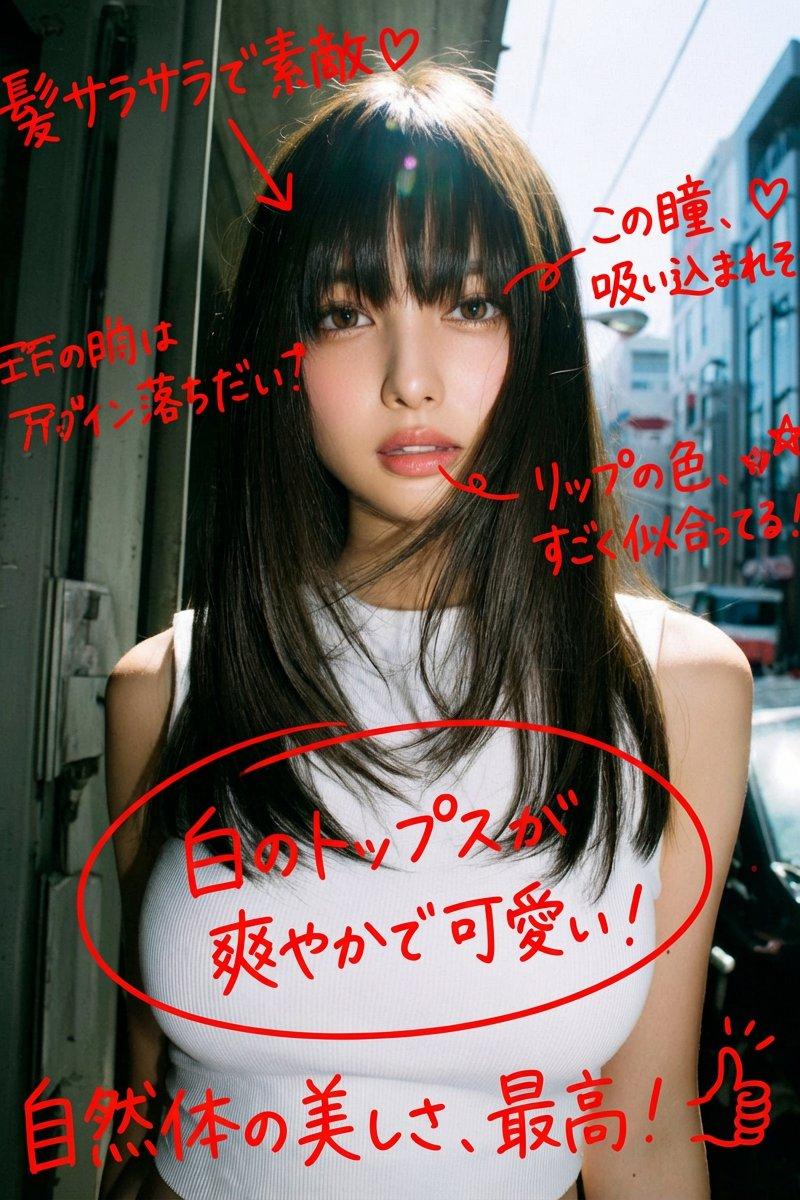
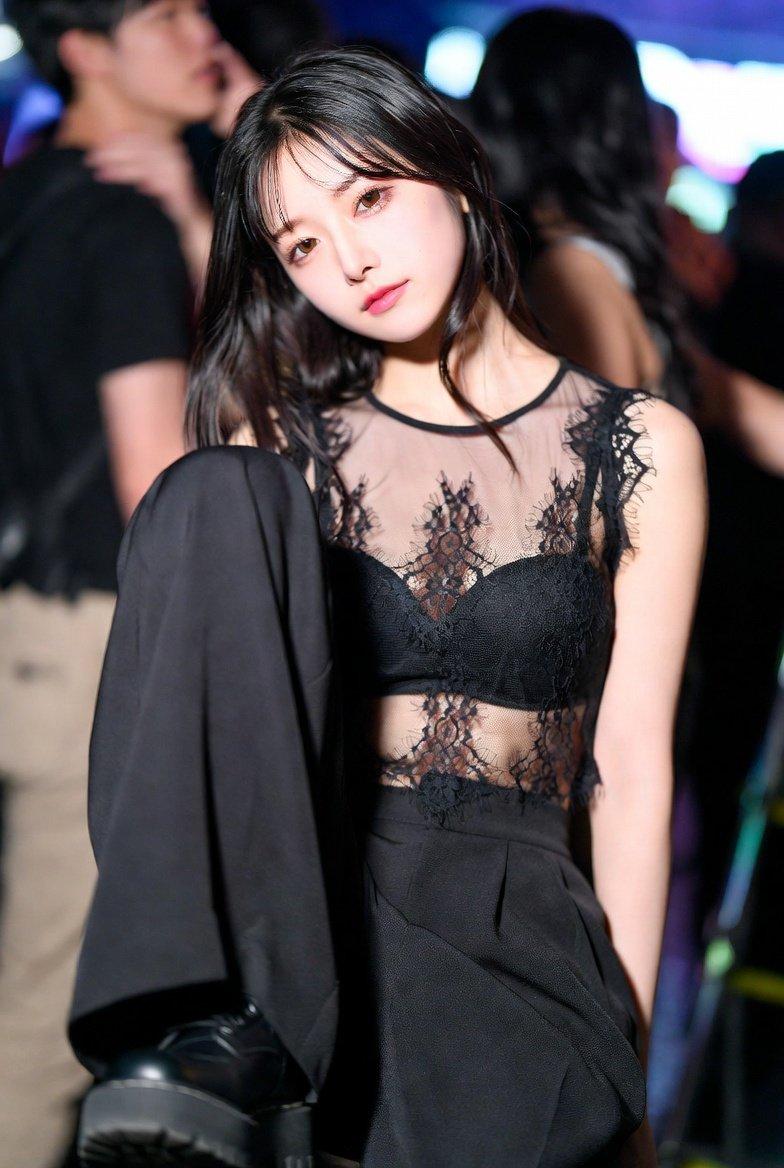
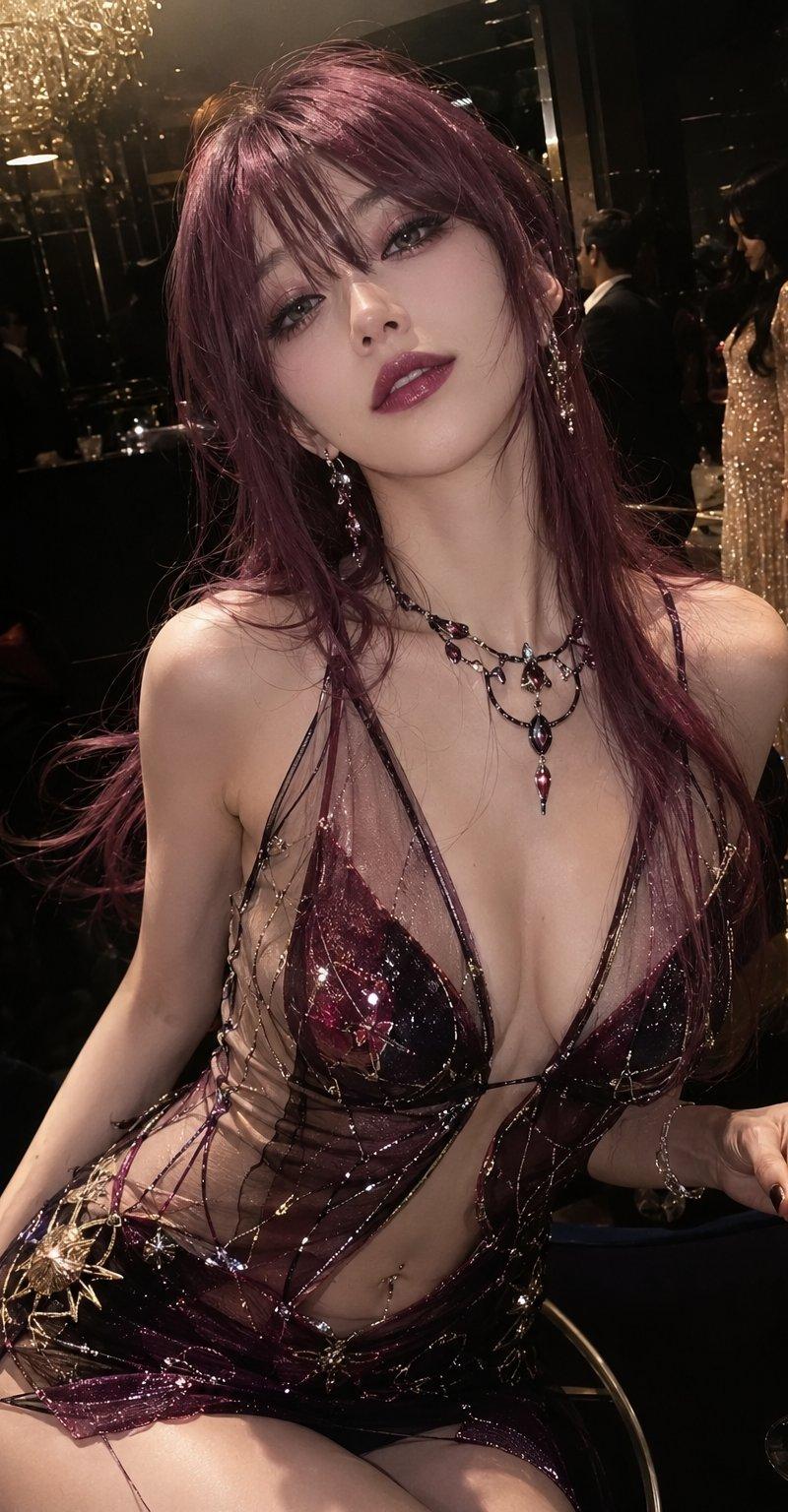
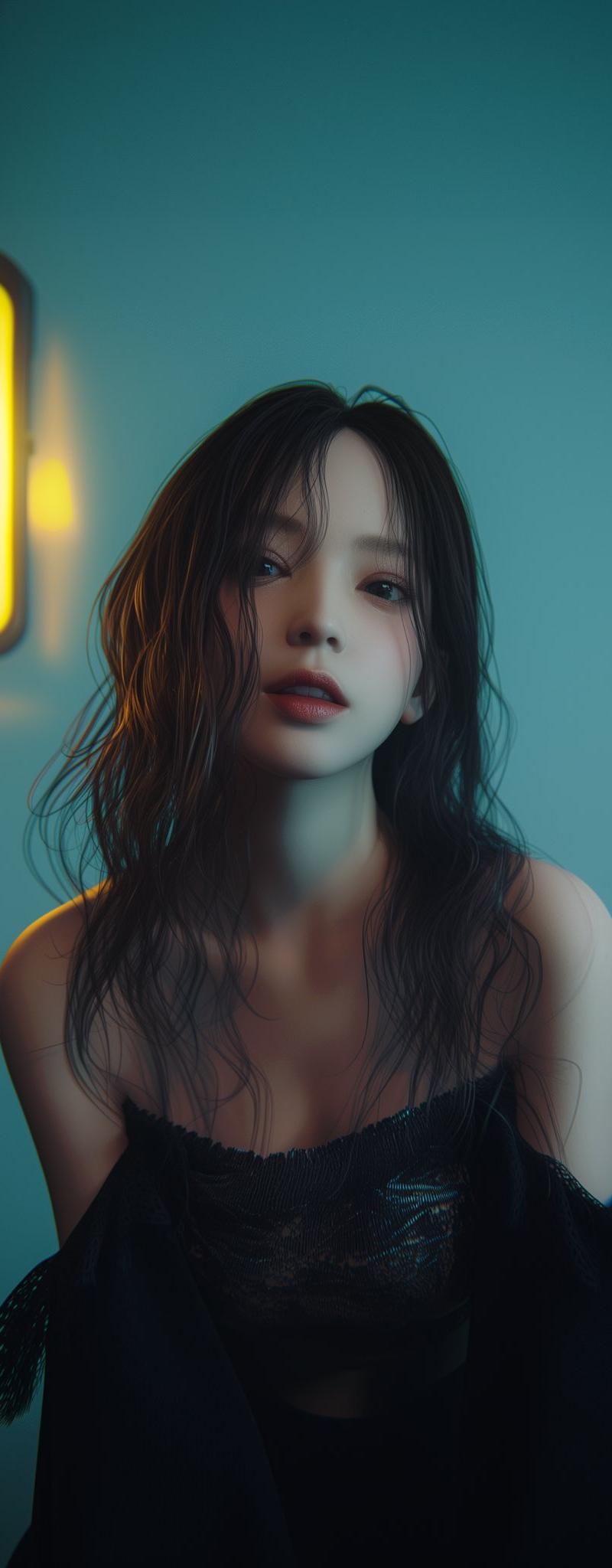
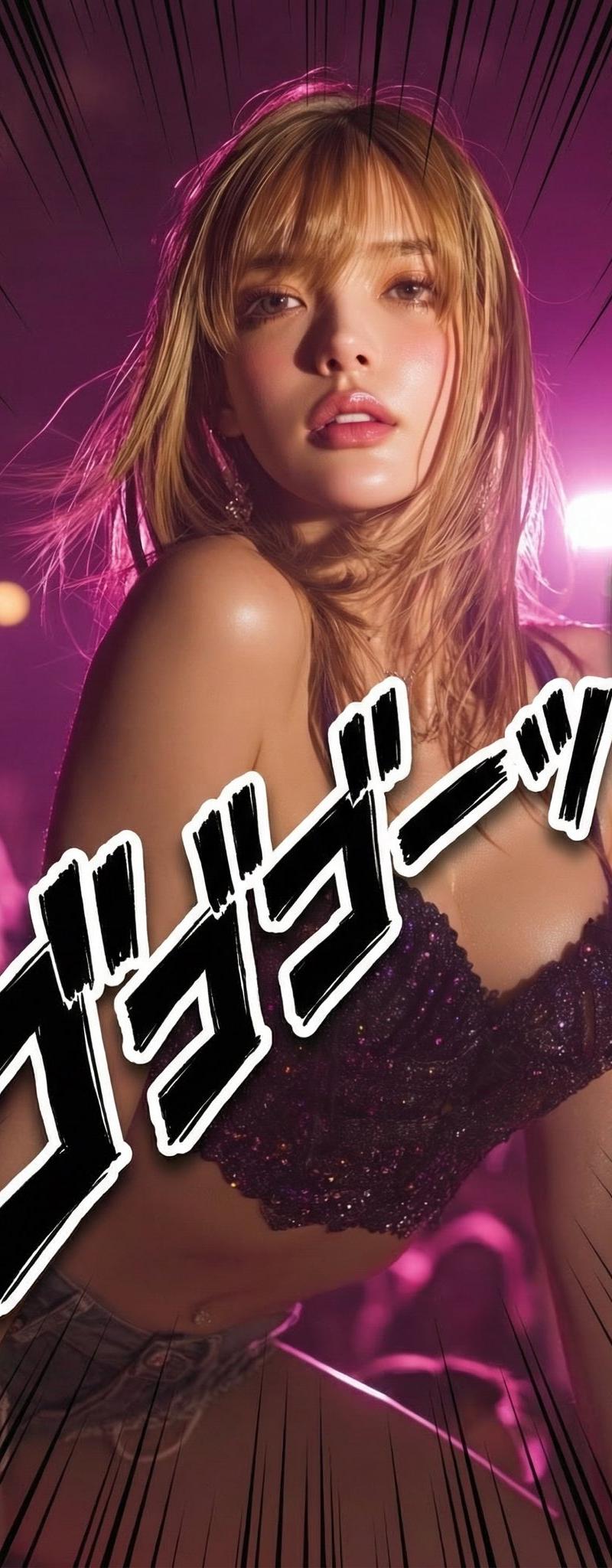
Example images

Nano Banana Pro實現漫畫擬音效果

Prompt
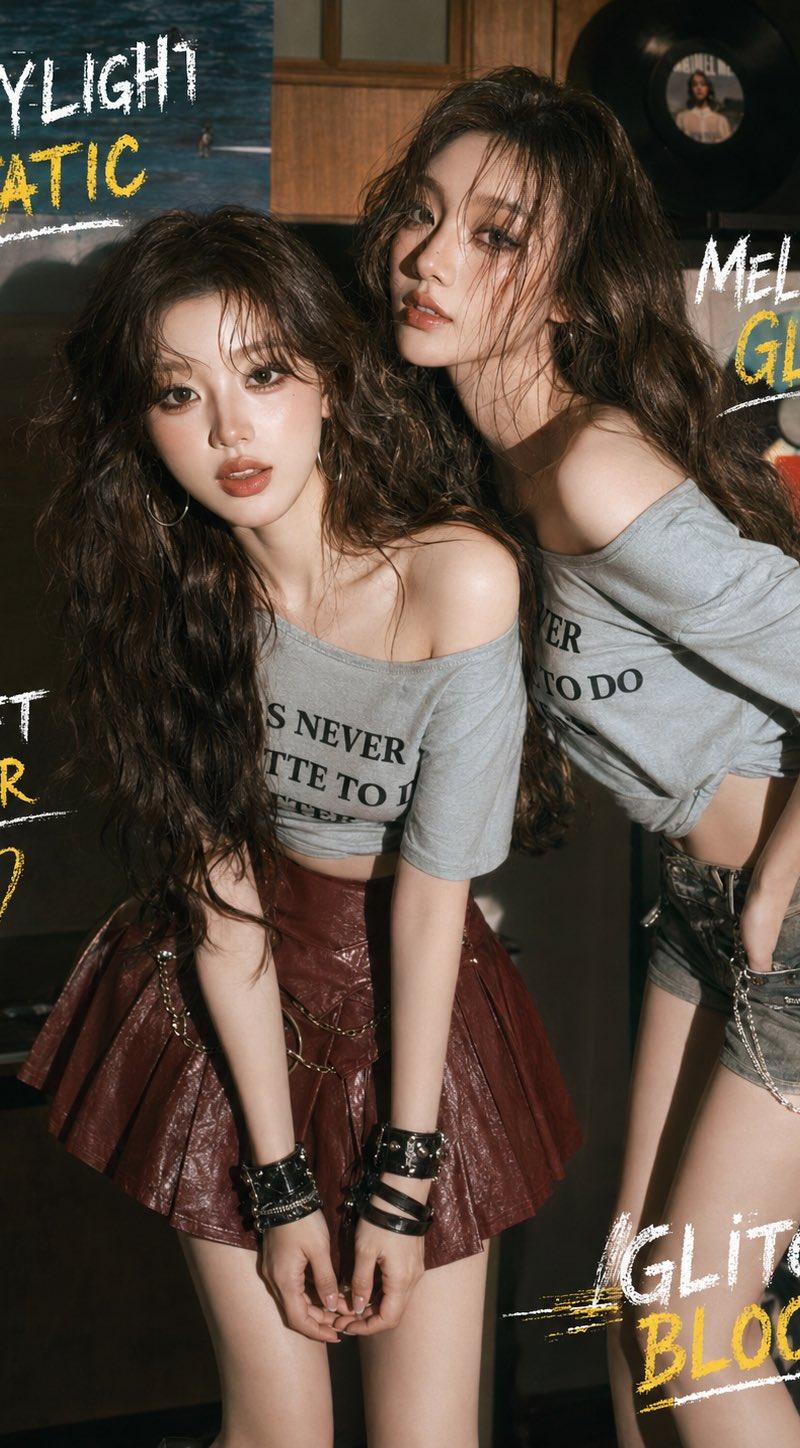
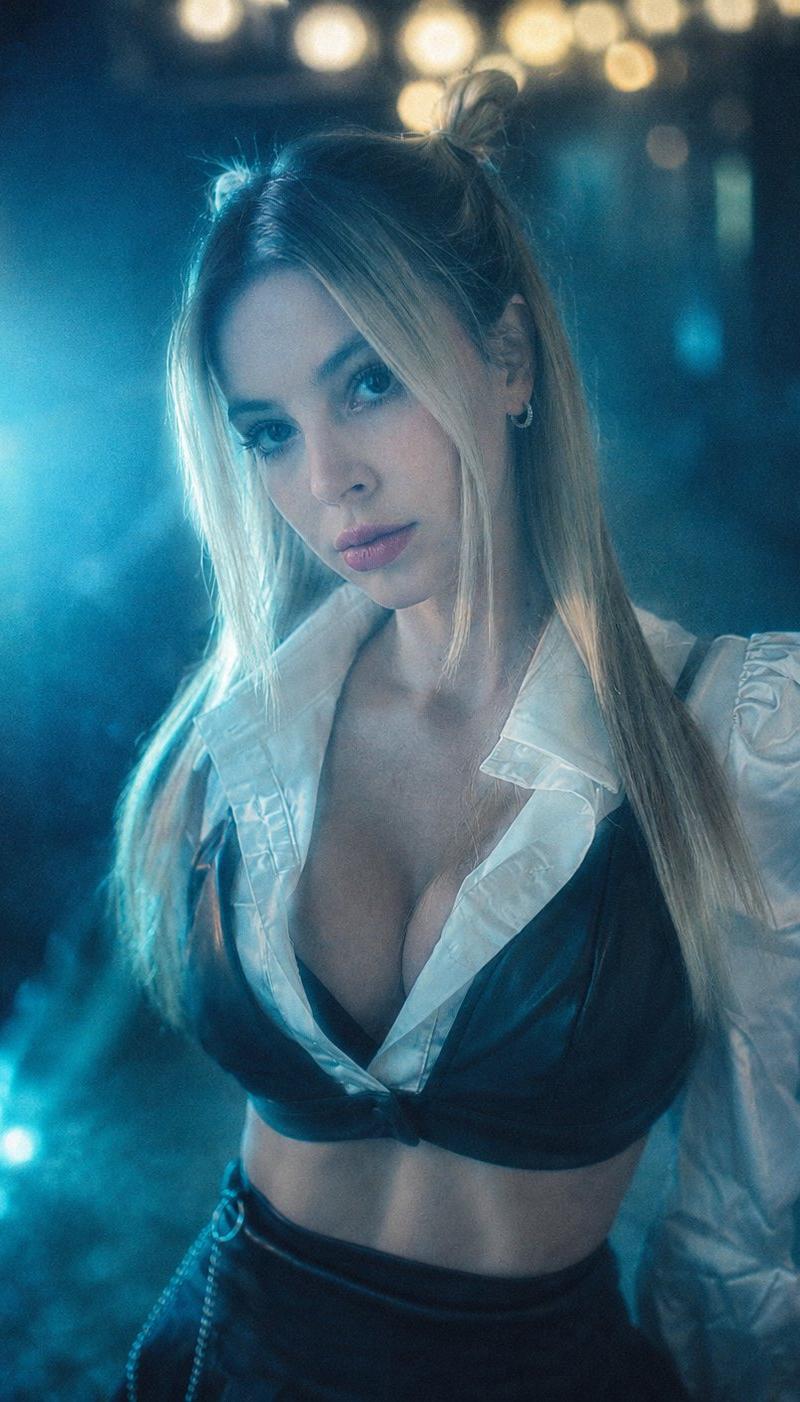
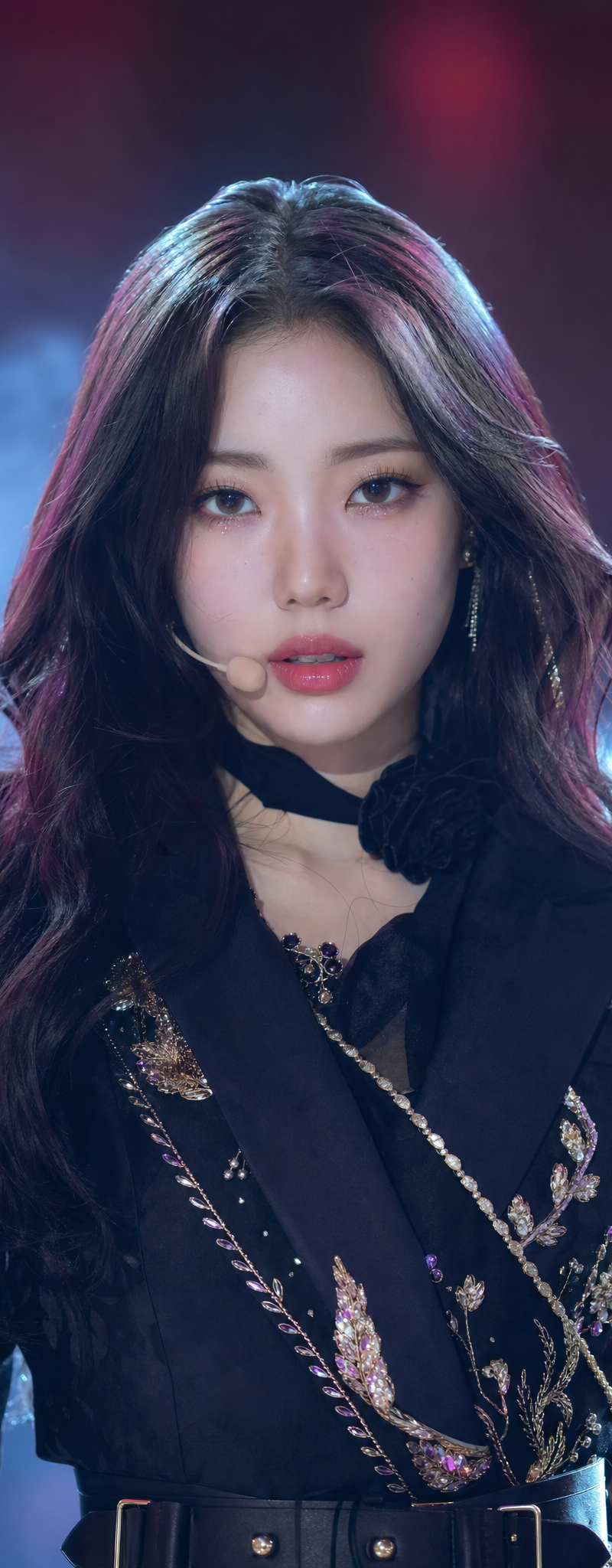
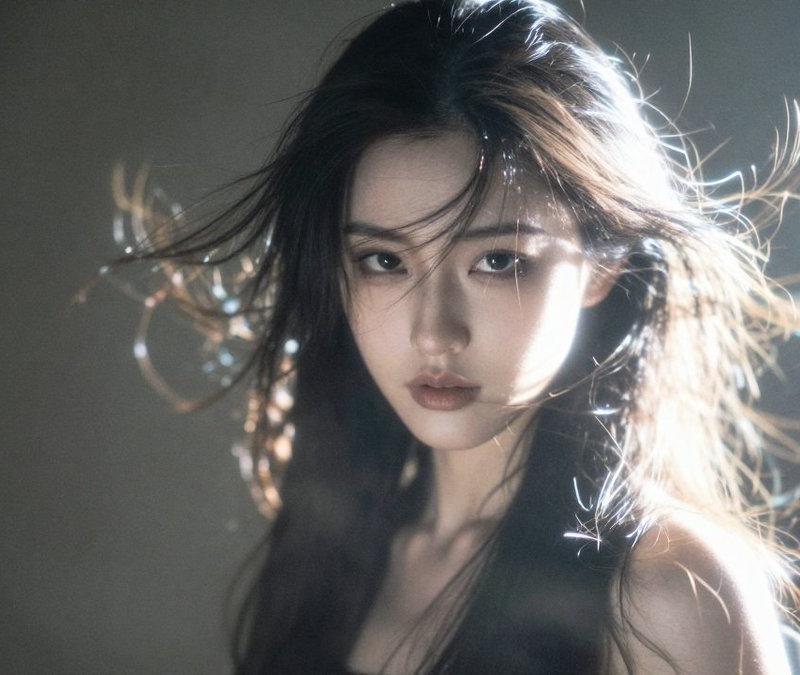
Nano Banana Proで漫画のあの擬音のやつ、実写にも編集でいけるのかな?
@yachimat_manga さんのポストをみて思い立ち試してみた!
おお!ちゃんと日本語の擬音いけるやん!
プロンプトはこちら👇
Prompt:
“Add large Japanese onomatopoeia text in classic manga style.
Insert ONLY bold, dynamic text:
「ゴゴゴゴーッ!!!」
Style requirements:
- Heavy black ink manga typography
- Thick strokes with white outline
- Slight rough, hand-drawn texture like shonen manga SFX
- Diagonal placement from lower-left toward upper-right
- Strong perspective distortion for impact
- Add subtle speed lines and impact rays around the text
- Slight drop shadow for depth
Do NOT change the woman, lighting, or background.
Keep photo realism intact.
Only overlay manga-style sound effect text.”
Category
Photography & Realism
Model
Nano Banana Pro
Creator
Zeto
Source language
zh-CN
Views0
Source ID
nano-banana-pro-achieve-manga-onomatopoeia-effects
Studio

Guide

About "Nano Banana Pro實現漫畫擬音效果"

What is this prompt for?

"Nano Banana Pro實現漫畫擬音效果" AI image prompt for Nano Banana Pro (Photography & Realism). Nano Banana Proで漫画のあの擬音のやつ、実写にも編集でいけるのかな? @yachimat_manga さんのポストをみて思い立ち試…

The full copyable prompt and example visuals above are ready for AI image generation or one-click recreate in Picva.

How to use this prompt

  1. Step 1

    Open the prompt detail

    Review the example visuals, category, and full prompt text for "Nano Banana Pro實現漫畫擬音效果".

  2. Step 2

    Copy the prompt

    Copy the prompt body from this page, or load it directly in Studio.

  3. Step 3

    Pick a model (Nano Banana Pro)

    Prefer Nano Banana Pro. If you switch models, keep subject and composition and tweak style terms.

  4. Step 4

    Generate and export

    Recreate the look in Picva, or export into your workflow for editing and publishing.

FAQ

What is the "Nano Banana Pro實現漫畫擬音效果" prompt?
It is an AI image-generation prompt for Nano Banana Pro in the Photography & Realism category. This page includes the full prompt text, example visuals, and a one-click recreate path in Picva.
How do I use this prompt to generate an image?
Copy the prompt from this page, or use Generate / Studio. Paste it into a compatible image model, or recreate the look in Picva with optional reference images.
Which model is this prompt for?
This page lists Nano Banana Pro. Most descriptive prompts also transfer to nearby image models such as GPT Image, Flux, or Midjourney with light style tweaks.
Can I use the result commercially?
You can usually copy the prompt for creation, but commercial use of the final image depends on the model terms, reference-image rights, and the generated content. Follow the source author and platform rules.