Nano Banana Pro画風変換プロンプト
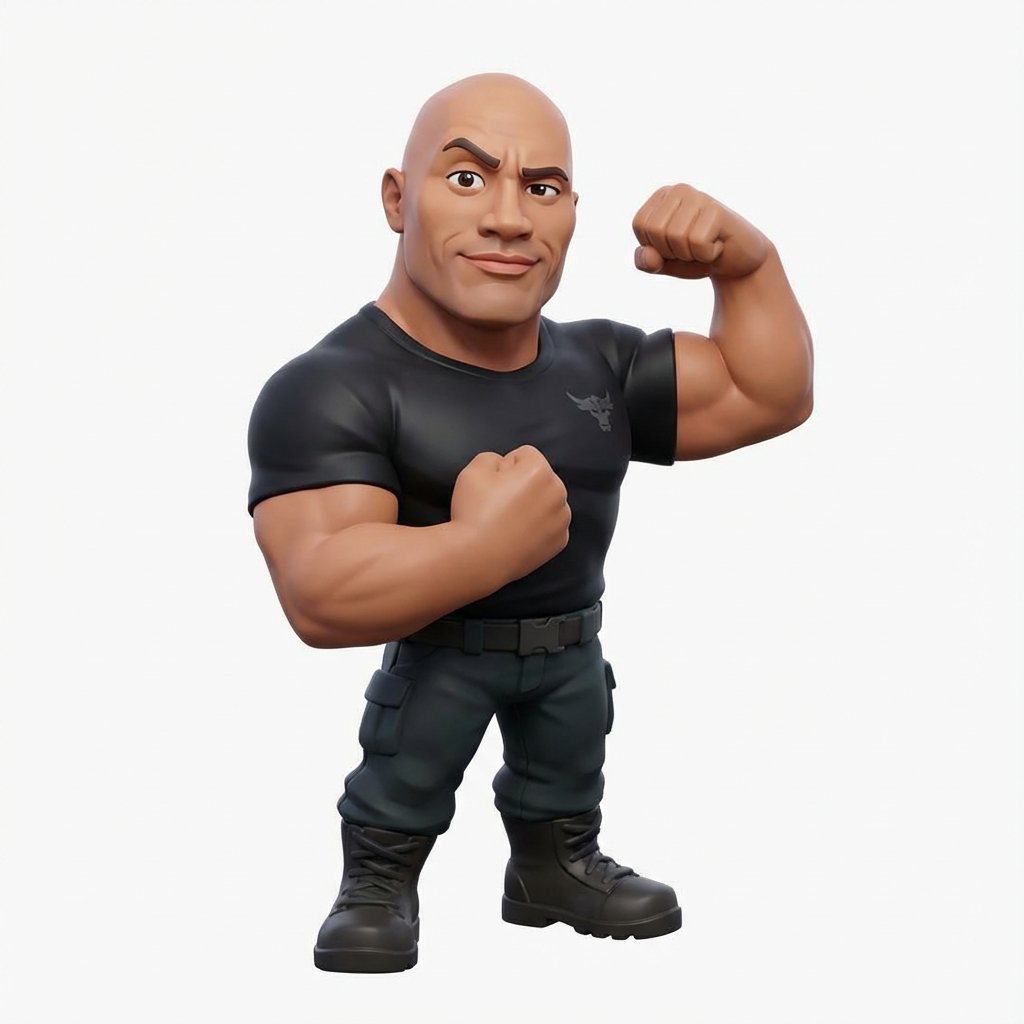
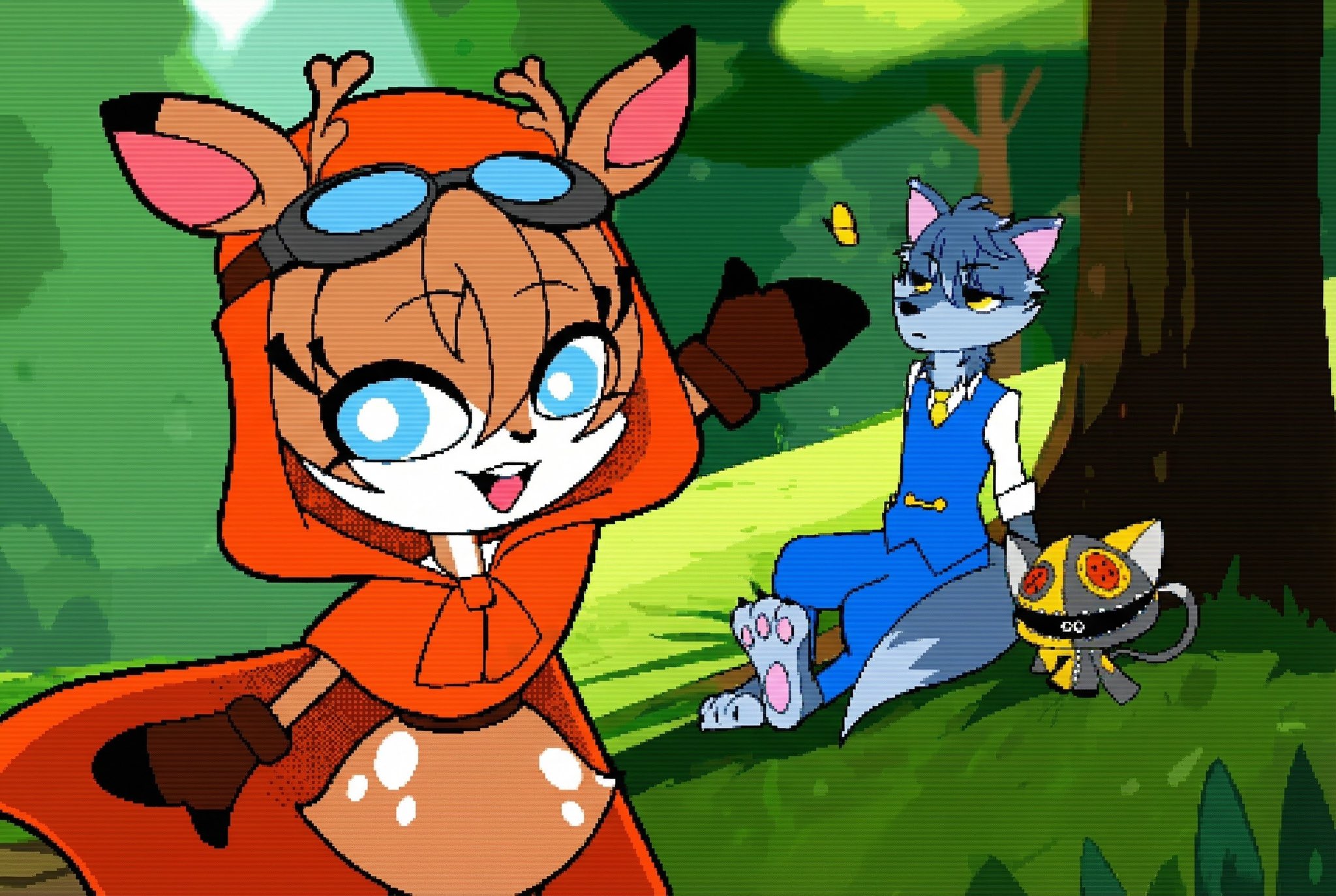
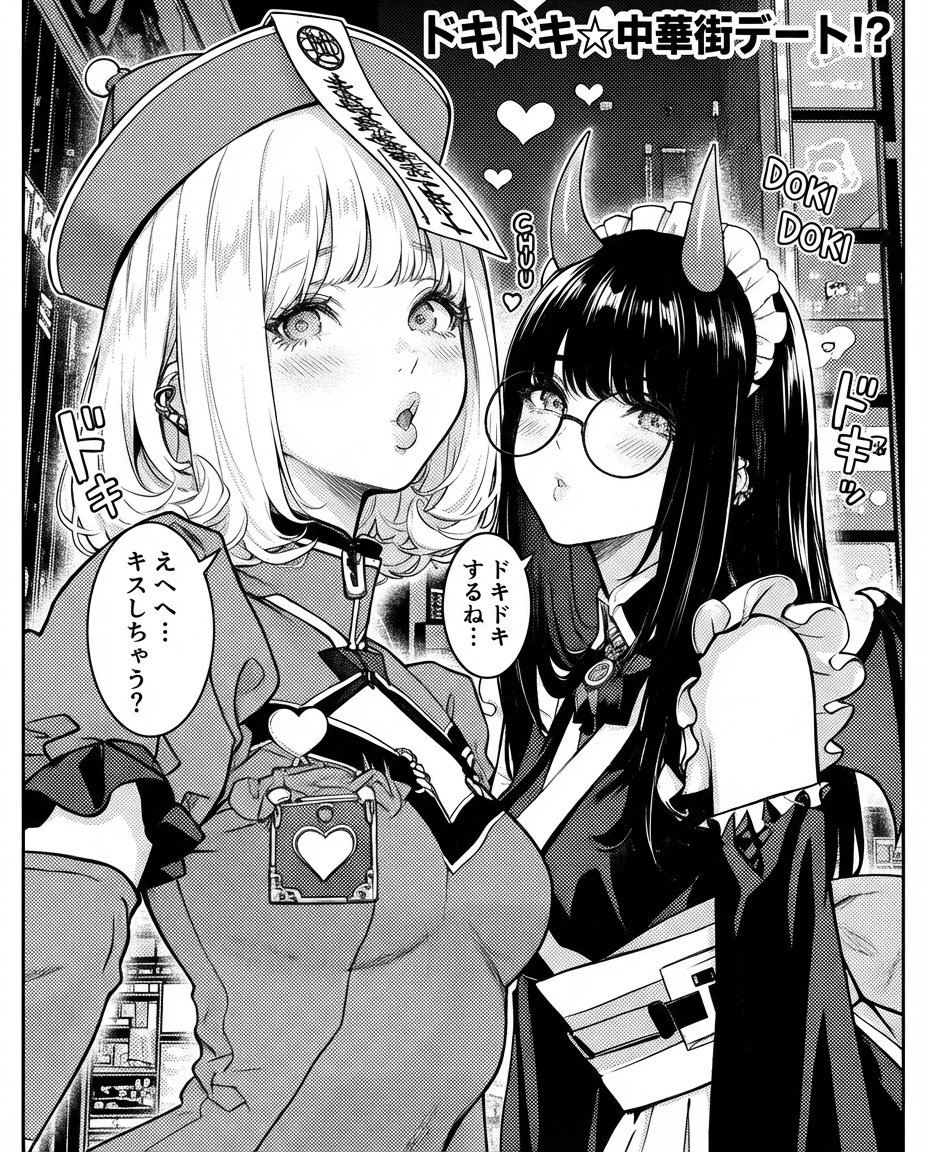
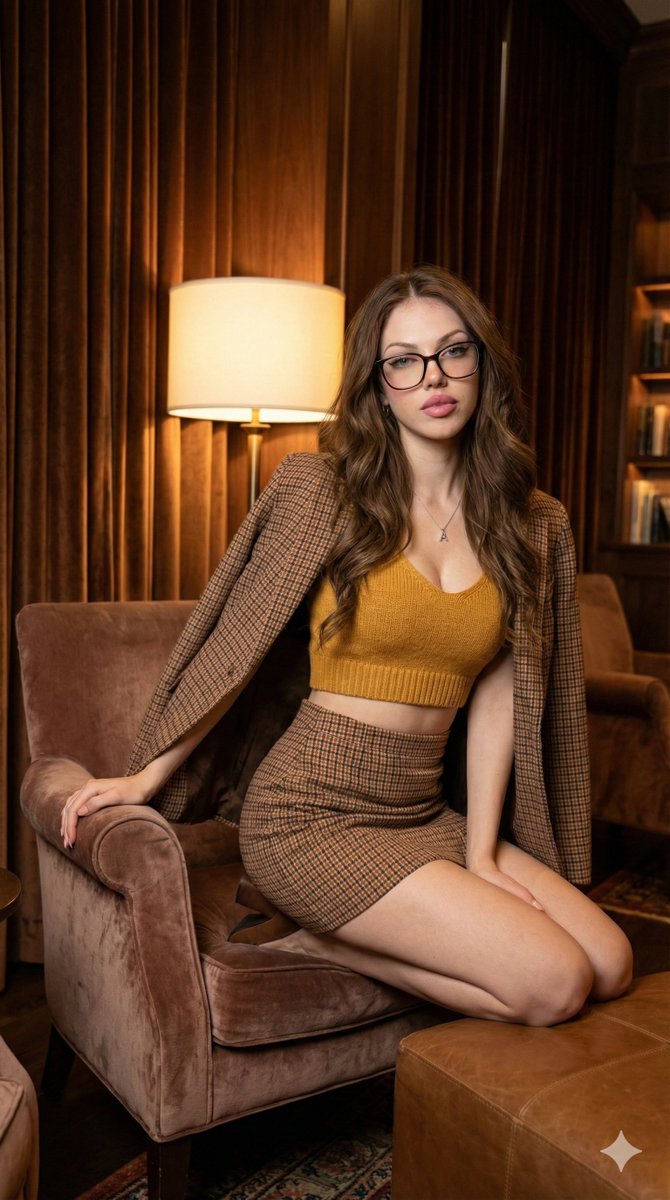
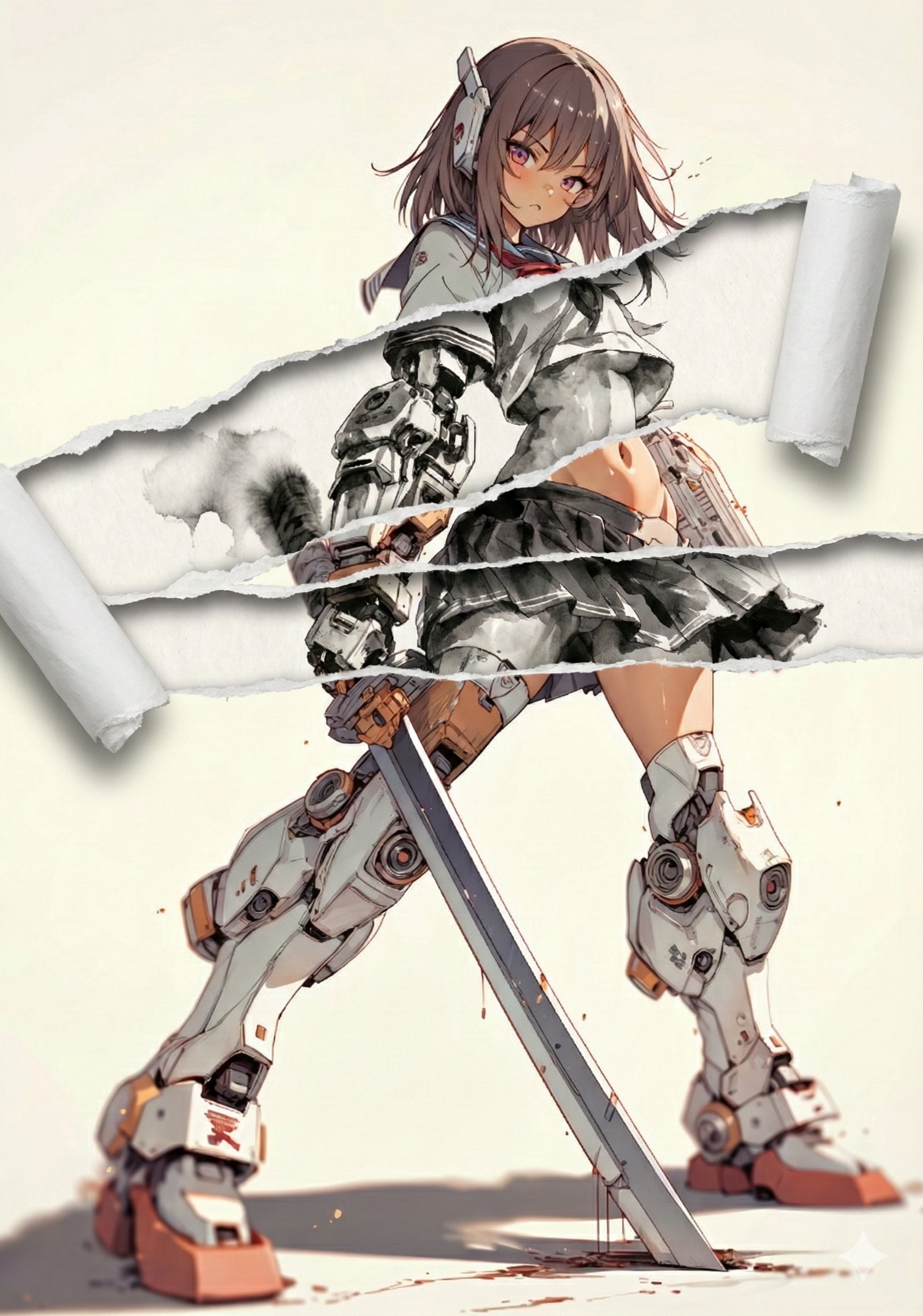
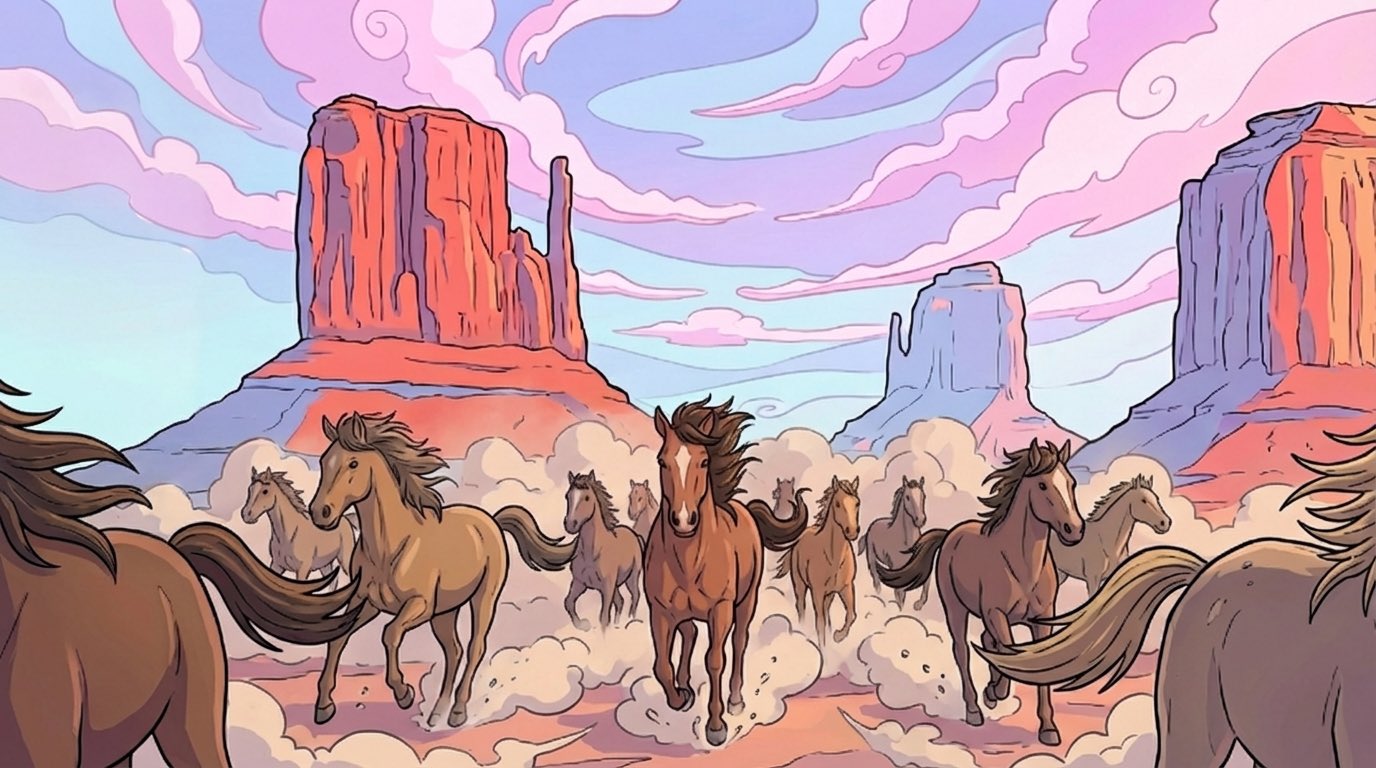
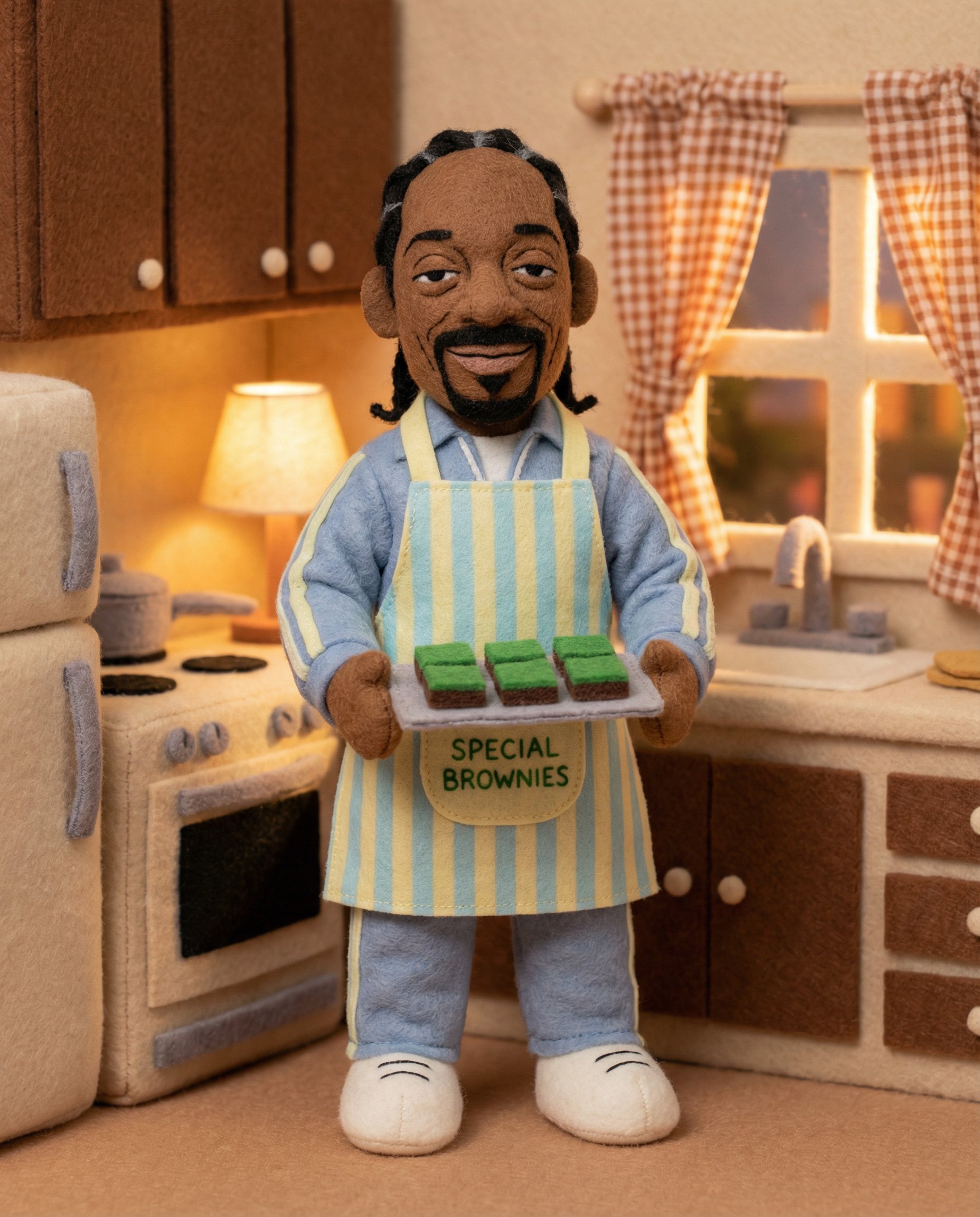
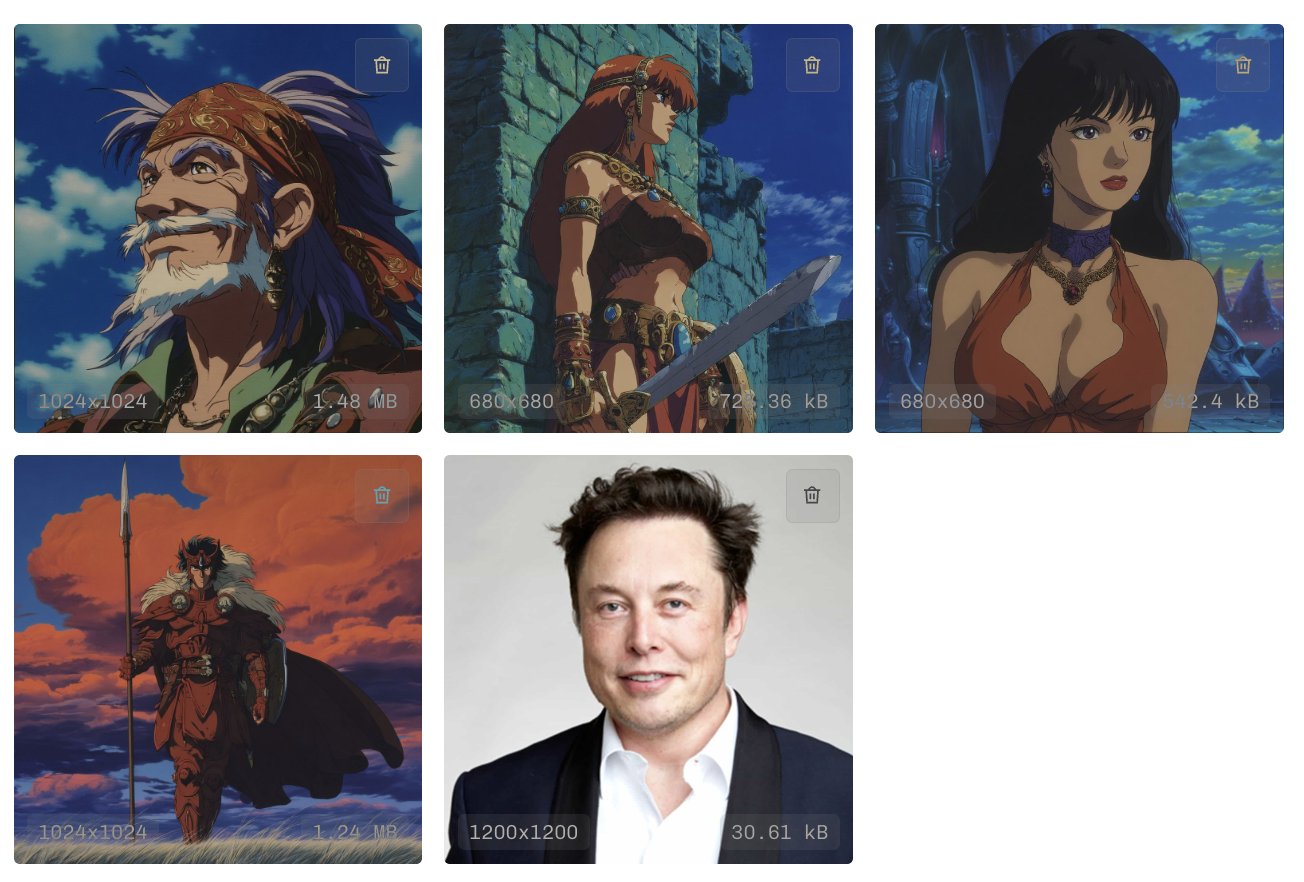
Nano Banana Proで遊ぼう 【画風変換プロンプト】 ⠀ 先日ご紹介した【破れたところだけ画風を変えるプロンプト】を改変して、純粋に参照画像の画風を変換するプロンプトにしました。 ⠀ プロンプト自体にこれという面白さはありませんが、個人的に画風変換したイラストの雰囲気が新鮮で楽しかったので作りました。 ⠀ 例によって長々としたプロンプトですが、おそらく日本語で「参照画像のキャラクターの特徴を維持してスタイルだけを線画にして」でも同じ結果になると思います(紙質以外)。ですが、日本語プロンプトを素直に受け付けてくれないことがあるので、わたしは基本的には英語かつYAML形式にしています。 ⠀ 画風の切り替え方法は【破れたところだけ画風を変えるプロンプト】と同じですが、リプ欄で説明します。 ⠀ お気に入りのイラストをいつもと違う画風にしてみませんか?わたしは、鉛筆画と水彩画が特に気に入っています! ⠀ プロンプト: task: "edit-image: convert-art-style" base_image: use_reference_image: true preserve_
- Category
- Illustration & Art
- Model
- Nano Banana Pro
- Creator
- てんねん
- Source language
- zh-CN
- Source ID
- nano-banana-pro-art-style-conversion-prompt
Full prompt
Nano Banana Proで遊ぼう
【画風変換プロンプト】
⠀
先日ご紹介した【破れたところだけ画風を変えるプロンプト】を改変して、純粋に参照画像の画風を変換するプロンプトにしました。
⠀
プロンプト自体にこれという面白さはありませんが、個人的に画風変換したイラストの雰囲気が新鮮で楽しかったので作りました。
⠀
例によって長々としたプロンプトですが、おそらく日本語で「参照画像のキャラクターの特徴を維持してスタイルだけを線画にして」でも同じ結果になると思います(紙質以外)。ですが、日本語プロンプトを素直に受け付けてくれないことがあるので、わたしは基本的には英語かつYAML形式にしています。
⠀
画風の切り替え方法は【破れたところだけ画風を変えるプロンプト】と同じですが、リプ欄で説明します。
⠀
お気に入りのイラストをいつもと違う画風にしてみませんか?わたしは、鉛筆画と水彩画が特に気に入っています!
⠀
プロンプト:
task: "edit-image: convert-art-style"
base_image:
use_reference_image: true
preserve_everything:
- character identity
- facial features and expression
- hairstyle and anatomy
- outfit design and colors
- background, lighting, composition
- overall scene structure
rules:
- Do not alter pose, anatomy, proportions, clothing, or composition.
- Do not add or remove any objects.
- Only transform the **art style** according to `target_style`.
target_style:
mode: "line-art"
style_settings:
pencil-drawing:
graphite_texture: "visible pencil grain"
shading: "smooth gradients"
line_quality: "mixed sharp and soft"
tone: "gray-scale"
paper: "notebook paper with faint ruled lines"
line-art:
palette: "monochrome"
line_quality: "clean, crisp"
paper: "clean white paper"
sumi-e:
palette: "black ink tones"
brush_texture: "soft bleeding edges"
paper: "plain textured paper"
figure-render:
material: "PVC-like"
shading: "semi-realistic highlights"
paper: "plain smooth surface"
colored-pencil:
stroke_texture: "visible pencil grain"
palette: "soft layered hues"
paper: "rough sketchbook paper"
watercolor:
palette: "soft transparent pigments"
blending: "smooth bleeding"
edges: "soft contours"
paper: "watercolor paper texture"
Translations
Nano Banana Pro画風変換プロンプト
zh-CNNano Banana Proで遊ぼう 【画風変換プロンプト】 ⠀ 先日ご紹介した【破れたところだけ画風を変えるプロンプト】を改変して、純粋に参照画像の画風を変換するプロンプトにしました。 ⠀ プロンプト自体にこれという面白さはありませんが、個人的に画風変換したイラストの雰囲気が新鮮で楽しかったので作りました。 ⠀ 例によって長々としたプロンプトですが、おそらく日本語で「参照画像のキャラクターの特徴を維持してスタイルだけを線画にして」でも同じ結果になると思います(紙質以外)。ですが、日本語プロンプトを素直に受け付けてくれないことがあるので、わたしは基本的には英語かつYAML形式にしています。 ⠀ 画風の切り替え方法は【破れたところだけ画風を変えるプロンプト】と同じですが、リプ欄で説明します。 ⠀ お気に入りのイラストをいつもと違う画風にしてみませんか?わたしは、鉛筆画と水彩画が特に気に入っています! ⠀ プロンプト: task: "edit-image: convert-art-style" base_image: use_reference_image: true preserve_everything: - character identity - facial features and expression - hairstyle and anatomy - outfit design and colors - background, lighting, composition - overall scene structure rules: - Do not alter pose, anatomy, proportions, clothing, or composition. - Do not add or remove any objects. - Only transform the **art style** according to `target_style`. target_style: mode: "line-art" style_settings: pencil-drawing: graphite_texture: "visible pencil grain" shading: "smooth gradients" line_quality: "mixed sharp and soft" tone: "gray-scale" paper: "notebook paper with faint ruled lines" line-art: palette: "monochrome" line_quality: "clean, crisp" paper: "clean white paper" sumi-e: palette: "black ink tones" brush_texture: "soft bleeding edges" paper: "plain textured paper" figure-render: material: "PVC-like" shading: "semi-realistic highlights" paper: "plain smooth surface" colored-pencil: stroke_texture: "visible pencil grain" palette: "soft layered hues" paper: "rough sketchbook paper" watercolor: palette: "soft transparent pigments" blending: "smooth bleeding" edges: "soft contours" paper: "watercolor paper texture"