15

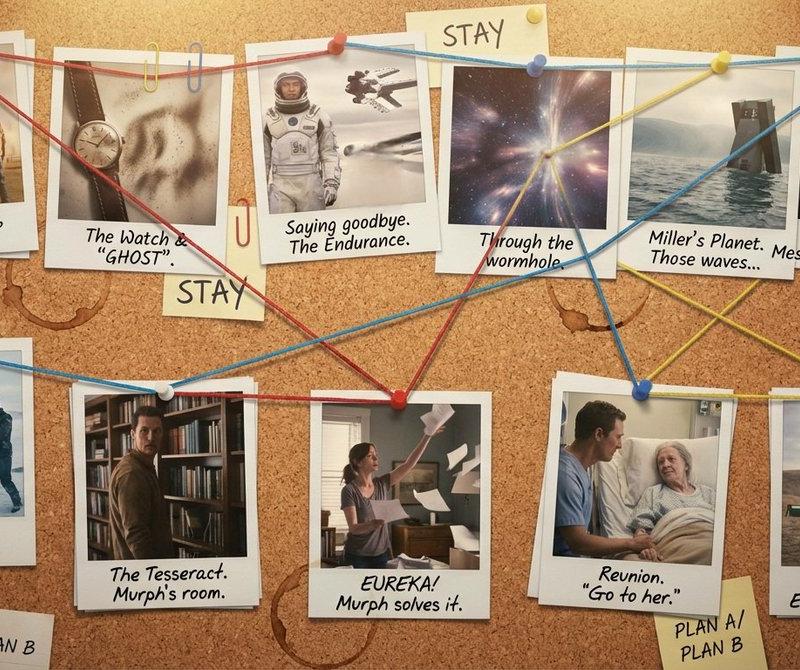
侦探证据板:火萤中的纳米香蕉侦探
Enlarge

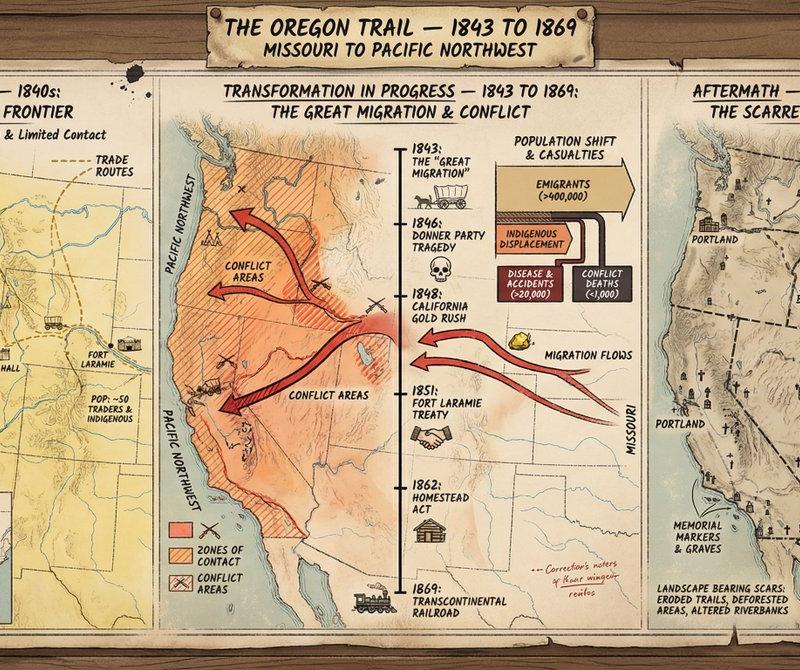
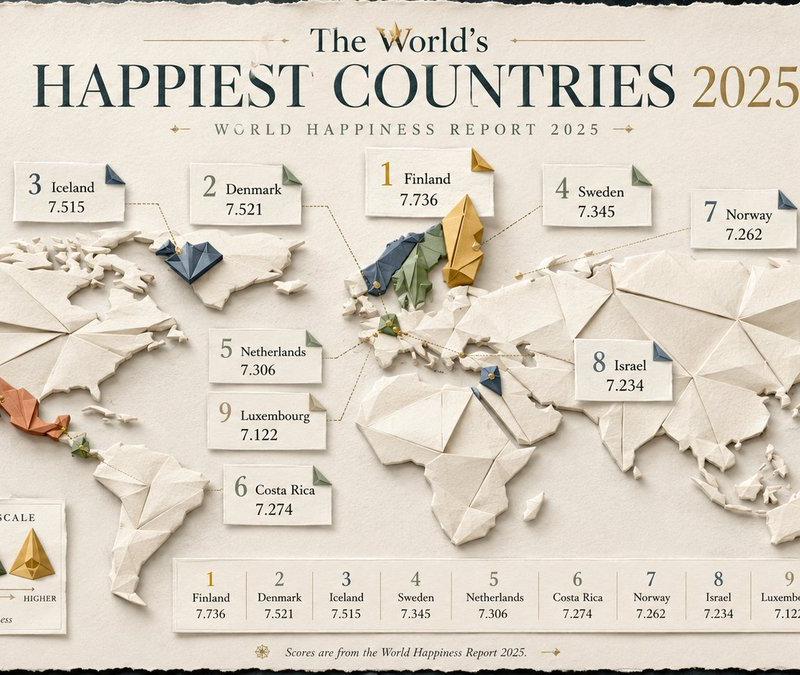
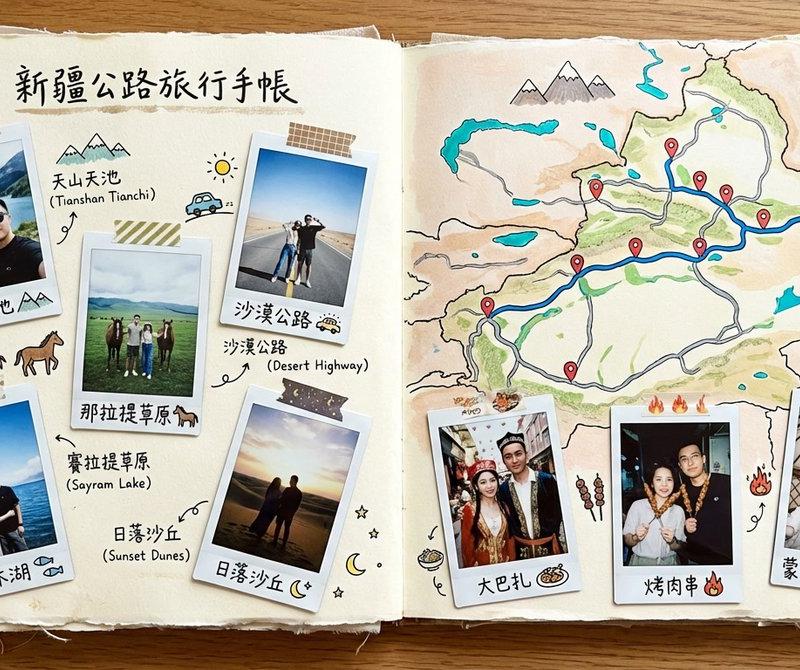
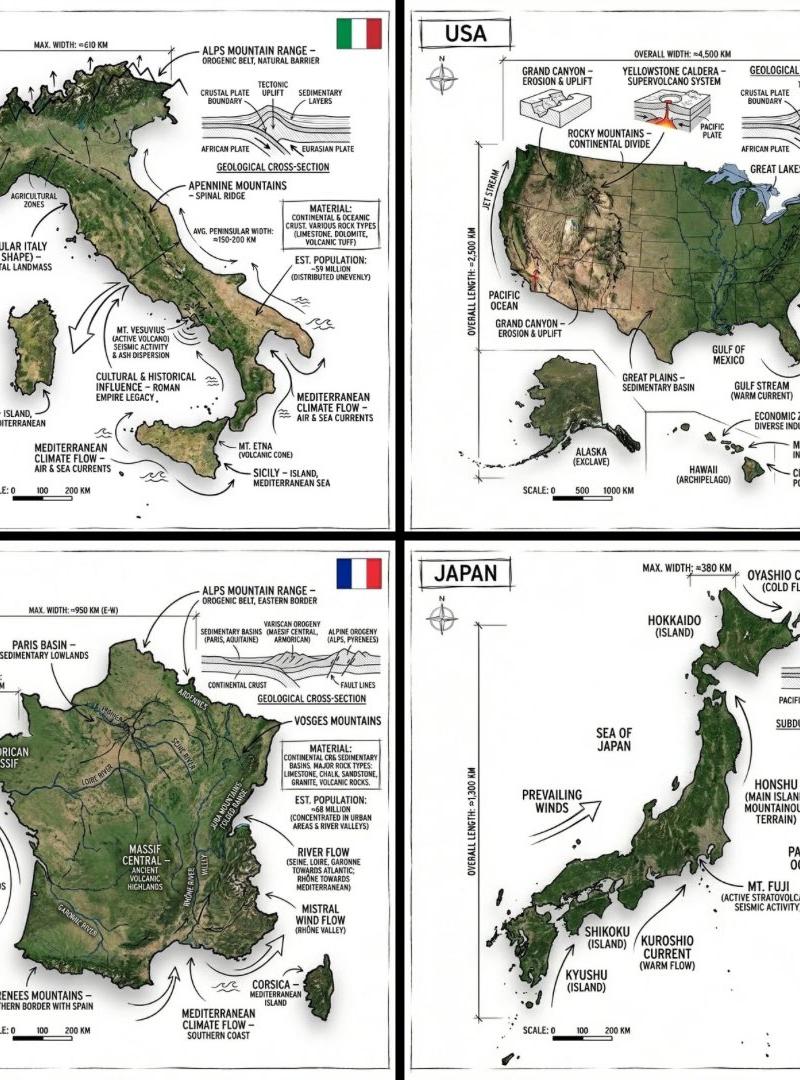
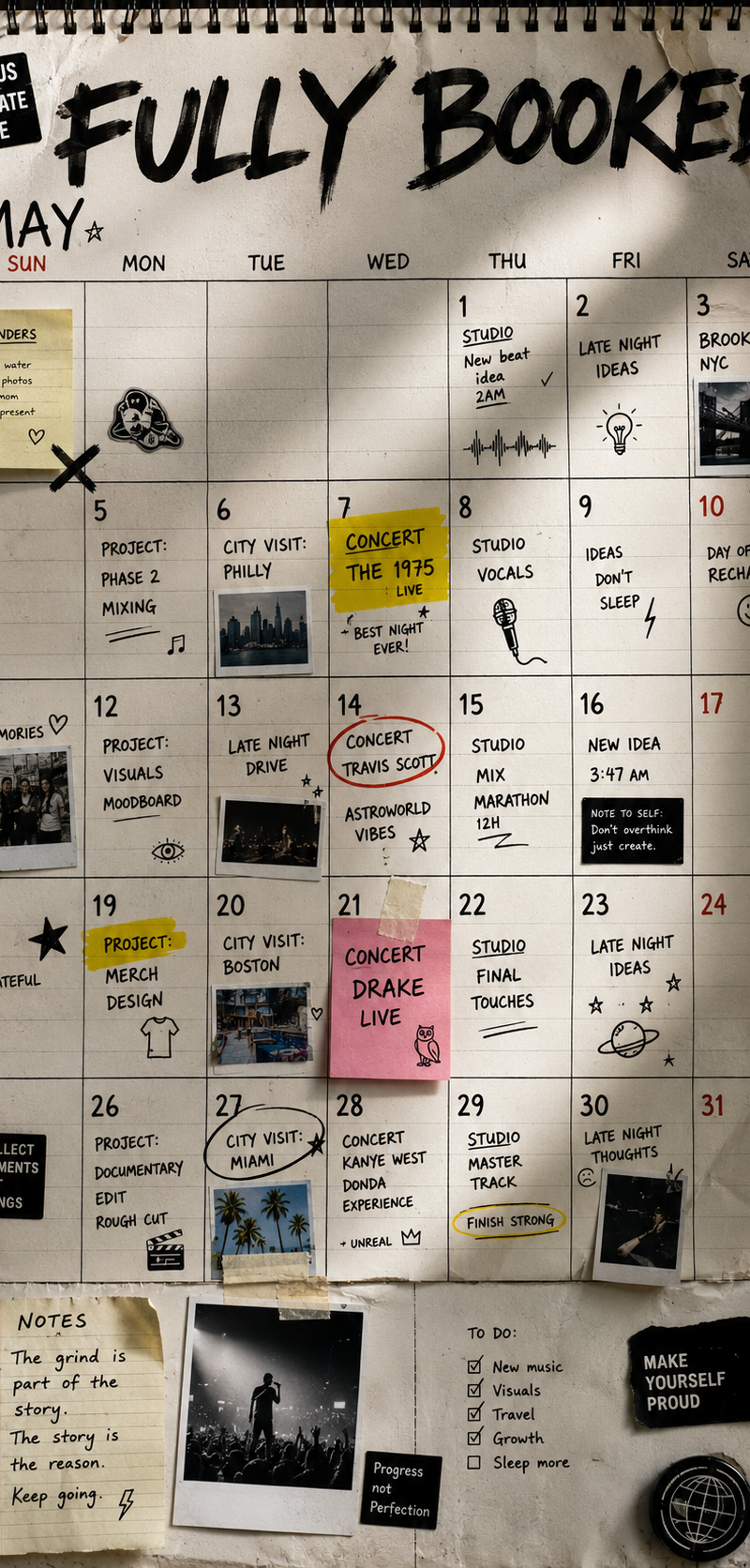
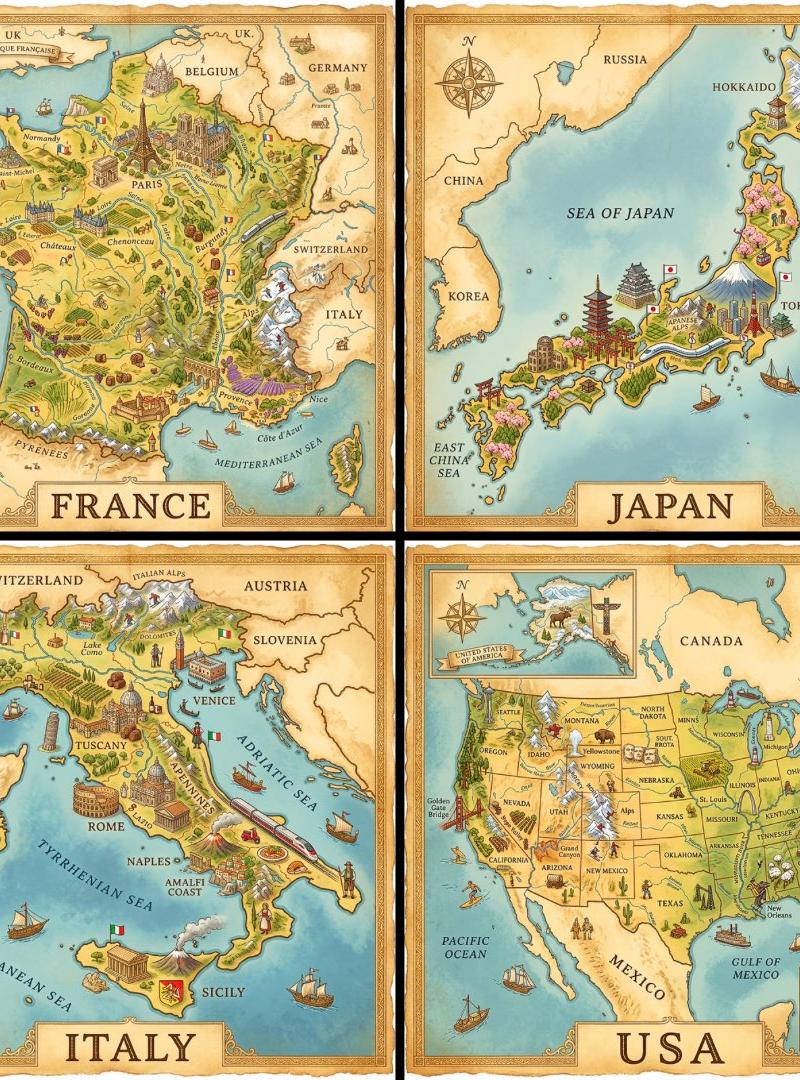
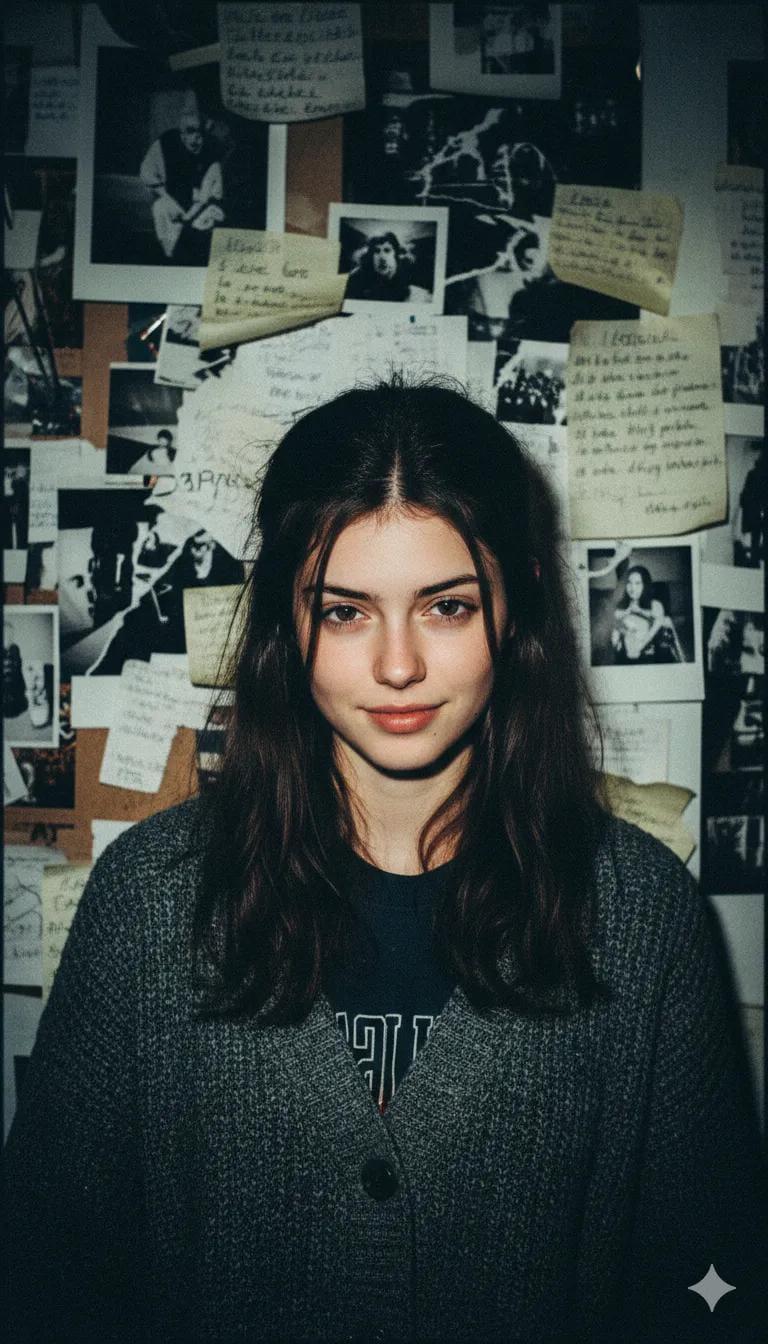
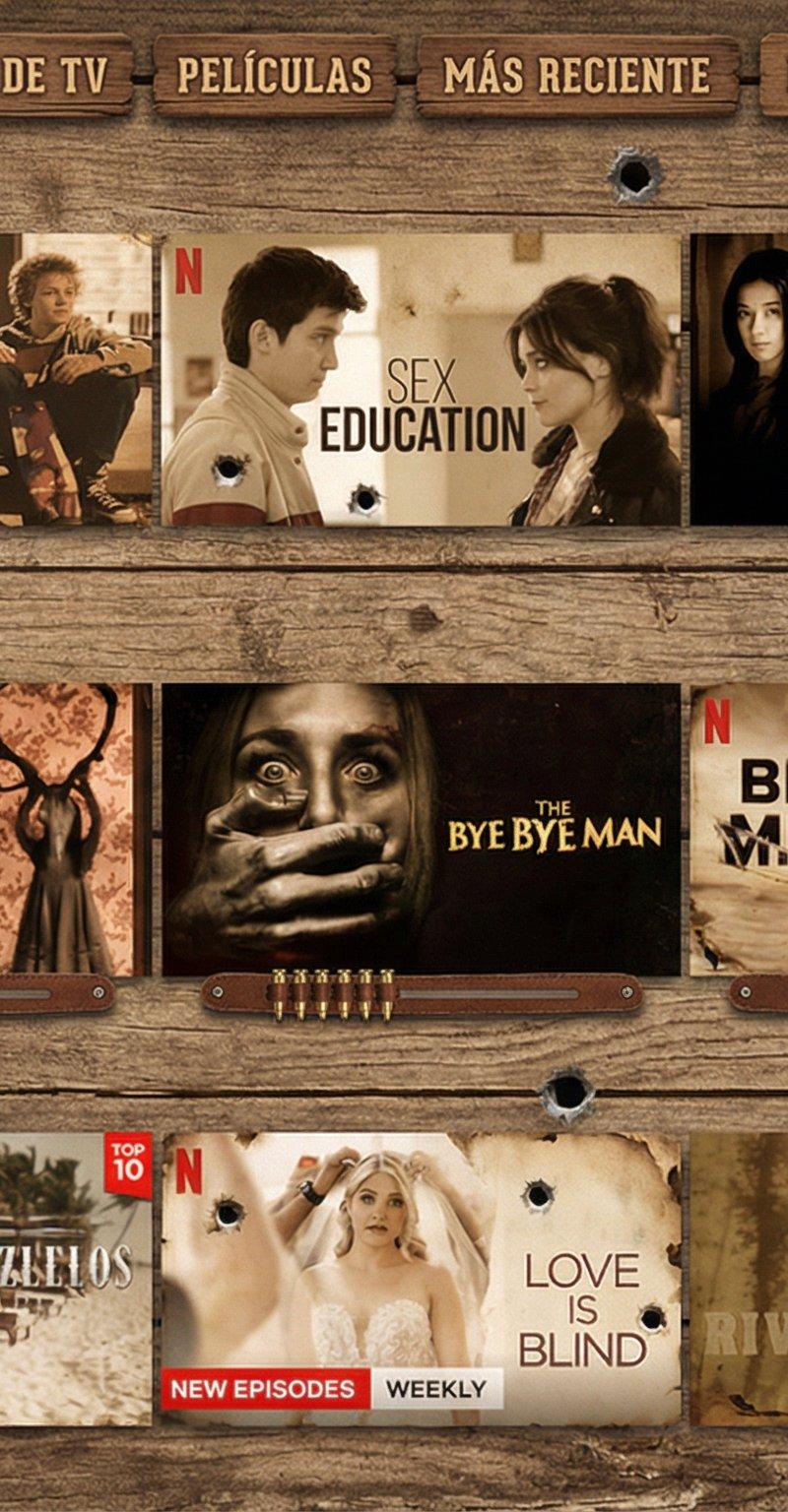
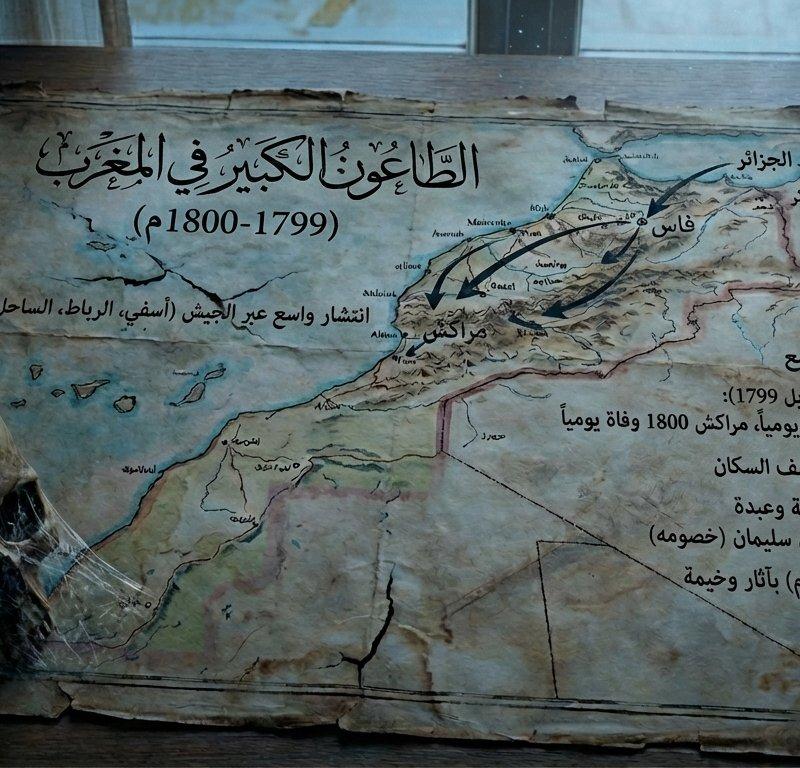
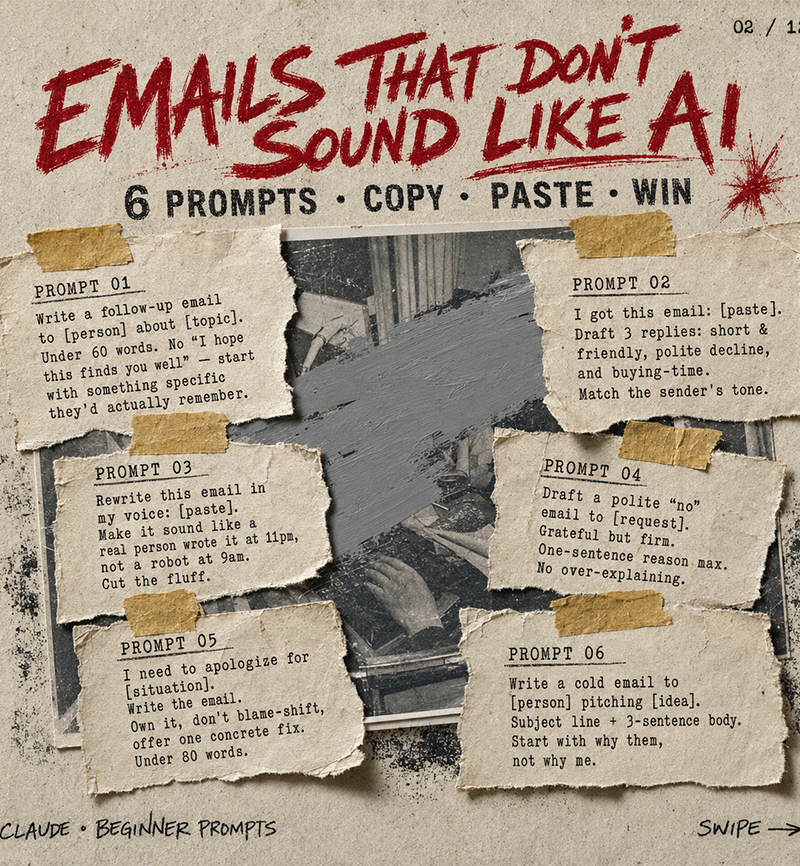
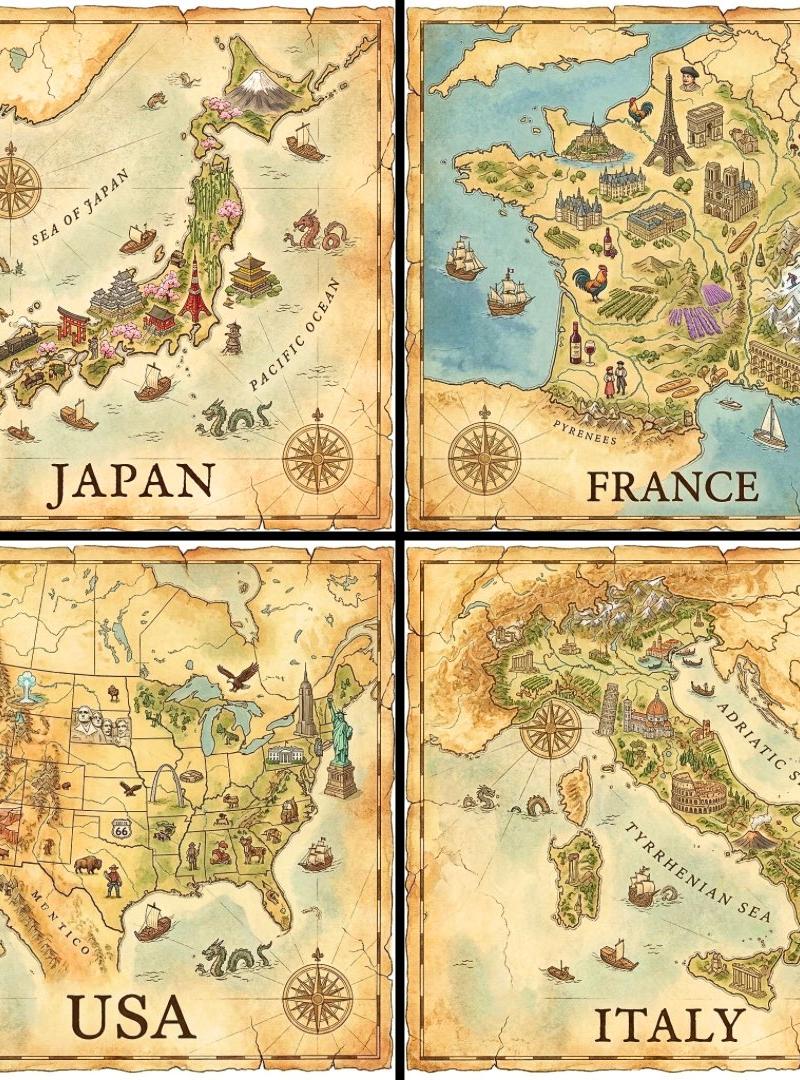
Example images

侦探证据板:火萤中的纳米香蕉侦探

Prompt
Prompt Studio: Nano Banana Pro Detective Evidence Board, in Firefly
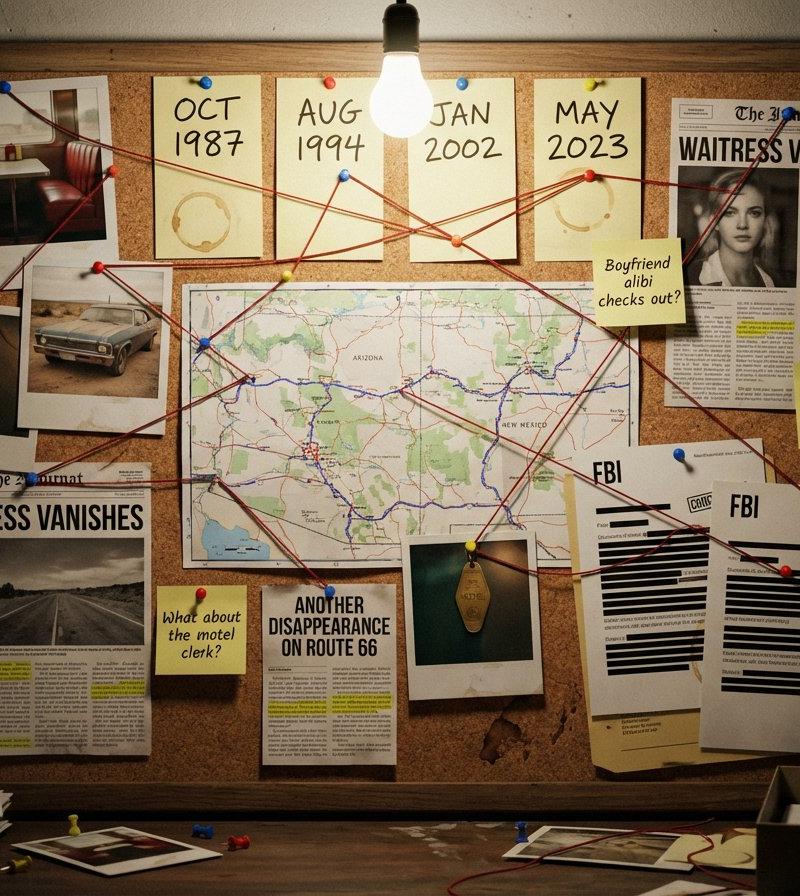
A detective's evidence board investigating [SUBJECT/MYSTERY]. Cork surface covered with pinned items: polaroid photographs with handwritten dates, a street map with circled locations, newspaper clippings with highlighted passages, sticky notes with theories and question marks, and printed documents with redacted black bars. Red string connects related evidence across the board, creating a web of connections. Thumbtacks in primary colors. A single bare bulb casts dramatic shadows. Coffee ring stains on some papers. The atmosphere is obsessive, late-night, noir—someone has been piecing this together for months. A few pins have fallen, suggesting frantic recent activity.
Check ALTs for ideas 👇
Category
Photography & Realism
Model
Nano Banana Pro
Creator
AllaAisling
Source language
zh-CN
Views0
Source ID
nano-banana-pro-detective-evidence-board-in-firefly
Studio

Guide

About "侦探证据板:火萤中的纳米香蕉侦探"

What is this prompt for?

"侦探证据板:火萤中的纳米香蕉侦探" AI image prompt for Nano Banana Pro (Photography & Realism). Prompt Studio: Nano Banana Pro Detective Evidence Board, in Firefly A detective…

The full copyable prompt and example visuals above are ready for AI image generation or one-click recreate in Picva.

How to use this prompt

  1. Step 1

    Open the prompt detail

    Review the example visuals, category, and full prompt text for "侦探证据板:火萤中的纳米香蕉侦探".

  2. Step 2

    Copy the prompt

    Copy the prompt body from this page, or load it directly in Studio.

  3. Step 3

    Pick a model (Nano Banana Pro)

    Prefer Nano Banana Pro. If you switch models, keep subject and composition and tweak style terms.

  4. Step 4

    Generate and export

    Recreate the look in Picva, or export into your workflow for editing and publishing.

FAQ

What is the "侦探证据板:火萤中的纳米香蕉侦探" prompt?
It is an AI image-generation prompt for Nano Banana Pro in the Photography & Realism category. This page includes the full prompt text, example visuals, and a one-click recreate path in Picva.
How do I use this prompt to generate an image?
Copy the prompt from this page, or use Generate / Studio. Paste it into a compatible image model, or recreate the look in Picva with optional reference images.
Which model is this prompt for?
This page lists Nano Banana Pro. Most descriptive prompts also transfer to nearby image models such as GPT Image, Flux, or Midjourney with light style tweaks.
Can I use the result commercially?
You can usually copy the prompt for creation, but commercial use of the final image depends on the model terms, reference-image rights, and the generated content. Follow the source author and platform rules.