17

纳米香蕉Pro转换器提示
Enlarge

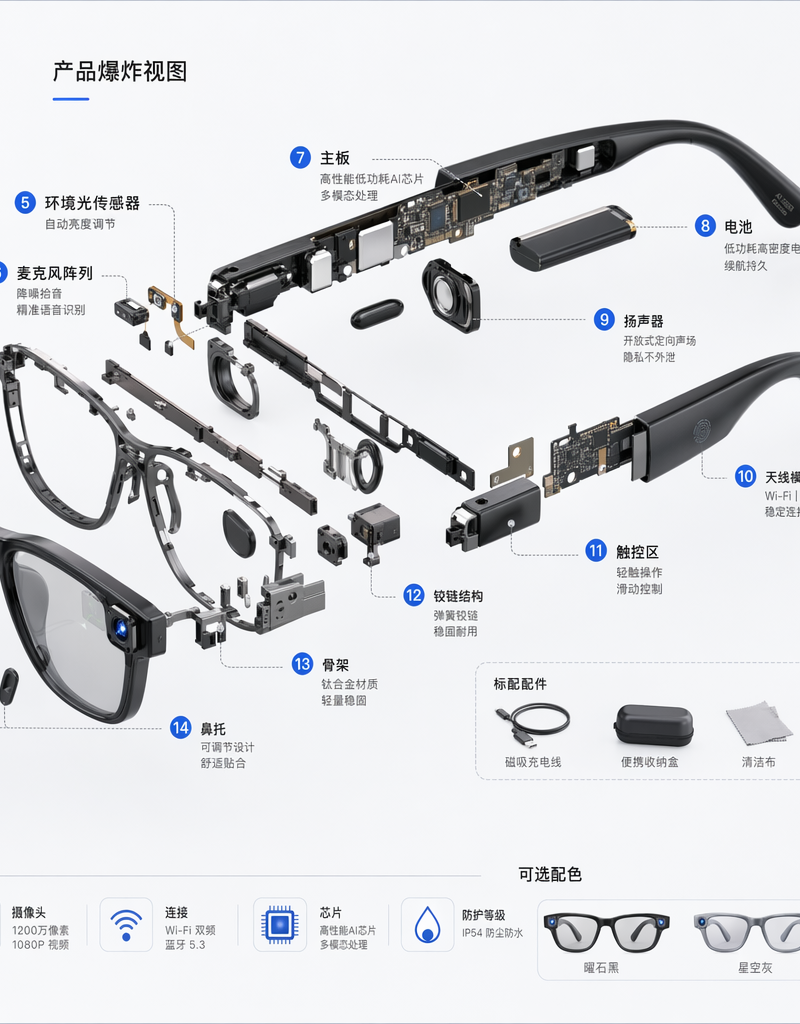
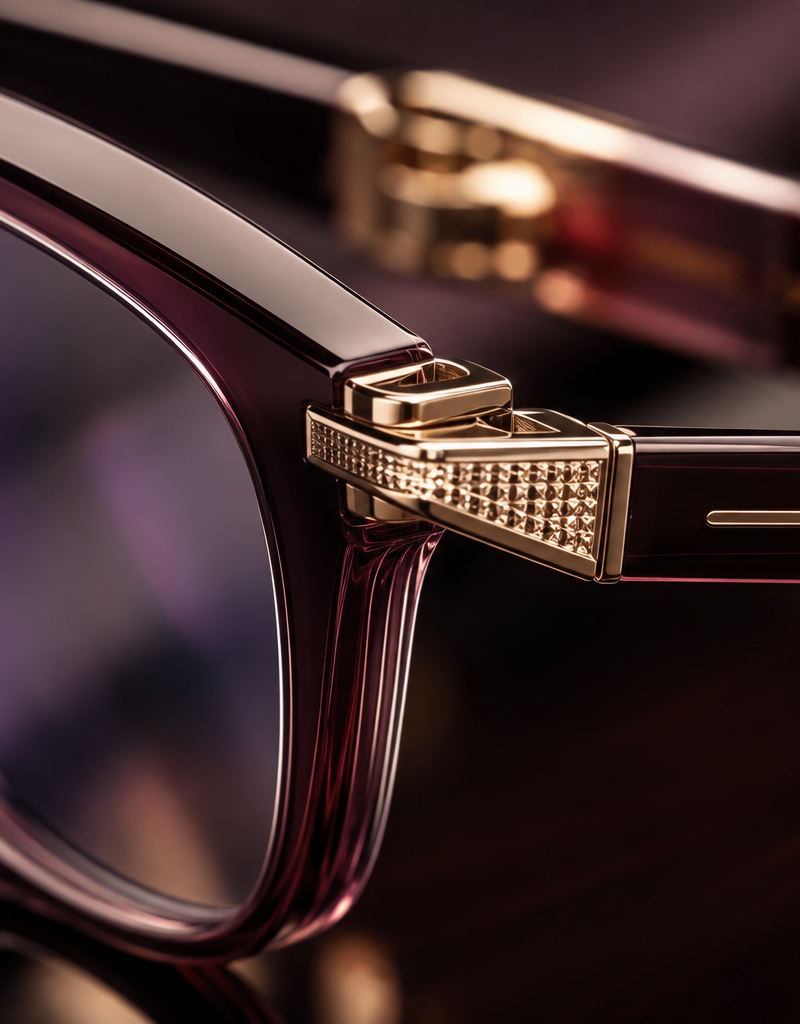
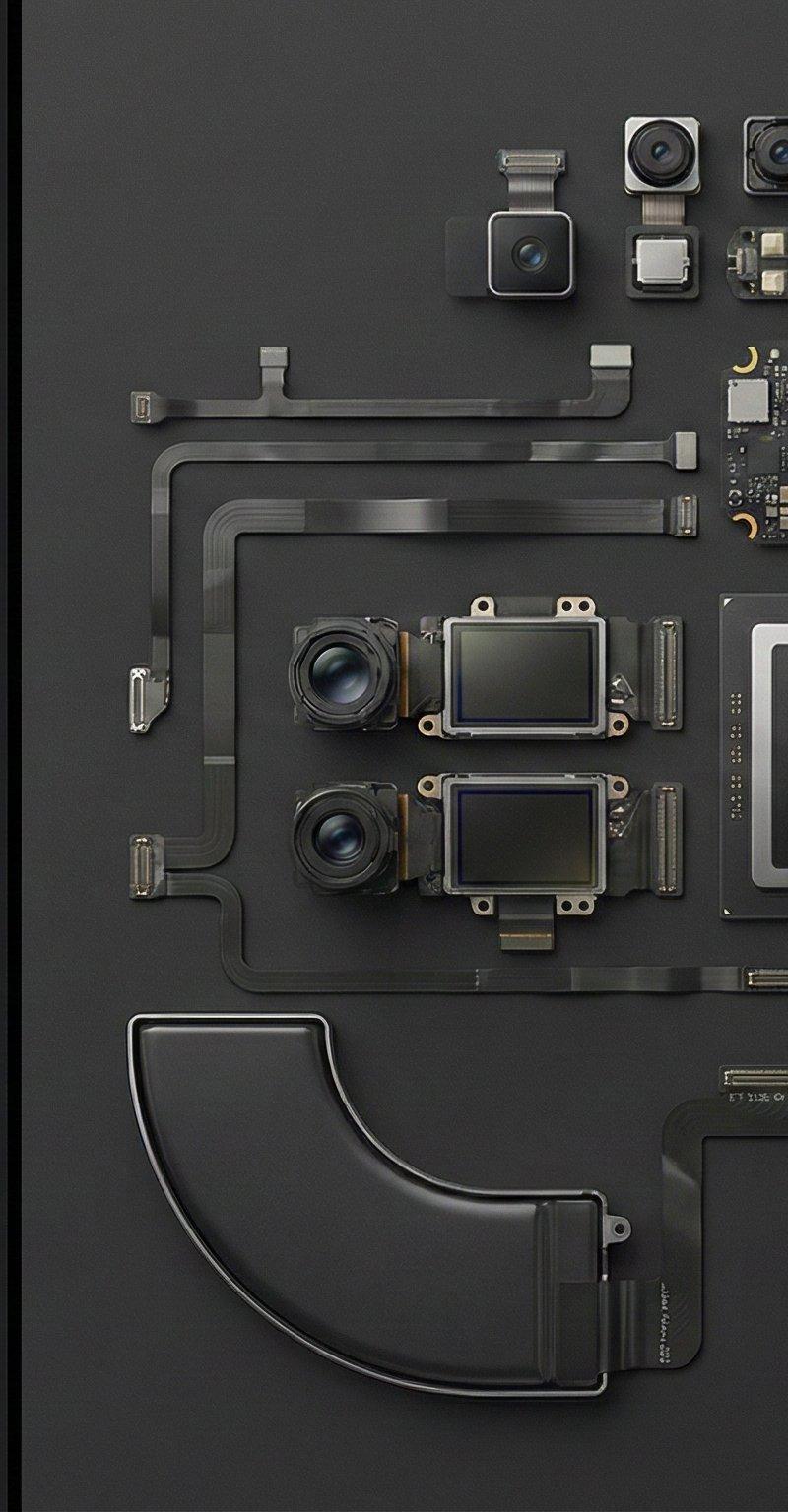
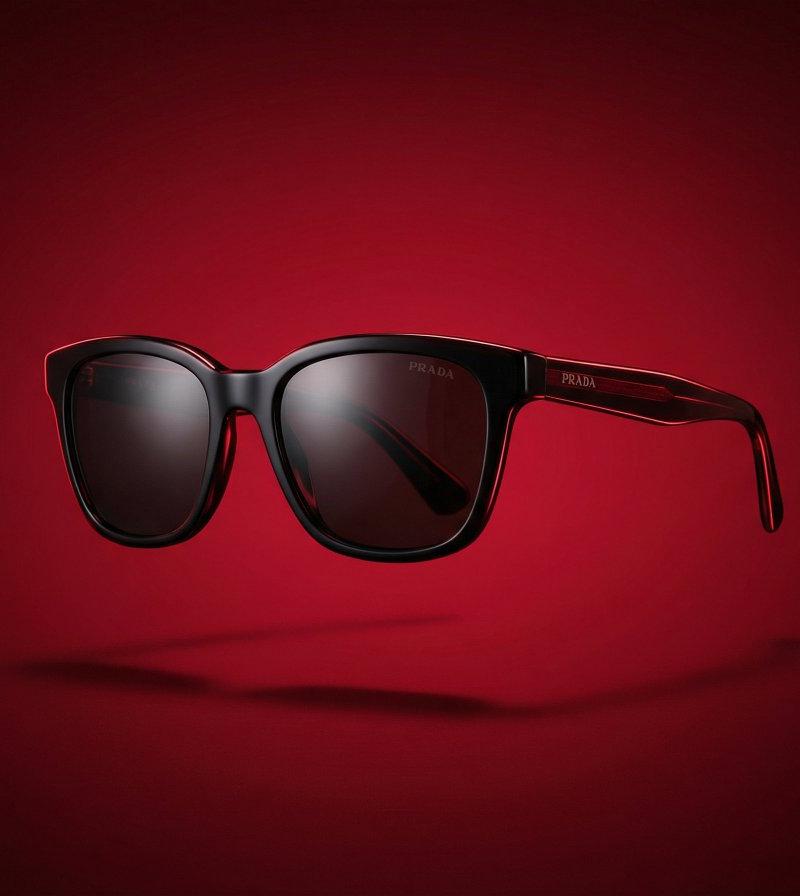
Example images

纳米香蕉Pro转换器提示

Prompt
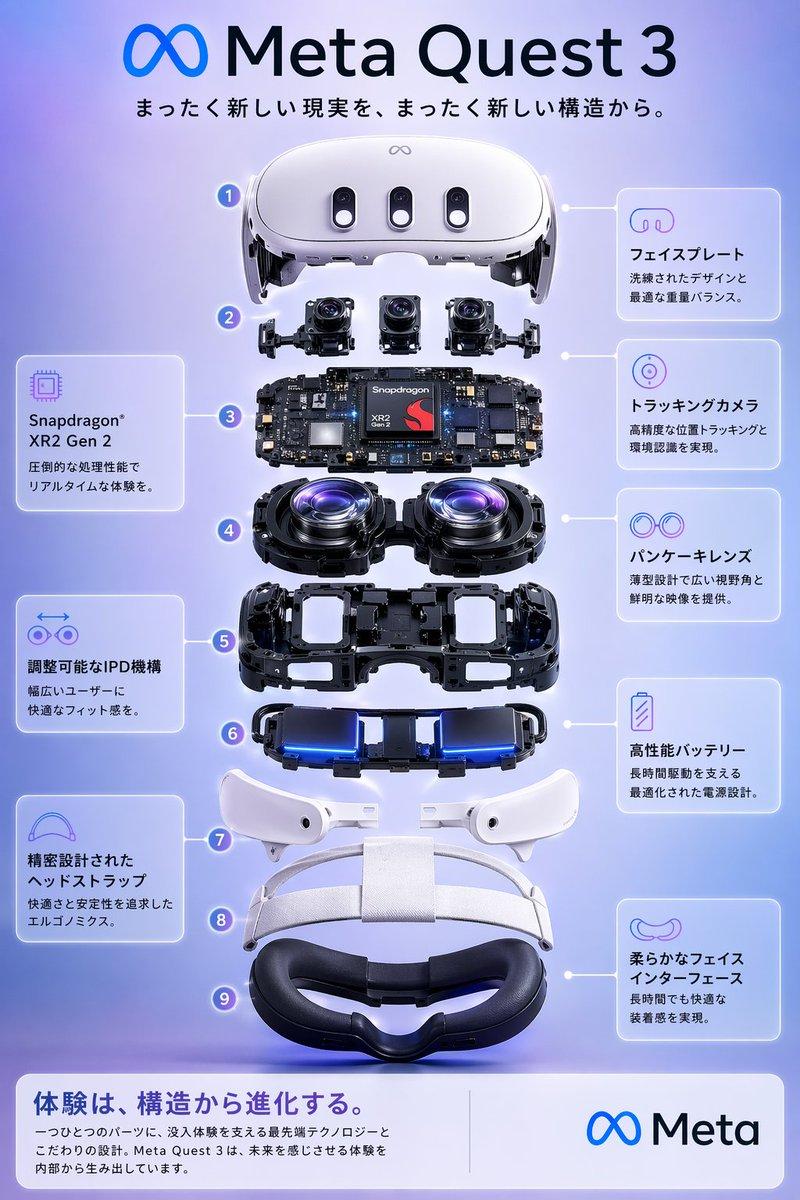
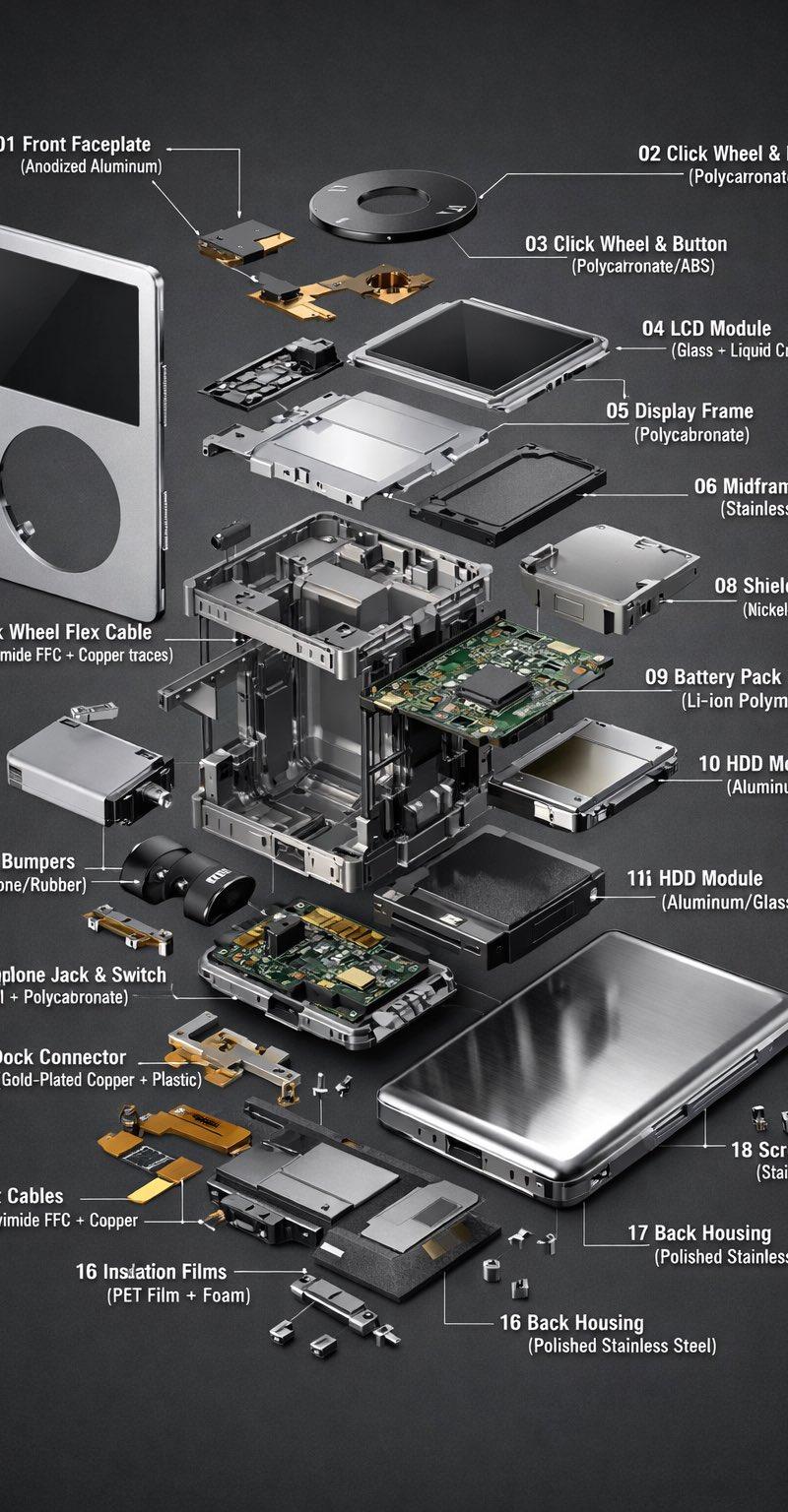
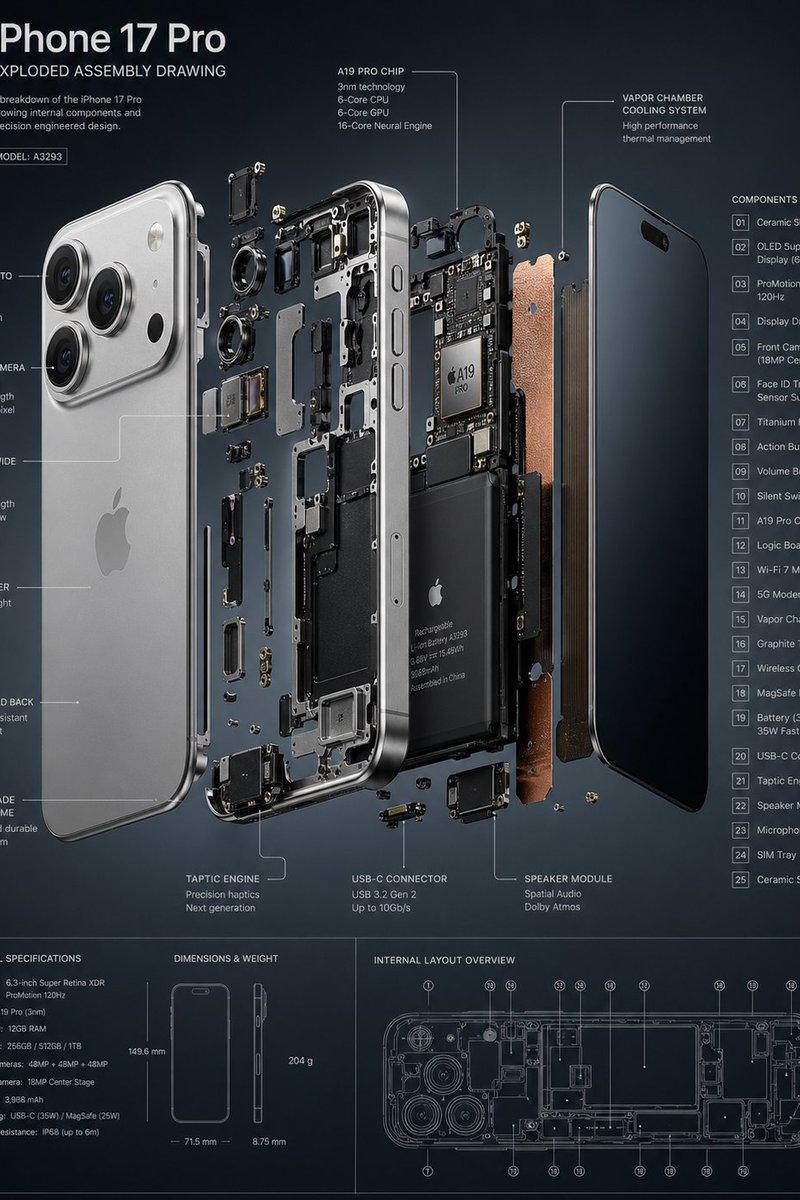
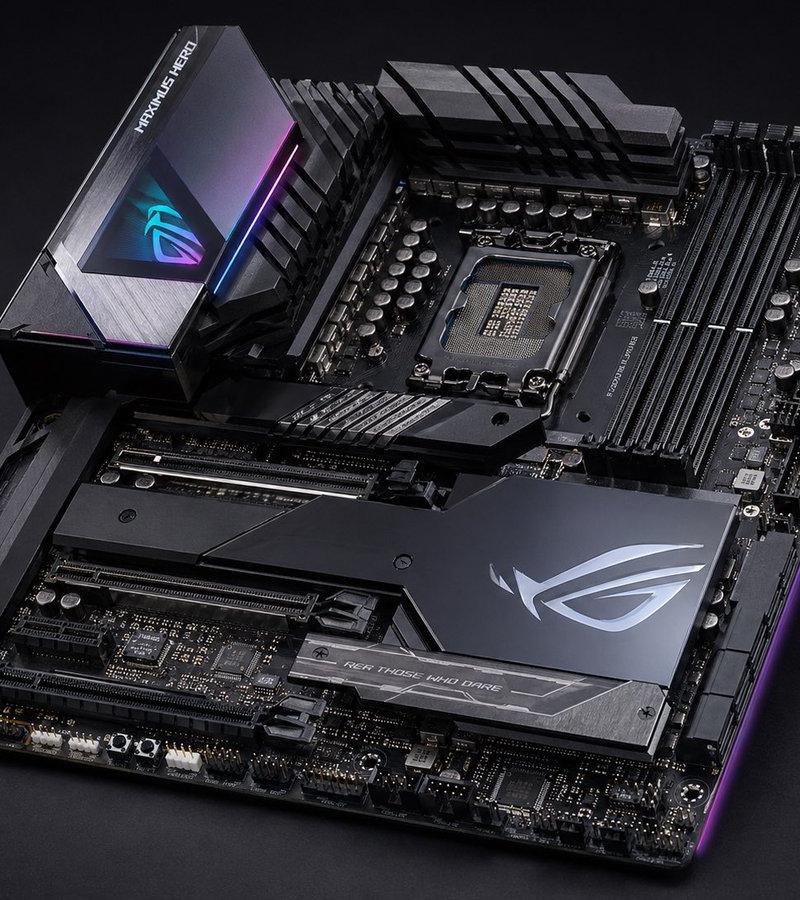
Nano Banana Pro is so addictive. Just incredible what you can do with it. Here is an "everyday object" to wearable converter prompt:
<instruction>Act as the "Streetwear Algorithm" AI.</instructions>
Concept: Turns any random object into the perfect corresponding "Hypebeast" fashion item.
1. ANALYZE INPUT (Form & Physics):
Look at the attached image. Determine:
Texture: (Soft/Hard/Liquid/Glass)
Structure: (Rigid/Flexible/Mechanical)
Shape: (Boxy/Round/Aerodynamic/Flat)
2. AUTO-SELECT MODEL (Run this Logic Tree):
IF Input is Soft, Volumetric, or Tangled (Noodles, Clouds, Moss, Bubblewrap)
-> GENERATE: Oversized Puffer Jacket
IF Input is Rigid, Aerodynamic, or Mechanical (Stapler, Car, Power Tool, Robot)
-> GENERATE: Chunky Conceptual Sneaker
IF Input is Boxy, Container-like, or Heavy Metal (Safe, Trash Can, Speaker, Computer Case)
-> GENERATE: Hard-Shell Tech Backpack
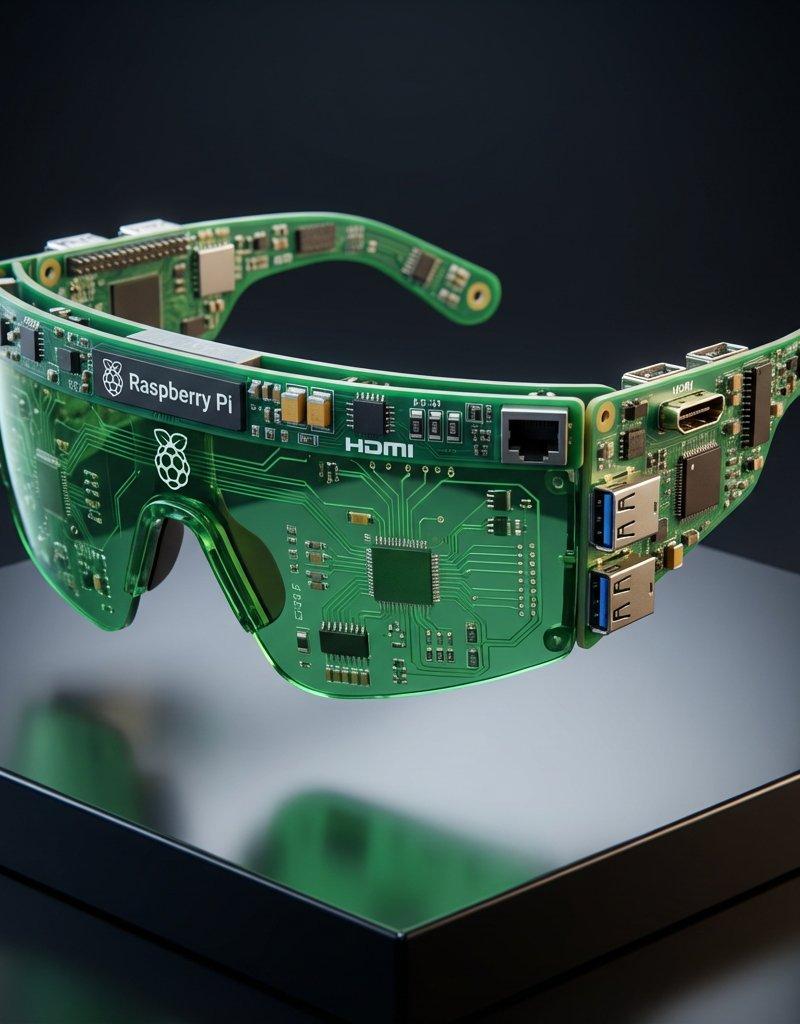
IF Input is Transparent, Glassy, or Thin/Wire-like (Neon Sign, Circuit Board, Stained Glass, Ice)
-> GENERATE: Futuristic Wrap-Around Sunglasses (Visor)
IF Input is Textile, Flat, or Pattern-Heavy** (Persian Rug, Painting, Cardboard)
-> GENERATE: Oversized Hoodie or Tactical Vest
3. EXECUTE DESIGN:
Create a studio product shot of the "selected item".
Design Rule: The item must look like it was manufactured "using the parts/materials of the input object".
Details: Keep original branding/logos if present.
Setting: Floating pedestal, Cinematic Lighting, 8k Resolution.
Category
UI & Interfaces
Model
Nano Banana Pro
Creator
Gadgetify
Source language
zh-CN
Views0
Source ID
nano-banana-pro-everyday-object-to-fashion-item-converter-prompt
Studio

Guide

About "纳米香蕉Pro转换器提示"

What is this prompt for?

"纳米香蕉Pro转换器提示" AI image prompt for Nano Banana Pro (UI & Interfaces). Nano Banana Pro is so addictive. Just incredible what you can do with it. Here is an "eve…

The full copyable prompt and example visuals above are ready for AI image generation or one-click recreate in Picva.

How to use this prompt

  1. Step 1

    Open the prompt detail

    Review the example visuals, category, and full prompt text for "纳米香蕉Pro转换器提示".

  2. Step 2

    Copy the prompt

    Copy the prompt body from this page, or load it directly in Studio.

  3. Step 3

    Pick a model (Nano Banana Pro)

    Prefer Nano Banana Pro. If you switch models, keep subject and composition and tweak style terms.

  4. Step 4

    Generate and export

    Recreate the look in Picva, or export into your workflow for editing and publishing.

FAQ

What is the "纳米香蕉Pro转换器提示" prompt?
It is an AI image-generation prompt for Nano Banana Pro in the UI & Interfaces category. This page includes the full prompt text, example visuals, and a one-click recreate path in Picva.
How do I use this prompt to generate an image?
Copy the prompt from this page, or use Generate / Studio. Paste it into a compatible image model, or recreate the look in Picva with optional reference images.
Which model is this prompt for?
This page lists Nano Banana Pro. Most descriptive prompts also transfer to nearby image models such as GPT Image, Flux, or Midjourney with light style tweaks.
Can I use the result commercially?
You can usually copy the prompt for creation, but commercial use of the final image depends on the model terms, reference-image rights, and the generated content. Follow the source author and platform rules.