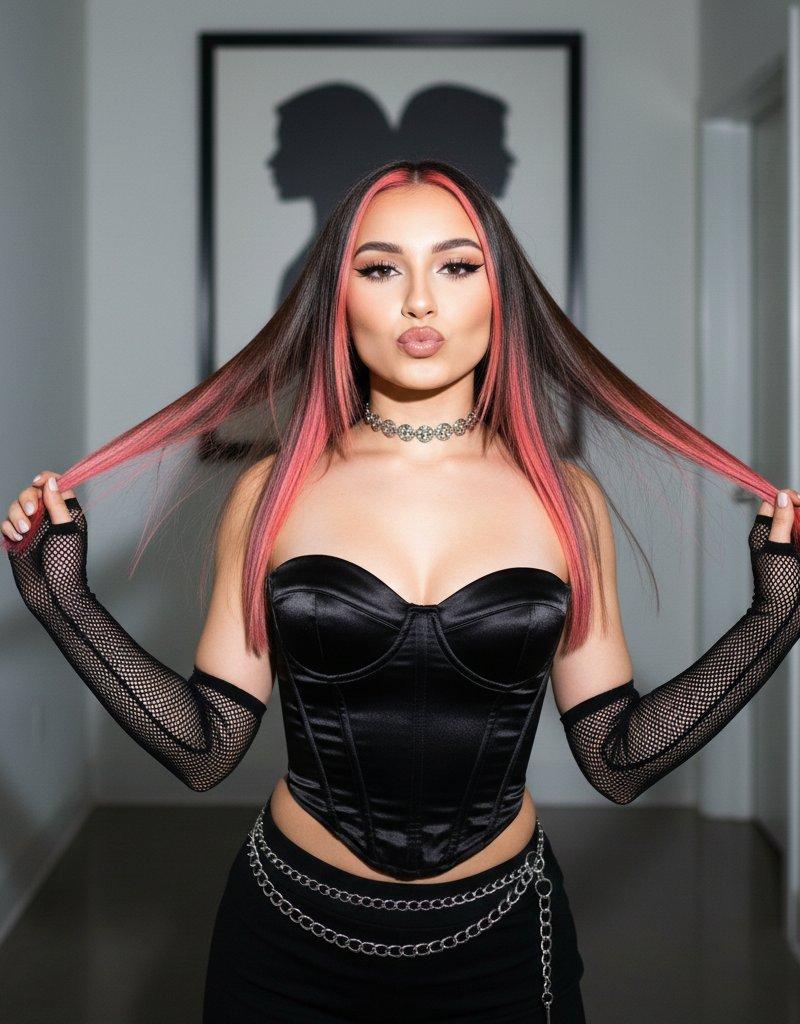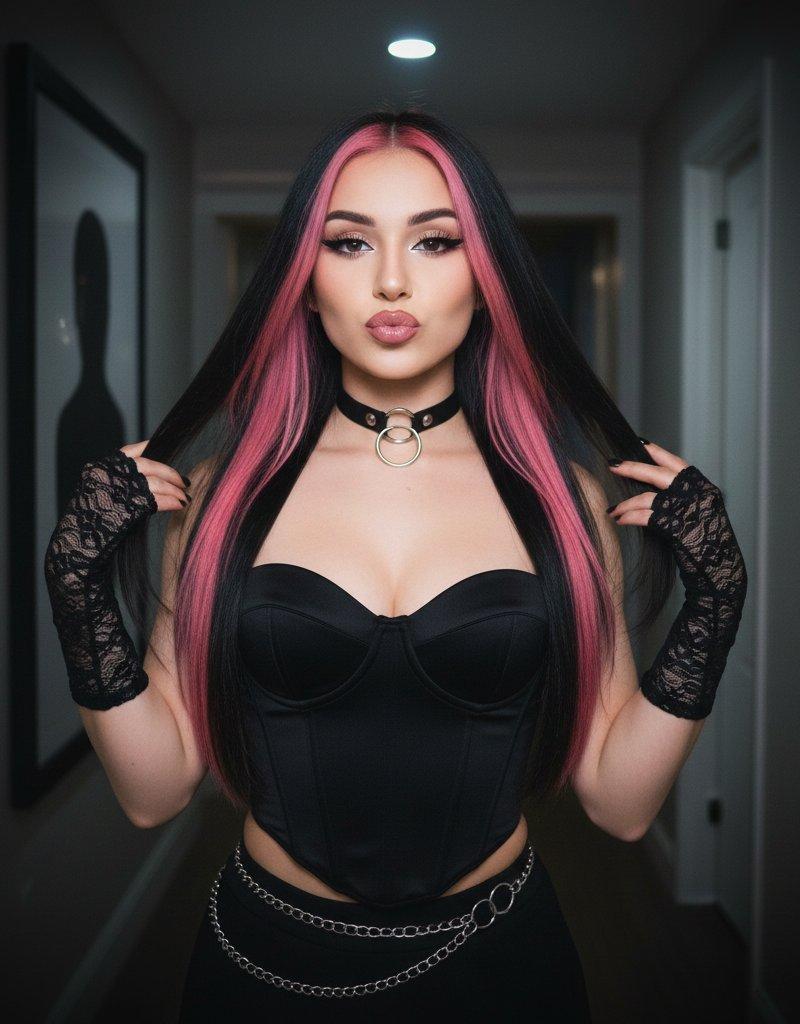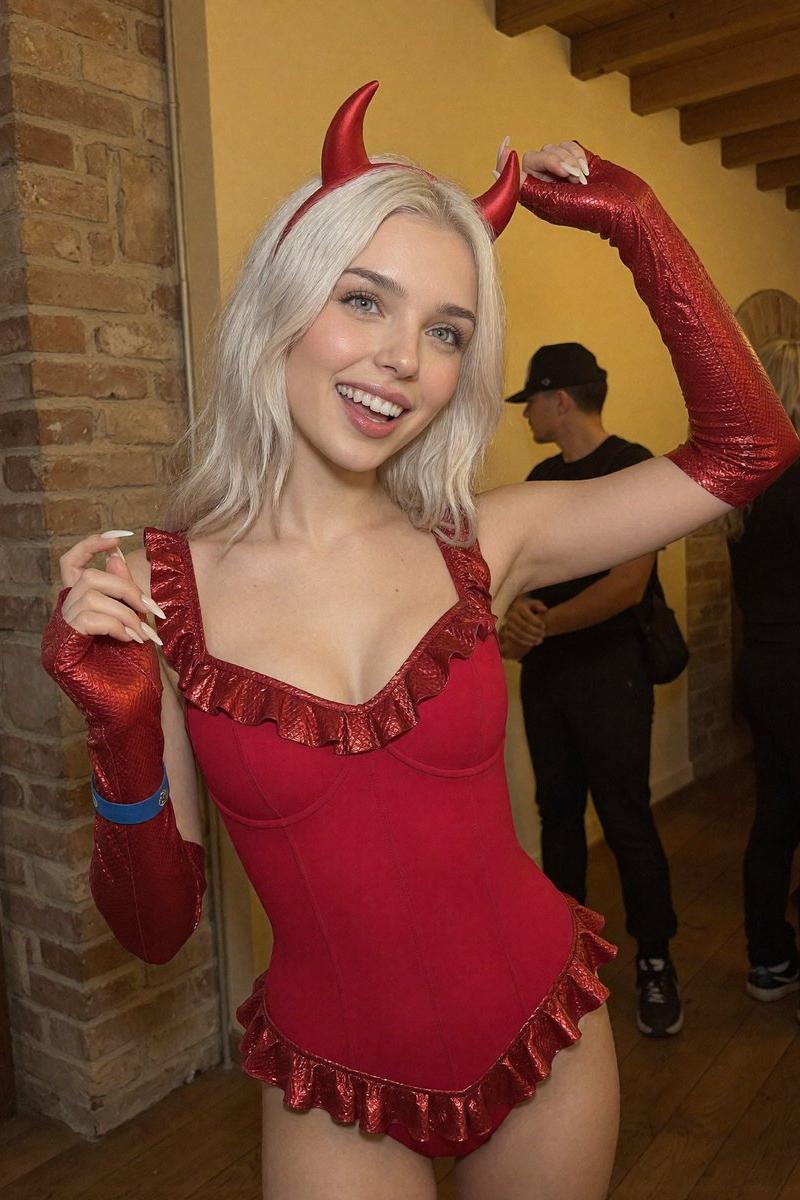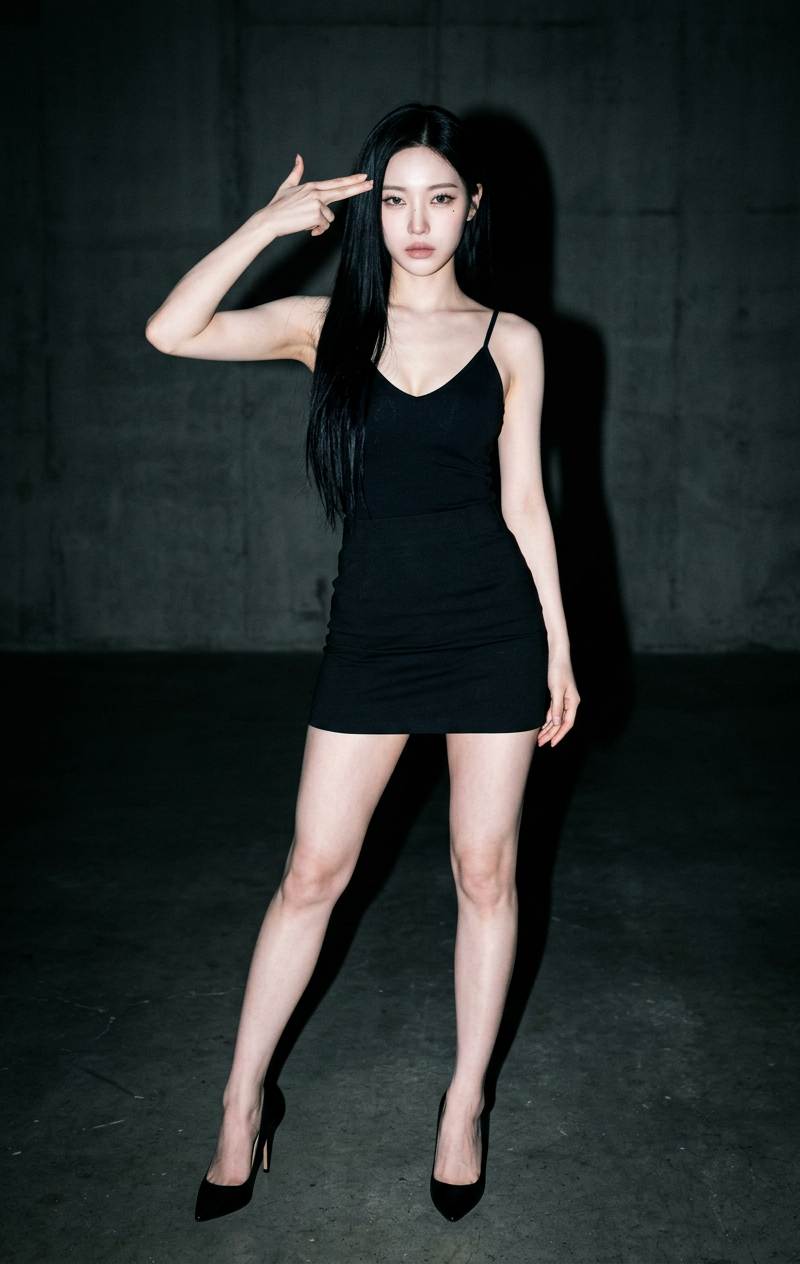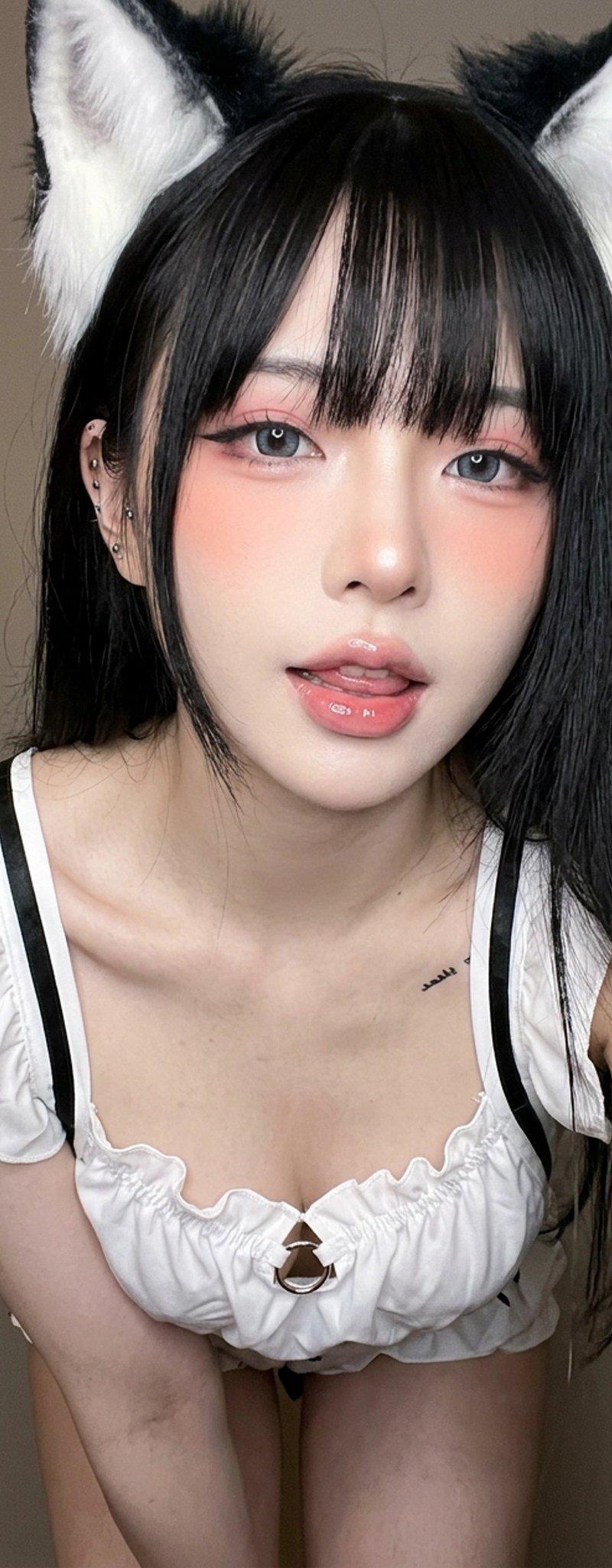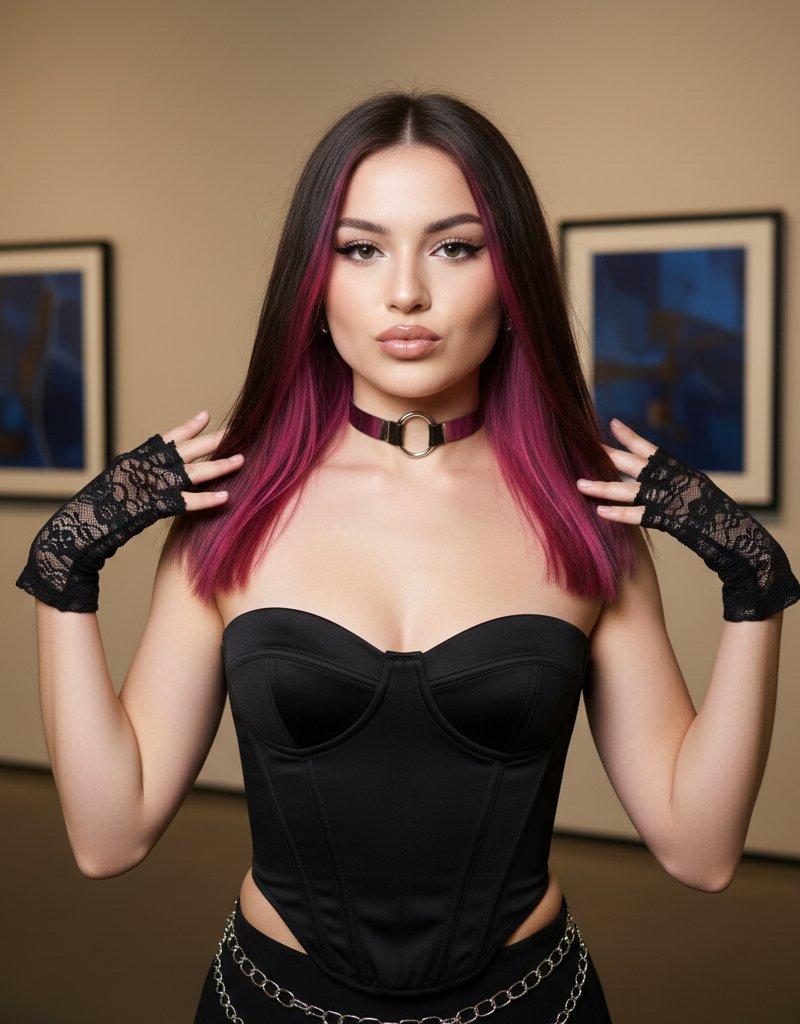
Nano Banana Pro - @GeminiApp
Prompt
Nano Banana Pro in @GeminiApp
Prompt:
"prompt_description": {
"subject": {
"appearance": "Young woman with fair skin and long, straight black hair. \'Cute\' makeup style with pink blush on cheeks and glossy lips.",
"outfit": "Classic black bunny girl costume. Black satin strapless bodysuit (leotard) with a sweetheart neckline. Black sheer pantyhose/tights. Accessories include large black lace bunny ears headband, a white collar with a black bowtie, and white french cuffs on the wrists. A beaded bracelet on the right wrist.",
"environment": "Indoor domestic setting. Standing in front of a light-colored wooden door with a silver handle. A white wall is visible to the left with a partial view of a yellow poster/artwork."
},
"technical_style": "Candid snapshot aesthetic, direct flash photography, influencer social media style, high key brightness."
},
"pose_specs": {
"body_position": "Standing facing forward, cut off at the thighs (medium shot).",
"arms": "Both arms raised, elbows bent out to the sides. Hands positioned near the face with index fingers poking into the cheeks.",
"head": "Facing directly forward. Eyes closed or looking down in a playful manner. Lips pursed in a \'kissy\' or whistling expression.",
"expression": "Playful, cute, \'aegyo\' pose."
},
"camera_settings": {
"viewpoint": "Eye-level.",
"focal_length": "28mm to 35mm (Smartphone wide lens style).",
"aperture": "f/1.8 to f/2.8",
"shutter_speed": "1/60s (Flash synced).",
"iso": "400",
"composition": "Centered composition, framing from mid-thigh to above the bunny ears."
},
"lighting_setup": {
"type": "On-camera direct flash.",
"qualities": "Hard, frontal light source close to the lens axis.",
"shadows": "Distinct, hard drop shadow visible on the wooden door directly behind the subject, indicating the flash is mounted on or very near the camera.",
"color_temperature": "Flash white balance (approx 5500K), mixed with slightly warmer indoor ambient tones."
}
}- Category
- Photography & Realism
- Model
- Nano Banana Pro
- Creator
- Iqra Saifi
- Source language
- en
- Source ID
- nano-banana-pro-gemini-app
Views1