20

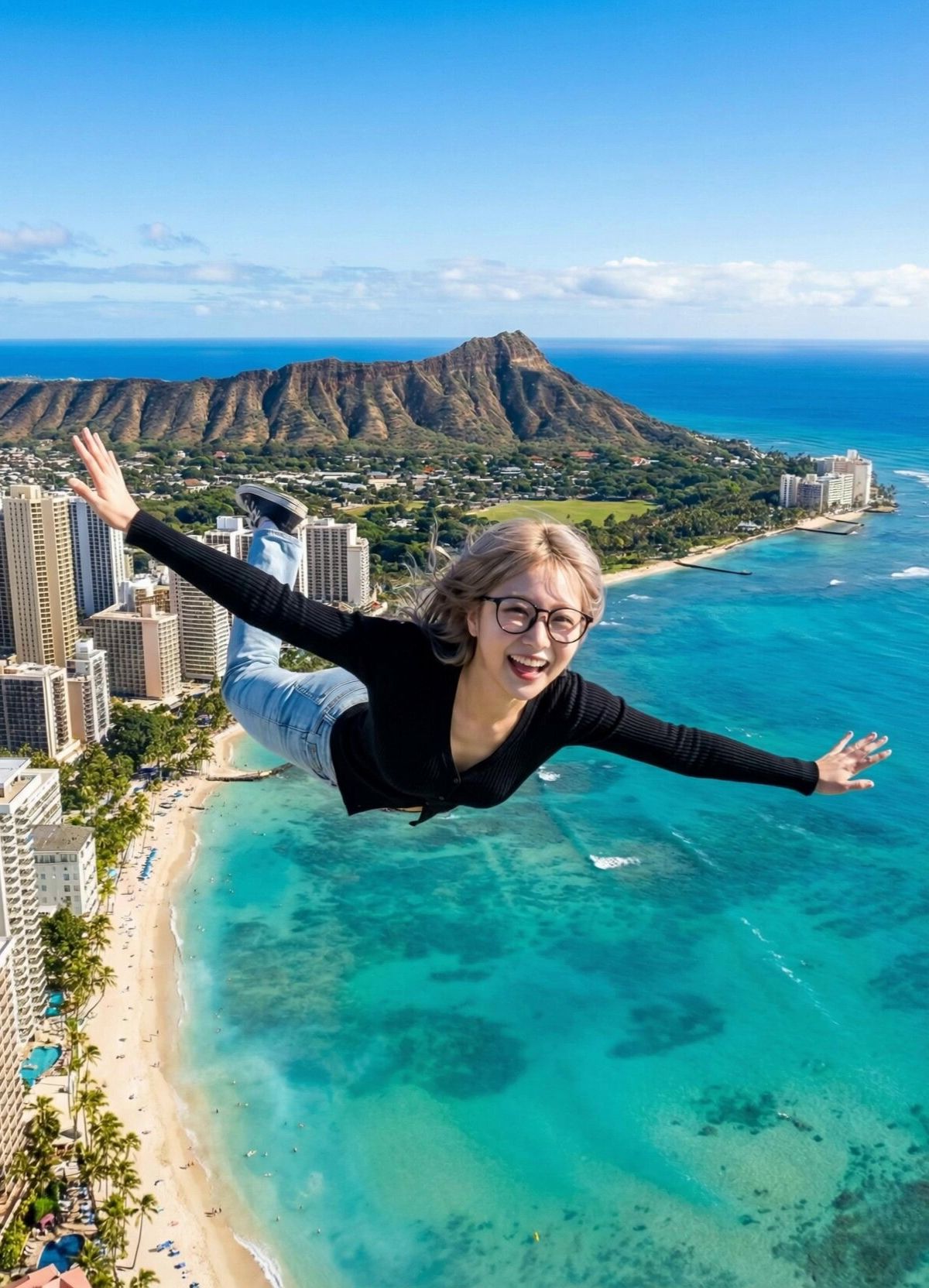
Nano Banana Pro,我飞起来了!
Enlarge

Nano Banana Pro,我飞起来了!

Prompt
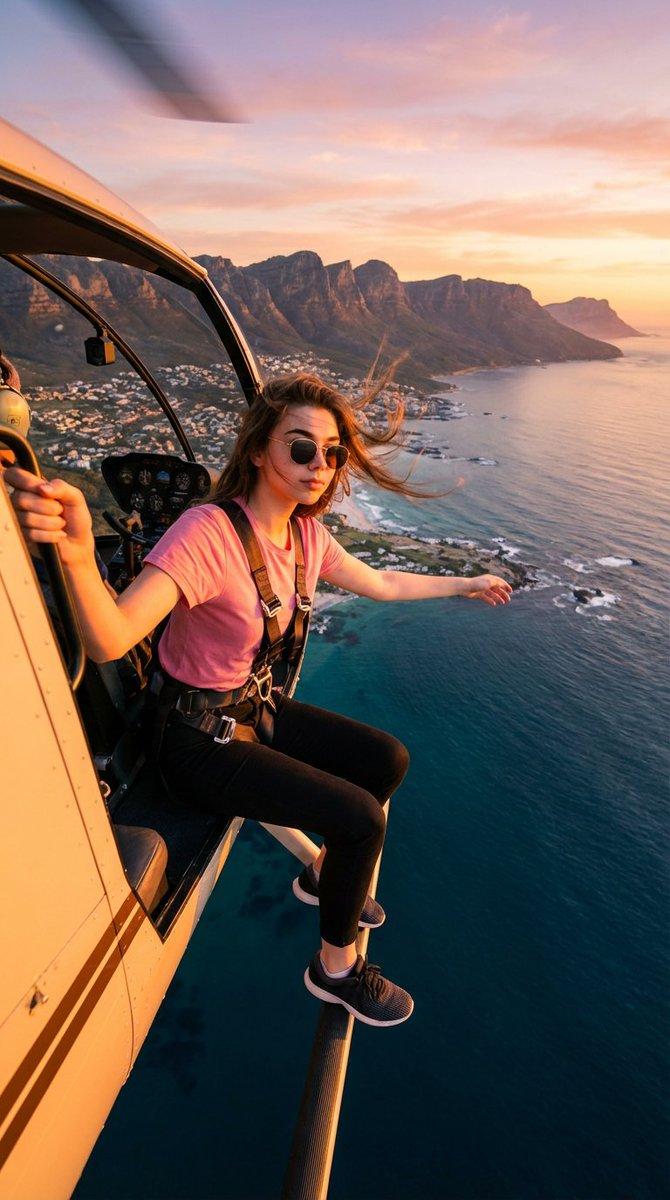
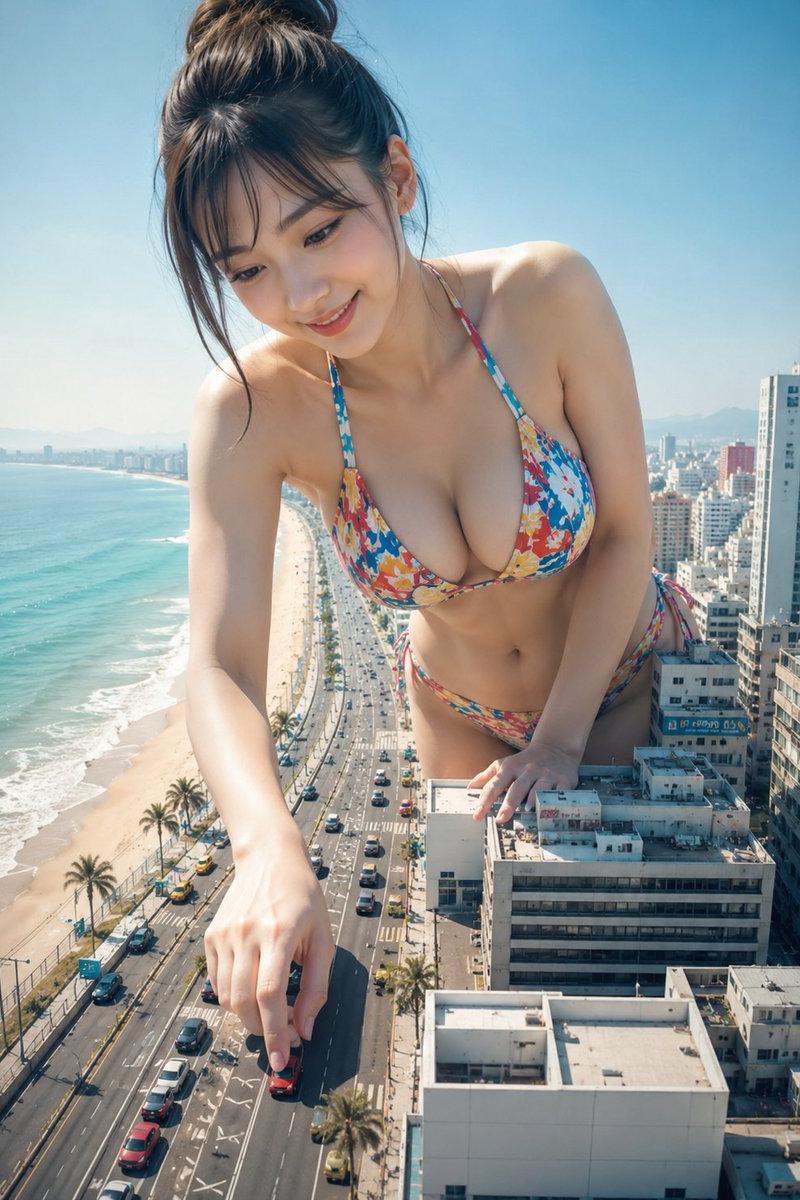
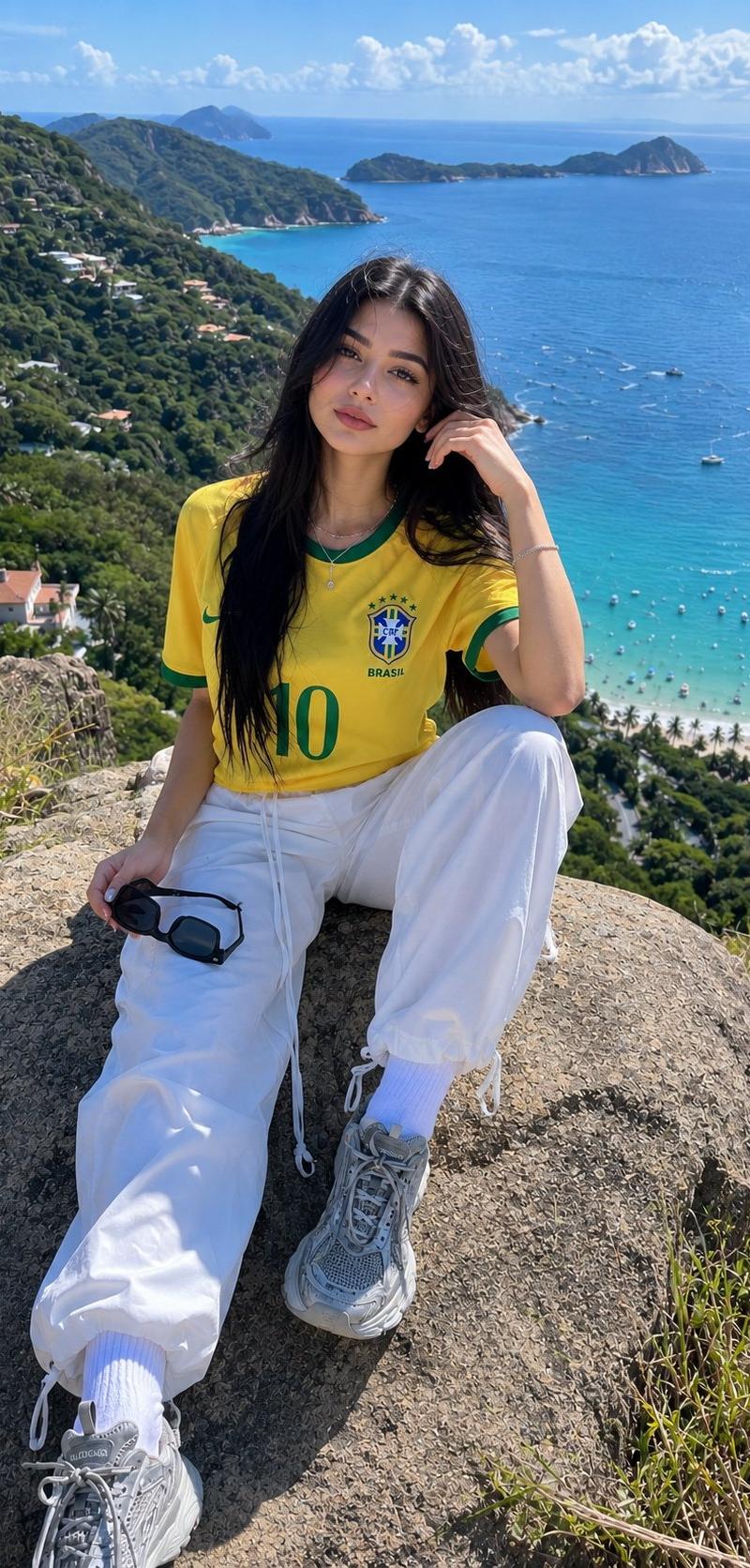
“兄弟们,我可以飞啦!” 🦸‍♀️
只需要一张 Nano Banana Pro 的照片,Higgsfield 就给了她超能力。
这种原本需要吊威亚、绿幕和昂贵特效才能完成的镜头,现在由 Kling 2.6 实时生成。 看着她在城市上空穿梭,背景的建筑和海浪依然稳定如初。
prompt👇
Scene: High altitude above Waikiki Beach, Hawaii. Sunny day.
Action: The woman is flying forward at high speed (Superman pose). Her hair and clothes flap violently in the strong wind. She looks excited and shouts to the camera.
Audio: Energetic female voice shouting in Chinese over the wind noise: "兄弟们,我现在可以飞了!想去哪里就去哪里!" (Xiongdi men, wo xianzai keyi fei le! Xiang qu nali jiu qu nali!). Loud wind rushing sound (Whoosh).
Camera: Tracking Shot / Dolly Forward. The camera follows her at the same speed. The background city and ocean move backwards rapidly to show speed.
#Superpower #AIvideo #NanoBananaPro
Category
Photography & Realism
Model
Nano Banana Pro
Creator
John
Source language
zh-CN
Views0
Source ID
nano-banana-pro-i-can-fly
Studio

Guide

About "Nano Banana Pro,我飞起来了!"

What is this prompt for?

"Nano Banana Pro,我飞起来了!" AI image prompt for Nano Banana Pro (Photography & Realism). “兄弟们,我可以飞啦!” 🦸‍♀️ 只需要一张 Nano Banana Pro 的照片,Higgsfield 就给了她超能力。 这种原本需要吊威…

The full copyable prompt and example visuals above are ready for AI image generation or one-click recreate in Picva.

How to use this prompt

  1. Step 1

    Open the prompt detail

    Review the example visuals, category, and full prompt text for "Nano Banana Pro,我飞起来了!".

  2. Step 2

    Copy the prompt

    Copy the prompt body from this page, or load it directly in Studio.

  3. Step 3

    Pick a model (Nano Banana Pro)

    Prefer Nano Banana Pro. If you switch models, keep subject and composition and tweak style terms.

  4. Step 4

    Generate and export

    Recreate the look in Picva, or export into your workflow for editing and publishing.

FAQ

What is the "Nano Banana Pro,我飞起来了!" prompt?
It is an AI image-generation prompt for Nano Banana Pro in the Photography & Realism category. This page includes the full prompt text, example visuals, and a one-click recreate path in Picva.
How do I use this prompt to generate an image?
Copy the prompt from this page, or use Generate / Studio. Paste it into a compatible image model, or recreate the look in Picva with optional reference images.
Which model is this prompt for?
This page lists Nano Banana Pro. Most descriptive prompts also transfer to nearby image models such as GPT Image, Flux, or Midjourney with light style tweaks.
Can I use the result commercially?
You can usually copy the prompt for creation, but commercial use of the final image depends on the model terms, reference-image rights, and the generated content. Follow the source author and platform rules.