17

Nano Banana Pro ピクトグラムプロンプト
Enlarge

Example images

Nano Banana Pro ピクトグラムプロンプト

Prompt
Nano Banana Pro ピクトグラムプロンプト
ピクトグラム素材をジャンル別に生成出来るプロンプト作りました!
テーマや世界観に合う素材探しに時間溶さず済むようになります。
↓コピペで即使えるデザインが出力されます💡
●生成テーマ
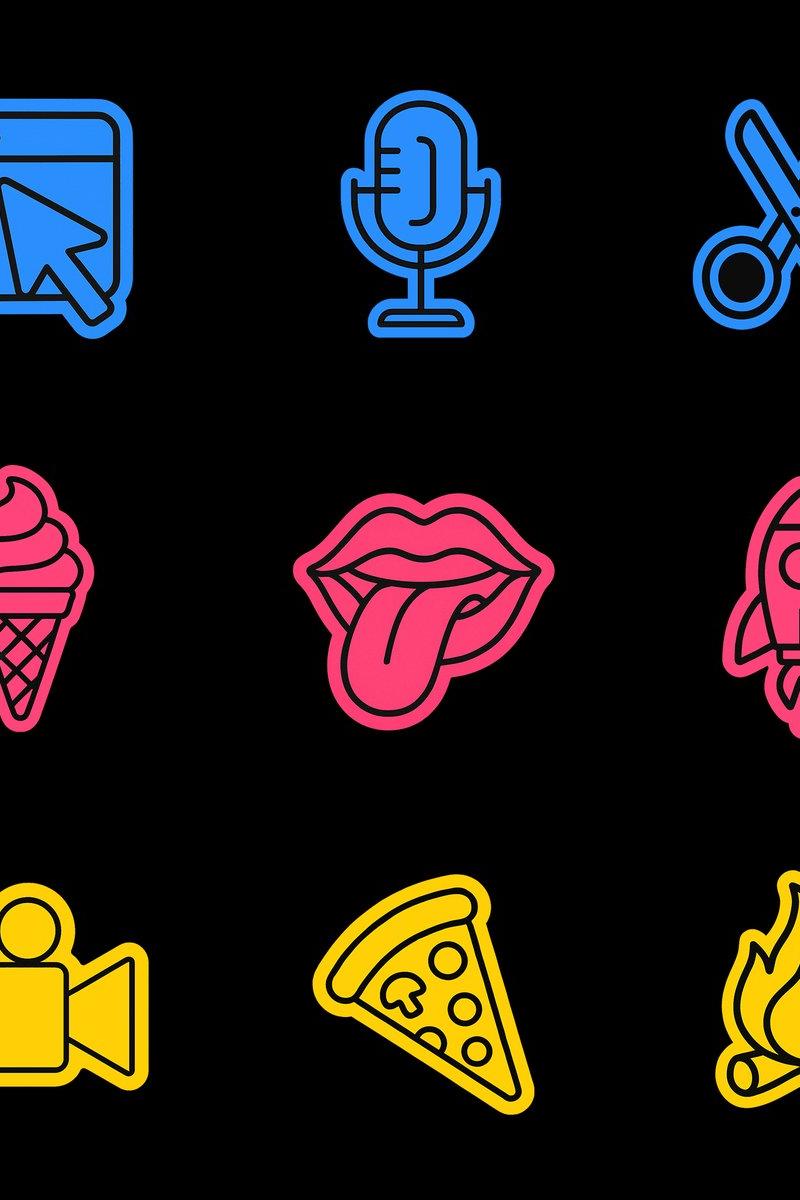
YouTube動画に使うアイコン素材セット
●内容
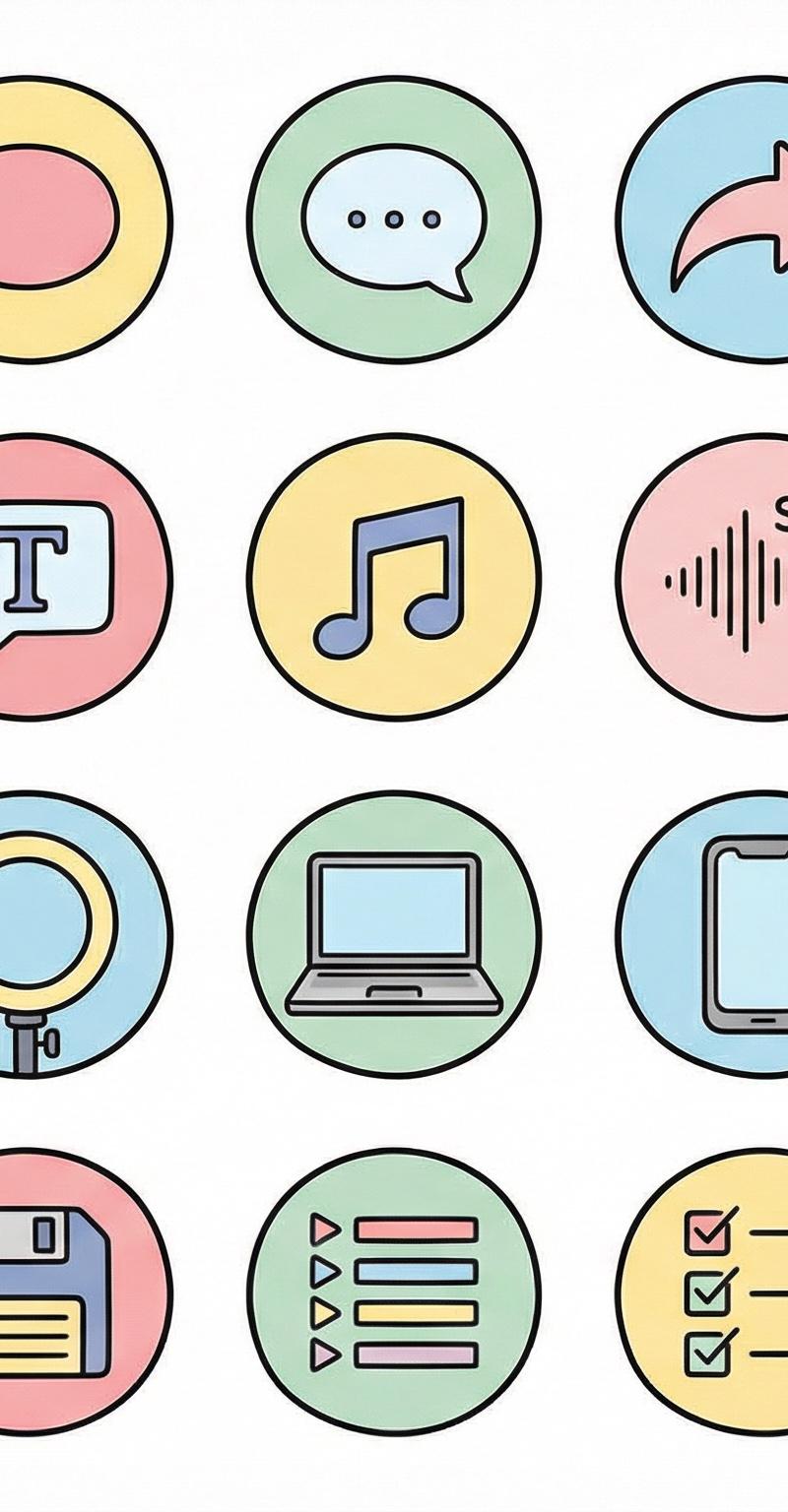
YouTube制作・編集・投稿・分析に使うアイコンを統一デザインで作成。
例)
・アクション:再生ボタン、高評価、コメント、共有、通知ベル
・編集:カット、タイムライン、テロップ、BGM、効果音
・撮影機材:カメラ、マイク、ライト、PC、スマホ、ヘッドセット
・運用:アップロード、分析、保存、プレイリスト、リスト、矢印
●制作条件
・統一された比率・線幅・色味・世界観
・視認性が高い
・テキスト不要
・背景:白単色
・解像度「2K」
・アスペクト比「16:9」
●デザインイメージ
→ここに下記のデザインイメージを挿入してください💡
【Negative prompt】
リアル、写真質感、立体、3D、複雑すぎるディテール、メタル質感、濃い影、ホラー、暗すぎる色
-------------------
●デザインイメージ①(ゆるふわ)
丸みがある形、柔らかい配色、黒の細線、パステルカラー、親しみやすい雰囲気、手書きイラスト風
-------------------
●デザインイメージ②(YouTube風シンプルフラット)
太ライン、Red×White×Black重視、シャープな角、強調ライン、視認性優先、モダンなUIアイコン
-------------------
●デザインイメージ③(シンプル)
ミニマル、細ライン、洗練された間隔、無彩色中心、アイコンフォント風、上品で落ち着いたデザイン
-------------------
●デザインイメージ④(ゲーム実況・配信者)
蛍光系アクセントカラー(ネオンブルー/紫/赤)、SF感、Sharp edges、HUD UIスタイル、サイバーでエッジの効いたデザイン
-------------------
●デザインイメージ⑤(カラフルポップ・KIDS教育系)
太めの丸みのあるシルエット、明るいカラフル配色(赤・黄・緑・青・ピンク)、絵本風、柔らかくて楽しげな雰囲気、シンプルで認識しやすいアイコン、かわいいけど幼児向けすぎない教育系デザイン。
-------------------
●デザインイメージ⑥(解説系・歴史・レトロ)
落ち着いたレトロ配色(ブラウン・濃緑・深紺・セピア)、小説風・掲示板風・考察系の雰囲気、細ライン、少し重厚感のあるアイコン、古地図/資料感/アーカイブ感、世界観に統一感のあるミステリアスなトーン。
-------------------
●デザインイメージ⑦(派手・躍動感)
太めの線、強めのコントラスト、派手めのカラー(赤・黄色・黒)、エネルギッシュで動きがある印象、日本の漫画的強調表現(ビックリマーク、スピード線、強調文字風)、視聴者の注意を引くパワフルなポップデザイン。
-------------------
他にも思いついたデザインイメージを自由に挿入してみると面白いかも!
感覚的に使えるように設計したので、
「デザインイメージの項目のみ」遊び感覚でいじってみてください💪
Category
Illustration & Art
Model
Nano Banana Pro
Creator
ふためん┃動画編集者
Source language
zh-CN
Views0
Source ID
nano-banana-pro-icon-prompt
Studio

Guide

About "Nano Banana Pro ピクトグラムプロンプト"

What is this prompt for?

"Nano Banana Pro ピクトグラムプロンプト" AI image prompt for Nano Banana Pro (Illustration & Art). Nano Banana Pro ピクトグラムプロンプト ピクトグラム素材をジャンル別に生成出来るプロンプト作りました! テーマや世界観に合う素…

The full copyable prompt and example visuals above are ready for AI image generation or one-click recreate in Picva.

How to use this prompt

  1. Step 1

    Open the prompt detail

    Review the example visuals, category, and full prompt text for "Nano Banana Pro ピクトグラムプロンプト".

  2. Step 2

    Copy the prompt

    Copy the prompt body from this page, or load it directly in Studio.

  3. Step 3

    Pick a model (Nano Banana Pro)

    Prefer Nano Banana Pro. If you switch models, keep subject and composition and tweak style terms.

  4. Step 4

    Generate and export

    Recreate the look in Picva, or export into your workflow for editing and publishing.

FAQ

What is the "Nano Banana Pro ピクトグラムプロンプト" prompt?
It is an AI image-generation prompt for Nano Banana Pro in the Illustration & Art category. This page includes the full prompt text, example visuals, and a one-click recreate path in Picva.
How do I use this prompt to generate an image?
Copy the prompt from this page, or use Generate / Studio. Paste it into a compatible image model, or recreate the look in Picva with optional reference images.
Which model is this prompt for?
This page lists Nano Banana Pro. Most descriptive prompts also transfer to nearby image models such as GPT Image, Flux, or Midjourney with light style tweaks.
Can I use the result commercially?
You can usually copy the prompt for creation, but commercial use of the final image depends on the model terms, reference-image rights, and the generated content. Follow the source author and platform rules.