13

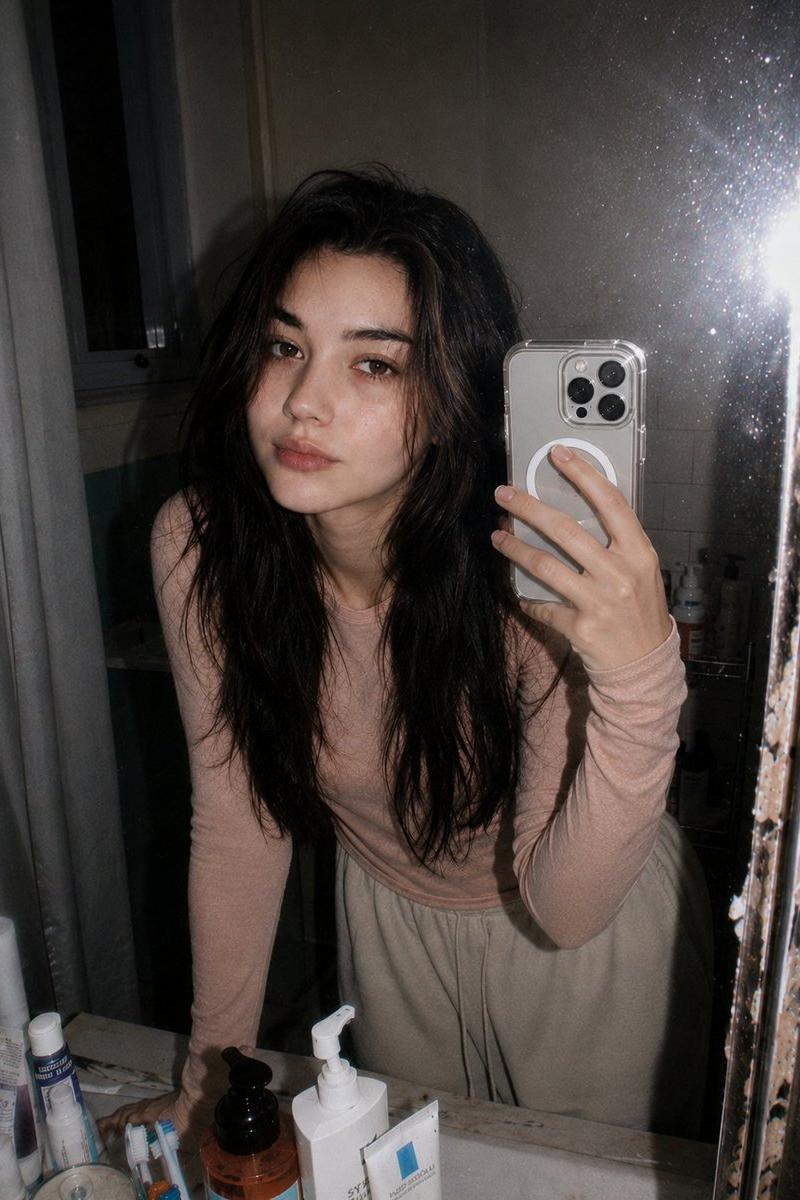
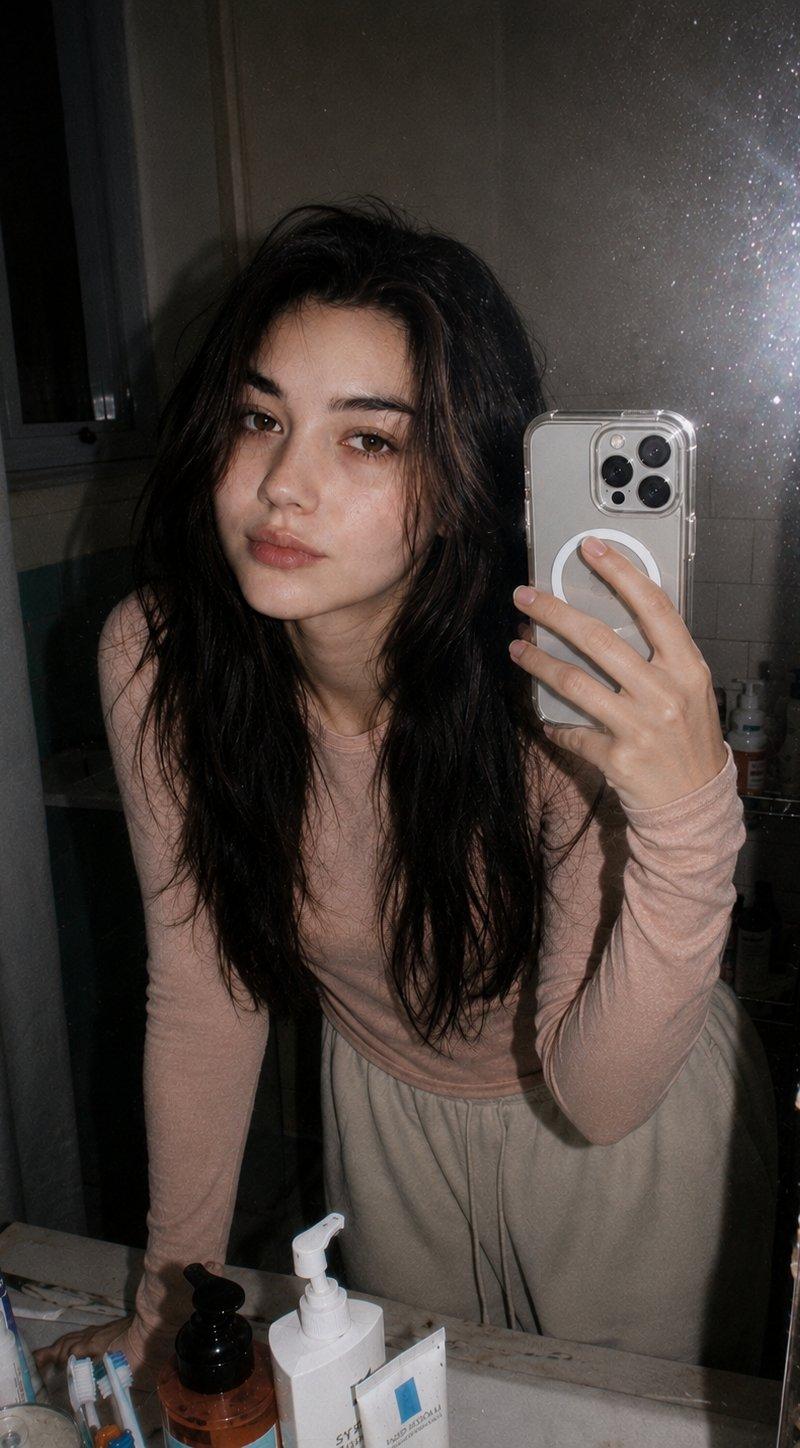
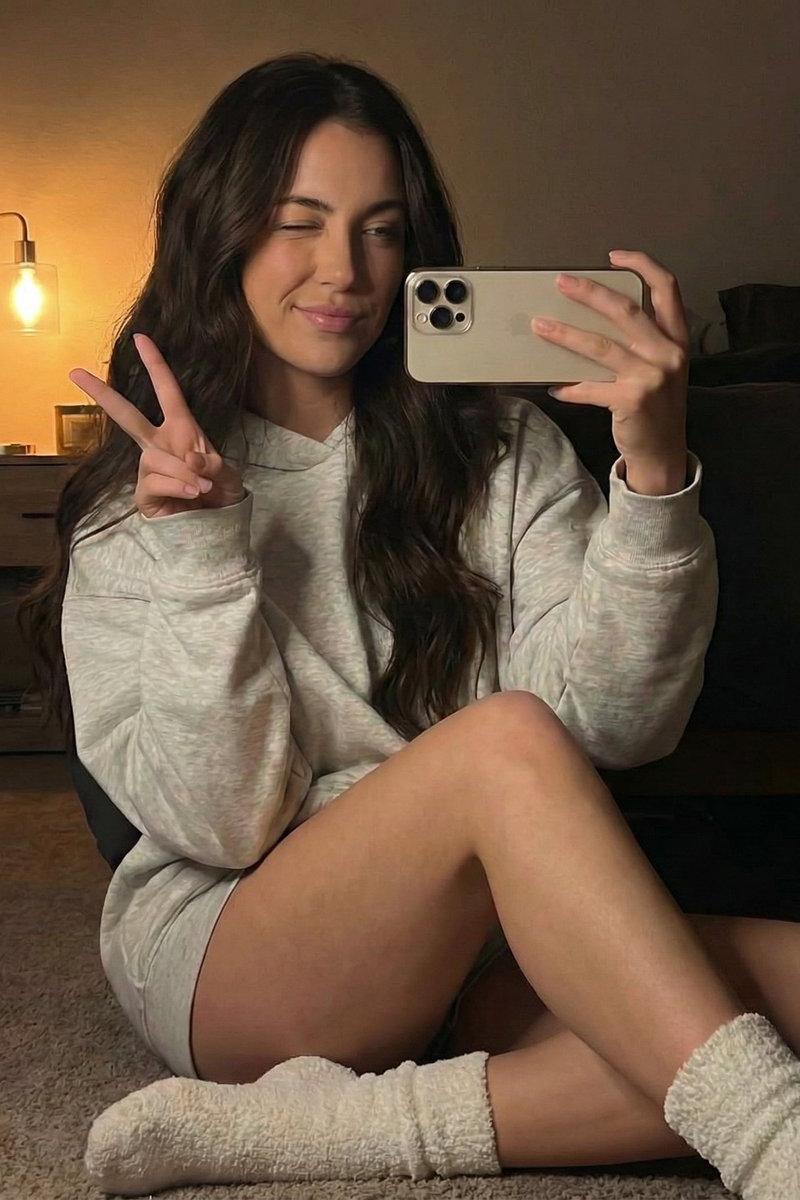
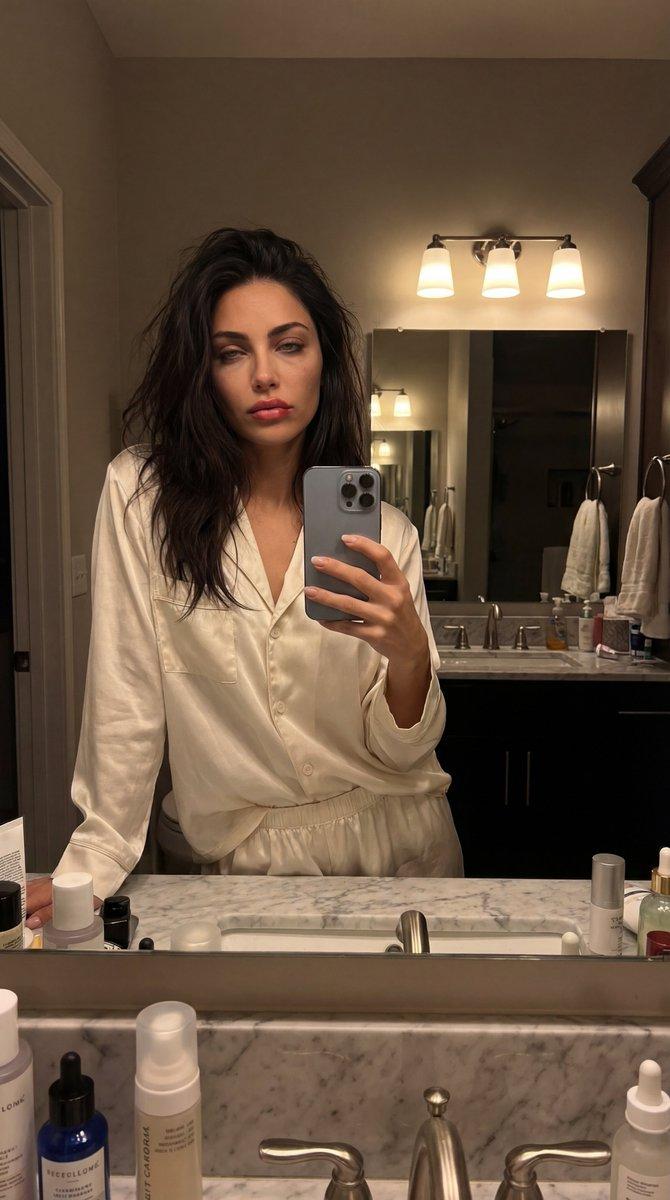
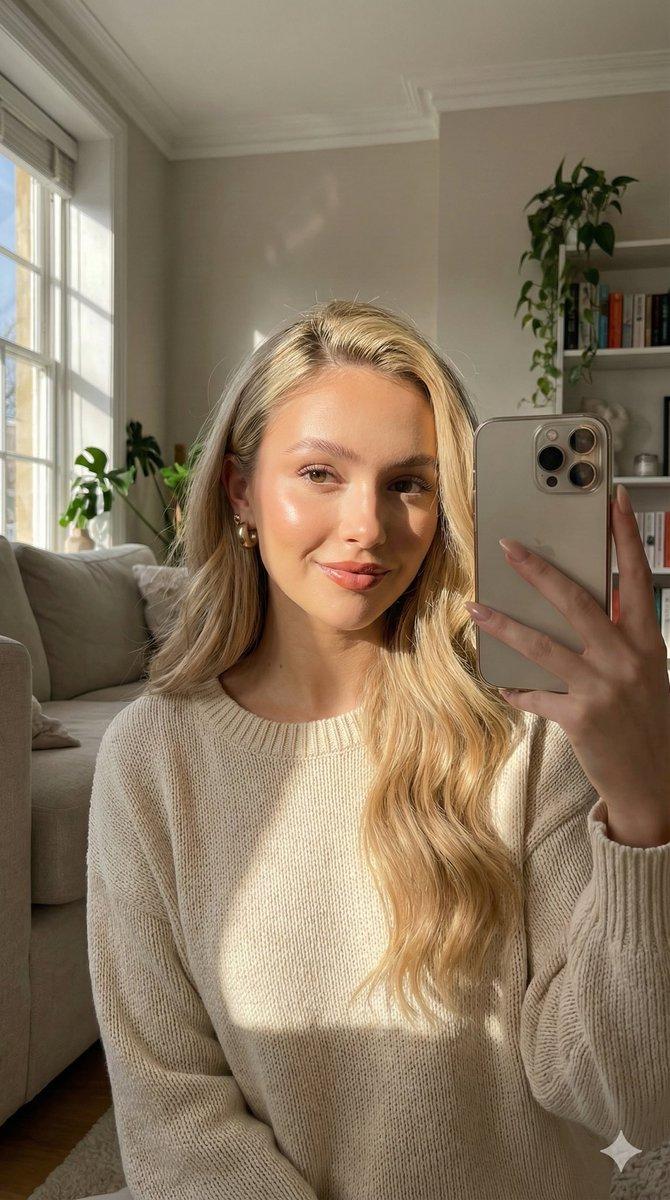
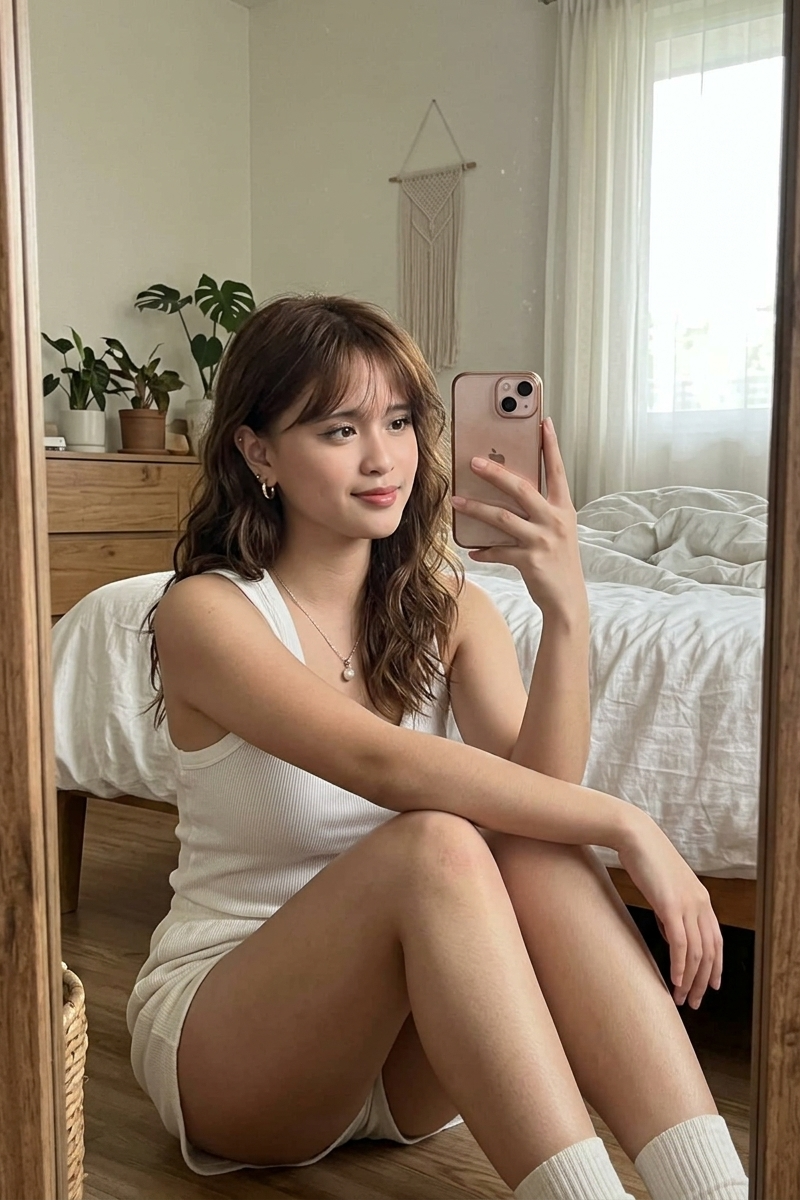
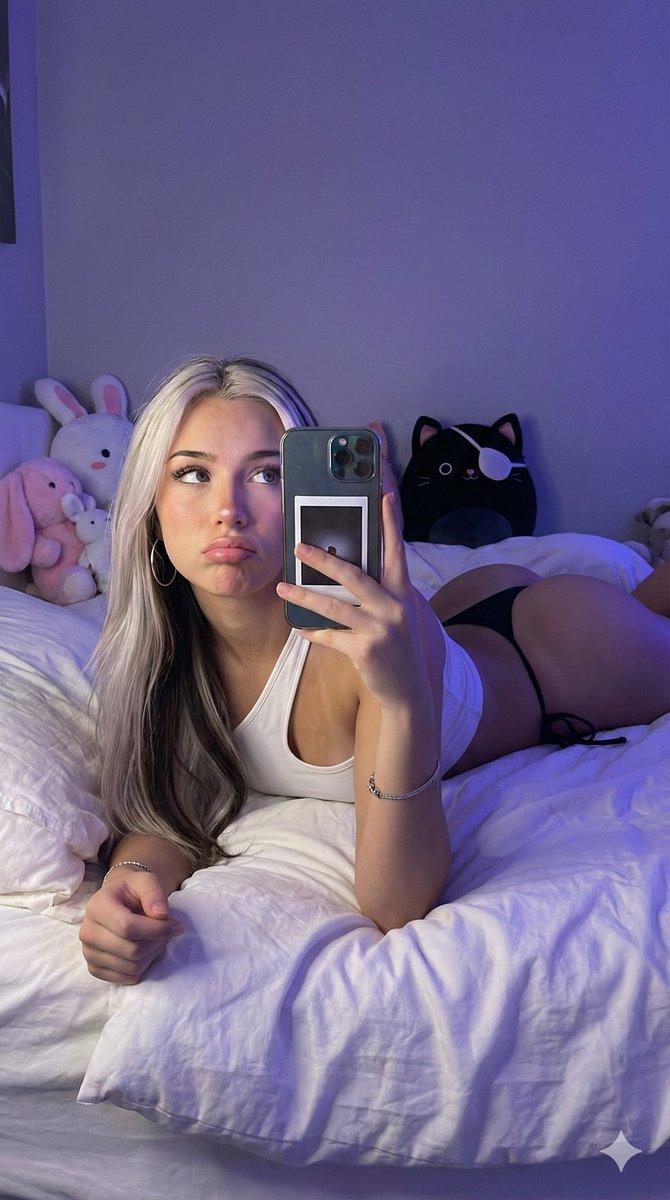
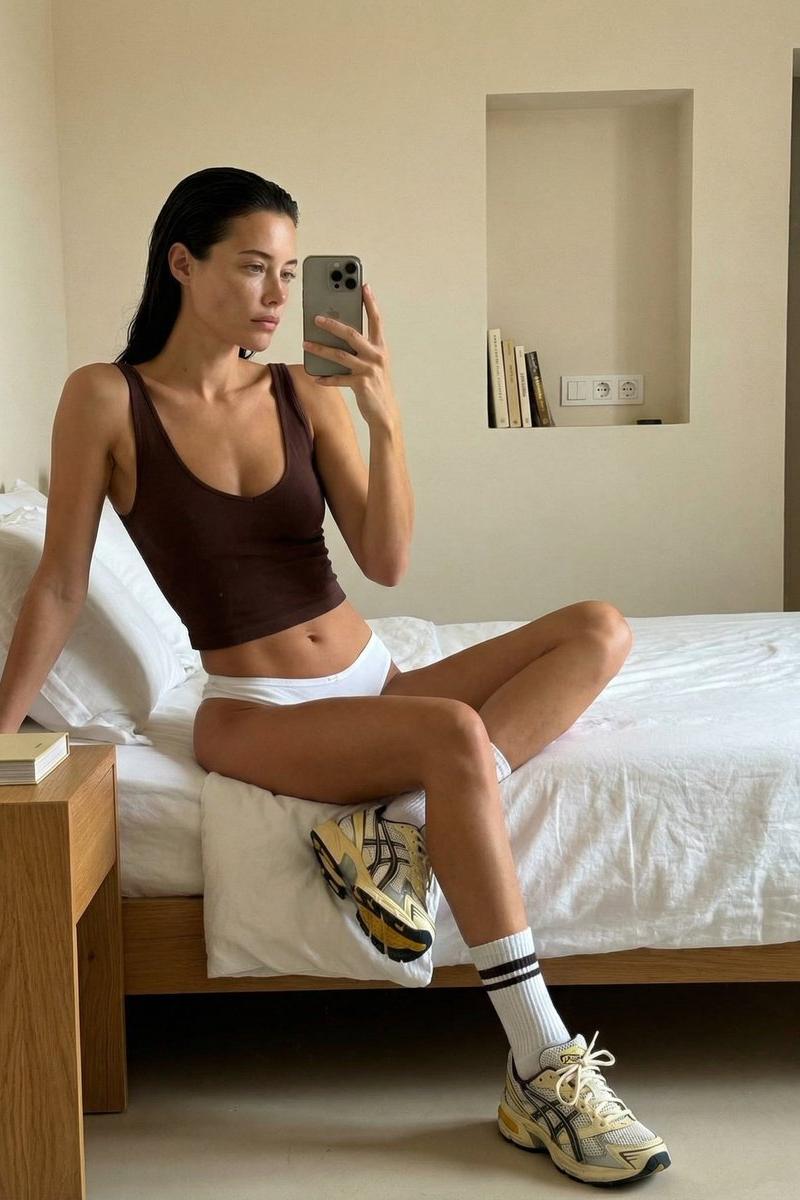
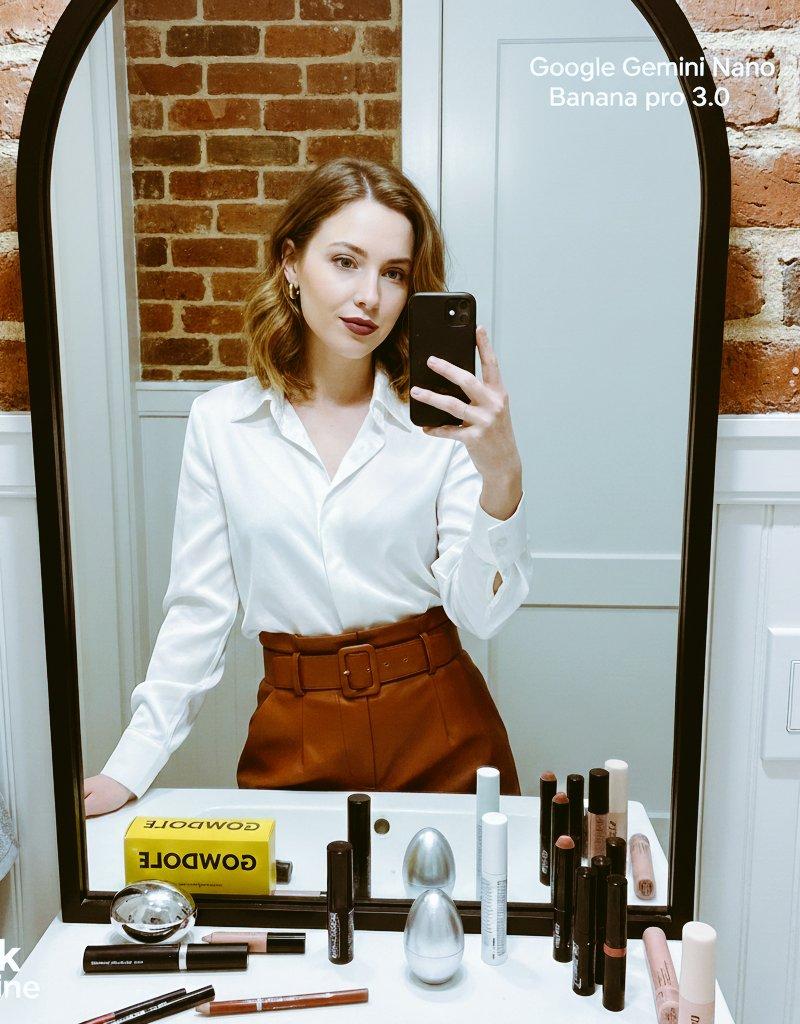
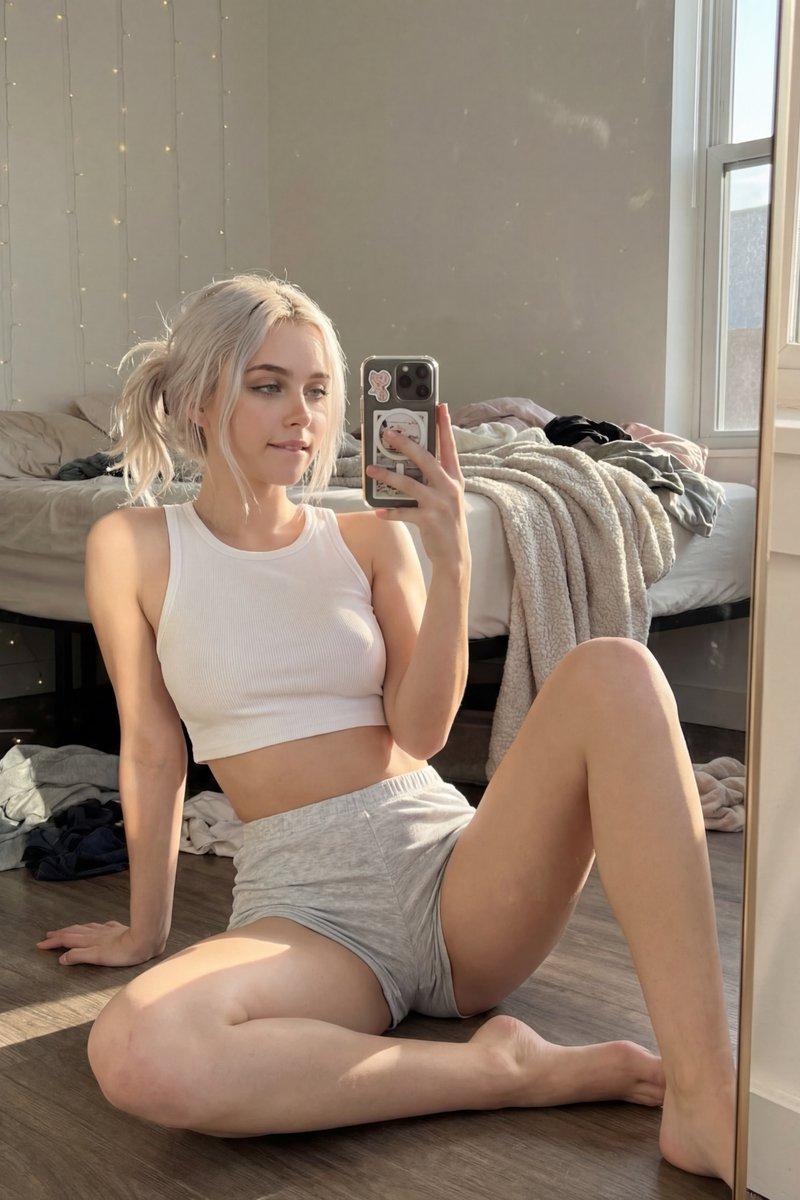
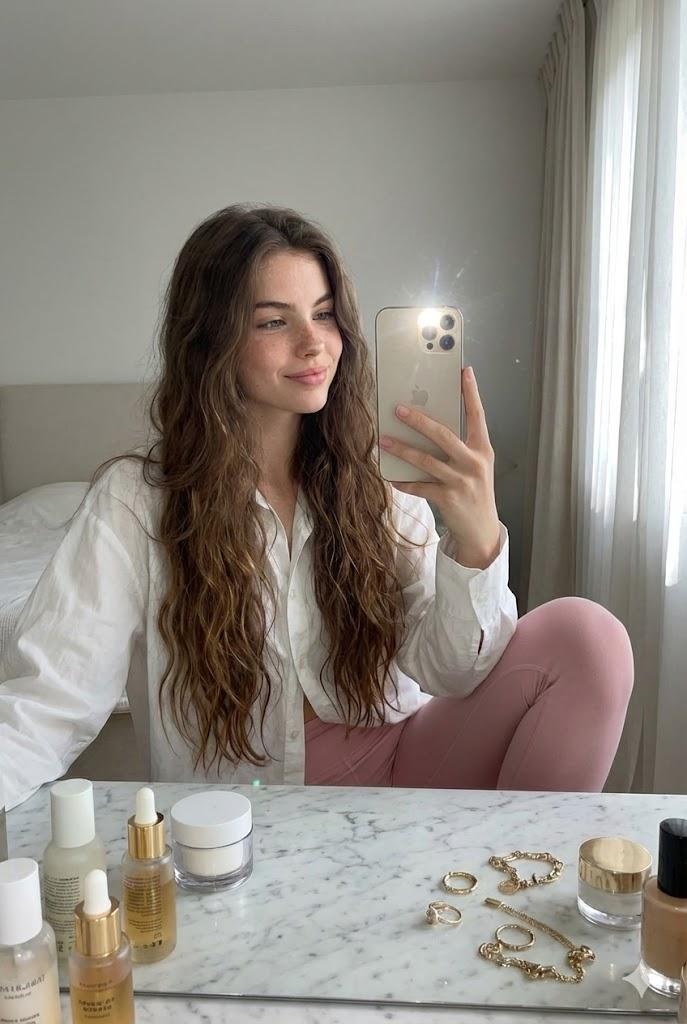
Nano Banana Pro 引用图像:女性在白色大理石梳妆台前拍镜自拍
Enlarge

Example images

Nano Banana Pro 引用图像:女性在白色大理石梳妆台前拍镜自拍

Prompt
🥳 Nano Banana Pro prompt : (for reference images!)
A woman with the exact face, hairstyle and hair color of the reference image, sitting at a white marble vanity table taking a mirror selfie with iPhone, soft fresh-faced smile looking at phone, wearing oversized white button-down shirt and soft pink high-waisted leggings, skincare products and gold jewelry scattered on table, morning natural window light streaming in with sheer curtains, minimalist bedroom behind, phone flash on, super realistic candid iPhone photo, natural glowy skin, 8k
#aiprompts #aiart #ai #aigeneratedimage #aiphoto #photoedit #aiedit #nanobanana #nanobananapro #prompt
Category
Photography & Realism
Model
Nano Banana Pro
Creator
Ditherly - Creative AI Hub
Source language
zh-CN
Views0
Source ID
nano-banana-pro-reference-image-woman-taking-a-mirror-selfie-at-a-white-marble-vanity-table
Studio

Guide

About "Nano Banana Pro 引用图像:女性在白色大理石梳妆台前拍镜自拍"

What is this prompt for?

"Nano Banana Pro 引用图像:女性在白色大理石梳妆台前拍镜自拍" AI image prompt for Nano Banana Pro (Photography & Realism). 🥳 Nano Banana Pro prompt : (for reference images!) A woma…

The full copyable prompt and example visuals above are ready for AI image generation or one-click recreate in Picva.

How to use this prompt

  1. Step 1

    Open the prompt detail

    Review the example visuals, category, and full prompt text for "Nano Banana Pro 引用图像:女性在白色大理石梳妆台前拍镜自拍".

  2. Step 2

    Copy the prompt

    Copy the prompt body from this page, or load it directly in Studio.

  3. Step 3

    Pick a model (Nano Banana Pro)

    Prefer Nano Banana Pro. If you switch models, keep subject and composition and tweak style terms.

  4. Step 4

    Generate and export

    Recreate the look in Picva, or export into your workflow for editing and publishing.

FAQ

What is the "Nano Banana Pro 引用图像:女性在白色大理石梳妆台前拍镜自拍" prompt?
It is an AI image-generation prompt for Nano Banana Pro in the Photography & Realism category. This page includes the full prompt text, example visuals, and a one-click recreate path in Picva.
How do I use this prompt to generate an image?
Copy the prompt from this page, or use Generate / Studio. Paste it into a compatible image model, or recreate the look in Picva with optional reference images.
Which model is this prompt for?
This page lists Nano Banana Pro. Most descriptive prompts also transfer to nearby image models such as GPT Image, Flux, or Midjourney with light style tweaks.
Can I use the result commercially?
You can usually copy the prompt for creation, but commercial use of the final image depends on the model terms, reference-image rights, and the generated content. Follow the source author and platform rules.