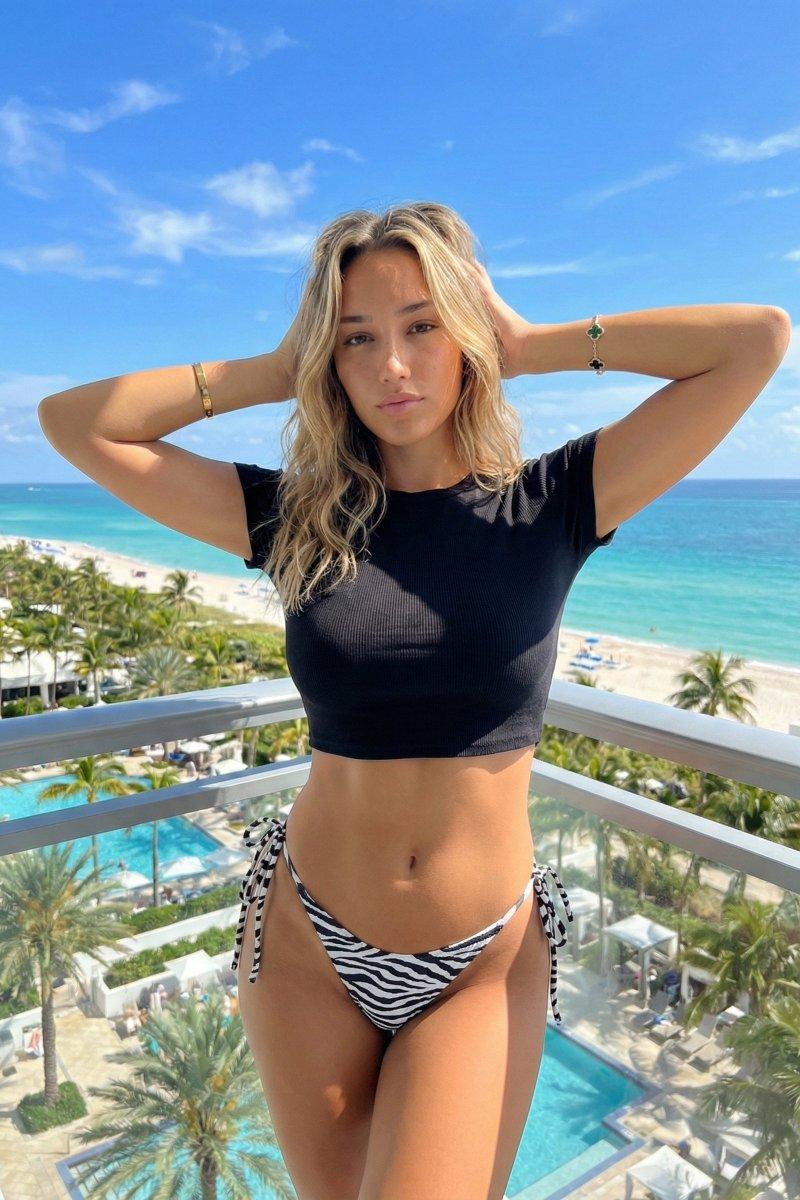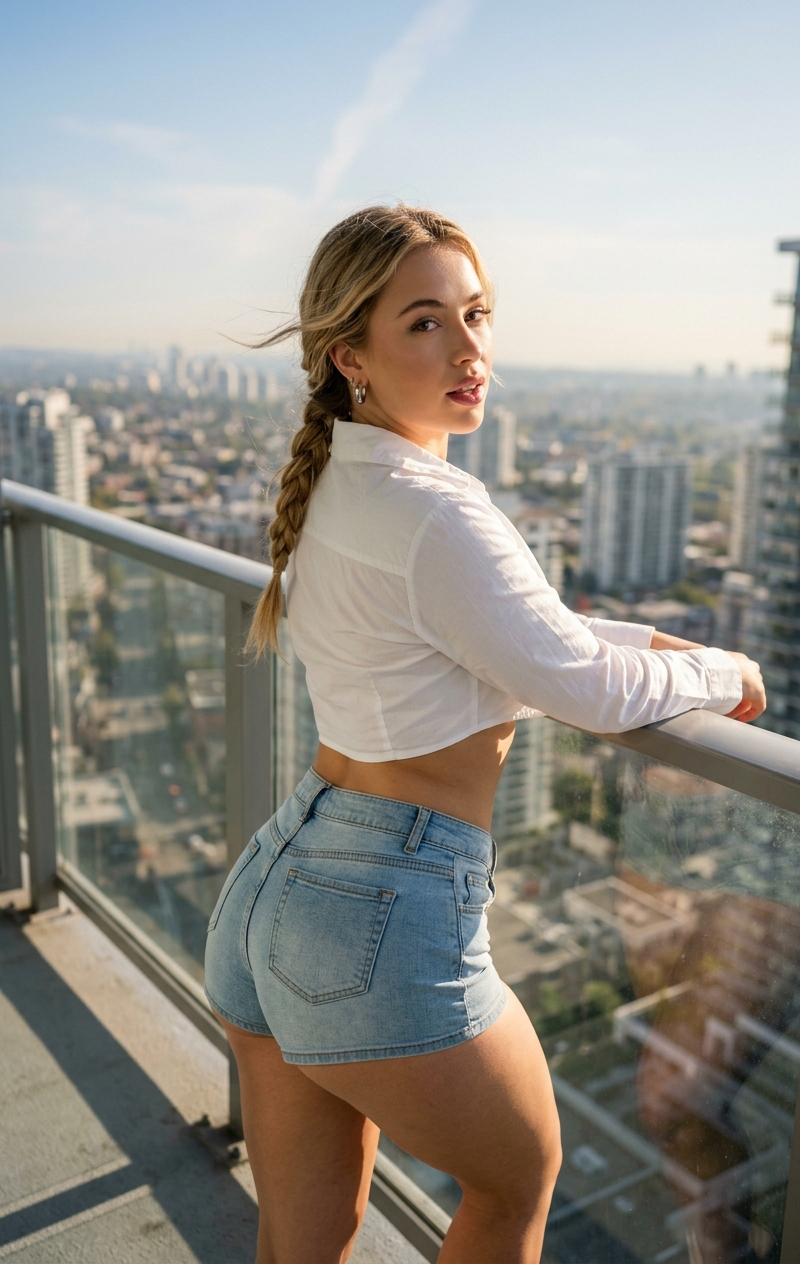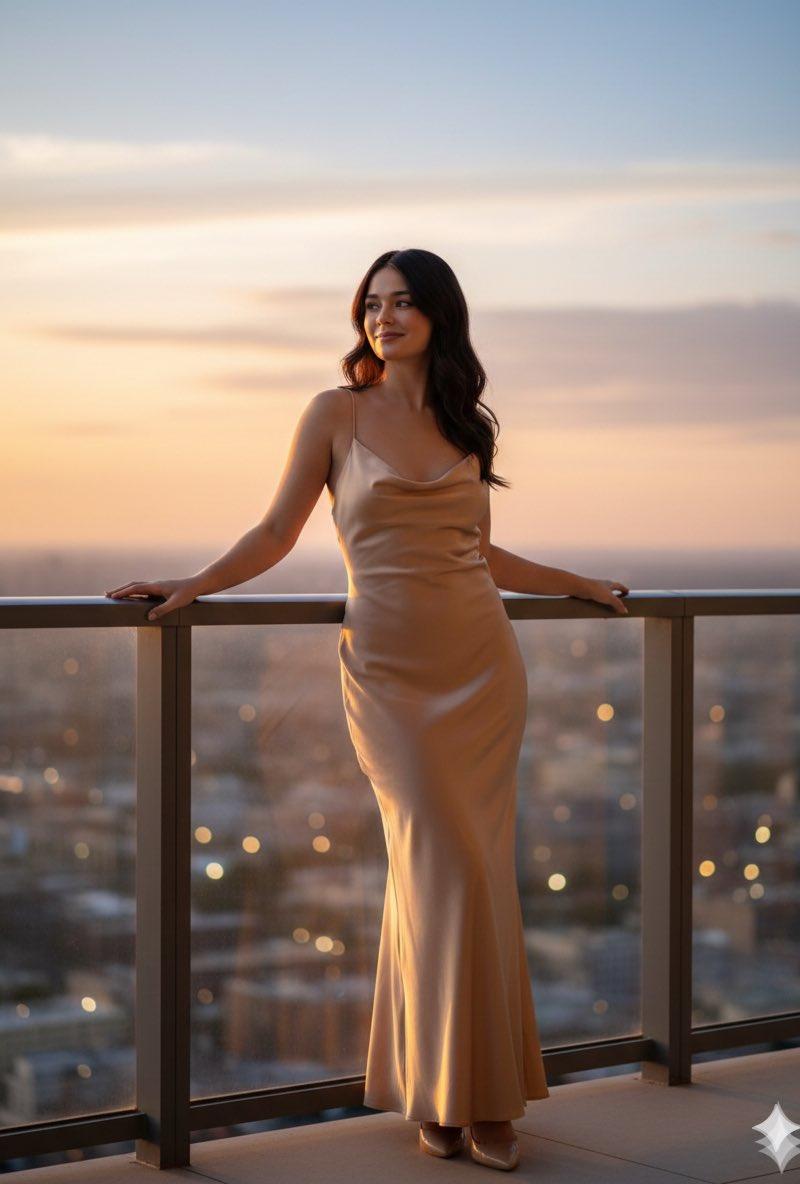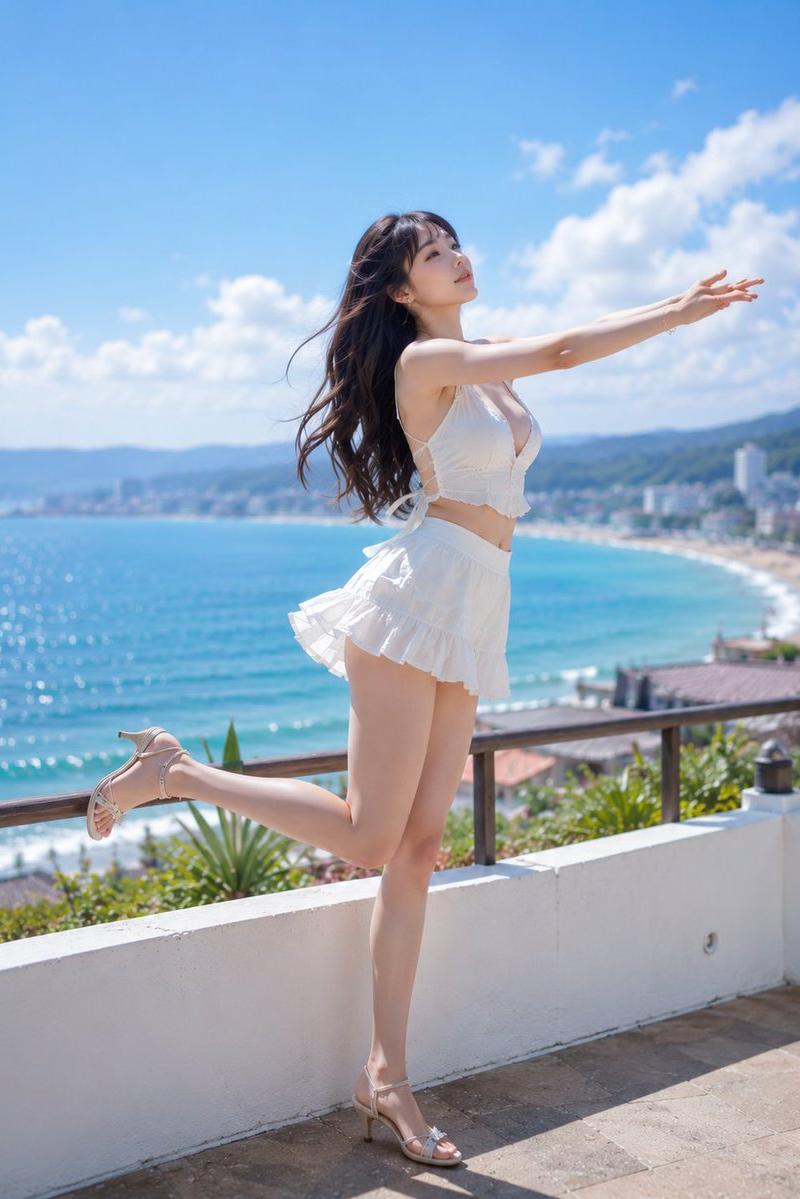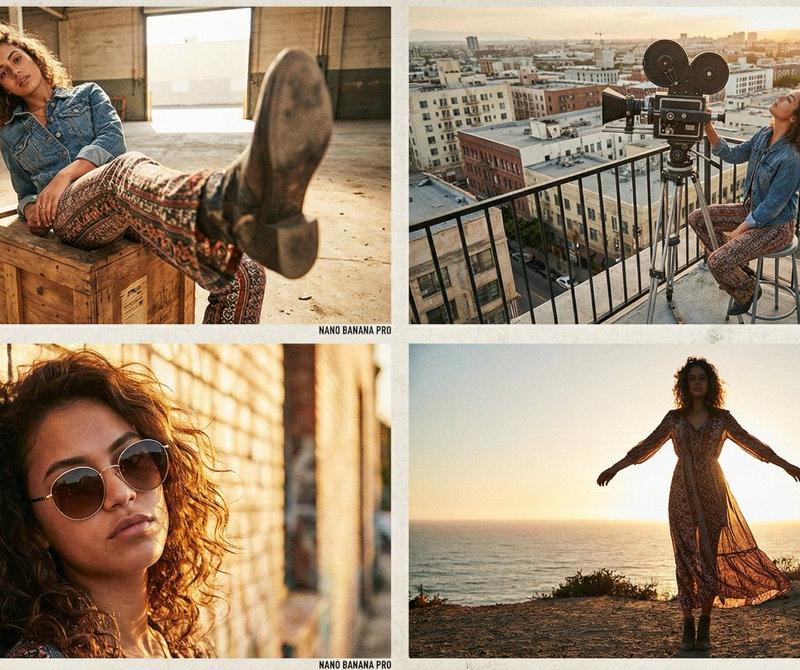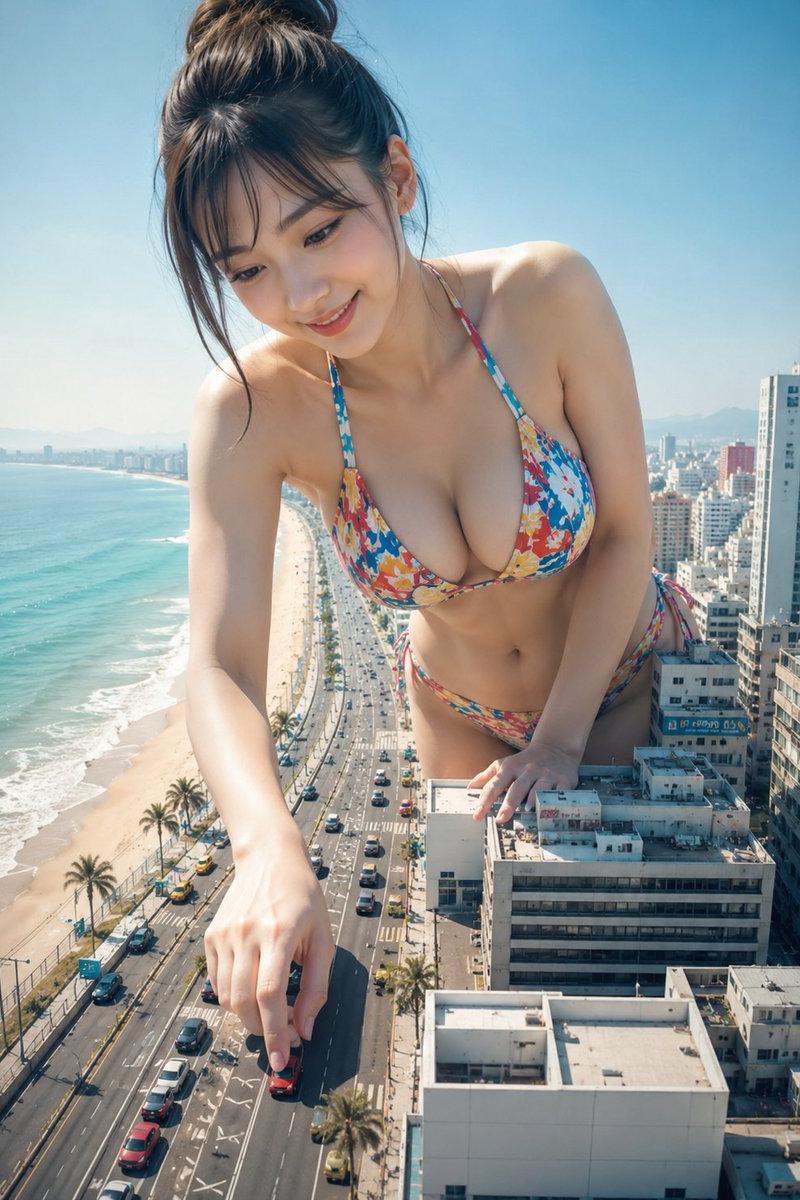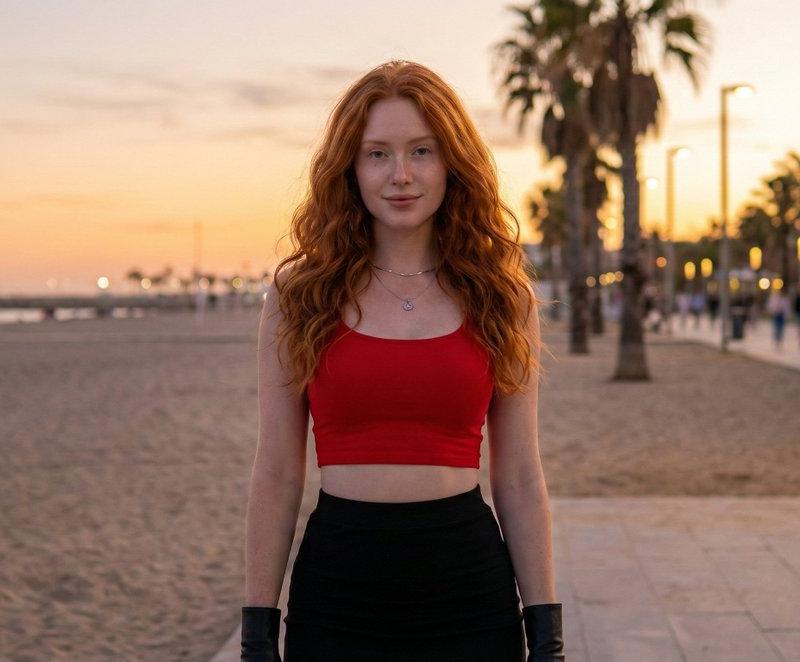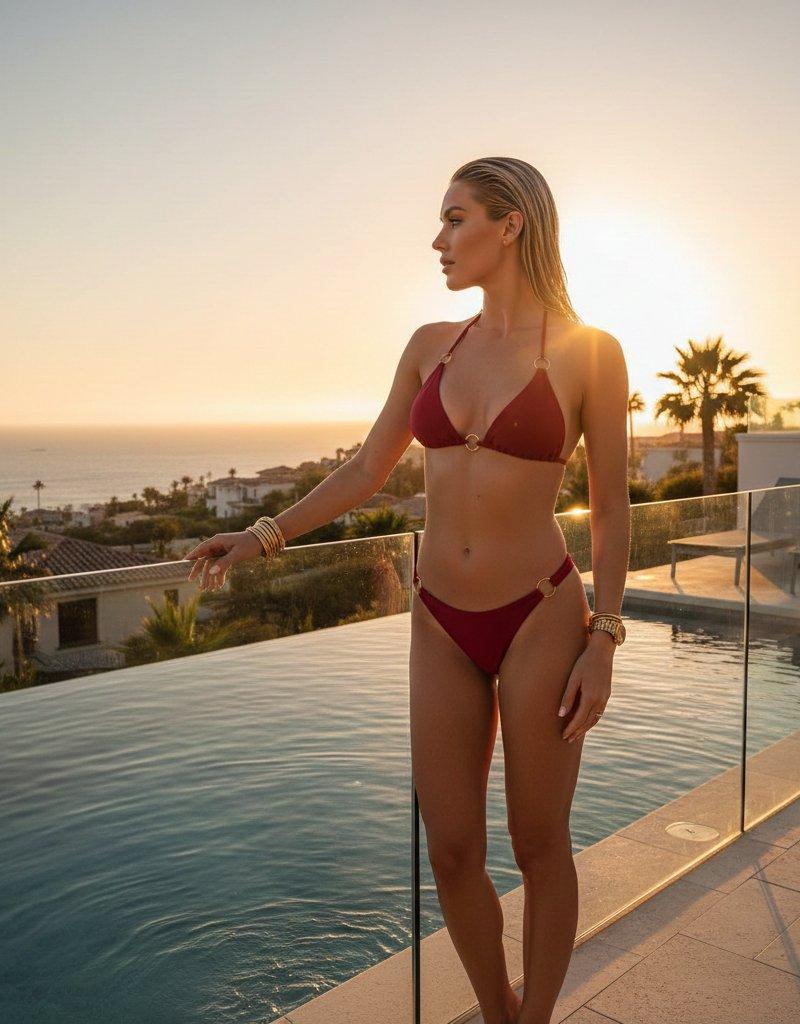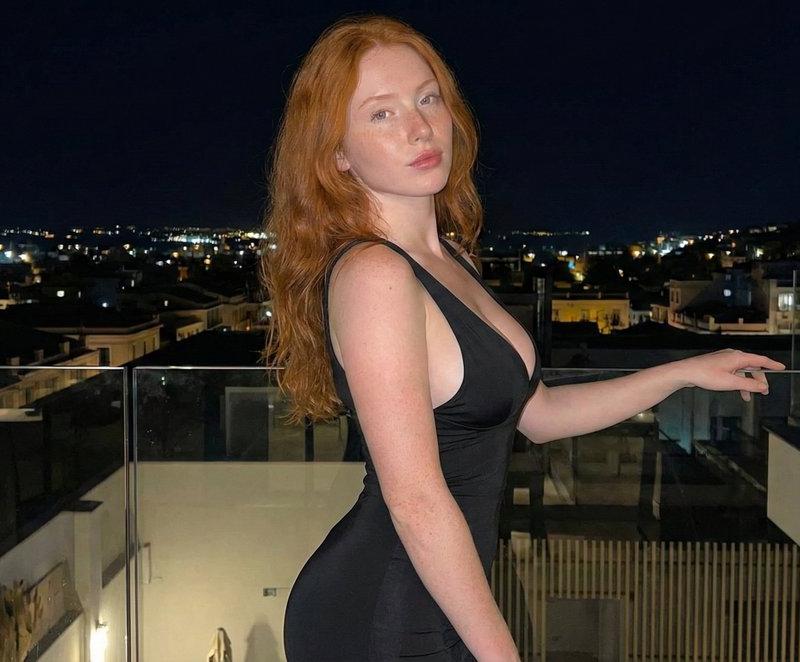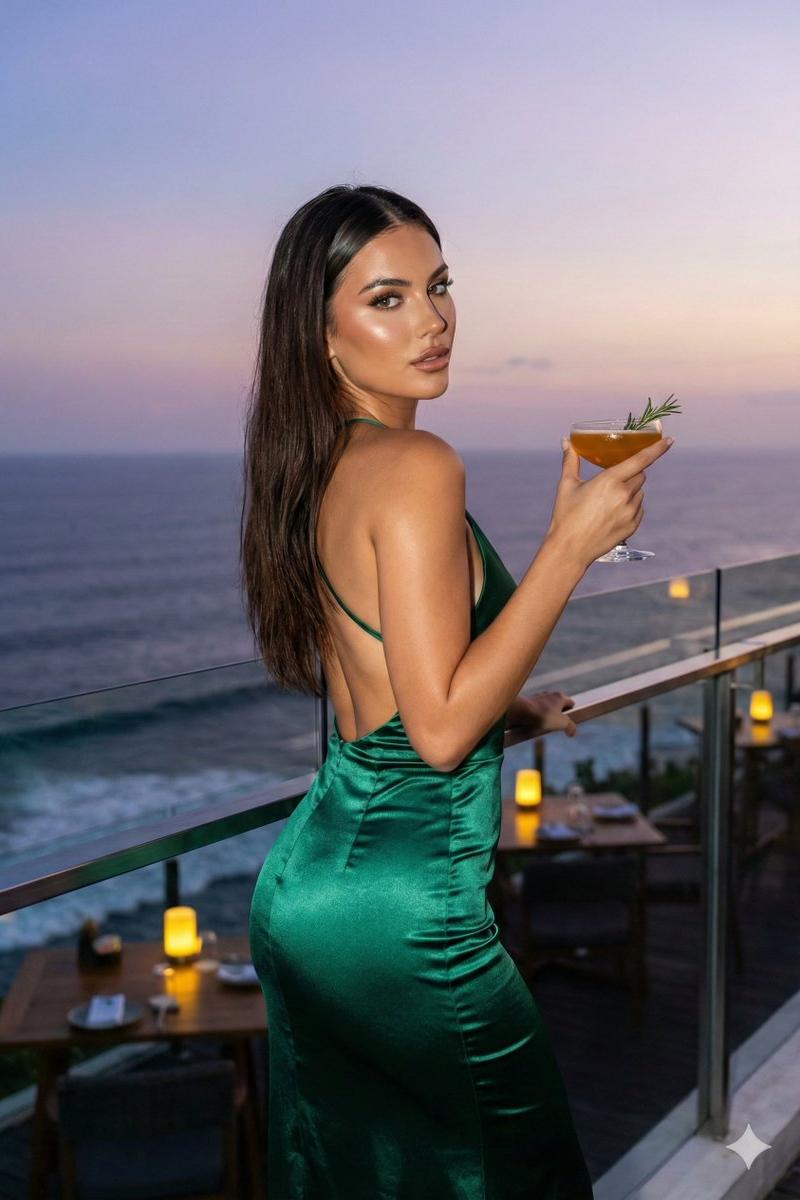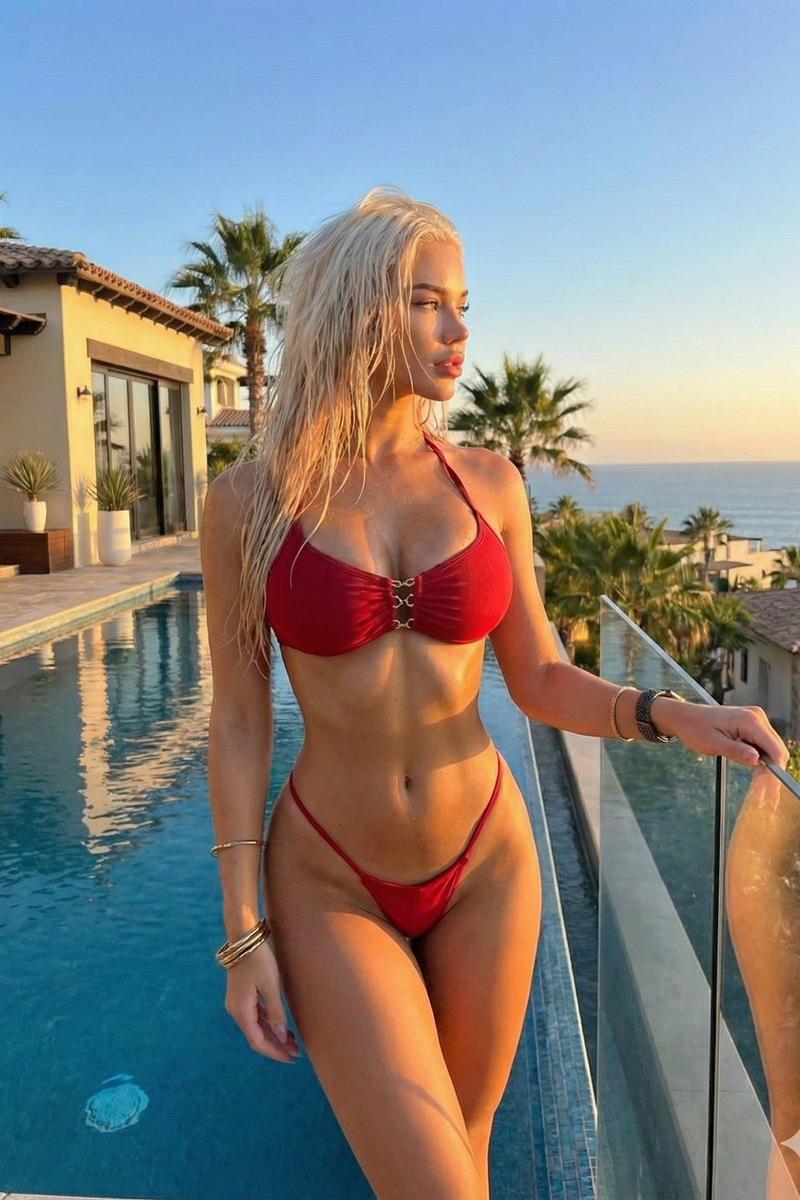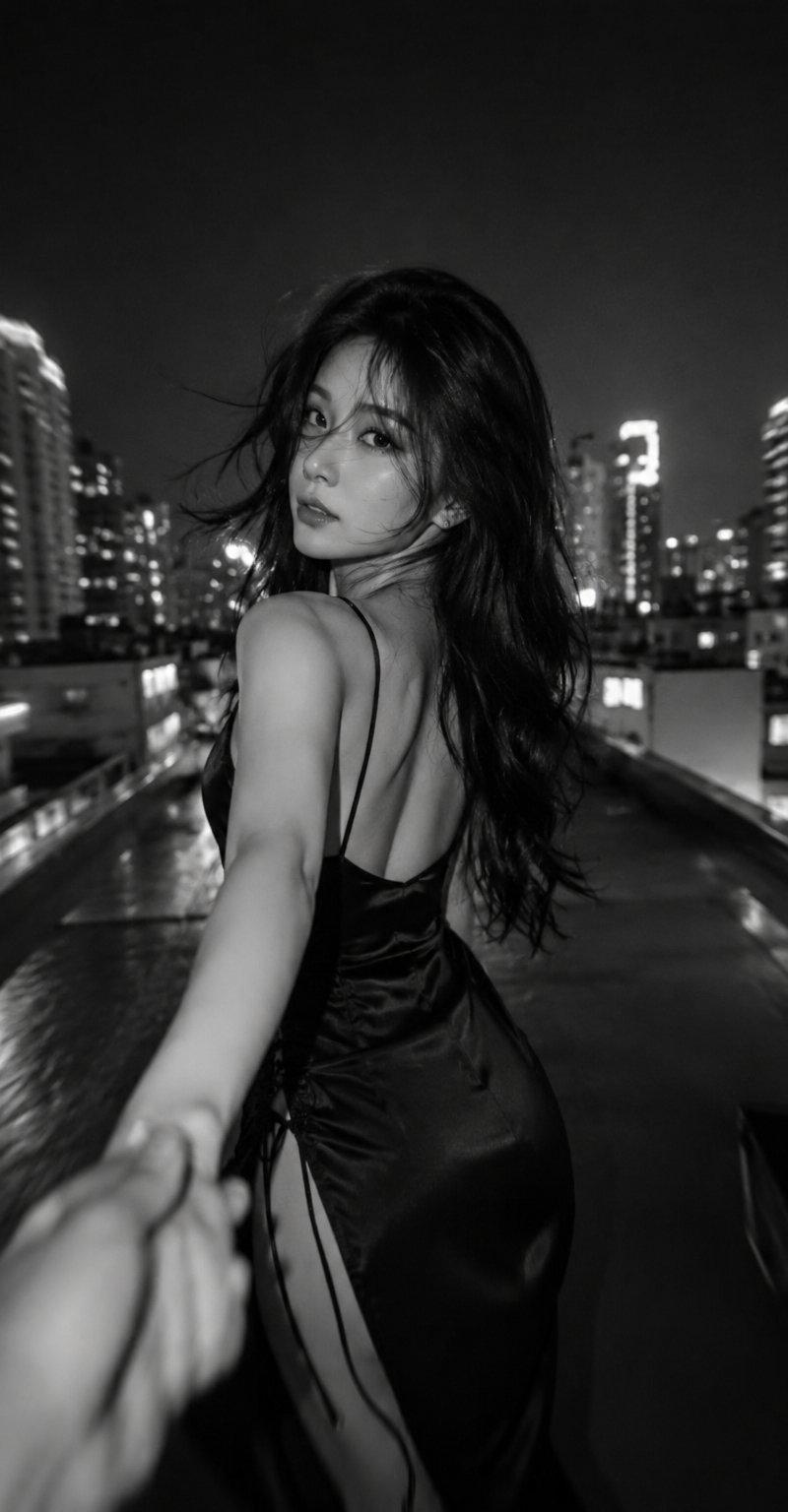
Nano Banana Pro - Google Gemini 3.0
Prompt
Nano Banana Pro
Google Gemini 3.0
{
 "generation_request": {
 "meta": {
 "type": "photorealistic_render",
 "aspect_ratio": "9:16",
 "quality_tier": "ultra-realistic_editorial"
 },
 "constraints": {
 "facial_integrity": {
 "source": "attached_reference_photo",
 "directive": "strict_preservation",
 "instruction": "Do not alter facial features; preserve identity exactly."
 }
 },
 "subject": {
 "demographics": "Young woman",
 "pose": {
 "orientation": "Three-quarter profile from behind",
 "head_position": {
 "tilt": "Gently downward",
 "rotation": "Looking over right shoulder directly at camera"
 },
 "body_mechanics": {
 "stance": "Leaning slightly forward",
 "arms": "Forearms and hands resting on railing",
 "emphasis": "Natural curves of back and buttocks (tasteful, editorial style)"
 },
 "expression": [
 "Serious",
 "Calm",
 "Contemplative"
 ]
 },
 "appearance": {
 "hair": {
 "length": "Long",
 "texture": "Wavy with realistic volume",
 "flow": "Cascading naturally over back and shoulders"
 },
 "skin": "Natural texture"
 },
 "wardrobe": {
 "color": "Black",
 "items": [
 {
 "type": "Top",
 "style": "Off-the-shoulder bikini / integrated cover-up",
 "details": [
 "Long-sleeved",
 "Fitted and elegant",
 "Subtle fabric texture",
 "Slight volume at cuffs"
 ]
 },
 {
 "type": "Bottom",
 "style": "Bikini bottom",
 "cut": "Moderate-to-cheeky",
 "aesthetic": "Clean, minimal, modern silhouette"
 }
 ]
 }
 },
 "environment": {
 "setting_type": "Outdoor / Elevated",
 "context_clues": [
 "Rooftop",
 "Balcony",
 "Beachside structure"
 ],
 "scenography": {
 "foreground": "Metal railing or structure (prop for leaning)",
 "background": {
 "visibility": "Softly blurred (Bokeh)",
 "suggestion": "Open space, ocean horizon, or cityscape",
 "clarity": "Indistinct details"
 },
 "periphery": {
 "right_edge": "Curved skeletal metal structure (architectural element)"
 }
 }
 },
 "cinematography": {
 "lighting": {
 "style": "Cinematic / Golden Hour",
 "direction": "Side-rear (Backlighting)",
 "components": {
 "rim_light": "Pronounced along shoulders, arms, and contours",
 "highlights": "Warm and glowing",
 "shadows": "Soft yet well-defined"
 },
 "effect": "Clean subject-background separation"
 },
 "composition": {
 "framing": "Tight and intentional",
 "subject_placement": "Central and upper-left",
 "focal_point": "Eyes near upper-left rule-of-thirds intersection",
 "visual_flow": "Diagonal line formed by body and railing"
 }
 },
 "technical_specs": {
 "camera": "Canon 5D (DSLR)",
 "lens": "135mm medium telephoto",
 "settings": {
 "aperture": "f/2.8 – f/4.0",
 "shutter": "1/250s or faster",
 "iso": 100
 }
 }
 }
}- Category
- Photography & Realism
- Model
- Nano Banana Pro
- Creator
- ANKIT PATEL 🇮🇳 | AI
- Source language
- en
- Source ID
- nano-banana-pro-rendered-by-google-gemini-3-0
Views0