16

Nano Banana Pro 变雪人
Enlarge

Example images

Nano Banana Pro 变雪人

Prompt
【Nano Banana Proで雪だるま化】
Nano Banana Proで参考画像を雪だるまに変身
[ ]の中を変更すれば、一人でも、数人でも雪だるまに変更可能
プロンプト:
# ここに参照画像のキャラクターの人数、名前、外見の特徴を記述
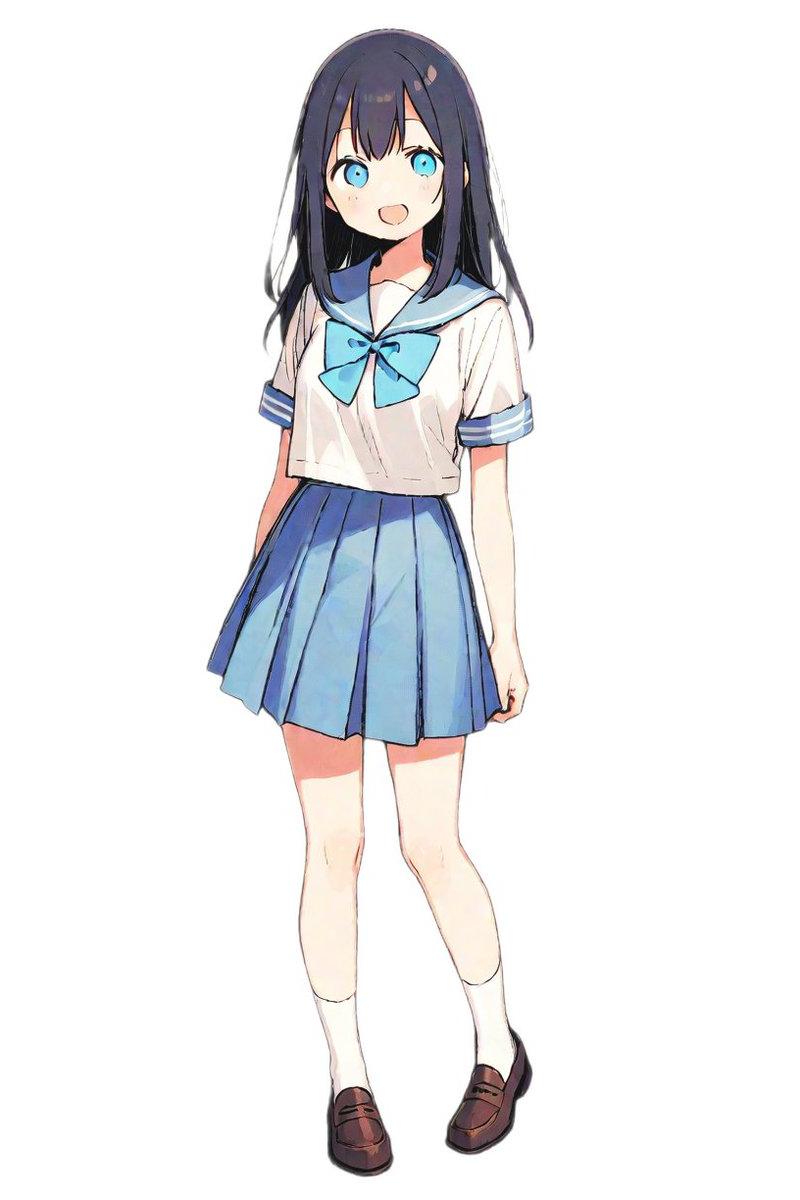
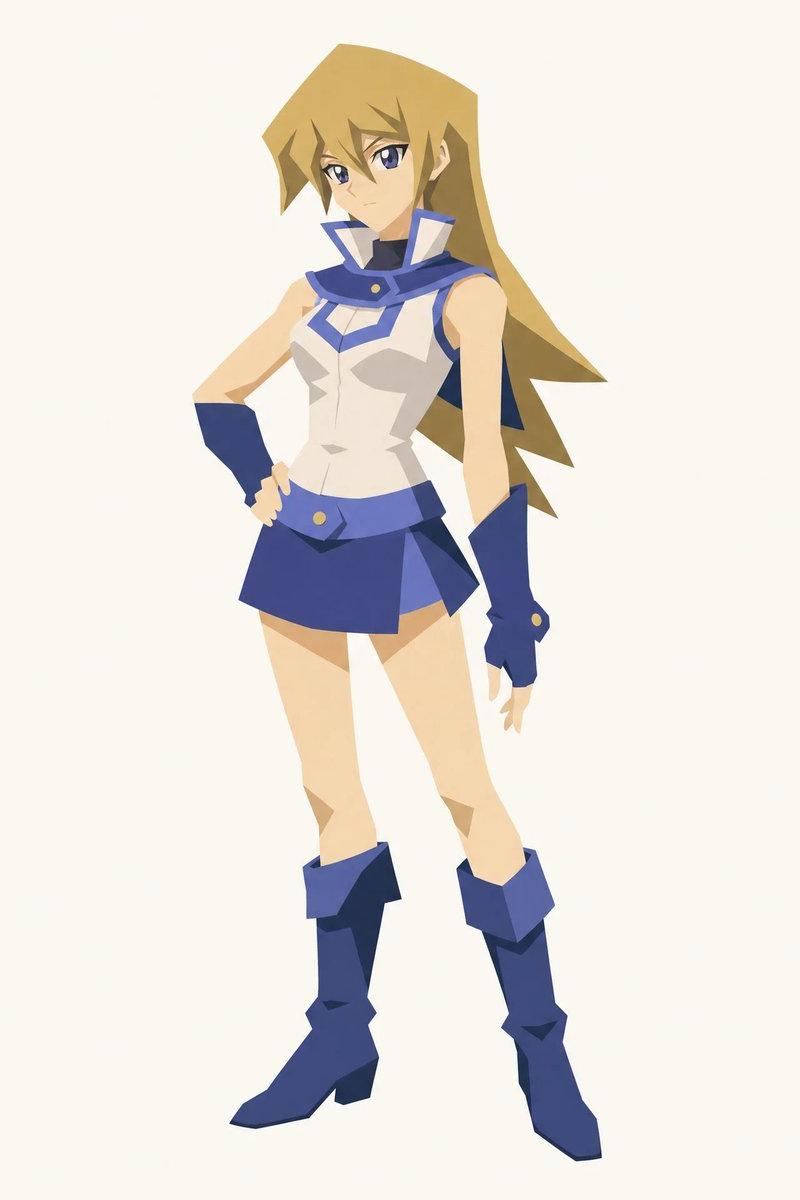
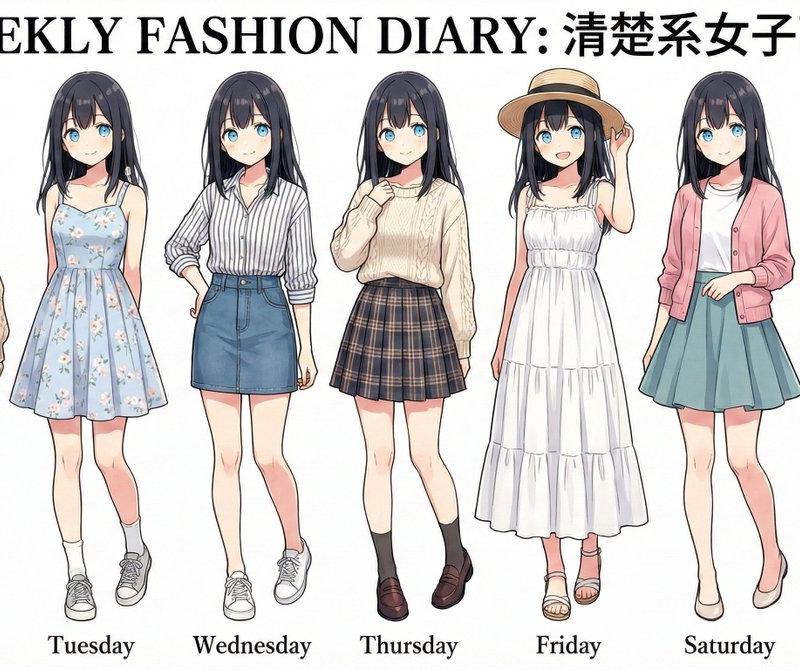
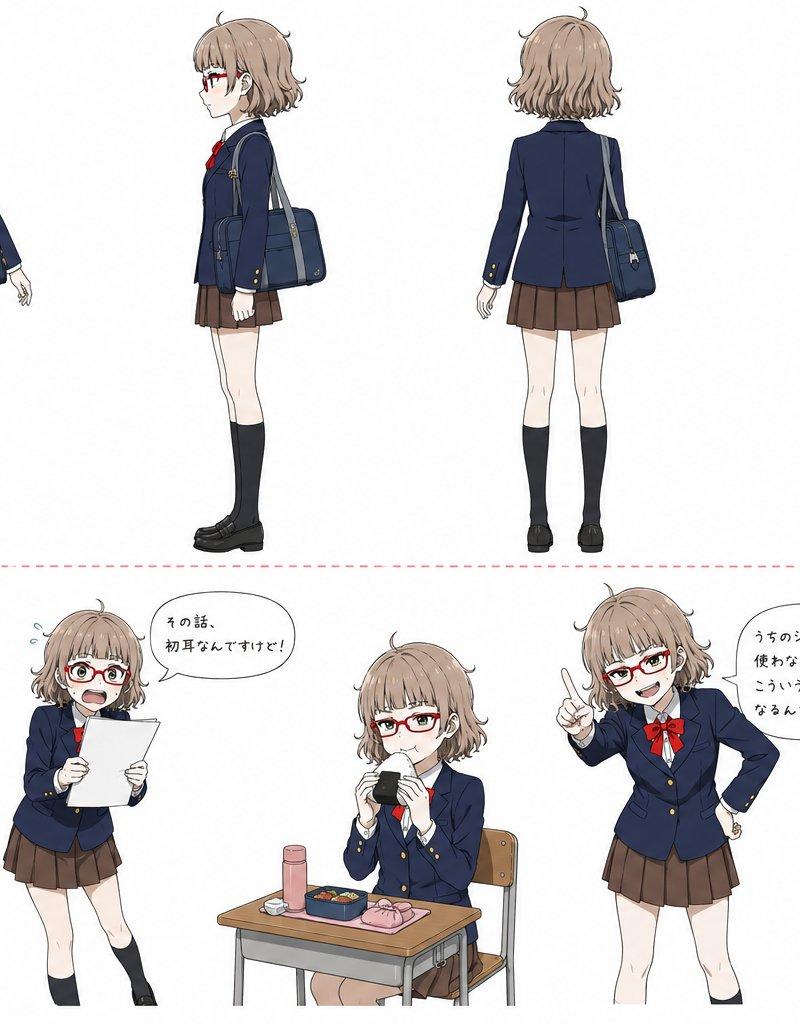
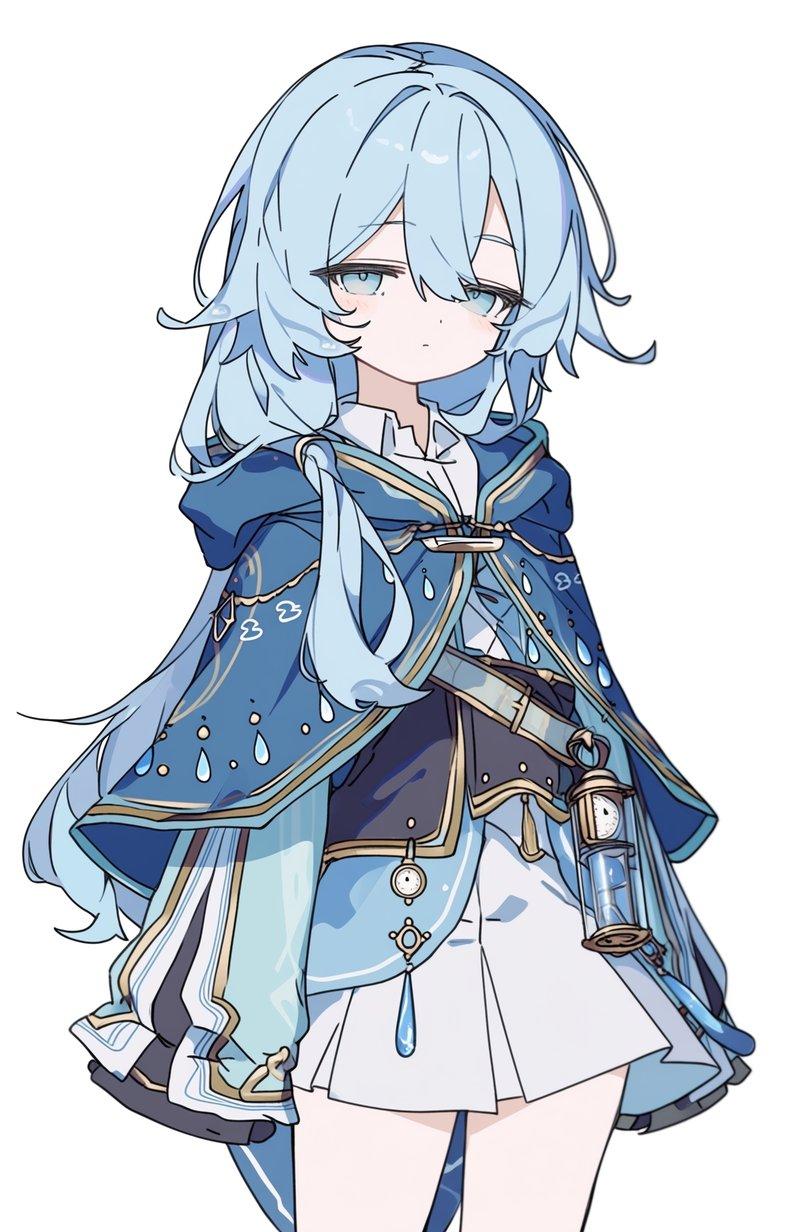
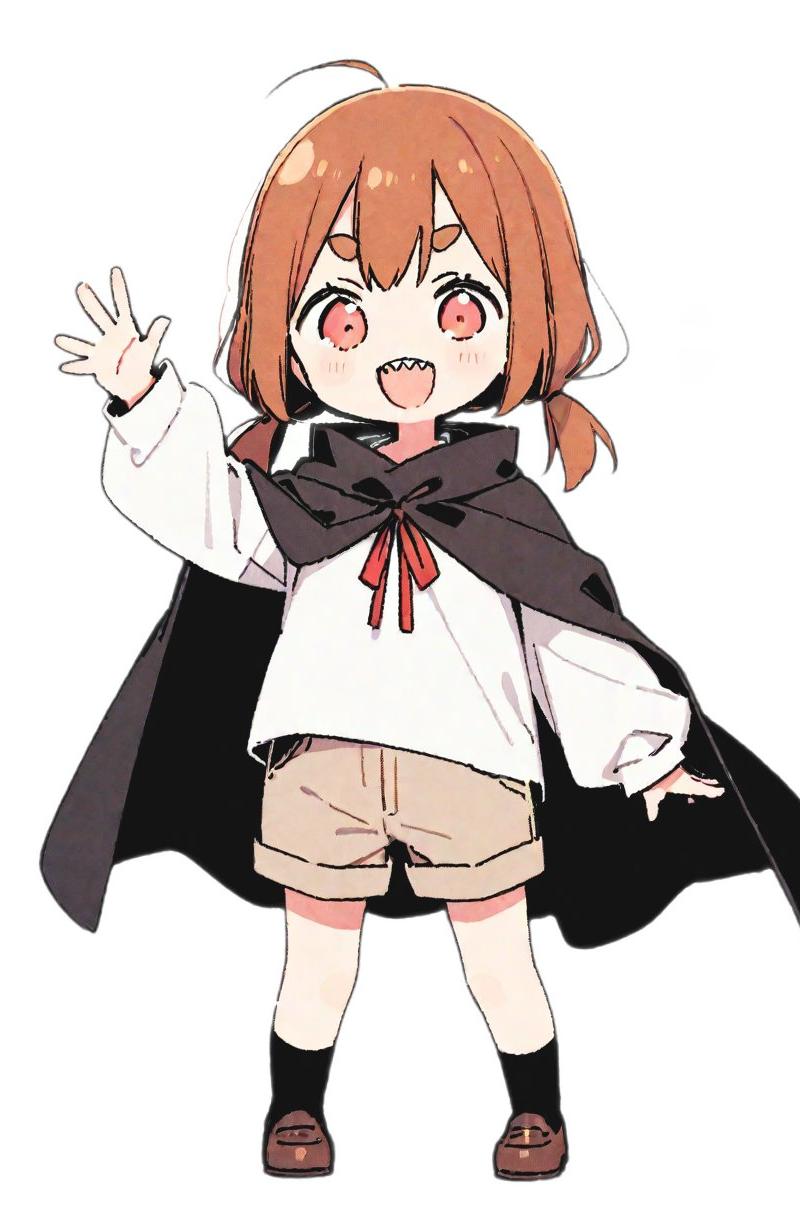
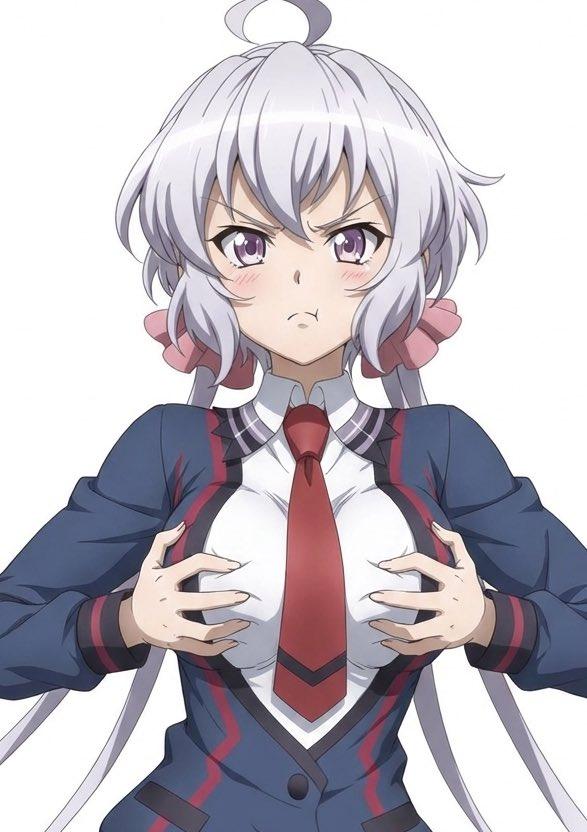
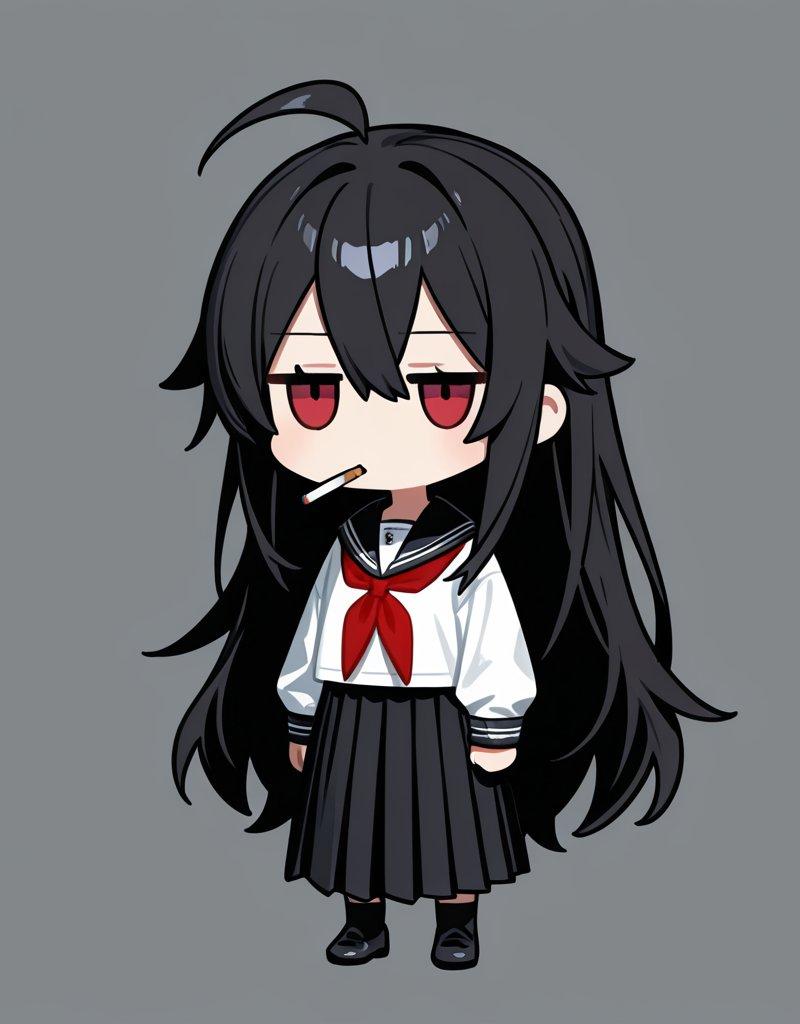
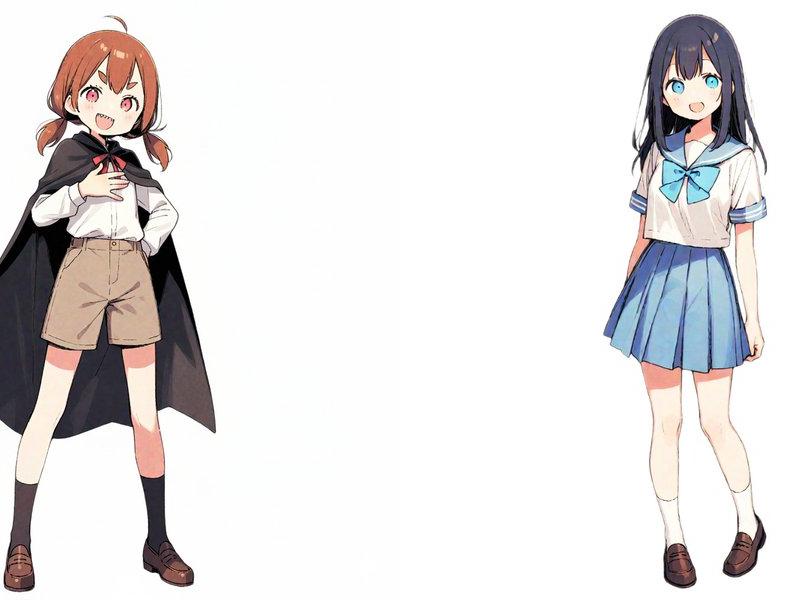
[マントを羽織った少女とセーラー服の少女]
上記の全てのキャラクターが、それぞれかわいい「雪だるま(スノーマン)」の姿に変身した水彩画イラスト。
変換のルール:
- 全てのキャラクターの体は、白い雪の玉が重なった「手足のない雪だるま」の形状になる。
- 全身は2段または3段の雪玉で構成された雪だるま。等身の高いキャラクターは3段にする。
- 人間の肌、手足、服のディテールは排除し、雪のボディにする。
- 各キャラクターを識別するために、それぞれの特徴的な「帽子」「リボン」「イメージカラーのボタンやマフラー」のみを雪だるまに装着させる。
- 顔は雪だるま用のシンプルなパーツ(黒く丸い目、オレンジや丸い鼻)にする。
★材質の重要ルール(髪部分の修正):
- 【最優先】髪の部分は絶対に「人間の髪」や「カツラ」として描画しないこと。
- 髪の形状は維持するが、材質は全て「真っ白な雪の塊」にする。
- 元のキャラクターの髪色(黒や茶色など)は完全に無視し、雪本来の「白一色(#FFFFFF)」で表現する。
- 髪の毛一本一本の線(ストランド)は描かず、雪を押し固めたような「ひとかたまりの物体」として描く。
- 頭部の雪玉と髪型部分の境界線をなくし、一つの大きな雪像(スノースカルプチャー)のように一体化させる。
- 質感は滑らかにせず、雪特有の「ざらつき」や「凹凸」を持たせる。
- 髪の形は、雪だるまの頭部と一体化した「白いシルエット」として描く。毛先は鋭くせず、溶けかけた雪のように丸く、ぼてっとしたフォルムにする。
アートスタイル:
- アナログ感のある水彩画。
- 白い画用紙のテクスチャ。
- 輪郭は柔らかく、色は淡く滲んでいる。
- 背景は白、またはうっすらとした雪景色。
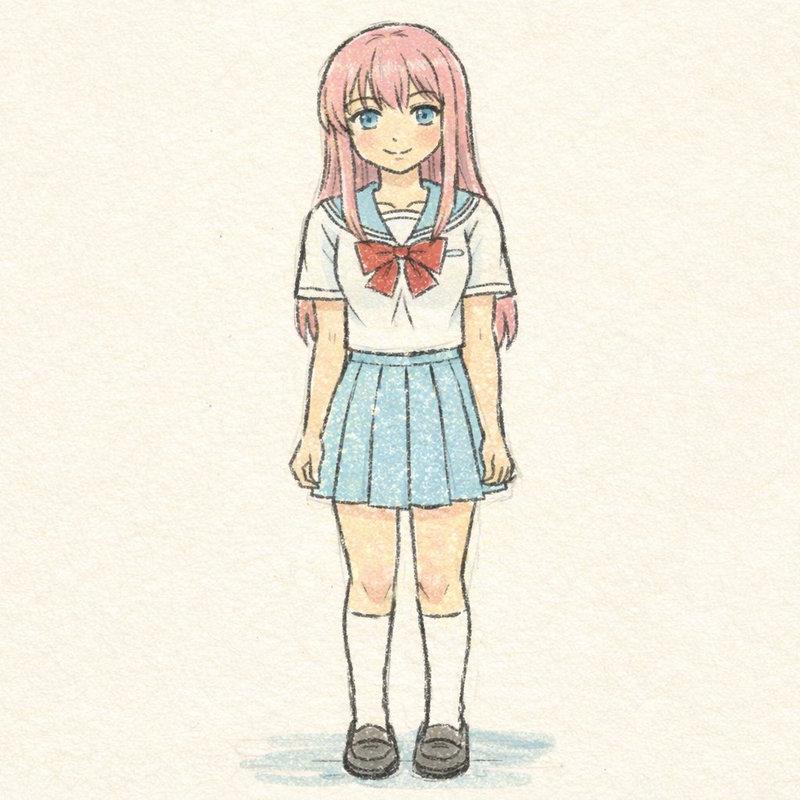
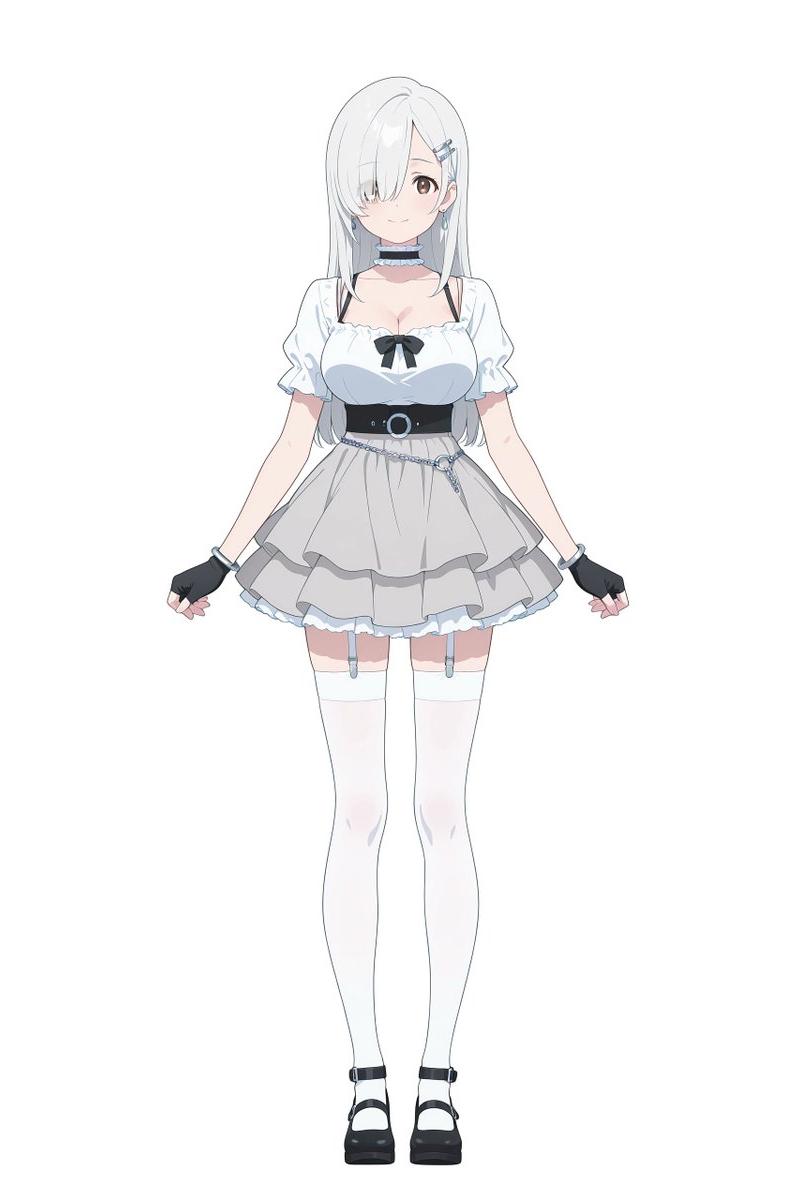
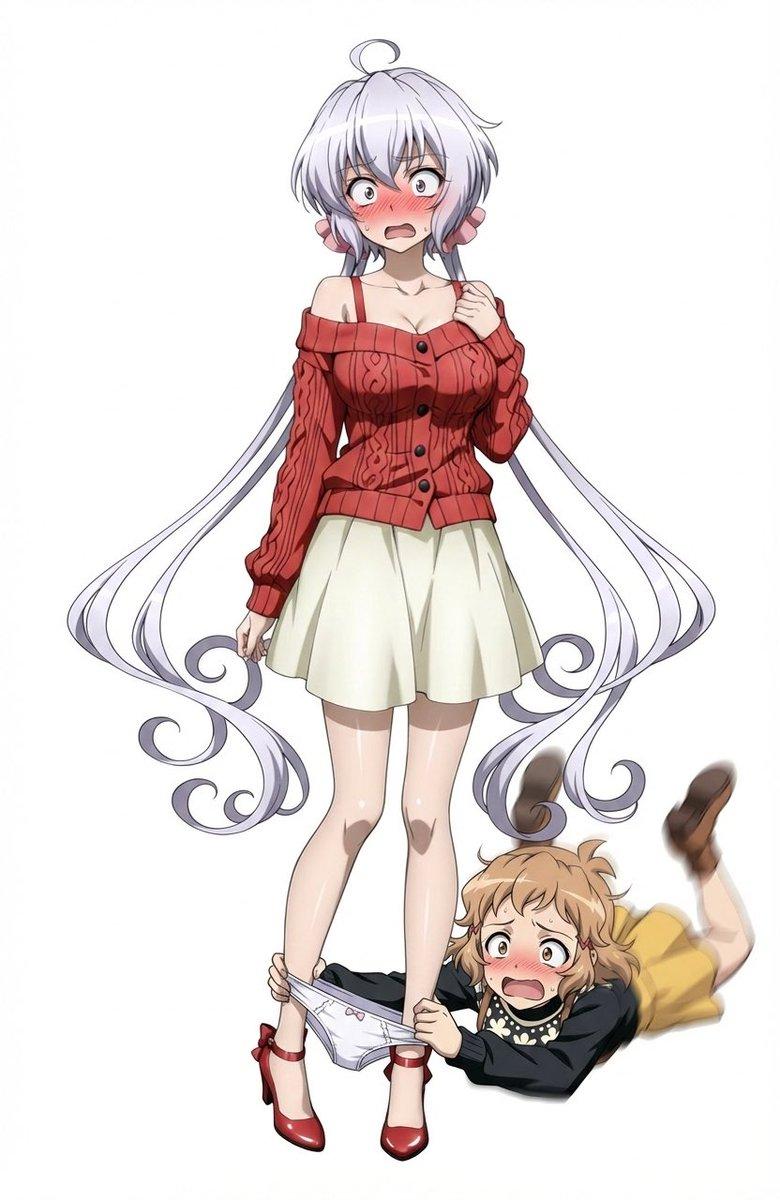
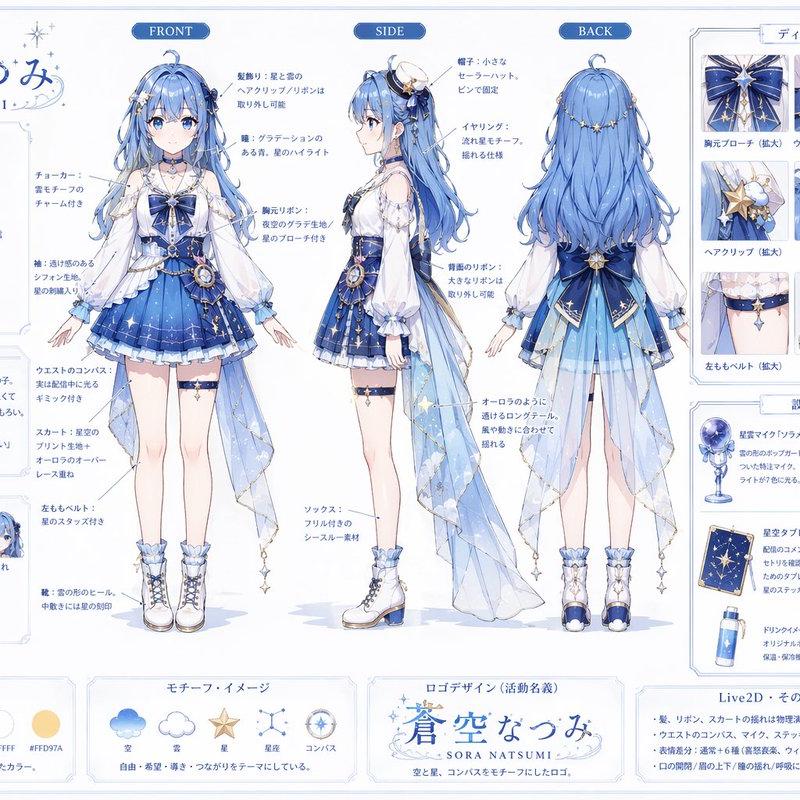
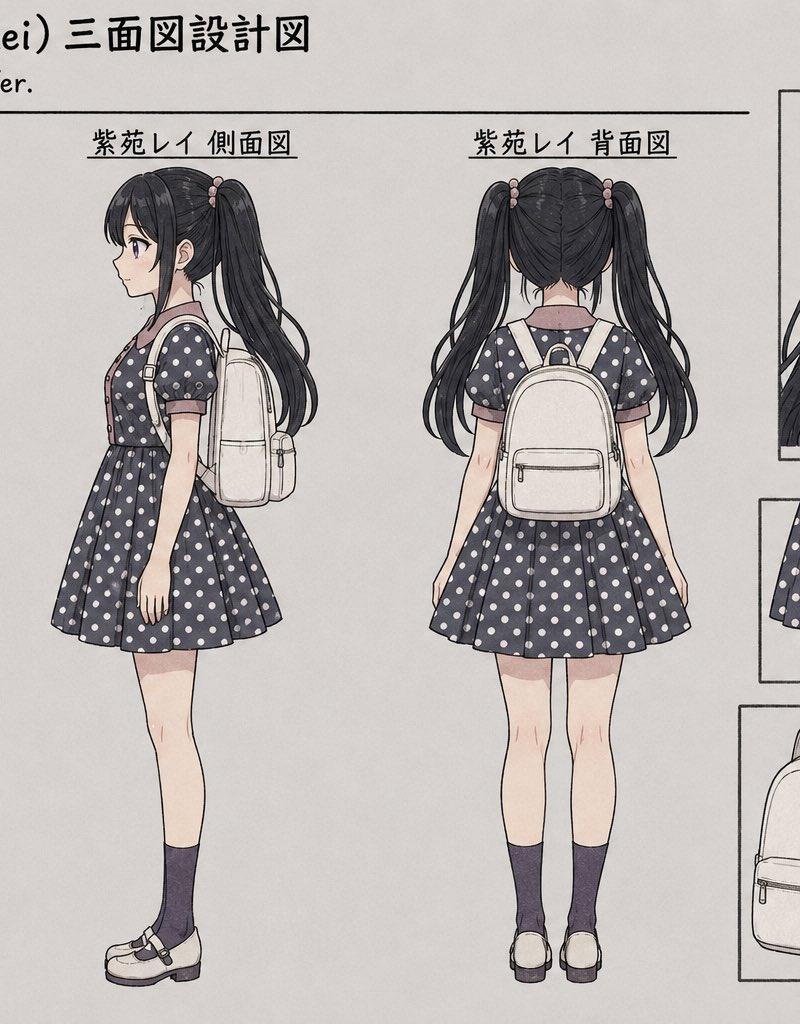
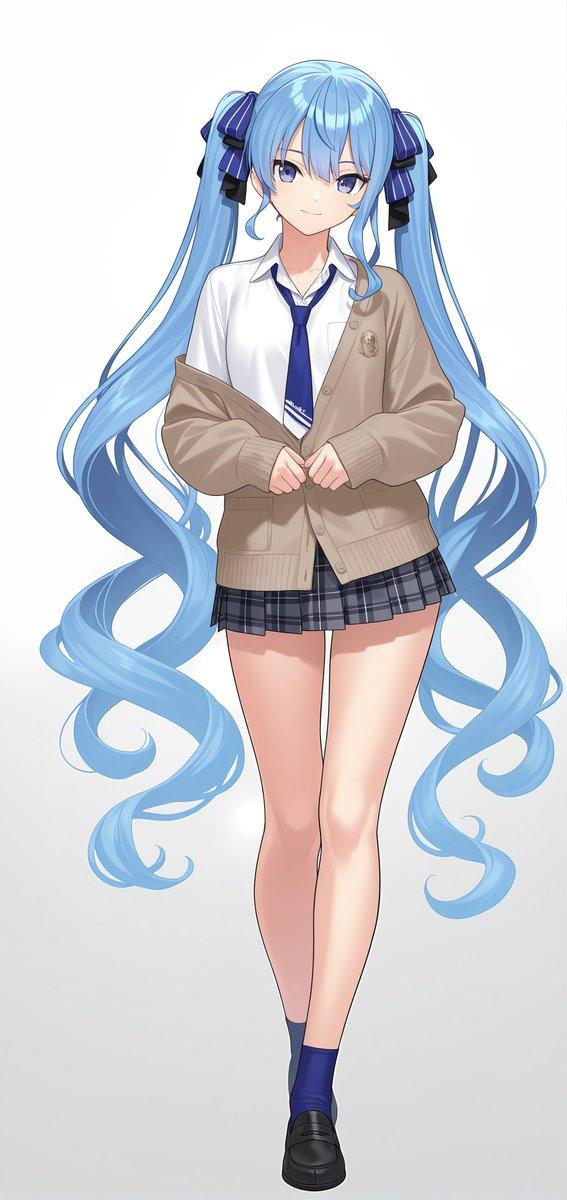
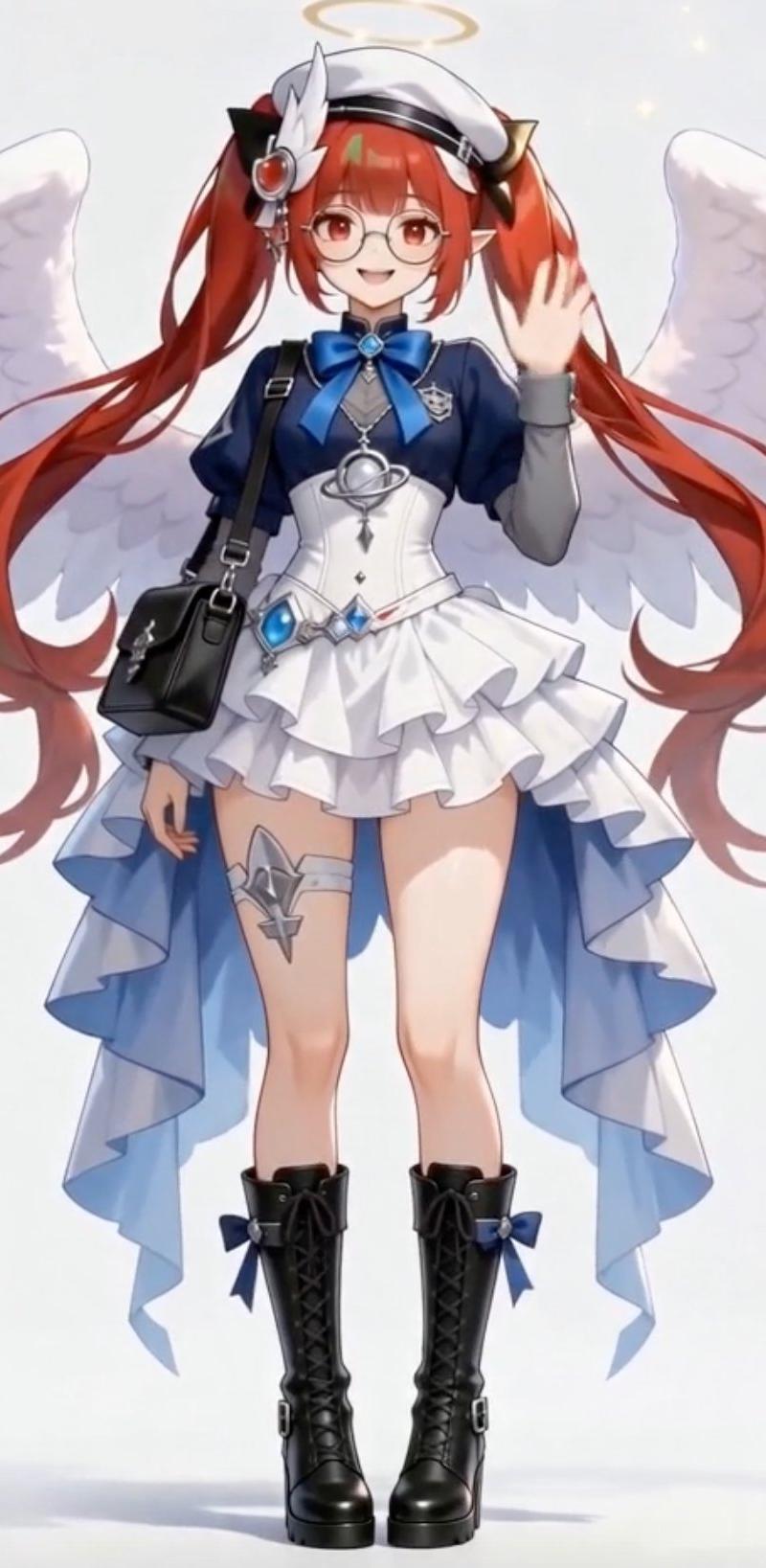
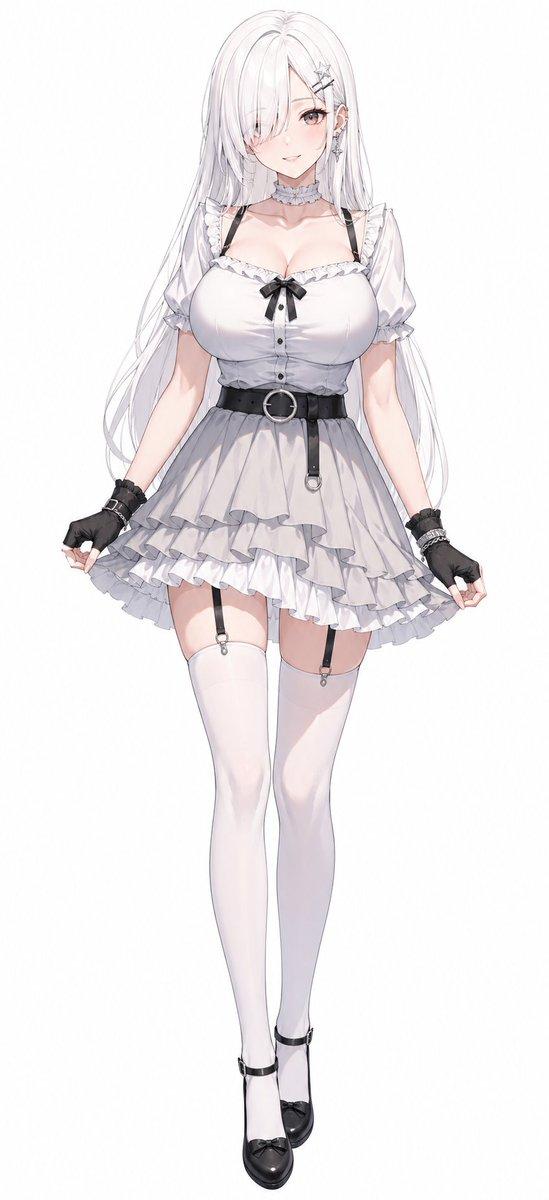
入力画像
出力結果
Category
Illustration & Art
Model
Nano Banana Pro
Creator
シュナプーン
Source language
zh-CN
Views0
Source ID
nano-banana-pro-snowman-transformation
Studio

Guide

About "Nano Banana Pro 变雪人"

What is this prompt for?

"Nano Banana Pro 变雪人" AI image prompt for Nano Banana Pro (Illustration & Art). 【Nano Banana Proで雪だるま化】 Nano Banana Proで参考画像を雪だるまに変身 [ ]の中を変更すれば、一人でも、数人でも雪だるまに…

The full copyable prompt and example visuals above are ready for AI image generation or one-click recreate in Picva.

How to use this prompt

  1. Step 1

    Open the prompt detail

    Review the example visuals, category, and full prompt text for "Nano Banana Pro 变雪人".

  2. Step 2

    Copy the prompt

    Copy the prompt body from this page, or load it directly in Studio.

  3. Step 3

    Pick a model (Nano Banana Pro)

    Prefer Nano Banana Pro. If you switch models, keep subject and composition and tweak style terms.

  4. Step 4

    Generate and export

    Recreate the look in Picva, or export into your workflow for editing and publishing.

FAQ

What is the "Nano Banana Pro 变雪人" prompt?
It is an AI image-generation prompt for Nano Banana Pro in the Illustration & Art category. This page includes the full prompt text, example visuals, and a one-click recreate path in Picva.
How do I use this prompt to generate an image?
Copy the prompt from this page, or use Generate / Studio. Paste it into a compatible image model, or recreate the look in Picva with optional reference images.
Which model is this prompt for?
This page lists Nano Banana Pro. Most descriptive prompts also transfer to nearby image models such as GPT Image, Flux, or Midjourney with light style tweaks.
Can I use the result commercially?
You can usually copy the prompt for creation, but commercial use of the final image depends on the model terms, reference-image rights, and the generated content. Follow the source author and platform rules.