18

Nano Banana Pro 模版快速设计方法
Enlarge

Example images

Nano Banana Pro 模版快速设计方法

Prompt
🍌 Nano Banana Pro 模版快速设计方法
我用 Cursor + CC(Claude Code)来设计 Nano Banana Pro 的 image prompt 模版。核心思路是把通用的视觉设计原则写入 /CLAUDE.md 作为全局指引,这样在迭代时就不需要反复说明那些共通的方法论——比如「让视觉效果服务于叙事」、「原则优于枚举」等底层逻辑。
💡 从概念到模版的迭代流程
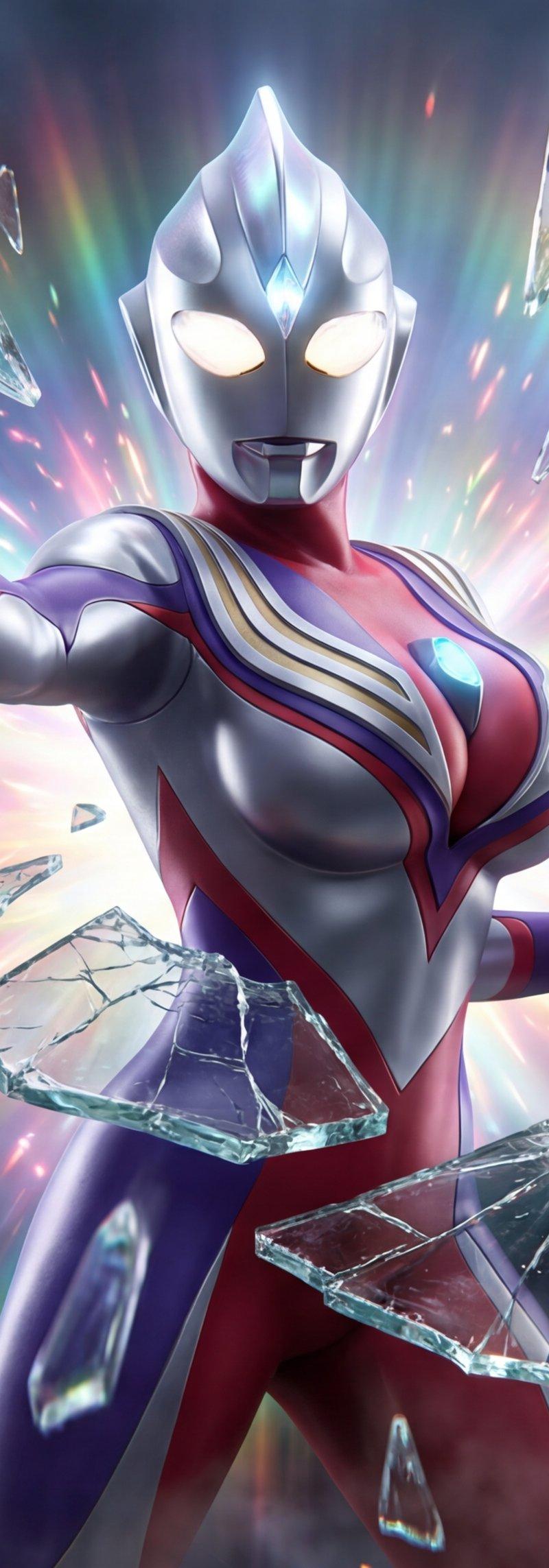
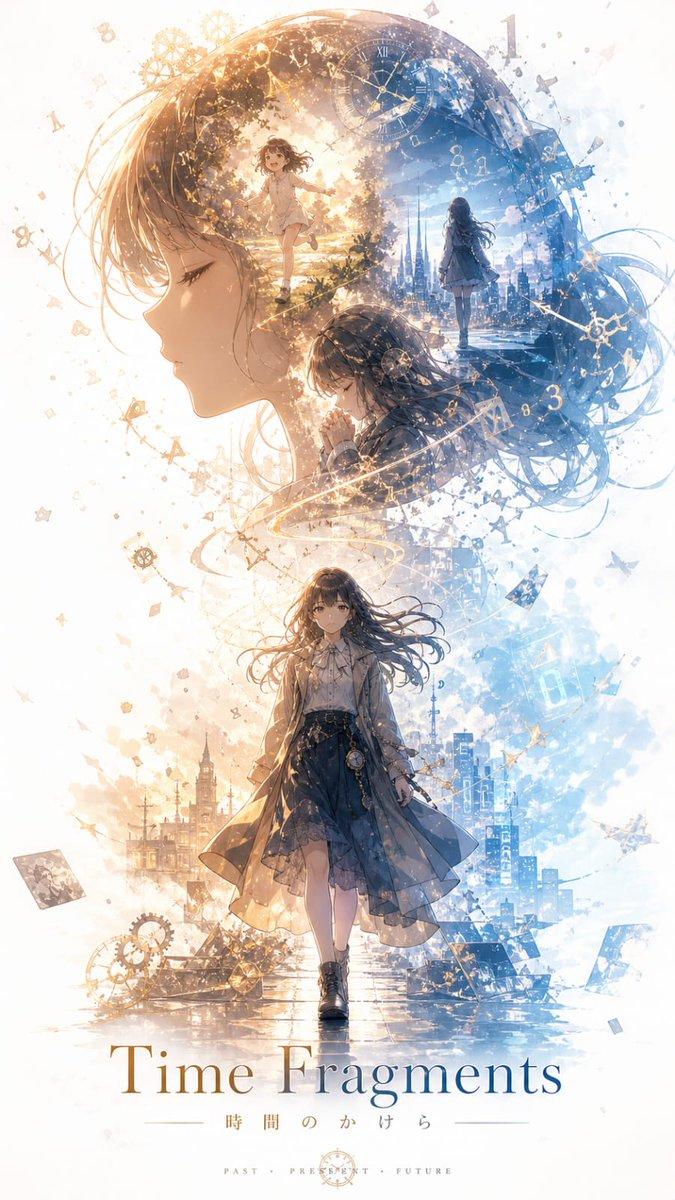
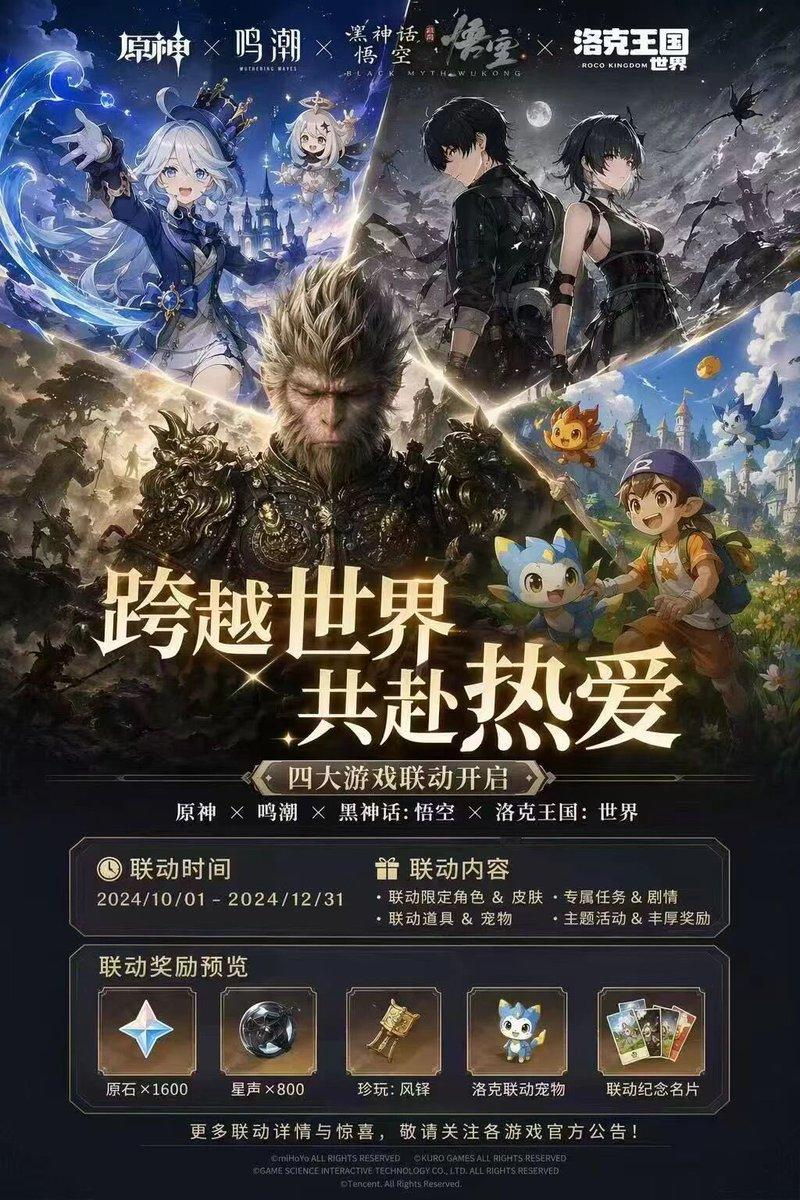
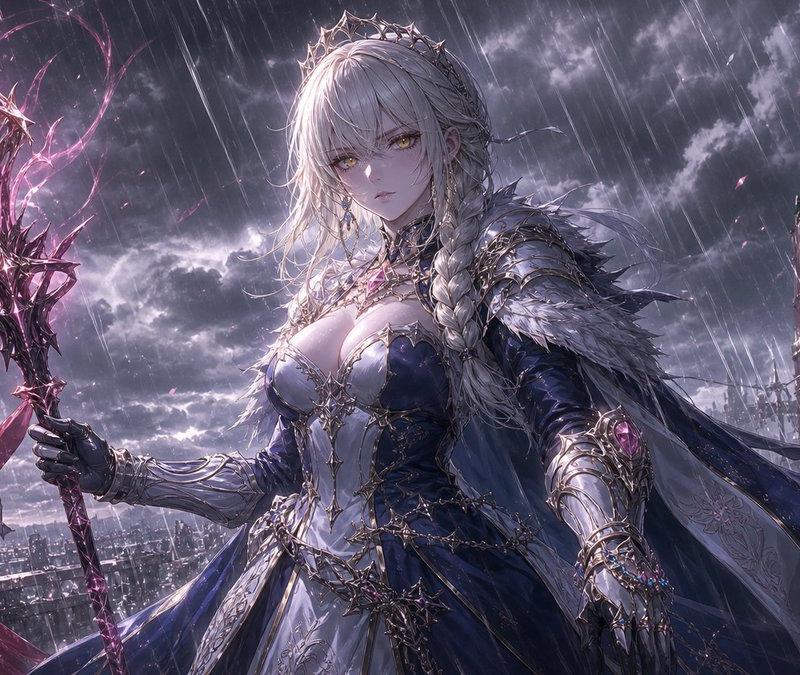
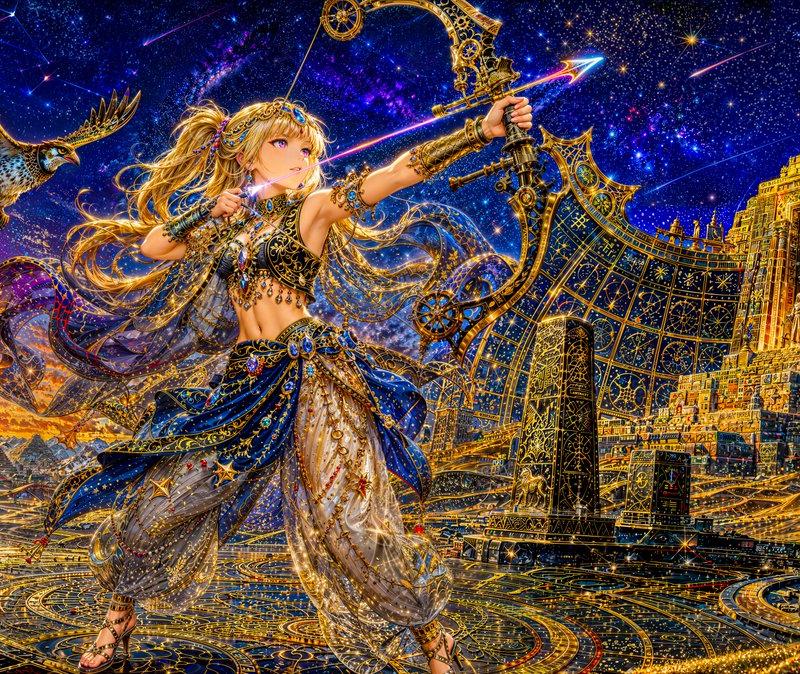
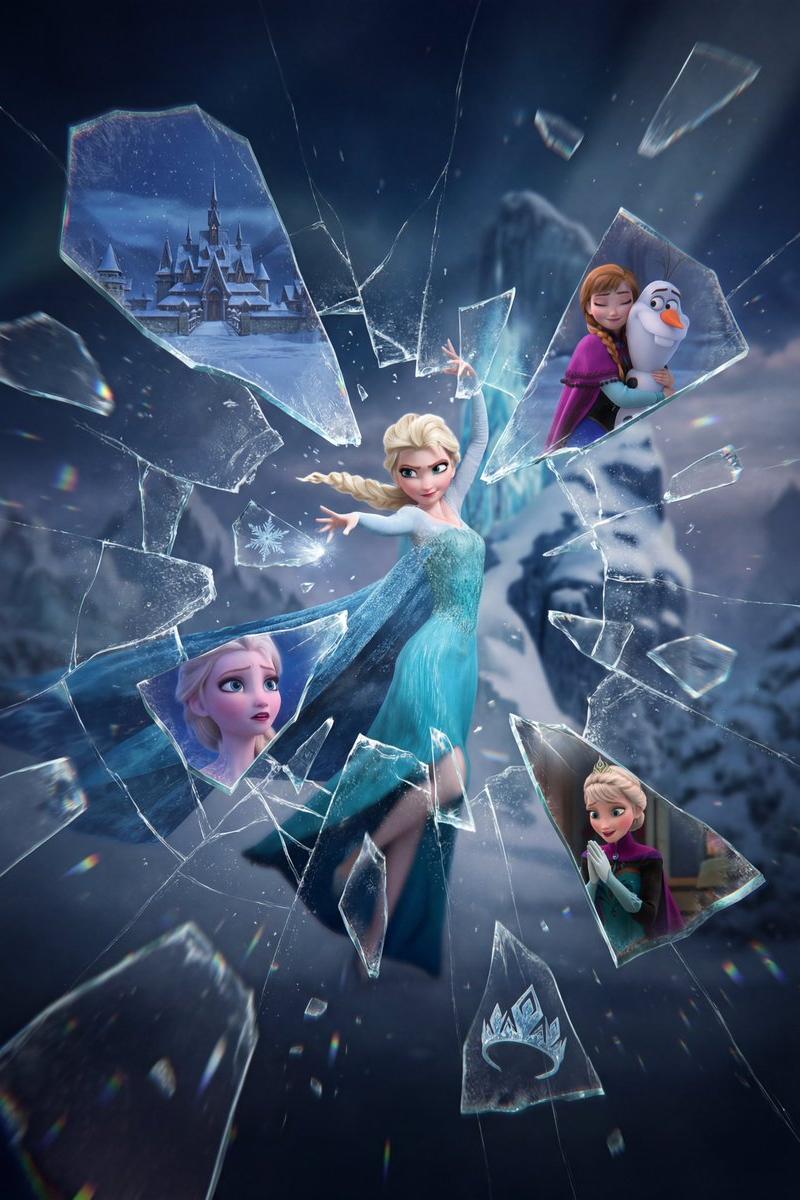
以图 1 的「记忆碎片模版」为例:
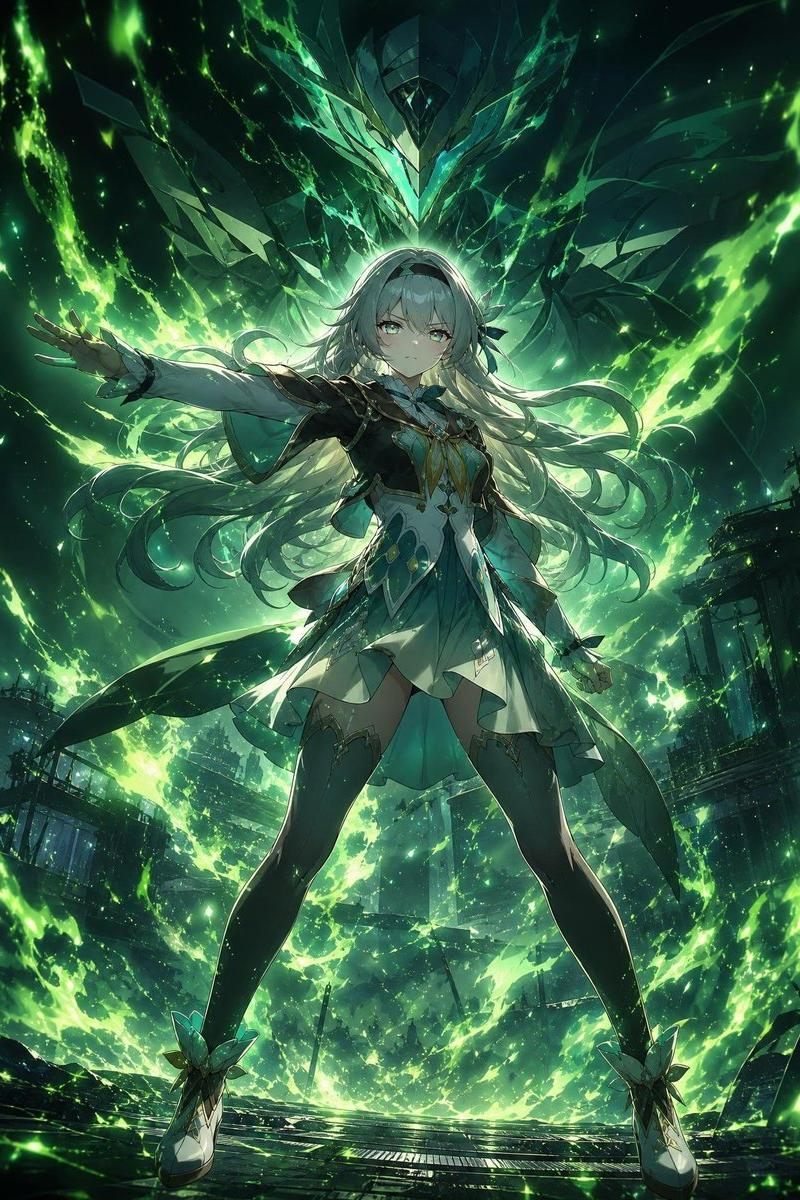
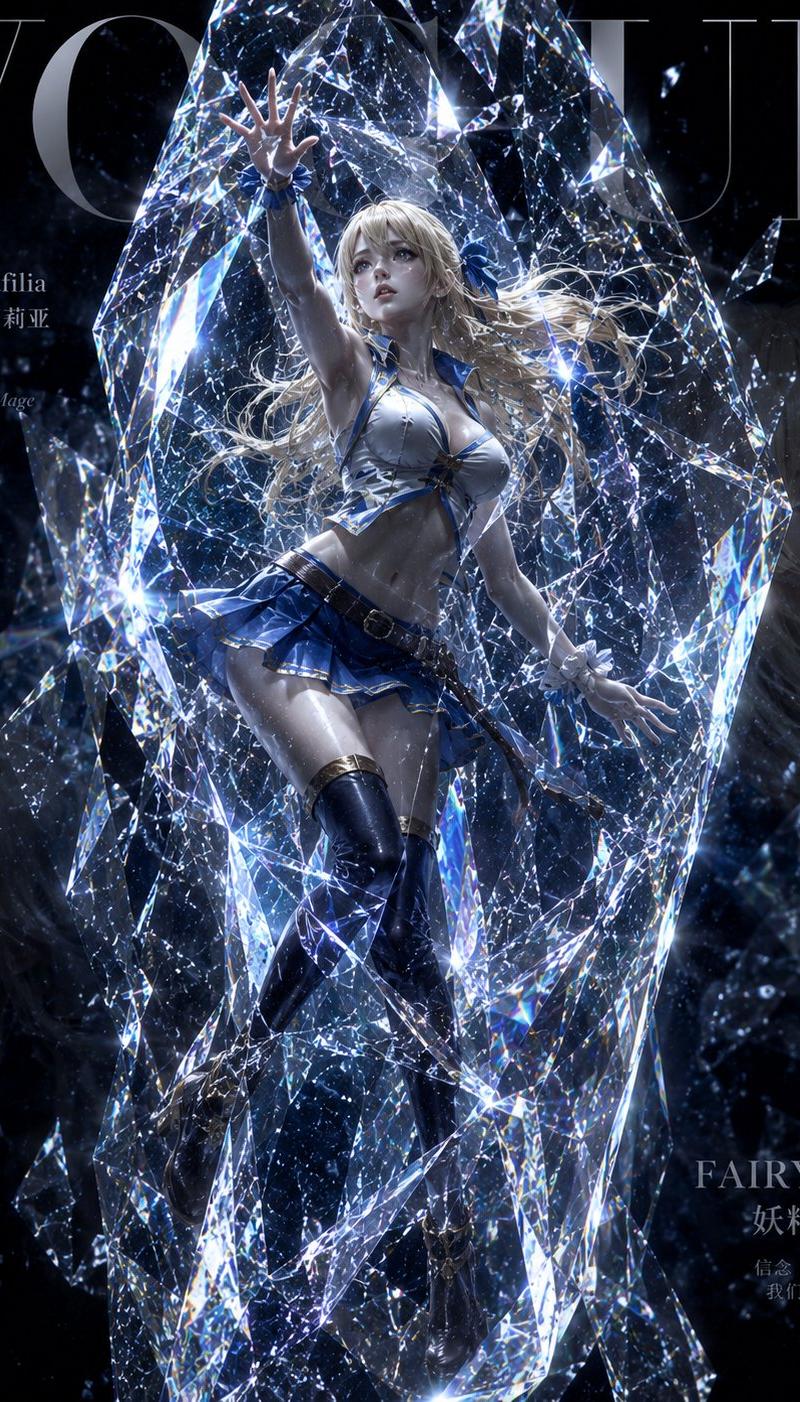
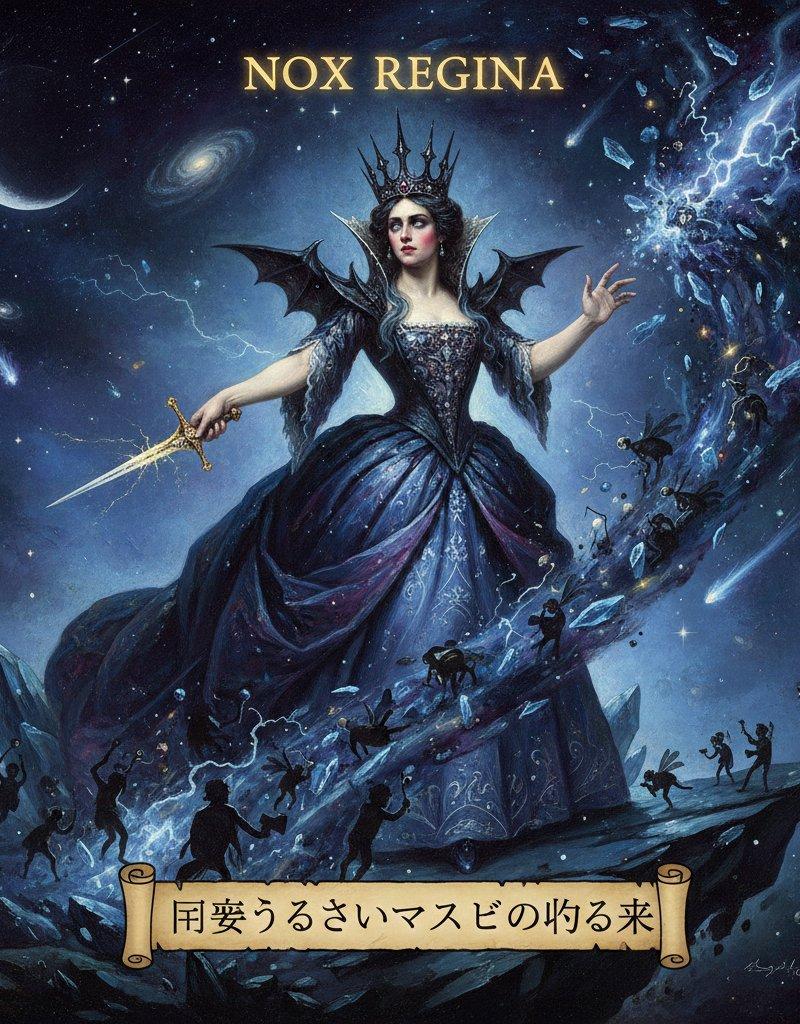
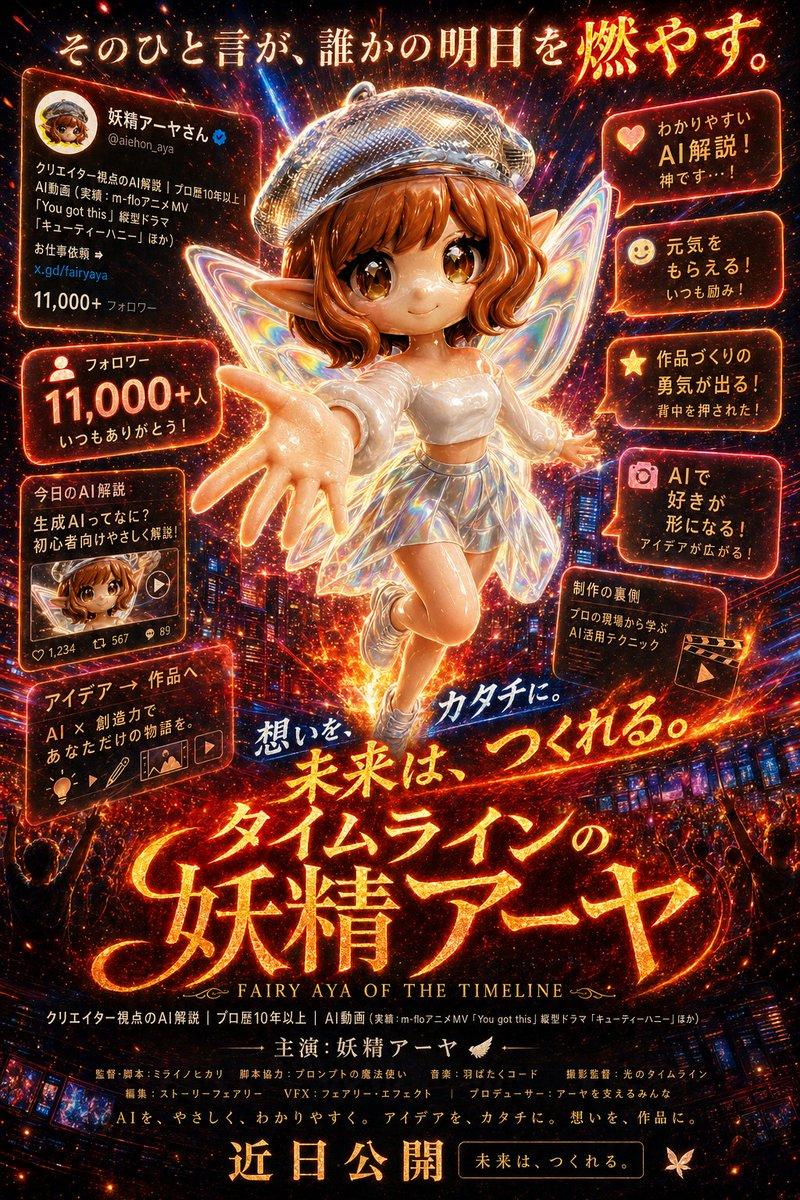
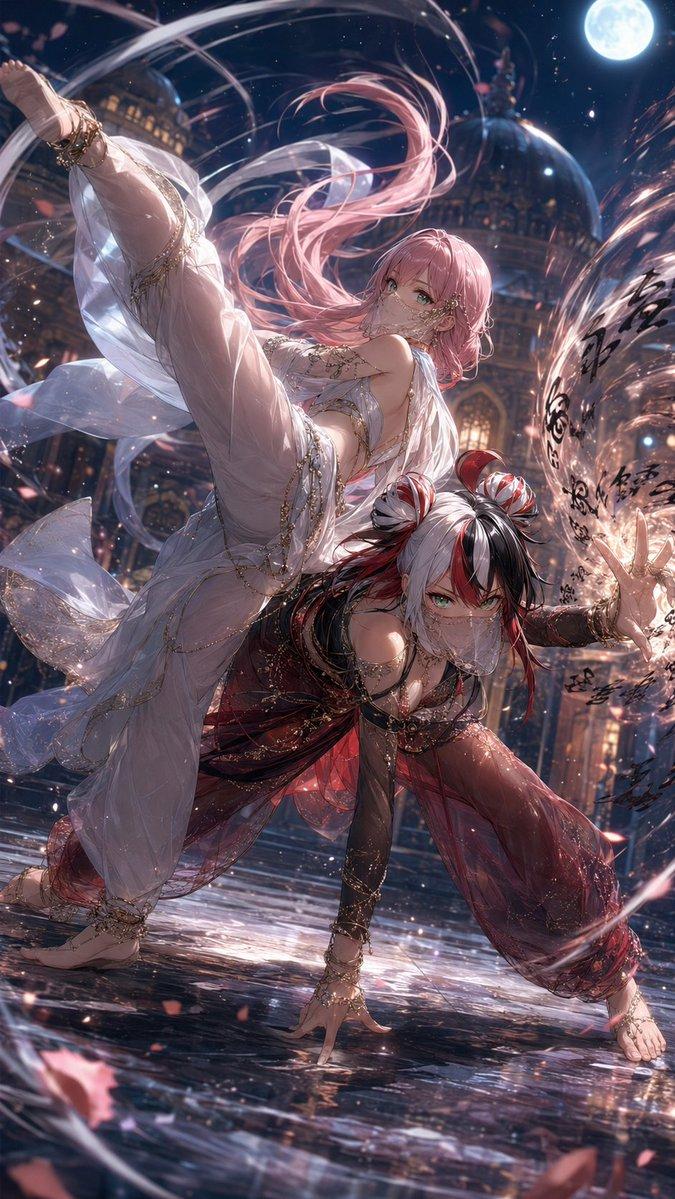
有一个初步想法(或者参考图)后,我会直接扔给 CC:「基于这个概念构建新模版」。它会根据全局指引快速生成首版 prompt,然后在 Cursor 里直接跑 API 看效果。 [图 2]
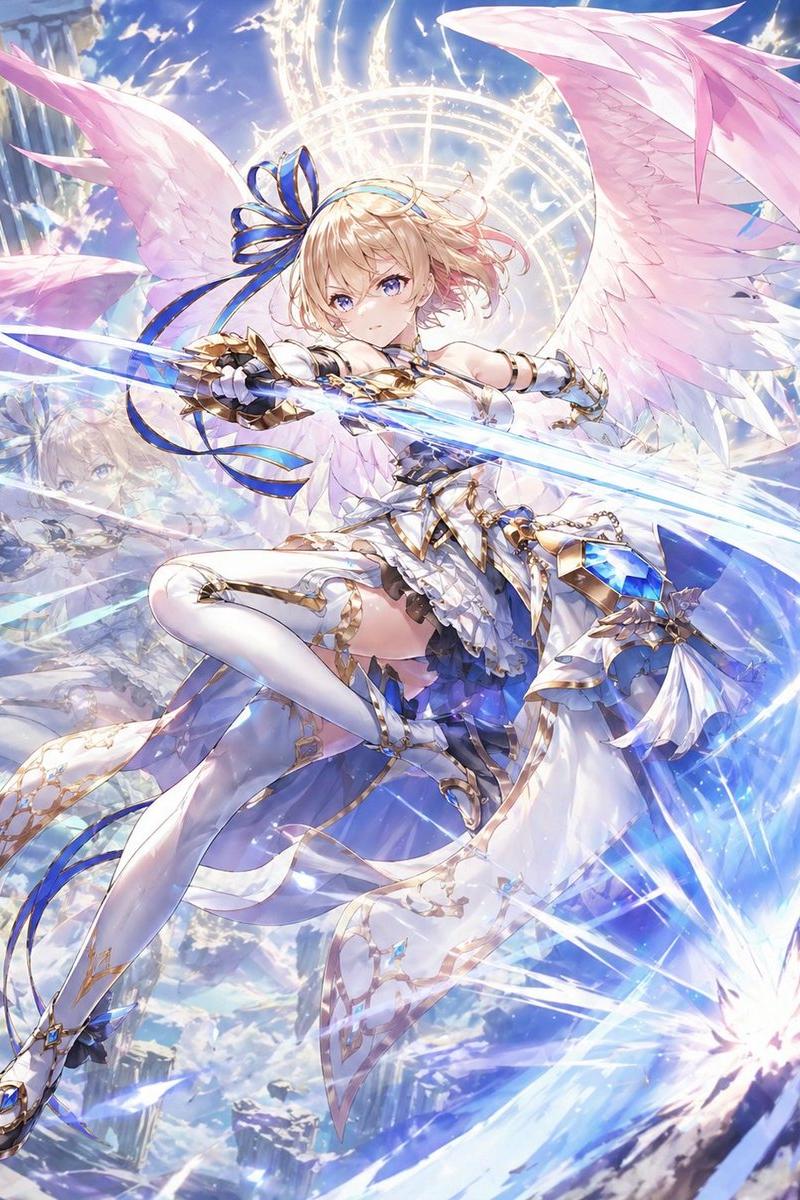
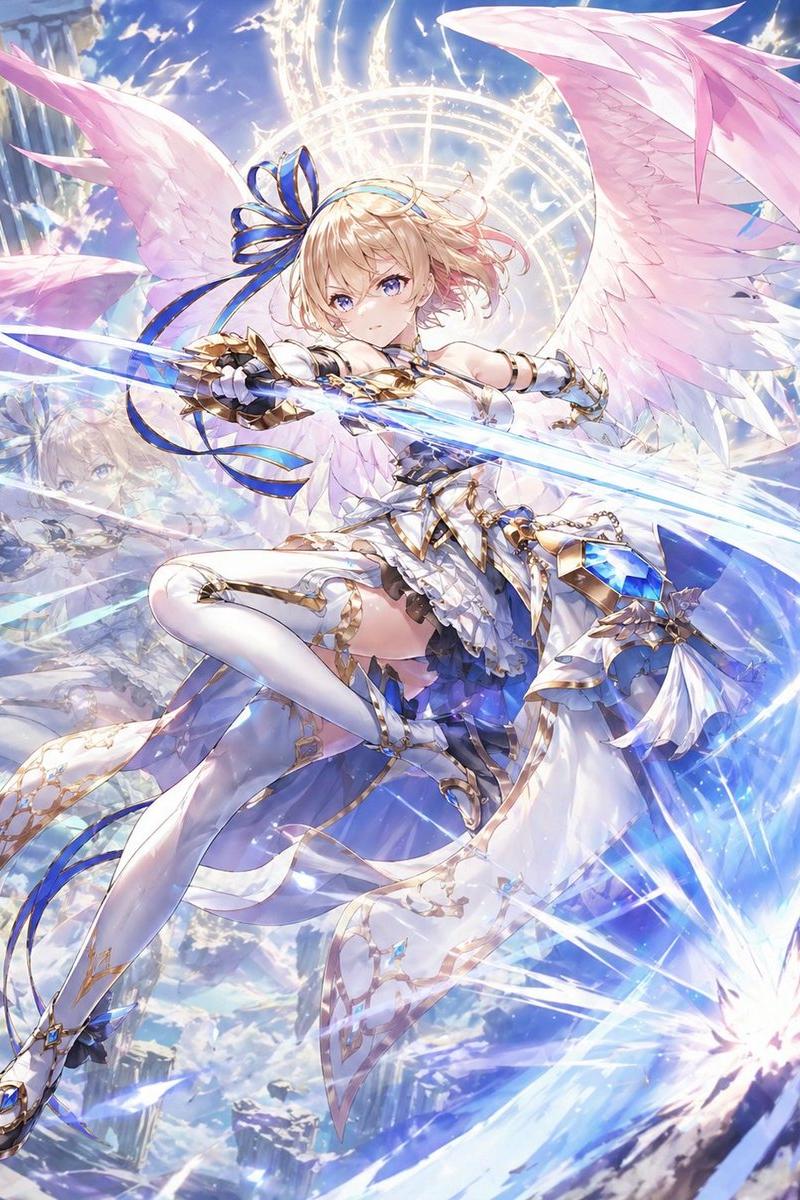
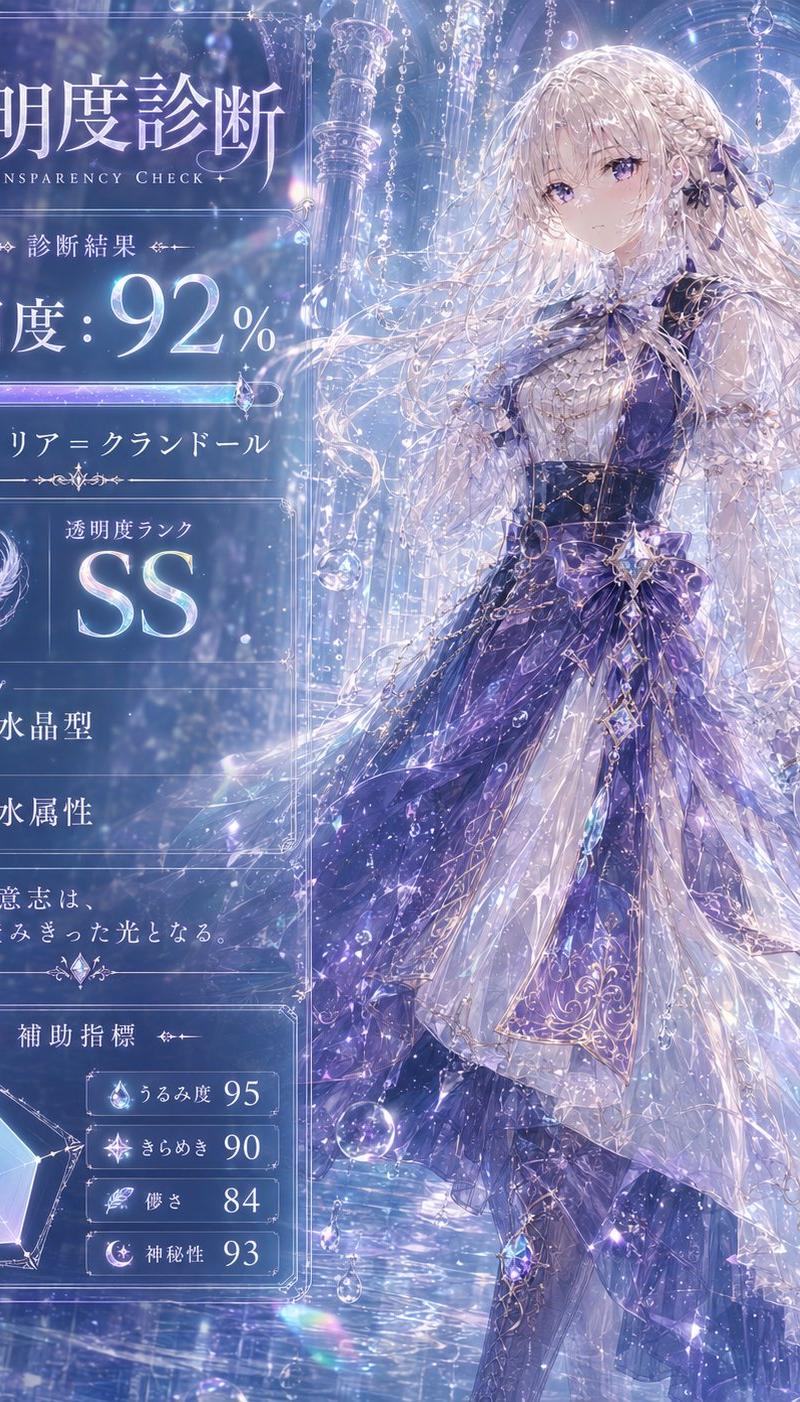
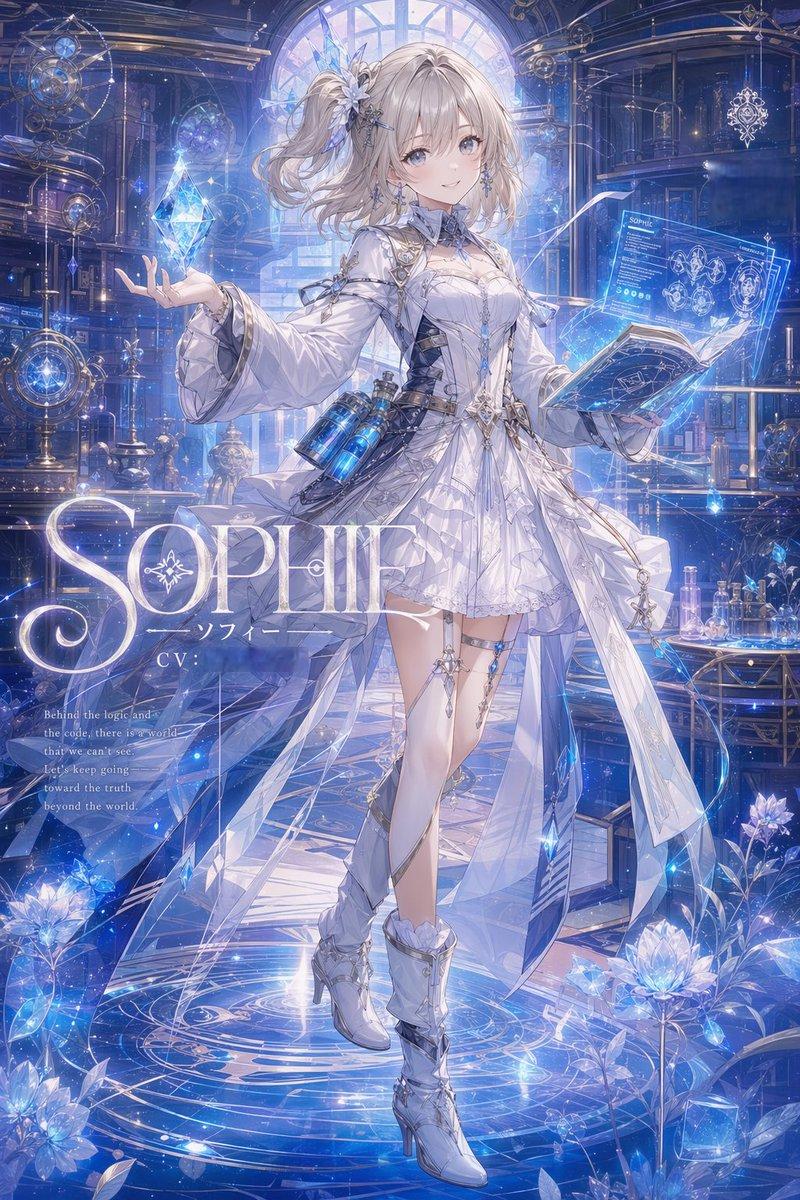
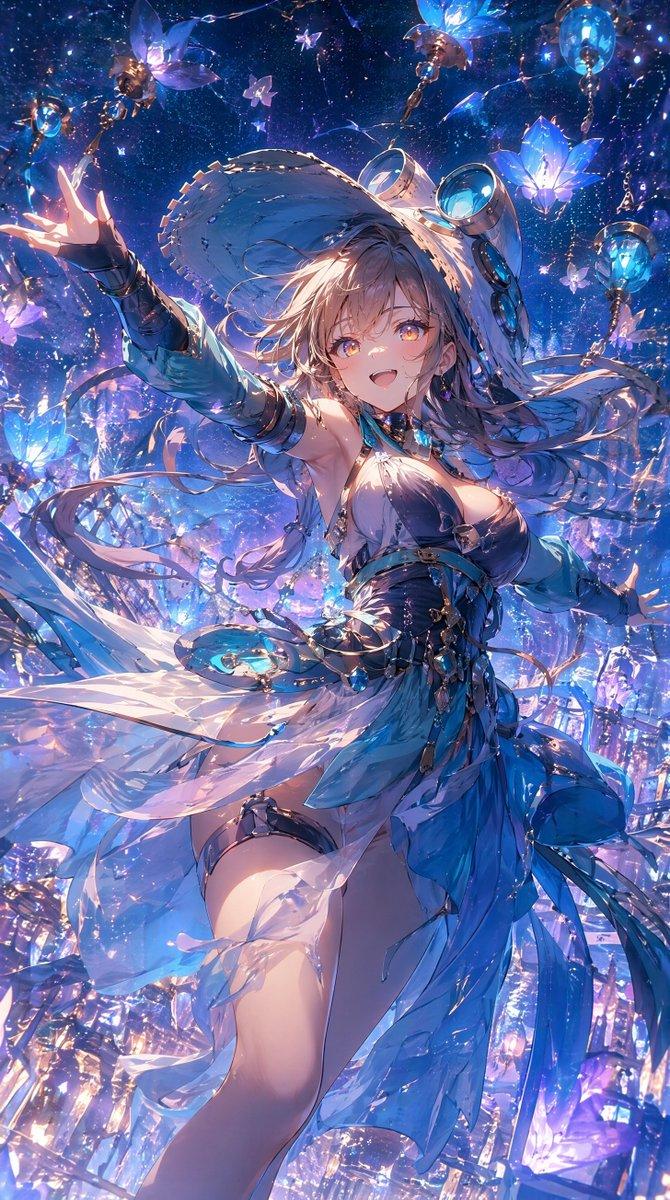
接下来就是视觉校准的循环:看到生成结果后,针对具体问题给反馈——「玻璃平面角度不对,应该始终平行于画布」、「碎片太小了,叙事残缺」。CC 会立即更新 prompt,我确认改进后继续测试。因为全局指引已经覆盖了大量通用原则,这个过程非常高效,不需要每次都重复解释「什么是好的 prompt」。[图 3]
多跑几轮对照测试,验证表现稳定后,就进入最后的精简阶段:检查 prompt 里有没有防御性的冗余描述,仅保留必要的复杂度和设计偏好。
最终归档的模版就是简洁、可迁移的:填充 [Subject] 变量就能复用,AI 会根据语境自动设计。
Category
Charts & Infographics
Model
Nano Banana Pro
Creator
Jerlin
Source language
zh-CN
Views0
Source ID
nano-banana-pro-template-rapid-design-method
Studio

Guide

About "Nano Banana Pro 模版快速设计方法"

What is this prompt for?

"Nano Banana Pro 模版快速设计方法" AI image prompt for Nano Banana Pro (Charts & Infographics). 🍌 Nano Banana Pro 模版快速设计方法 我用 Cursor + CC(Claude Code)来设计 Nano Banana…

The full copyable prompt and example visuals above are ready for AI image generation or one-click recreate in Picva.

How to use this prompt

  1. Step 1

    Open the prompt detail

    Review the example visuals, category, and full prompt text for "Nano Banana Pro 模版快速设计方法".

  2. Step 2

    Copy the prompt

    Copy the prompt body from this page, or load it directly in Studio.

  3. Step 3

    Pick a model (Nano Banana Pro)

    Prefer Nano Banana Pro. If you switch models, keep subject and composition and tweak style terms.

  4. Step 4

    Generate and export

    Recreate the look in Picva, or export into your workflow for editing and publishing.

FAQ

What is the "Nano Banana Pro 模版快速设计方法" prompt?
It is an AI image-generation prompt for Nano Banana Pro in the Charts & Infographics category. This page includes the full prompt text, example visuals, and a one-click recreate path in Picva.
How do I use this prompt to generate an image?
Copy the prompt from this page, or use Generate / Studio. Paste it into a compatible image model, or recreate the look in Picva with optional reference images.
Which model is this prompt for?
This page lists Nano Banana Pro. Most descriptive prompts also transfer to nearby image models such as GPT Image, Flux, or Midjourney with light style tweaks.
Can I use the result commercially?
You can usually copy the prompt for creation, but commercial use of the final image depends on the model terms, reference-image rights, and the generated content. Follow the source author and platform rules.