18

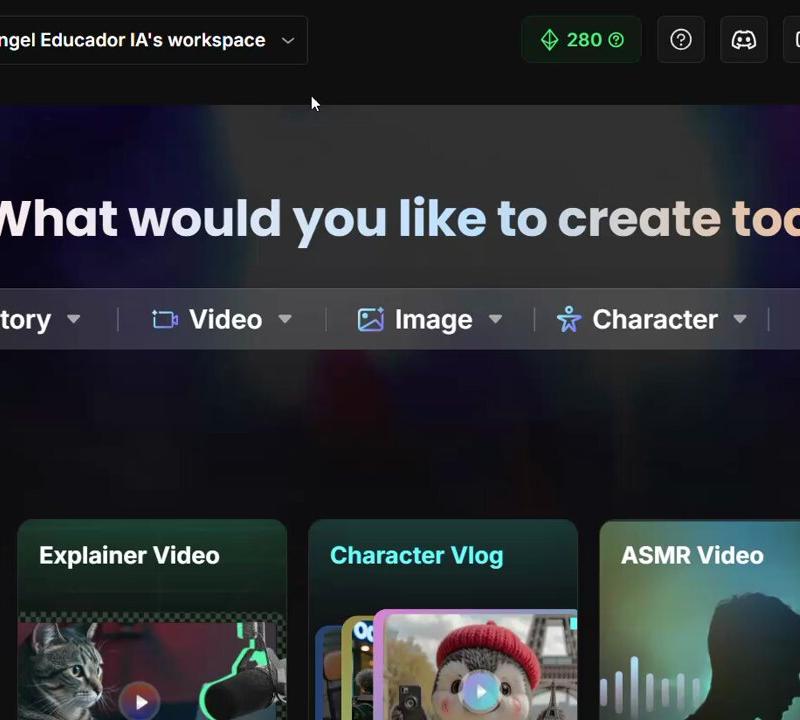
Nano Banana Pro的世界超现实理解与OpenArt流畅工作流程
Enlarge

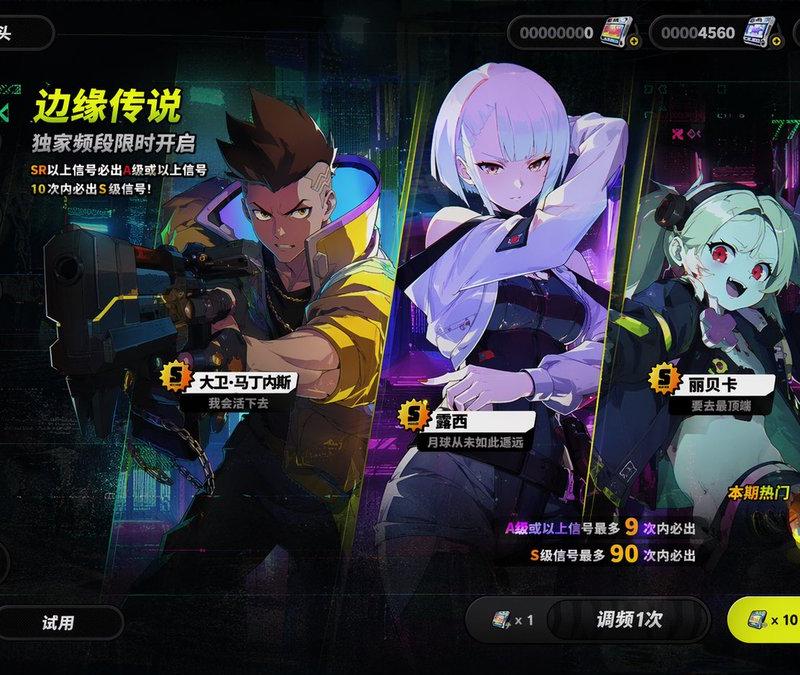
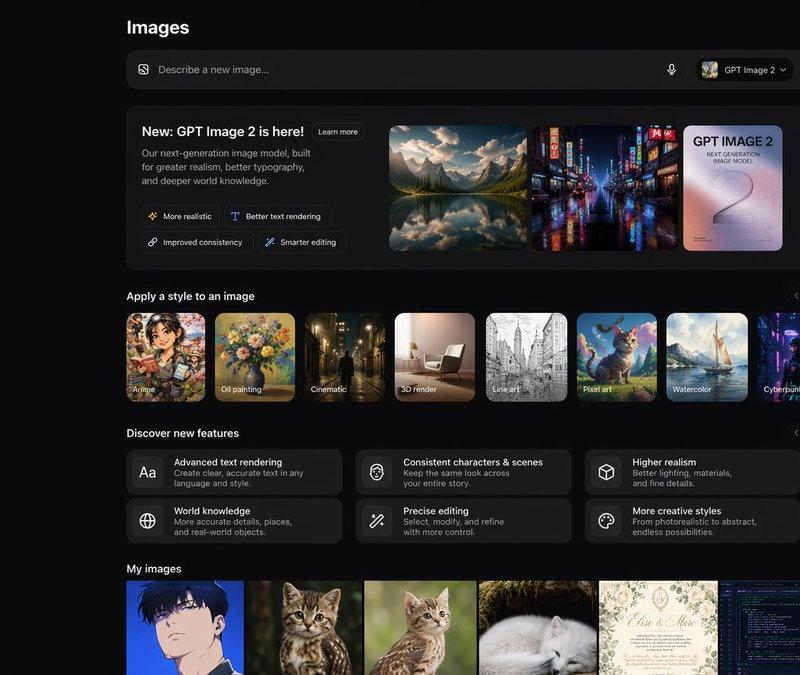
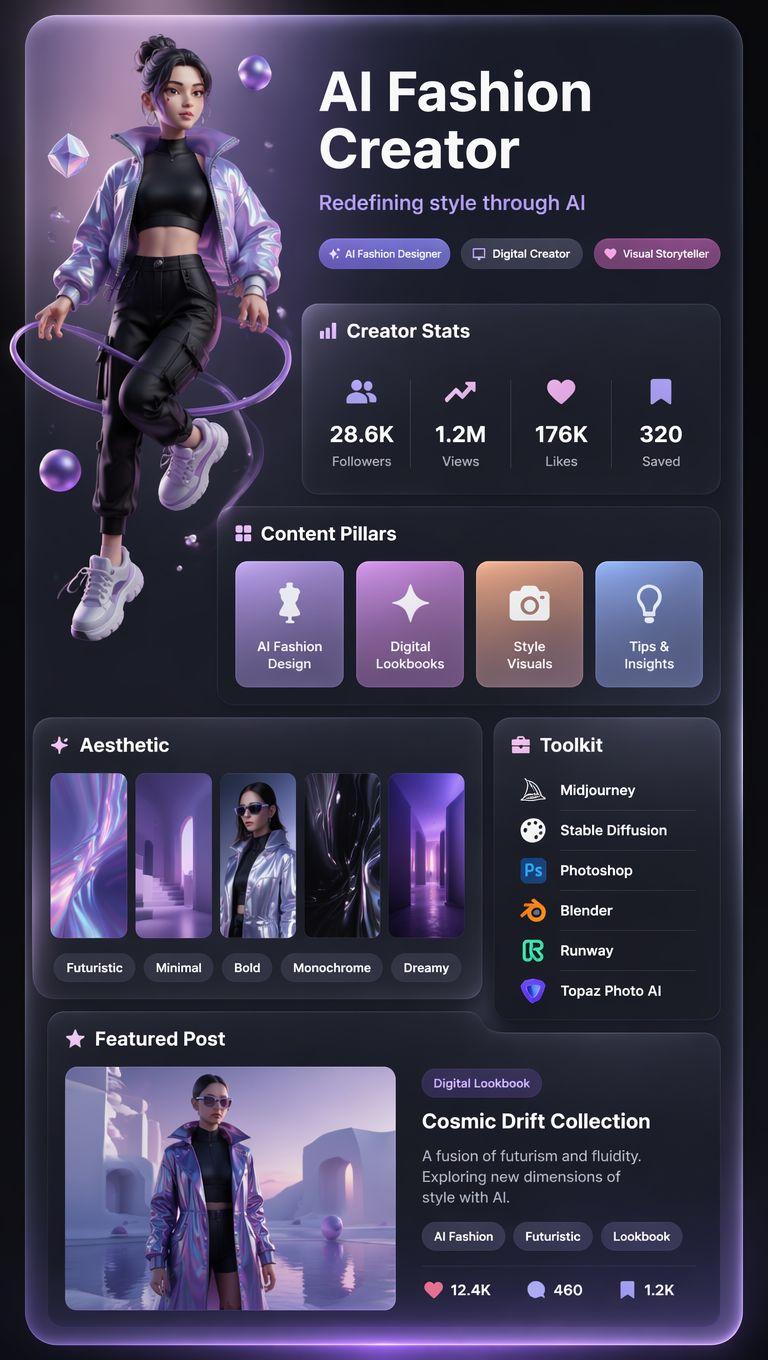
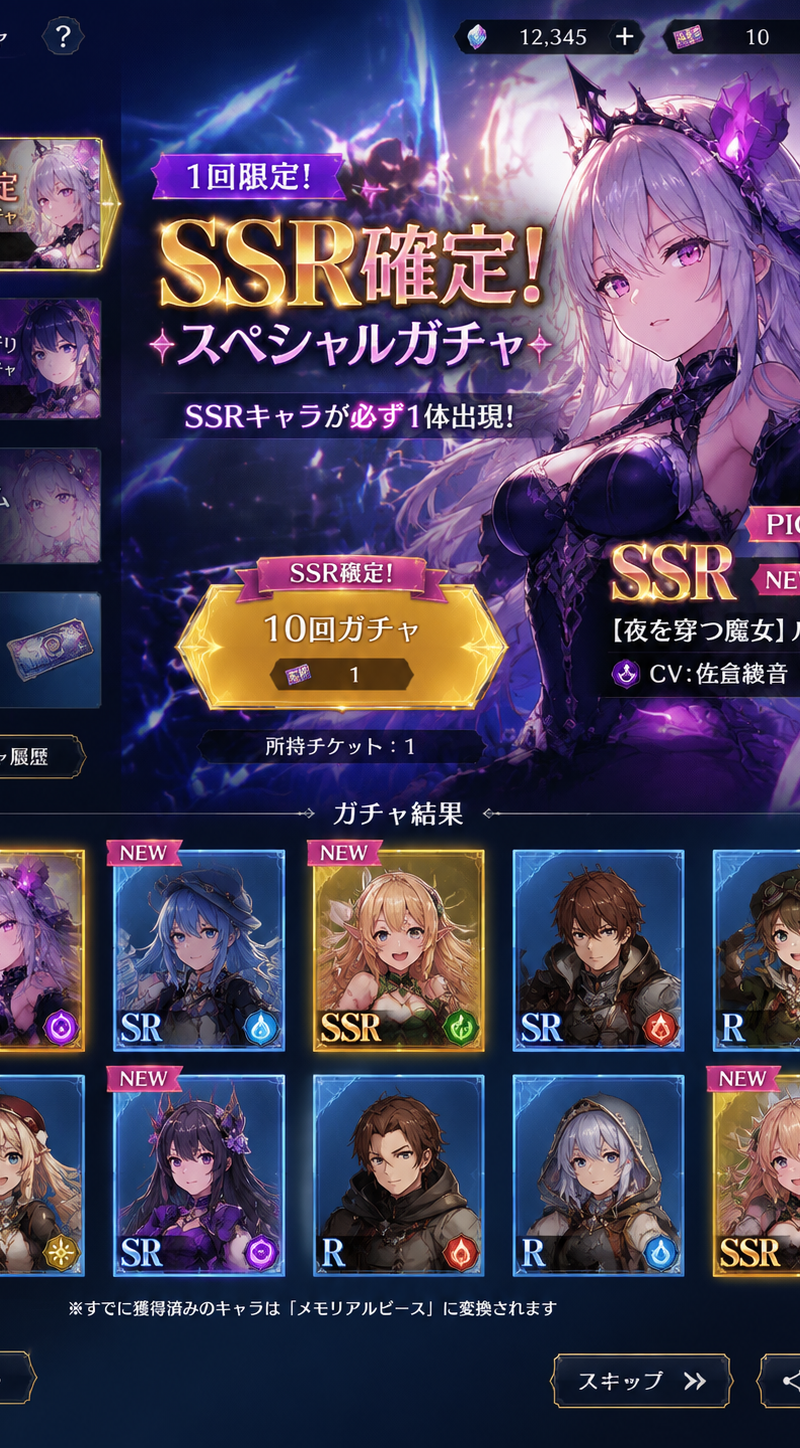
Example images

Nano Banana Pro的世界超现实理解与OpenArt流畅工作流程

Prompt
La comprensión ultrarrealista del mundo de Nano Banana Pro + el flujo de trabajo fluido de OpenArt = imparable
Prompt: Toma cenital hiperrealista de 9:16 del hombre de la imagen adjunta (subo 2 fotos mías), sentado en el borde de un rascacielos durante la hora dorada, con las piernas colgando y las manos entrelazadas. Lleva la ropa que aparece en la imagen, mirando hacia atrás por encima del hombro, con el horizonte de la ciudad suavemente desenfocado. Iluminación natural, gradación de color cinematográfica, bokeh intenso, poca profundidad de campo, toma cinematográfica 8K con gran detalle.
Category
UI & Interfaces
Model
Nano Banana Pro
Creator
Miguel Ángel | Educador en IA
Source language
zh-CN
Views0
Source ID
nano-banana-pro-ultra-realistic-world-understanding-fluid-openart-workflow
Studio

Guide

About "Nano Banana Pro的世界超现实理解与OpenArt流畅工作流程"

What is this prompt for?

"Nano Banana Pro的世界超现实理解与OpenArt流畅工作流程" AI image prompt for Nano Banana Pro (UI & Interfaces). La comprensión ultrarrealista del mundo de Nano Banana Pro + el…

The full copyable prompt and example visuals above are ready for AI image generation or one-click recreate in Picva.

How to use this prompt

  1. Step 1

    Open the prompt detail

    Review the example visuals, category, and full prompt text for "Nano Banana Pro的世界超现实理解与OpenArt流畅工作流程".

  2. Step 2

    Copy the prompt

    Copy the prompt body from this page, or load it directly in Studio.

  3. Step 3

    Pick a model (Nano Banana Pro)

    Prefer Nano Banana Pro. If you switch models, keep subject and composition and tweak style terms.

  4. Step 4

    Generate and export

    Recreate the look in Picva, or export into your workflow for editing and publishing.

FAQ

What is the "Nano Banana Pro的世界超现实理解与OpenArt流畅工作流程" prompt?
It is an AI image-generation prompt for Nano Banana Pro in the UI & Interfaces category. This page includes the full prompt text, example visuals, and a one-click recreate path in Picva.
How do I use this prompt to generate an image?
Copy the prompt from this page, or use Generate / Studio. Paste it into a compatible image model, or recreate the look in Picva with optional reference images.
Which model is this prompt for?
This page lists Nano Banana Pro. Most descriptive prompts also transfer to nearby image models such as GPT Image, Flux, or Midjourney with light style tweaks.
Can I use the result commercially?
You can usually copy the prompt for creation, but commercial use of the final image depends on the model terms, reference-image rights, and the generated content. Follow the source author and platform rules.