17

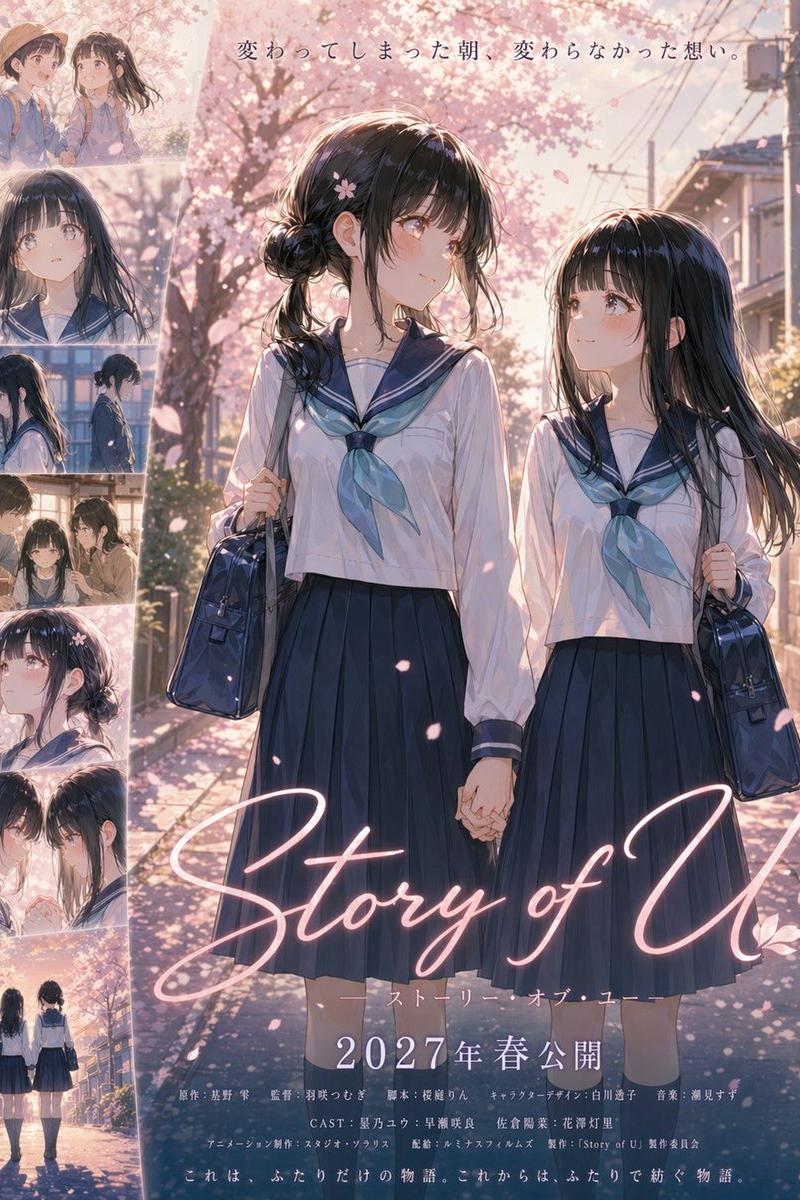
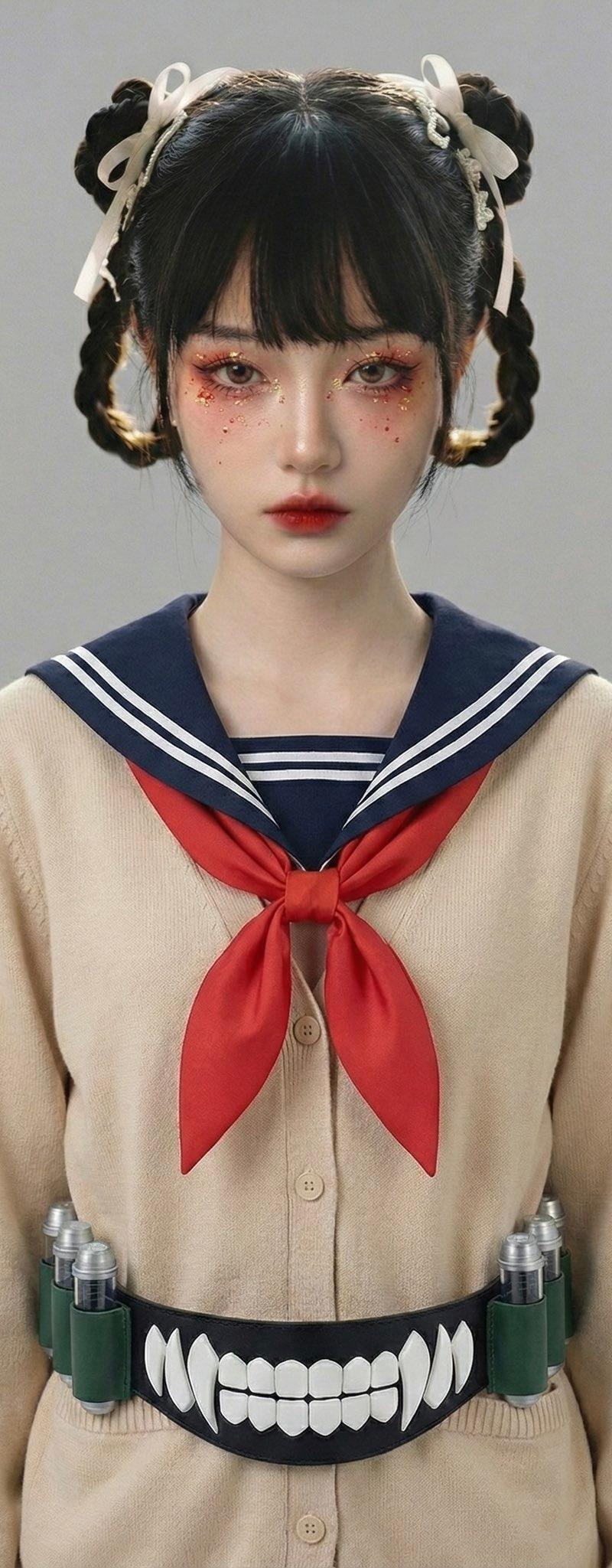
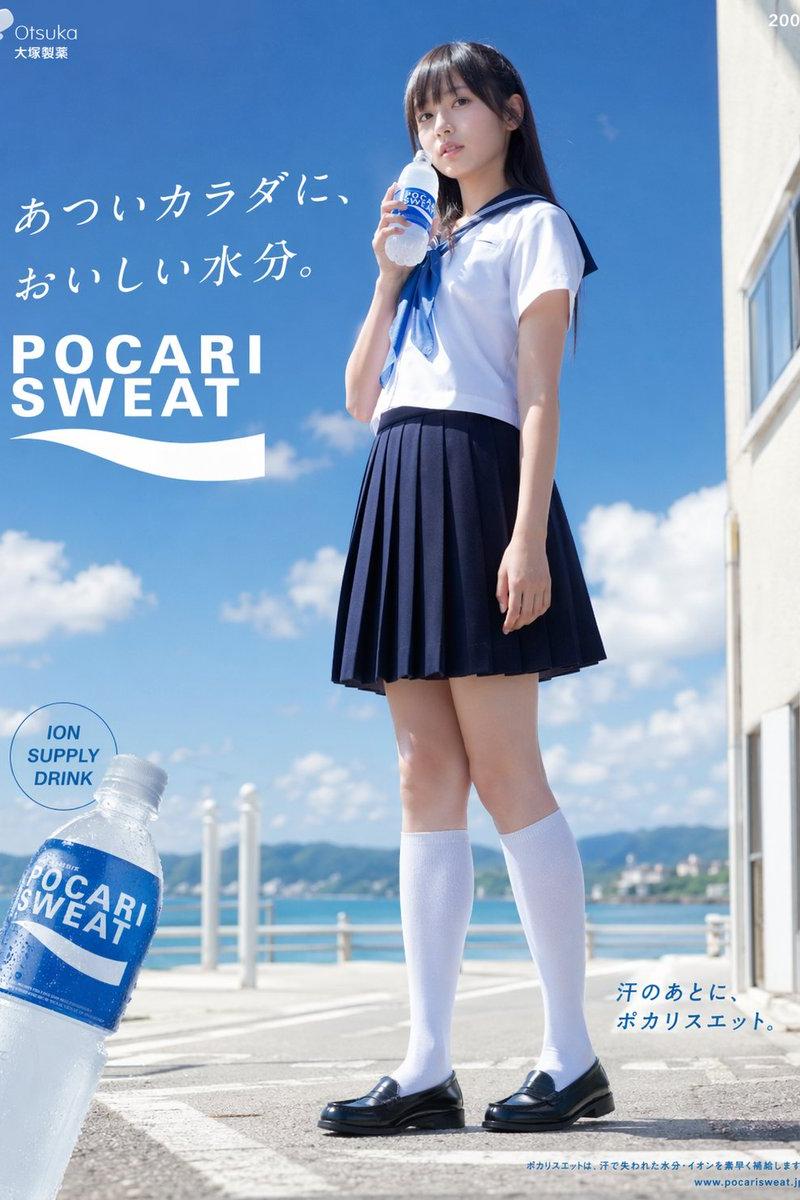
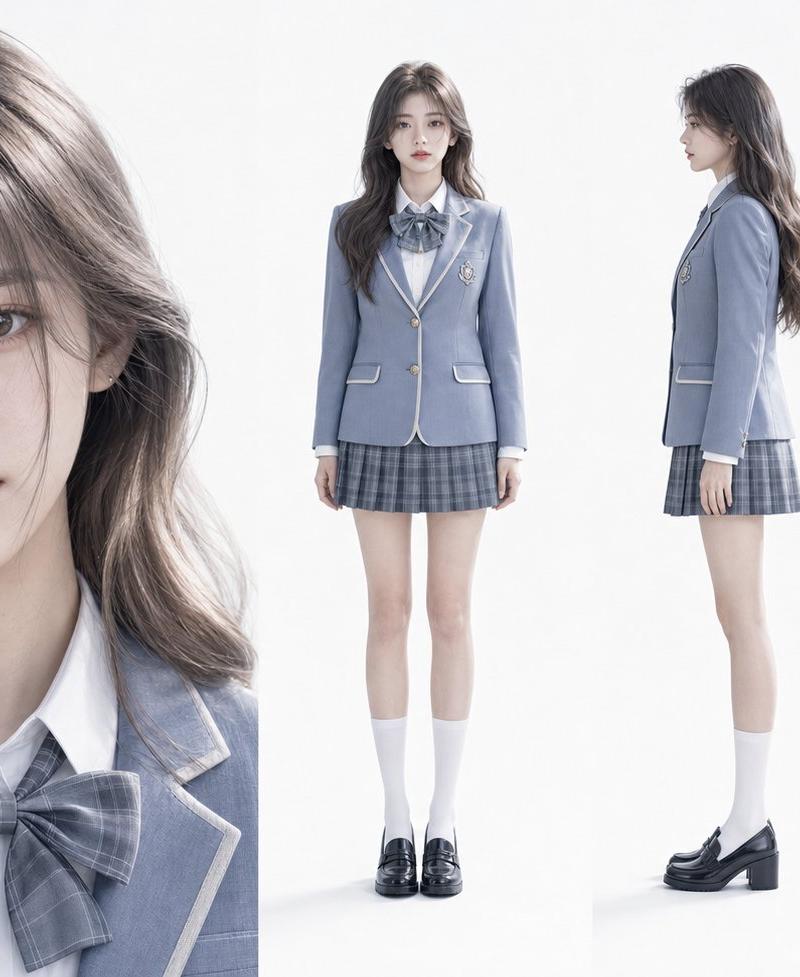
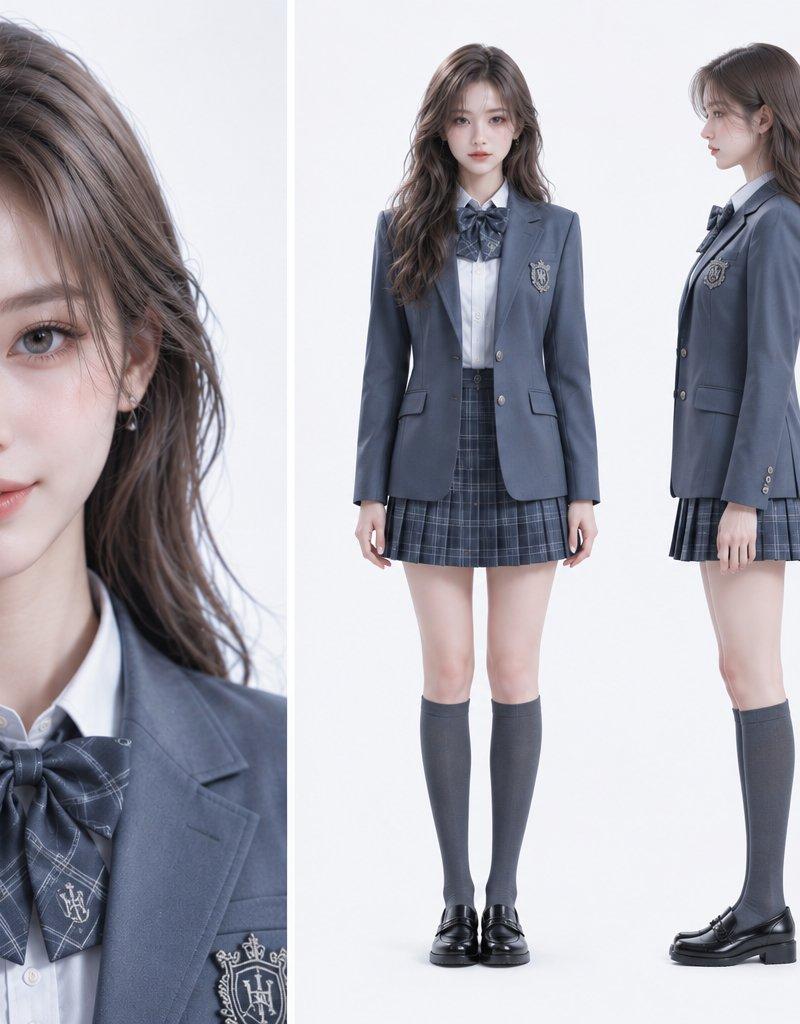
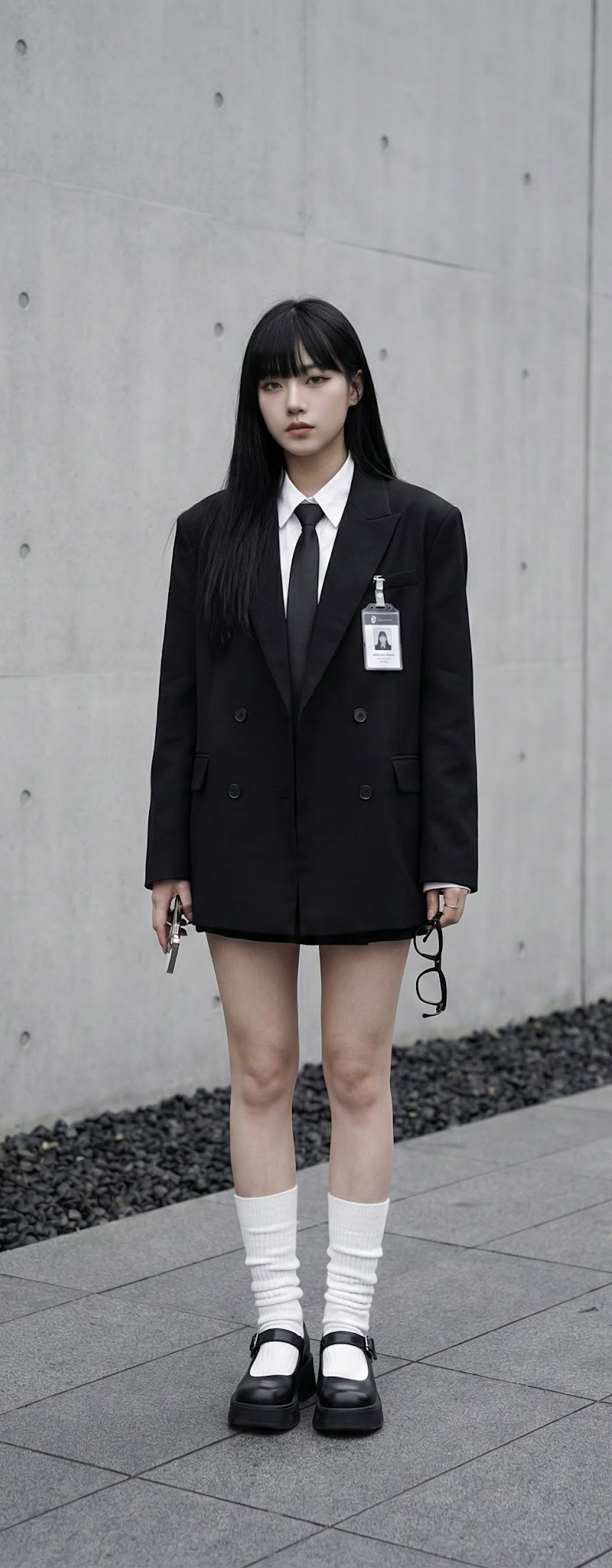
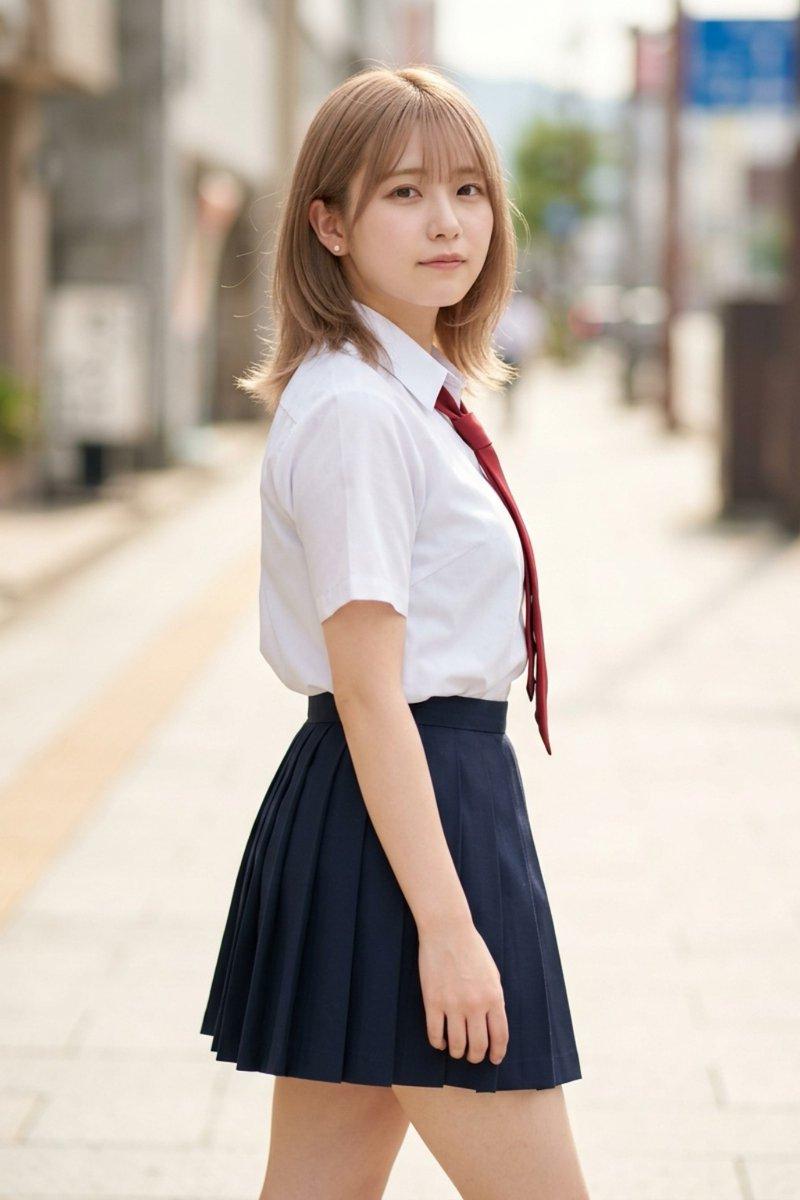
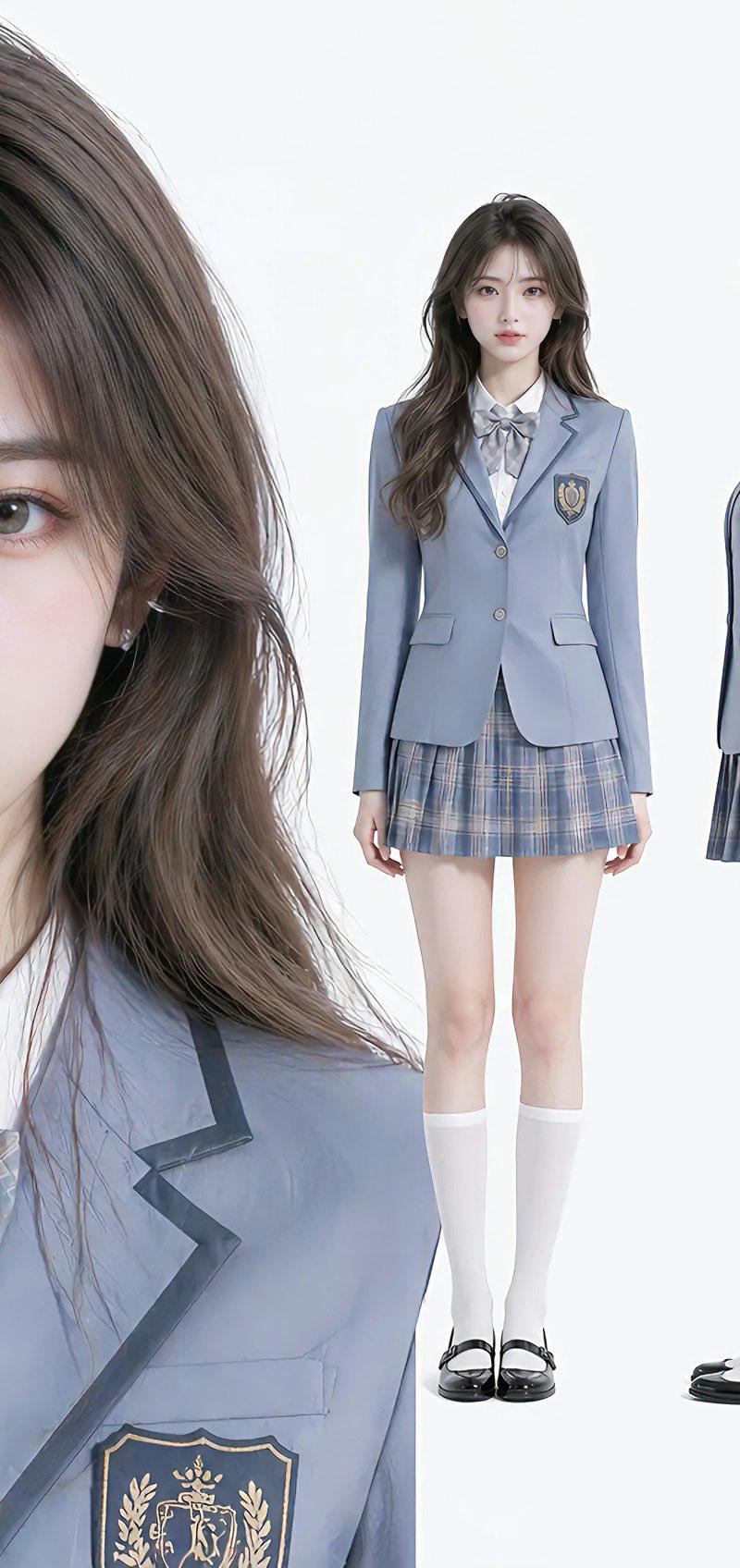
Nano Banana Pro与Seedream 4.5的VFX比较
Enlarge

Example images

Nano Banana Pro与Seedream 4.5的VFX比较

Prompt
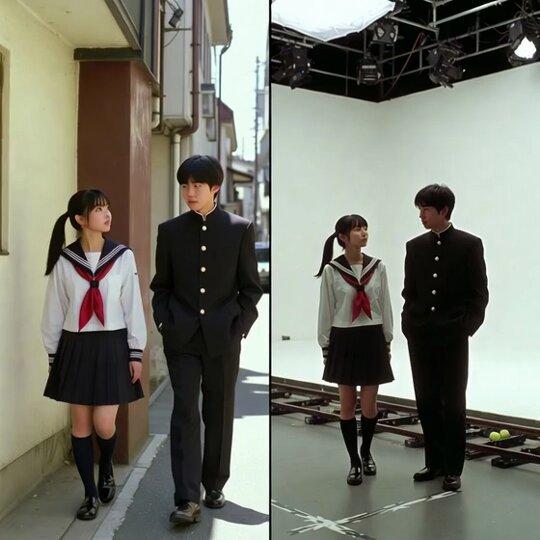
Nano Banana Pro や Seedream 4.5でVFX比較画像を作ってみたら面白かったです✨
少しガチャ要素もありますがモデル画像とテーマを入れるだけで簡単に作れます!細かな設定などを追記してカスタムしても面白いと思います。
正方形がおすすめ。
【プロンプト】
【テーマや内容の具体的な説明 例:海の上を飛んでいる女性】のシーンに基づいた、添付画像の人物によるVFX比較映像。
中央の垂直線で正確に整列された分割画面によるVFX比較構成。
**重要:登場人物の人数、性別、外見特徴は、提供された入力画像と完全に一致させること。人物を増やしたり減らしたりしないこと。**
**左半分(完成ショット):**
テーマ「**【テーマを入力】**」を完璧に描写したフォトリアルな映画のワンシーン。
* **人物:** 入力画像の人物が、テーマ「**【テーマを入力】**」に合った演技(ポーズや表情)をしている。
* **背景:** テーマに適合した詳細でリアルな環境(屋外や屋内)、映画的な照明と雰囲気。
**右半分(グリーンスクリーン撮影):**
左半分に映っている人物と**全く同じ構成・ポーズ**で、巨大なブルー/グリーンスクリーン(クロマキー)のスタジオに立っている。
見える白いホリゾント壁、頭上の複雑な照明リグ、ケーブル、立ち位置を示す黒いバミリ(テープ)、撮影用レールのドリートラック、遮光されていないきついスタジオ照明、端に映り込む撮影クルーの薄い影。背景は合成用に完全に平坦な緑一色のスクリーンになっている。
2000年代初頭の日本映画のVFXビフォーアフター風のルック、極端に劣化した低画質のアナログビデオの質感、ノイズ、色褪せ。
Category
Characters & People
Model
Nano Banana Pro
Creator
空想写真家
Source language
zh-CN
Views0
Source ID
nano-banana-pro-vs-seedream-4-5-vfx-comparison
Studio

Guide

About "Nano Banana Pro与Seedream 4.5的VFX比较"

What is this prompt for?

"Nano Banana Pro与Seedream 4.5的VFX比较" AI image prompt for Nano Banana Pro (Characters & People). Nano Banana Pro や Seedream 4.5でVFX比較画像を作ってみたら面白かったです✨ 少しガチャ要素もあ…

The full copyable prompt and example visuals above are ready for AI image generation or one-click recreate in Picva.

How to use this prompt

  1. Step 1

    Open the prompt detail

    Review the example visuals, category, and full prompt text for "Nano Banana Pro与Seedream 4.5的VFX比较".

  2. Step 2

    Copy the prompt

    Copy the prompt body from this page, or load it directly in Studio.

  3. Step 3

    Pick a model (Nano Banana Pro)

    Prefer Nano Banana Pro. If you switch models, keep subject and composition and tweak style terms.

  4. Step 4

    Generate and export

    Recreate the look in Picva, or export into your workflow for editing and publishing.

FAQ

What is the "Nano Banana Pro与Seedream 4.5的VFX比较" prompt?
It is an AI image-generation prompt for Nano Banana Pro in the Characters & People category. This page includes the full prompt text, example visuals, and a one-click recreate path in Picva.
How do I use this prompt to generate an image?
Copy the prompt from this page, or use Generate / Studio. Paste it into a compatible image model, or recreate the look in Picva with optional reference images.
Which model is this prompt for?
This page lists Nano Banana Pro. Most descriptive prompts also transfer to nearby image models such as GPT Image, Flux, or Midjourney with light style tweaks.
Can I use the result commercially?
You can usually copy the prompt for creation, but commercial use of the final image depends on the model terms, reference-image rights, and the generated content. Follow the source author and platform rules.