17

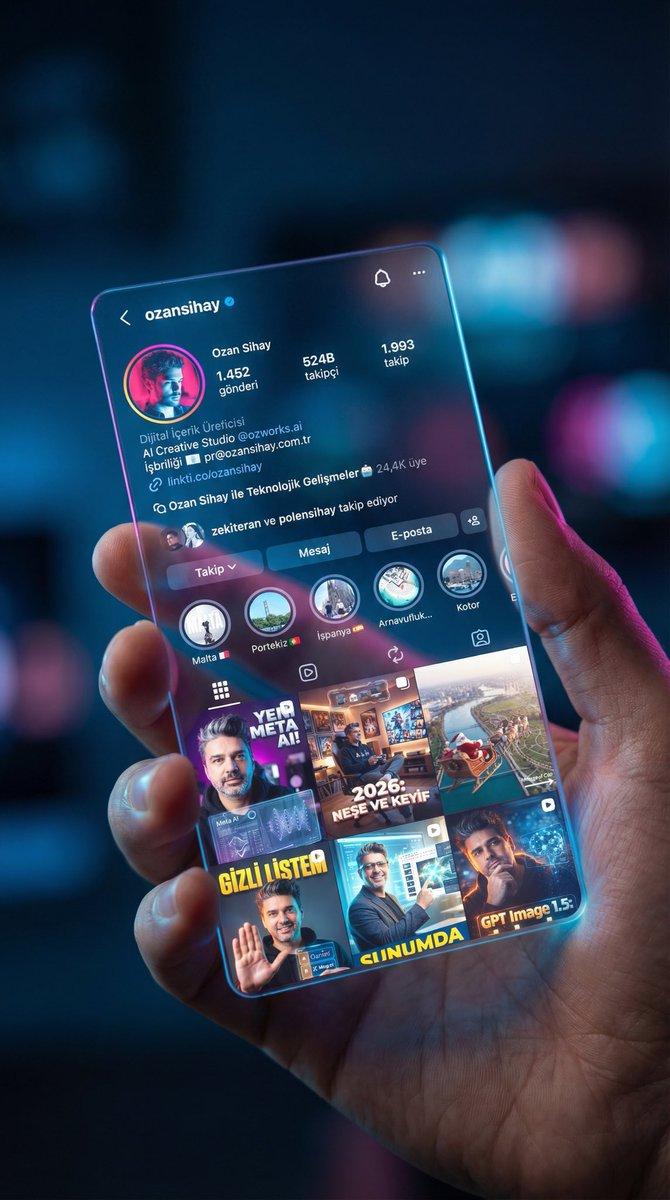
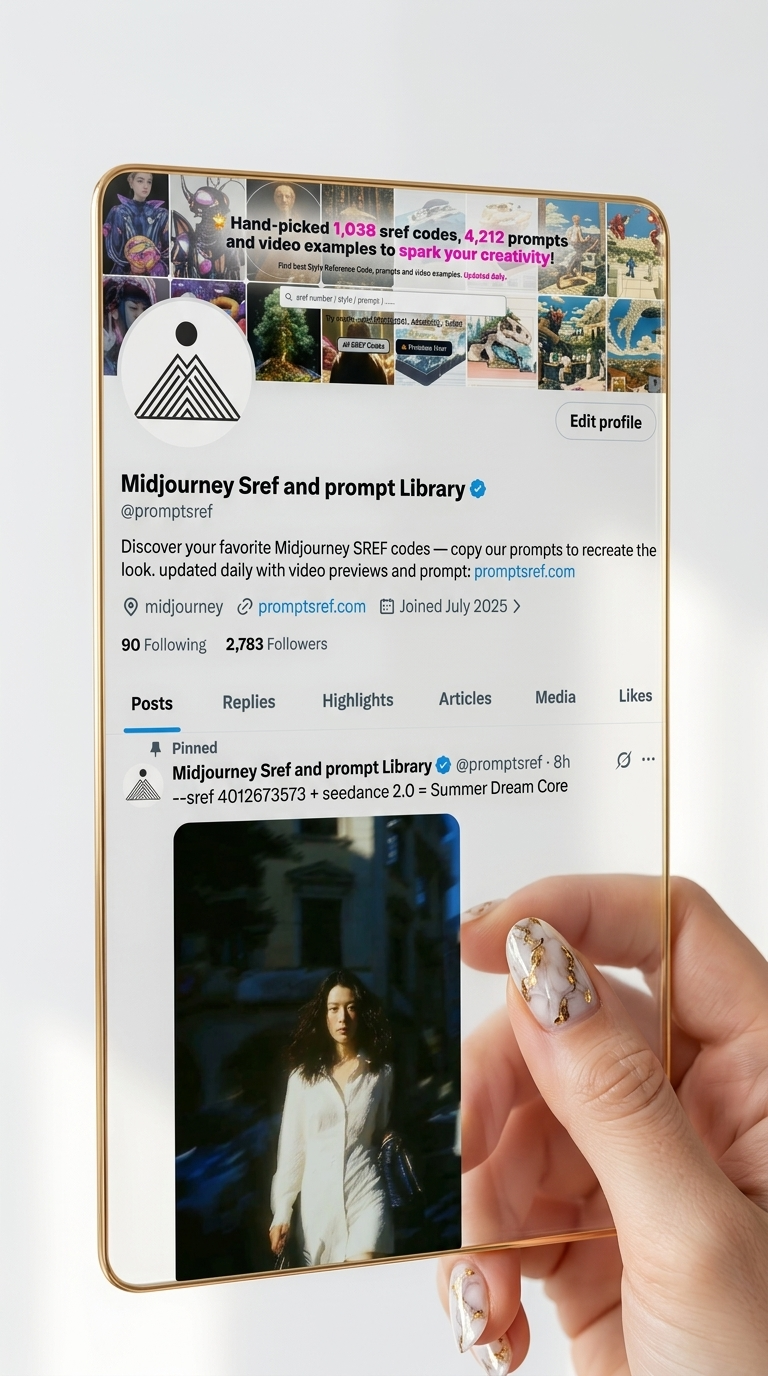
纳米香蕉提示:转换您的X资料为赛博未来主义社交应用界面
Enlarge

Example images

纳米香蕉提示:转换您的X资料为赛博未来主义社交应用界面

Prompt
🍌 nano banana prompt
Convert your X profile to a cyber-aesthetic futuristic social-app interface.
Take a screenshot with your X profile, and send it to Gemini/nano banan pro with the prompt
--- Prompt ---
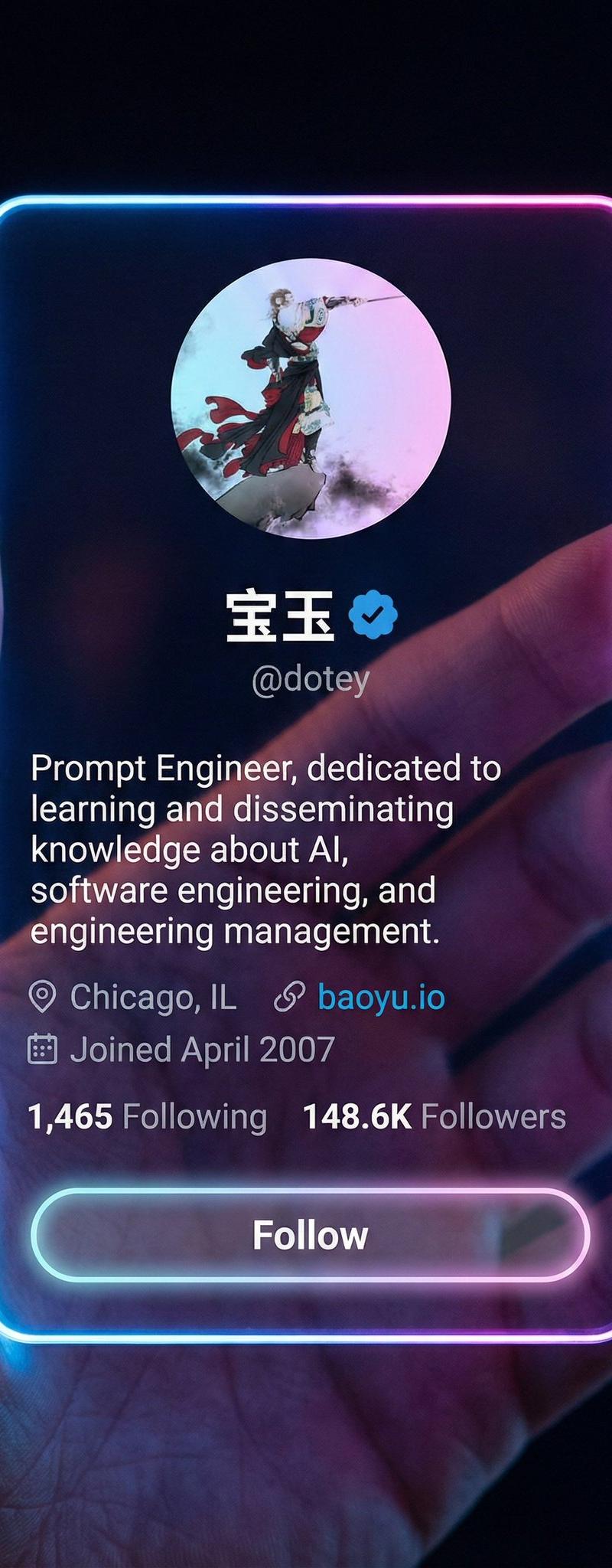
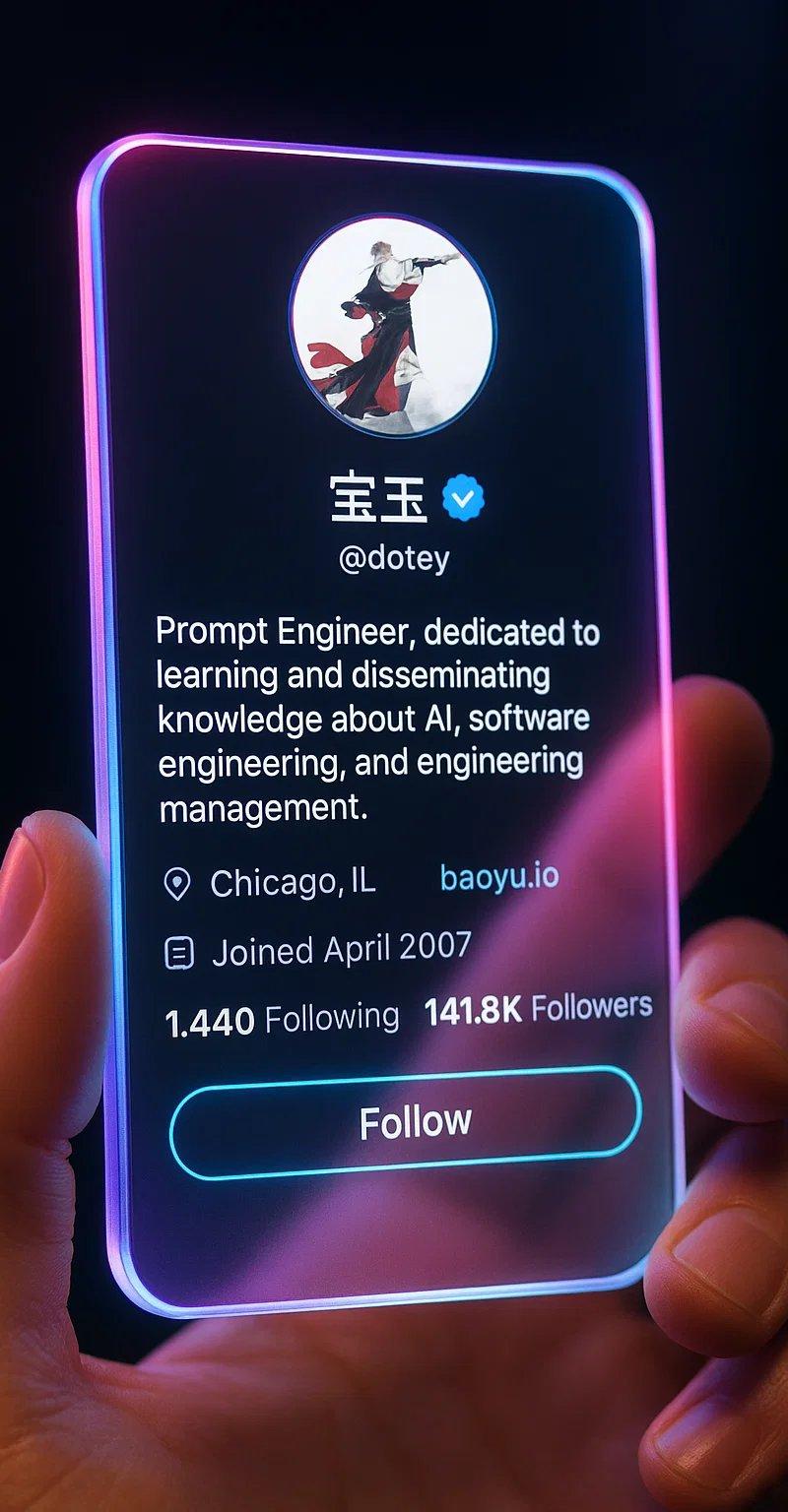
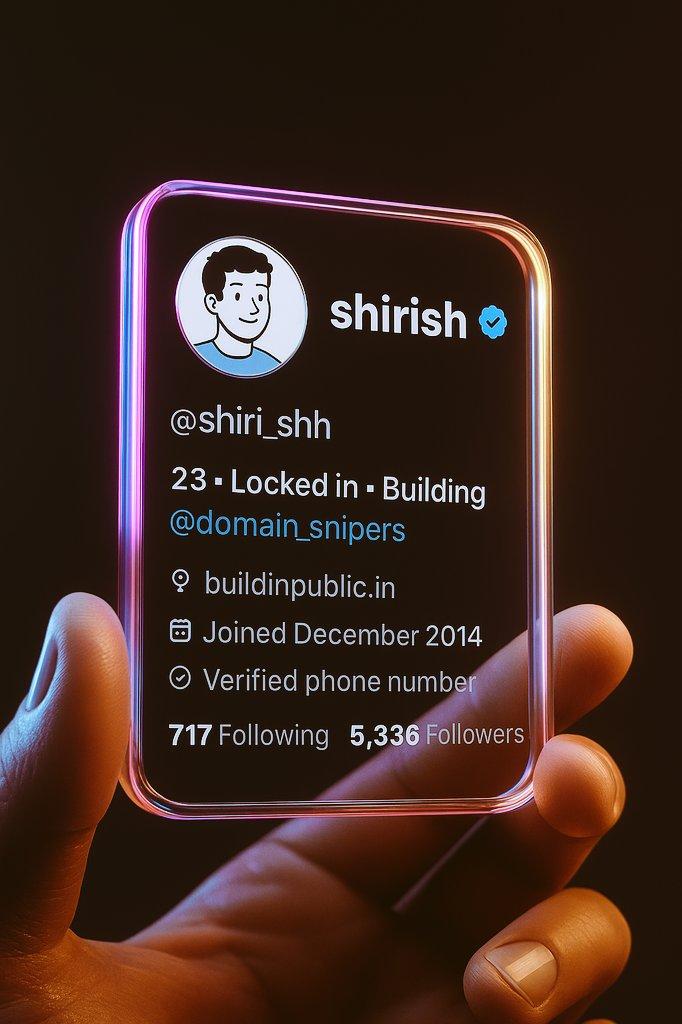
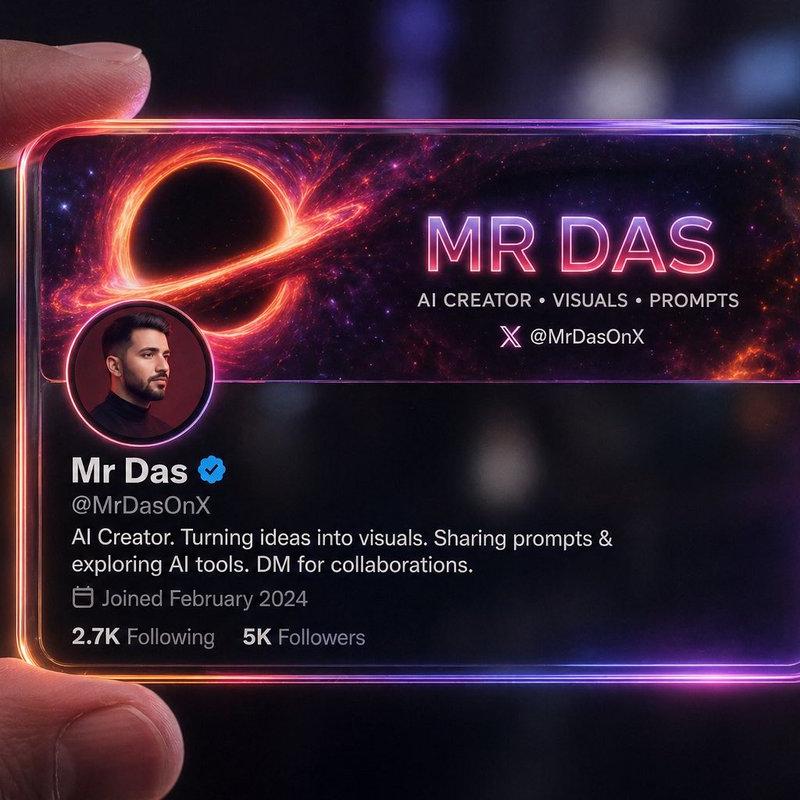
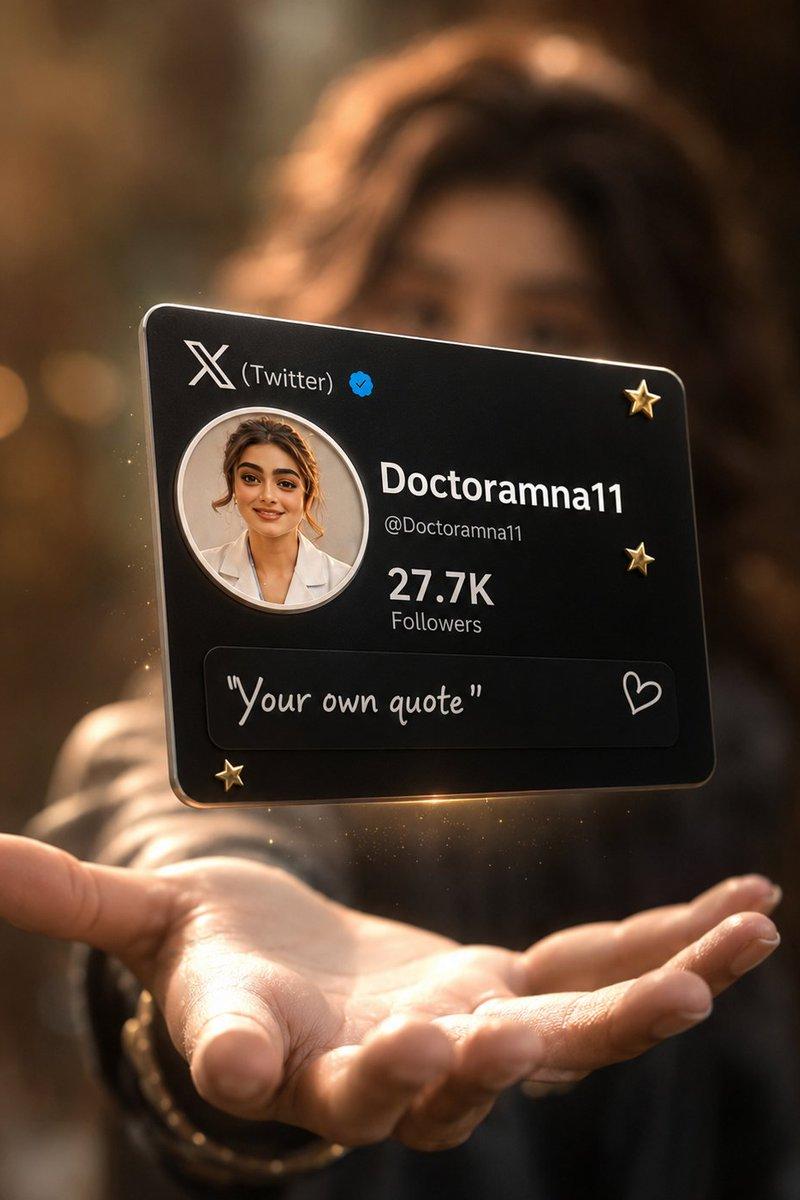
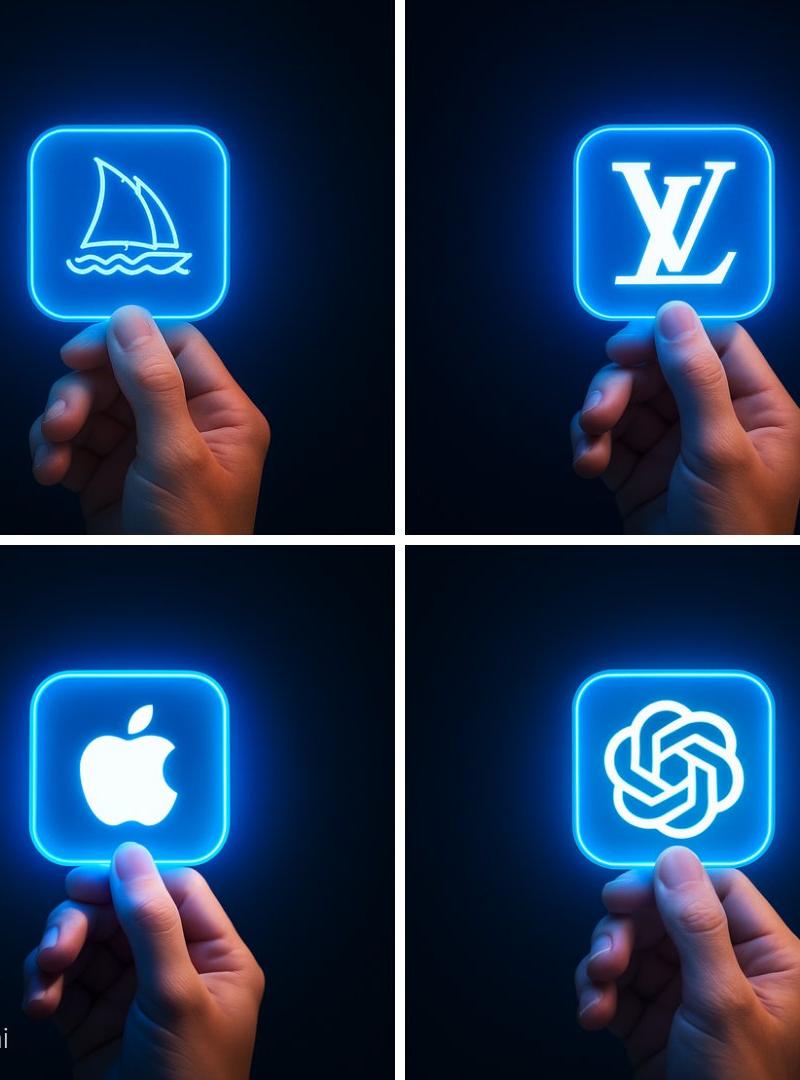
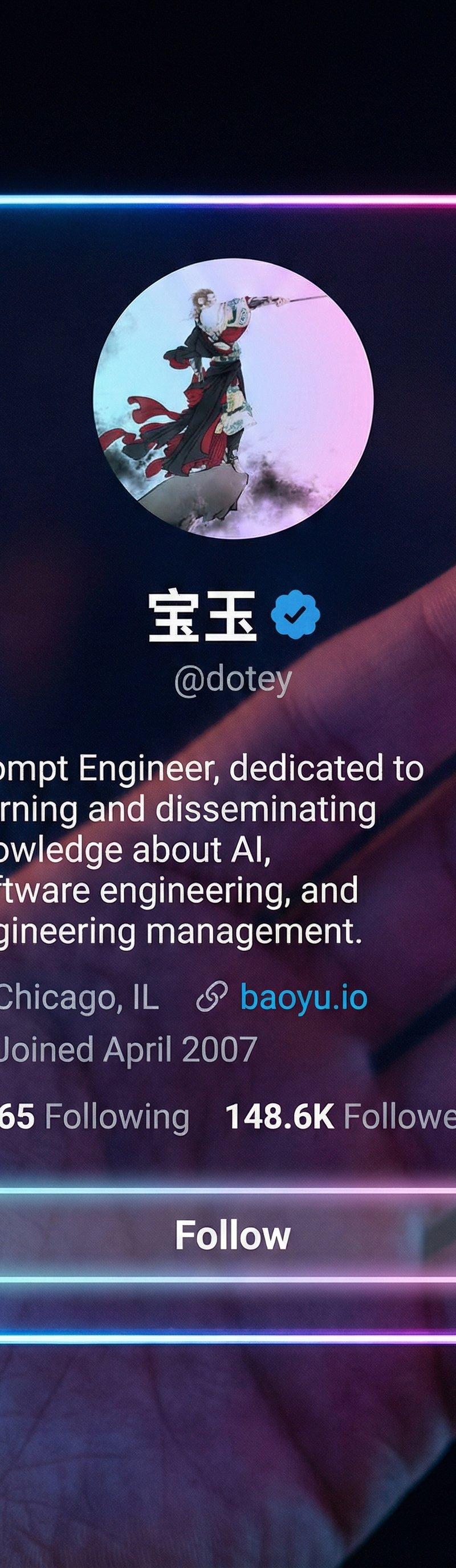
A 9:16 vertical, photorealistic cyber-aesthetic futuristic social-app interface. A hand is holding a vertical, iPhone-sized, borderless acrylic card, taking up most of the frame. The card displays a social media profile interface with no banners or background images. Its smooth, rounded edges emit a soft neon glow in blue, pink, and purple gradients.
The background is dark and blurred, emphasizing the glowing edges; the light reflections on the fingers feel cinematic and atmospheric, creating a high-tech holographic mood. The card surface is crystal-clear, and the profile details appear almost engraved, showing only the information from the reference image.
Displayed in this exact order:
- Profile avatar (centered)
- Name + blue verification badge (centered)
- Username with “@”, e.g., @dotey (centered)
- Bio (left-aligned)
- Location, website (left-aligned)
- Join date (left-aligned)
- Following count & followers count (left-aligned)
- Follow button (full-width, transparent background, rounded-full, border with soft neon glow)
Category
Photography & Realism
Model
Nano Banana Pro
Creator
宝玉
Source language
zh-CN
Views0
Source ID
nano-banana-prompt-convert-your-x-profile-to-a-cyber-aesthetic-futuristic-social-app-interface
Studio

Guide

About "纳米香蕉提示:转换您的X资料为赛博未来主义社交应用界面"

What is this prompt for?

"纳米香蕉提示:转换您的X资料为赛博未来主义社交应用界面" AI image prompt for Nano Banana Pro (Photography & Realism). 🍌 nano banana prompt Convert your X profile to a cyber-aesthetic fu…

The full copyable prompt and example visuals above are ready for AI image generation or one-click recreate in Picva.

How to use this prompt

  1. Step 1

    Open the prompt detail

    Review the example visuals, category, and full prompt text for "纳米香蕉提示:转换您的X资料为赛博未来主义社交应用界面".

  2. Step 2

    Copy the prompt

    Copy the prompt body from this page, or load it directly in Studio.

  3. Step 3

    Pick a model (Nano Banana Pro)

    Prefer Nano Banana Pro. If you switch models, keep subject and composition and tweak style terms.

  4. Step 4

    Generate and export

    Recreate the look in Picva, or export into your workflow for editing and publishing.

FAQ

What is the "纳米香蕉提示:转换您的X资料为赛博未来主义社交应用界面" prompt?
It is an AI image-generation prompt for Nano Banana Pro in the Photography & Realism category. This page includes the full prompt text, example visuals, and a one-click recreate path in Picva.
How do I use this prompt to generate an image?
Copy the prompt from this page, or use Generate / Studio. Paste it into a compatible image model, or recreate the look in Picva with optional reference images.
Which model is this prompt for?
This page lists Nano Banana Pro. Most descriptive prompts also transfer to nearby image models such as GPT Image, Flux, or Midjourney with light style tweaks.
Can I use the result commercially?
You can usually copy the prompt for creation, but commercial use of the final image depends on the model terms, reference-image rights, and the generated content. Follow the source author and platform rules.