11

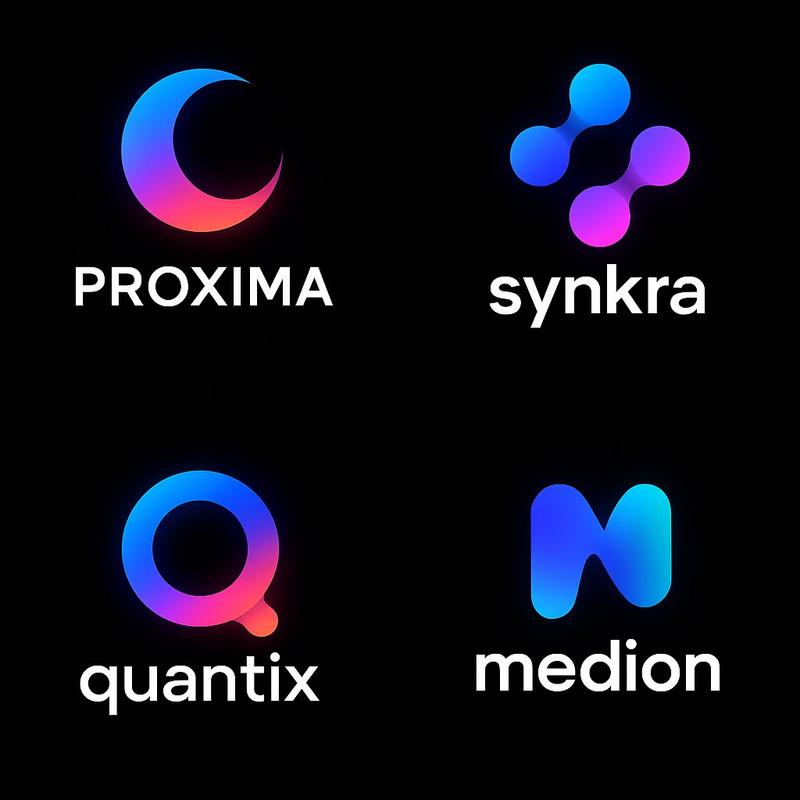
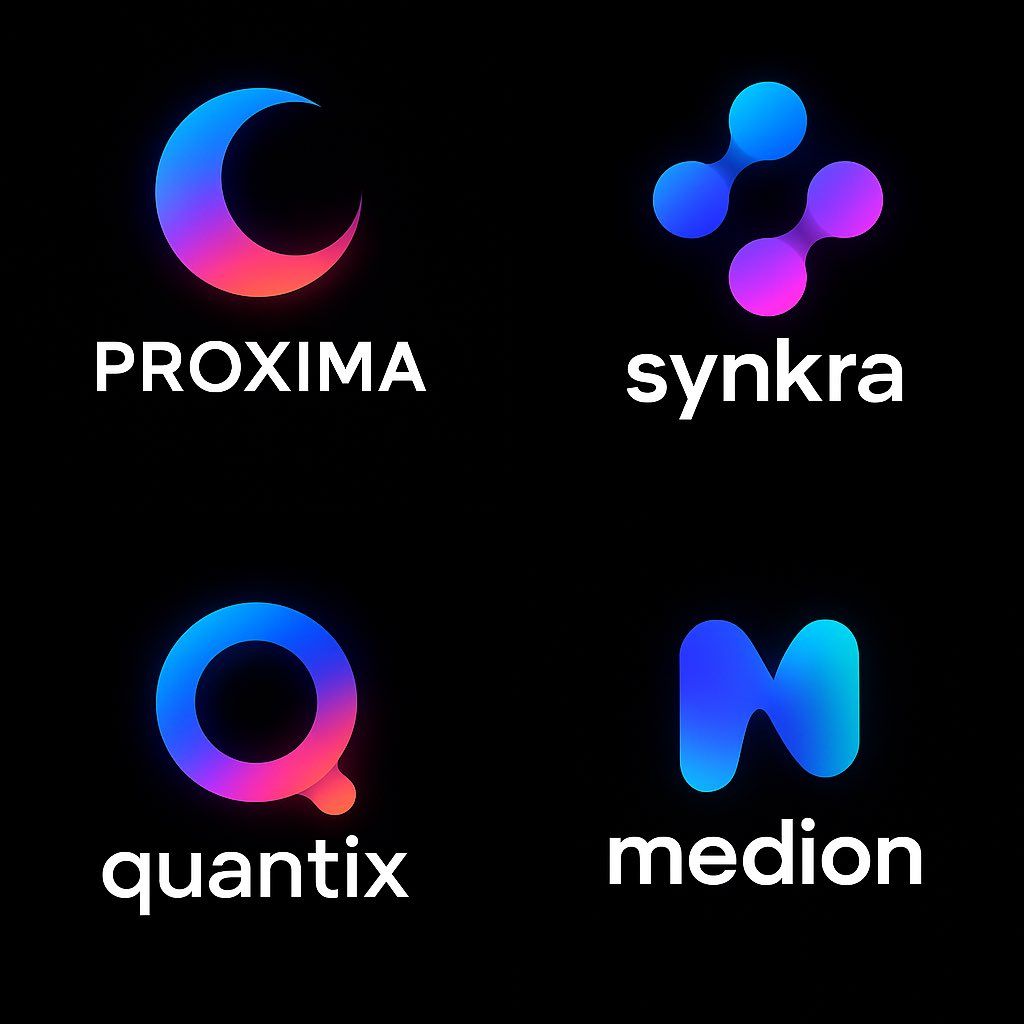
Neoglo风格Logo
Enlarge

Neoglo风格Logo

Prompt
Design a modern logo in NeoGradient Soft Tech style for a fictional startup called “NAME” in the “[INDUSTRY TYPE]” industry.\n\nThe logo must include:\n•A unique abstract icon\n•A clean, bold sans-serif logotype\n•Smooth glowing gradients blending vibrant colors like blue, purple, pink, orange, and teal\n•Seamless harmony between symbol and text\n•Minimalist, futuristic composition\n•On a pure black background\n•1:1 aspect ratio — ultra-HD\n\nThe logo should feel creative, modern, and ready for a bold digital brand.
为“[INDUSTRY TYPE]”行业中名为 “NAME” 的虚构初创公司设计一个 NeoGradient Soft Tech 风格的现代标志。\n\n徽标必须包含:\n•独特的抽象图标\n•干净、大胆的无衬线标识\n•平滑的发光渐变,混合了蓝色、紫色、粉红色、橙色和蓝绿色等鲜艳的颜色\n•符号和文本之间的无缝协调\n•极简主义、未来主义的构图\n•在纯黑色背景上\n•1:1 纵横比 — 超高清\n\n徽标应该具有创意、现代感,并为大胆的数字品牌做好准备。
Category
Brand & Logos
Model
Unknown
Creator
aziz4ai
Views0
Source ID
neoglo-style-logo

Guide

About "Neoglo风格Logo"

What is this prompt for?

"Neoglo风格Logo" AI image prompt for Unknown (Brand & Logos). Design a modern logo in NeoGradient Soft Tech style for a fictional startup called “NAME” in the “[…

The full copyable prompt and example visuals above are ready for AI image generation or one-click recreate in Picva.

How to use this prompt

  1. Step 1

    Open the prompt detail

    Review the example visuals, category, and full prompt text for "Neoglo风格Logo".

  2. Step 2

    Copy the prompt

    Copy the prompt body from this page, or load it directly in Studio.

  3. Step 3

    Pick a model (Unknown)

    Prefer Unknown. If you switch models, keep subject and composition and tweak style terms.

  4. Step 4

    Generate and export

    Recreate the look in Picva, or export into your workflow for editing and publishing.

FAQ

What is the "Neoglo风格Logo" prompt?
It is an AI image-generation prompt for Unknown in the Brand & Logos category. This page includes the full prompt text, example visuals, and a one-click recreate path in Picva.
How do I use this prompt to generate an image?
Copy the prompt from this page, or use Generate / Studio. Paste it into a compatible image model, or recreate the look in Picva with optional reference images.
Which model is this prompt for?
This page lists Unknown. Most descriptive prompts also transfer to nearby image models such as GPT Image, Flux, or Midjourney with light style tweaks.
Can I use the result commercially?
You can usually copy the prompt for creation, but commercial use of the final image depends on the model terms, reference-image rights, and the generated content. Follow the source author and platform rules.