15

纳米香蕉Pro的夜间驾驶肖像摄影
Enlarge

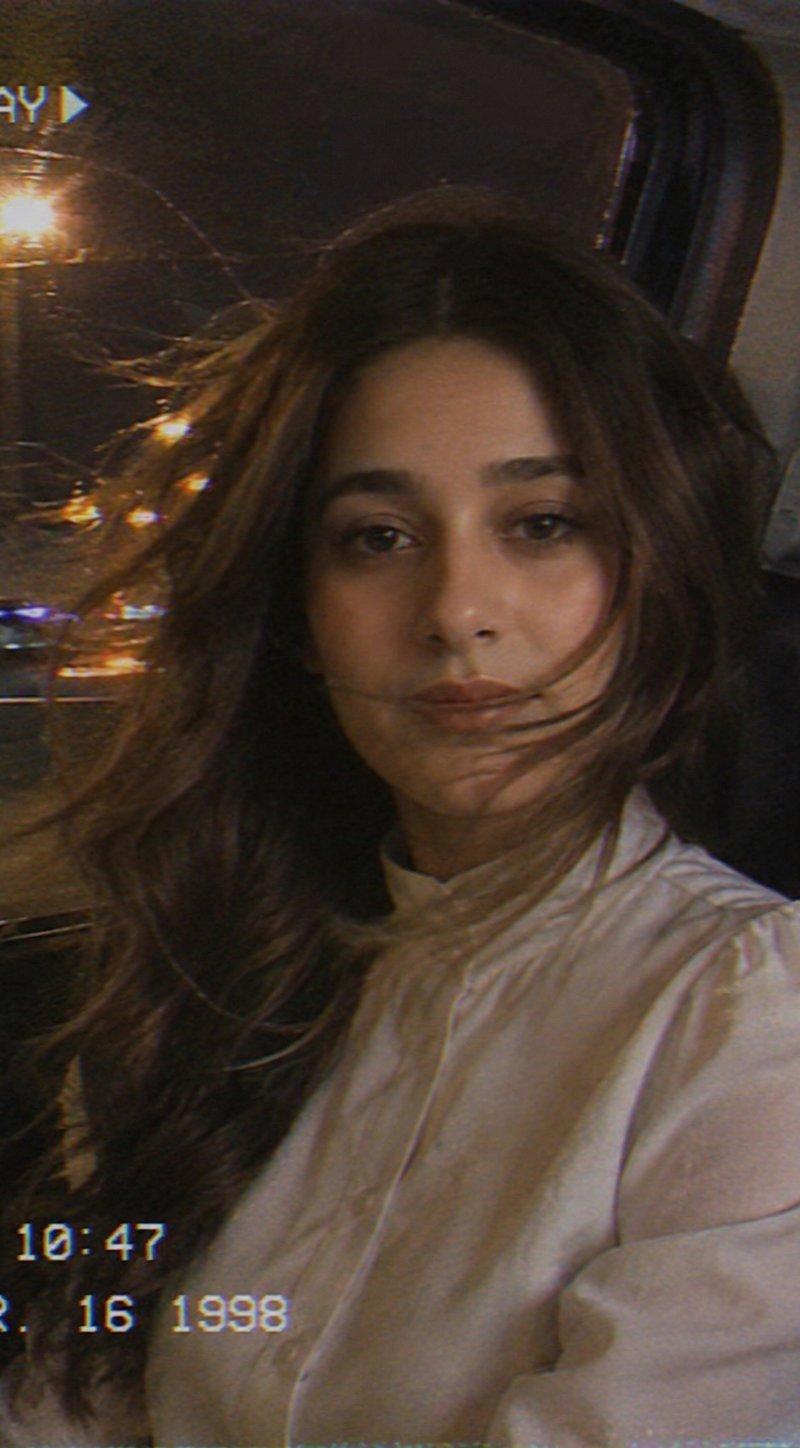
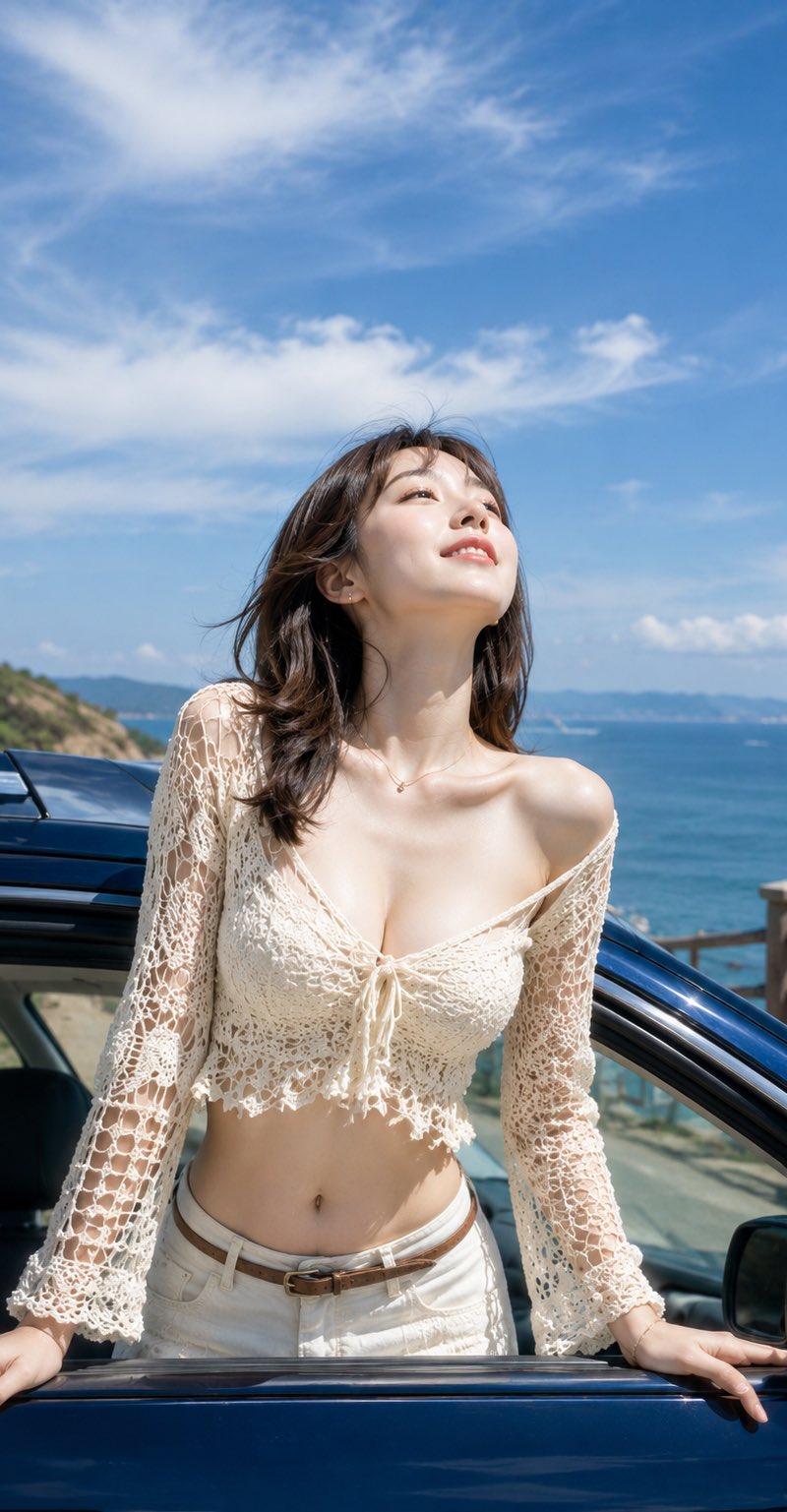
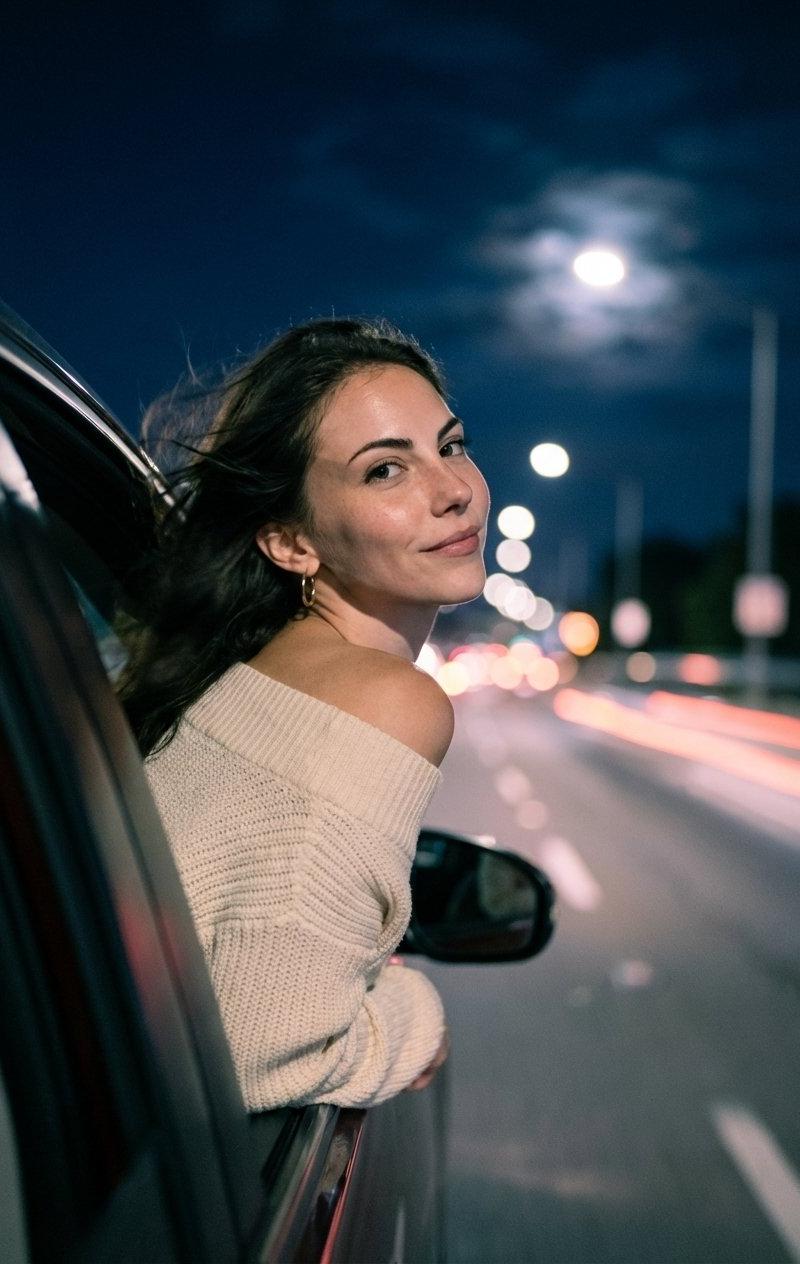
Example images

纳米香蕉Pro的夜间驾驶肖像摄影

Prompt
Prompt for Gemini Nano Banana Pro 🍌 @eachlabs
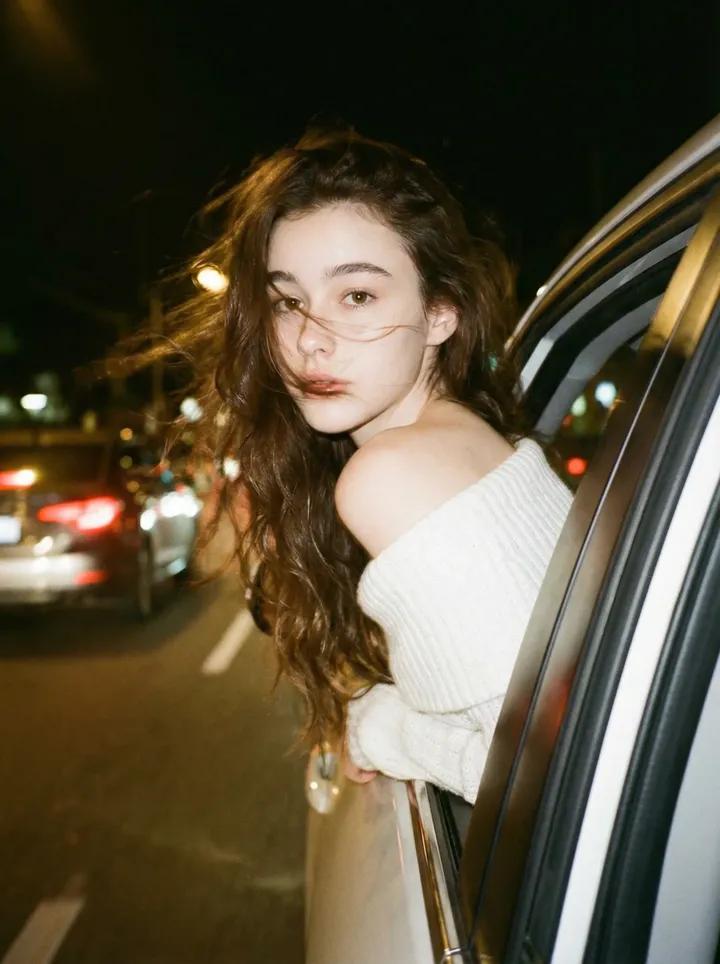
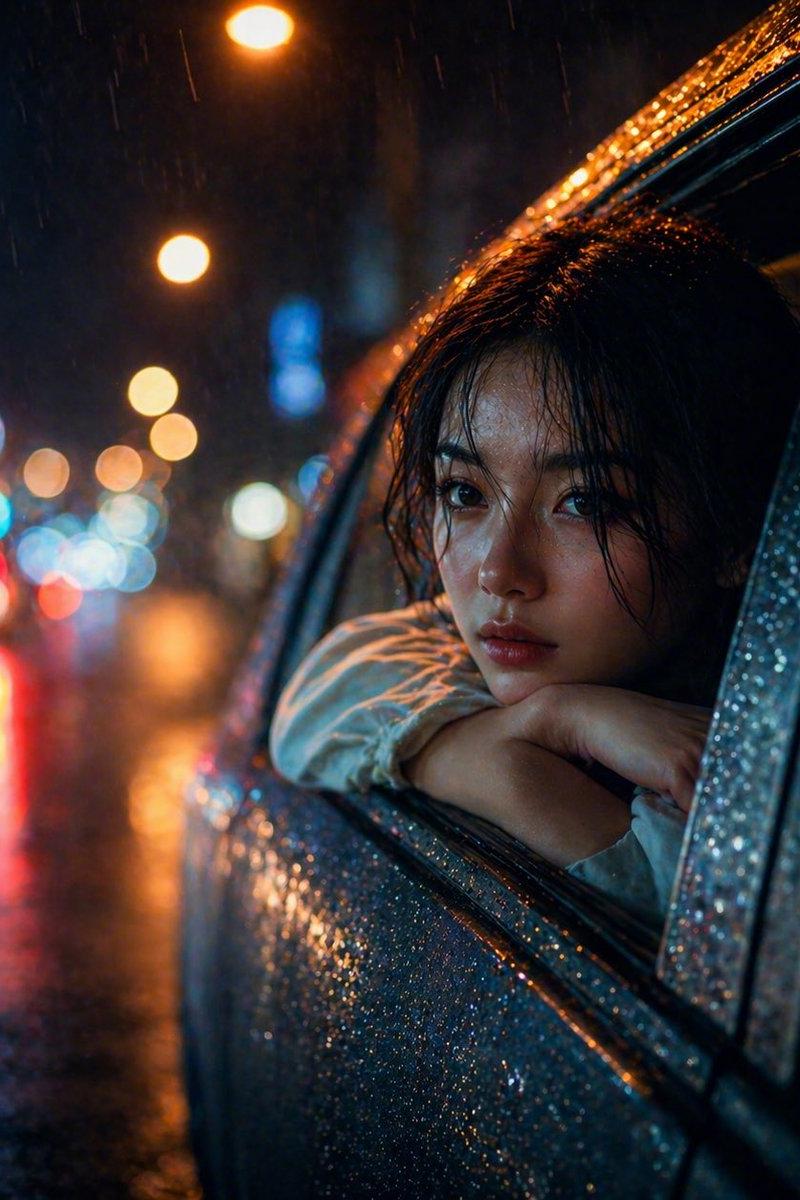
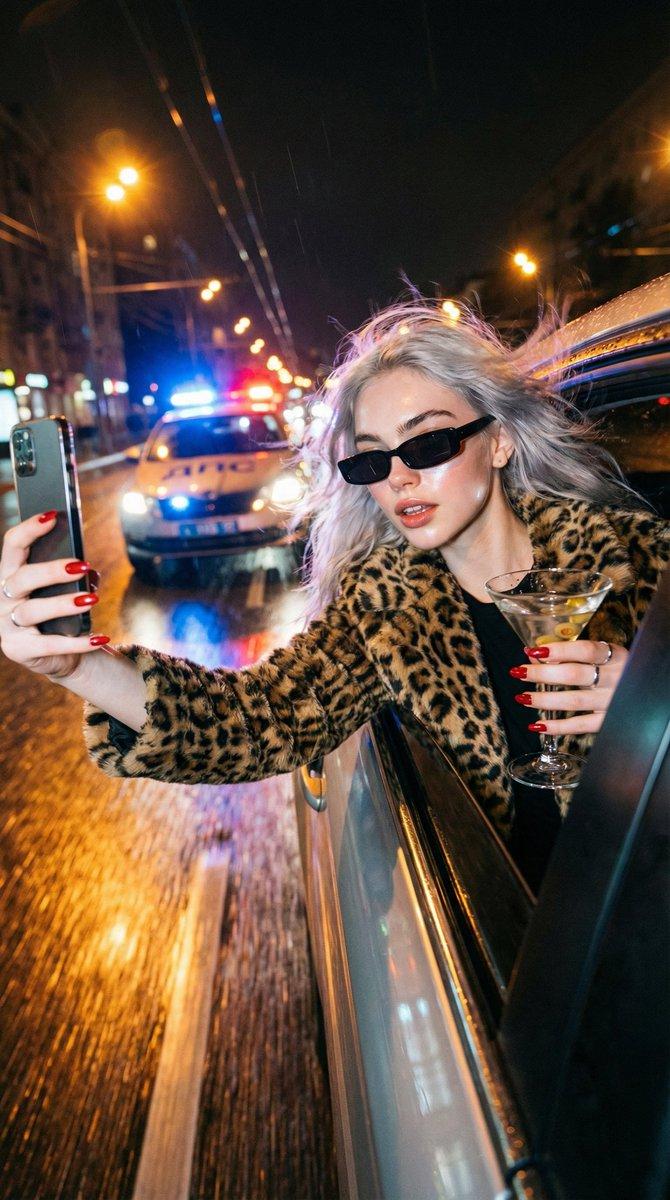
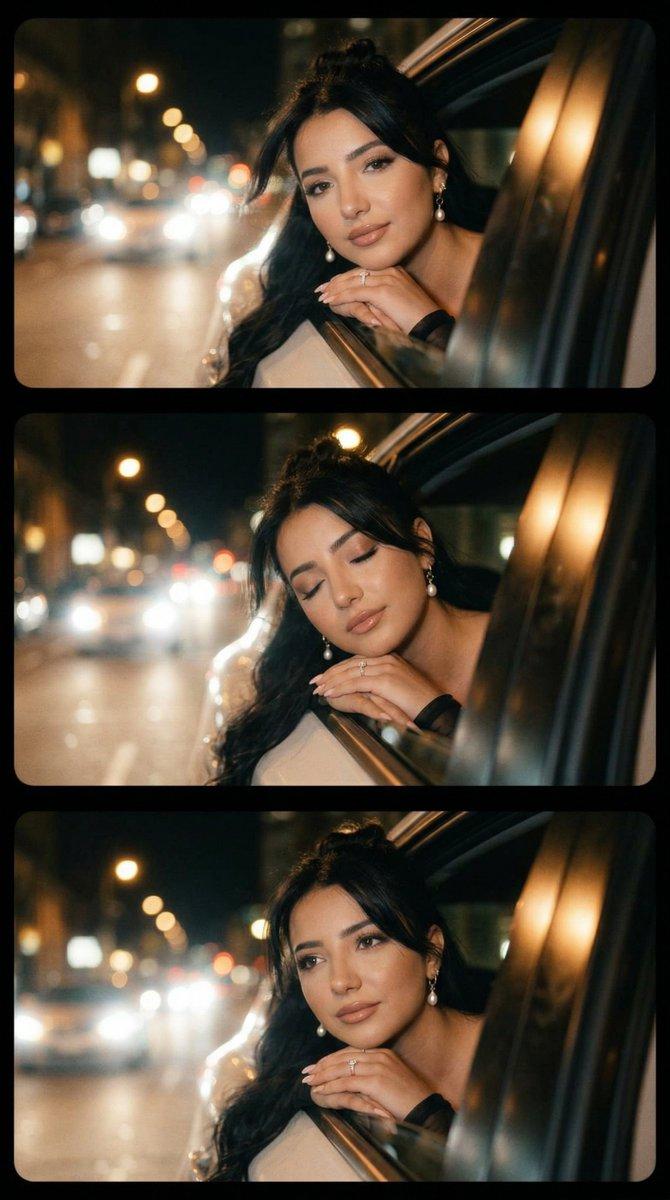
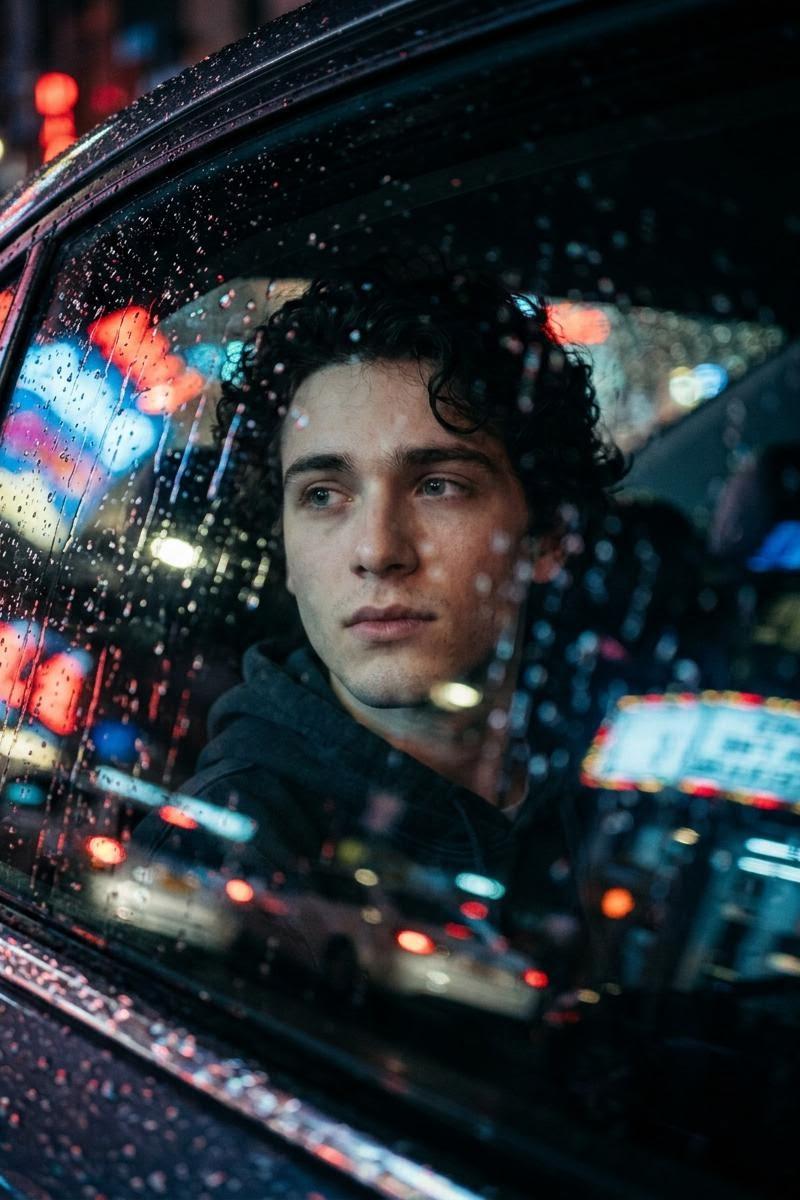
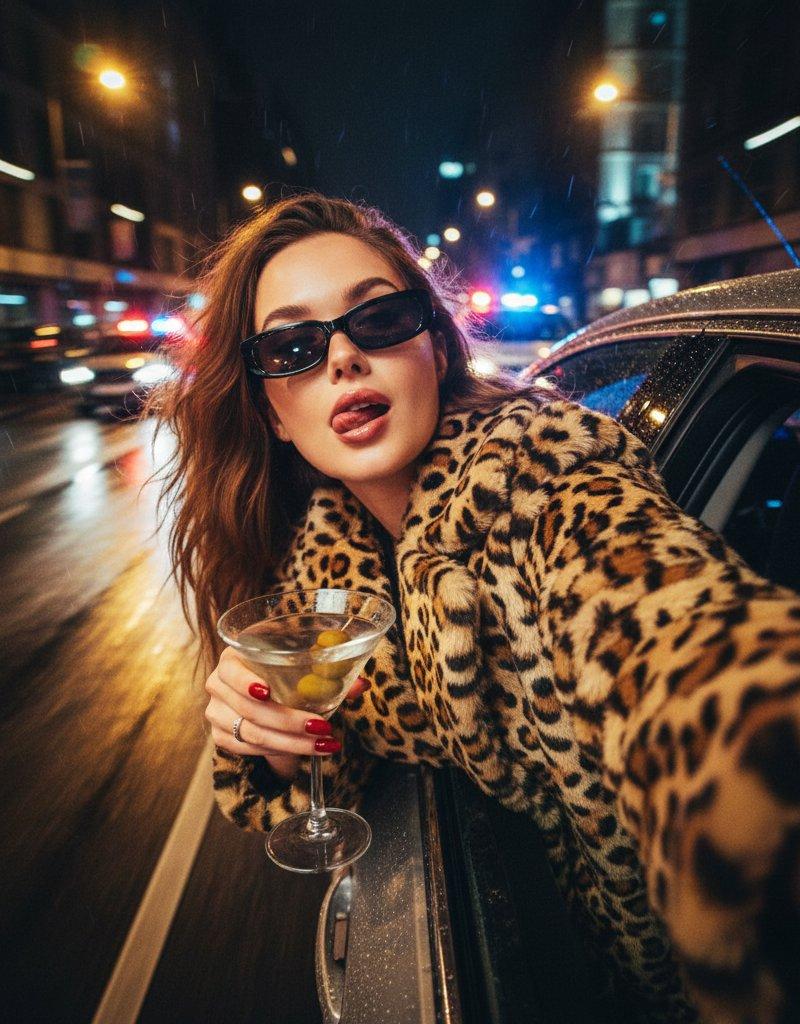
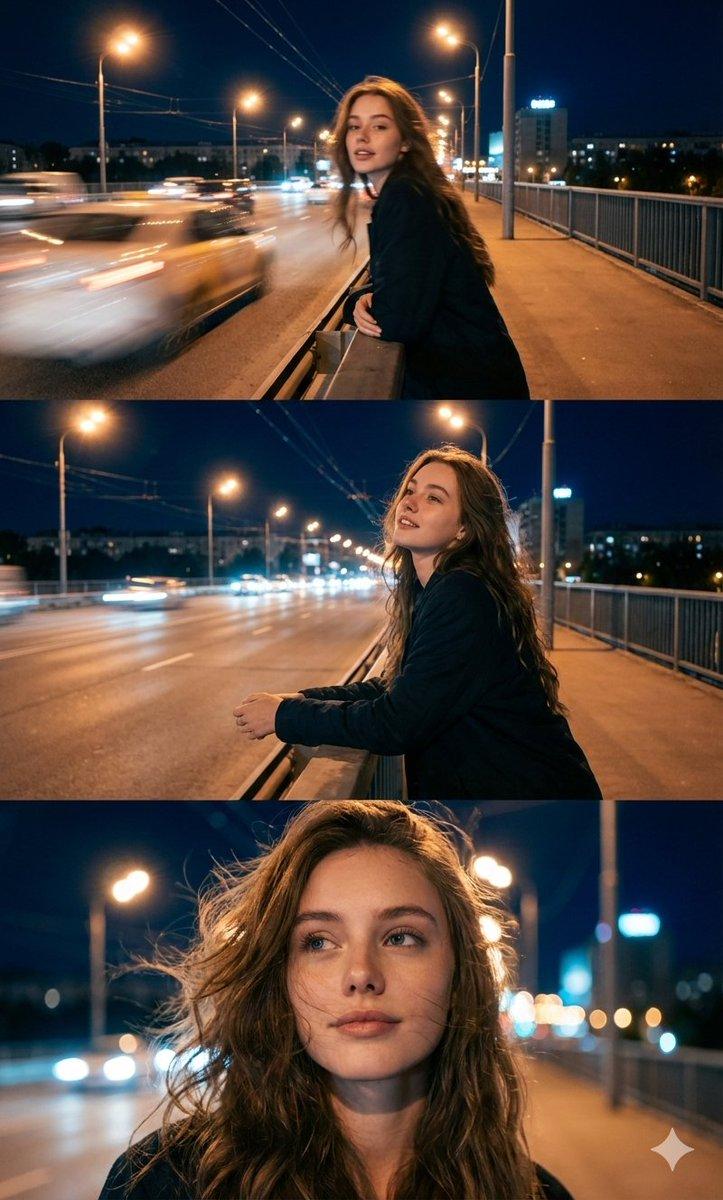
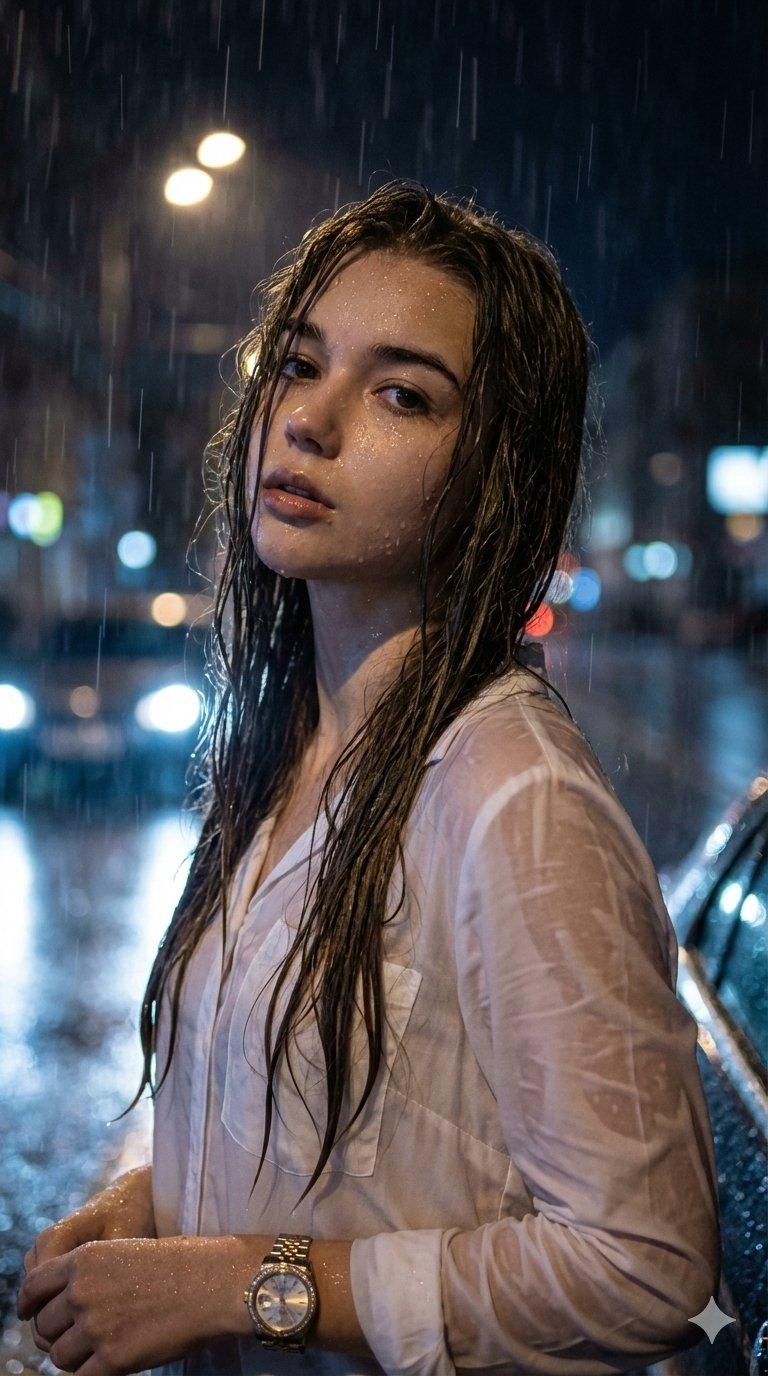
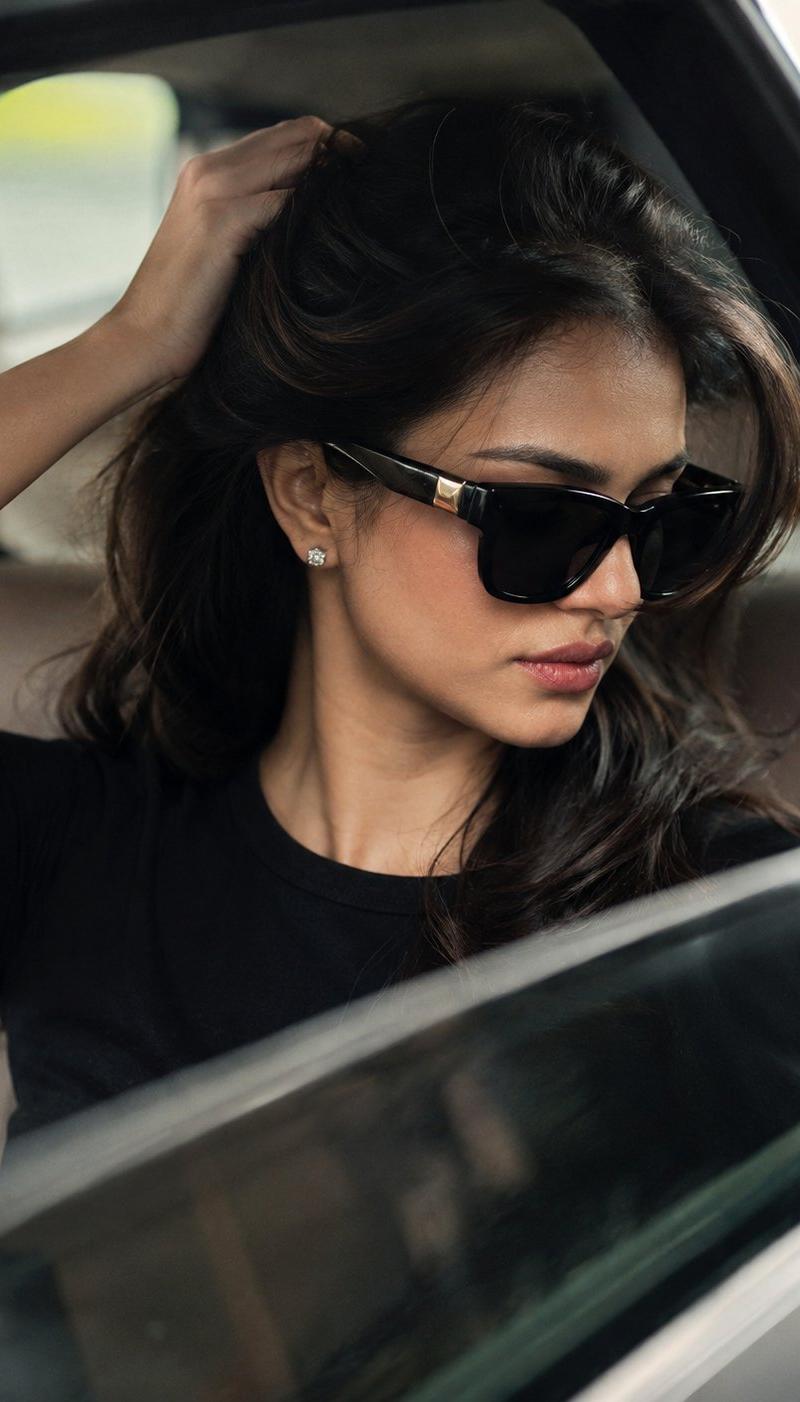
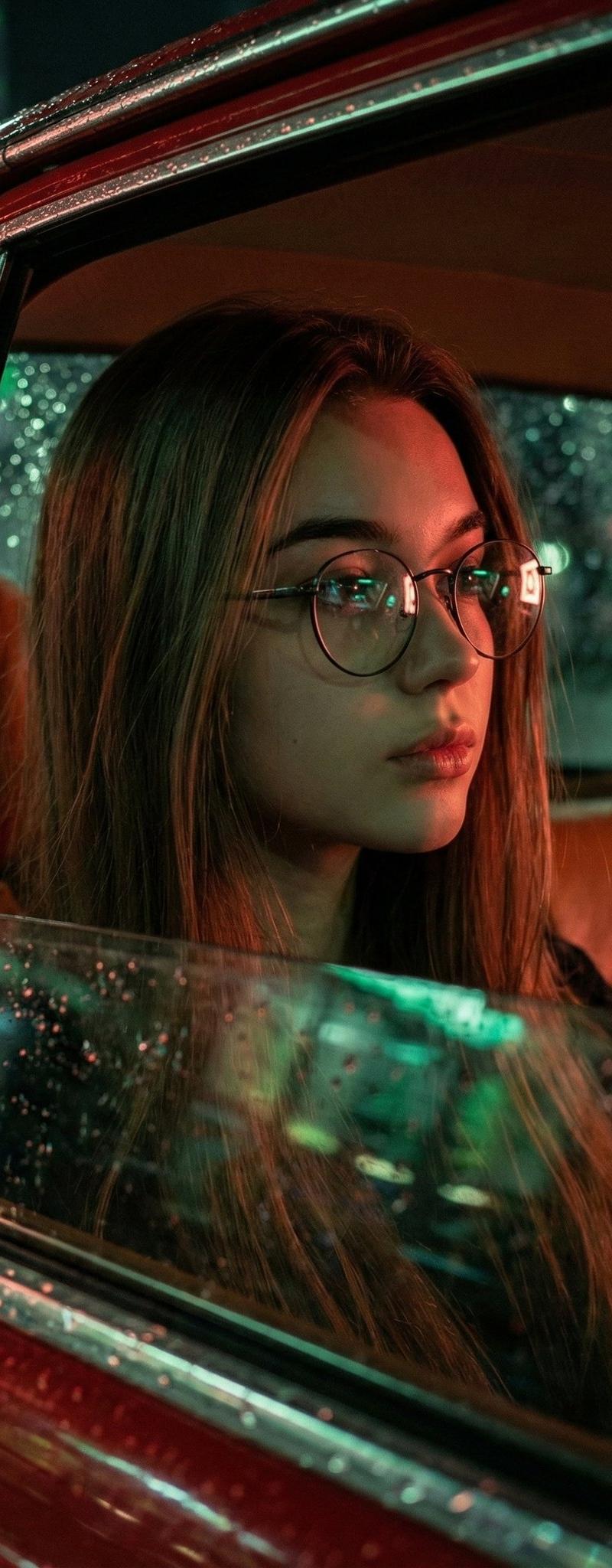
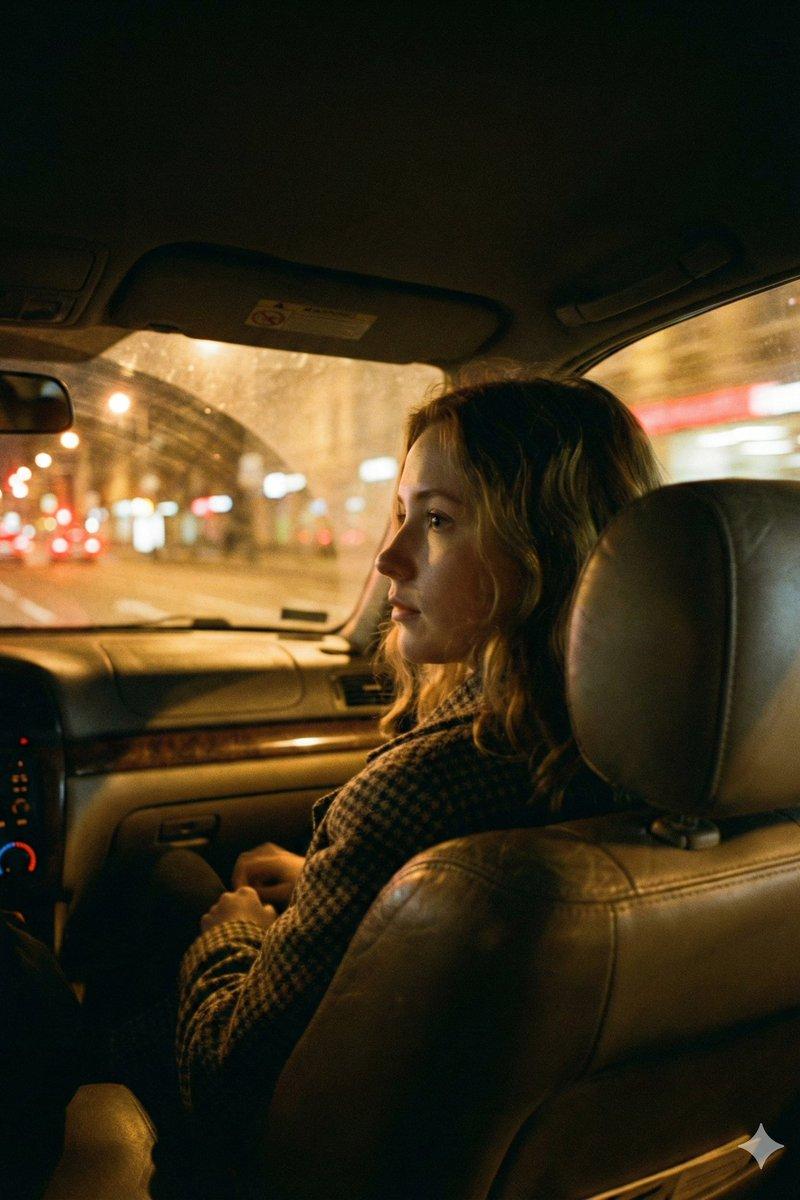
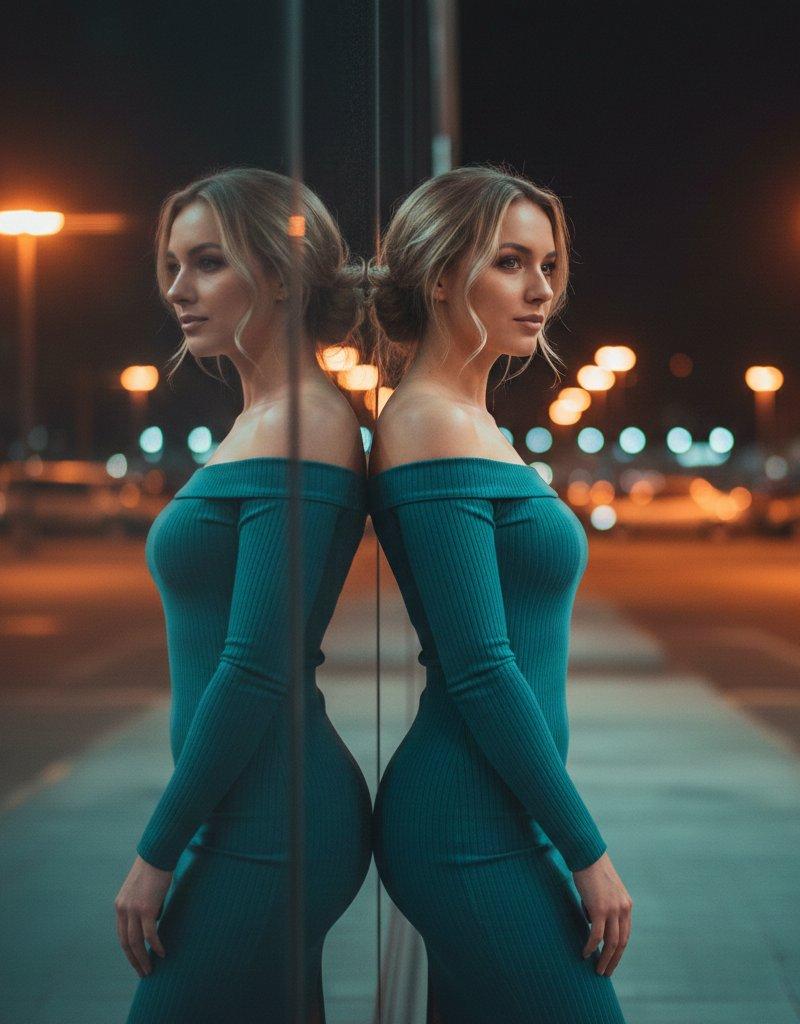
Use the exact face of the uploaded person and preserve their facial features without alteration. Create a cinematic night-drive portrait of the subject leaning slightly out of a moving car window while remaining seated inside the vehicle. The subject turns their head back toward the camera with a relaxed, intimate, slightly playful expression. Wind moves through their hair as the car travels along a dimly lit road.
Soft streetlights stretch into glowing trails across the background, and the sky is a deep navy blue with moonlight diffused behind thin clouds. The lighting is low-contrast and moody, with a soft, dreamy film-like grain. The overall color palette blends dark blue tones with soft pink accents, creating a dreamy night atmosphere: deep navy sky, desaturated cool hues, gentle warm skin tones, and realistic low-saturation streetlight streaks with a subtle vintage bluish-grey cinematic mood.
If the subject is female, dress them in a loose, off-shoulder cream knit sweater that drapes casually down one shoulder, adding warmth and softness.
If the subject is male, dress them in a simple cream knit sweater with a clean neckline, fitted enough to look classic and comfortable.
Camera angle: shot from inside the car, close and intimate, focusing primarily on the subject’s face and wind-swept hair while showing them leaning slightly toward the open window. The subject is always positioned inside the vehicle, facing the camera in this same posture
Category
Photography & Realism
Model
Nano Banana Pro
Creator
Melis✨
Source language
zh-CN
Views0
Source ID
night-drive-portrait-photography-with-gemini-nano-banana-pro
Studio

Guide

About "纳米香蕉Pro的夜间驾驶肖像摄影"

What is this prompt for?

"纳米香蕉Pro的夜间驾驶肖像摄影" AI image prompt for Nano Banana Pro (Photography & Realism). Prompt for Gemini Nano Banana Pro 🍌 @eachlabs Use the exact face of the upload…

The full copyable prompt and example visuals above are ready for AI image generation or one-click recreate in Picva.

How to use this prompt

  1. Step 1

    Open the prompt detail

    Review the example visuals, category, and full prompt text for "纳米香蕉Pro的夜间驾驶肖像摄影".

  2. Step 2

    Copy the prompt

    Copy the prompt body from this page, or load it directly in Studio.

  3. Step 3

    Pick a model (Nano Banana Pro)

    Prefer Nano Banana Pro. If you switch models, keep subject and composition and tweak style terms.

  4. Step 4

    Generate and export

    Recreate the look in Picva, or export into your workflow for editing and publishing.

FAQ

What is the "纳米香蕉Pro的夜间驾驶肖像摄影" prompt?
It is an AI image-generation prompt for Nano Banana Pro in the Photography & Realism category. This page includes the full prompt text, example visuals, and a one-click recreate path in Picva.
How do I use this prompt to generate an image?
Copy the prompt from this page, or use Generate / Studio. Paste it into a compatible image model, or recreate the look in Picva with optional reference images.
Which model is this prompt for?
This page lists Nano Banana Pro. Most descriptive prompts also transfer to nearby image models such as GPT Image, Flux, or Midjourney with light style tweaks.
Can I use the result commercially?
You can usually copy the prompt for creation, but commercial use of the final image depends on the model terms, reference-image rights, and the generated content. Follow the source author and platform rules.