18

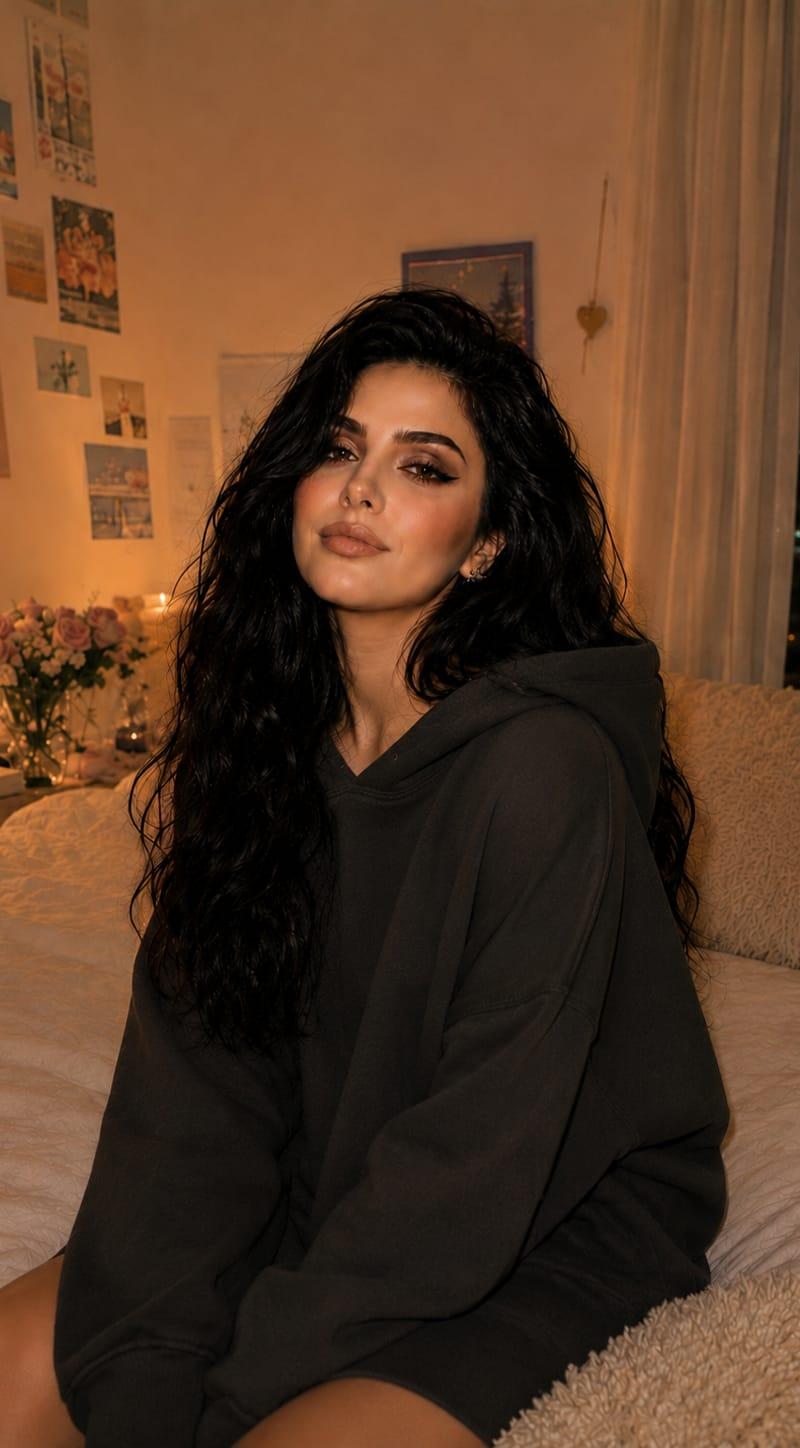
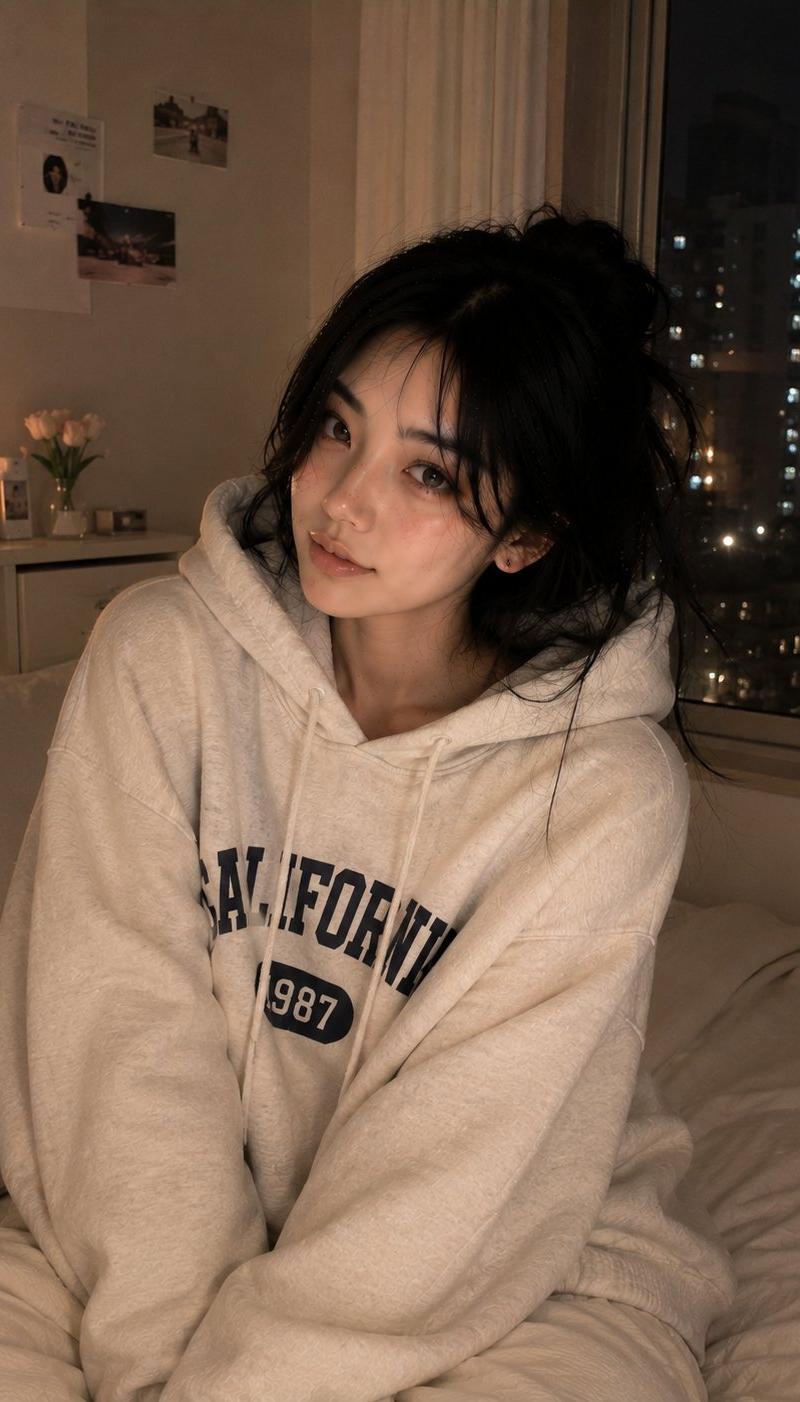
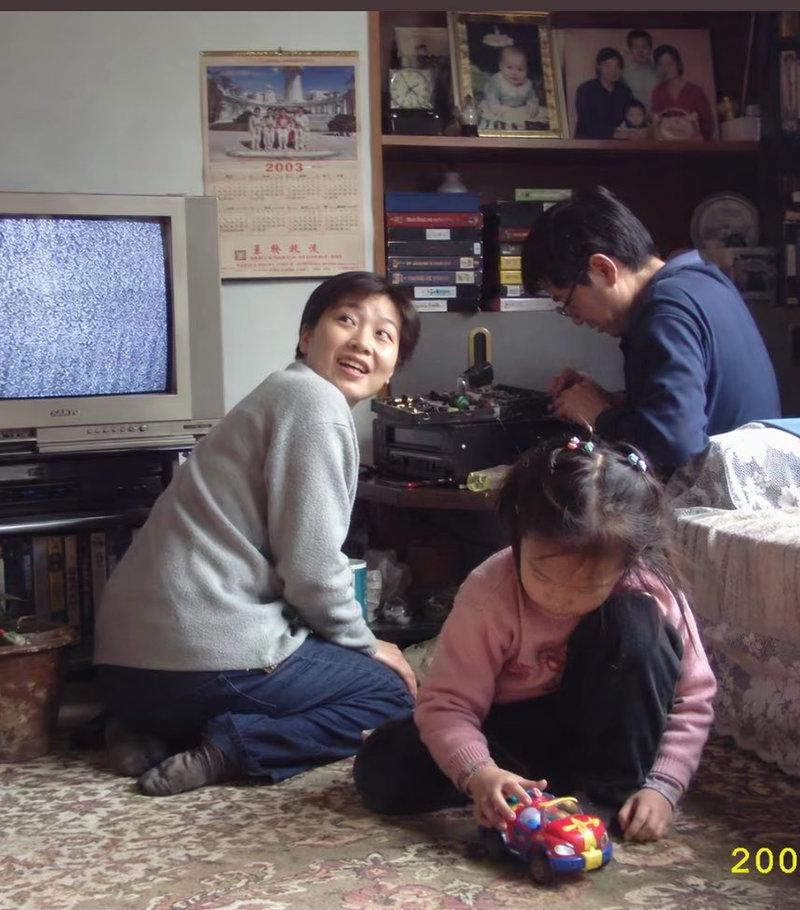
复古影像✨
Enlarge

Example images

复古影像✨

Prompt
Grok Imagine ✨
{
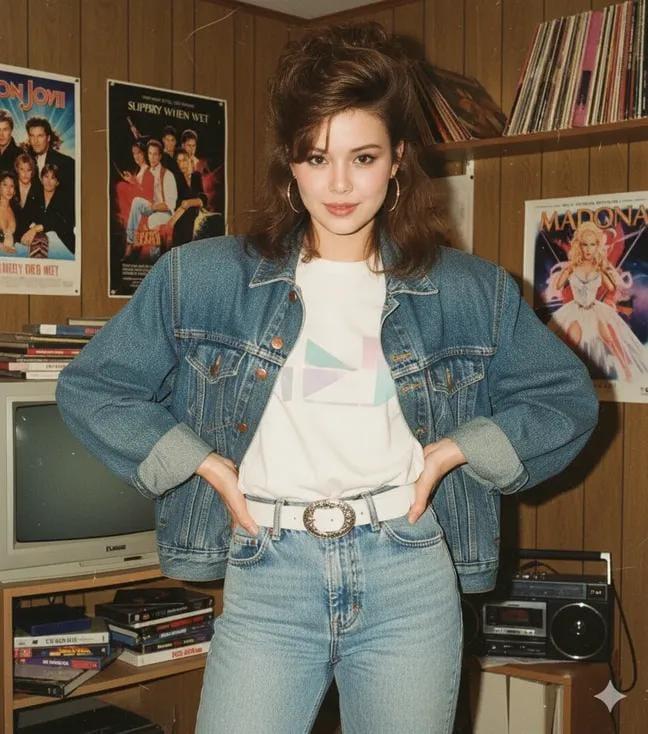
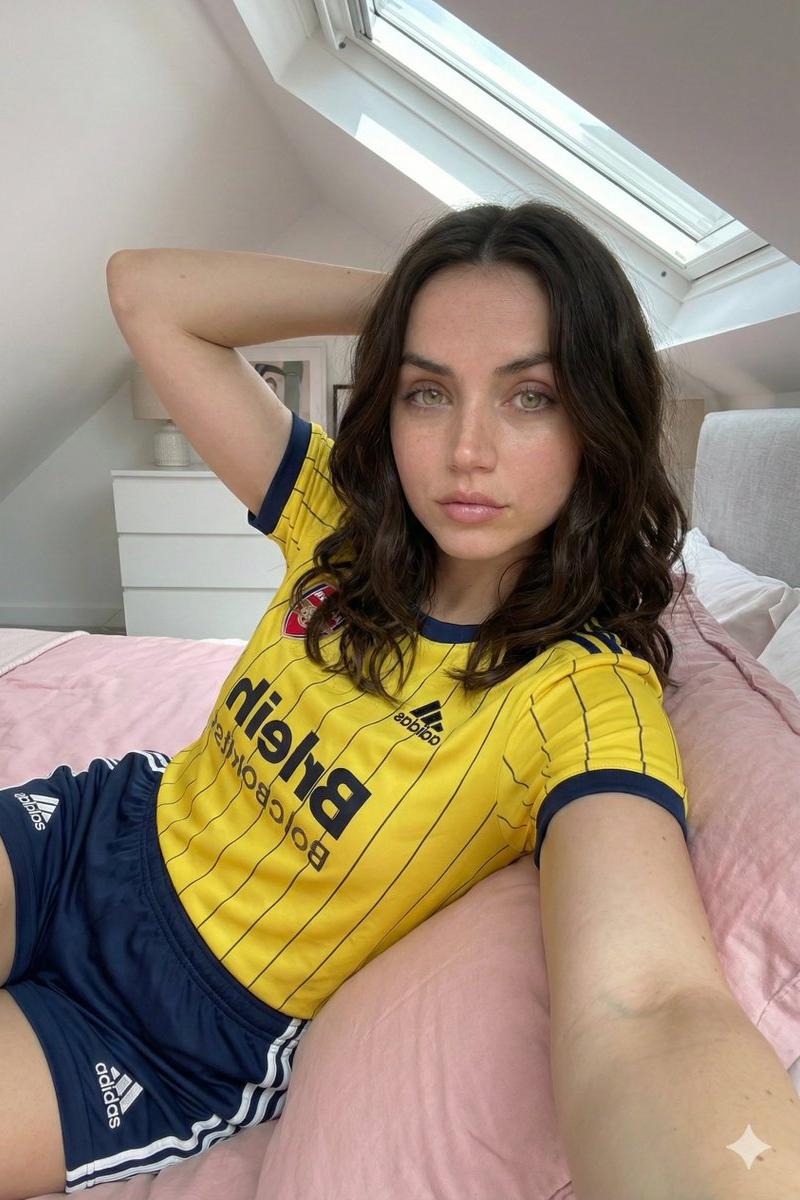
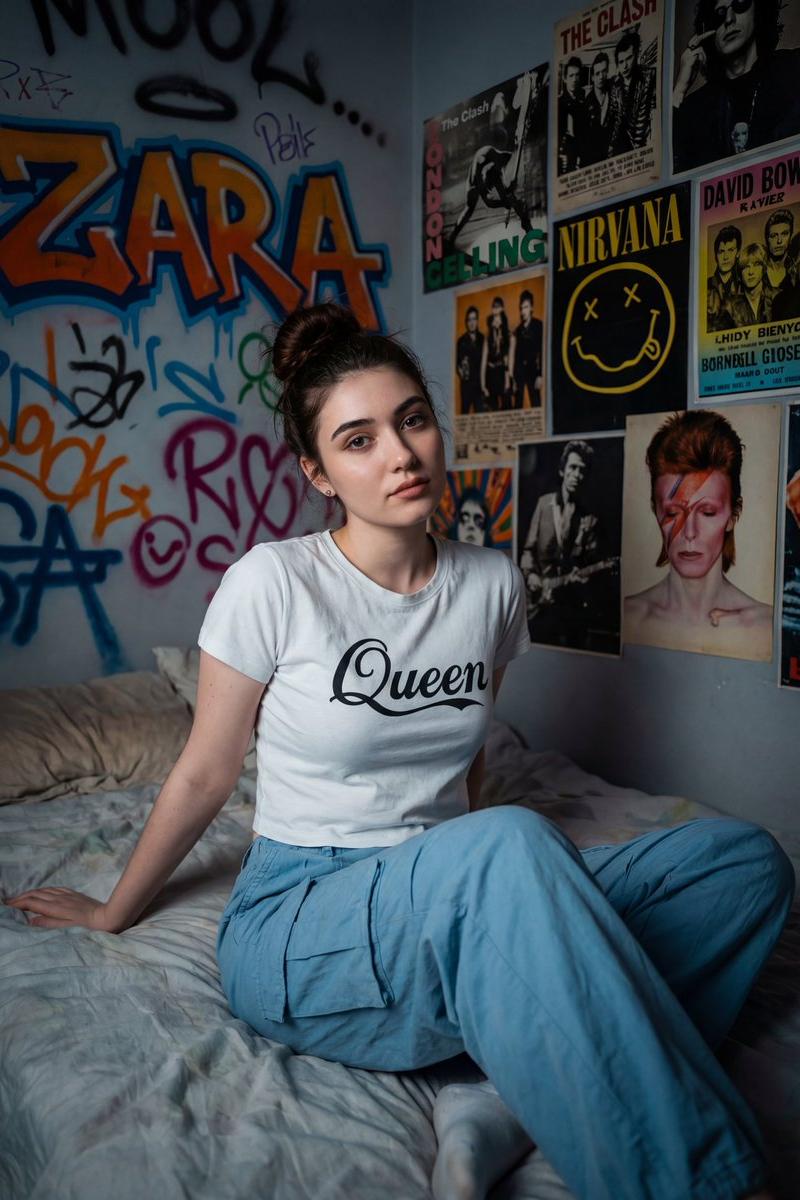
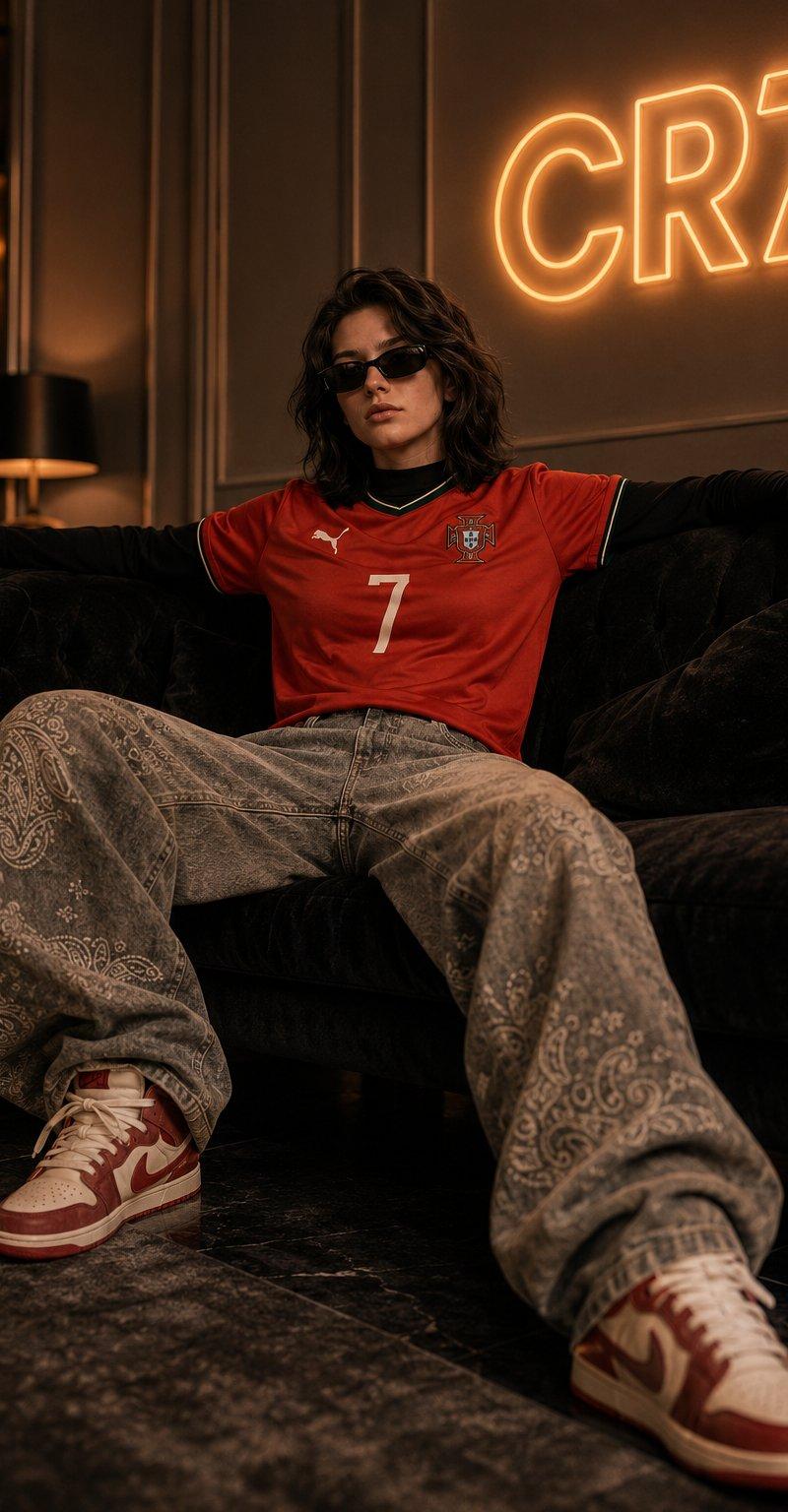
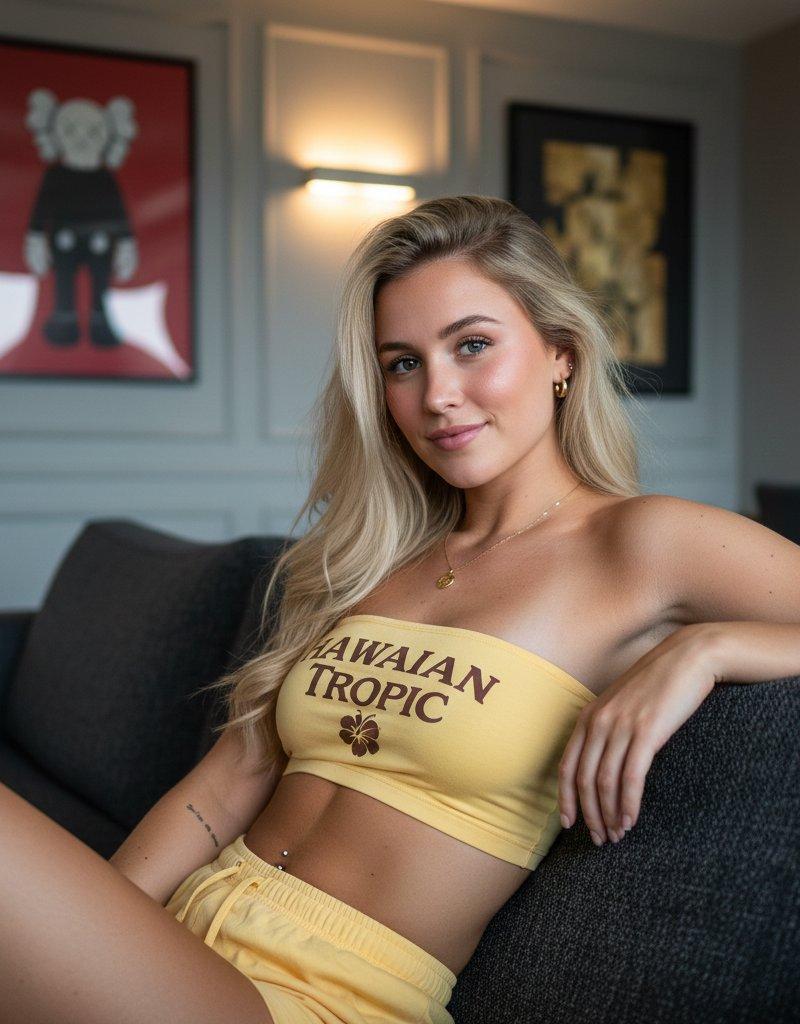
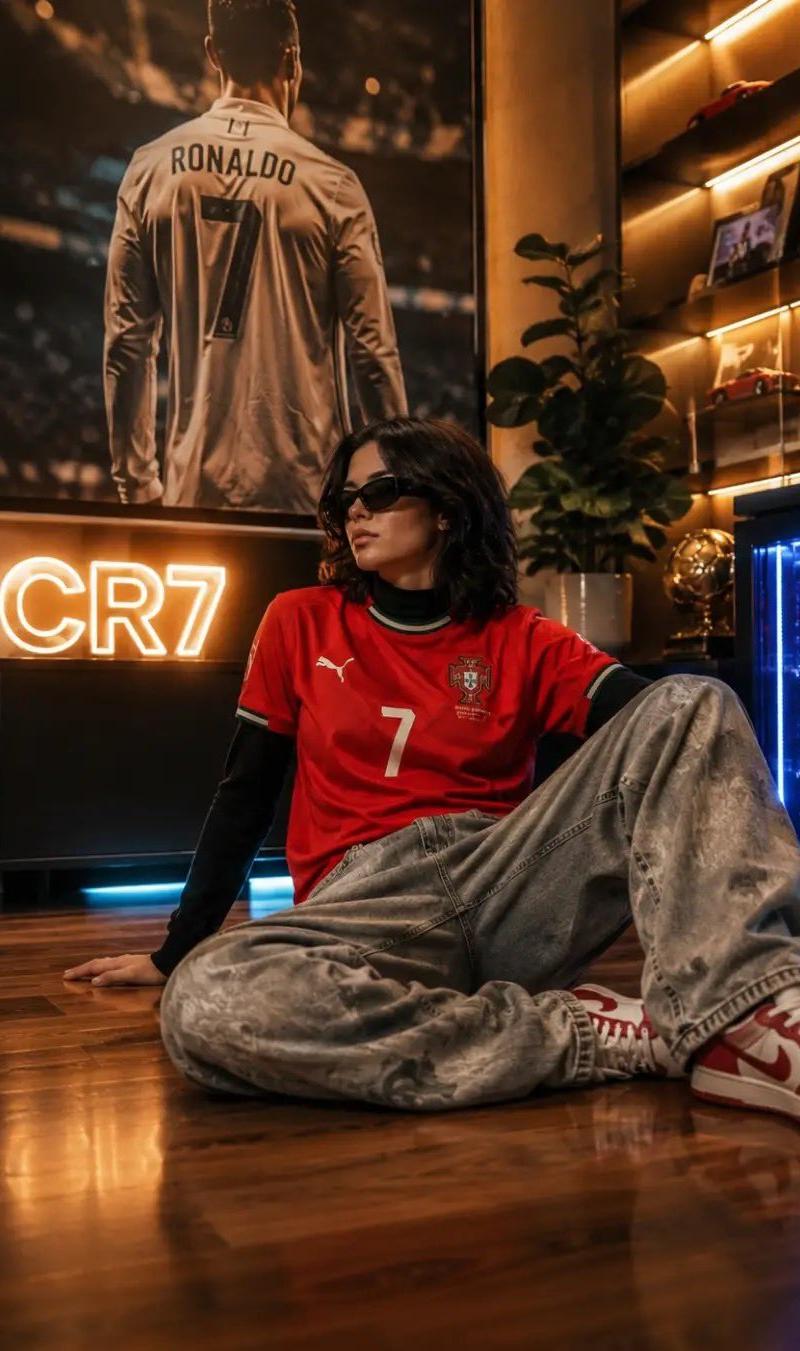
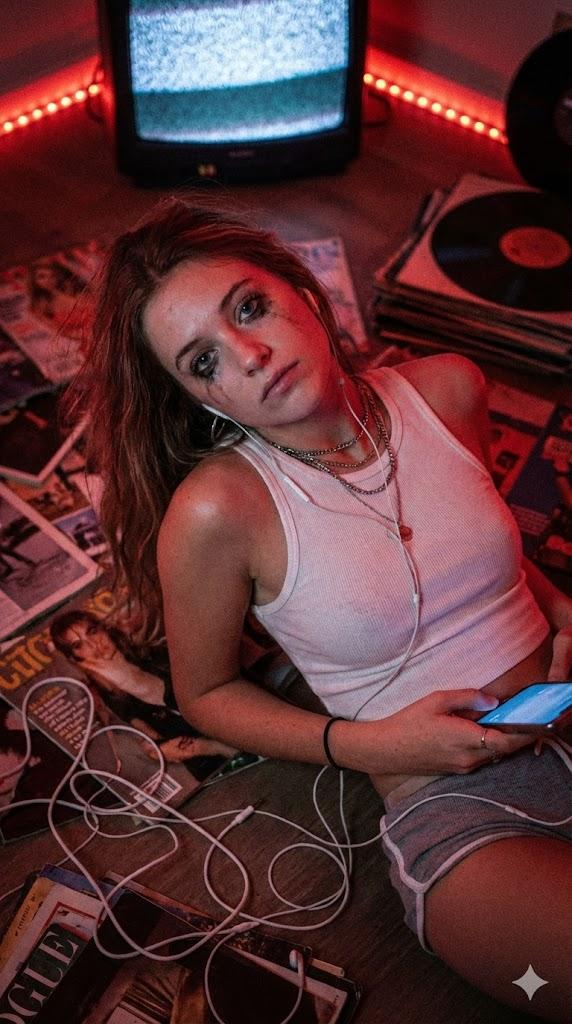
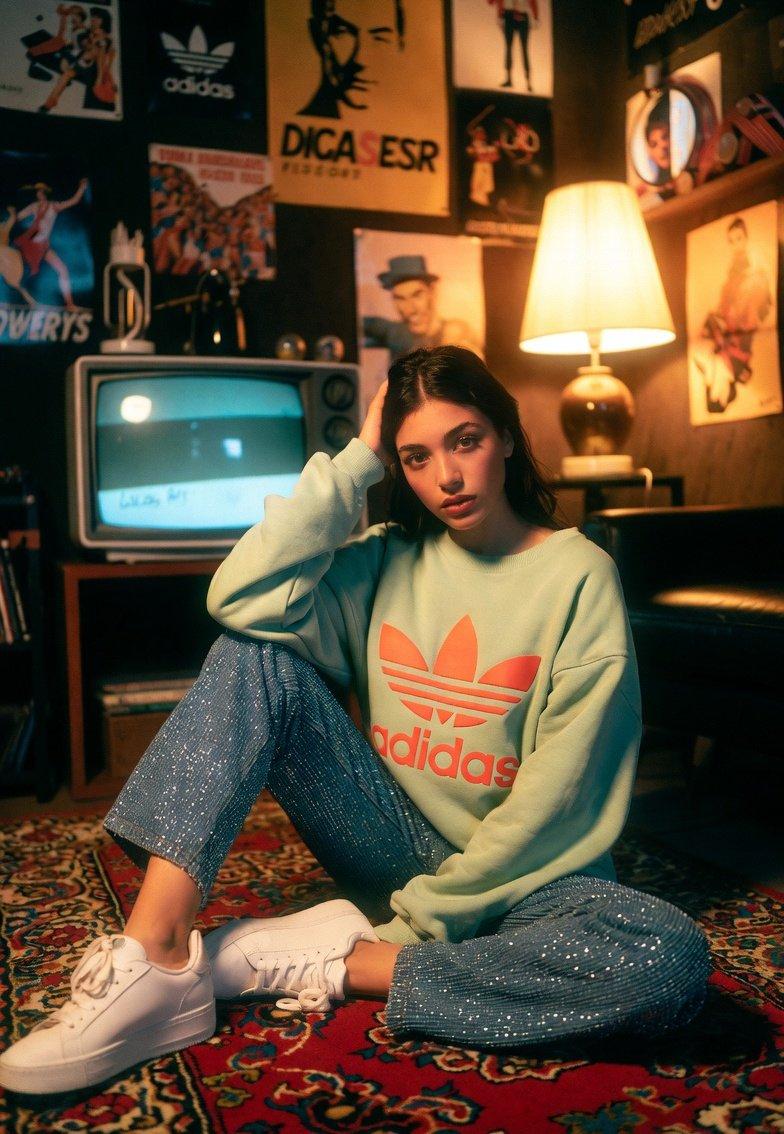
 "prompt": "A young woman sits on a patterned rug in a dim, vintage-inspired room. She wears a light green oversized Adidas sweatshirt with bold red and orange branding, paired with sparkly blue pants and white sneakers. She rests her head on her hand, gazing thoughtfully. A retro television flickers in the background, and a warm lamp casts a soft golden glow. The room is decorated with vintage posters, memorabilia, and retro decor, creating a nostalgic, cozy atmosphere.",
 "style": "nostalgic cinematic portrait",
 "lighting": "warm, dim, soft glow from a lamp and retro TV flicker",
 "background": "vintage posters, memorabilia, retro television",
 "focus": "outfit texture, thoughtful expression, vintage ambience",
 "shot_type": "seated portrait on patterned rug",
 "mood": "nostalgic, cozy, introspective"
}
Category
Photography & Realism
Model
Unknown
Creator
aleenaamiir
Source language
zh-CN
Views0
Source ID
nostalgic-cinematic-portrait
Studio

Guide

About "复古影像✨"

What is this prompt for?

"复古影像✨" AI image prompt for Unknown (Photography & Realism). Grok Imagine ✨ { "prompt": "A young woman sits on a patterned rug in a dim, vintage-inspired room.…

The full copyable prompt and example visuals above are ready for AI image generation or one-click recreate in Picva.

How to use this prompt

  1. Step 1

    Open the prompt detail

    Review the example visuals, category, and full prompt text for "复古影像✨".

  2. Step 2

    Copy the prompt

    Copy the prompt body from this page, or load it directly in Studio.

  3. Step 3

    Pick a model (Unknown)

    Prefer Unknown. If you switch models, keep subject and composition and tweak style terms.

  4. Step 4

    Generate and export

    Recreate the look in Picva, or export into your workflow for editing and publishing.

FAQ

What is the "复古影像✨" prompt?
It is an AI image-generation prompt for Unknown in the Photography & Realism category. This page includes the full prompt text, example visuals, and a one-click recreate path in Picva.
How do I use this prompt to generate an image?
Copy the prompt from this page, or use Generate / Studio. Paste it into a compatible image model, or recreate the look in Picva with optional reference images.
Which model is this prompt for?
This page lists Unknown. Most descriptive prompts also transfer to nearby image models such as GPT Image, Flux, or Midjourney with light style tweaks.
Can I use the result commercially?
You can usually copy the prompt for creation, but commercial use of the final image depends on the model terms, reference-image rights, and the generated content. Follow the source author and platform rules.