19

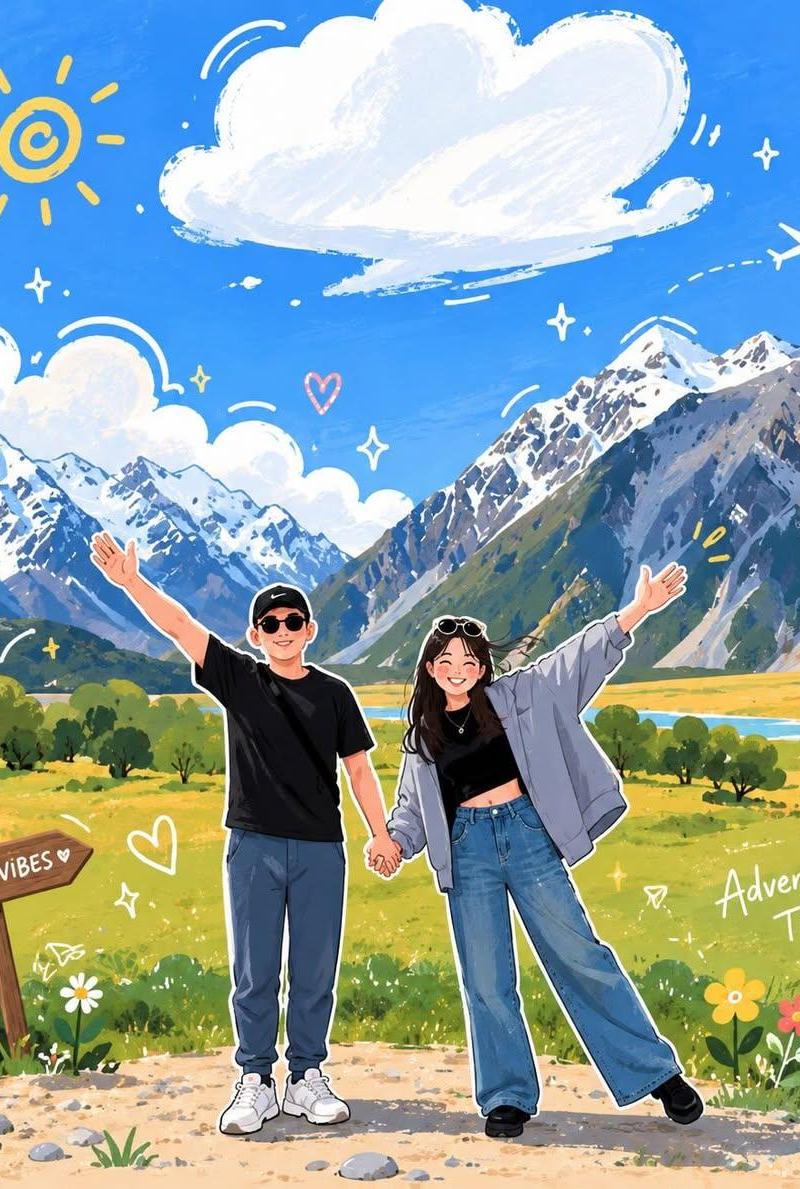
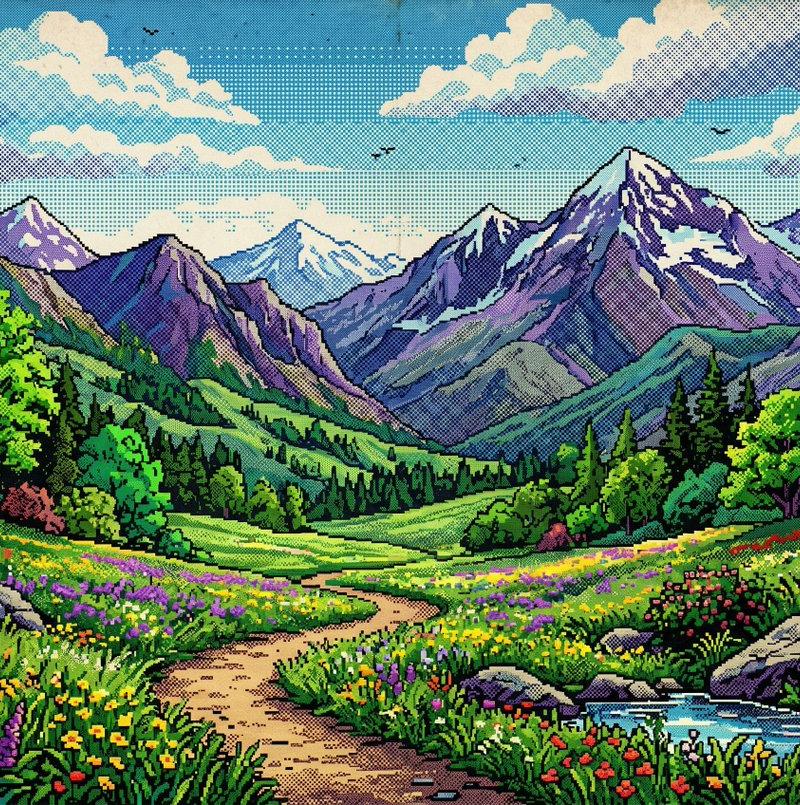
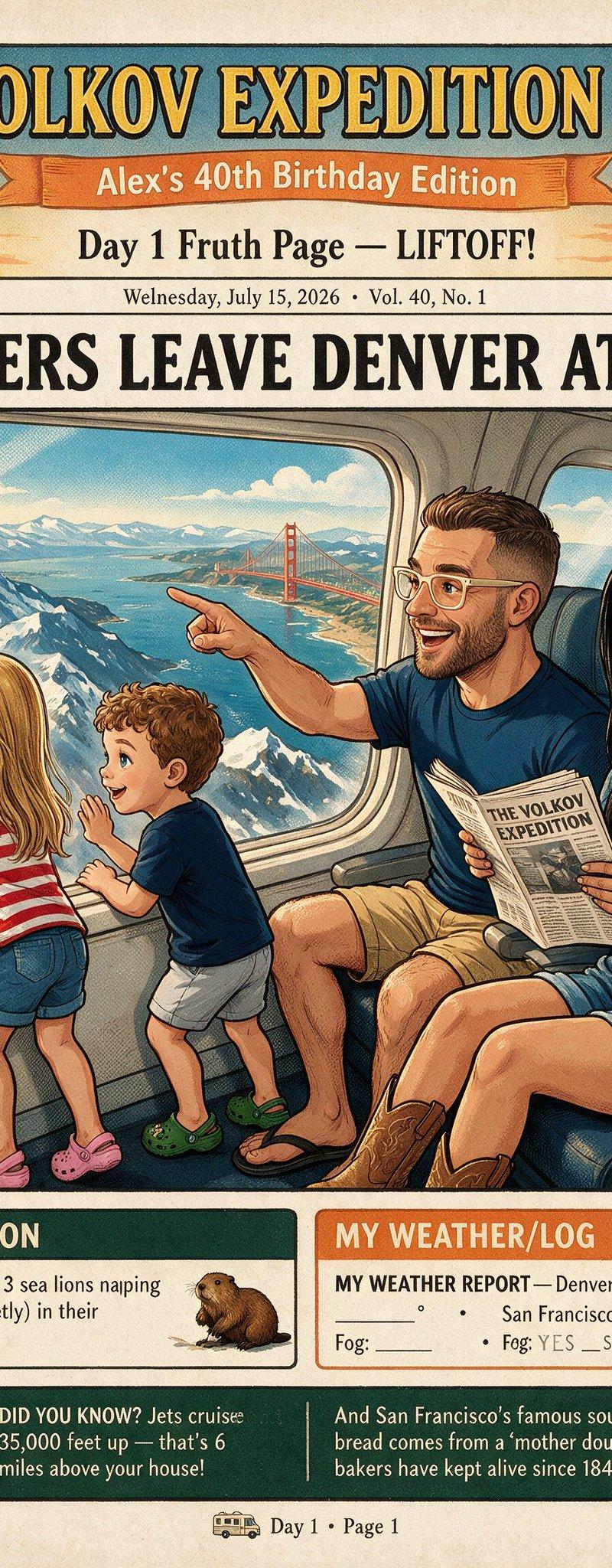
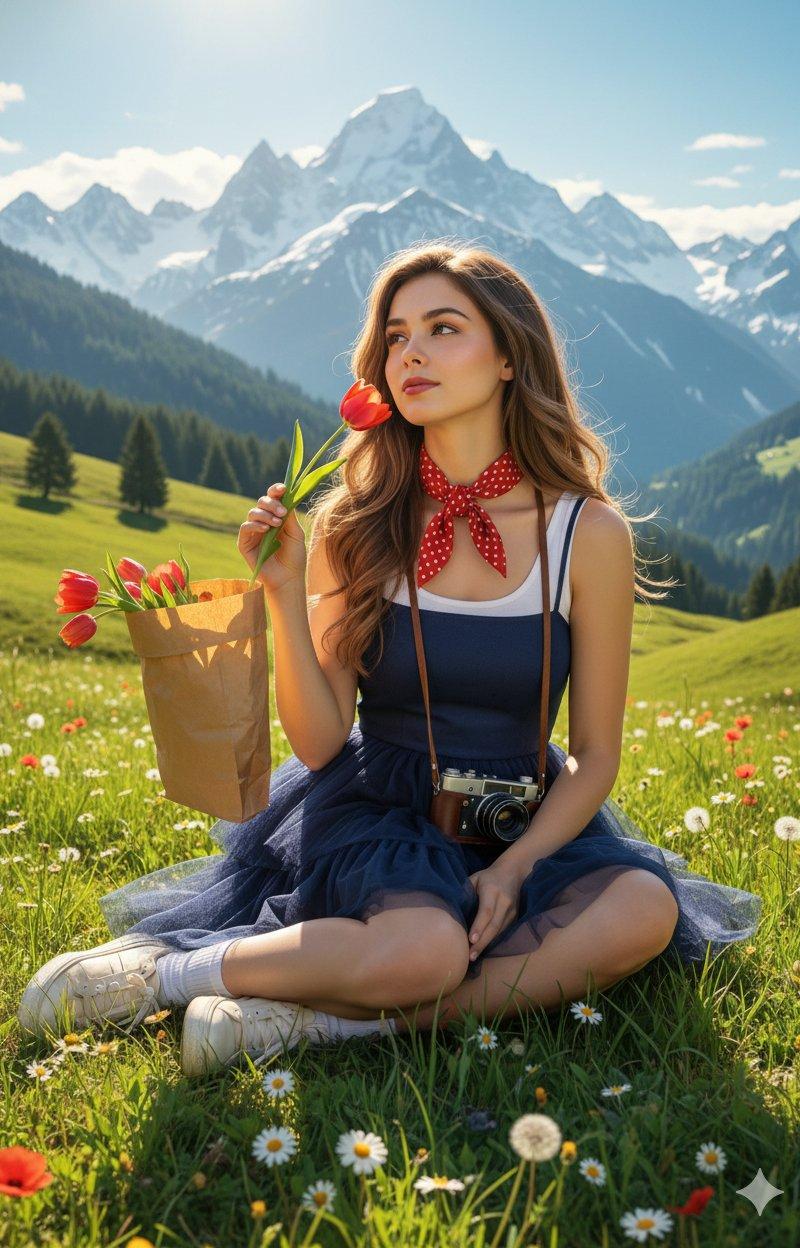
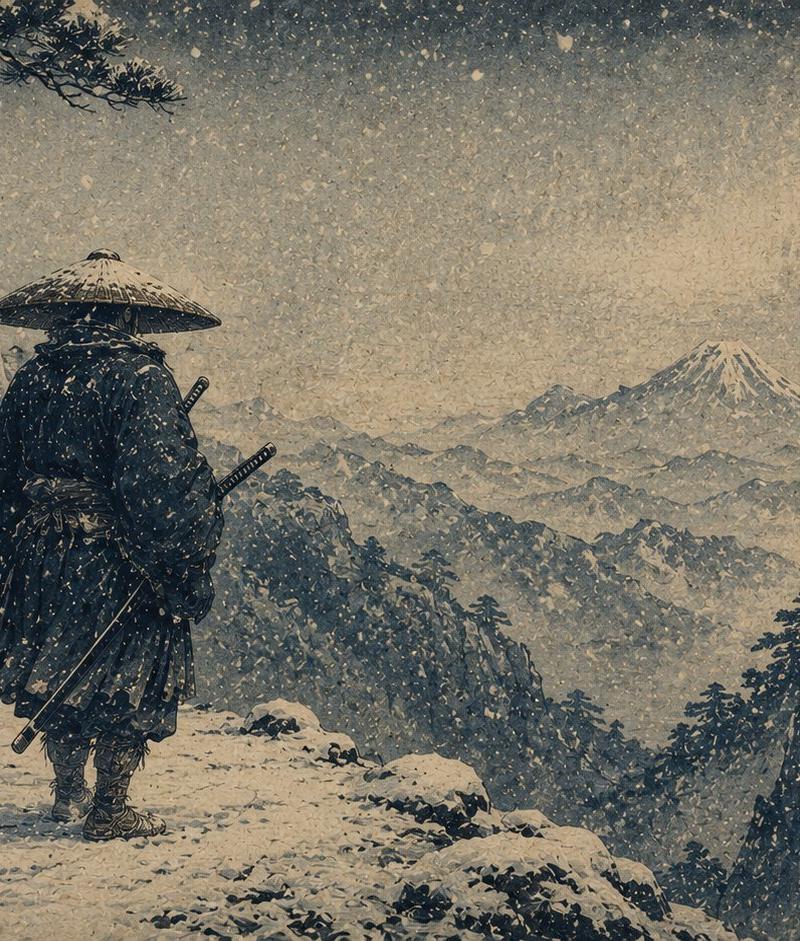
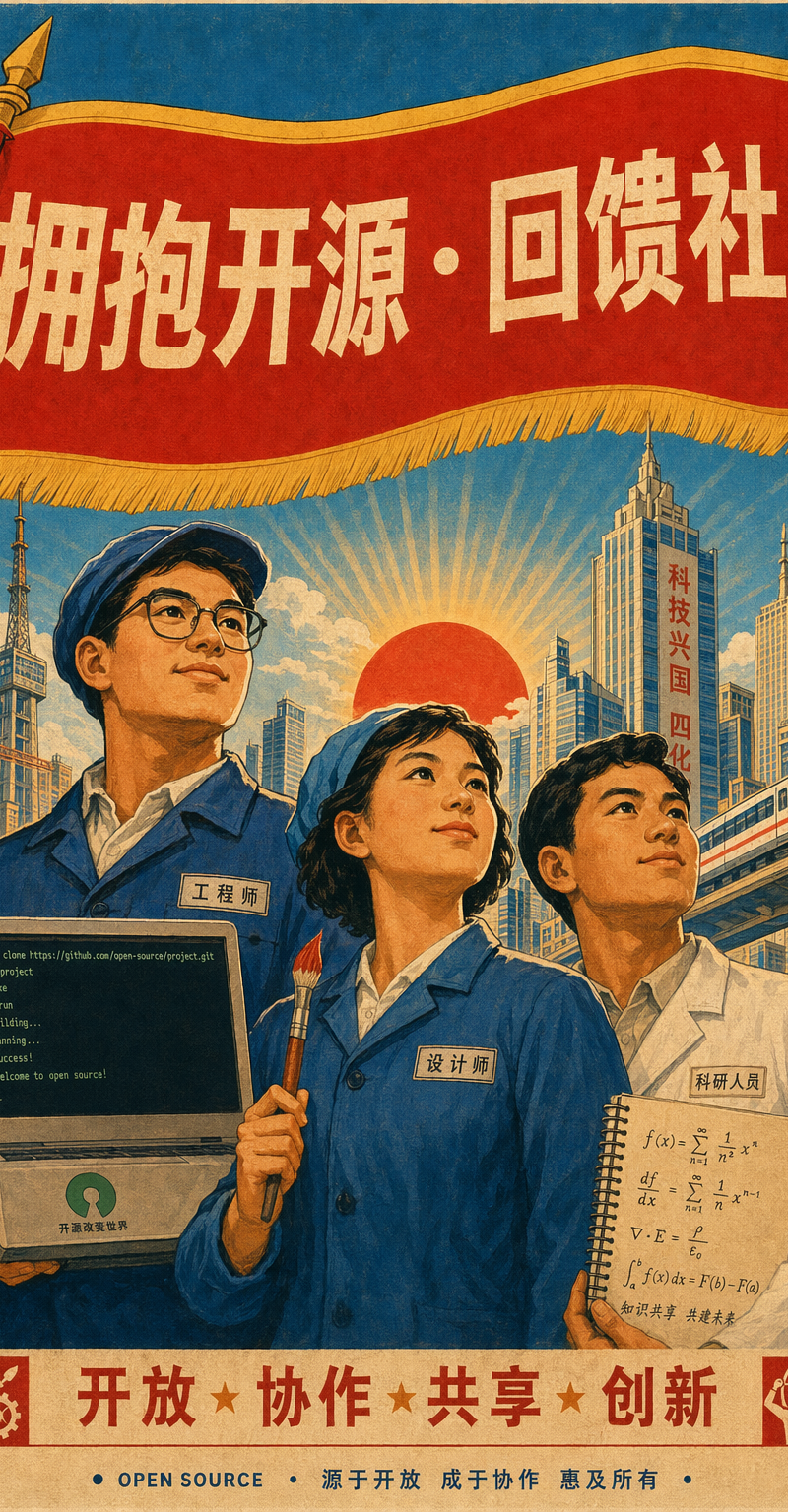
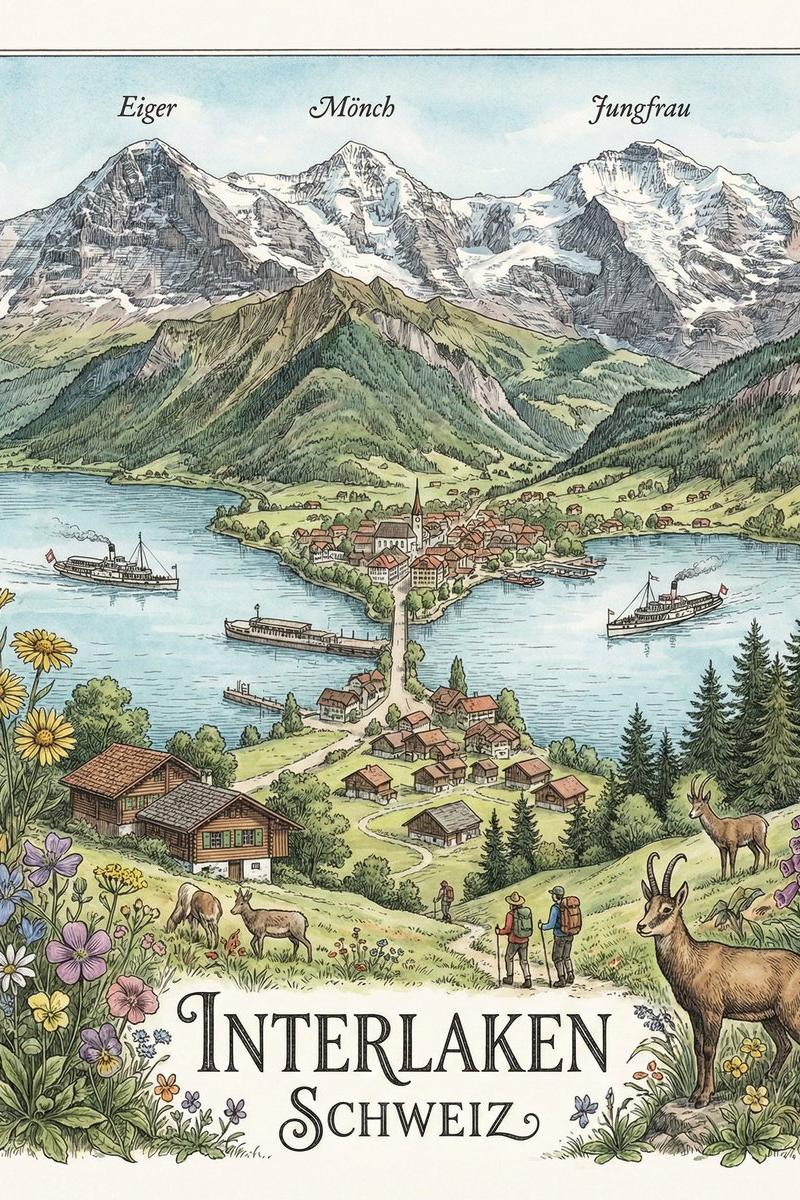
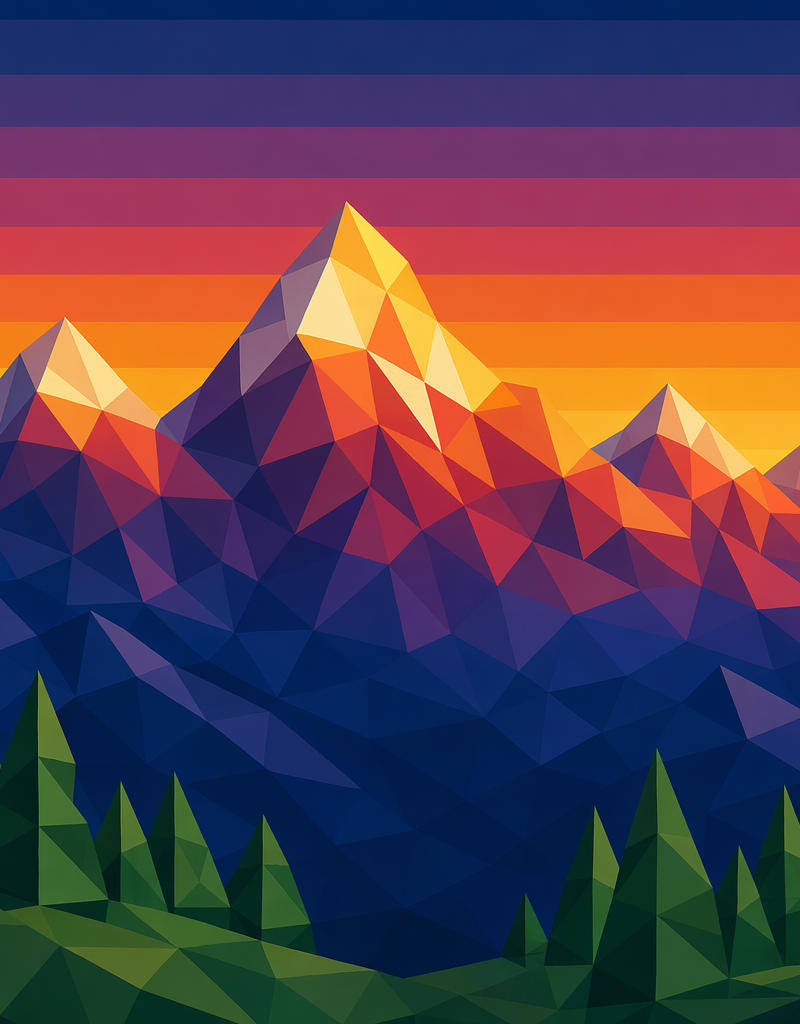
怀旧明信片
Enlarge

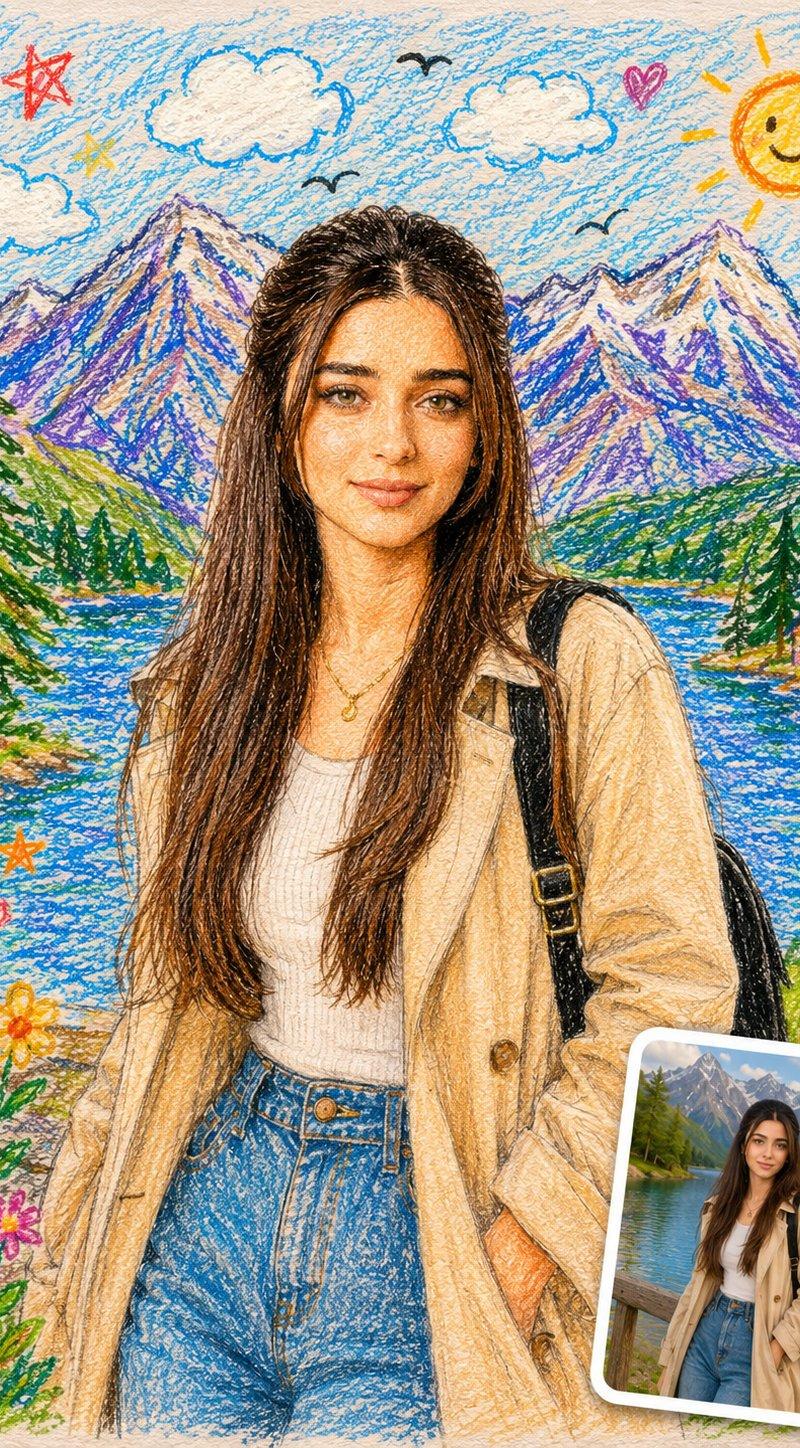
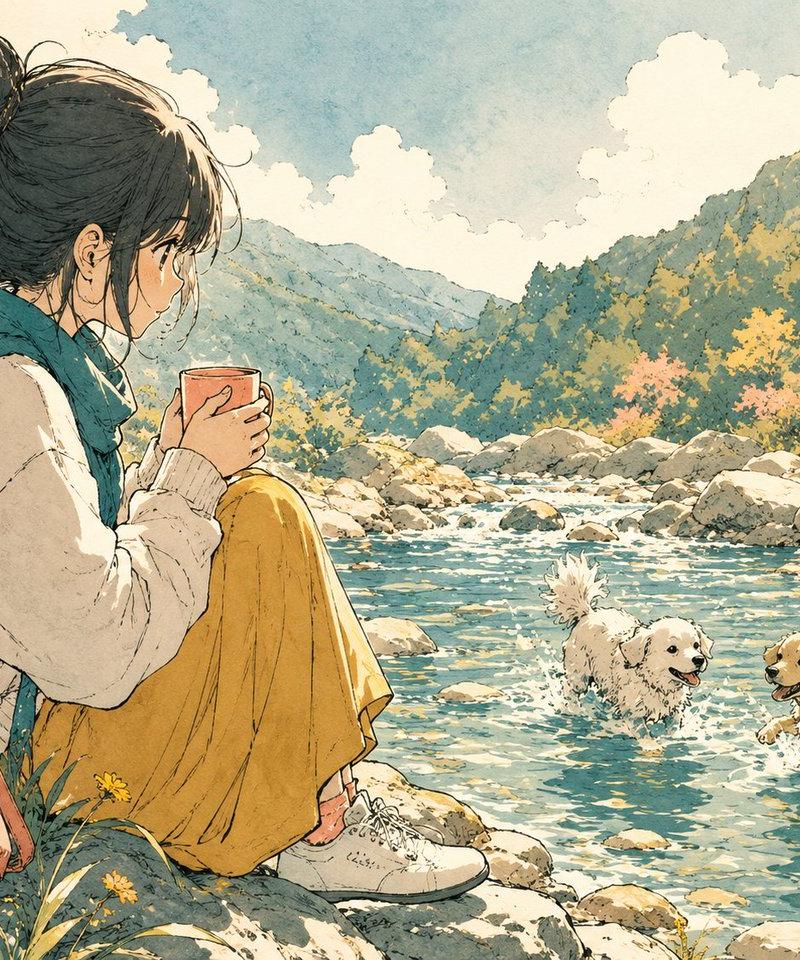
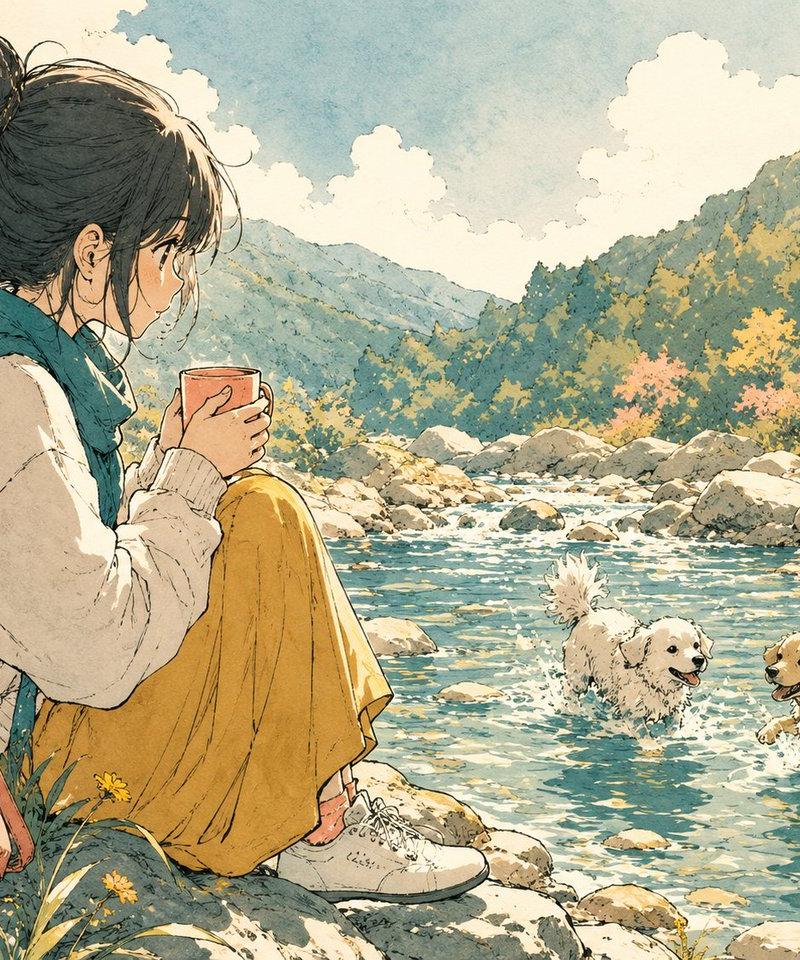
Example images

怀旧明信片

Prompt
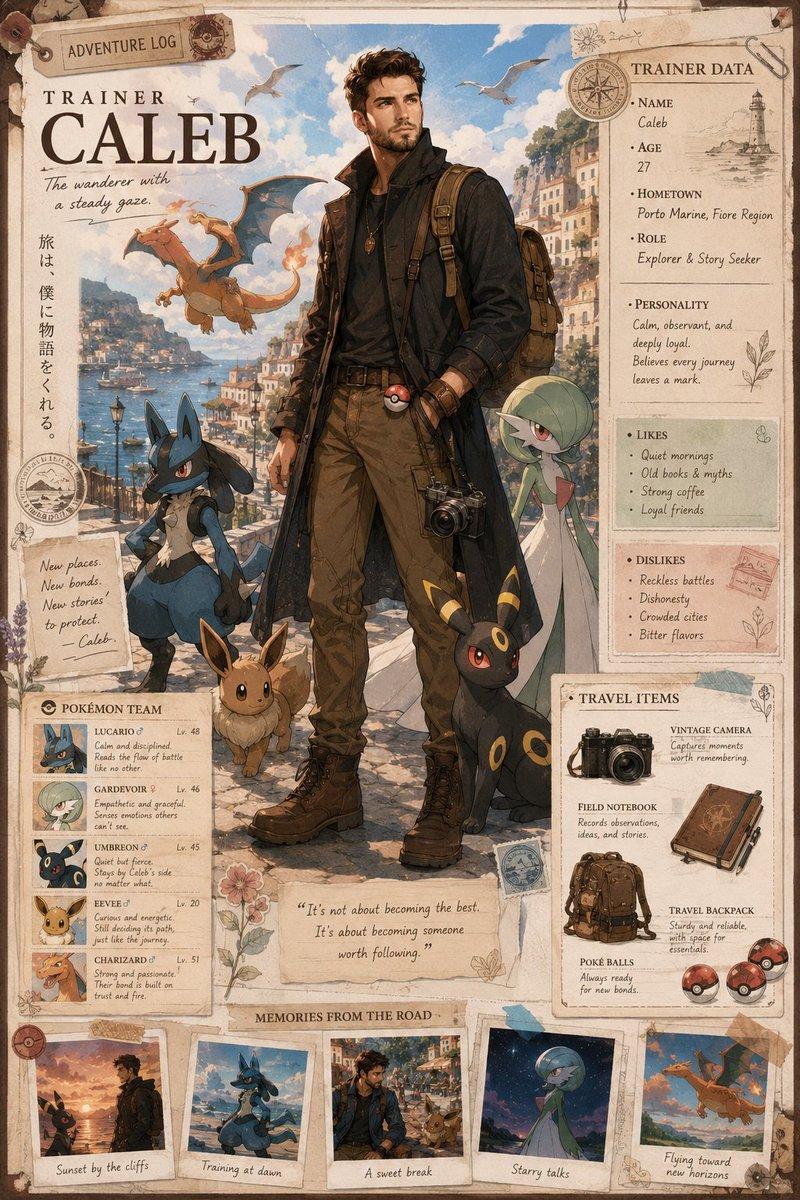
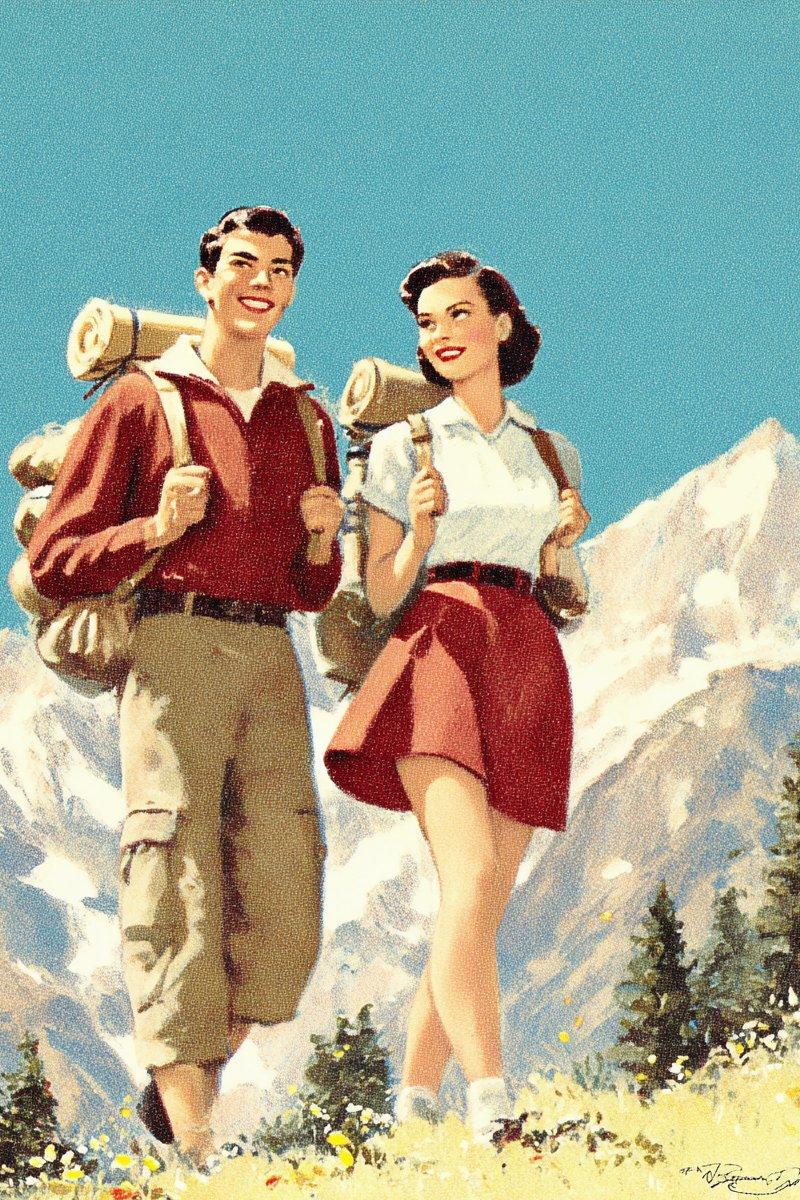
Nostalgic postcards. I love the style.
Prompt:
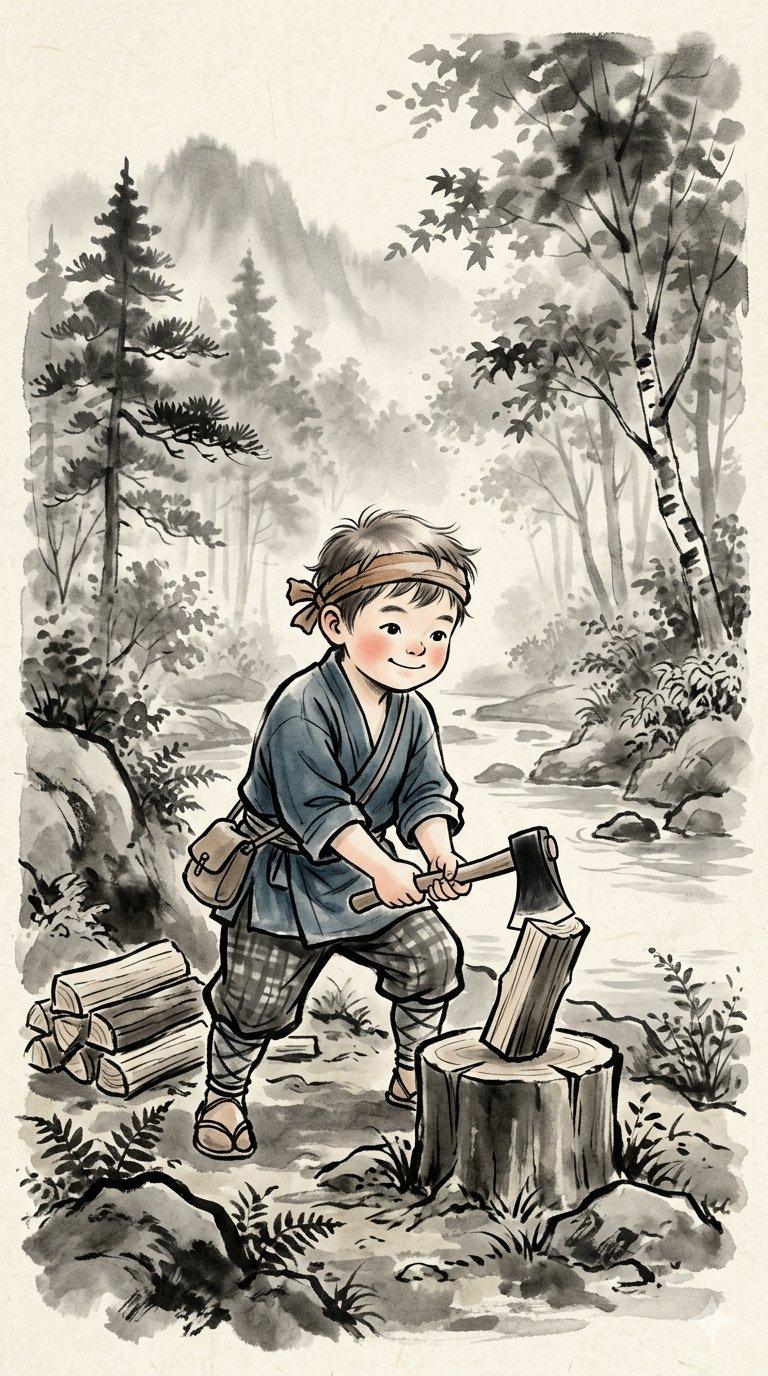
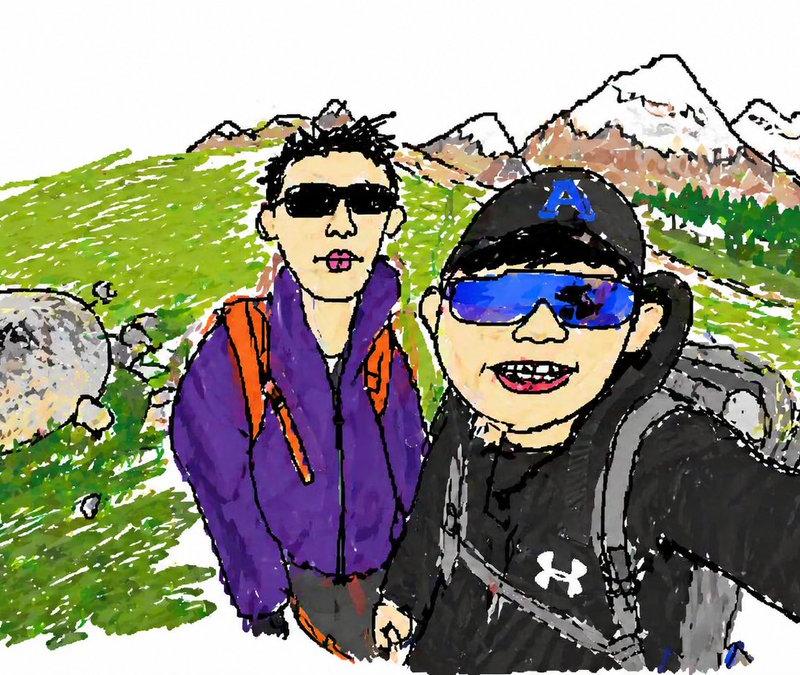
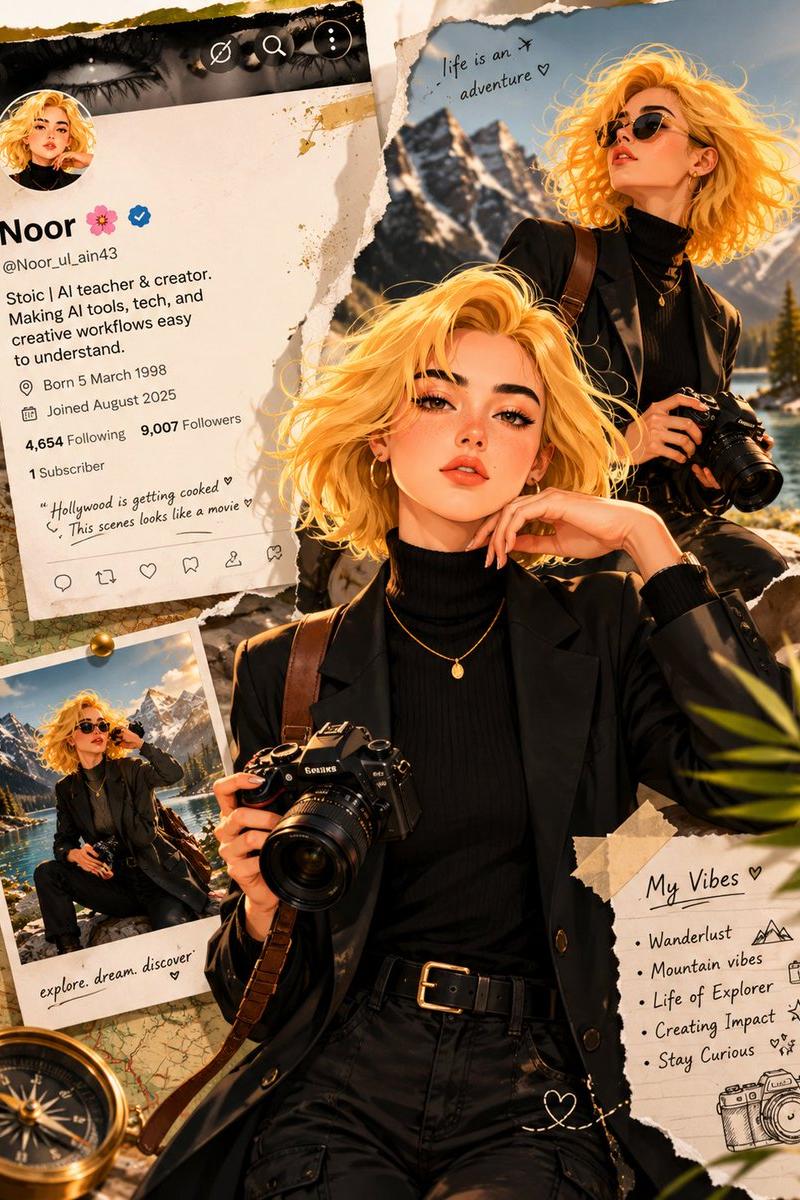
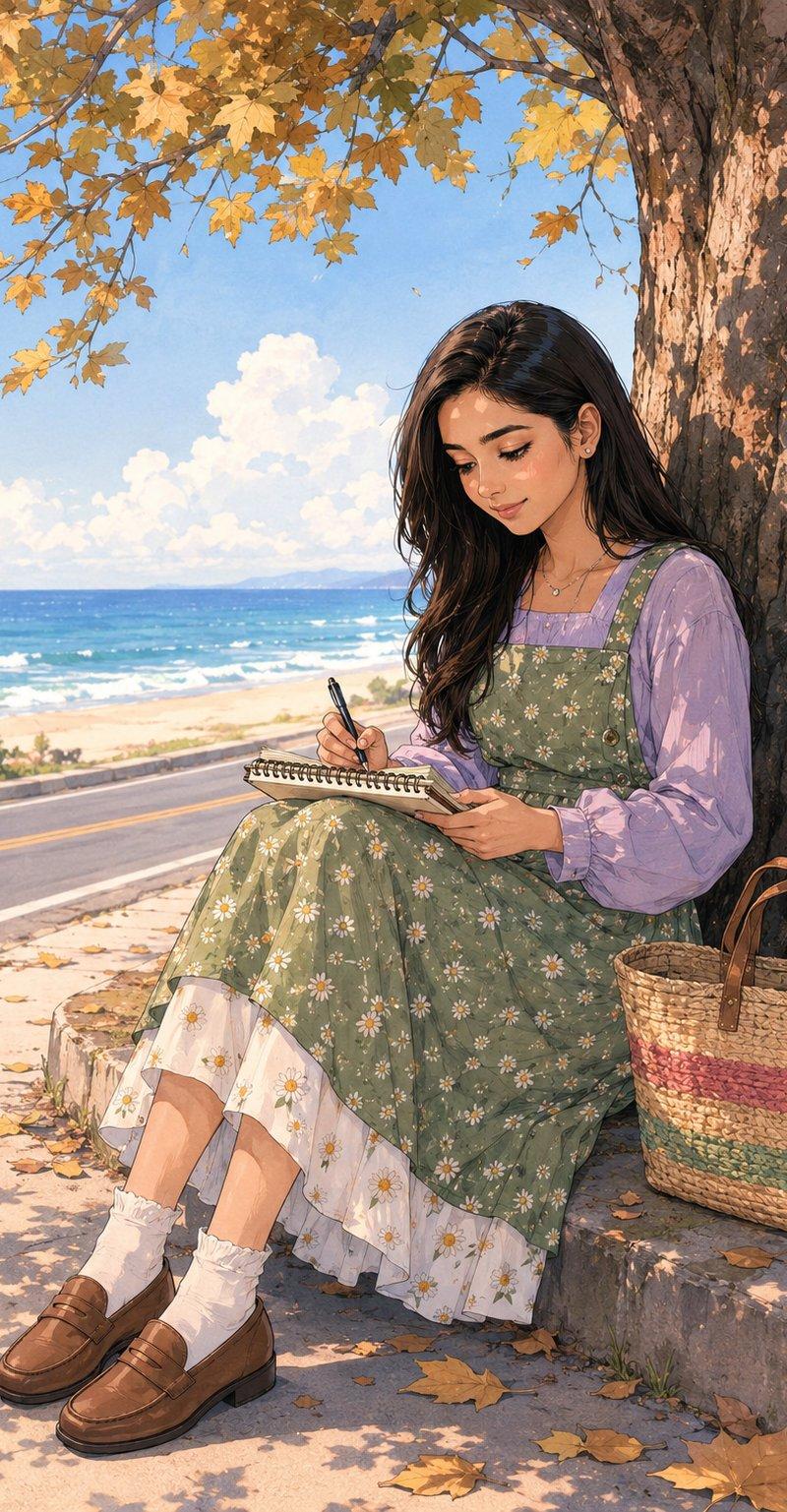
ILCE-7M3 RAW, EXIF: 45mm f/3.5 ISO 200, Kodak Ektachrome simulation, scenic still frame from a lost 1956 National Parks promotional film, young couple hiking through the Rocky Mountains, vintage wool hiking gear, rolled-up maps and leather canteens, bright midday sun casting crisp alpine shadows, saturated blue skies and pine green hues, captured on a tripod-mounted Leica IIIc replica with slight lens softness and chromatic haloing, postcard-style framing with white border, subtle grain and film curl effect added, smiling faces and hand-in-hand body language, inspired by American travel magazine covers of the era, terrain dotted with wildflowers, distant snowcaps gleaming in the background, faded travel slogan in cursive: "Wander Westward", retro optimism in every pixel --sref 3014631370 --ar 4:5 --v 7.0
#midjourney #sref #promptshare #AIart #tischeins
Category
Charts & Infographics
Model
Midjourney
Creator
Tischeins
Source language
zh-CN
Views0
Source ID
nostalgic-postcard
Studio

Guide

About "怀旧明信片"

What is this prompt for?

"怀旧明信片" AI image prompt for Midjourney (Charts & Infographics). Nostalgic postcards. I love the style. Prompt: ILCE-7M3 RAW, EXIF: 45mm f/3.5 ISO 200, Kodak Ek…

The full copyable prompt and example visuals above are ready for AI image generation or one-click recreate in Picva.

How to use this prompt

  1. Step 1

    Open the prompt detail

    Review the example visuals, category, and full prompt text for "怀旧明信片".

  2. Step 2

    Copy the prompt

    Copy the prompt body from this page, or load it directly in Studio.

  3. Step 3

    Pick a model (Midjourney)

    Prefer Midjourney. If you switch models, keep subject and composition and tweak style terms.

  4. Step 4

    Generate and export

    Recreate the look in Picva, or export into your workflow for editing and publishing.

FAQ

What is the "怀旧明信片" prompt?
It is an AI image-generation prompt for Midjourney in the Charts & Infographics category. This page includes the full prompt text, example visuals, and a one-click recreate path in Picva.
How do I use this prompt to generate an image?
Copy the prompt from this page, or use Generate / Studio. Paste it into a compatible image model, or recreate the look in Picva with optional reference images.
Which model is this prompt for?
This page lists Midjourney. Most descriptive prompts also transfer to nearby image models such as GPT Image, Flux, or Midjourney with light style tweaks.
Can I use the result commercially?
You can usually copy the prompt for creation, but commercial use of the final image depends on the model terms, reference-image rights, and the generated content. Follow the source author and platform rules.