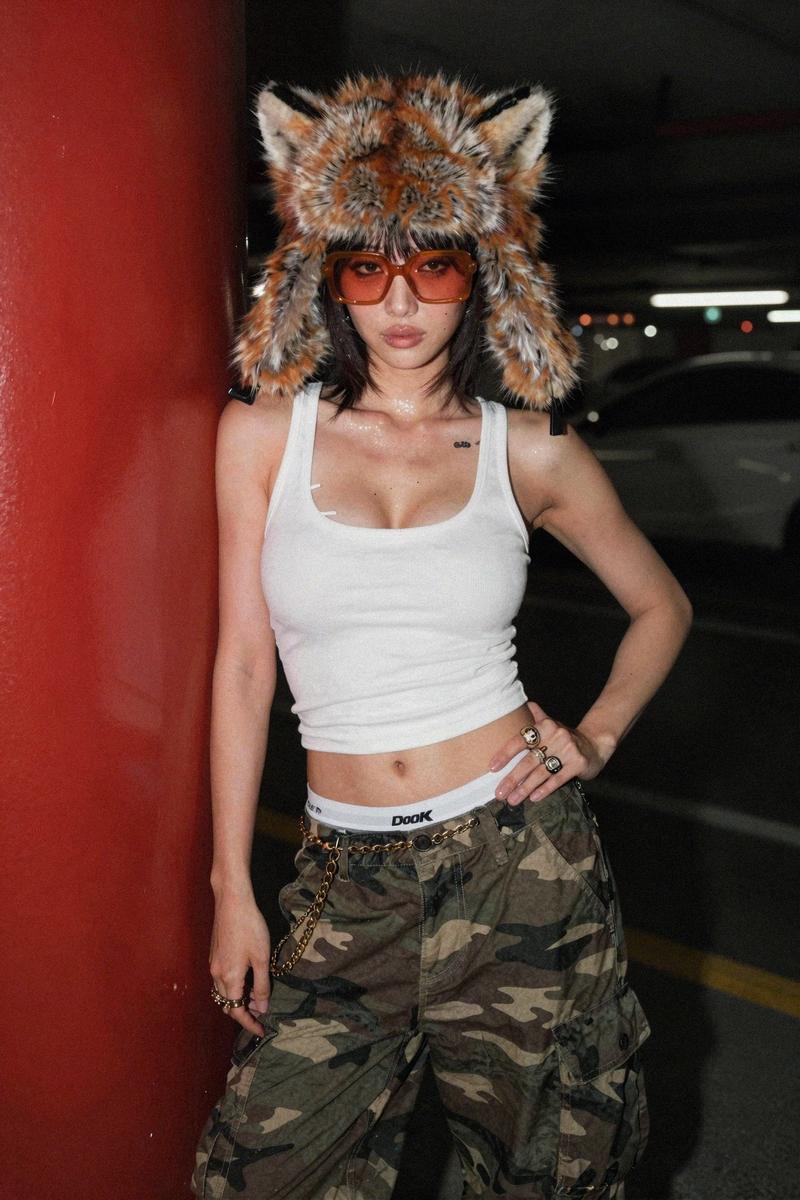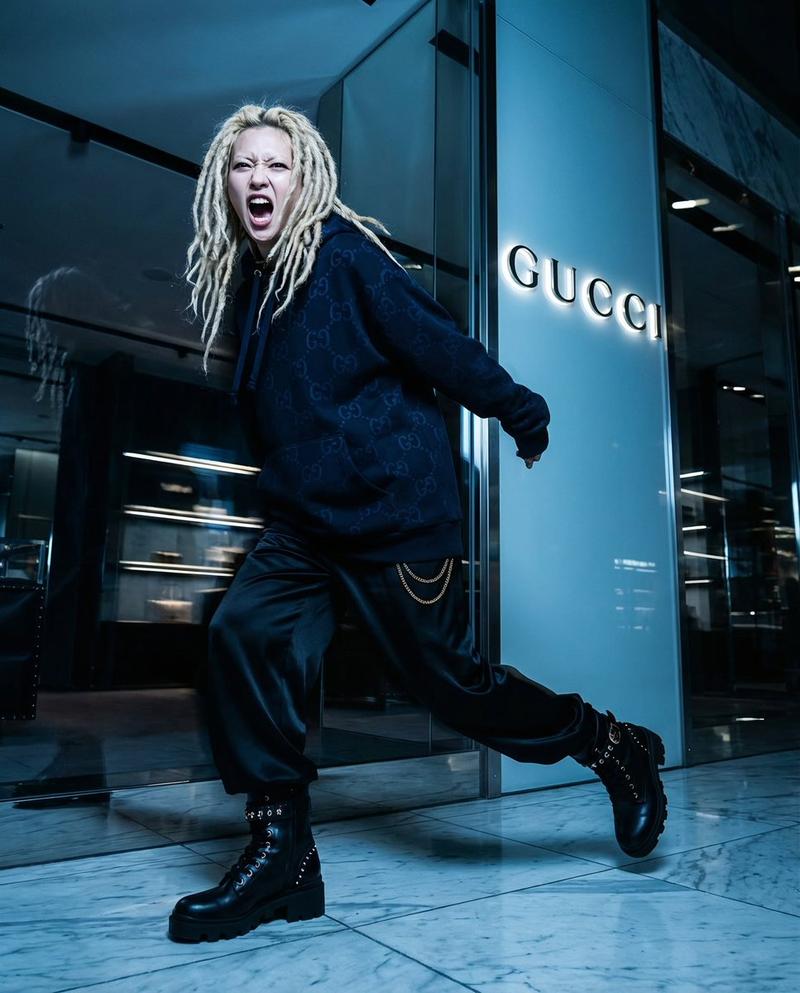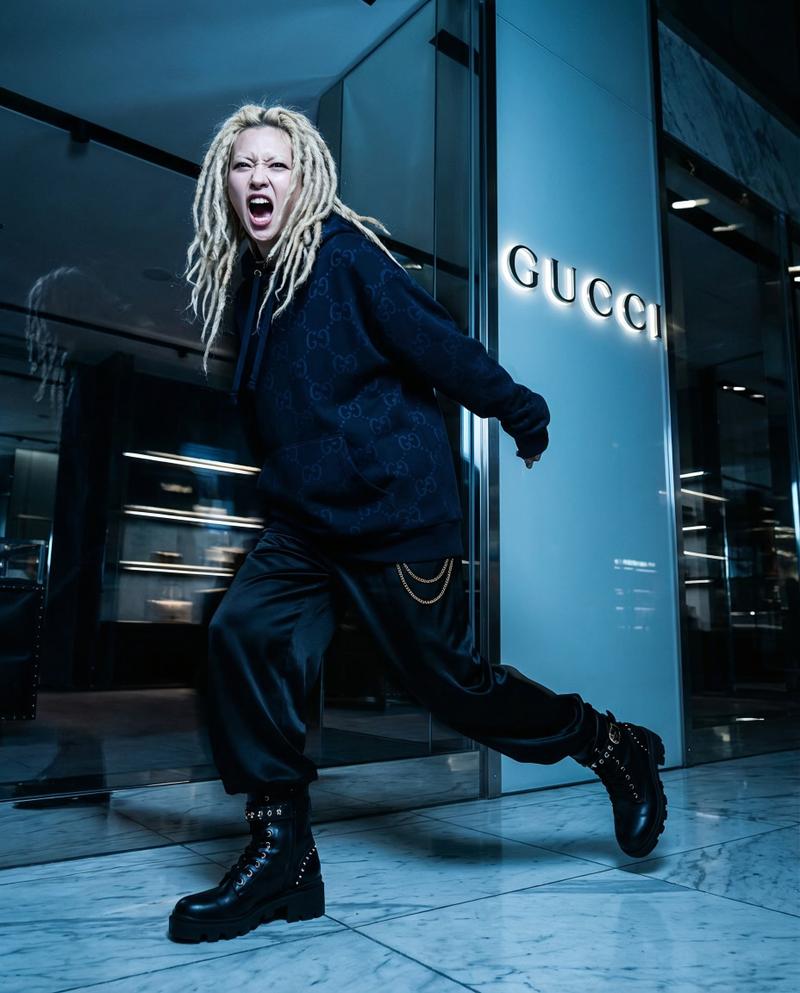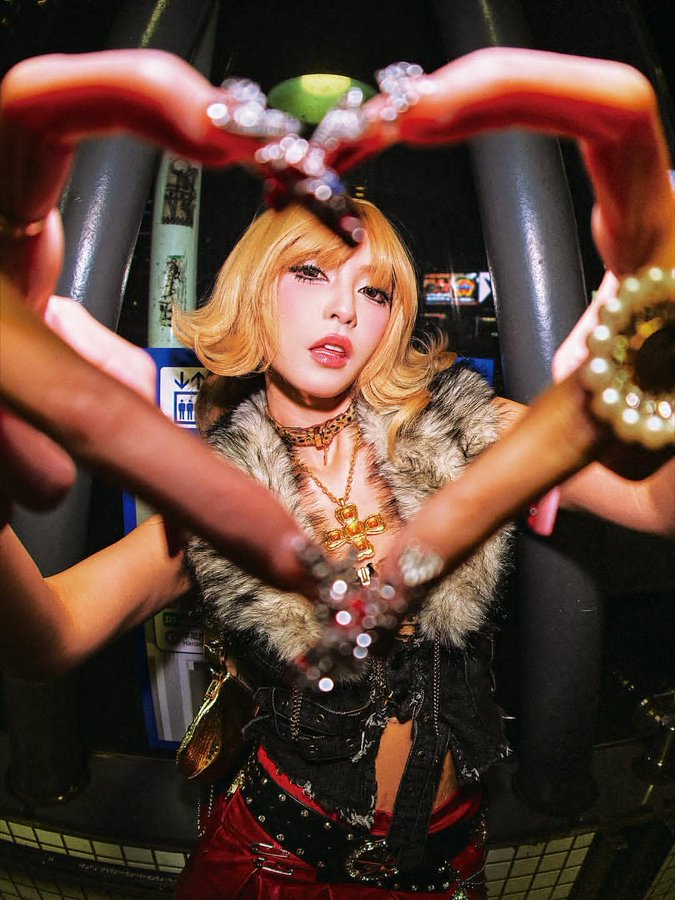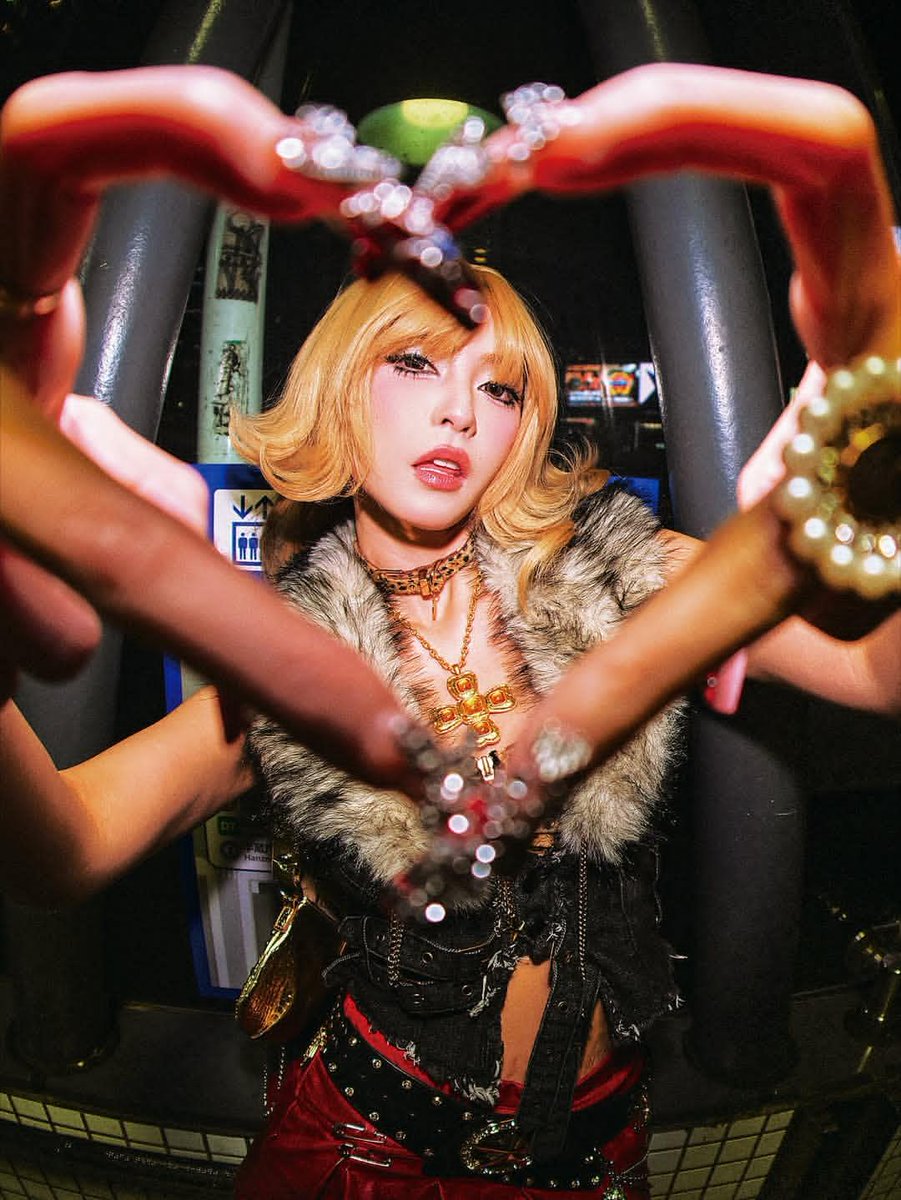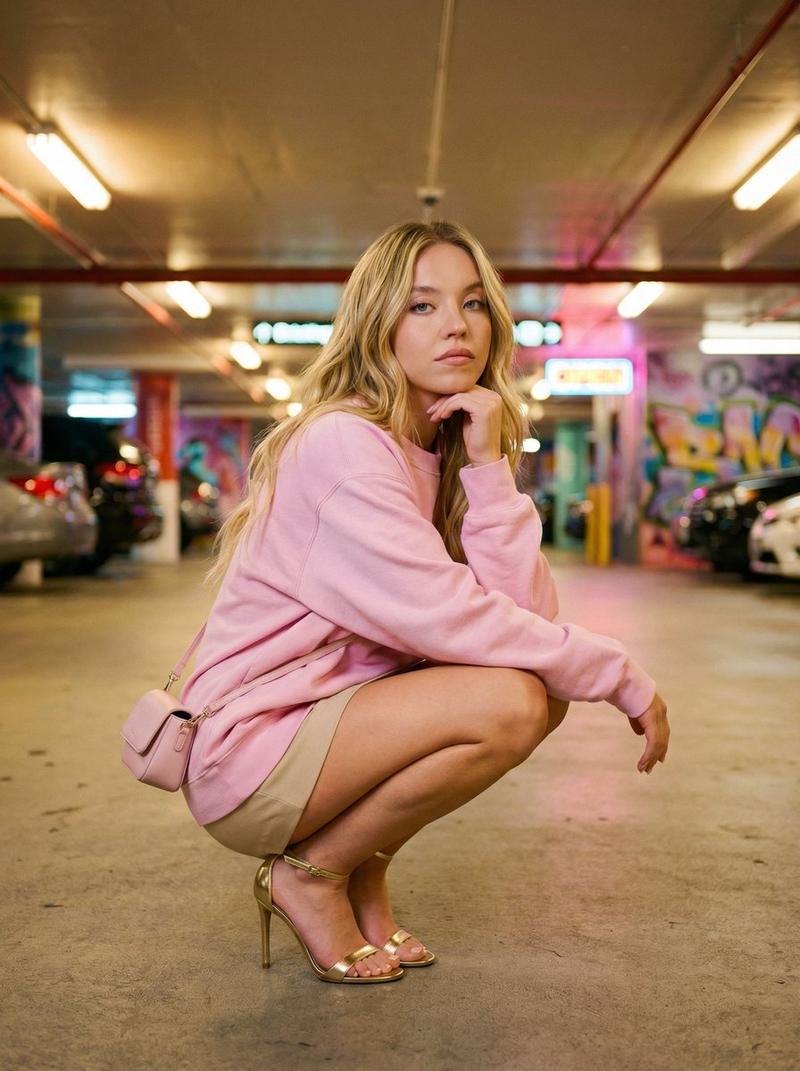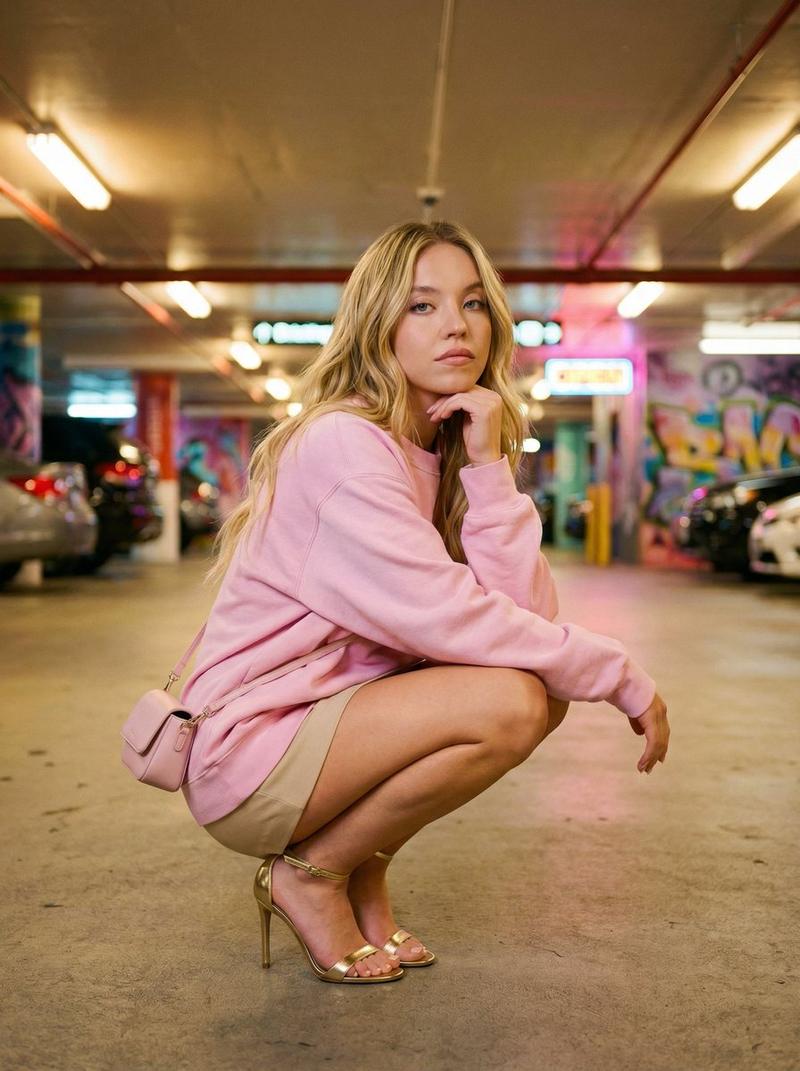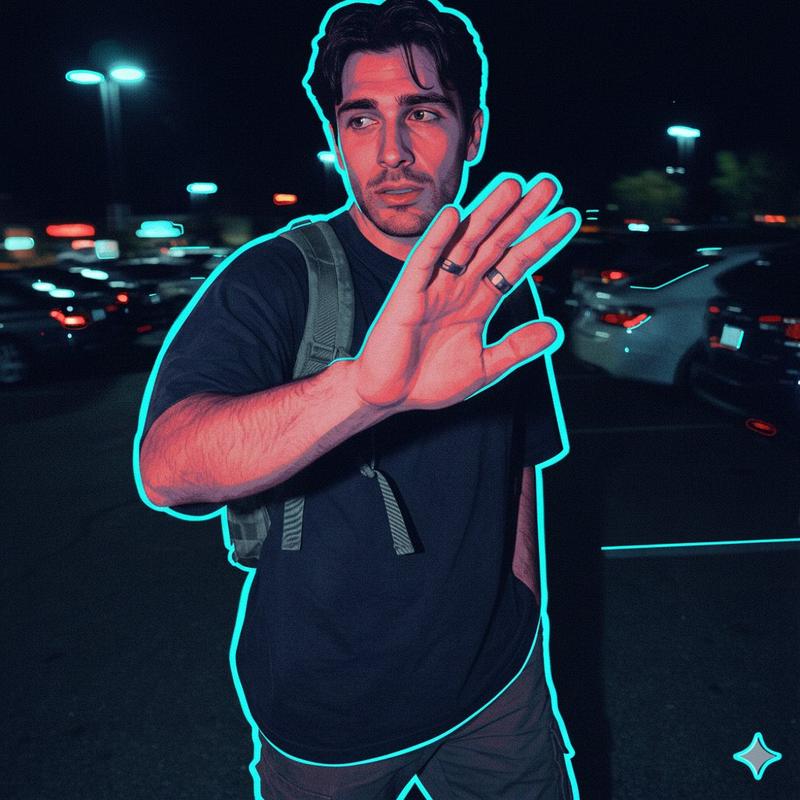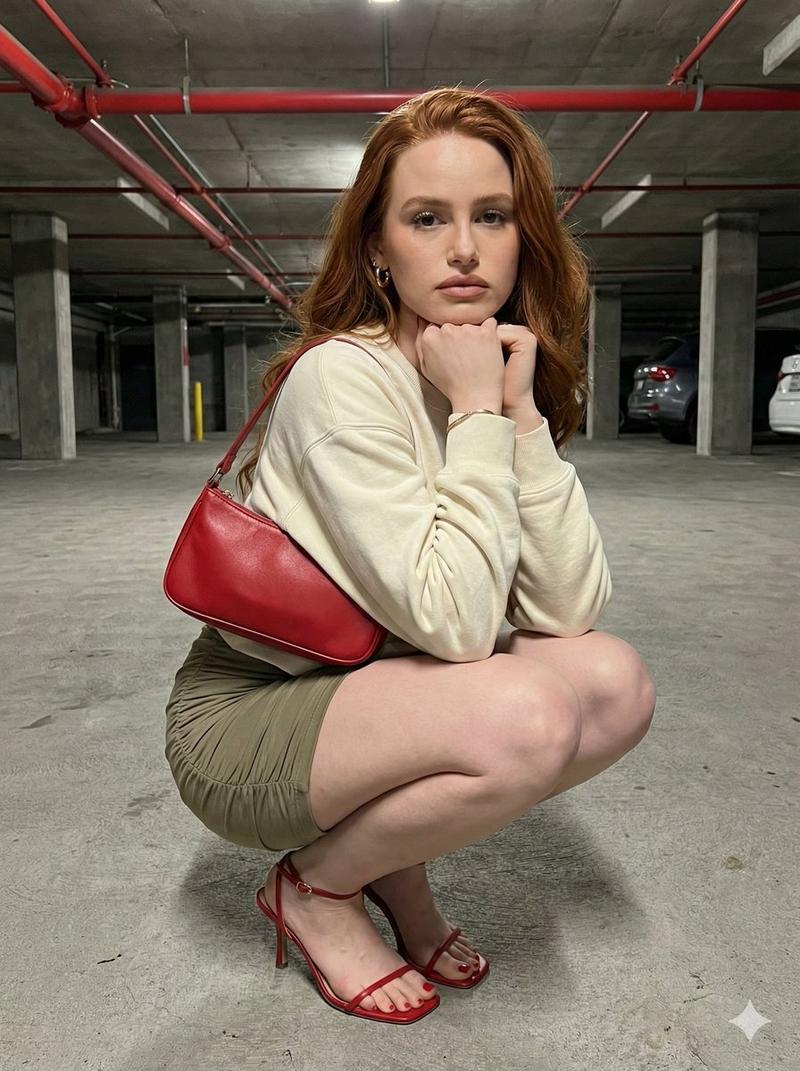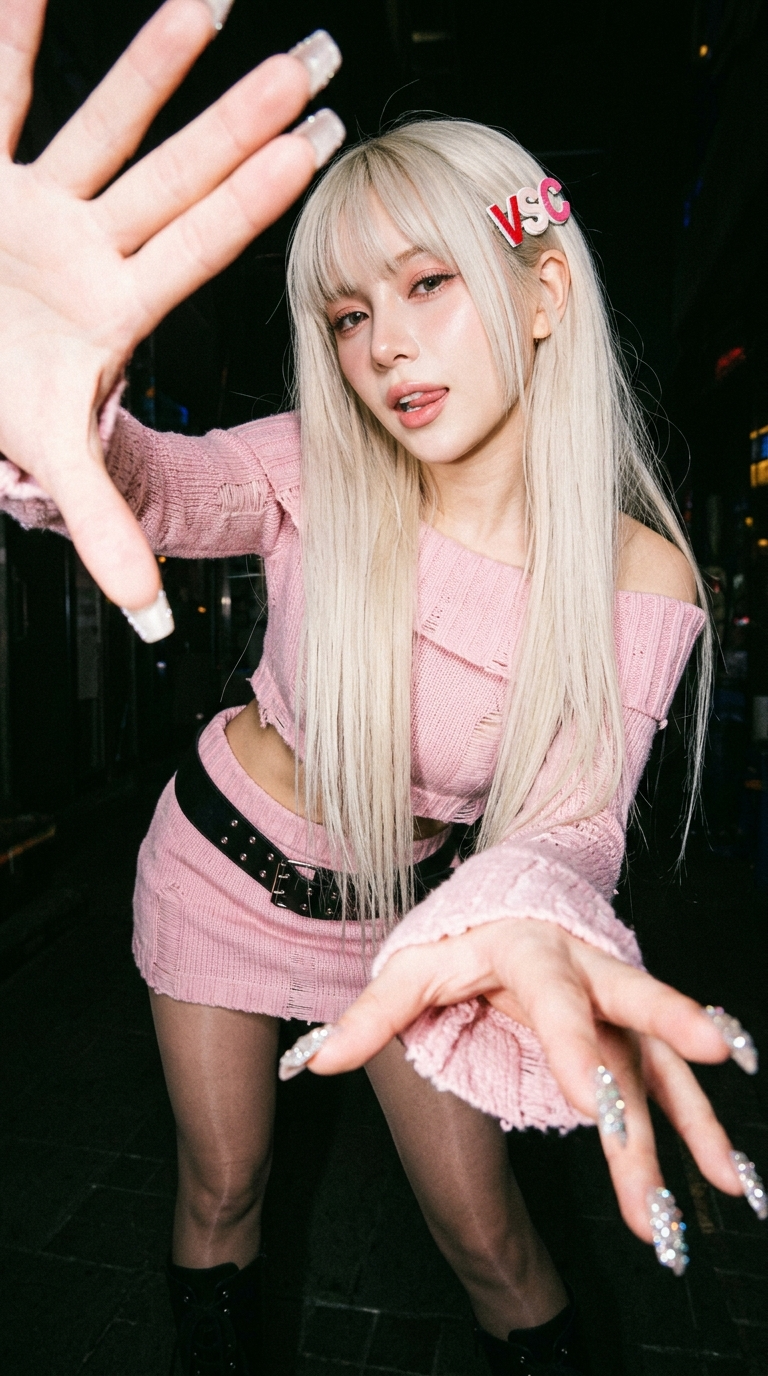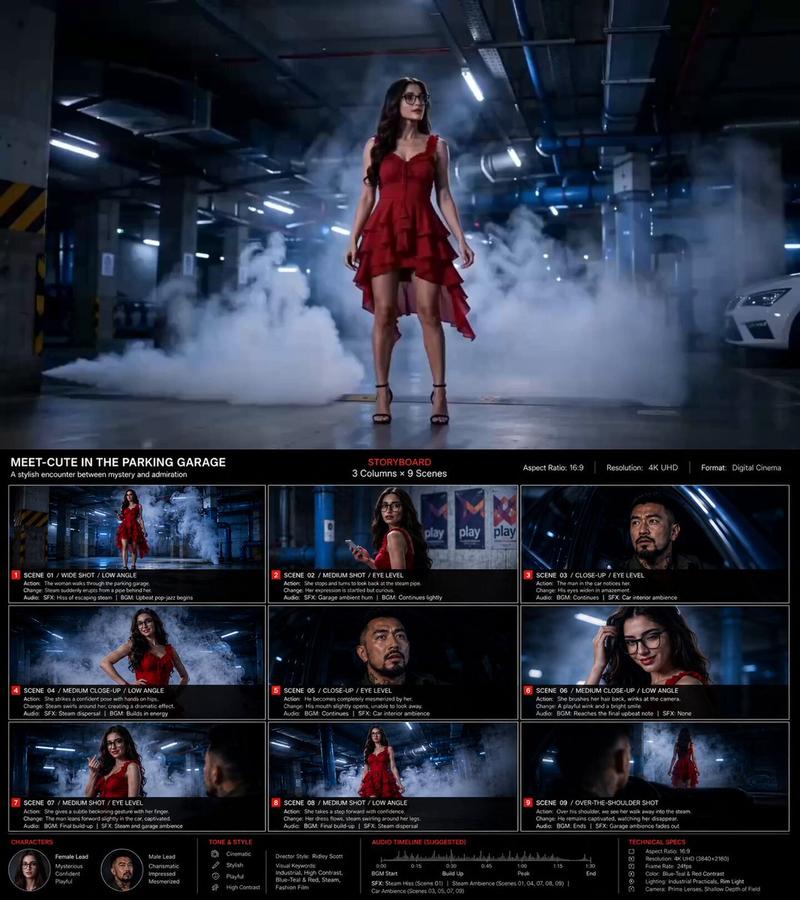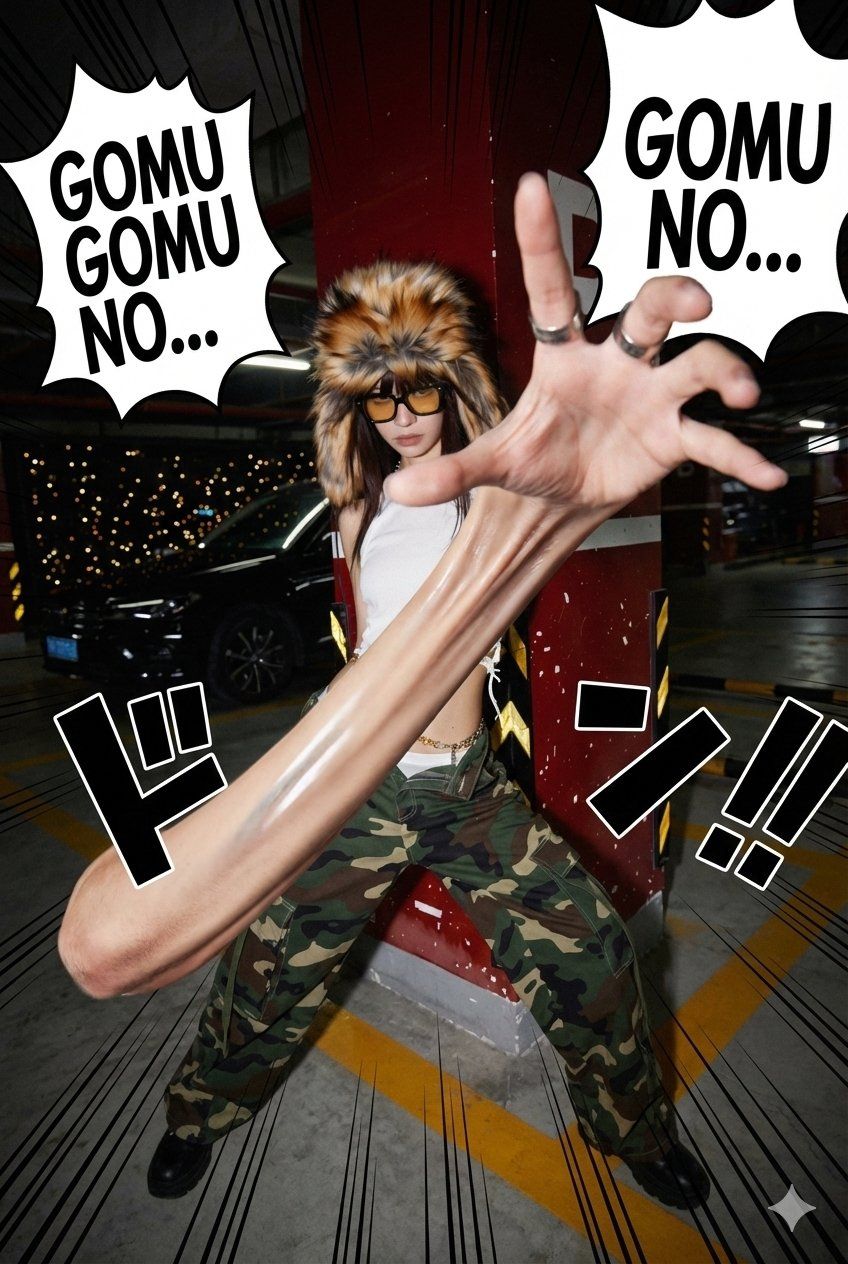
One Piece風デビルフード能力者変身
Prompt
GM!
One Pieceの悪魔の実の名前を入れると、その実の能力者になれるnanobananaのPromptです。
<<DEVIL FRUIT NAME>>に悪魔の実の名前を入れて下さい。実の名前は日本語でも英語でも大丈夫でした😃
Promptはコメントに記載します。
#nanobanana2 https://t.co/645RY7a8yT
最初の<<DEVIL FRUIT NAME>>に悪魔の実の名前を入れて下さい😃
{
 "version": "1.0",
 "description": "Transform a real person in a photo into a One Piece-style Devil Fruit ability user: dynamic pose, dramatic camera angle, ability-specific SFX, and a photorealistic manifestation of the specified Devil Fruit’s power.",
 "variables": {
 "DEVIL_FRUIT_NAME": {
 "type": "string",
 "value": "<<DEVIL FRUIT NAME>>",
 "description": "The canonical Devil Fruit name whose ability should be interpreted and applied to the subject (e.g., Gum-Gum Fruit, Flame-Flame Fruit, Ice-Ice Fruit, Sand-Sand Fruit, Rumble-Rumble Fruit, Flower-Flower Fruit, Dark-Dark Fruit, Paw-Paw Fruit, etc.)."
 }
 },
 "steps": [
 {
 "name": "DEVIL_FRUIT_ABILITY_EDIT",
 "goal": "Apply a dynamic One Piece-style pose, dramatic camera angle, ability-specific manga SFX, and a photorealistic manifestation of the specified Devil Fruit’s ability.",
 "instructions": "Use the uploaded photo as the base.\n\nKeep the person photorealistic (eyes, face, skin texture, hair, makeup). Do NOT convert the scene into manga. Do NOT replace the background.\n\n=====================================\nDEVIL FRUIT ABILITY TRANSFORMATION\n=====================================\nInsert your Devil Fruit name here: [DEVIL_FRUIT_NAME]\n\nInterpret the canon ability of [DEVIL_FRUIT_NAME] realistically and apply it to the body or surrounding environment. The effect must look like a live-action One Piece movie.\n\nExamples:\n- Gum-Gum Fruit: stretched limbs, elastic skin, tension folds, rubber reflection\n- Flame-Flame Fruit: realistic flames, heat distortion, warm illumination\n- Ice-Ice Fruit: frost buildup, ice crystals, cold vapor\n- Rumble-Rumble Fruit: lightning arcs, photoreal sparks\n- Sand-Sand Fruit: sand disintegration, sandstorm motion\n- Flower-Flower Fruit: photoreal arms blooming from surfaces\n- Paw-Paw Fruit: shockwave compression ripples\n- Dark-Dark Fruit: gravitational distortion, dark smoke tendrils\n\nRules:\n- The face must remain recognizable.\n- Effects must integrate into real lighting and shadows.\n- No cartoon filters — supernatural physics must look real.\n\n=====================================\nONE PIECE-STYLE POSE TRANSFORMATION\n=====================================\nRepose the body into a dramatic battle pose:\n- wide stance, strong dynamic gestures\n- stretched arm for Gum-Gum, open palm for shockwave, ignition stance for flame, elemental charge-up for logias, etc.\n- clothing should deform realistically\n\n=====================================\nEXTREME CAMERA ANGLES\n=====================================\nChoose one at random:\n- ultra low-angle\n- ultra high-angle\n- 20–24mm wide angle\n- 14mm super-wide distortion\n- fisheye\n- Dutch tilt\n- forced perspective (hand reaching toward lens)\n- telephoto compression (85–135mm)\n\n=====================================\nABILITY-SPECIFIC MANGA SFX (INK LINE ART)\n=====================================\nAutomatically choose the most appropriate SFX based on [DEVIL_FRUIT_NAME].\nUse ONLY One Piece-style onomatopoeia.\n\nWhen generating SFX, follow these rules:\n- pure black ink line art (no gradients)\n- placed behind or beside the character\n- must NOT cover the face\n\nUse the SFX set that matches the ability theme:\n\n=== SFX SELECTION LOGIC ===\nIf [DEVIL_FRUIT_NAME] contains:\n\n- \"Gum-Gum\" → Use: 「ドン!!!」, 「バキィ!!」, 「ゴムッ!!」, 「ブンッ!!」\n- \"Flame-Flame\" → Use: 「メラメラ…」, 「ボッ!!」, 「ゴォォ!!」, 「ドン!!!」\n- \"Ice-Ice\" → Use: 「ヒエェェ…」, 「パキパキ!!」, 「スッ…」\n- \"Rumble-Rumble\" → Use: 「ビリビリッ!!」, 「ズドン!!」, 「ゴロゴロ…」\n- \"Sand-Sand\" → Use: 「サラサラ…」, 「ザザザッ!!」, 「ドン!!」\n- \"Flower-Flower\" → Use: 「パッ!!」, 「ボンッ!!」\n- \"Dark-Dark\" → Use: 「ズズズ…」, 「ゴゴゴゴ…」, 「ドン…!!」\n- \"Paw-Paw\" → Use: 「バシュッ!!」, 「ドン!!」, 「ボフッ!!」\n- otherwise (unknown fruit) → Use: 「ドン!!!」, 「ゴゴゴゴ…」 (universal SFX)\n\n=====================================\nOPTIONAL MANGA LINES\n=====================================\nAdd subtle speed lines, impact lines, or depth lines, but keep the real background visible.\n\n=====================================\nFINAL GOAL\n=====================================\nCreate a photorealistic action image where:\n- The person stays realistic\n- The camera angle is dramatic\n- The pose is dynamic\n- The Devil Fruit ability is manifested photorealistically\n- Ability-appropriate SFX appear as ink line art around them\n\nFinal result must look like \"A real photograph capturing a live-action One Piece Devil Fruit battle moment.\"\n"
 }
 ],
 "final_goal": "Produce a single photorealistic One Piece-style image where the person in the uploaded photo is dynamically posed and visually affected by the real-world manifestation of the chosen Devil Fruit [DEVIL_FRUIT_NAME], with ability-specific SFX."
}- Category
- Photography & Realism
- Model
- Unknown
- Creator
- AI Girl's Photo Studio
- Source ID
- one-piece-style-devil-fruit-ability-transformation
Views0