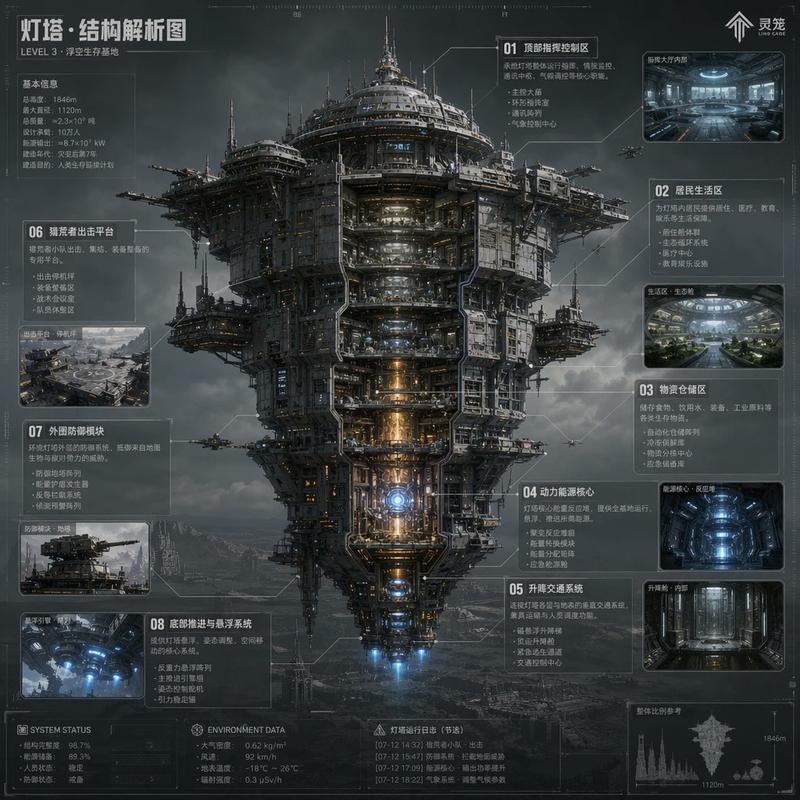
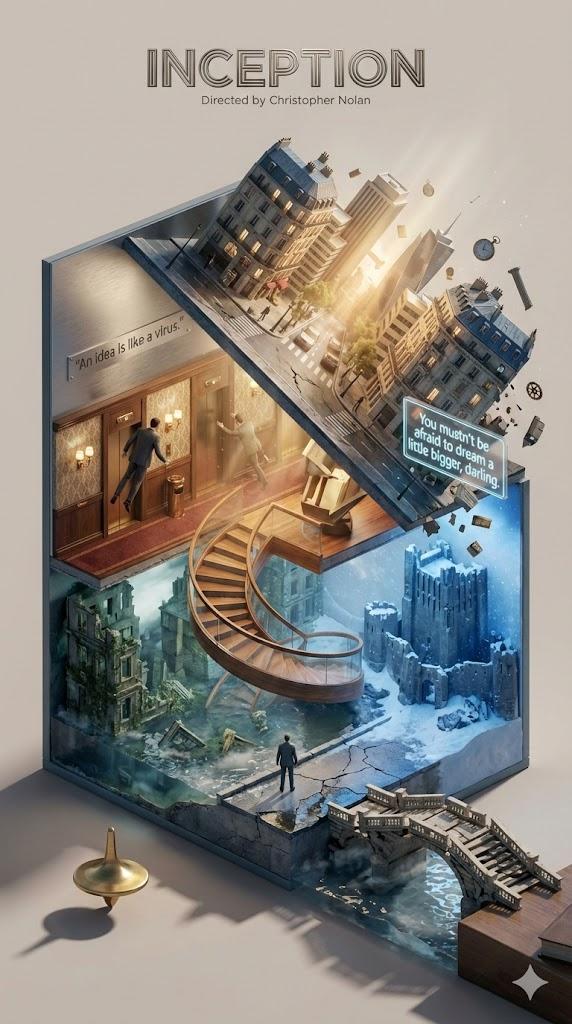
优化的人物与故事性提示词
Prompt
看来大家还蛮喜欢这个提示词的,我重新优化了一下人物和故事性。让画面更加具有故事感。
新提示词👇 prompt #NanoBananaPro https://t.co/zgPpSDxwhe
{
"input_song": "[歌曲名称]",
"ai_system_instruction": {
"role": "Synesthetic 3D Architect & Visual Director",
"task": "Analyze the INPUT_SONG\'s lyrics/mood. Construct a complex, multi-layered, hyper-rich 3D floating structure that embodies the song. FILL IN the brackets [...] below."
},
"visual_prompt_template": {
"description": "A hyper-realistic, dreamlike 3D concept art visualization of the song [INPUT_SONG].",
"sections": {
"1_container": {
"title": "The Container (The Multi-Dimensional Floating Complex)",
"description": "The scene features a complex, multi-layered floating structure, NOT a single flat island. It consists of 2-3 interconnected tiers or varied elevations (e.g., linked by bridges, roots, or gravity-defying elements). Volumetric Richness: The structure is incredibly rich and deep. Elements are NOT just on top; they grow from the vertical cliff sides, hang from the rugged underside, and orbit around the main body. Environment: The complex is surrounded by soft, billowing white clouds, but the structure pushes through them, revealing its intricate multi-level details."
},
"2_narrative_ecosystem": {
"title": "The Narrative Ecosystem (AI-Inferred & Integrated Across All Dimensions)",
"description": "Based on the song\'s analysis, populate the entire complex with key props and narrative characters.",
"main_terrains": "The different levels are transformed into [AI: Insert varied terrain types based on song, e.g., \'upper level ruined church, lower level dark forest\'].",
"integrated_props_and_characters": {
"on_top_surface": "[AI: Insert Prop 1] and [AI: Insert Character 1 & Action, e.g., \'a lonely figure gazing at the moon\'].",
"emerging_from_sides_cliffs": "[AI: Insert Prop 2, e.g., \'a giant clock face embedded in rock\'] and [AI: Insert Character 2 & Action].",
"hanging_from_bottom_orbiting": "[AI: Insert Prop 3, e.g., upside-down buildings or floating instruments].",
"living_details_and_flow": "[AI: Insert dynamic elements like waterfalls between layers, glowing particles, or flocks of birds]."
}
},
"3_atmosphere_and_mood": {
"description": "The scene radiates a complex [AI: Insert Emotion] atmosphere. The lighting is [AI: Insert Lighting Style], casting [AI: Insert Color] tones, creating deep shadows and highlights in the complex geometry."
},
"4_text_overlay": {
"song_title": "3D floating text \'[INPUT_SONG]\' integrated into the architecture.",
"classic_lyric": "A glowing subtitle: \'[AI: Insert 1 famous lyric line]\'."
}
},
"style_and_tech": "Tilt-shift photography effect (emphasizing the intricate, miniature model feel), Octane Render, 8k resolution, extreme detail, volumetric fog, masterpiece. --ar 1:1 --stylize 850"
}
}- Category
- Photography & Realism
- Model
- Unknown
- Creator
- Mr Leslie.Y
- Source language
- zh-CN
- Source ID
- optimized-character-and-storytelling-prompt
Views0