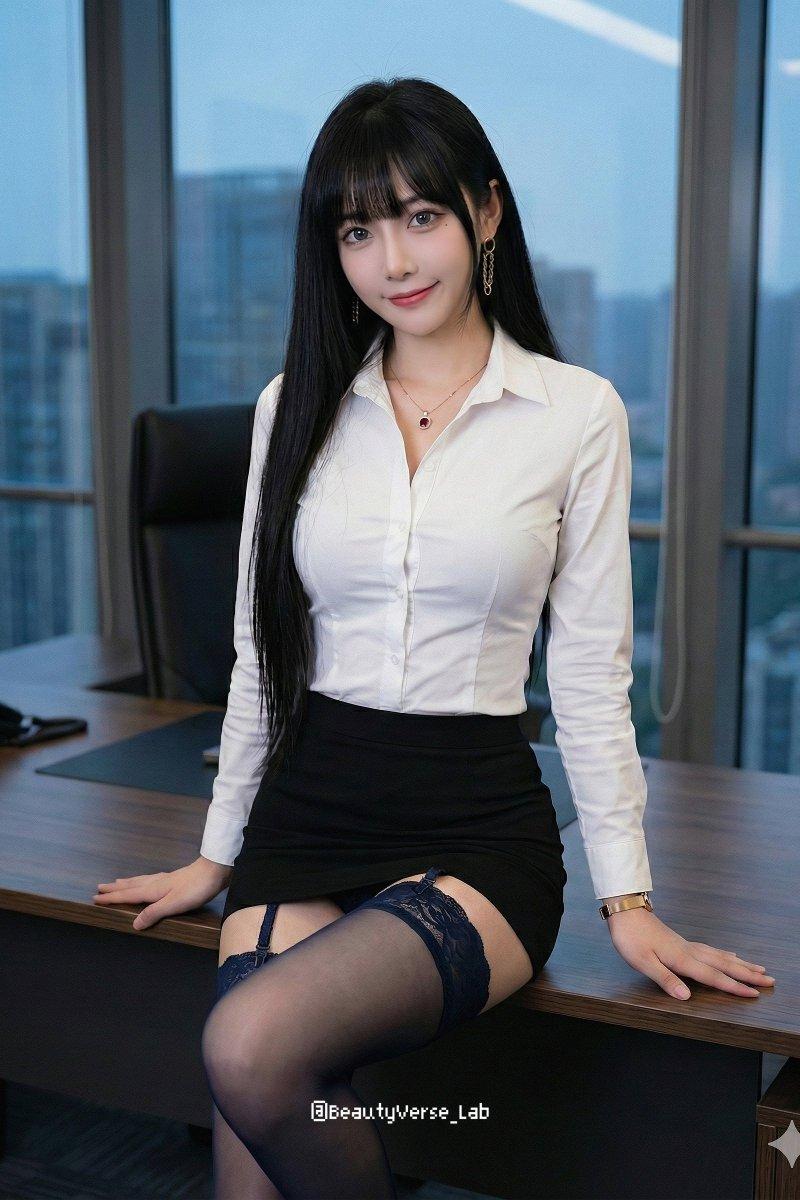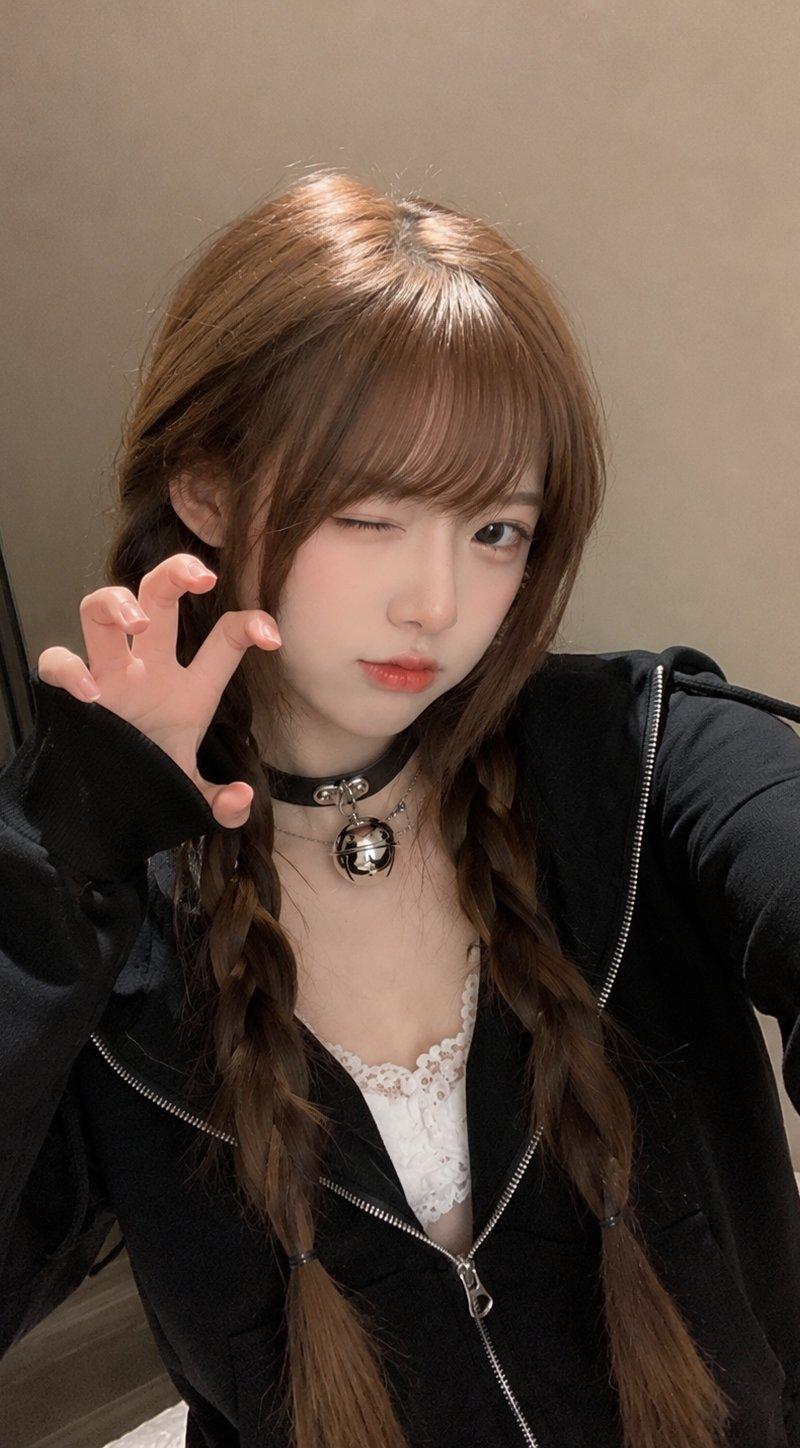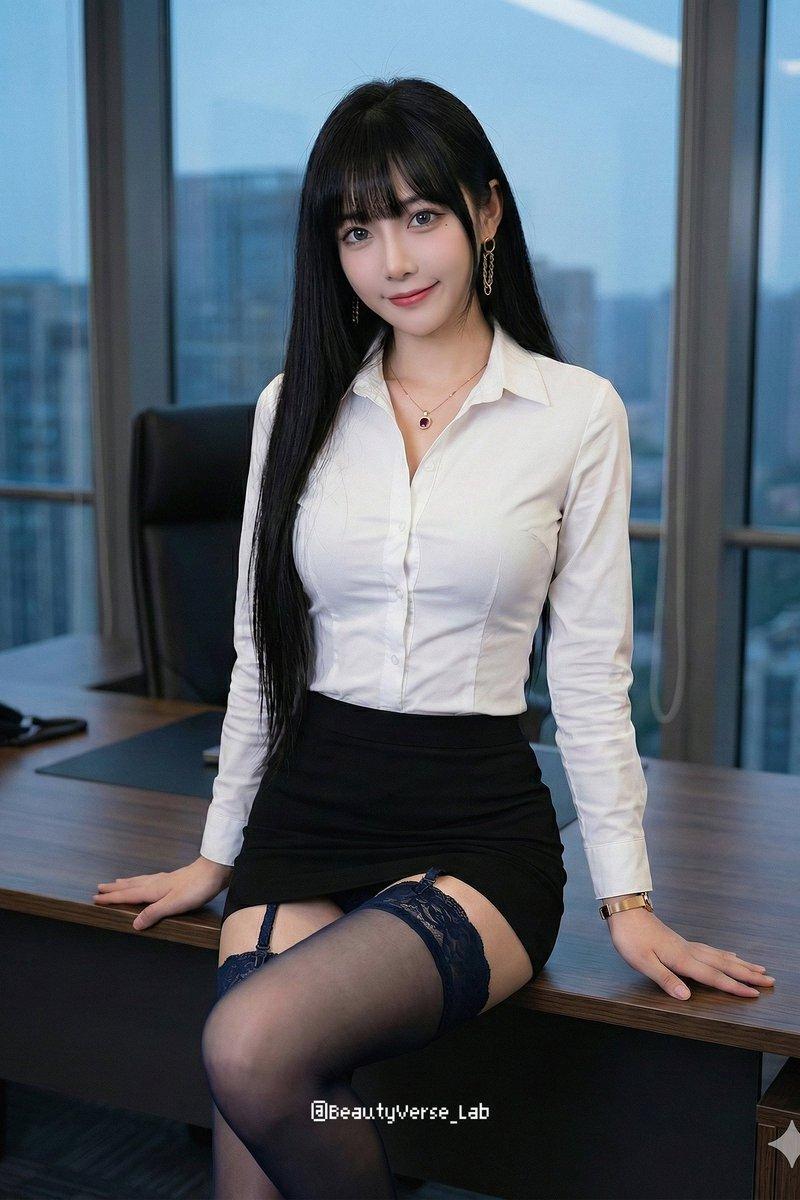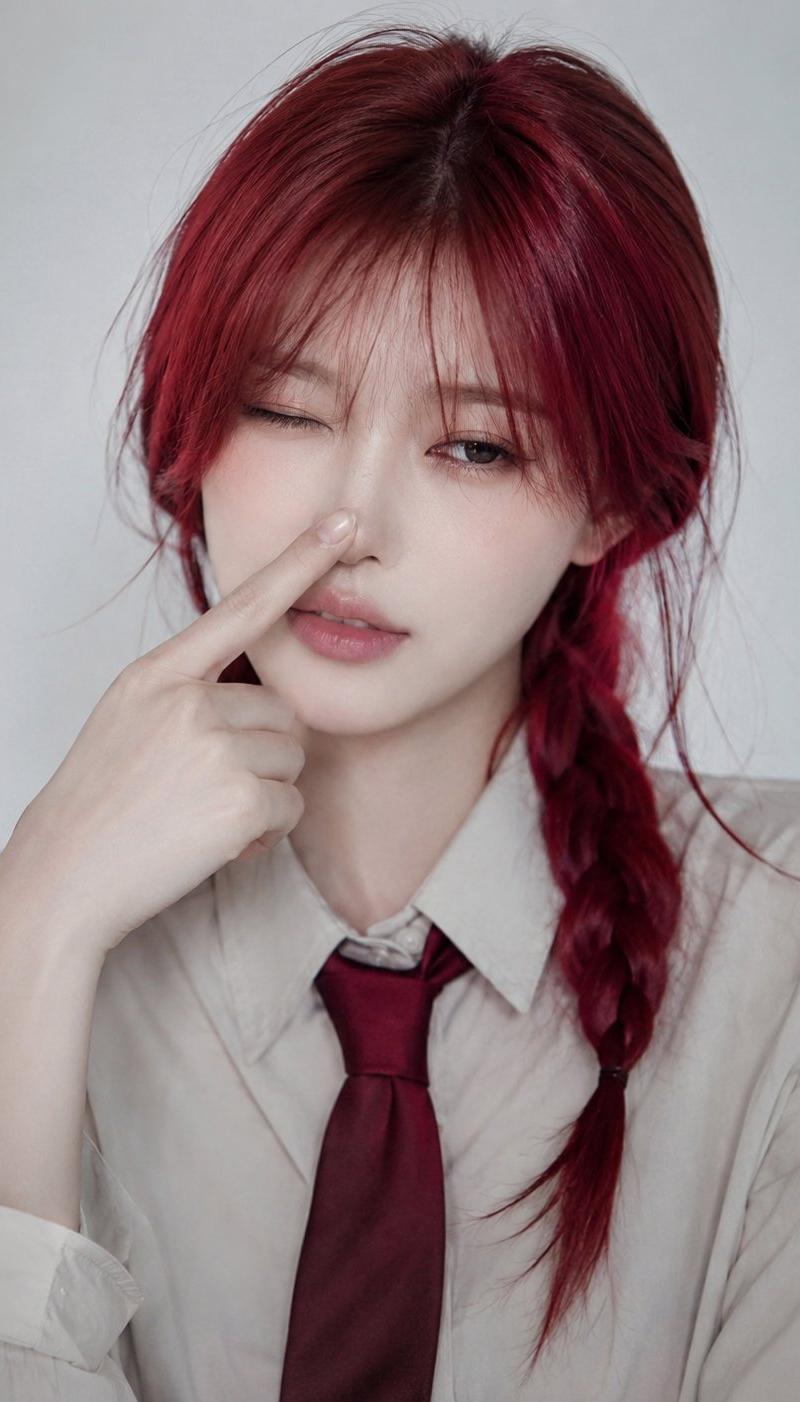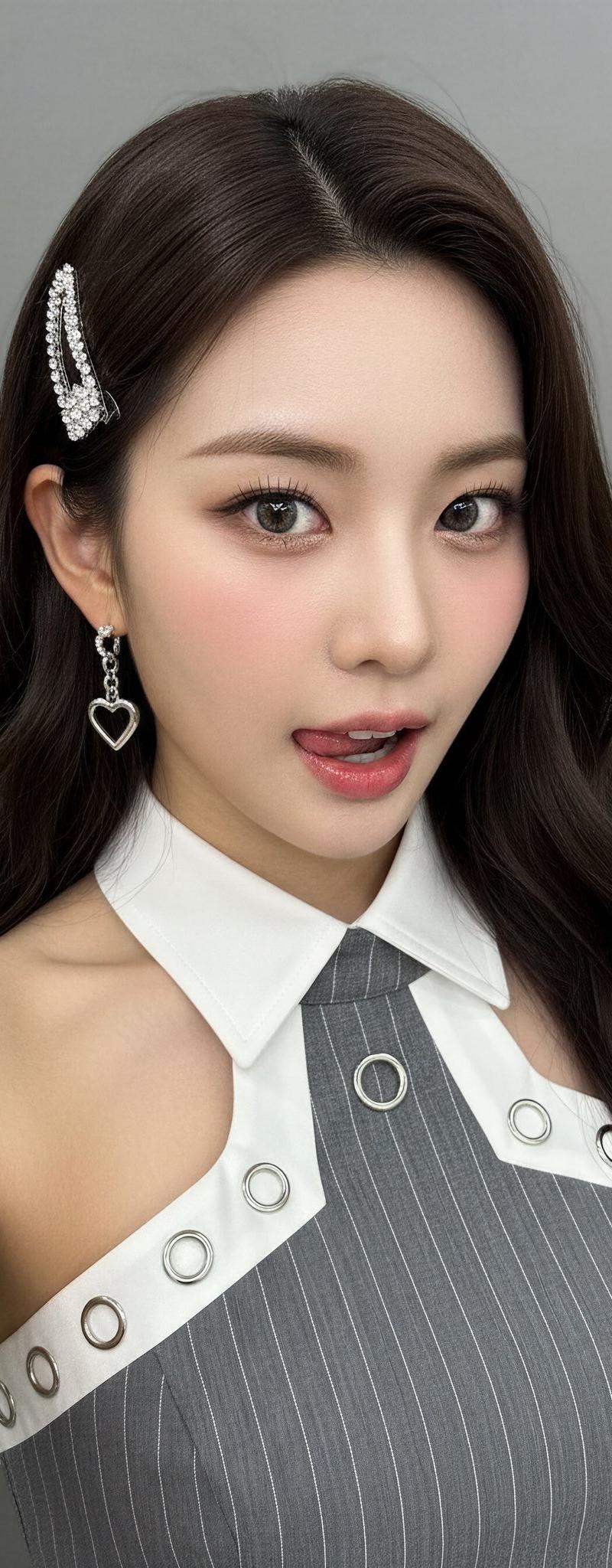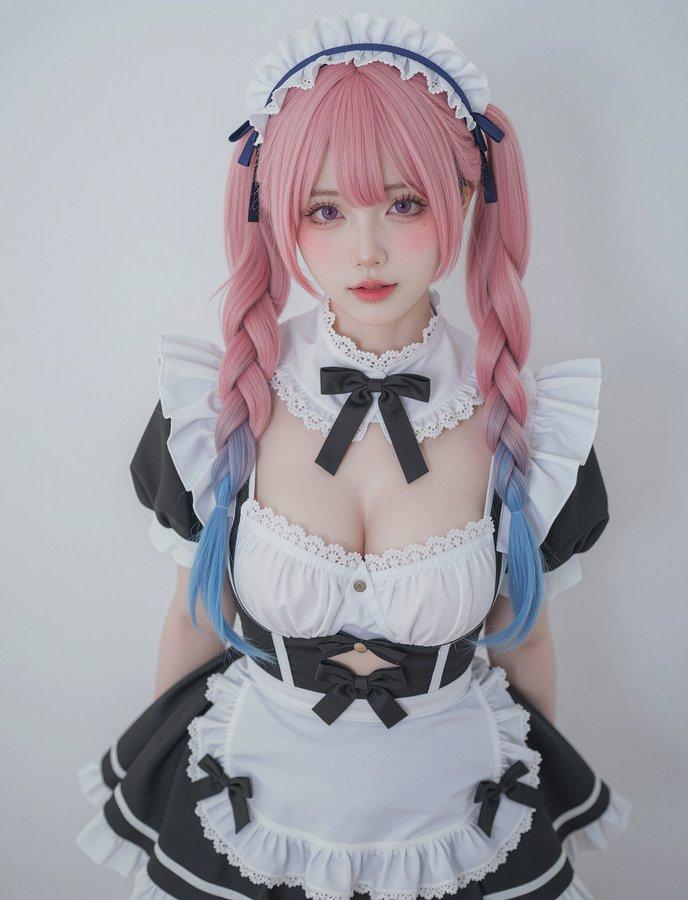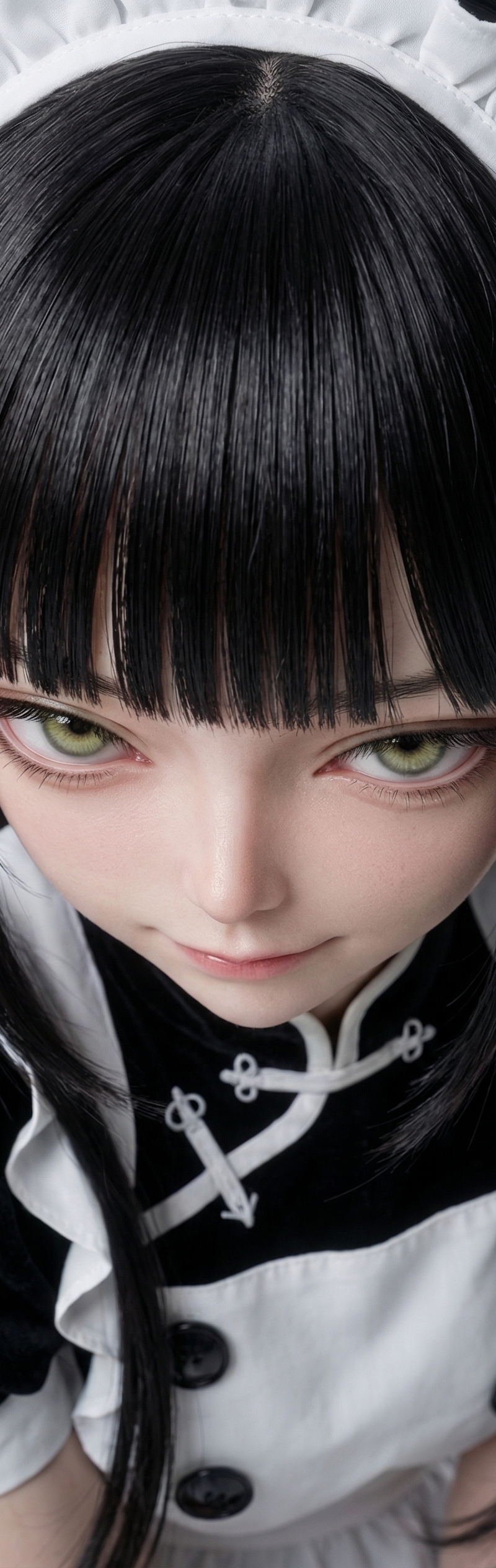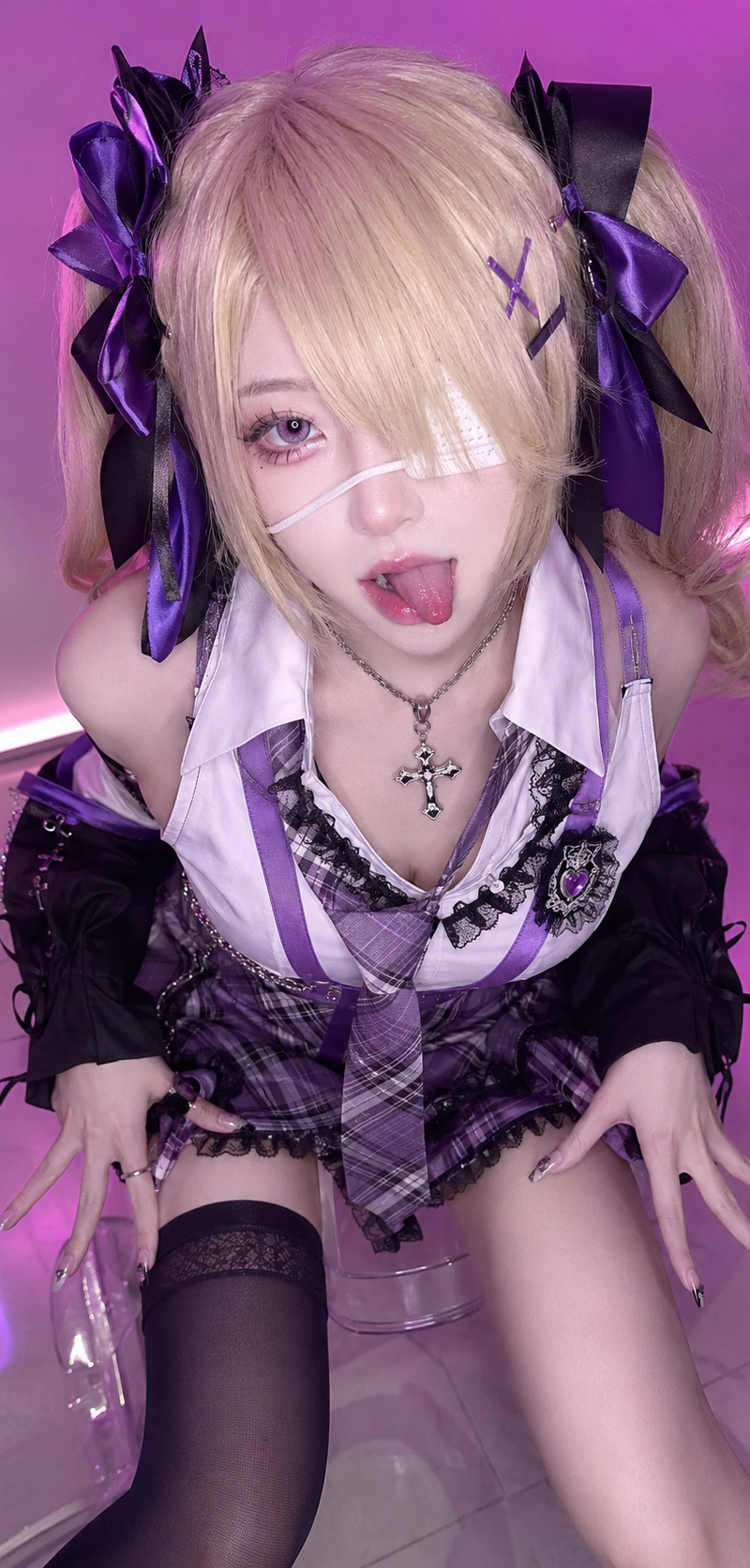
粉紅秘書
Prompt
[Grok Imagine]
Prompt Share / プロンプト共有 / 提示詞分享
Pink Secretary
ピンク秘書
粉紅小秘書
Just copy and paste and you’re ready to play with it.
コピペするだけで、すぐに遊べますよ。
複製貼上就可以了。
-Prompt-
{
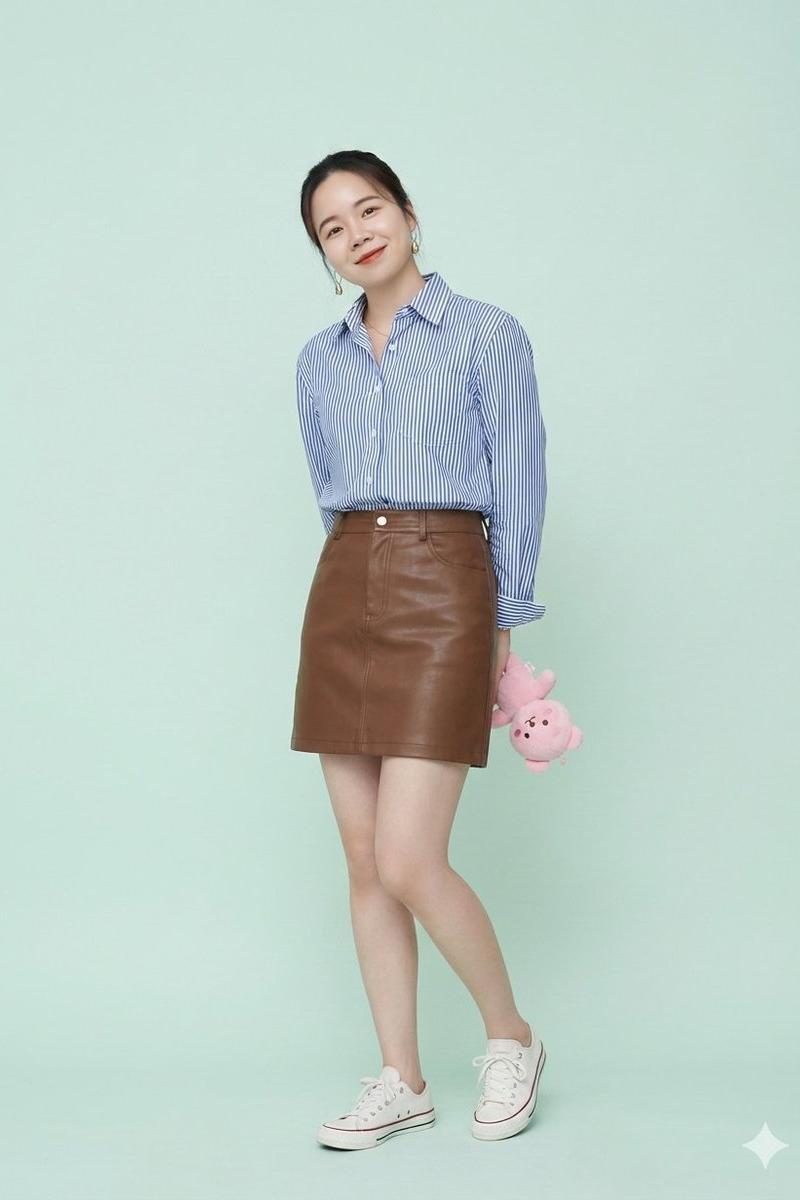
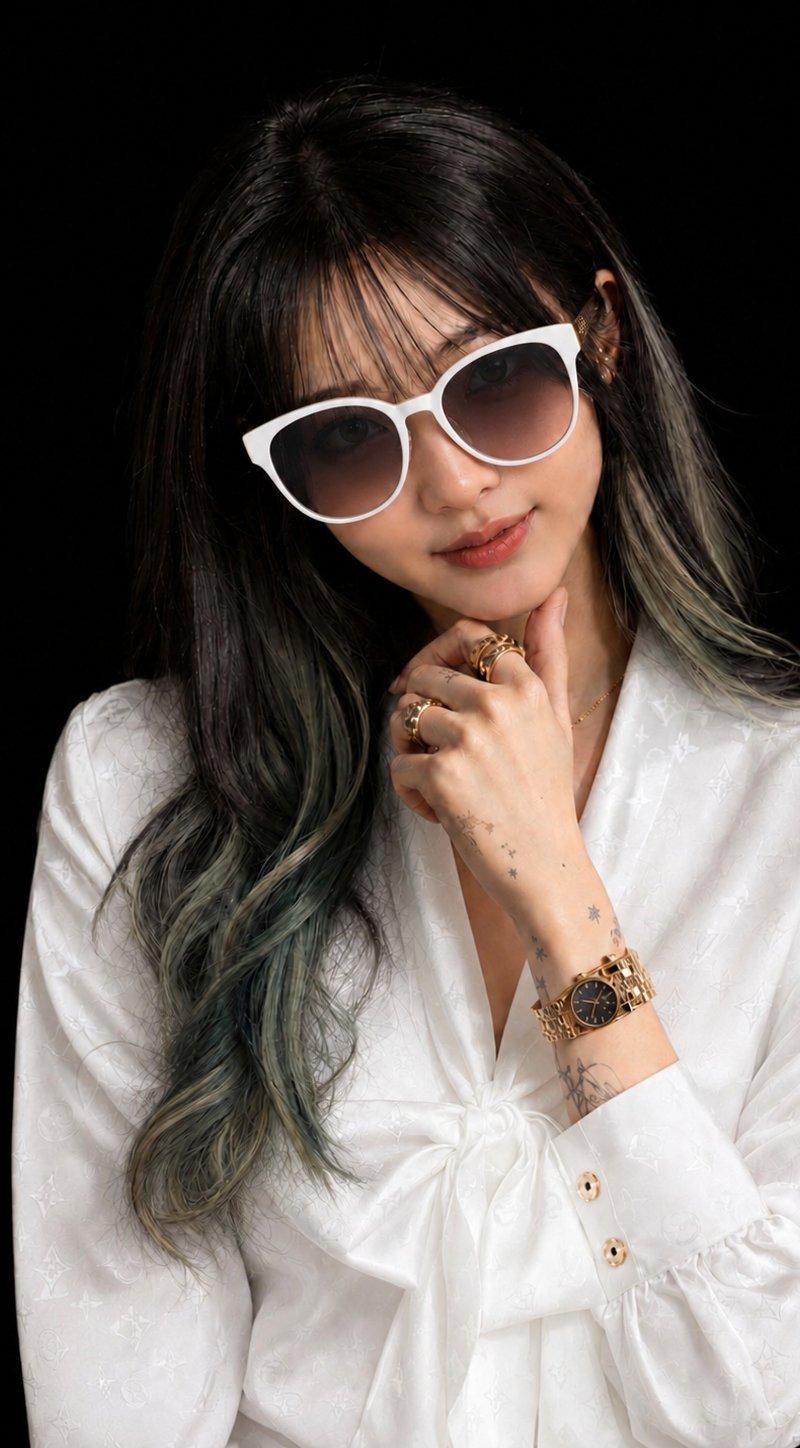
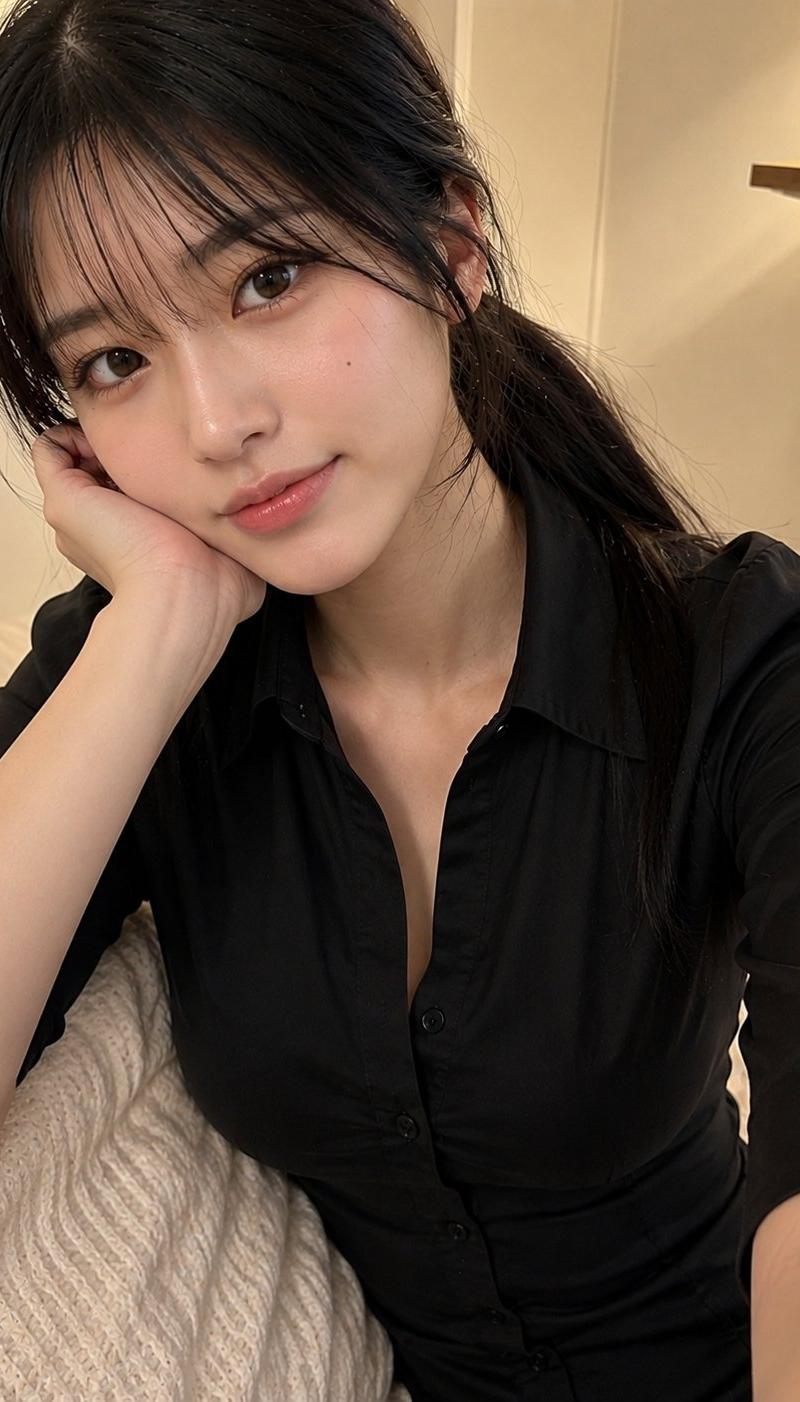
 "subject": {
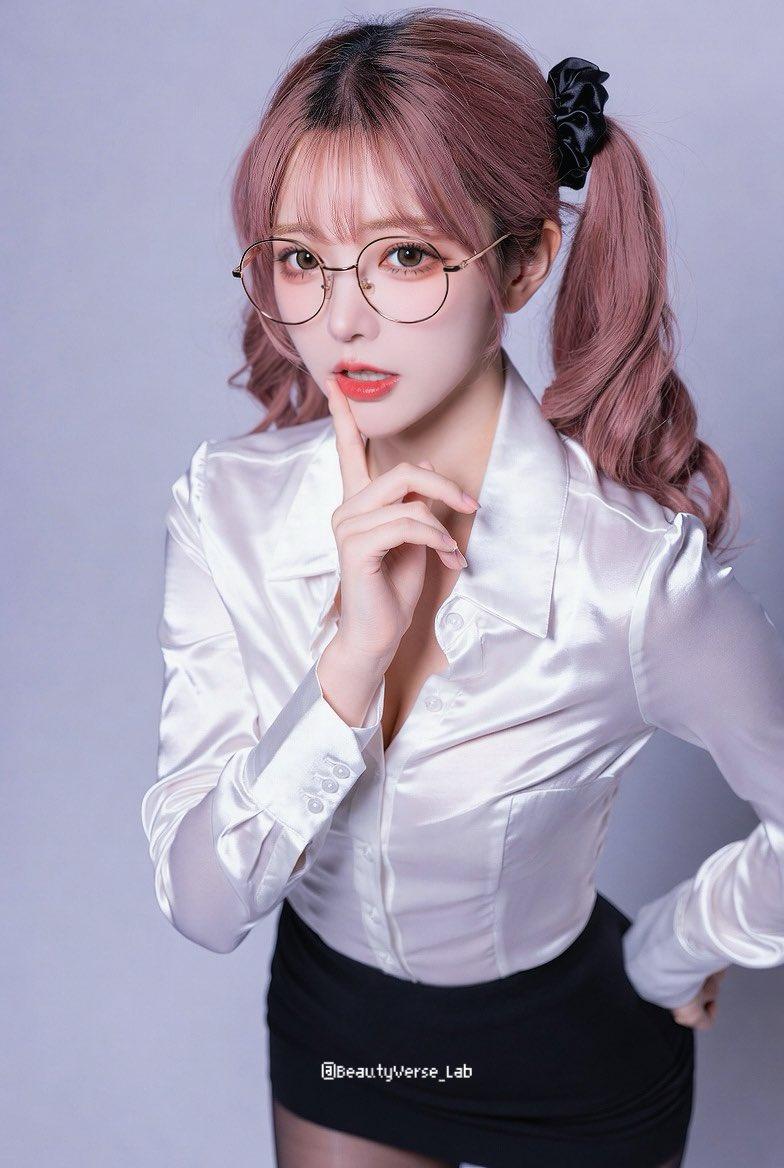
 "type": "stunning_kpop_idol_with_intellectual_charm",
 "framing": "medium_shot_waist_up_portrait",
 "age_vibe": "youthful_and_sophisticated_early_20s_office_lady_aesthetic",
 "features": {
 "face_structure": "delicate_v_shaped_face_with_soft_contours_refined_chin_and_elegant_features",
 "eyes": "clear_brown_eyes_behind_round_thin_frame_gold_glasses_gentle_and_focused",
 "nose": "slim_and_elegant_bridge_with_a_refined_tip",
 "hair": "long_wavy_pastel_pink_hair_tied_in_a_low_side_ponytail_with_a_black_scrunchie_airy_see_through_bangs",
 "expression": "playful_and_alluring_with_index_finger_touching_lips_gentle_gaze_looking_at_camera"
 },
 "skin_texture": {
 "description": "pale_translucent_porcelain_skin_with_a_healthy_natural_glow",
 "details": [
 "smooth_complexion",
 "subtle_pinkish_undertone",
 "highly_detailed_skin_texture"
 ],
 "makeup": "minimalist_idol_makeup_soft_pink_gradient_lips_clean_eyeliner_enhancing_eye_shape"
 },
 "pose_structural_lock": {
 "overall": "leaning_forward_slightly_with_a_confident_posture",
 "arms": "right_hand_on_the_hip_left_hand_raised_with_index_finger_near_the_mouth",
 "hands": "slender_fingers_with_natural_nails_carefully_positioned_for_a_playful_look",
 "shoulders": "slender_and_graceful_slightly_tilted_forward"
 }
 },
 "apparel_specification": {
 "dress_top": {
 "material": "luxurious_white_satin_fabric_with_a_glossy_shimmer_and_soft_creases",
 "neckline": "classic_button_down_collar_semi_open_at_the_top",
 "sleeves": "long_sleeves_with_buttoned_cuffs_neatly_tailored",
 "center_detail": "delicate_white_buttons_down_the_front_seamless_tailoring",
 "fit": "slim_fit_office_style_blouse_tucked_neatly_into_the_skirt"
 },
 "dress_bottom": {
 "material": "high_quality_black_stretch_fabric_mini_skirt",
 "fit": "high_waisted_bodycon_fit_emphasizing_slender_waistline",
 "details": [
 "fine_stitching",
 "minimalist_design"
 ]
 },
 "legwear": {
 "type": "sheer_black_tights_pantyhose",
 "texture": "fine_denier_mesh_texture_with_even_transparency"
 },
 "accessories": {
 "glasses": "round_thin_wire_frame_glasses_in_gold_finish",
 "hair": "black_voluminous_scrunchie_securing_the_low_ponytail"
 }
 },
 "environment": {
 "setting": "clean_and_minimalist_professional_studio_setting",
 "lighting": "soft_even_studio_lighting_creating_gentle_highlights_on_the_satin_fabric",
 "background": "solid_soft_lavender_purple_backdrop_clean_and_uncluttered"
 },
 "realism_and_rendering": {
 "style": "high_end_commercial_fashion_photography",
 "camera": "Sony_A7RIV_with_85mm_f1.8_lens_sharp_focus_on_subject",
 "image_quality": "8k_masterpiece_ultra_realistic_textures_clean_color_grading_vibrant_visuals",
 "aspect_ratio": "3:4"
 }
}
Made by @grok
#GrokImagine- Category
- Photography & Realism
- Model
- Unknown
- Creator
- BeautyVerse
- Source language
- zh-CN
- Source ID
- pink-secretary
Views0