19

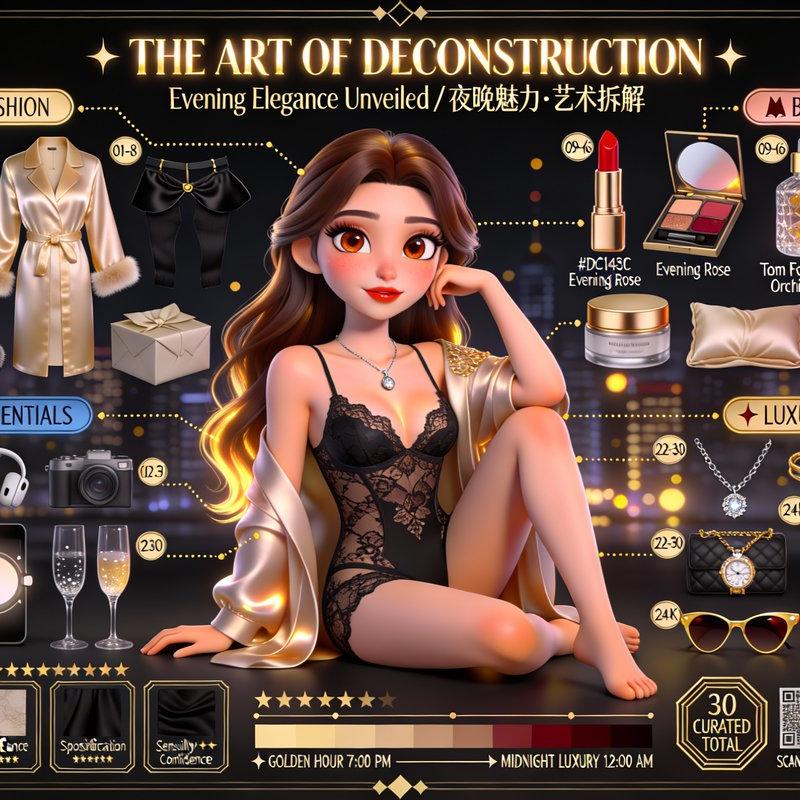
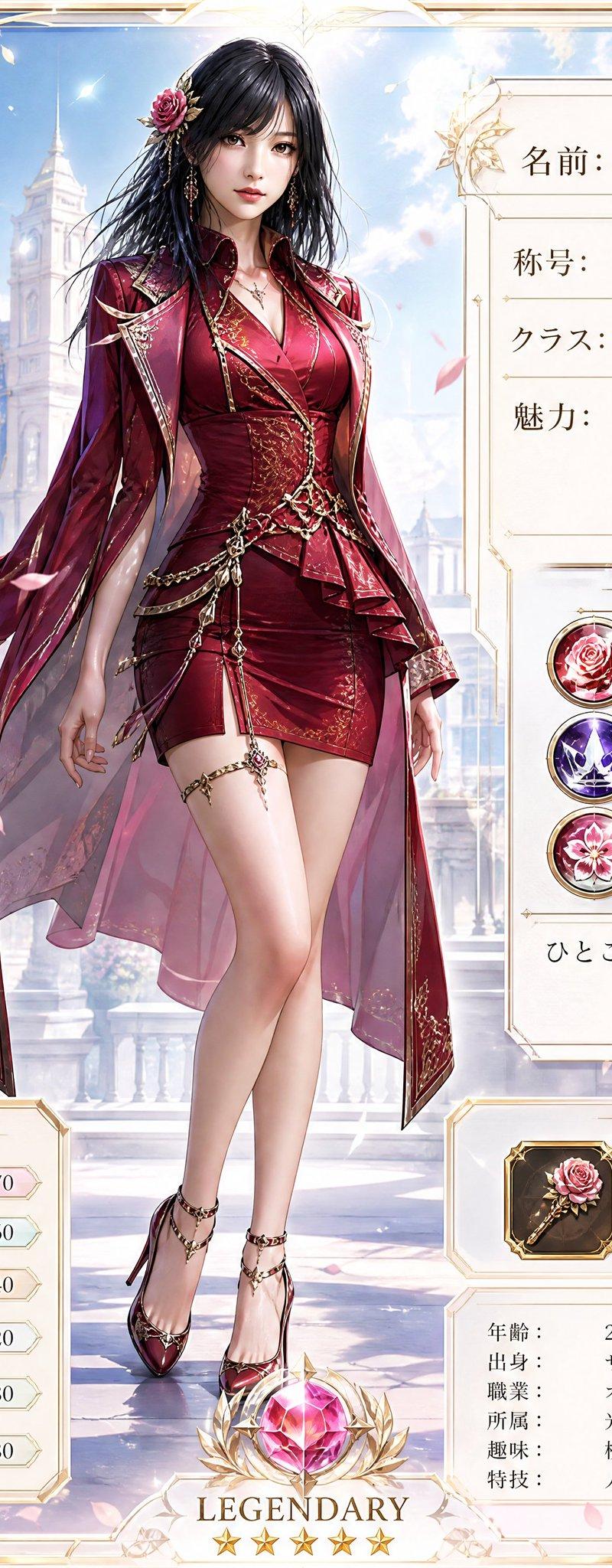
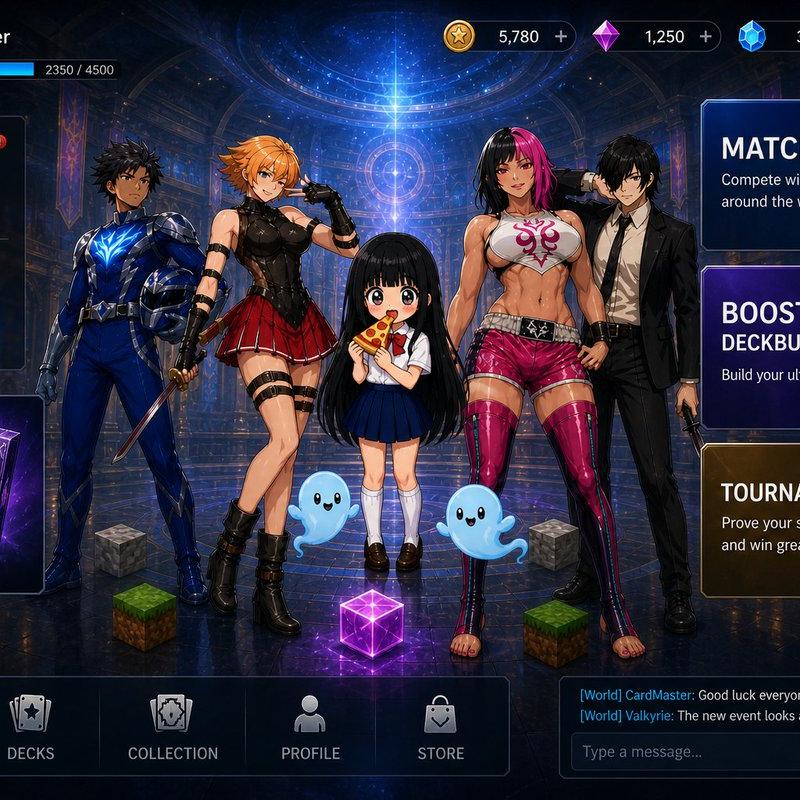
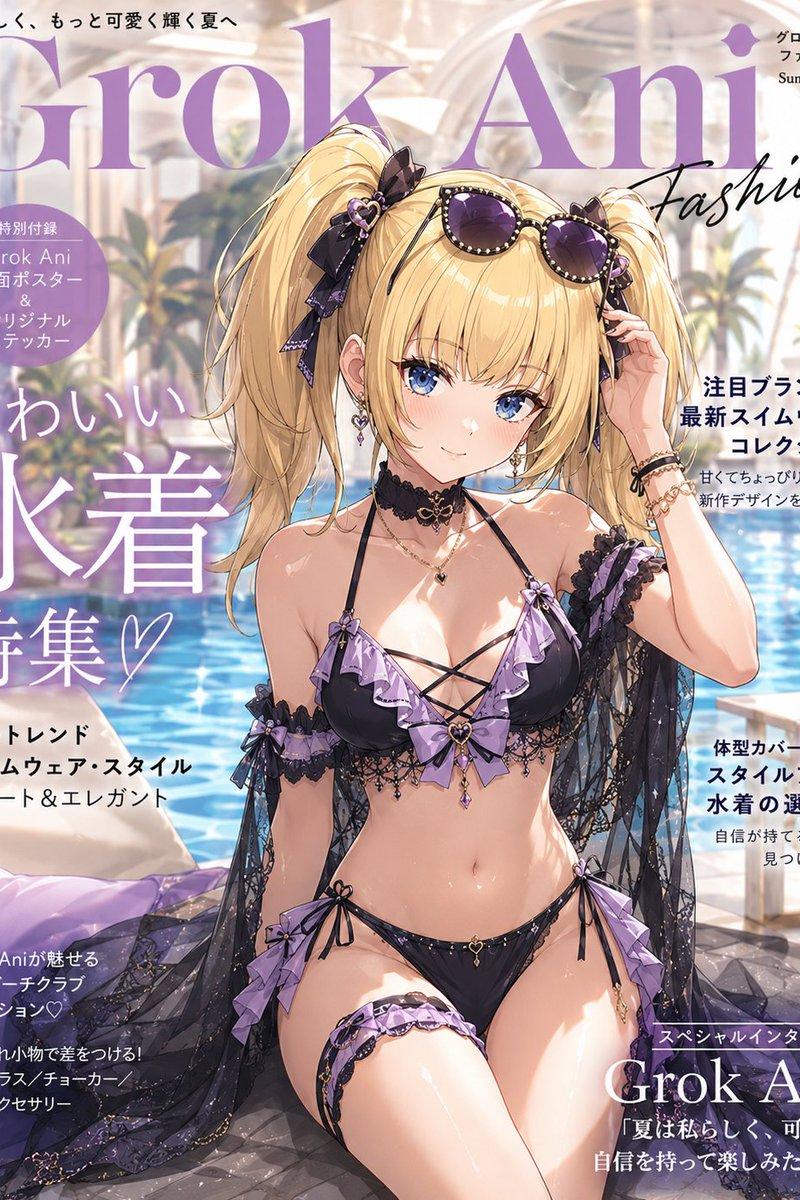
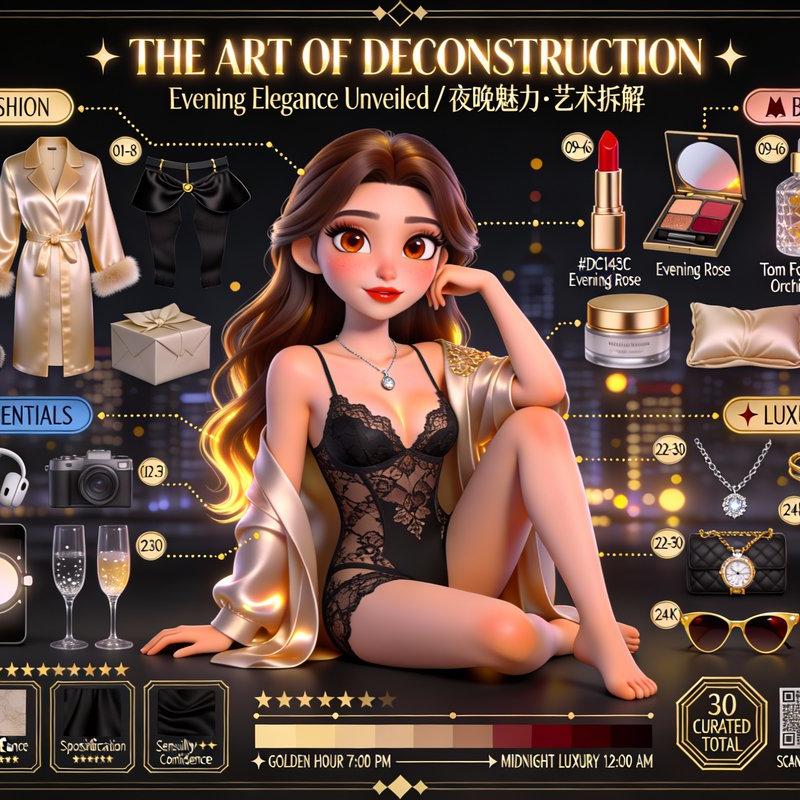
全网爆火的人物拆解图2.0版本
Enlarge

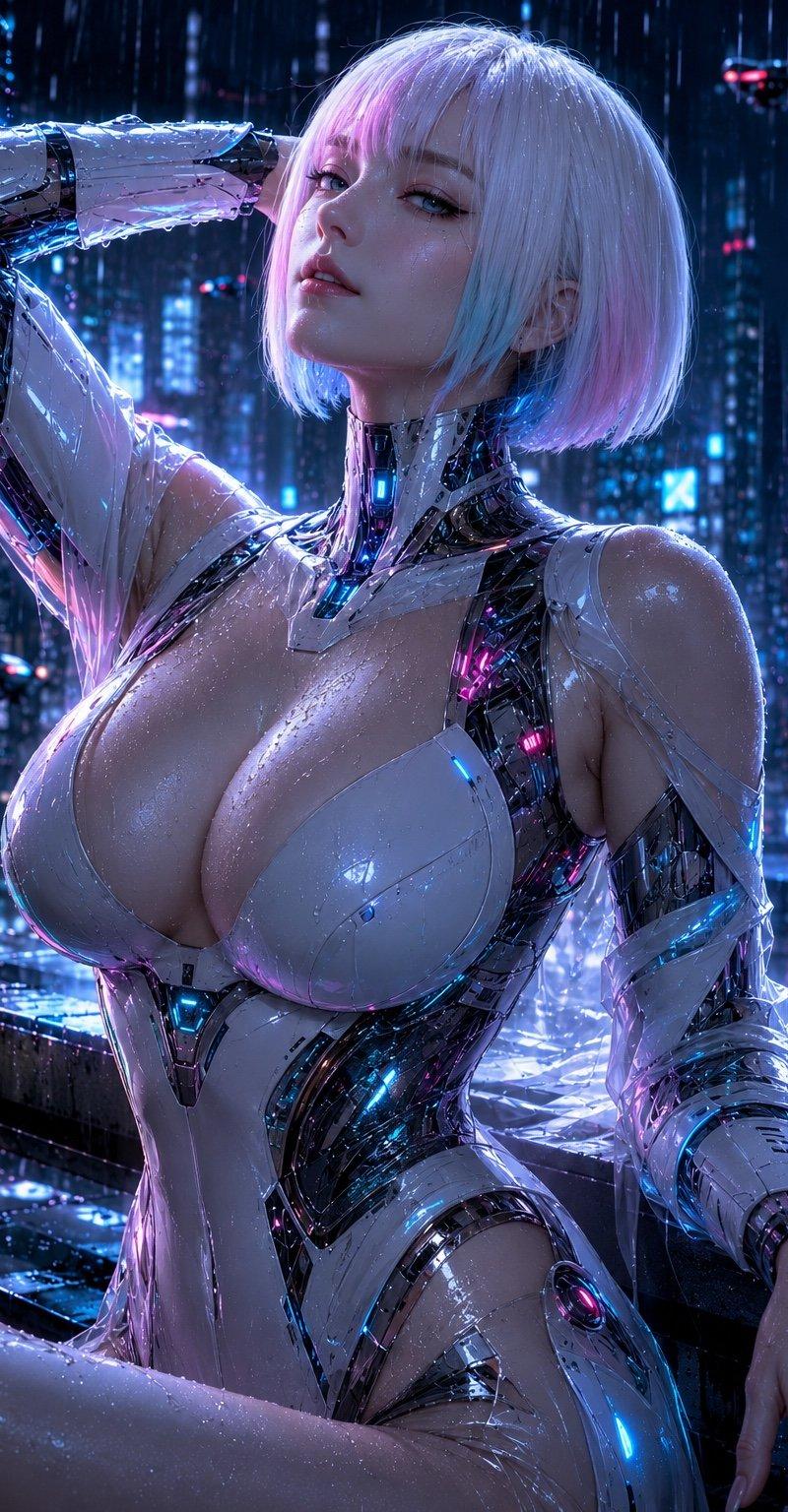
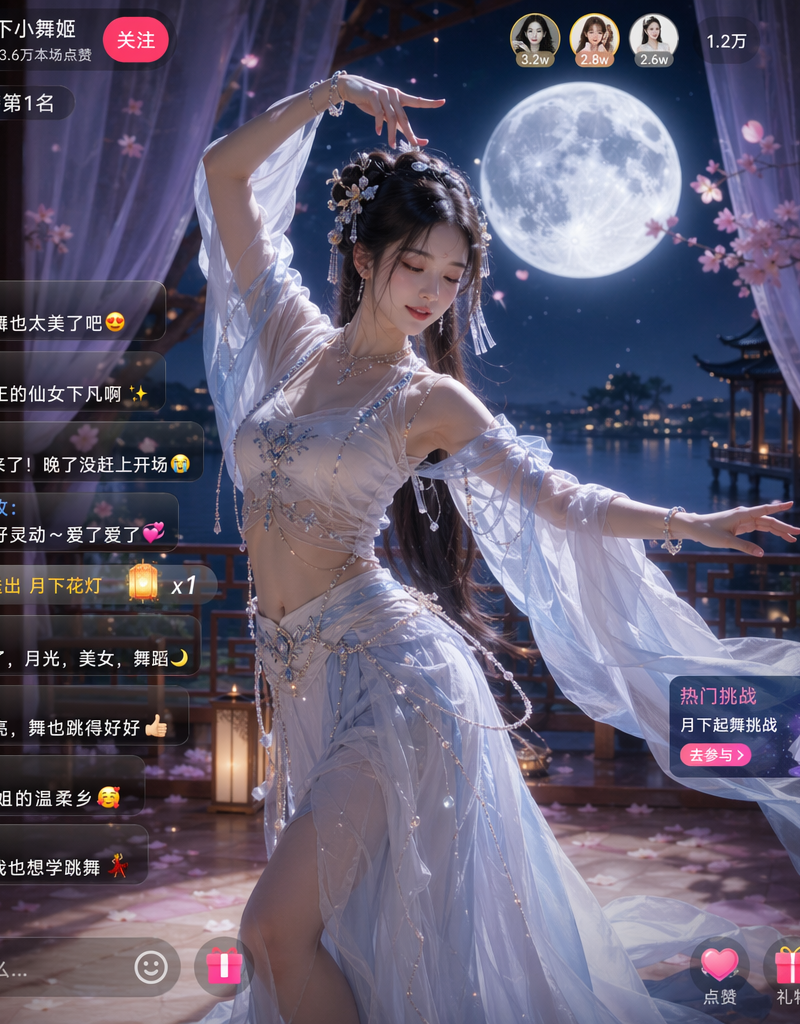
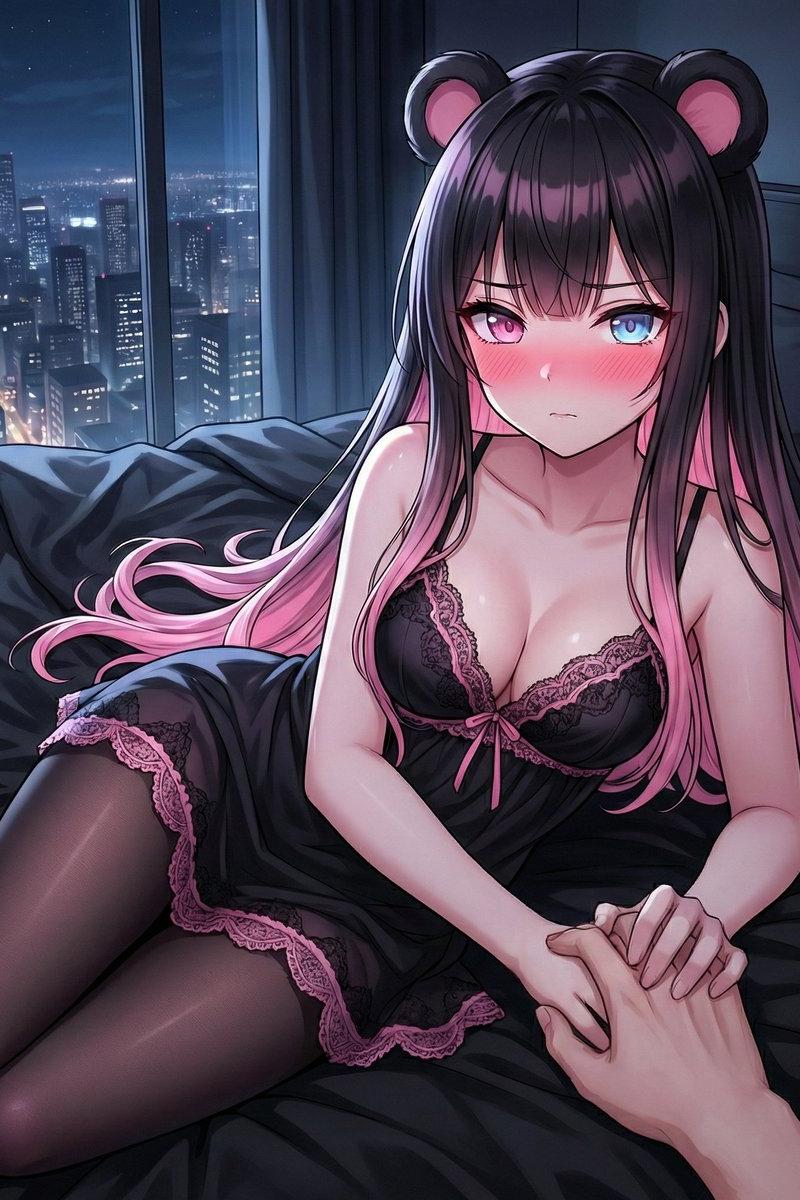
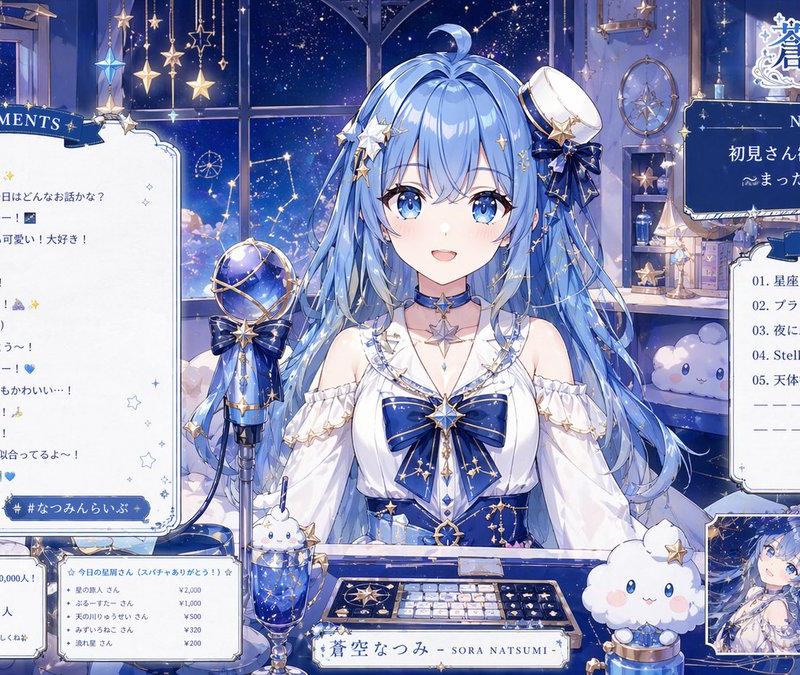
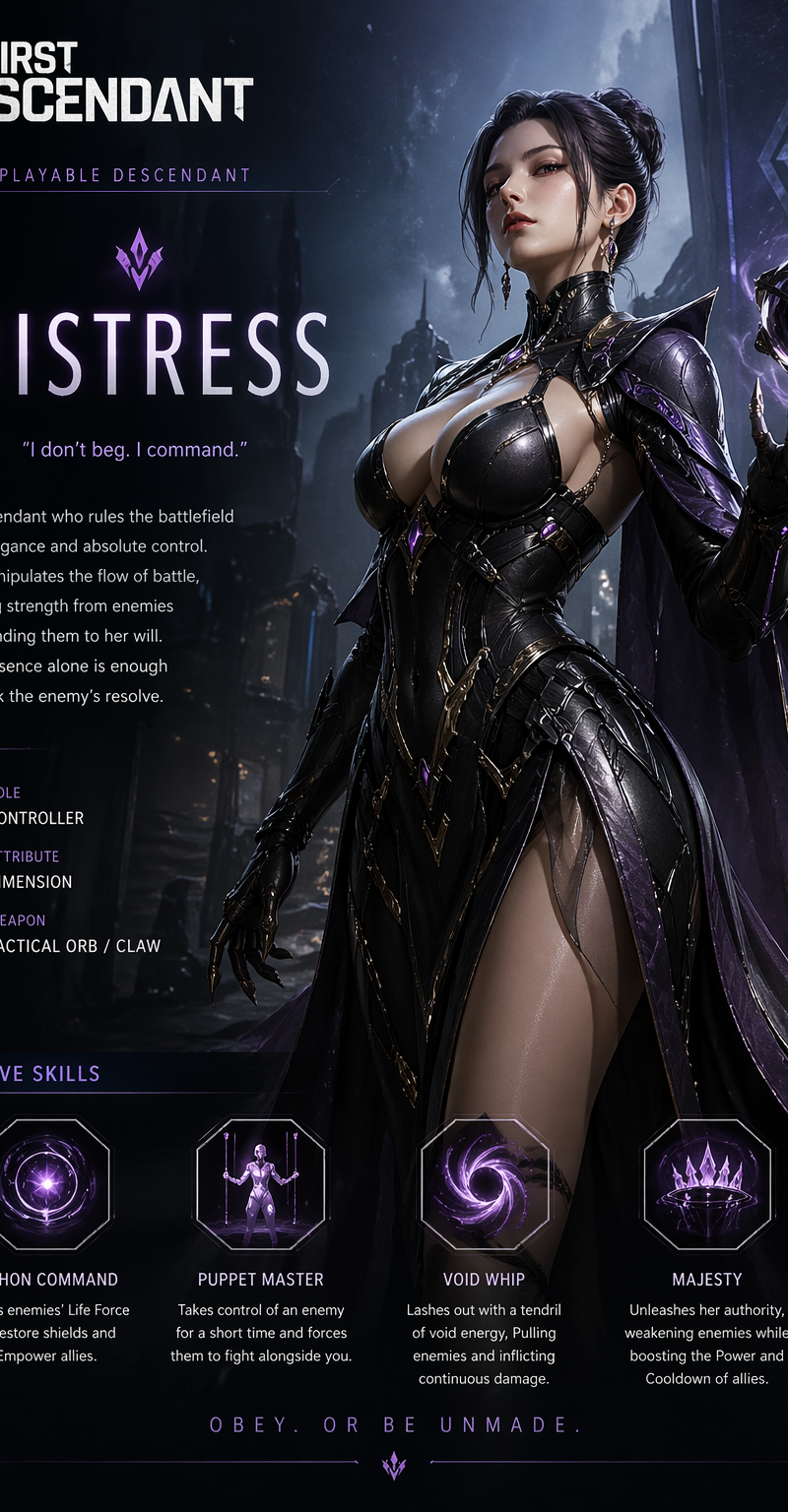
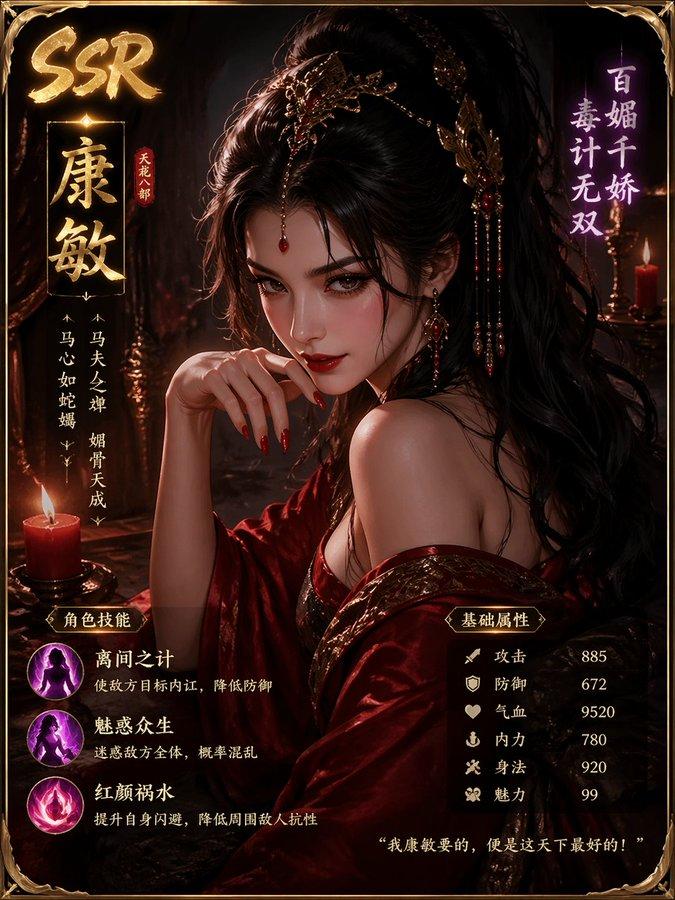
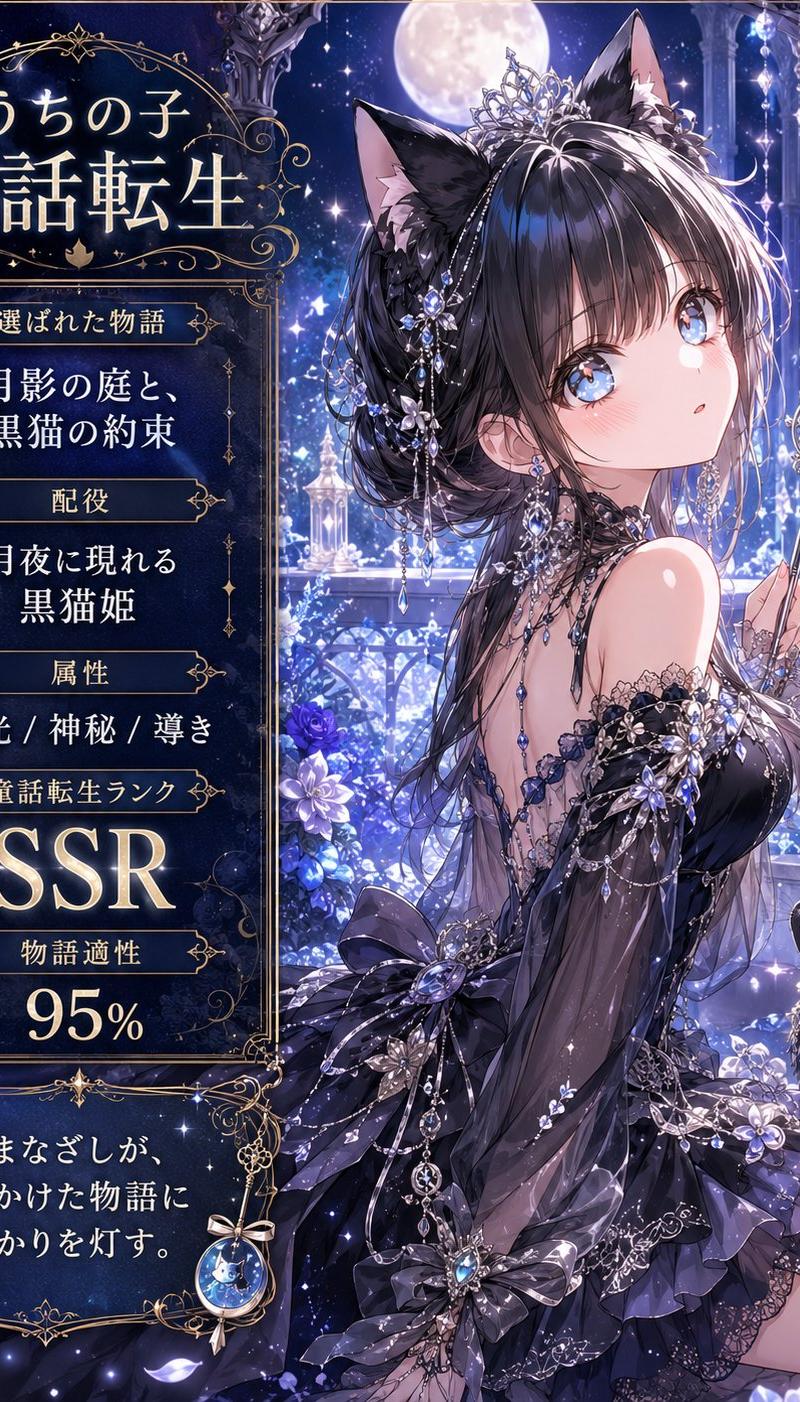
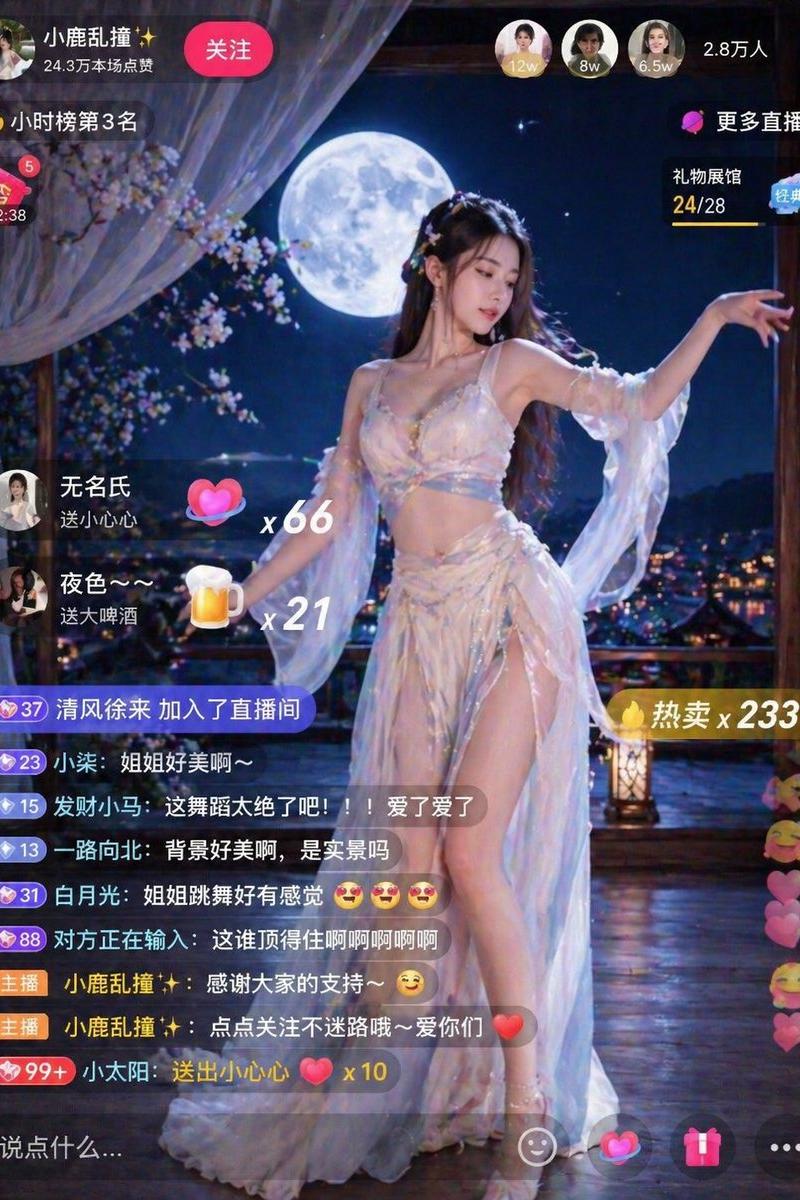
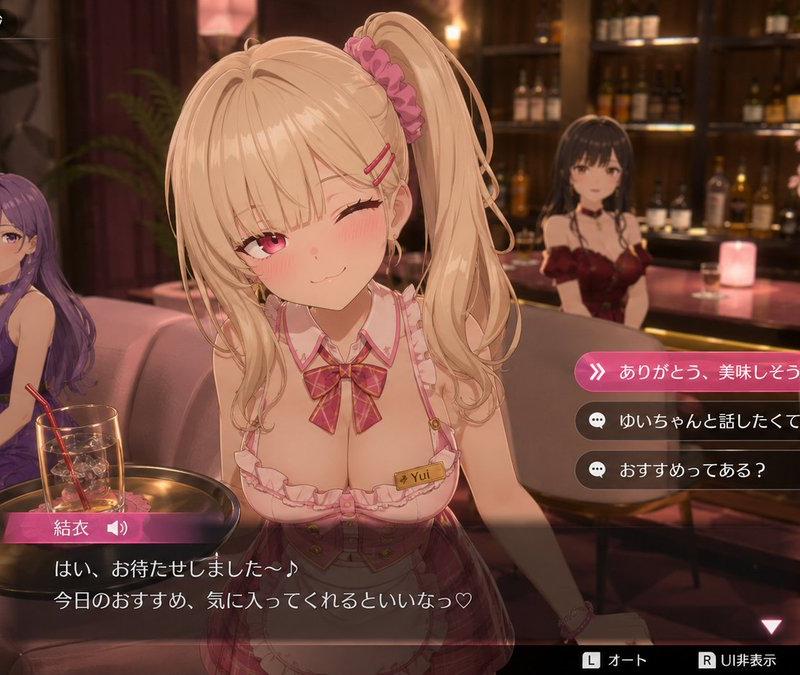
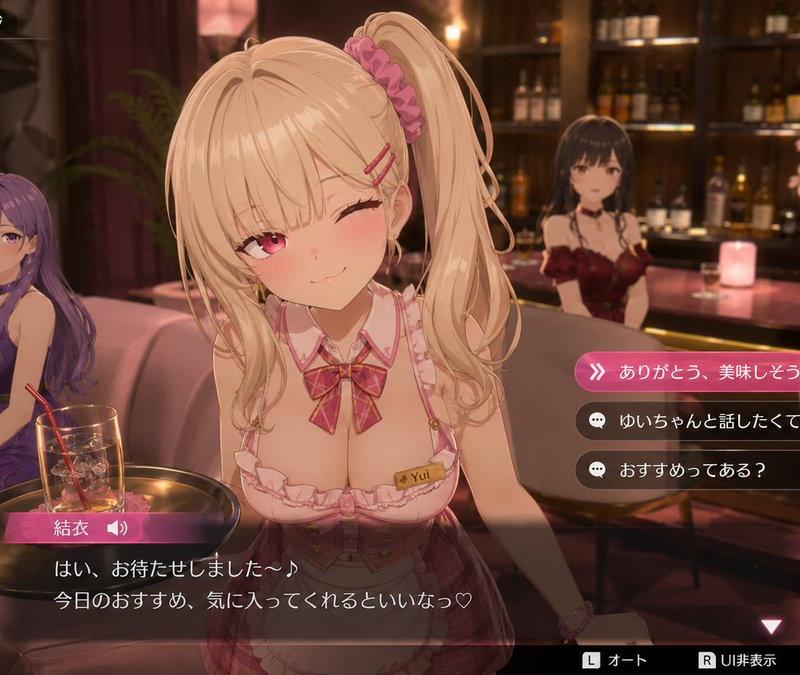
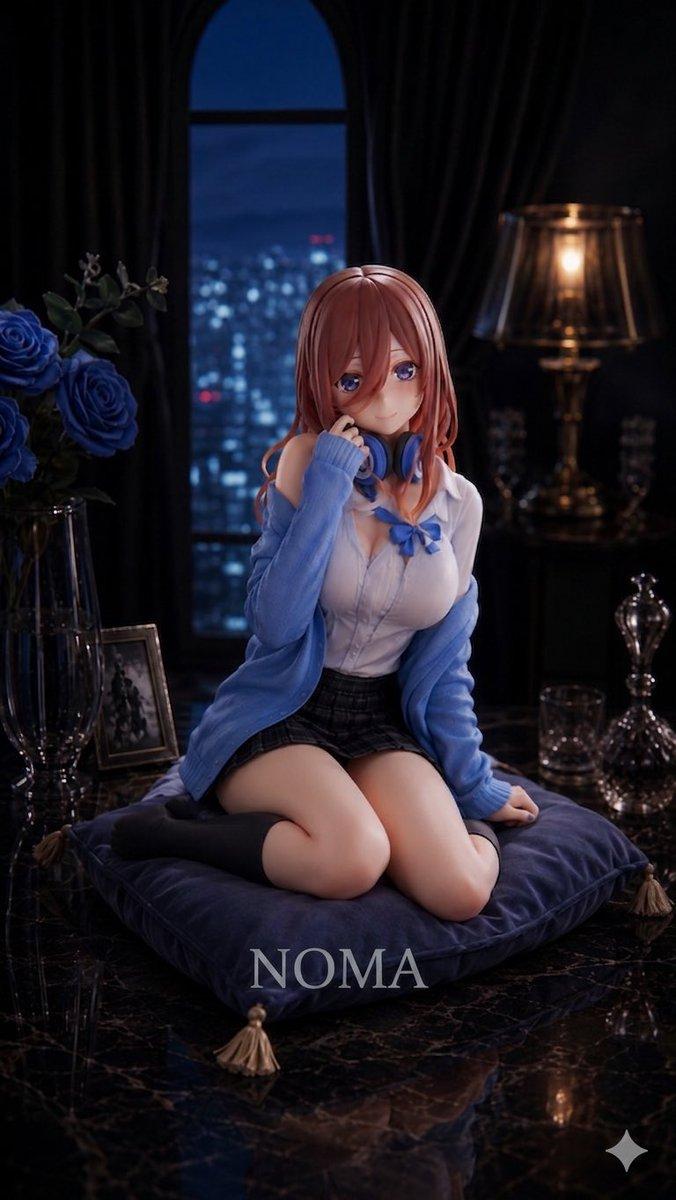
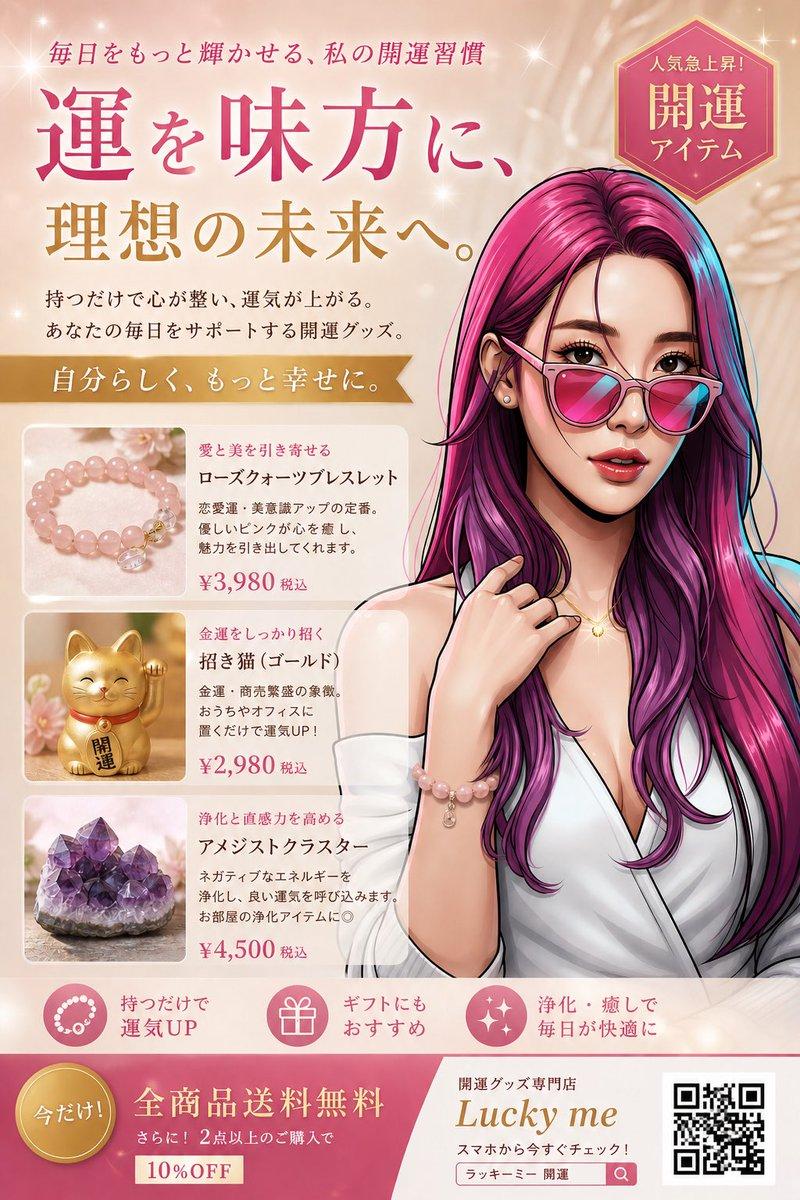
Example images

全网爆火的人物拆解图2.0版本

Prompt
🔥兄弟们!时至今日全网爆火的人物拆解图,最早在X平
台疯传的那套提示词,原创者就是我。
✌️没错!我把它升级成了2.0版本,包含多种模式,可玩
性和趣味性直接拉满!
可能有些新关注的用户不知道,那张图是我在11月23日
创作的100w+爆款帖🔥
正好过去一个月,我看到它先火遍中国区,之后又在日
本、欧美国家开始疯传。
我想既然这么火,大家这么喜欢,就迭代了好几个版本,
后续会陆续把这些版本全部更新完毕,解锁多种模式。
😄第一弹先来个3D皮克斯风格,陆续还有时间轴、隐私
模式、绝密档案、反差模式等…… (世面上最全乎版本)
这次的2.0能不能超越1.0,就看你们的了,兄弟们!欢迎
评论区交作业!
欲善其事,必先利其器!干活前,我们先挣点趁手的工
具!
Google升级后,默认的Nano Banana Pro 模型会有明显
的降智情况,还会带水印,商用的时候就很不方便。
用同样的Prompt,现在用这个默认模型出的效果,明显
不如我们用API服务商的效果好。
所以我之前一直推荐大家用Flowith,生图效果真的不
错!
这里再给大家推荐一下Flowith,它的画布模式用来批量
出图真的很爽。
🍌香蕉Pro 目前也是限免的,虽然一次只能出1张图,但能
出无水印的高清2K图,我觉得也是个不错的选择。
我还发现他们家的2K图质量不错,文字不容易糊,别家的图得要4K才能做到这个效果!
如果你跟我一样需要做大量Prompt测试和迭代,并且希望一次性出多个效果,那就选Pro会员,可以批量直出4张4K图。
看到他们家黑五圣诞联合活动的年付优惠真的很划算,最
高年付可以直接打到2折!
活动具体介绍可以看评论区的链接!
如果你想要完整版本Prompt 记得跟我交作业或者随机回
复:拆解、绝密、时间轴等,回复都一样这玩意X平台好
像会限流。
✌🏻不废话了,Prompt 太长放评论区!
使用方法:直接上传图片,根据提示词动态会解析。尺寸自定义!
Category
Illustration & Art
Model
Nano Banana Pro
Creator
Berryxia.AI
Source language
zh-CN
Views0
Source ID
popular-character-dissection-image-2-0-version
Studio

Guide

About "全网爆火的人物拆解图2.0版本"

What is this prompt for?

"全网爆火的人物拆解图2.0版本" AI image prompt for Nano Banana Pro (Illustration & Art). 🔥兄弟们!时至今日全网爆火的人物拆解图,最早在X平 台疯传的那套提示词,原创者就是我。 ✌️没错!我把它升级成了2.0版本,包含多种模式,可玩 性和趣味性直接拉满!…

The full copyable prompt and example visuals above are ready for AI image generation or one-click recreate in Picva.

How to use this prompt

  1. Step 1

    Open the prompt detail

    Review the example visuals, category, and full prompt text for "全网爆火的人物拆解图2.0版本".

  2. Step 2

    Copy the prompt

    Copy the prompt body from this page, or load it directly in Studio.

  3. Step 3

    Pick a model (Nano Banana Pro)

    Prefer Nano Banana Pro. If you switch models, keep subject and composition and tweak style terms.

  4. Step 4

    Generate and export

    Recreate the look in Picva, or export into your workflow for editing and publishing.

FAQ

What is the "全网爆火的人物拆解图2.0版本" prompt?
It is an AI image-generation prompt for Nano Banana Pro in the Illustration & Art category. This page includes the full prompt text, example visuals, and a one-click recreate path in Picva.
How do I use this prompt to generate an image?
Copy the prompt from this page, or use Generate / Studio. Paste it into a compatible image model, or recreate the look in Picva with optional reference images.
Which model is this prompt for?
This page lists Nano Banana Pro. Most descriptive prompts also transfer to nearby image models such as GPT Image, Flux, or Midjourney with light style tweaks.
Can I use the result commercially?
You can usually copy the prompt for creation, but commercial use of the final image depends on the model terms, reference-image rights, and the generated content. Follow the source author and platform rules.