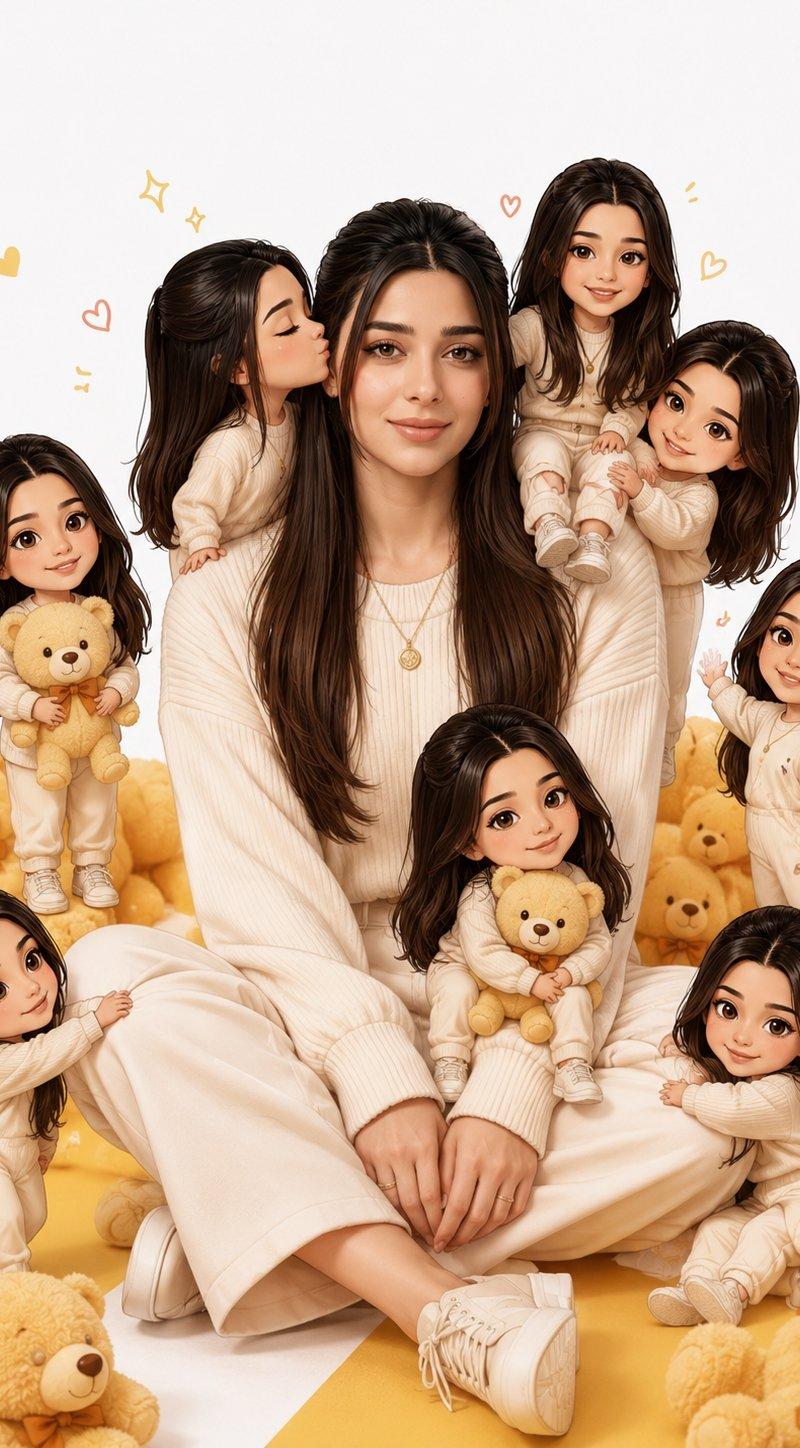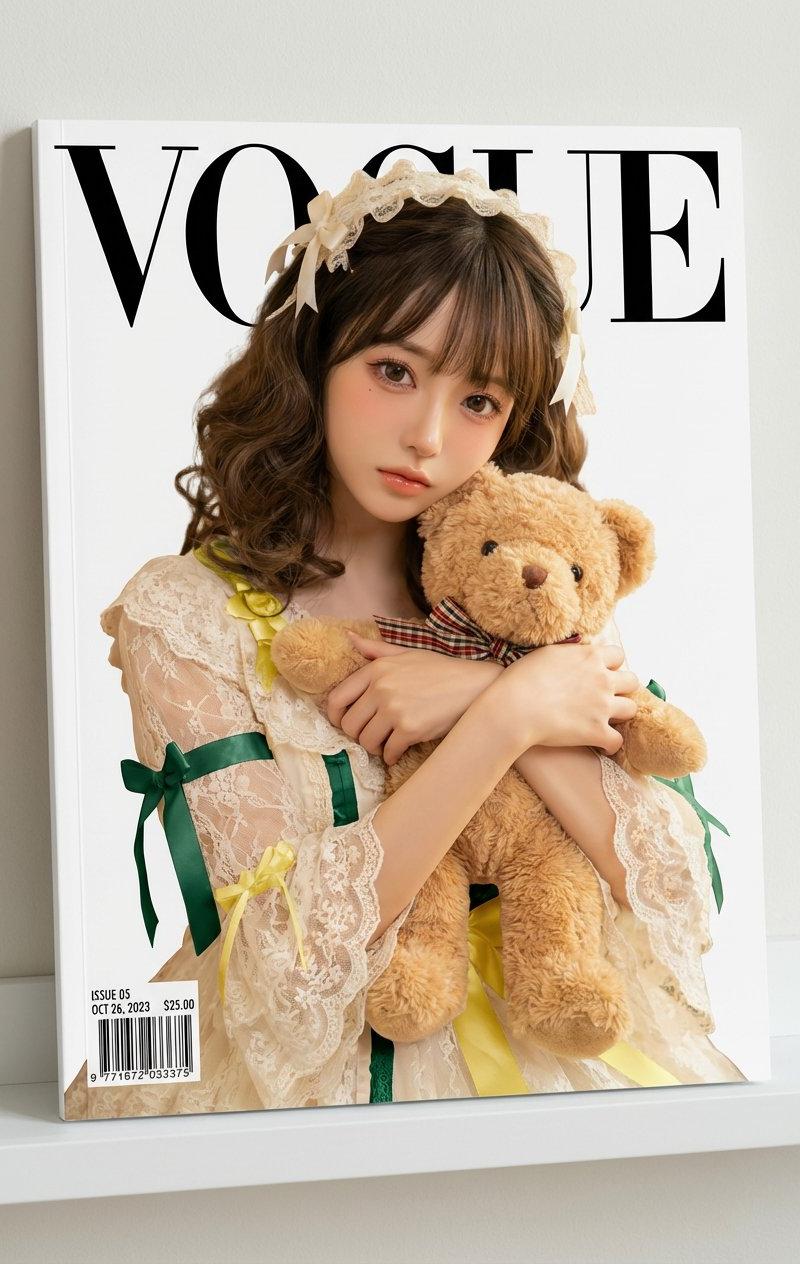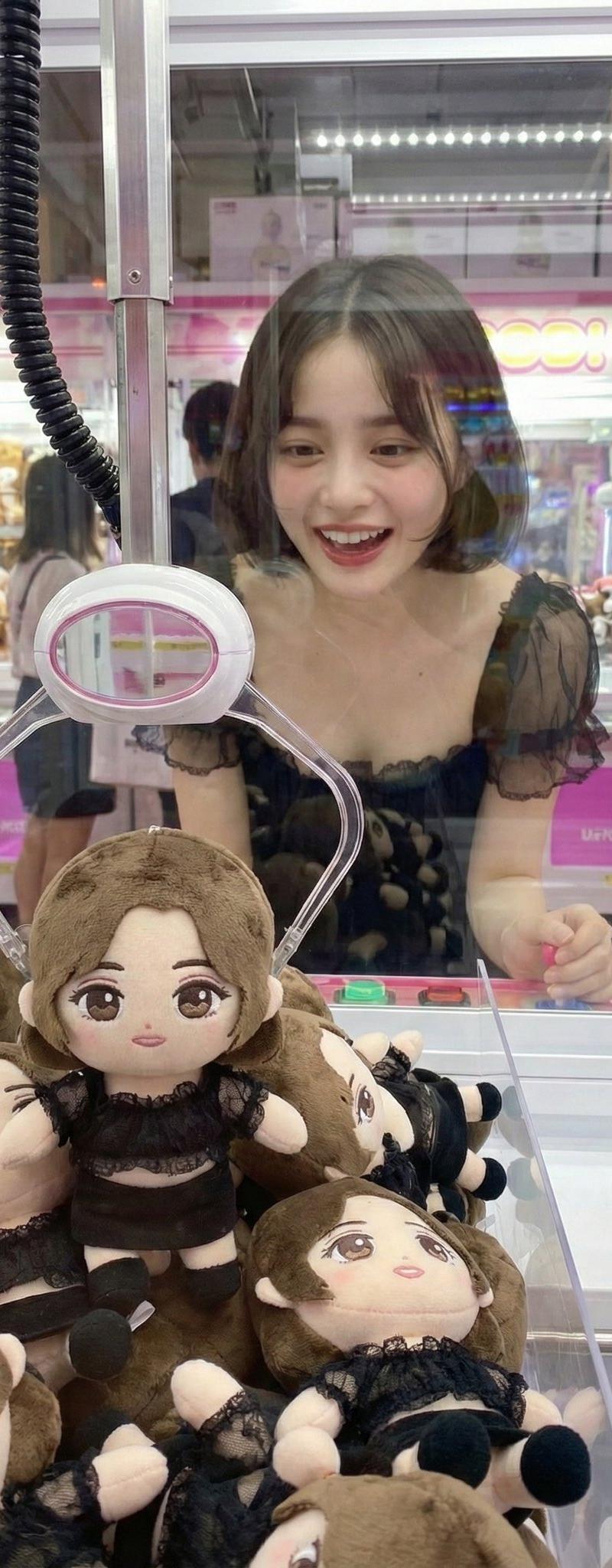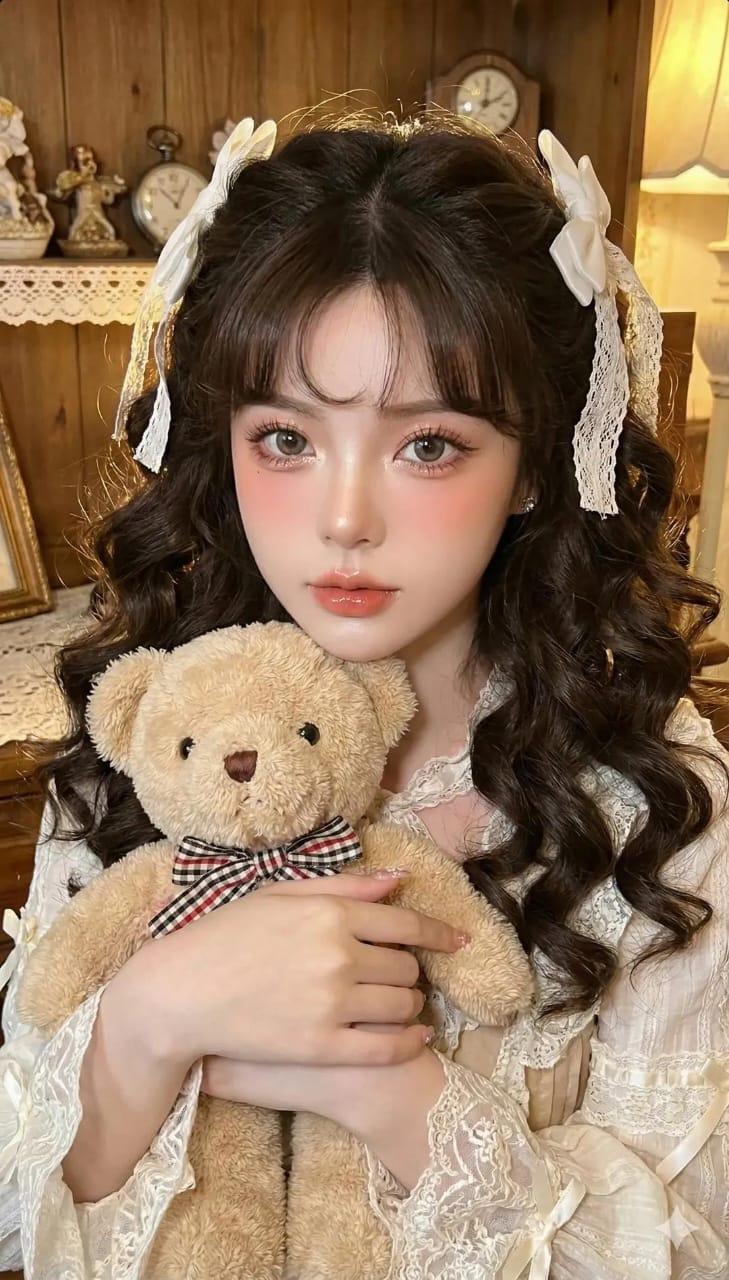
19

幼儿园教程:如何用nano-banana-pro合成橱窗图片
Enlarge

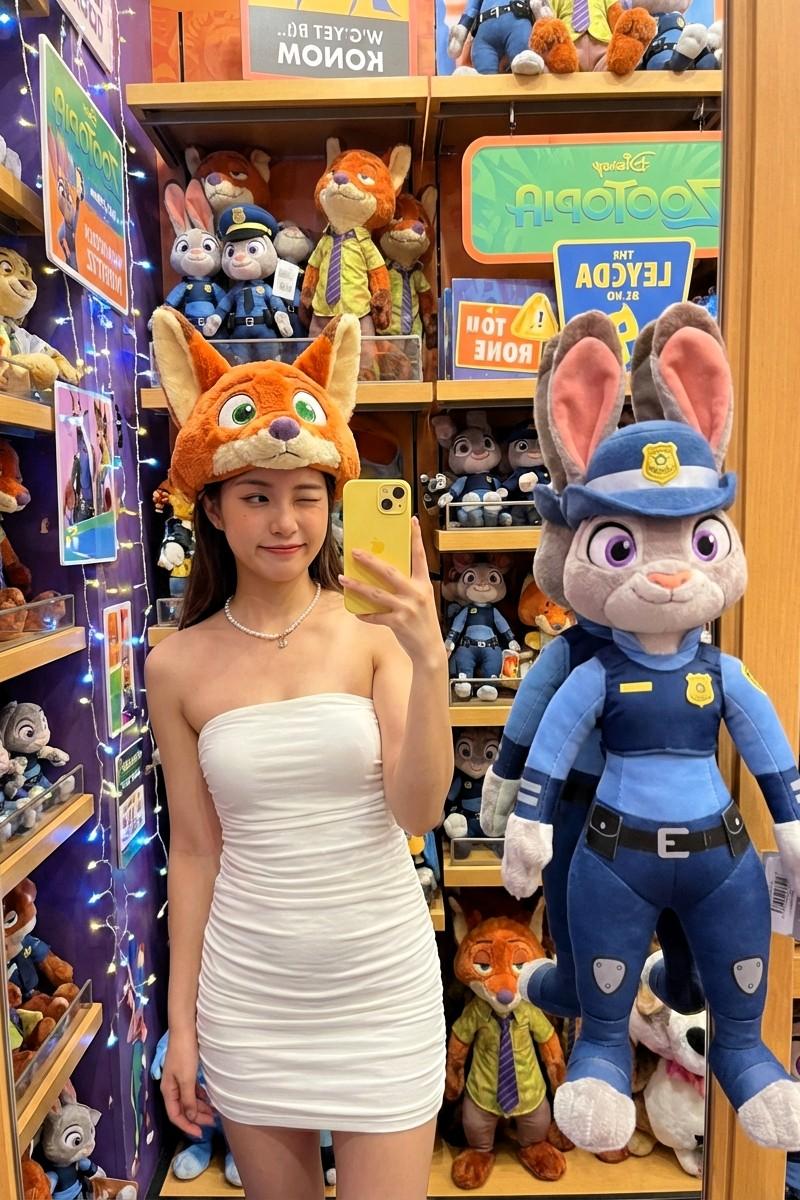
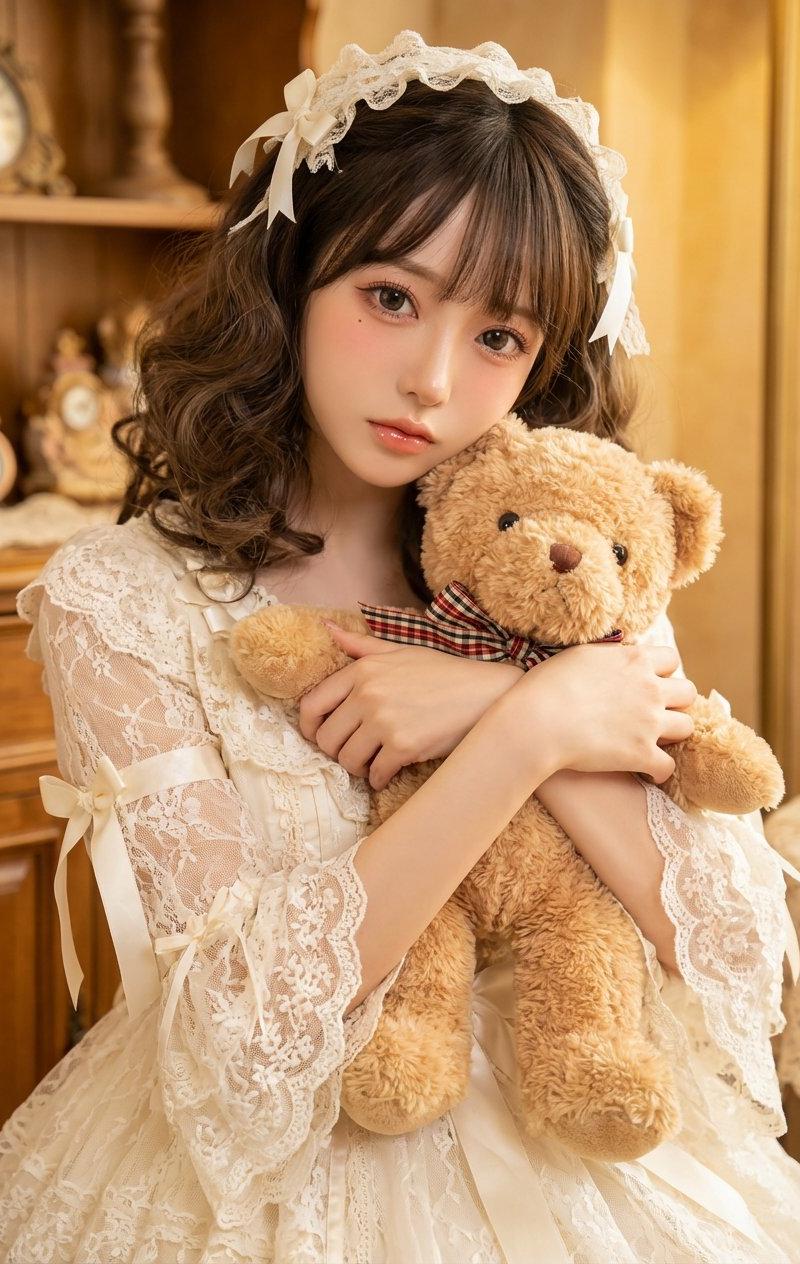
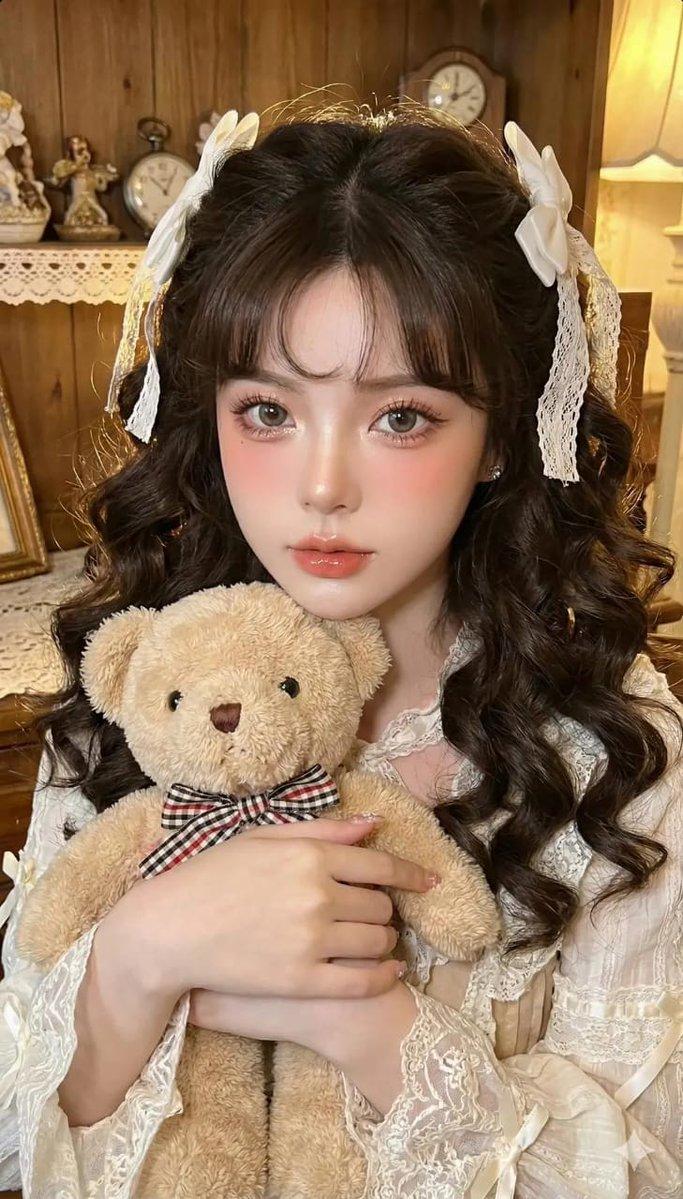
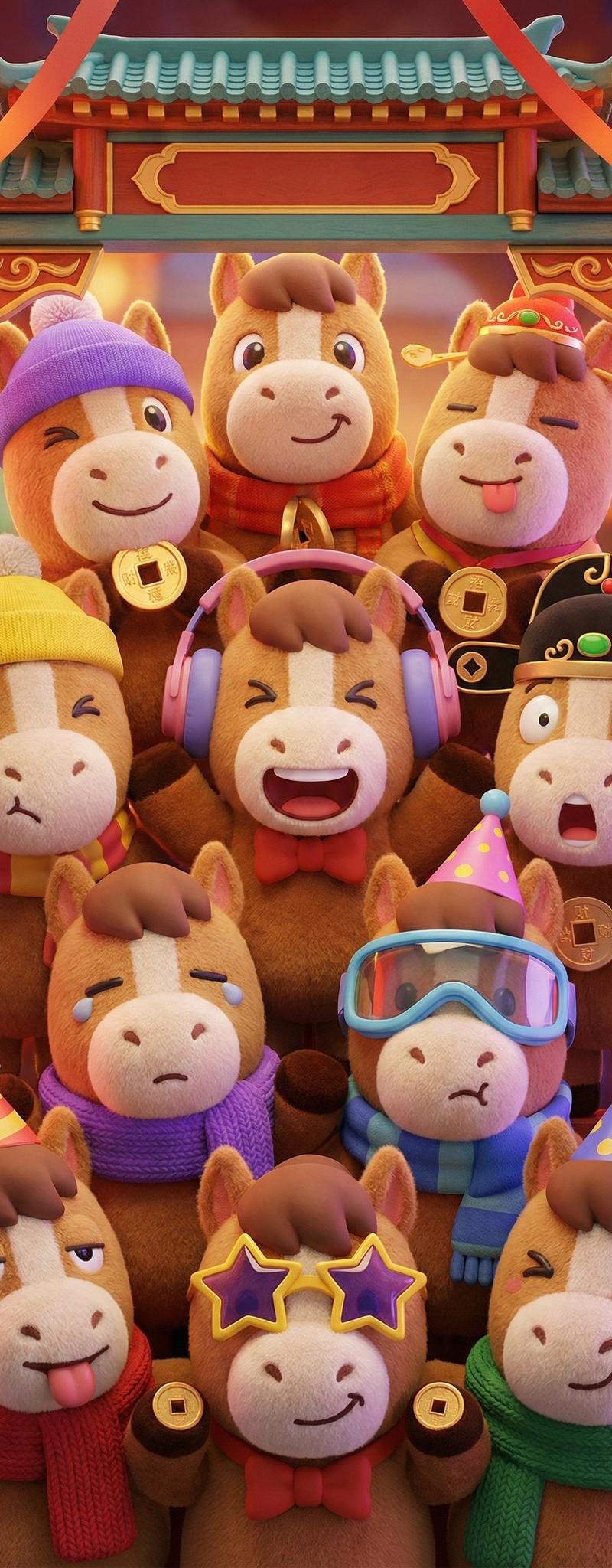
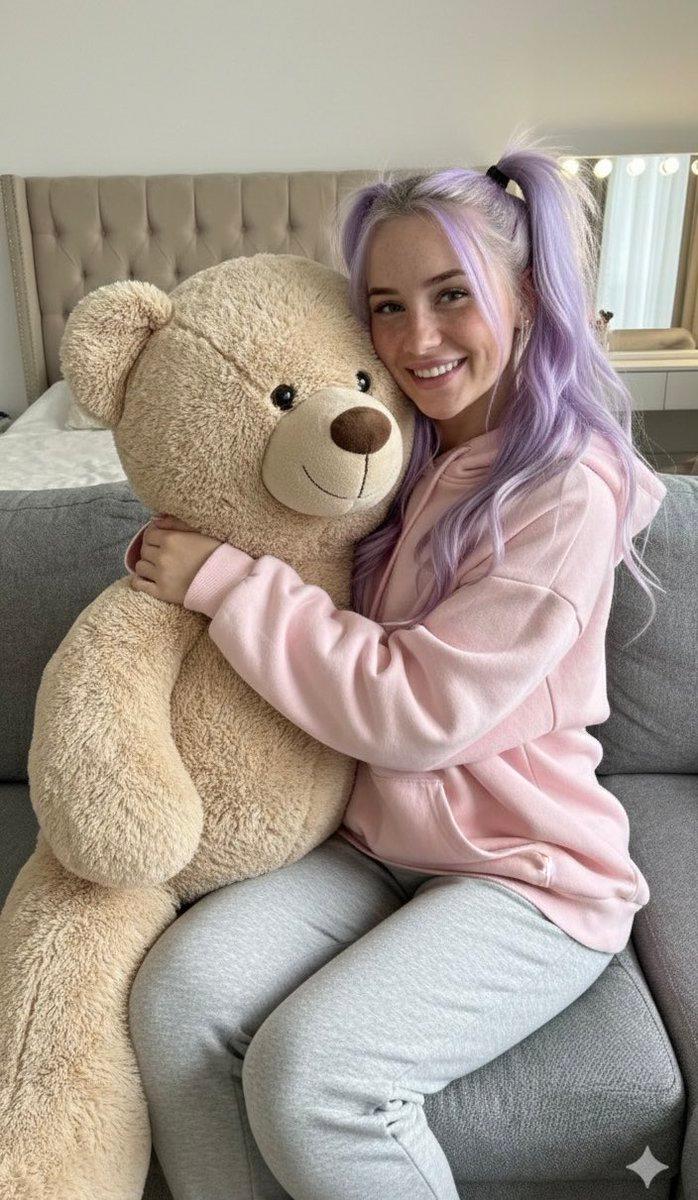
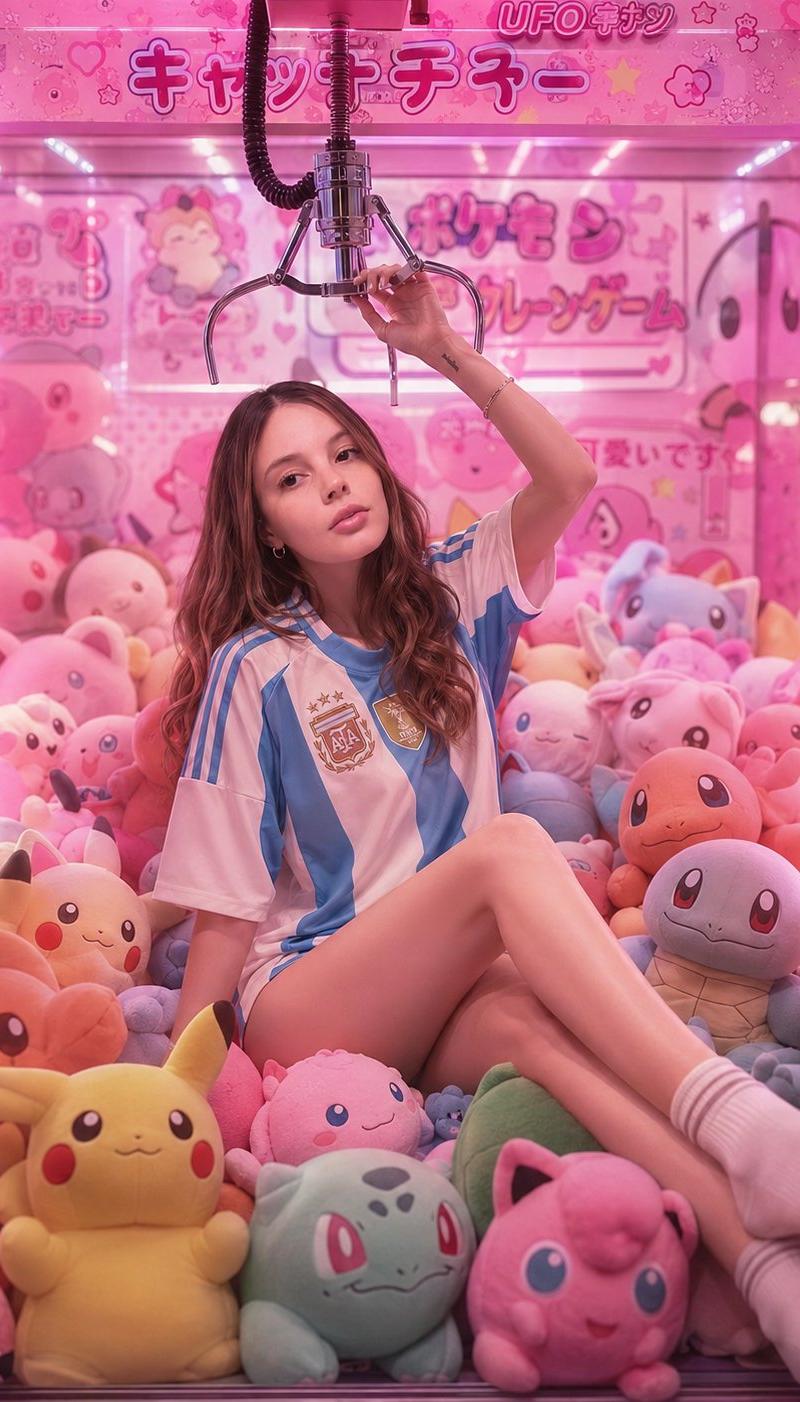
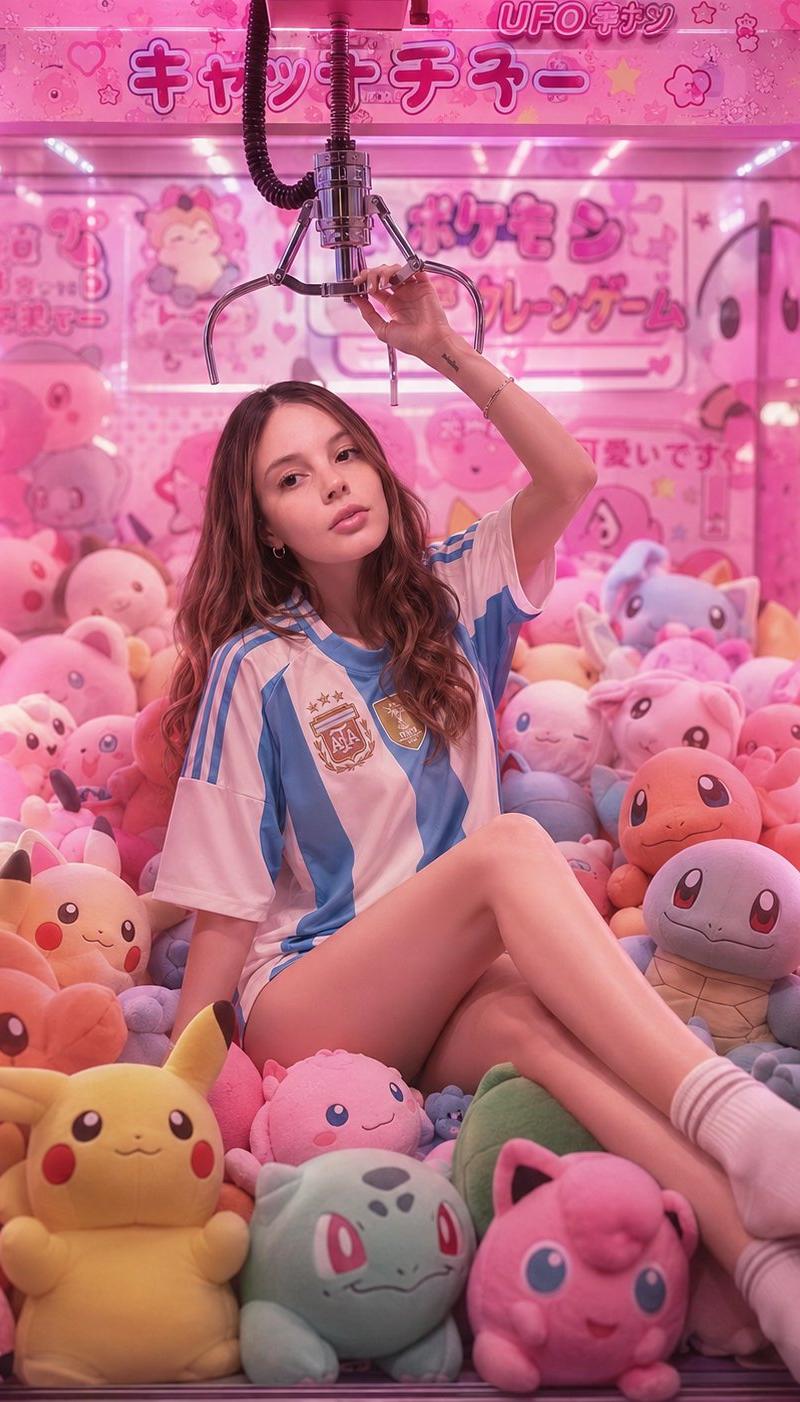
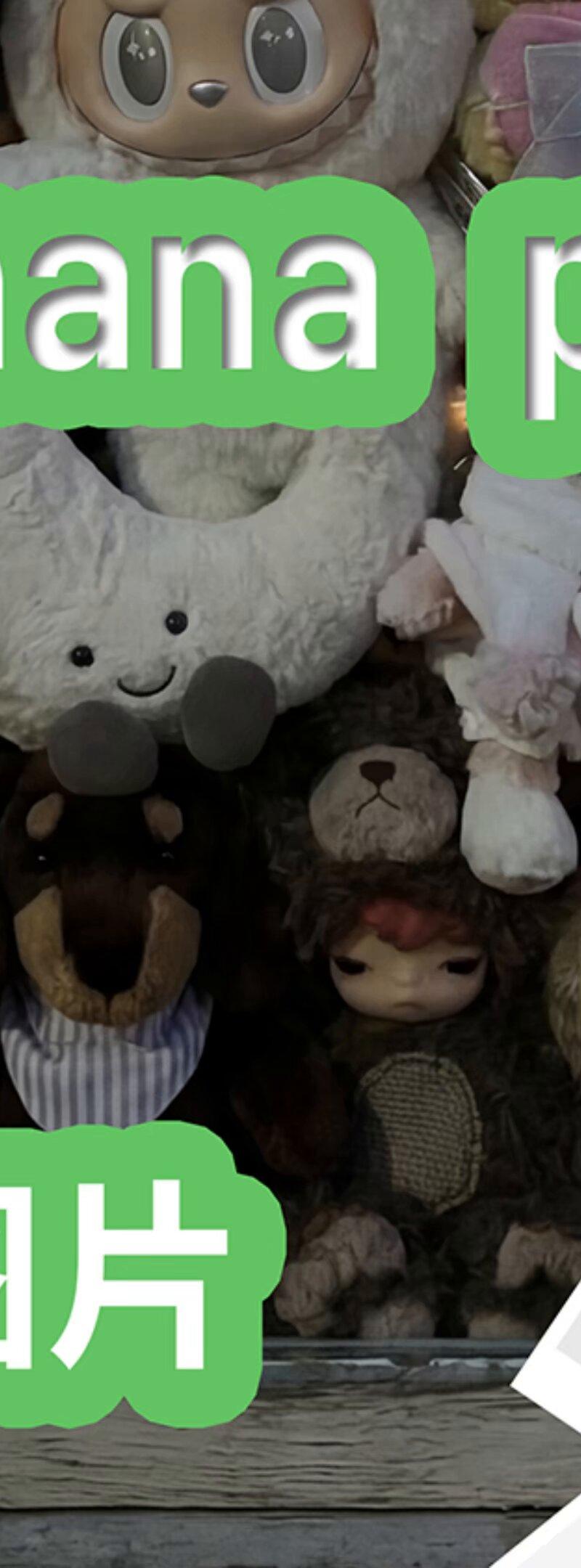
Example images

幼儿园教程:如何用nano-banana-pro合成橱窗图片

Prompt
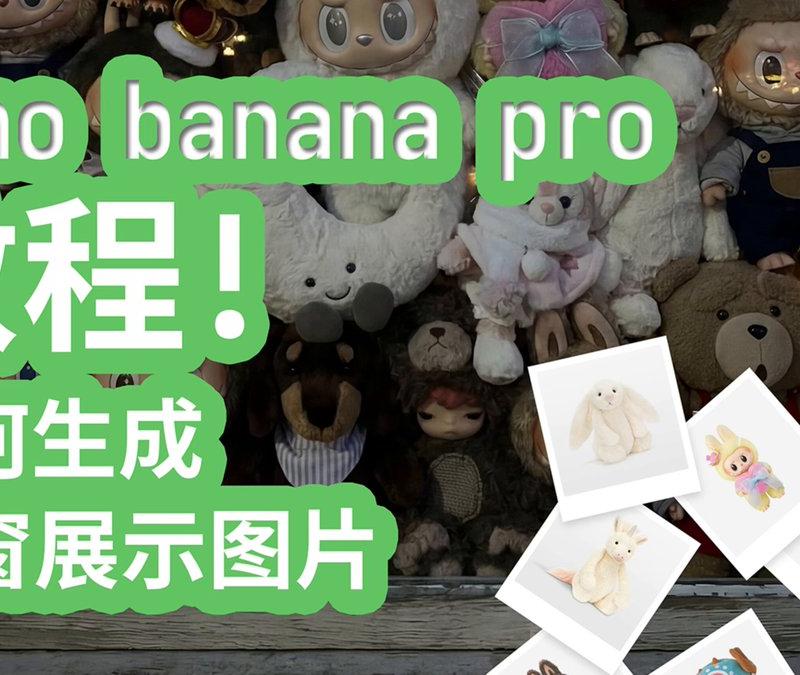
nano banana pro 幼儿园教程! 如何合成橱窗图片!
这次选取了14各毛绒玩具, 为大家展示如何使用 nano-banana-pro 合成橱窗图片!
比如你有好几件商品展示, 但是这些产品并不都在一起或者新增了产品想来一张产品全图, 那就直接用这招!
下文中 {bedroom window} 可以修改为你喜欢的场景, 比如沙发, 桌面, 床上都可以, 画面就会跟着变啦!
prompt:
View from outside looking in, a {bedroom window} completely filled with a huge pile of various plush toys, (consisting exclusively of the specific provided plush doll characters, no unidentified toys or duplicated toys), (pressed tightly against the window glass:1.3), (faces squished against glass:1.2), chaotic heap of cute dolls, window frame, exterior view of a house, reflection on glass, soft indoor lighting visible through the gaps, cozy atmosphere, cinematic lighting.
#nanobananapro #nanobanana
Category
UI & Interfaces
Model
Nano Banana Pro
Creator
karminski-牙医
Source language
zh-CN
Views0
Source ID
preschool-tutorial-how-to-create-display-window-image-with-nano-banana-pro
Studio

Guide

About "幼儿园教程:如何用nano-banana-pro合成橱窗图片"

What is this prompt for?

"幼儿园教程:如何用nano-banana-pro合成橱窗图片" AI image prompt for Nano Banana Pro (UI & Interfaces). nano banana pro 幼儿园教程! 如何合成橱窗图片! 这次选取了14各毛绒玩具, 为大家展示如何使用 nano-banana-pr…

The full copyable prompt and example visuals above are ready for AI image generation or one-click recreate in Picva.

How to use this prompt

  1. Step 1

    Open the prompt detail

    Review the example visuals, category, and full prompt text for "幼儿园教程:如何用nano-banana-pro合成橱窗图片".

  2. Step 2

    Copy the prompt

    Copy the prompt body from this page, or load it directly in Studio.

  3. Step 3

    Pick a model (Nano Banana Pro)

    Prefer Nano Banana Pro. If you switch models, keep subject and composition and tweak style terms.

  4. Step 4

    Generate and export

    Recreate the look in Picva, or export into your workflow for editing and publishing.

FAQ

What is the "幼儿园教程:如何用nano-banana-pro合成橱窗图片" prompt?
It is an AI image-generation prompt for Nano Banana Pro in the UI & Interfaces category. This page includes the full prompt text, example visuals, and a one-click recreate path in Picva.
How do I use this prompt to generate an image?
Copy the prompt from this page, or use Generate / Studio. Paste it into a compatible image model, or recreate the look in Picva with optional reference images.
Which model is this prompt for?
This page lists Nano Banana Pro. Most descriptive prompts also transfer to nearby image models such as GPT Image, Flux, or Midjourney with light style tweaks.
Can I use the result commercially?
You can usually copy the prompt for creation, but commercial use of the final image depends on the model terms, reference-image rights, and the generated content. Follow the source author and platform rules.