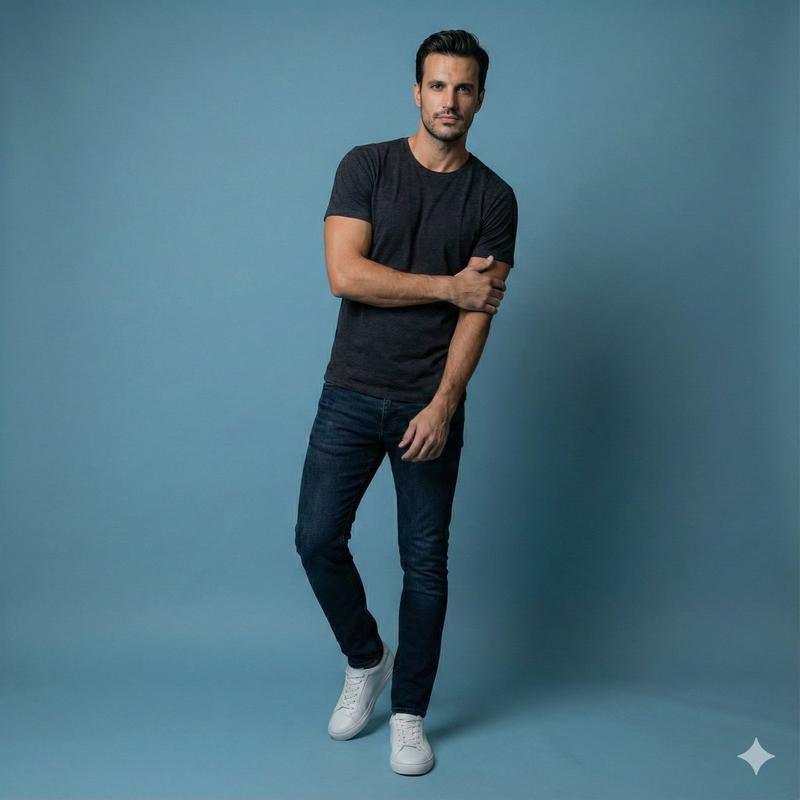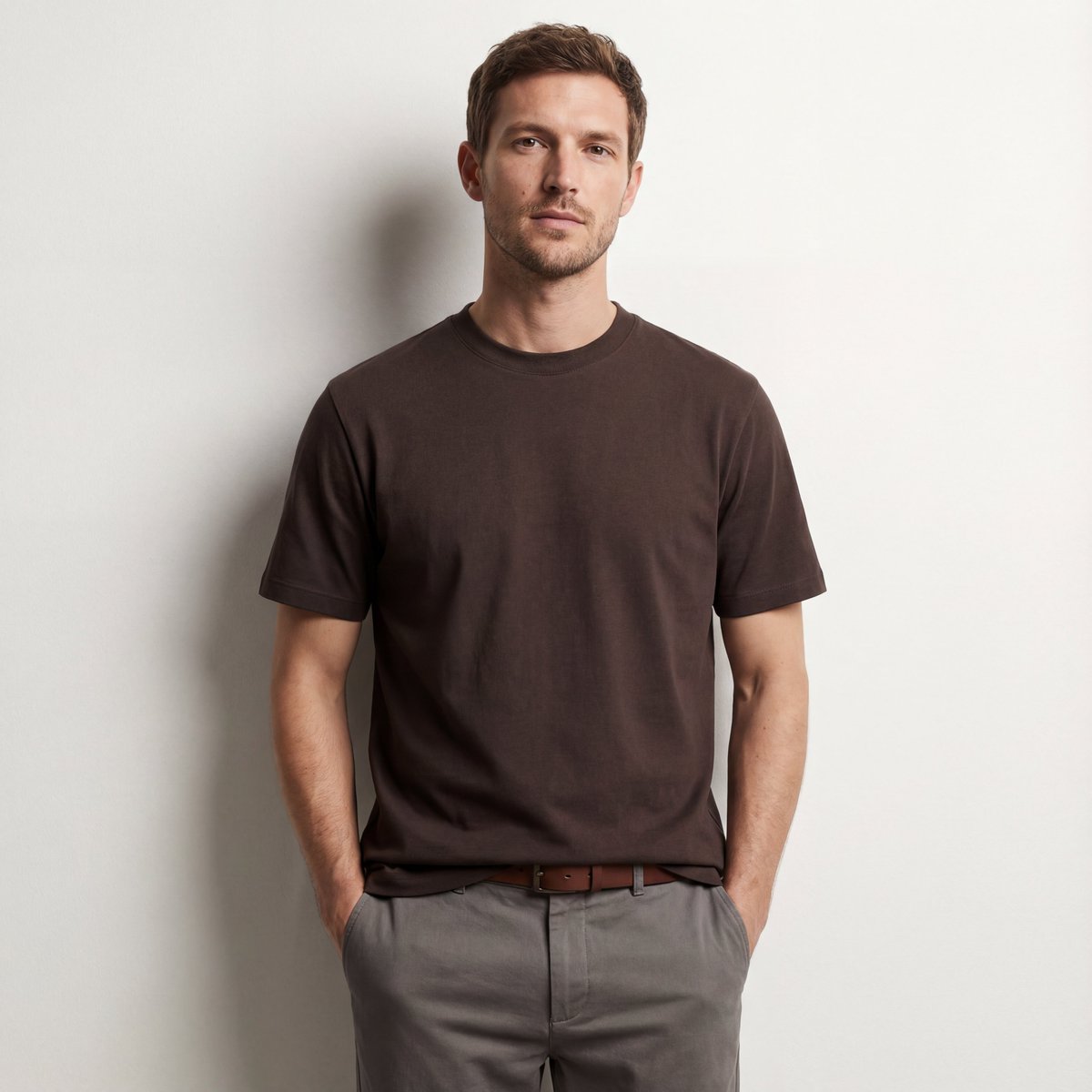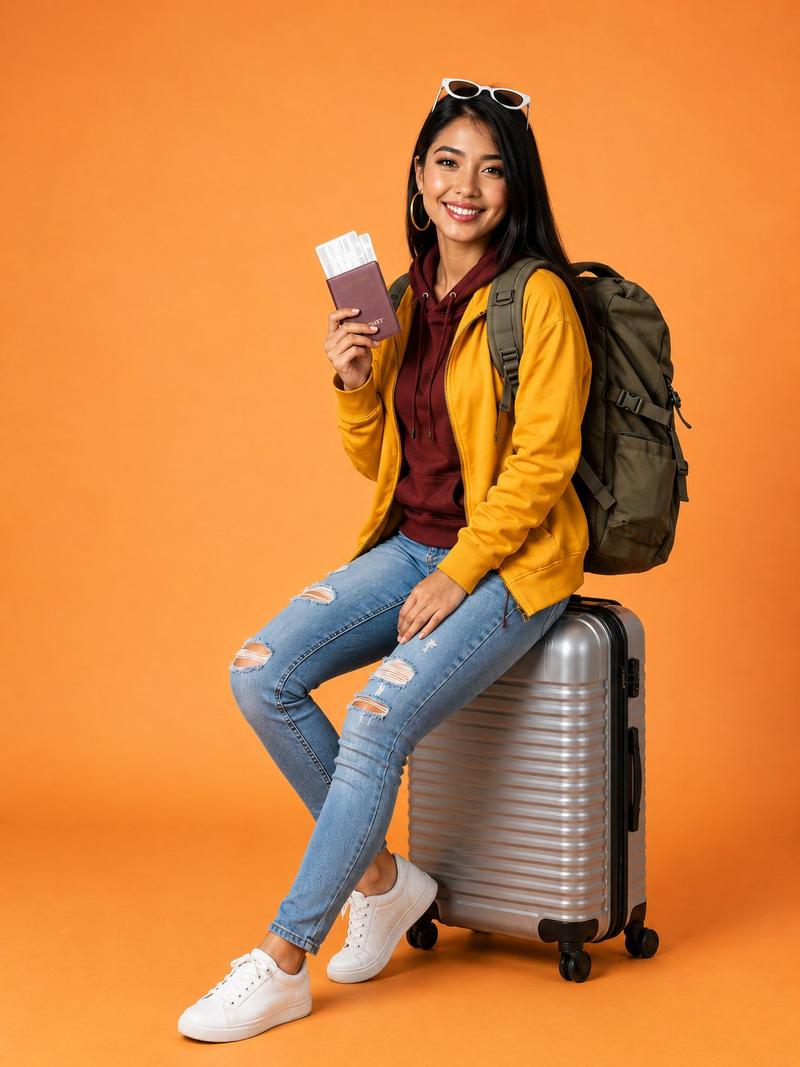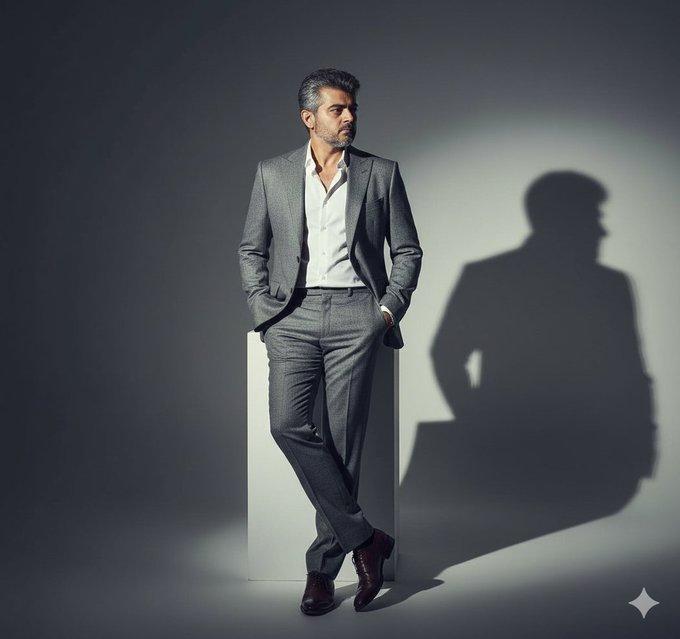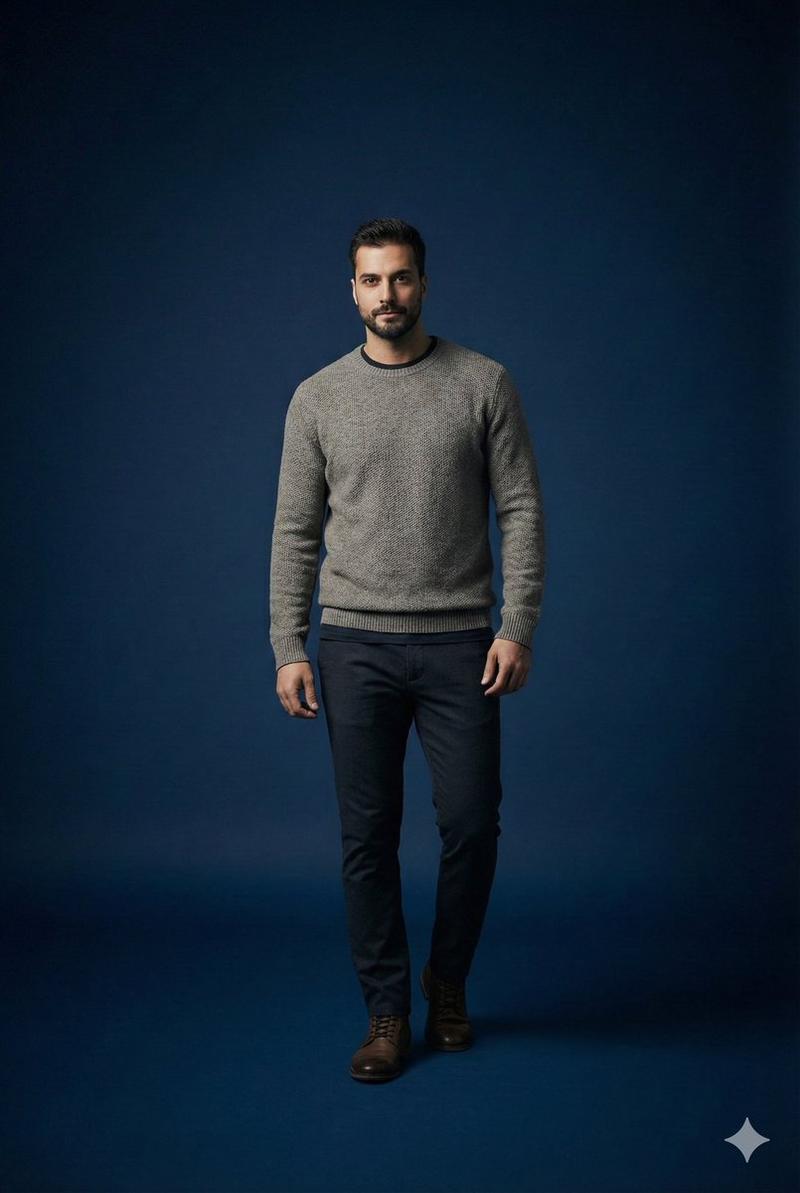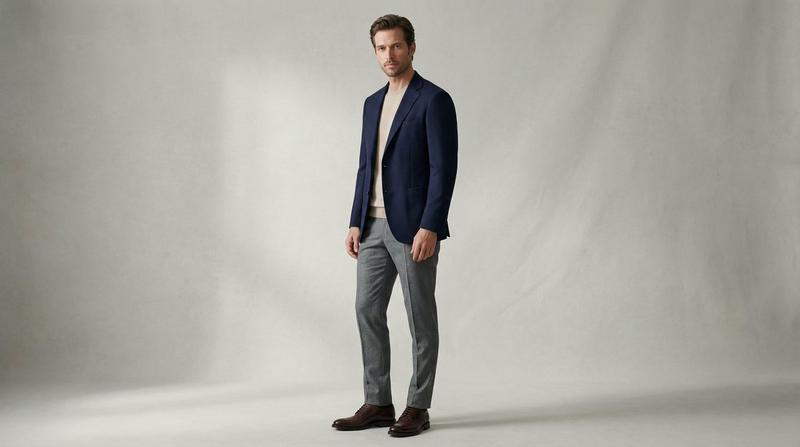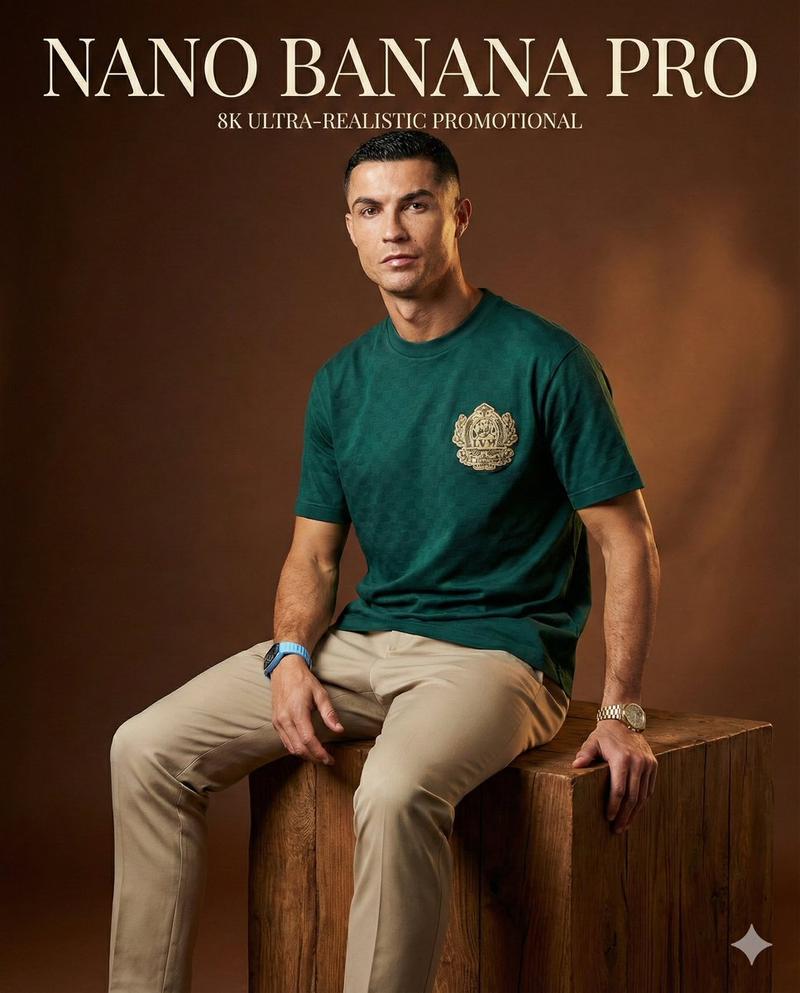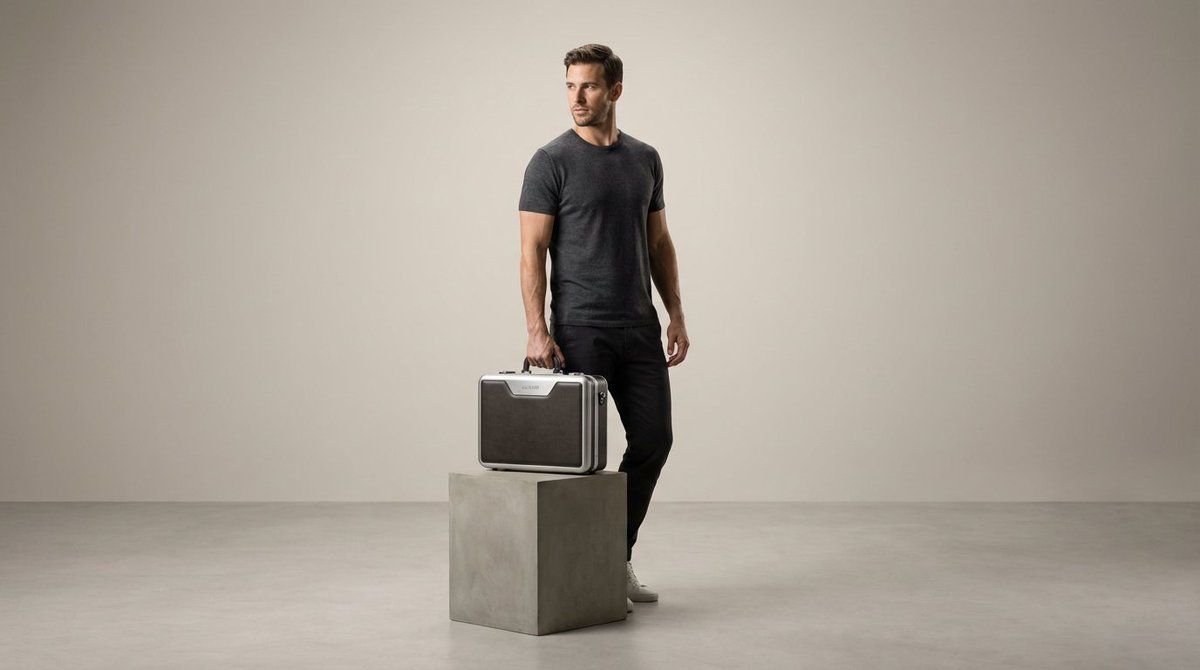
产品展示编辑
Prompt
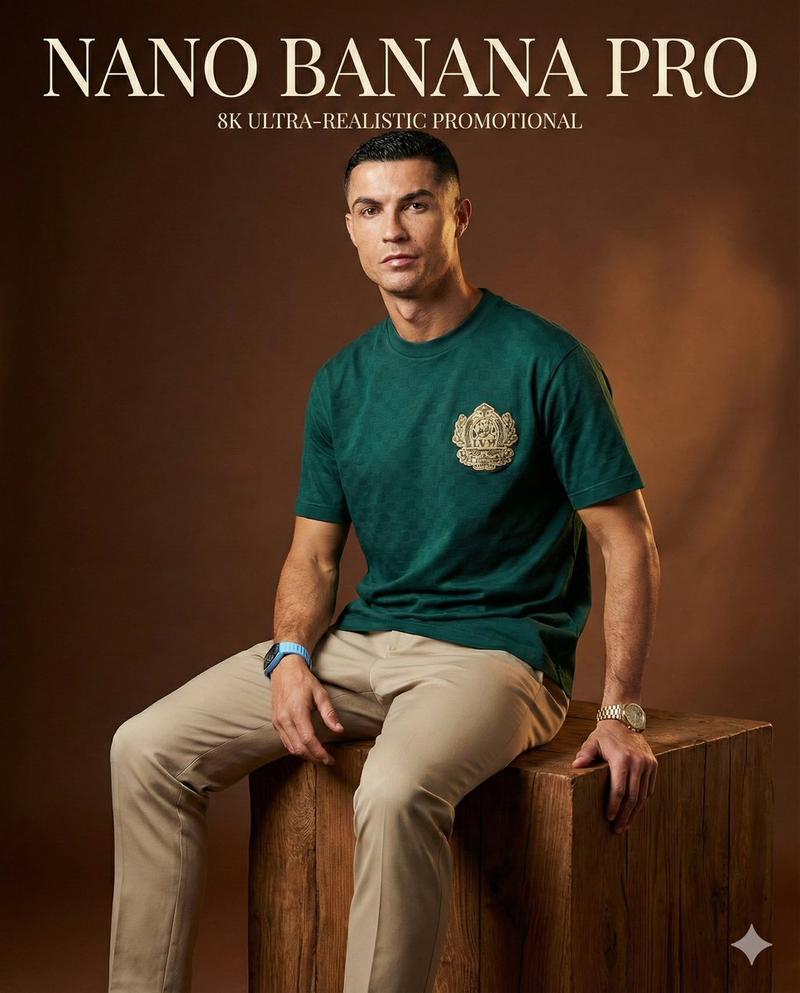
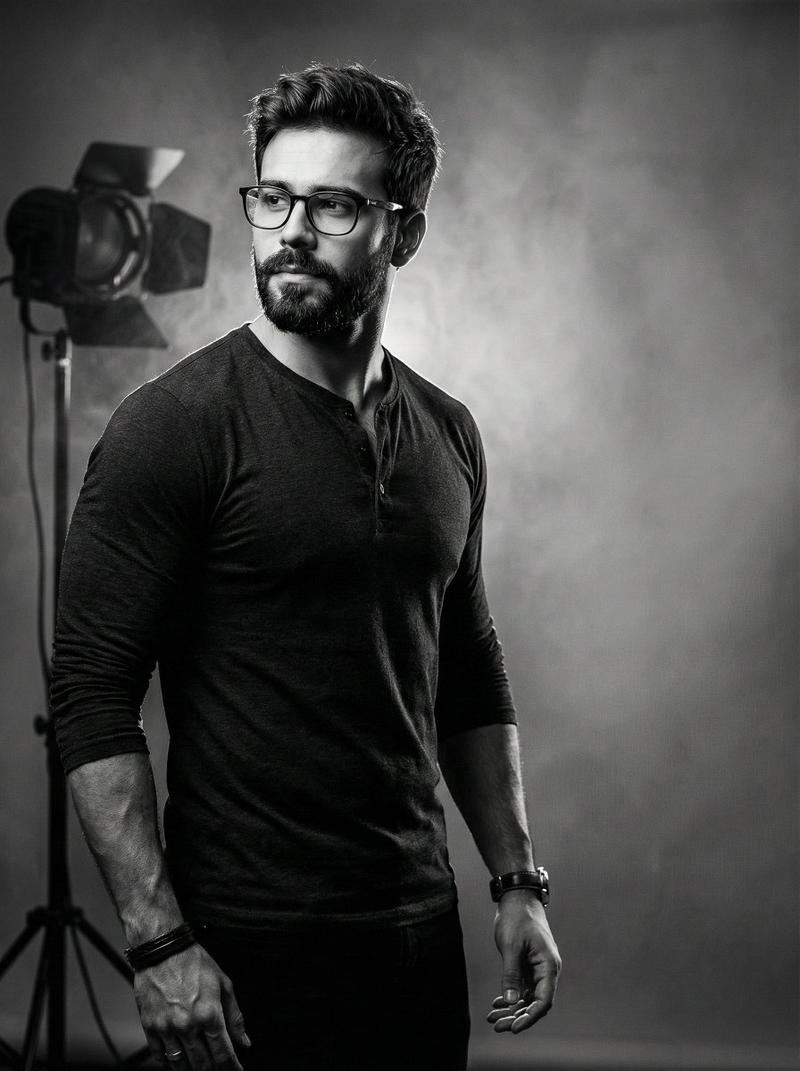
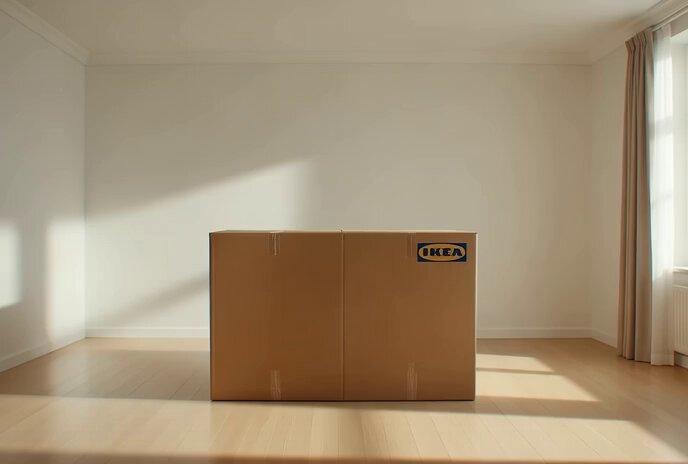
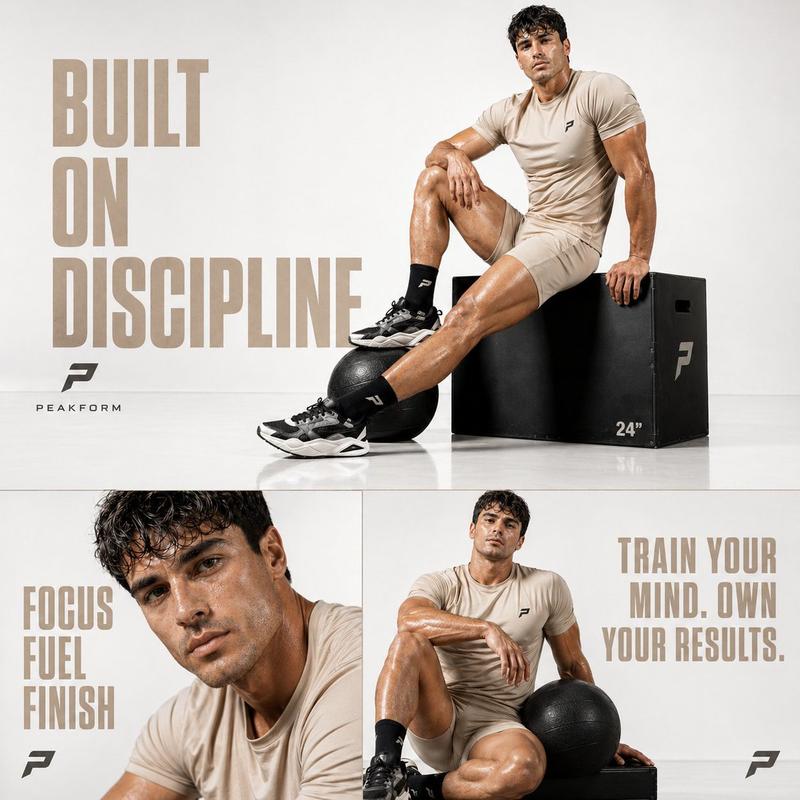
PROMPT TO ART
{
 "task": "product_hero_editorial",
 "input": {
 "product": "uploaded image - any consumer product",
 "types": "shoes, watches, bags, bottles, sunglasses, headphones, apparel, cosmetics, tech, jewelry, accessories",
 "preserve": [
 "shape",
 "colors",
 "branding",
 "textures"
 ]
 },
 "output": {
 "resolution": "ultra_high",
 "quality": "premium_campaign"
 },
 "model": {
 "adapt_to_product": true,
 "pose": "natural stance showcasing product",
 "expression": "confident effortless",
 "gaze": "off-camera",
 "styling": "clean modern"
 },
 "wardrobe": "minimal contemporary, neutral colors highlighting product",
 "product_focus": {
 "priority": "product is hero focal point",
 "positioning": "fully visible, naturally worn/held/displayed",
 "focus": "product sharp, surroundings soft",
 "integration": "realistic shadows, natural interaction"
 },
 "scene": {
 "setting": "minimal studio or urban",
 "background": "neutral gradient or solid",
 "composition": "product-first, intentional negative space"
 },
 "lighting": {
 "key": "soft directional sculpting",
 "fill": "subtle detail clarity",
 "accent": "gentle rim separation",
 "shadows": "soft, grounded"
 },
 "camera": {
 "lens": "50-85mm",
 "aperture": "f/3.5-f/5.6",
 "angle": "adaptive (low for shoes, eye-level for accessories)",
 "depth": "product sharp, natural bokeh"
 },
 "aesthetic": {
 "mood": "modern premium lifestyle",
 "style": "editorial campaign",
 "grading": "neutral balanced",
 "finish": "photographic realism"
 },
 "negative_prompts": [
 "action poses",
 "motion blur",
 "floating product",
 "plastic look",
 "blurred branding",
 "harsh shadows",
 "busy background"
 ]
}
@ImagineArt_X- Category
- Photography & Realism
- Model
- Unknown
- Creator
- Skipper
- Source ID
- product-hero-editorial
Views0