18

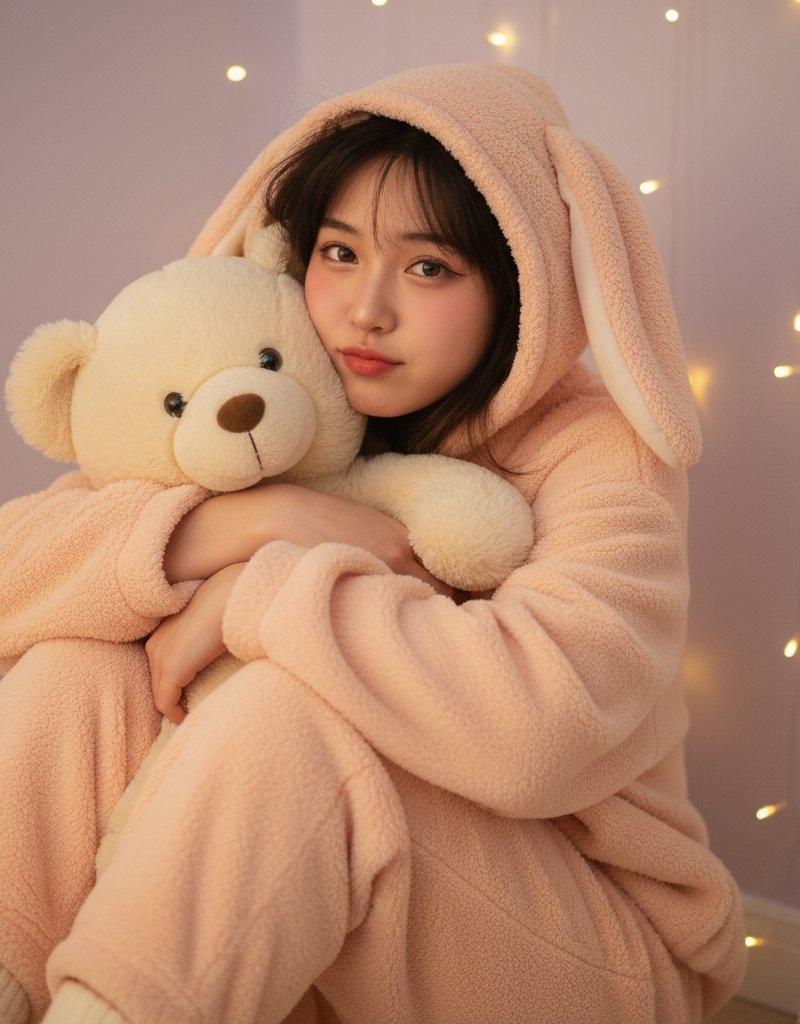
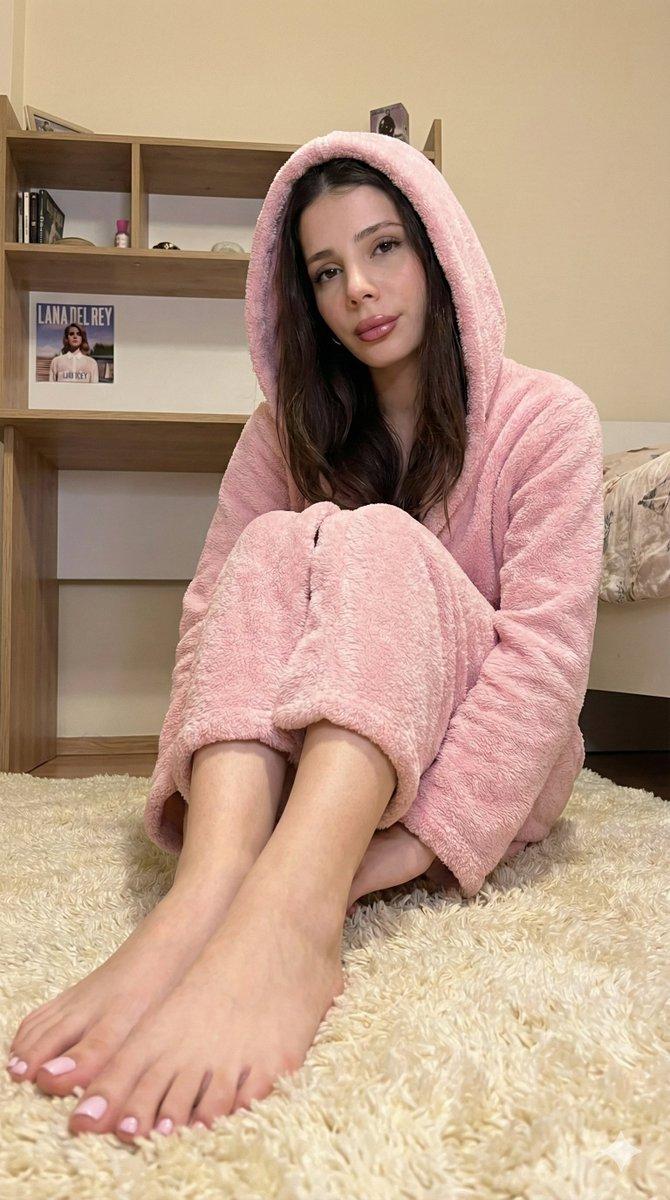
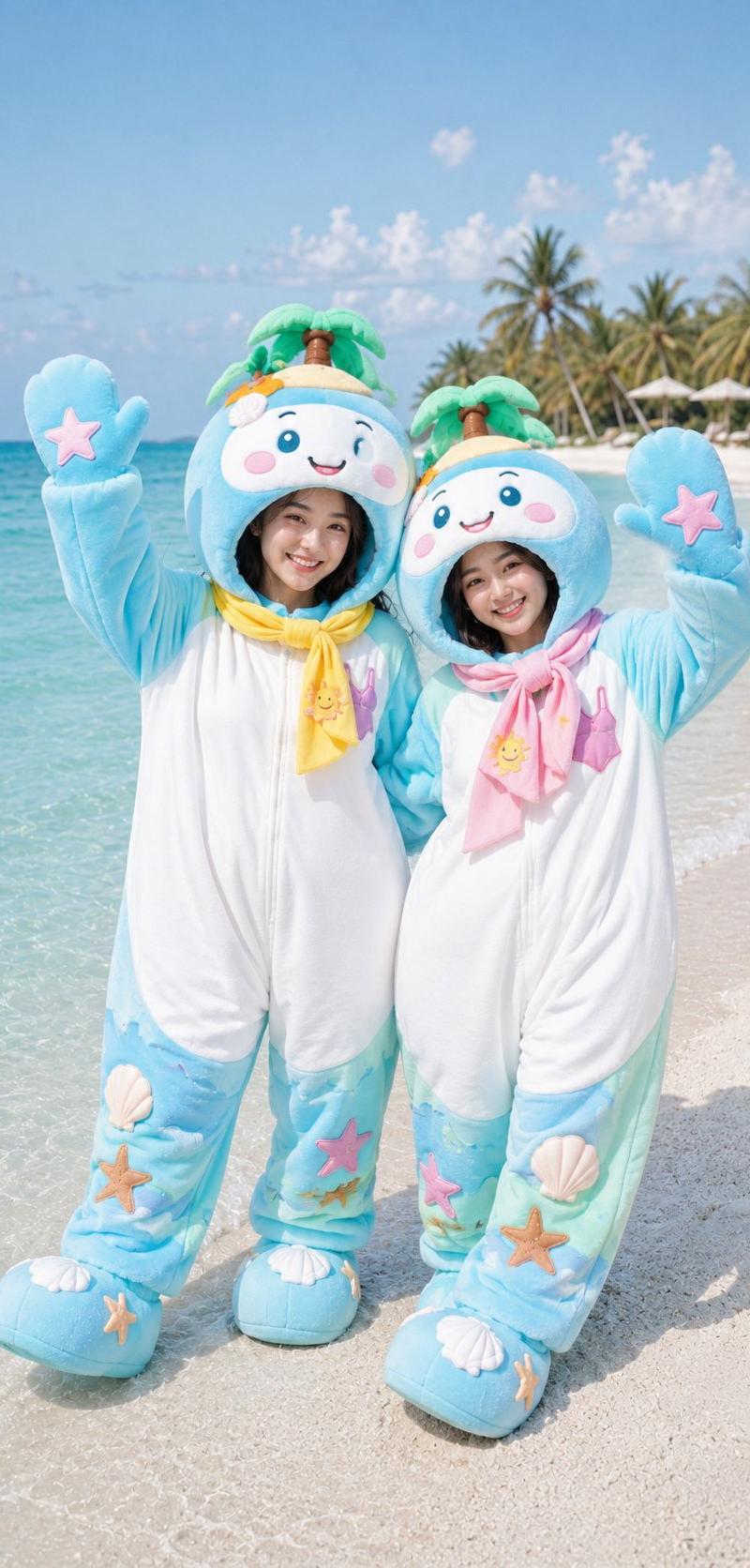
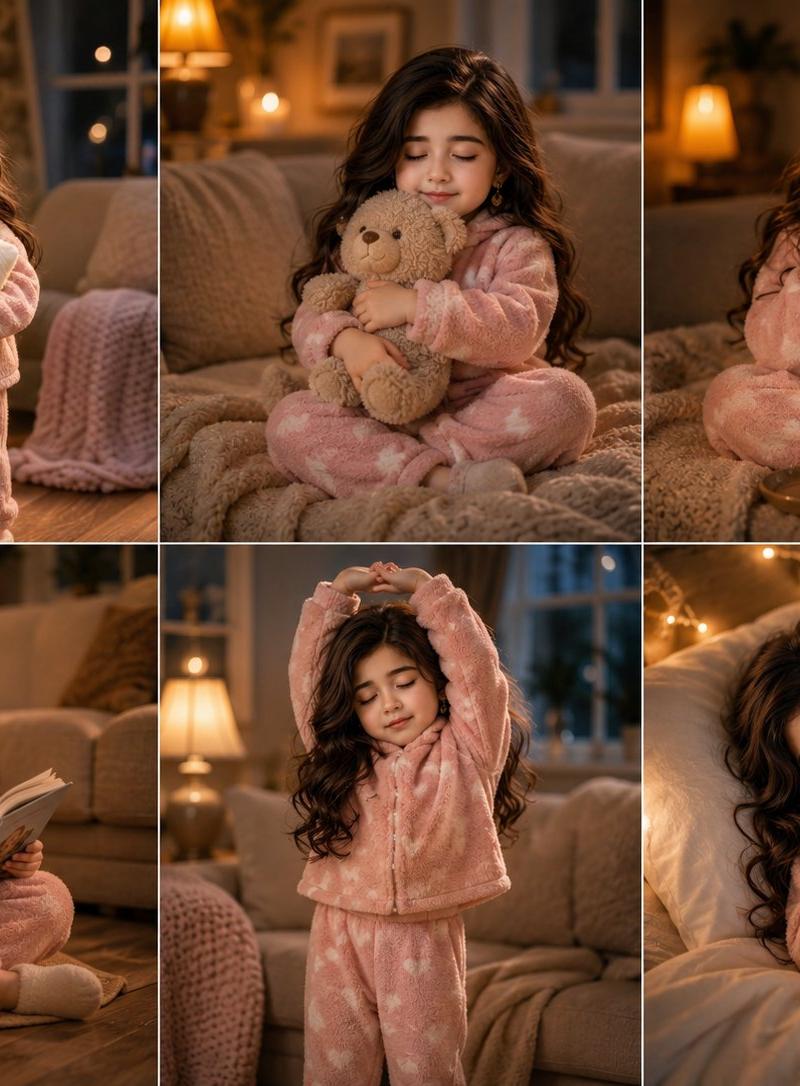
灰兔装写实肖像
Enlarge

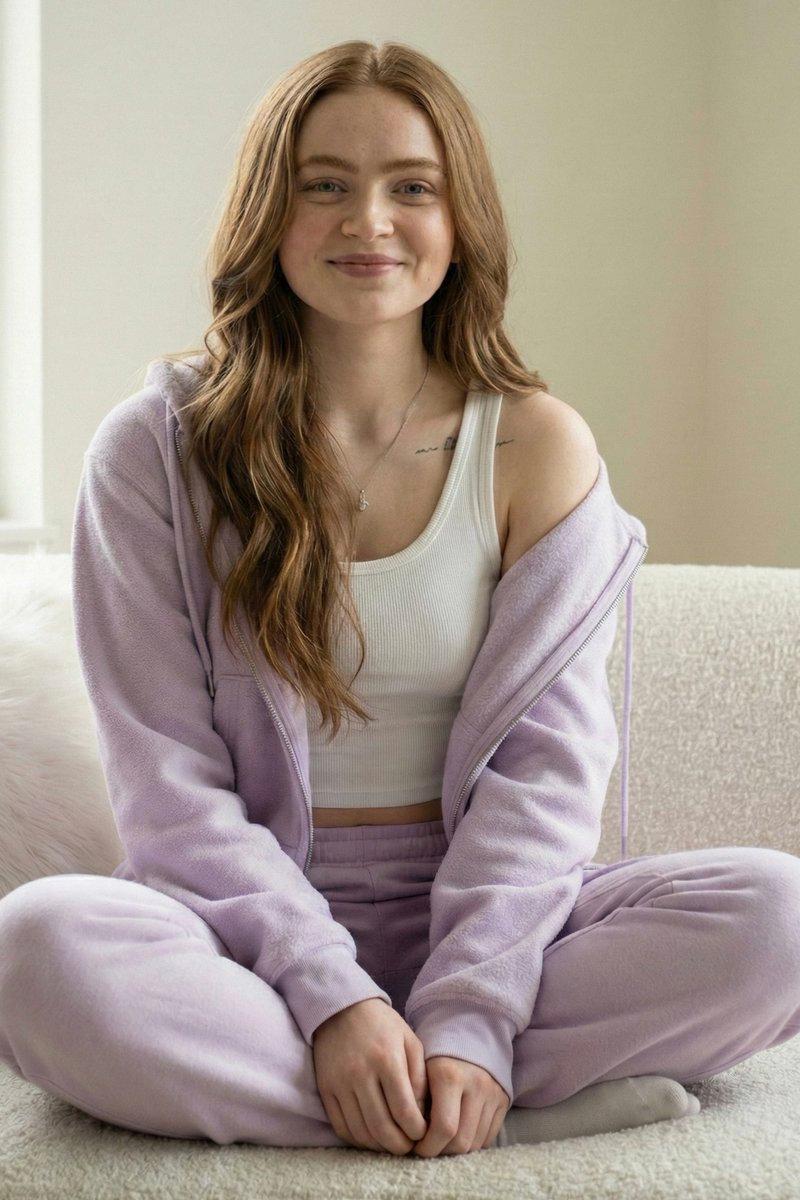
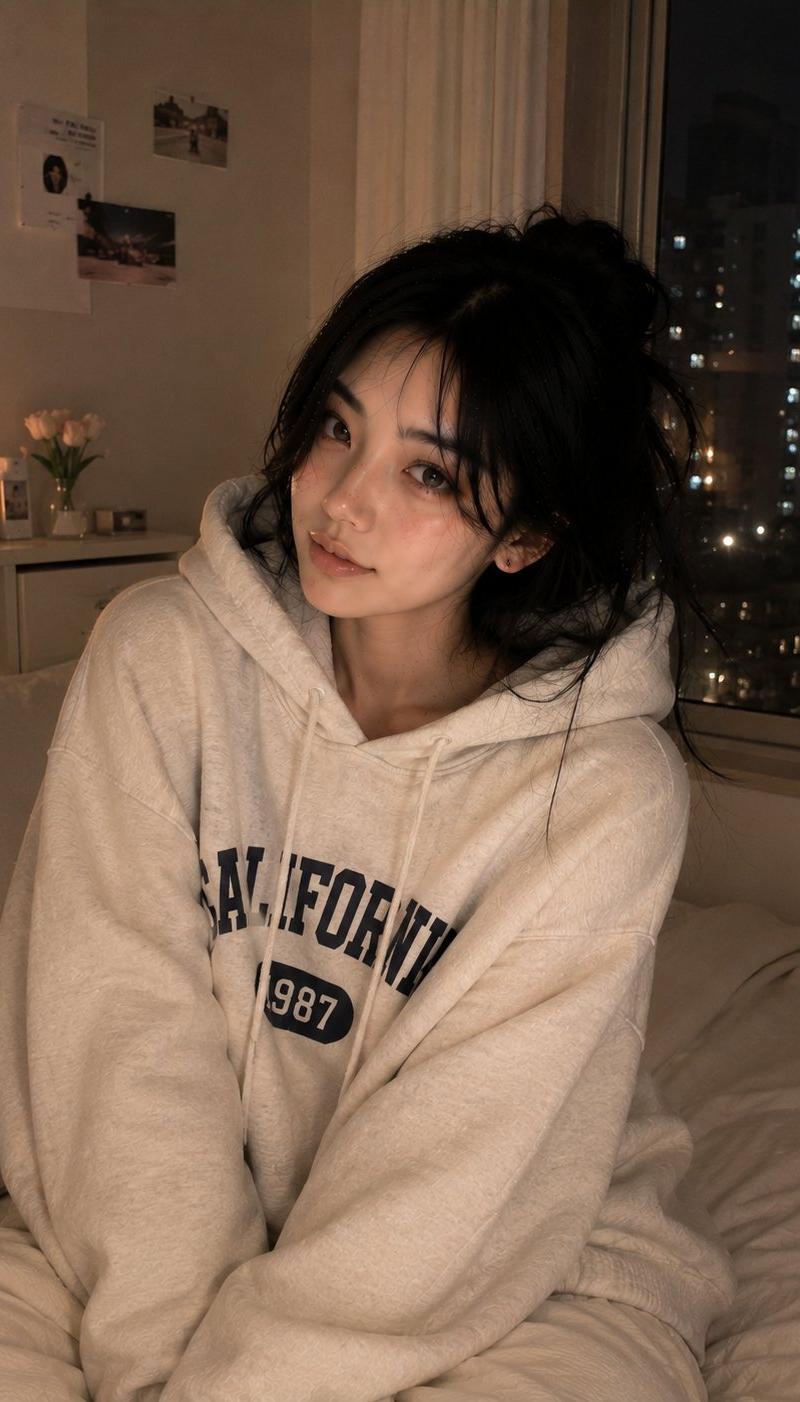
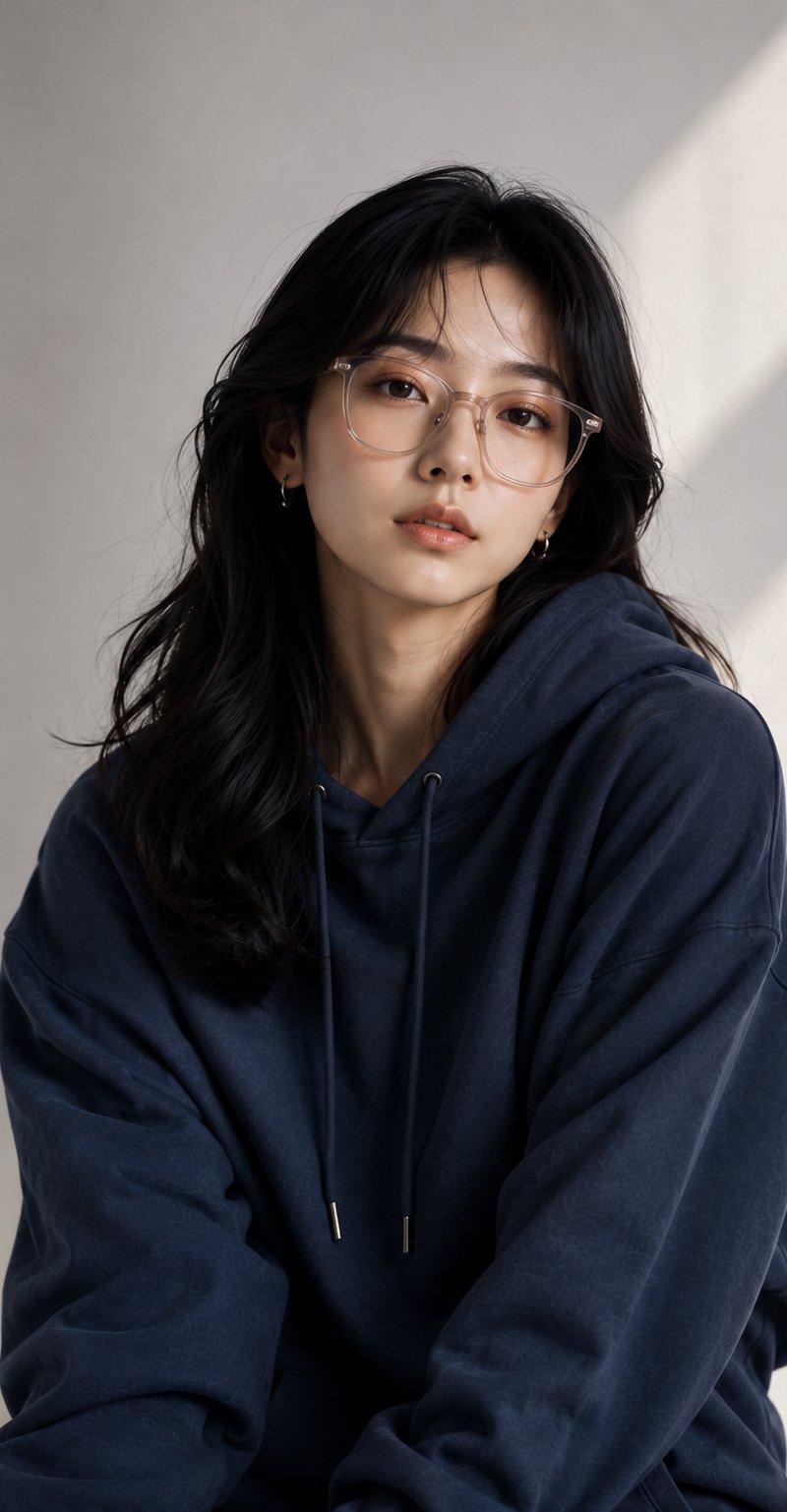
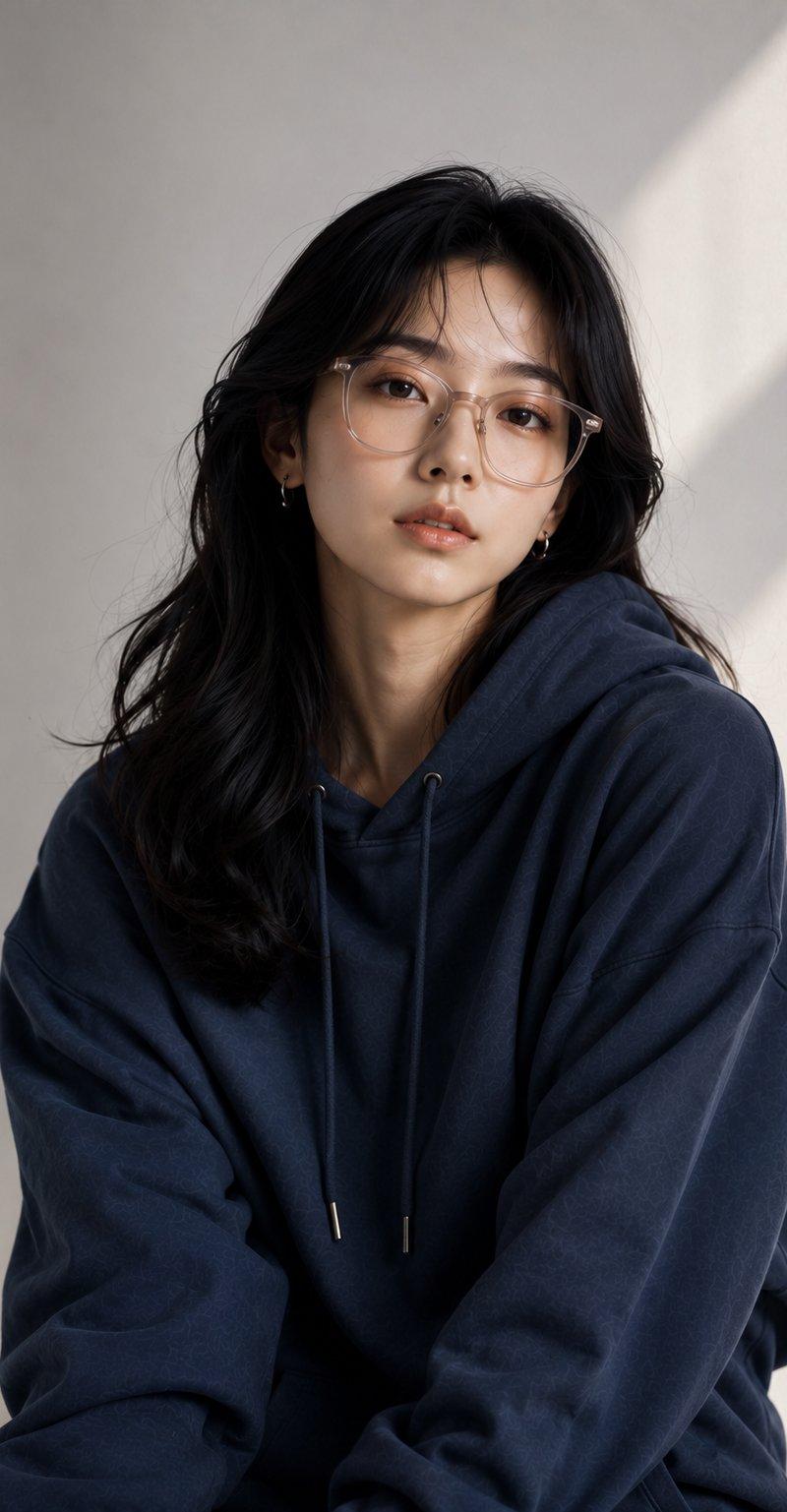
Example images

灰兔装写实肖像

Prompt
Realistic Portrait in Bunny Onesie.
Use Gemini ai 🍁
Prompt ⤵️
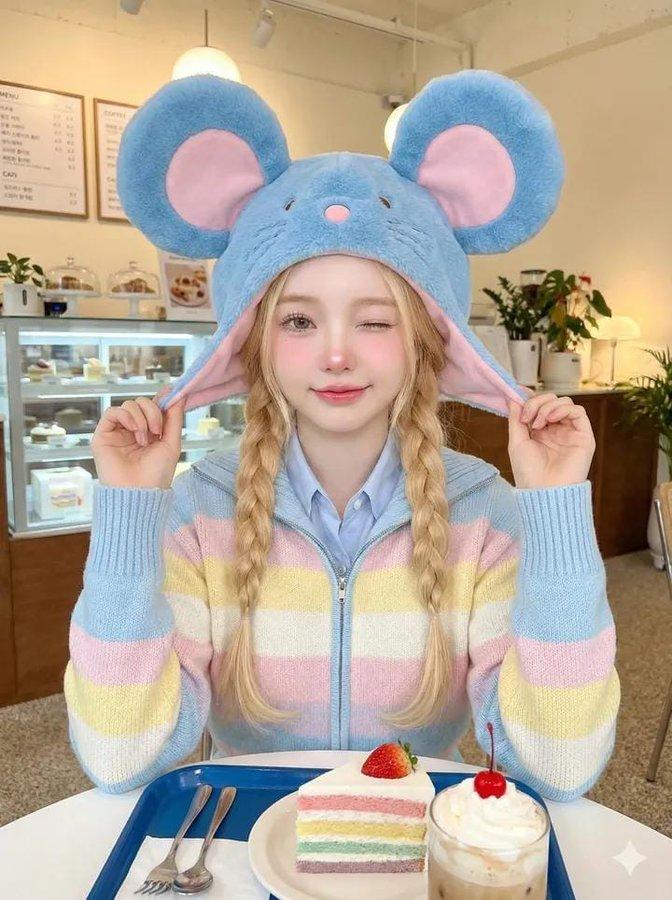
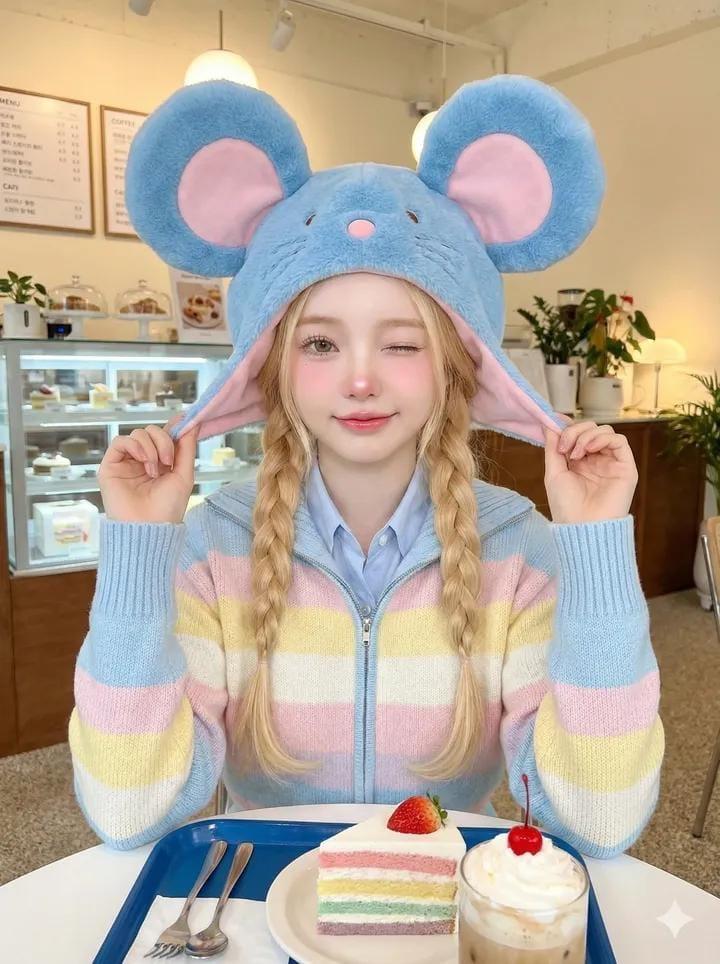
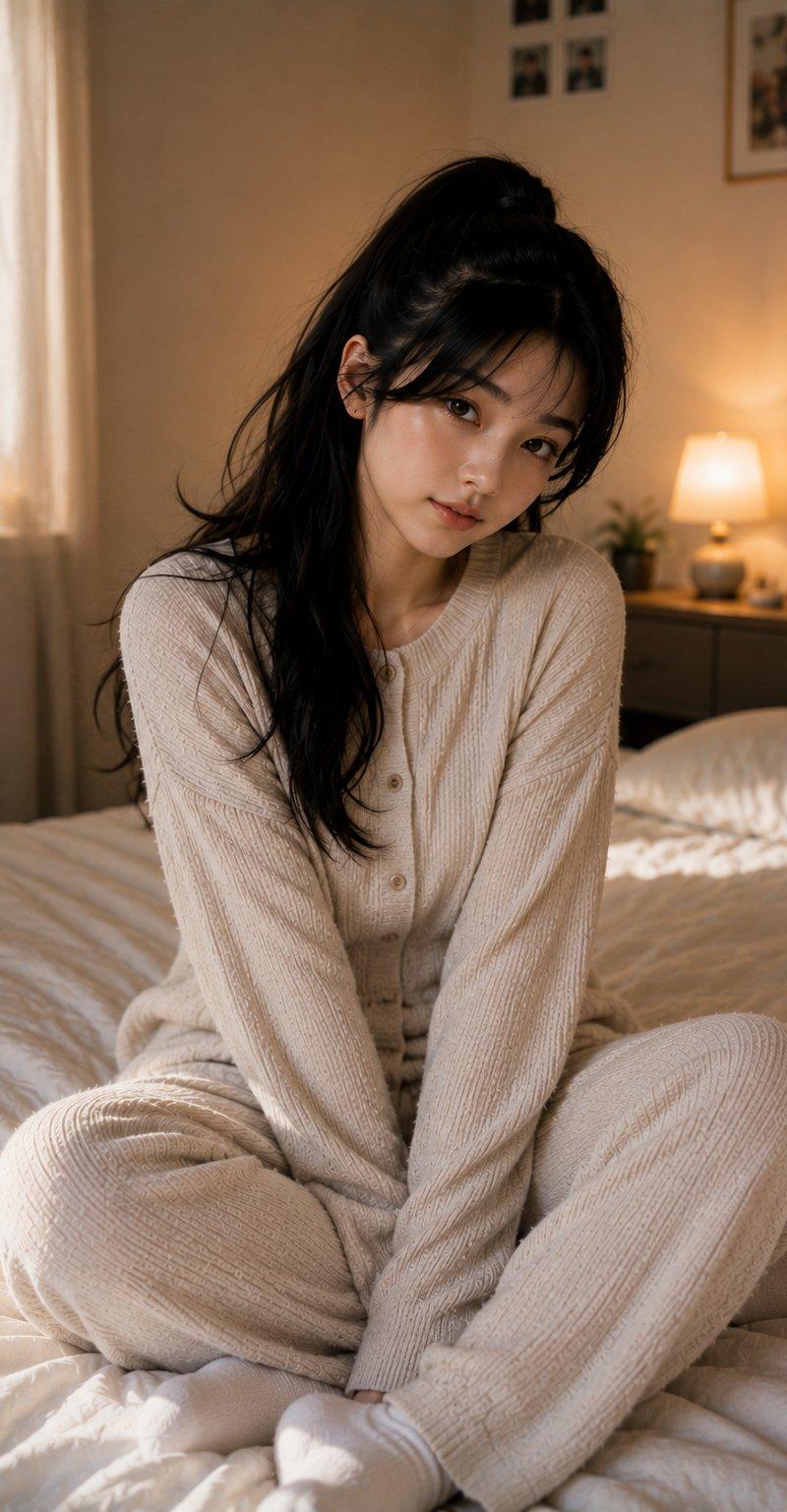
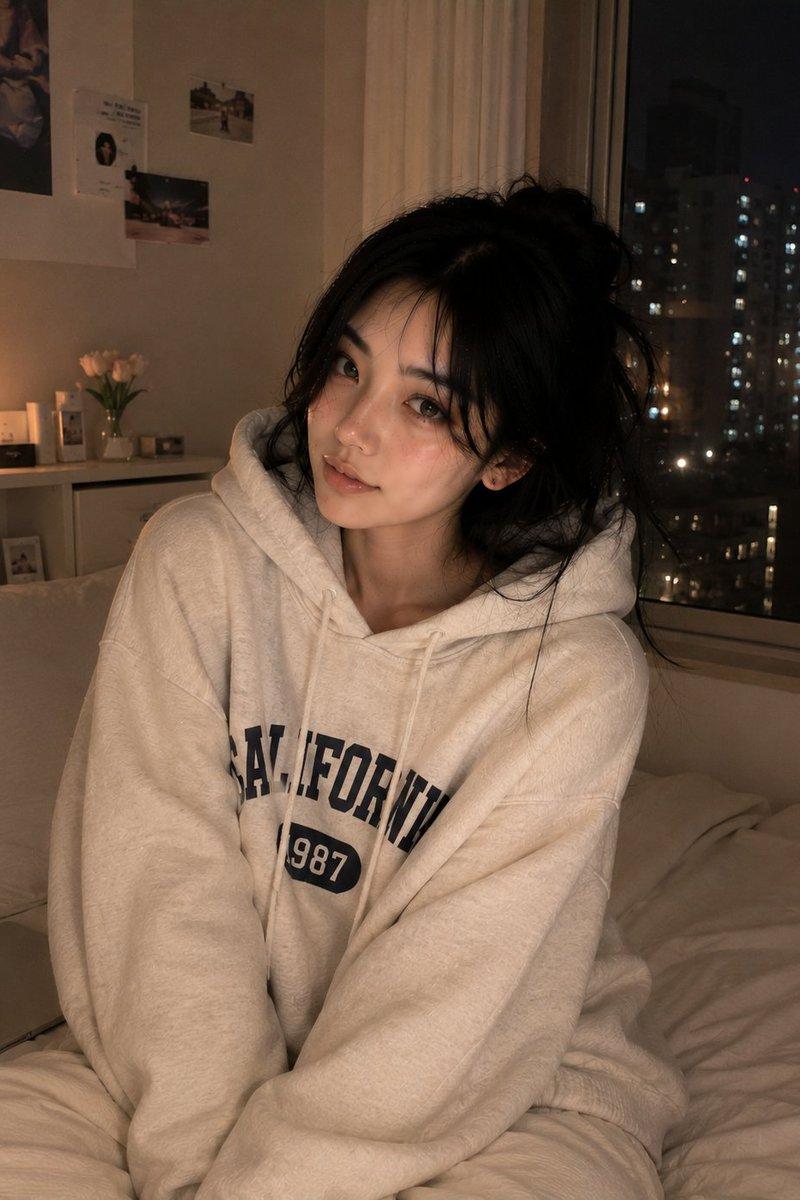
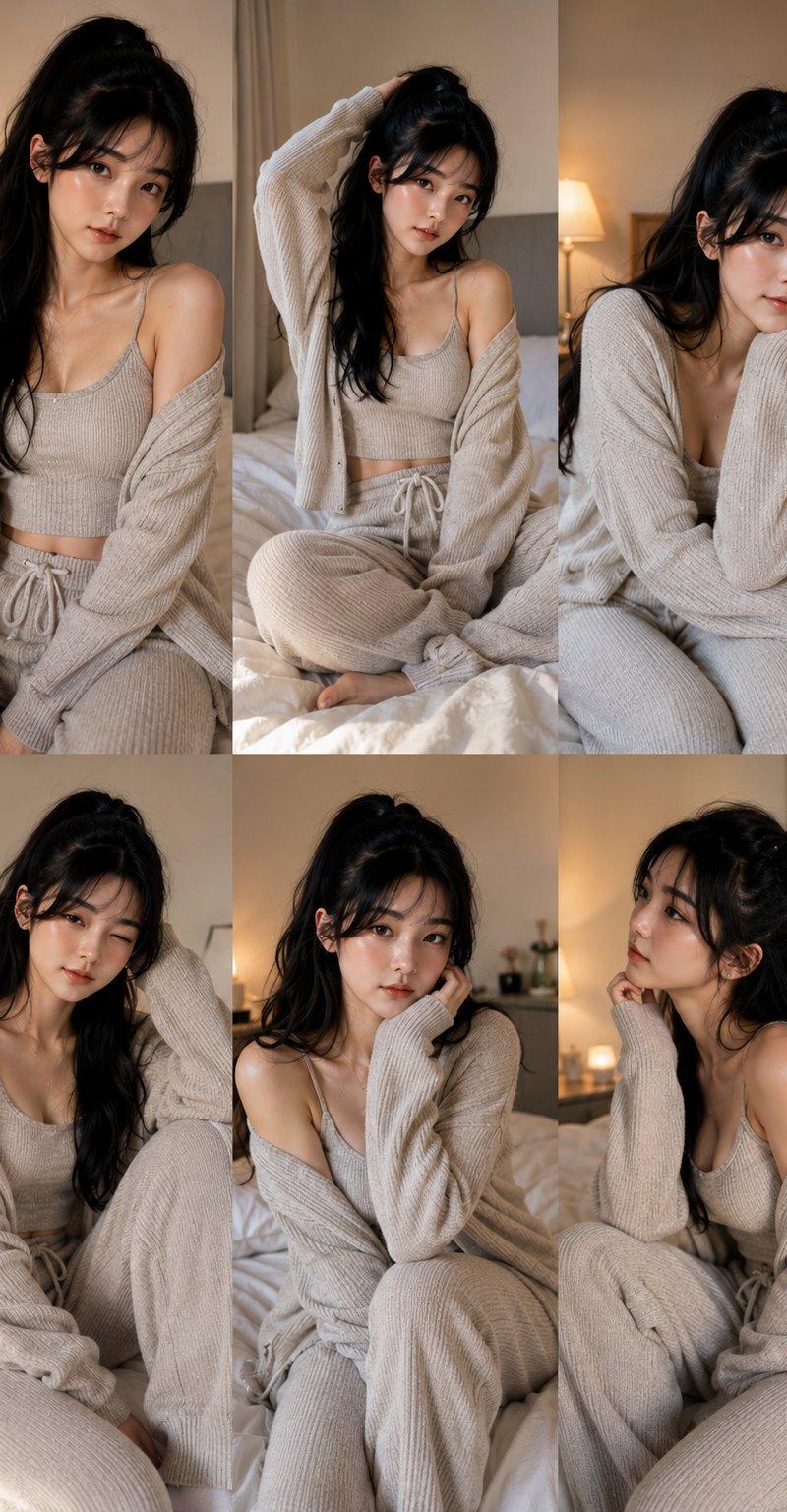
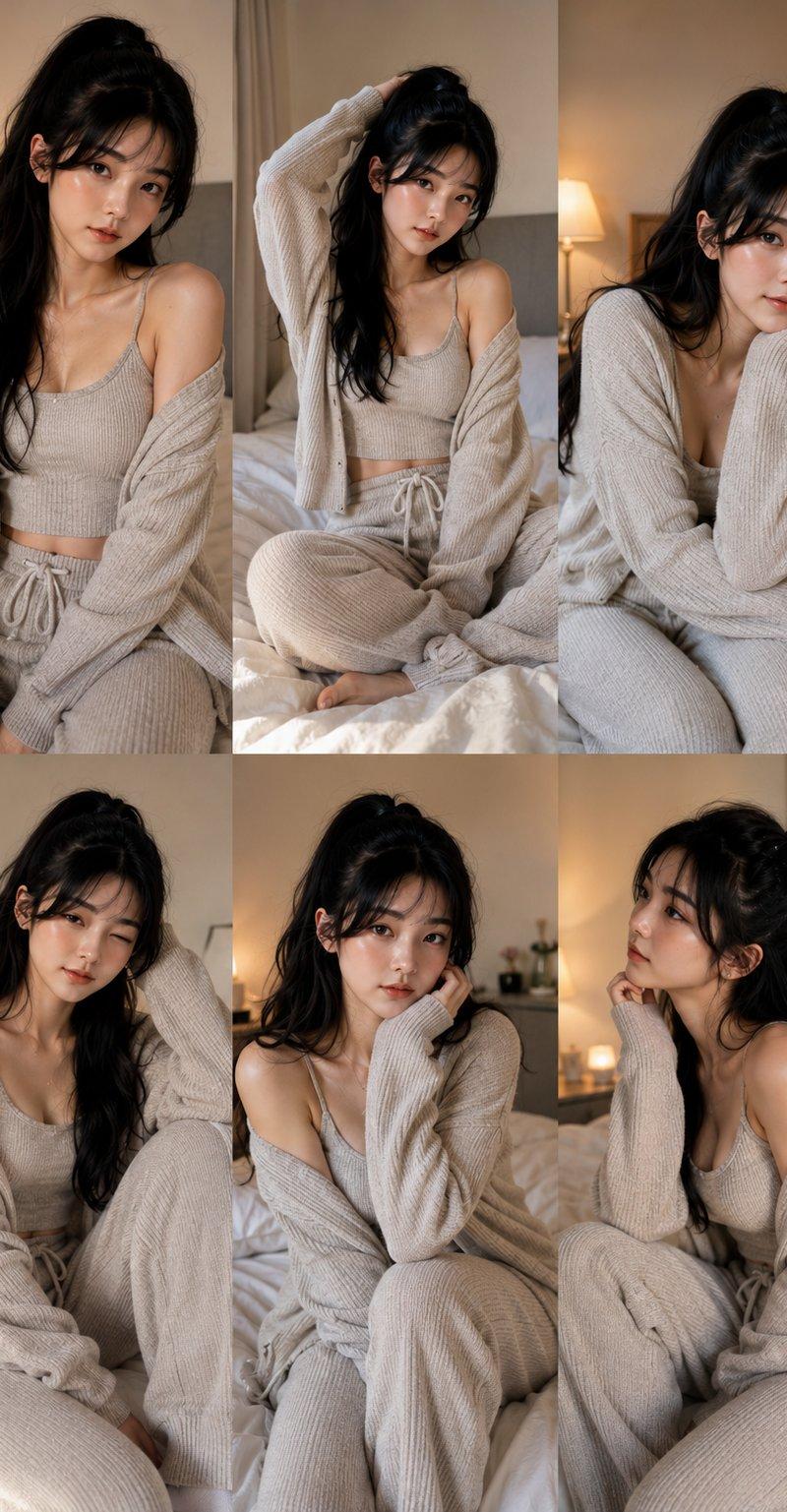
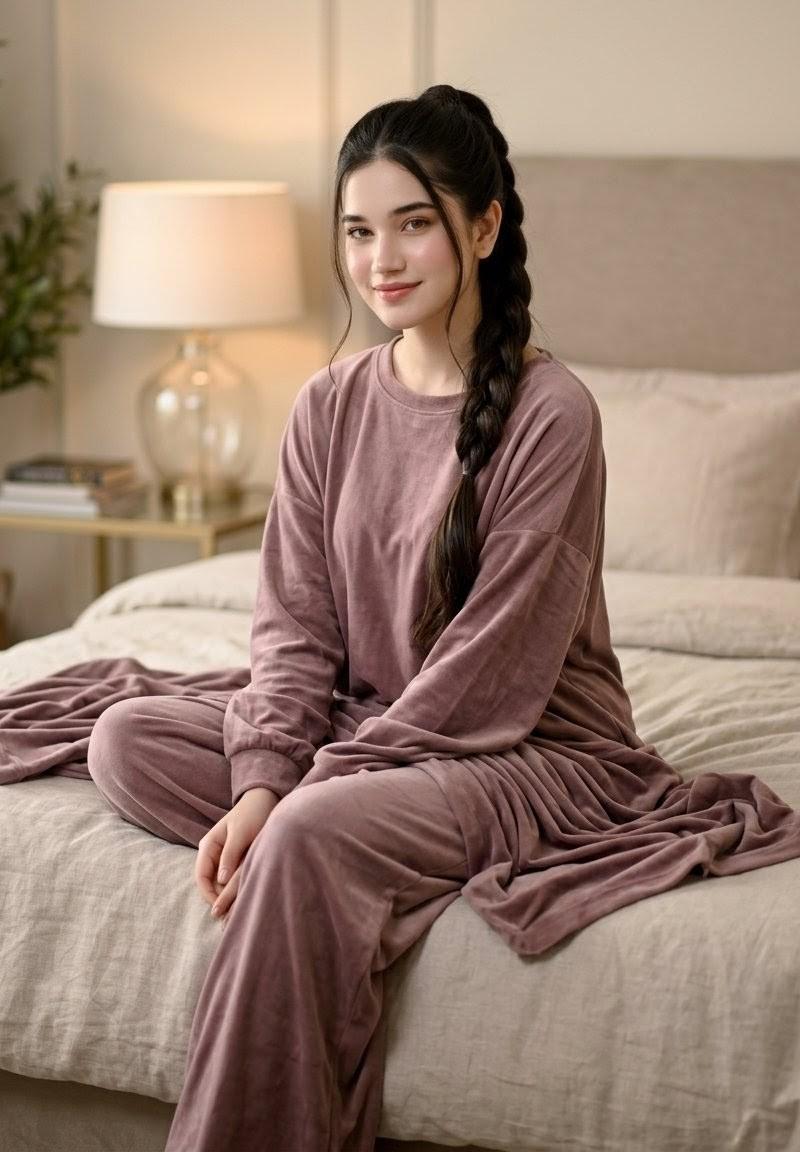
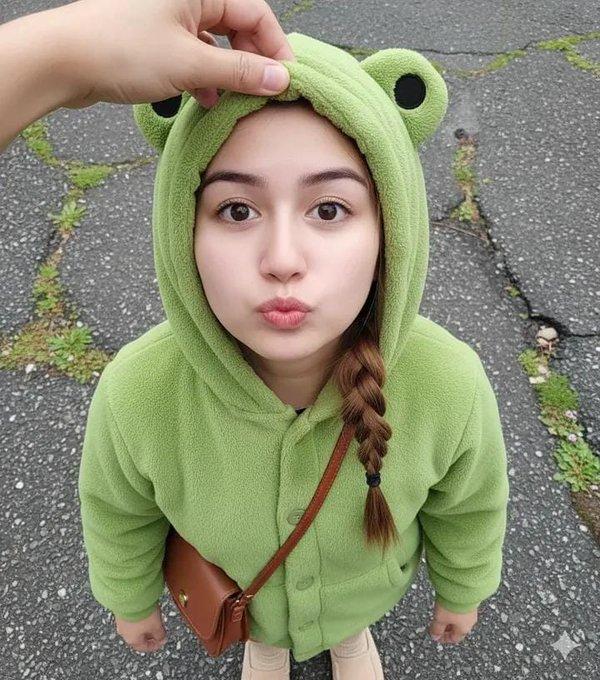
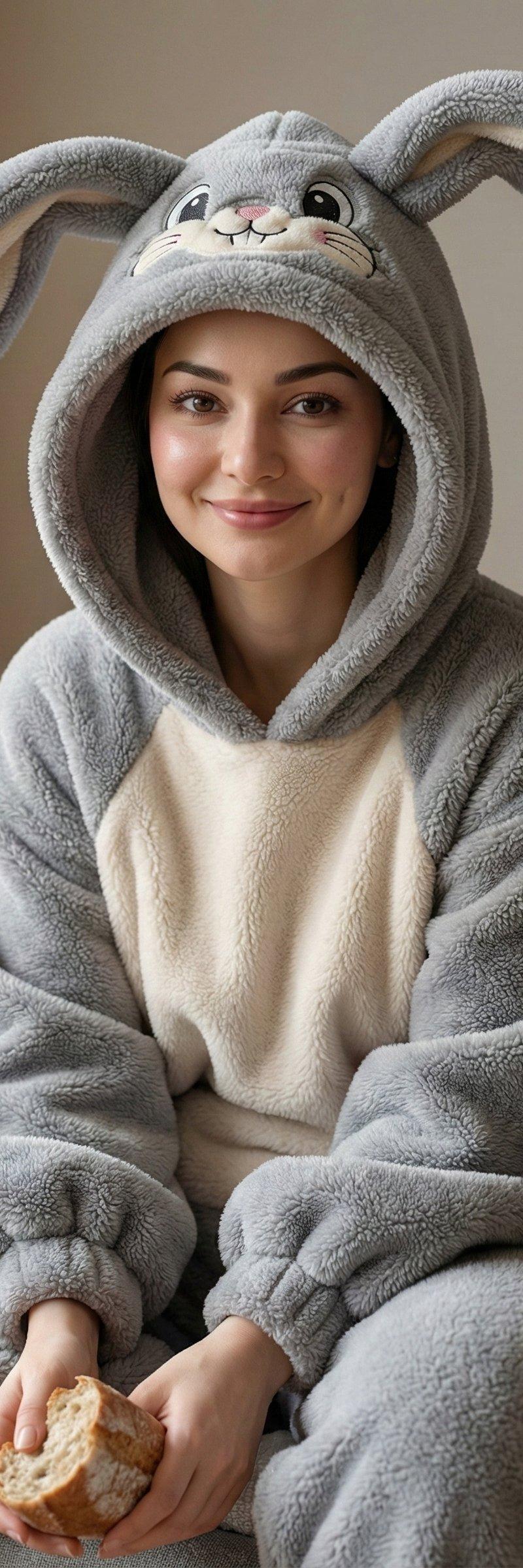
Ultra-realistic 8K medium close-up portrait of the SAME person from the reference photo (face 100% identical, all facial features, proportions, and expression fully preserved). The subject sits comfortably on a minimalist aesthetic sofa, holding a glass of white milk or a piece of bread, in a relaxed natural pose. Soft diffused HDR lighting evenly illuminates the face and skin, creating clean highlights and extremely clear micro-texture.The subject is wearing a plush grey fleece bunny onesie that appears thick, soft, and highly textured.
Outfit details (unchanged, but adapted to remain neutral):
• Bunny-themed hood with neatly embroidered cartoon facial features (large eyes, small nose, soft expression lines).
• Long bunny ears standing upright with a natural gentle curve, showing realistic fine fur texture.
• Cream-colored chest panel in smoother fleece, giving a soft contrast to the grey plush fabric.• Oversized padded sleeves and pants with puffy, cozy volume and natural folds.
• Visible fine fibers of the plush material enhanced by soft light revealing micro-details.
Background:
A warm-toned minimalist living room interior with shallow depth of field and gentle bokeh, keeping the subject and the textured outfit as the primary visual focus.
Camera setup:
85mm f/1.4, high dynamic range, accurate color, extremely low noise, ultra-sharp detail.Image Ratio 3:4
Signature in corner Shreya Yadav
Category
Photography & Realism
Model
Unknown
Creator
Shreya Yadav
Source language
zh-CN
Views0
Source ID
realistic-portrait-in-bunny-onesie
Studio

Guide

About "灰兔装写实肖像"

What is this prompt for?

"灰兔装写实肖像" AI image prompt for Unknown (Photography & Realism). Realistic Portrait in Bunny Onesie. Use Gemini ai 🍁 Prompt ⤵️ Ultra-realistic 8K medium close-u…

The full copyable prompt and example visuals above are ready for AI image generation or one-click recreate in Picva.

How to use this prompt

  1. Step 1

    Open the prompt detail

    Review the example visuals, category, and full prompt text for "灰兔装写实肖像".

  2. Step 2

    Copy the prompt

    Copy the prompt body from this page, or load it directly in Studio.

  3. Step 3

    Pick a model (Unknown)

    Prefer Unknown. If you switch models, keep subject and composition and tweak style terms.

  4. Step 4

    Generate and export

    Recreate the look in Picva, or export into your workflow for editing and publishing.

FAQ

What is the "灰兔装写实肖像" prompt?
It is an AI image-generation prompt for Unknown in the Photography & Realism category. This page includes the full prompt text, example visuals, and a one-click recreate path in Picva.
How do I use this prompt to generate an image?
Copy the prompt from this page, or use Generate / Studio. Paste it into a compatible image model, or recreate the look in Picva with optional reference images.
Which model is this prompt for?
This page lists Unknown. Most descriptive prompts also transfer to nearby image models such as GPT Image, Flux, or Midjourney with light style tweaks.
Can I use the result commercially?
You can usually copy the prompt for creation, but commercial use of the final image depends on the model terms, reference-image rights, and the generated content. Follow the source author and platform rules.