20

重新构想的玫瑰金
Enlarge

重新构想的玫瑰金

Prompt
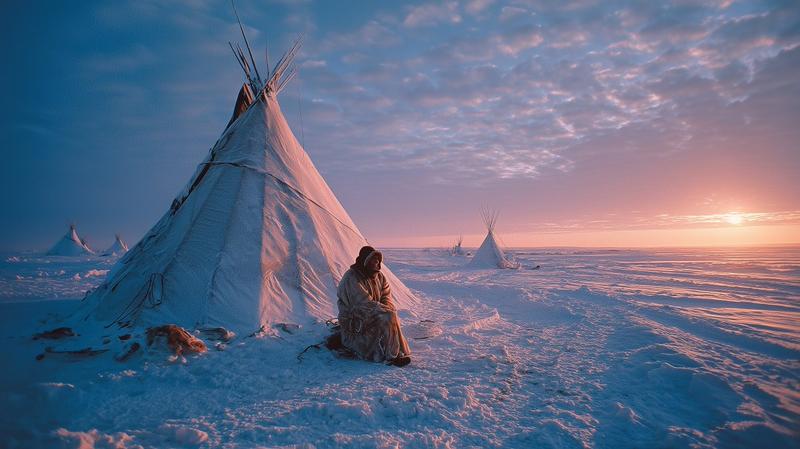
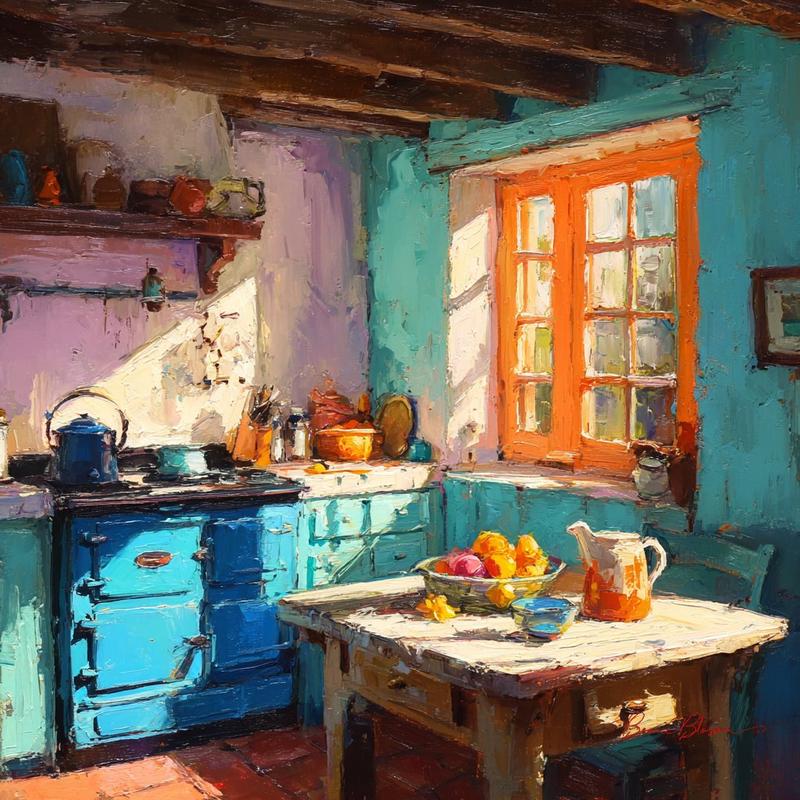
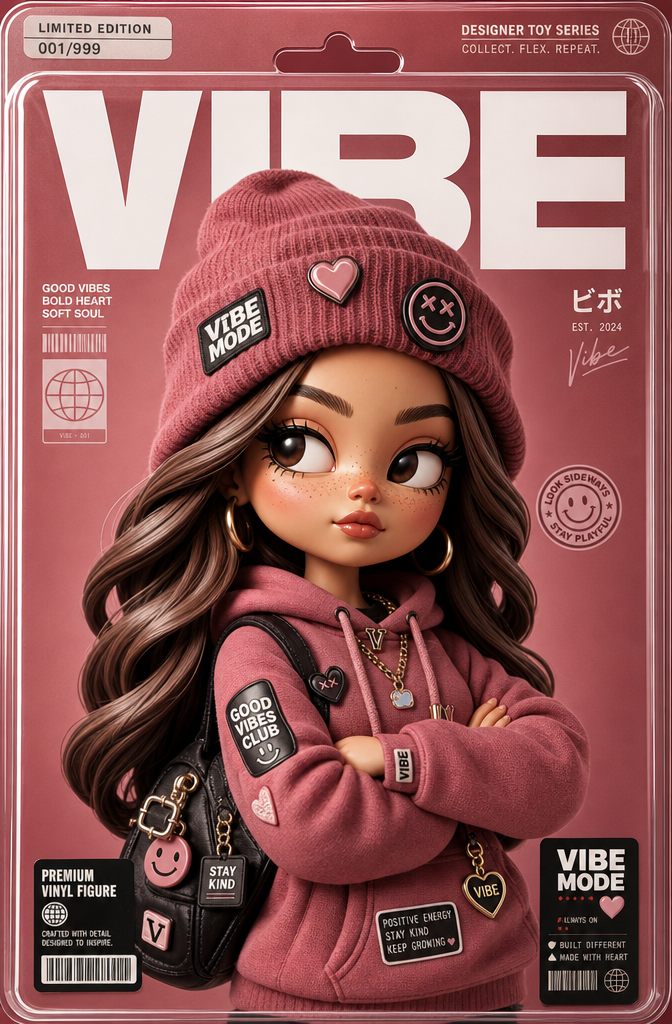
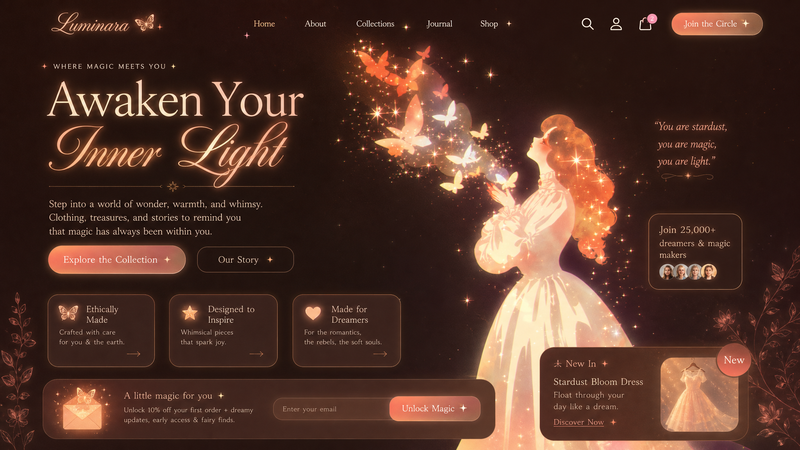
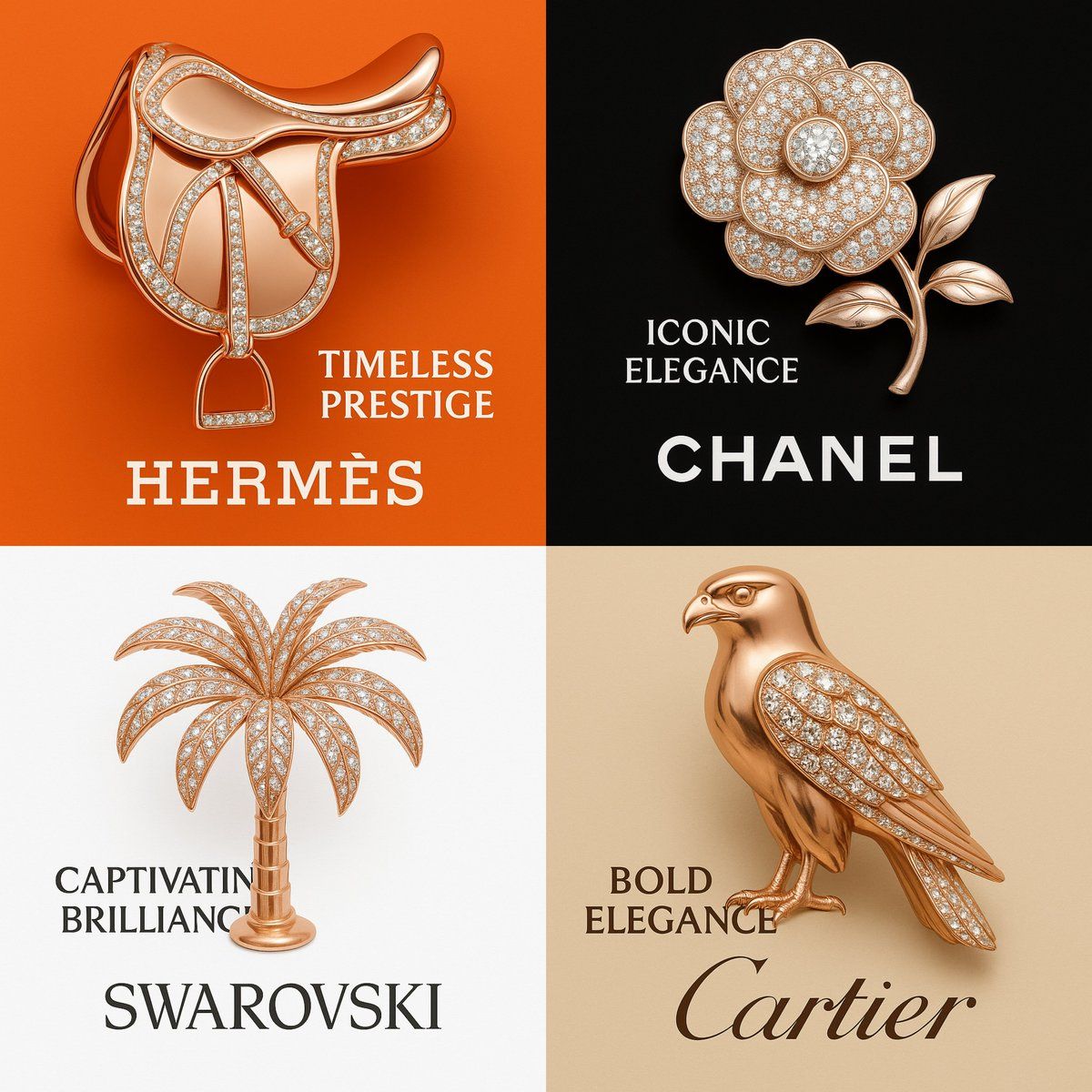
Design a luxury-themed 1:1 image featuring a rose gold sculpture that embodies the essence of the jewelry brand “[BRAND NAME]”. The object must symbolically reflect the brand’s identity (e.g., falcon for Cartier, ring for Tiffany & Co., palm tree for Swarovski, camel for Prada). Embed premium crystal textures into key parts of the sculpture (e.g., wings, gem, leaves, or hump) to match the brand’s signature elegance. Use the brand’s iconic background color (e.g., Tiffany Blue, Swarovski White, Cartier Beige, Prada Sand) and place the official logo beneath the sculpture. Add a bold two-word slogan that aligns with the brand’s tone. Lighting should be pure white with high Kelvin value to ensure clarity and prevent yellow tint. The result must feel editorial, artistic, and visually exquisite.
Category
UI & Interfaces
Model
Unknown
Creator
aziz4ai
Views0
Source ID
reimagined-rose-gold

Guide

About "重新构想的玫瑰金"

What is this prompt for?

"重新构想的玫瑰金" AI image prompt for Unknown (UI & Interfaces). Design a luxury-themed 1:1 image featuring a rose gold sculpture that embodies the essence of the jew…

The full copyable prompt and example visuals above are ready for AI image generation or one-click recreate in Picva.

How to use this prompt

  1. Step 1

    Open the prompt detail

    Review the example visuals, category, and full prompt text for "重新构想的玫瑰金".

  2. Step 2

    Copy the prompt

    Copy the prompt body from this page, or load it directly in Studio.

  3. Step 3

    Pick a model (Unknown)

    Prefer Unknown. If you switch models, keep subject and composition and tweak style terms.

  4. Step 4

    Generate and export

    Recreate the look in Picva, or export into your workflow for editing and publishing.

FAQ

What is the "重新构想的玫瑰金" prompt?
It is an AI image-generation prompt for Unknown in the UI & Interfaces category. This page includes the full prompt text, example visuals, and a one-click recreate path in Picva.
How do I use this prompt to generate an image?
Copy the prompt from this page, or use Generate / Studio. Paste it into a compatible image model, or recreate the look in Picva with optional reference images.
Which model is this prompt for?
This page lists Unknown. Most descriptive prompts also transfer to nearby image models such as GPT Image, Flux, or Midjourney with light style tweaks.
Can I use the result commercially?
You can usually copy the prompt for creation, but commercial use of the final image depends on the model terms, reference-image rights, and the generated content. Follow the source author and platform rules.