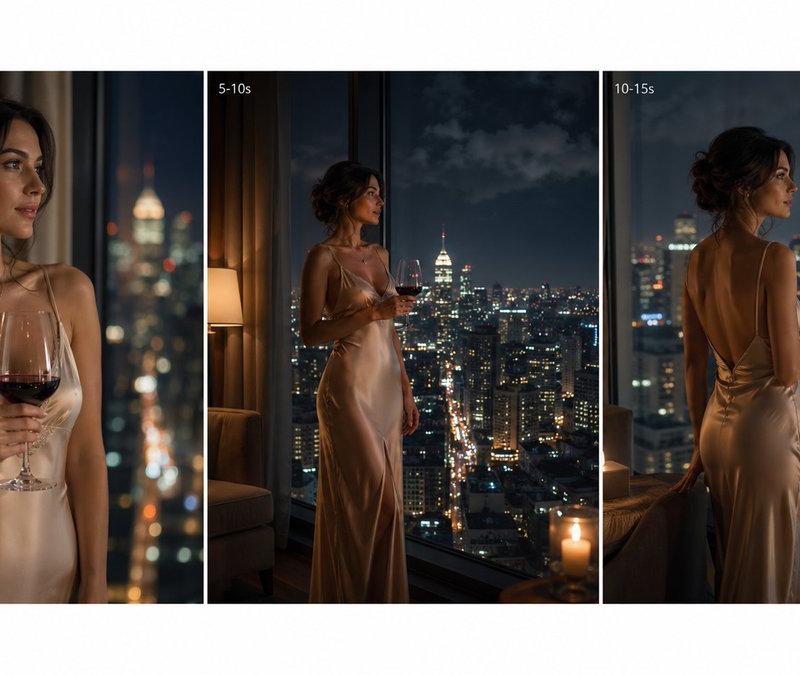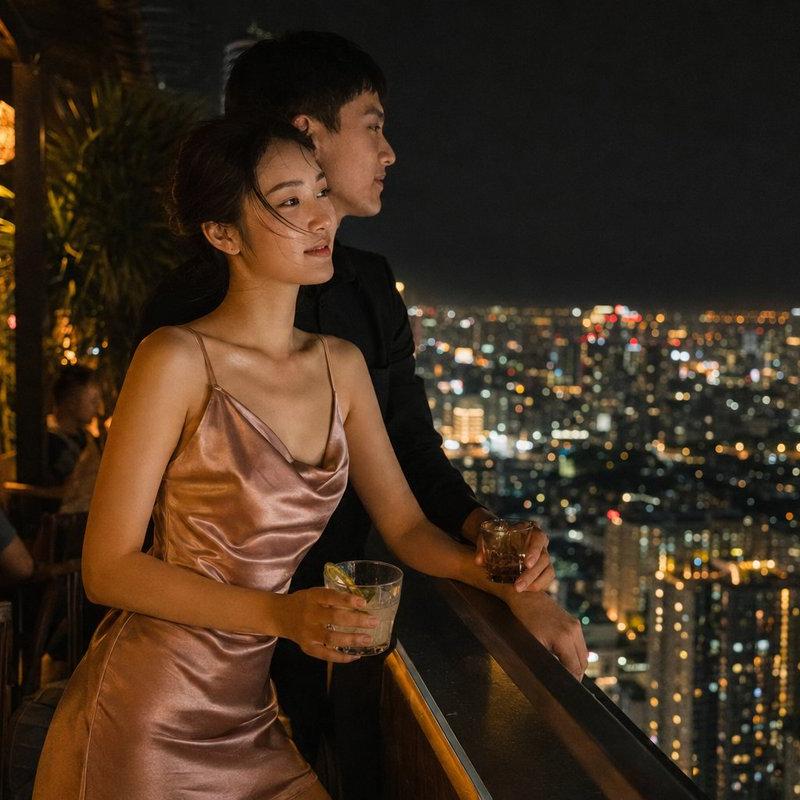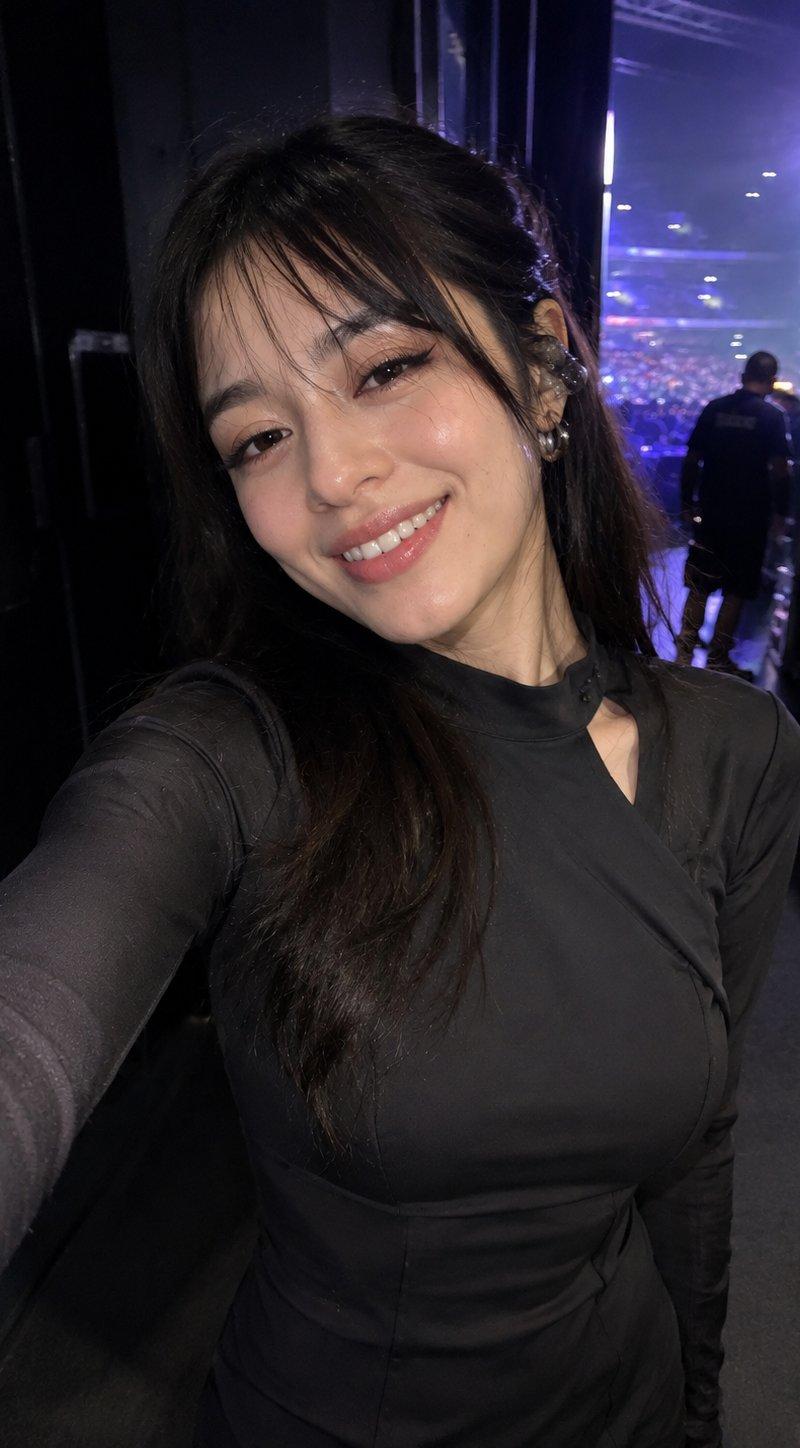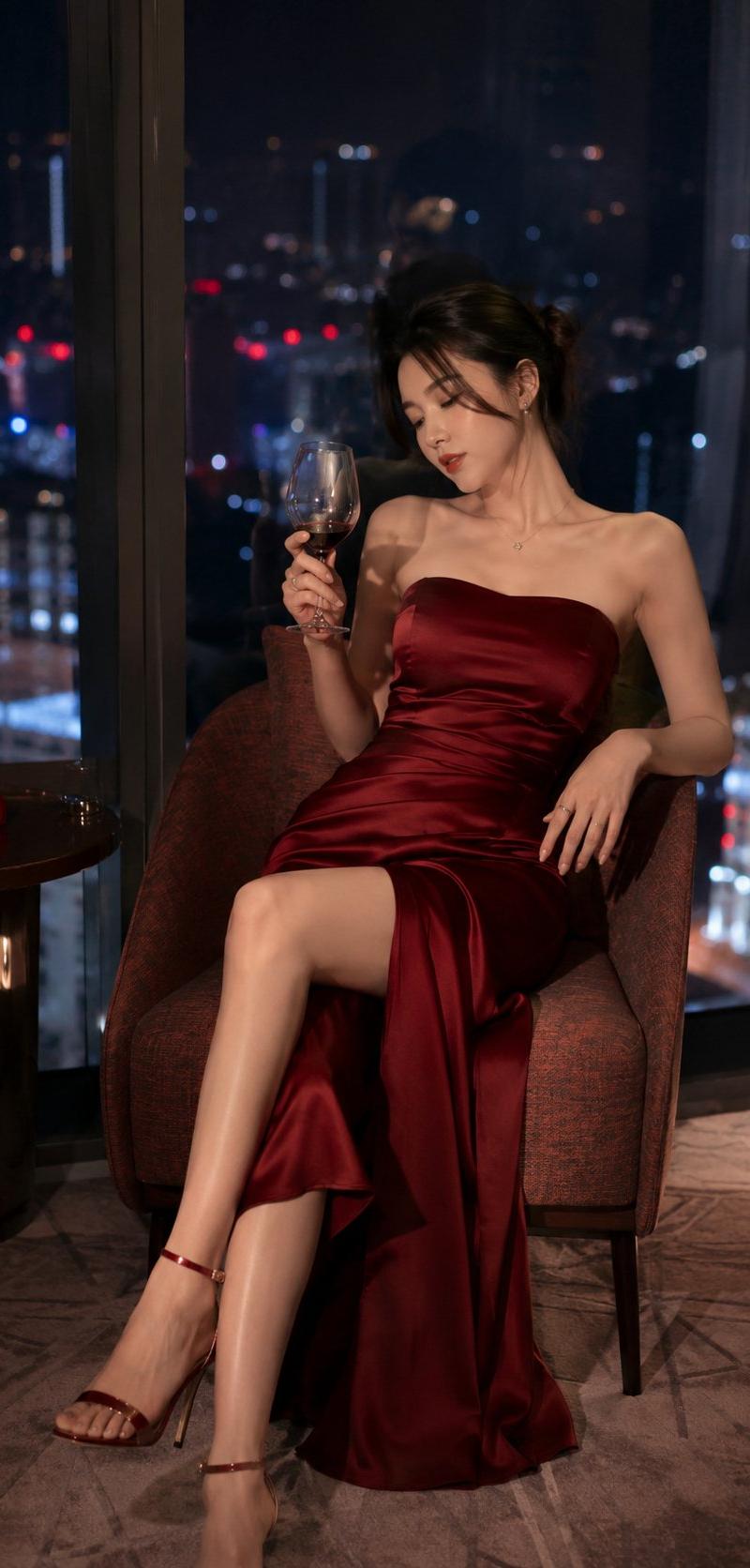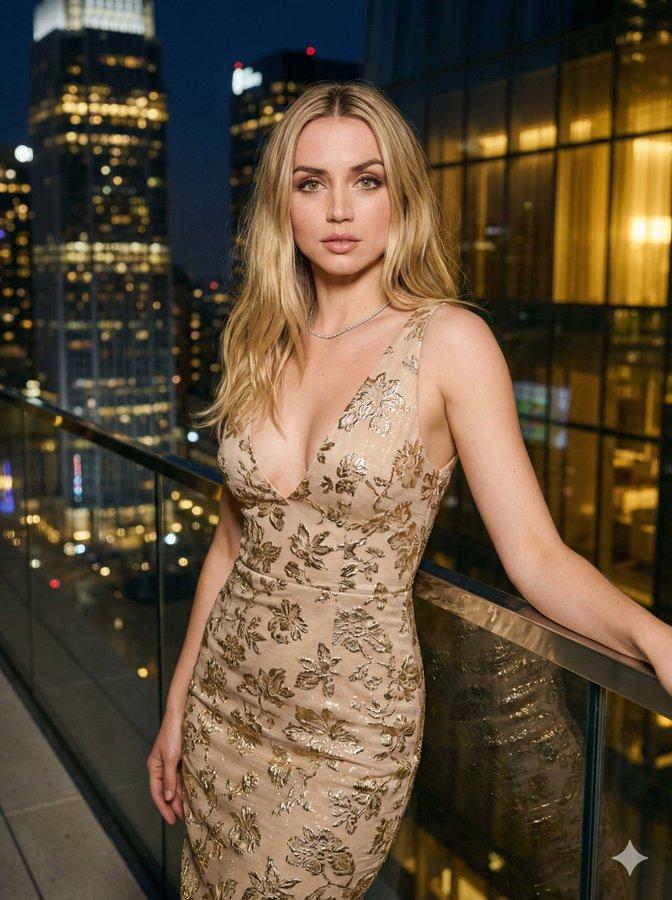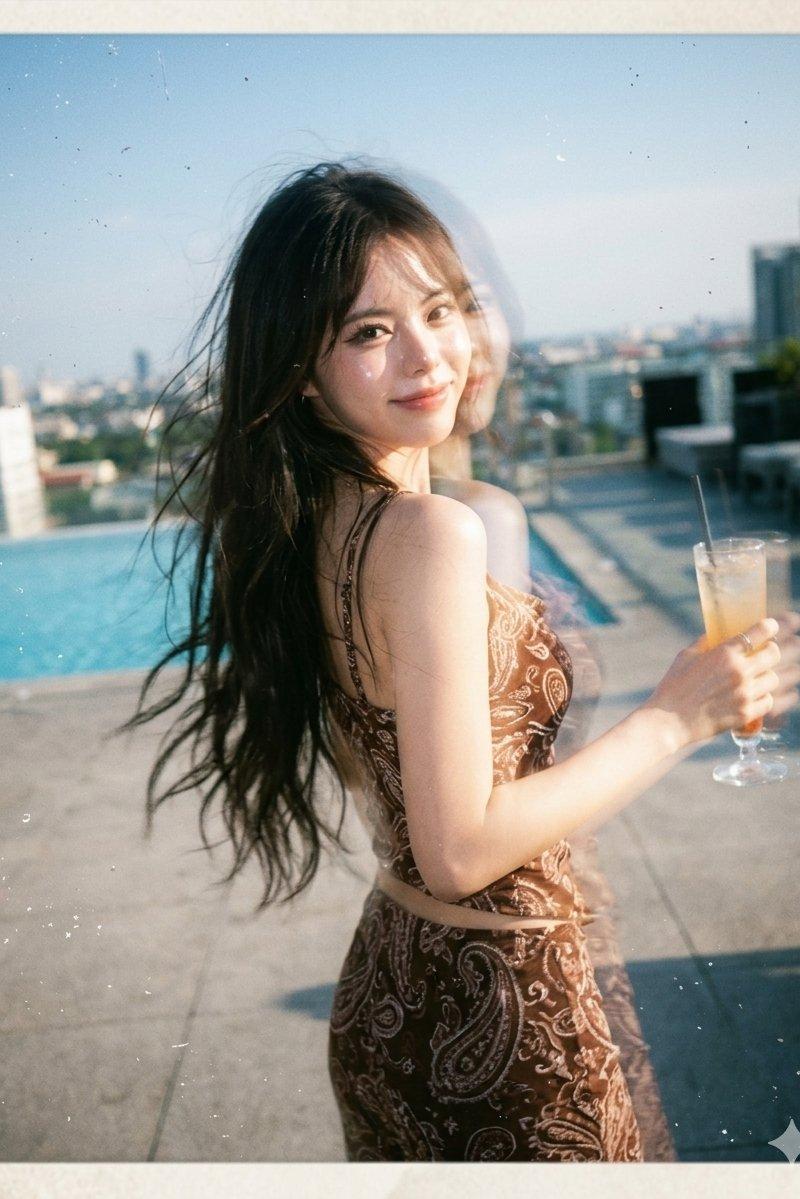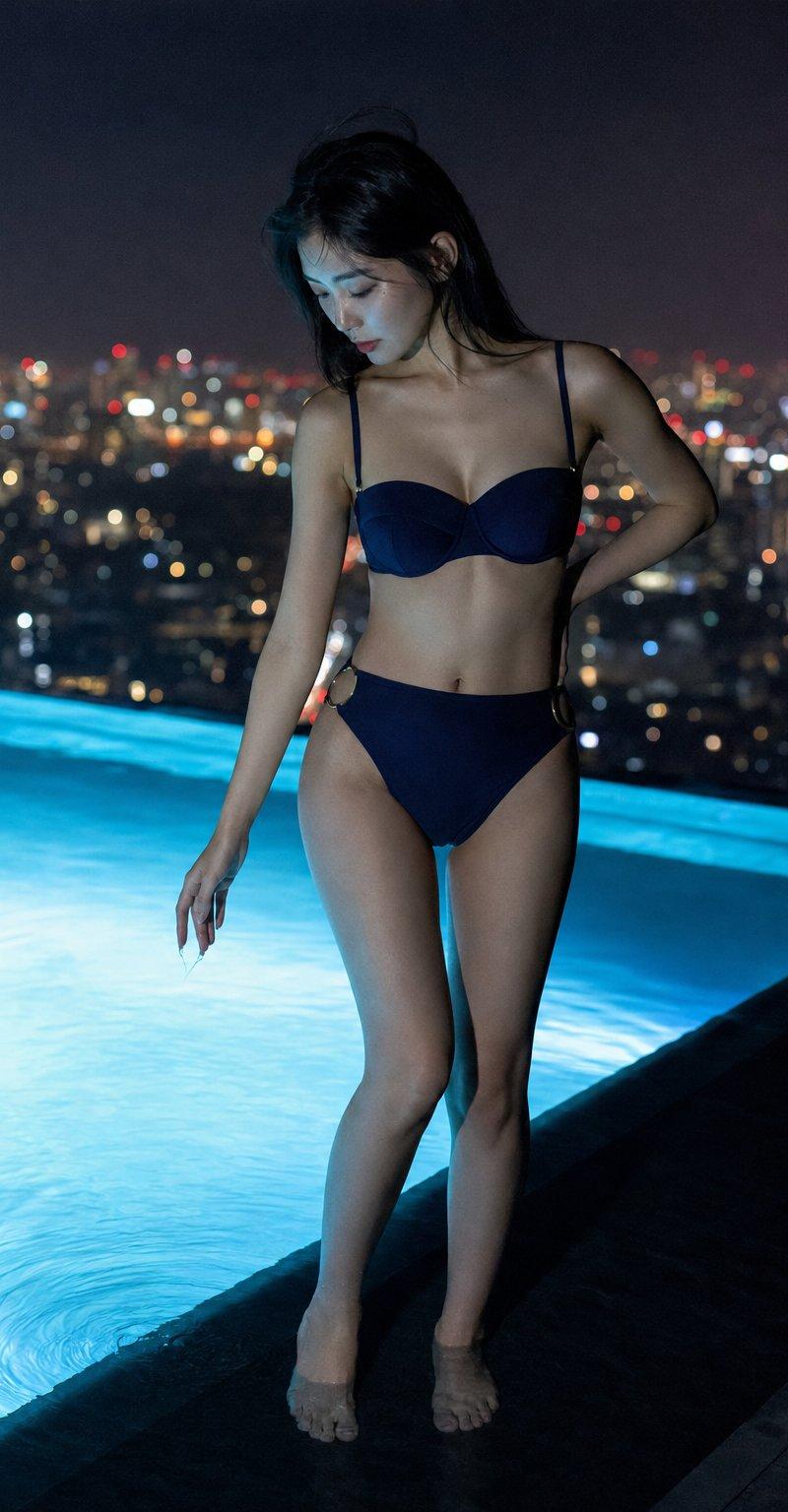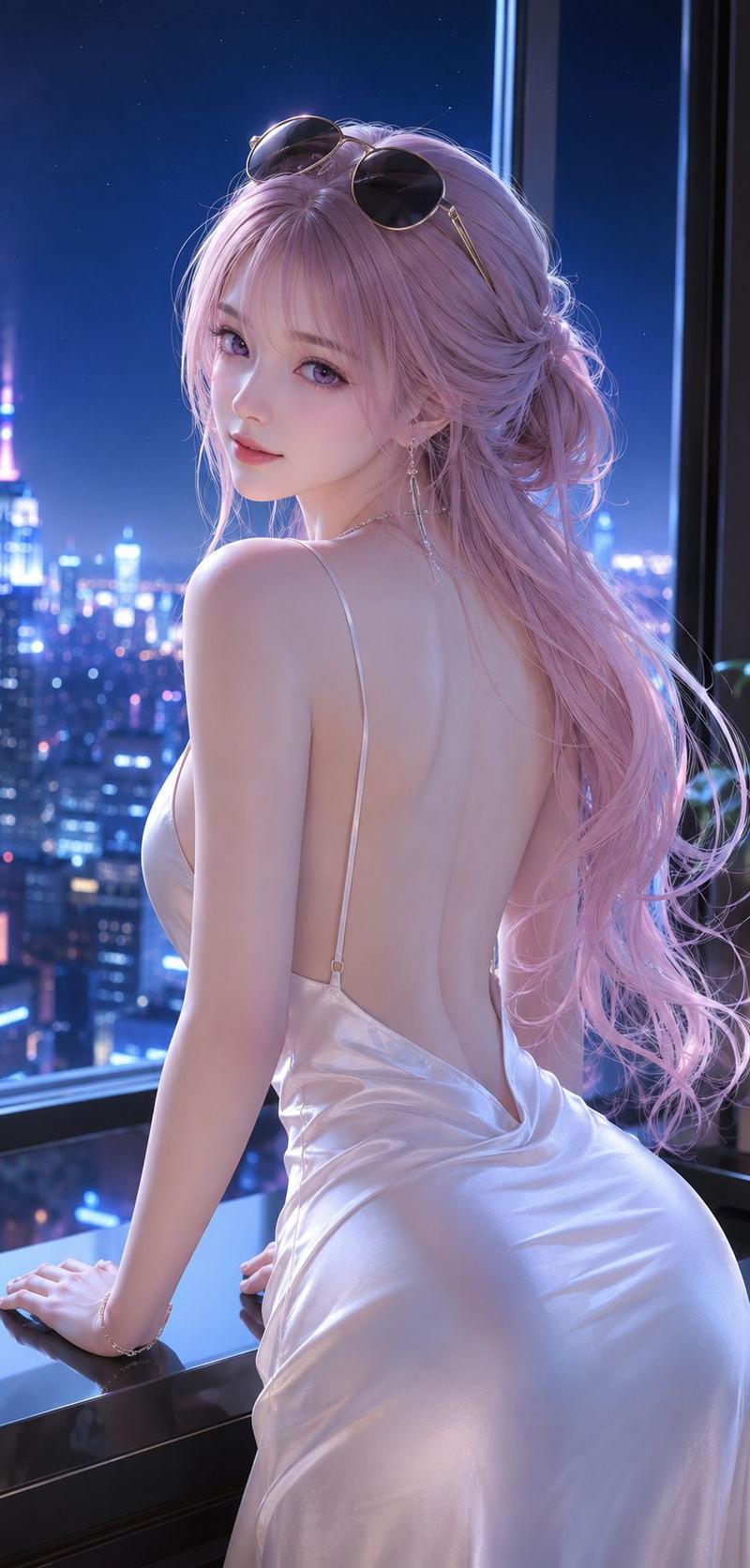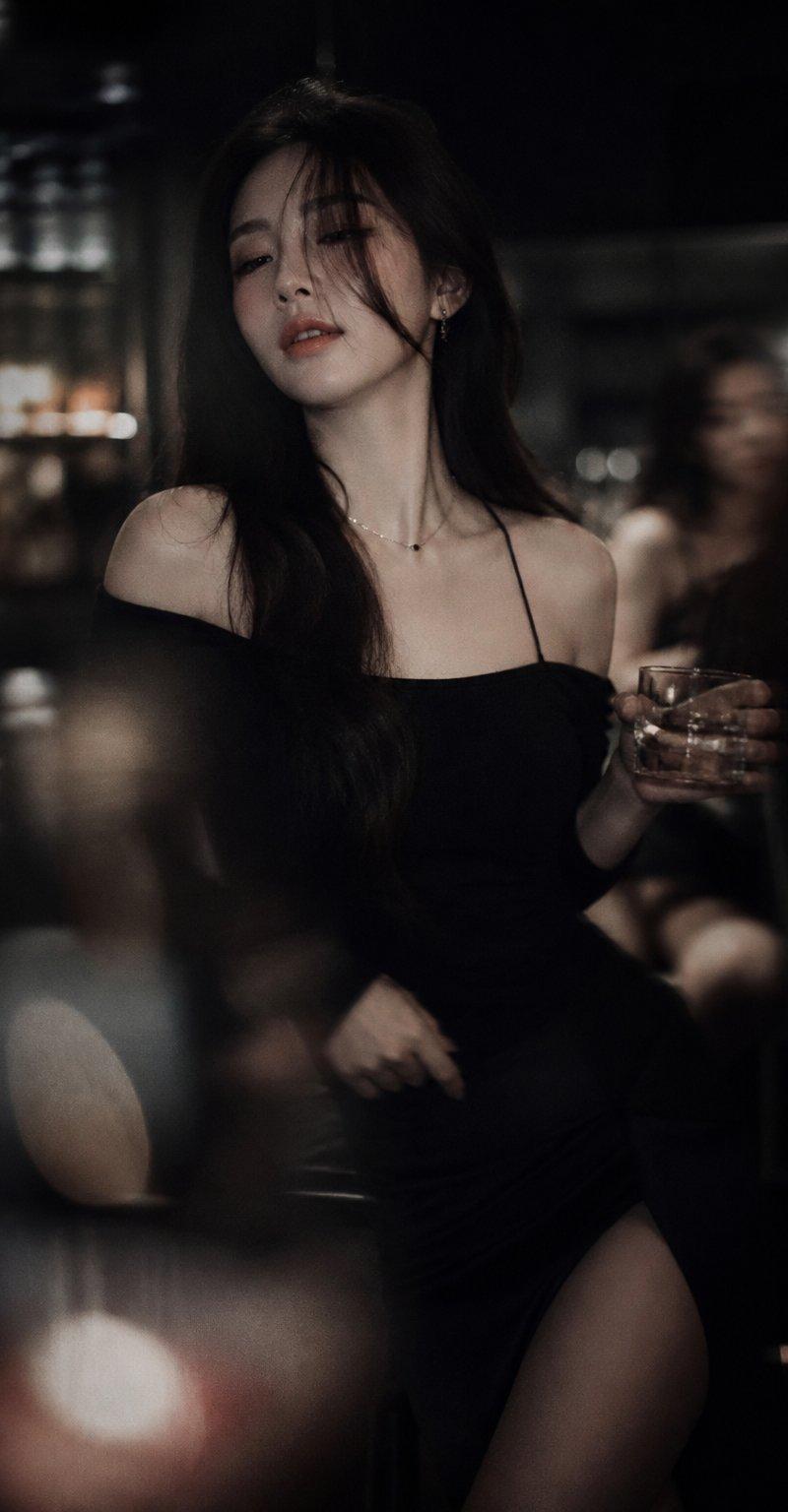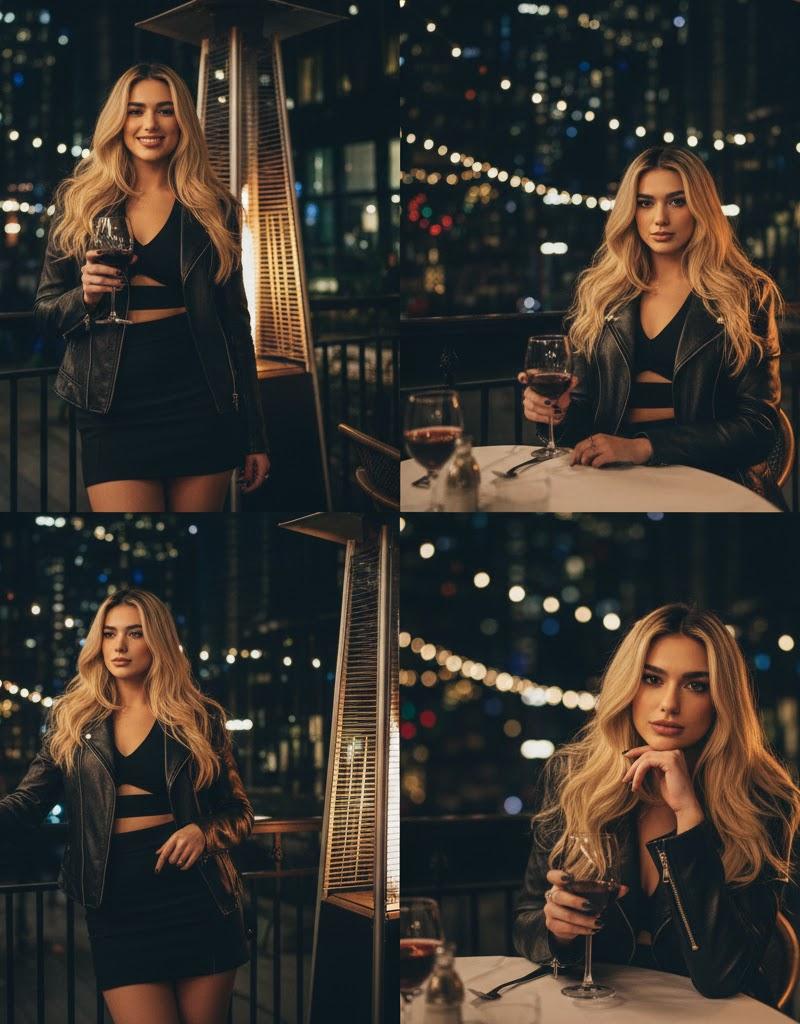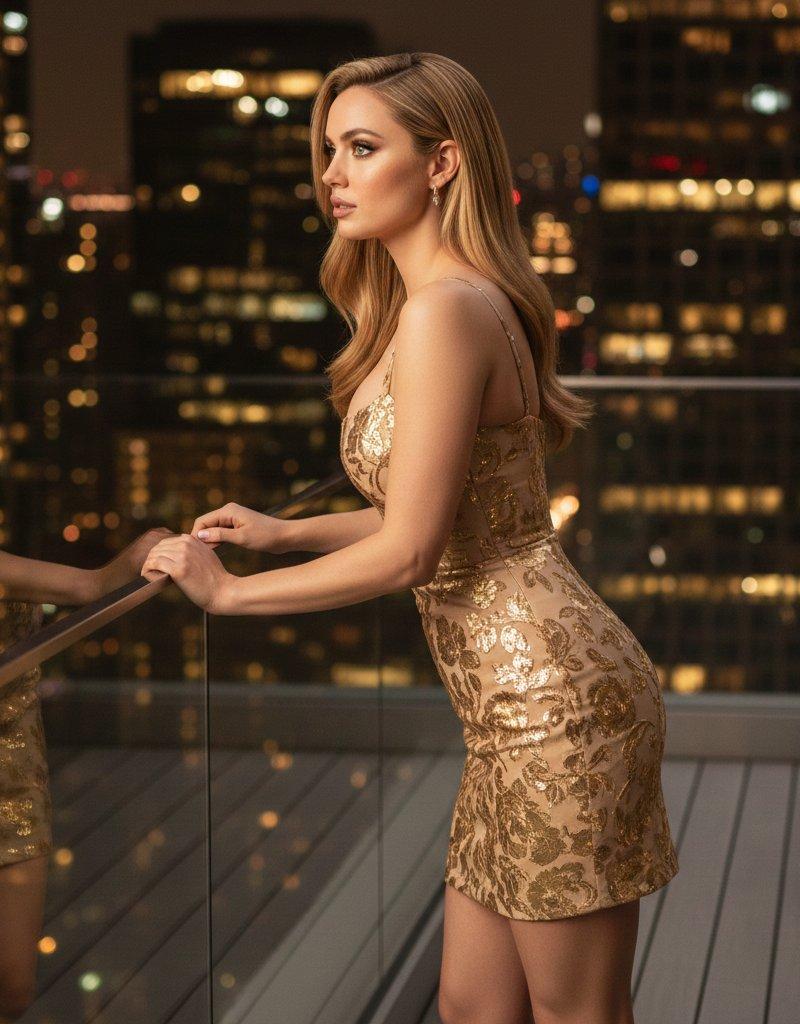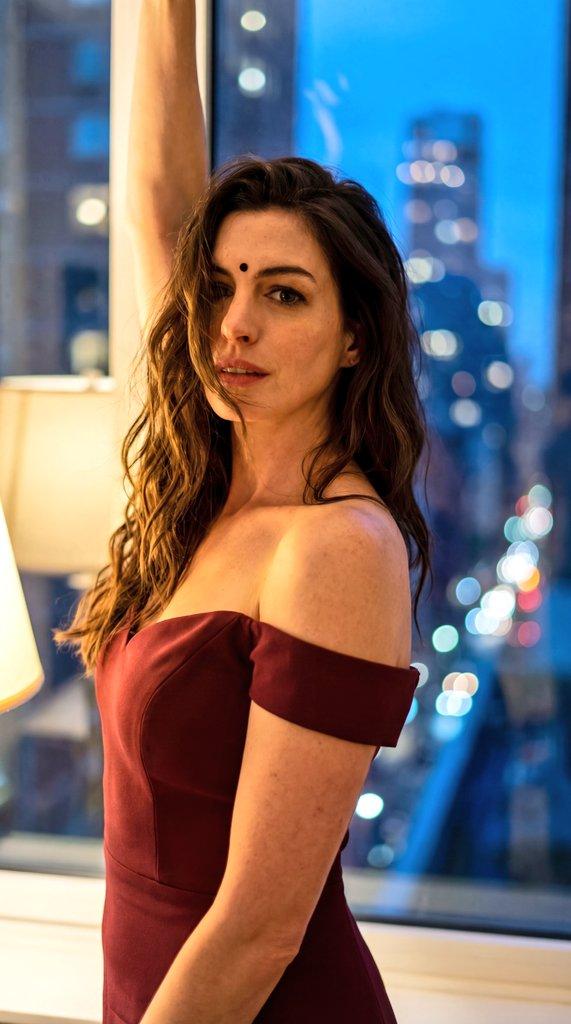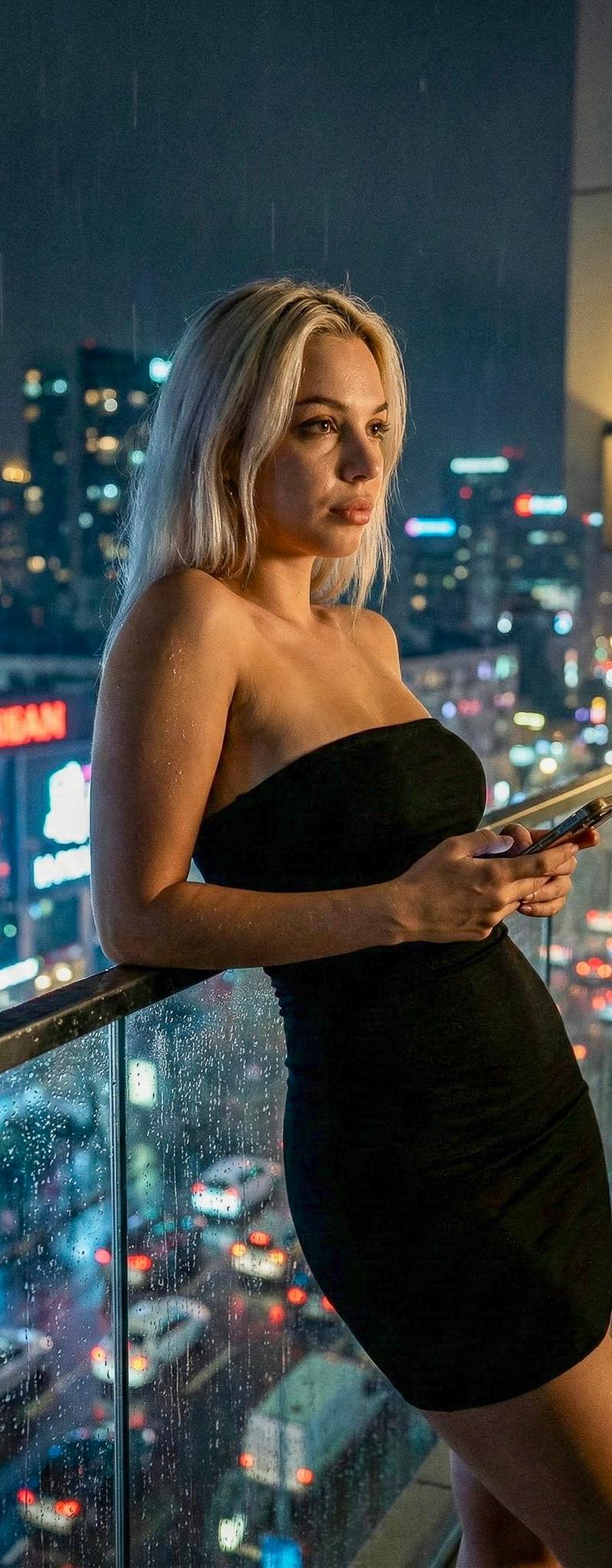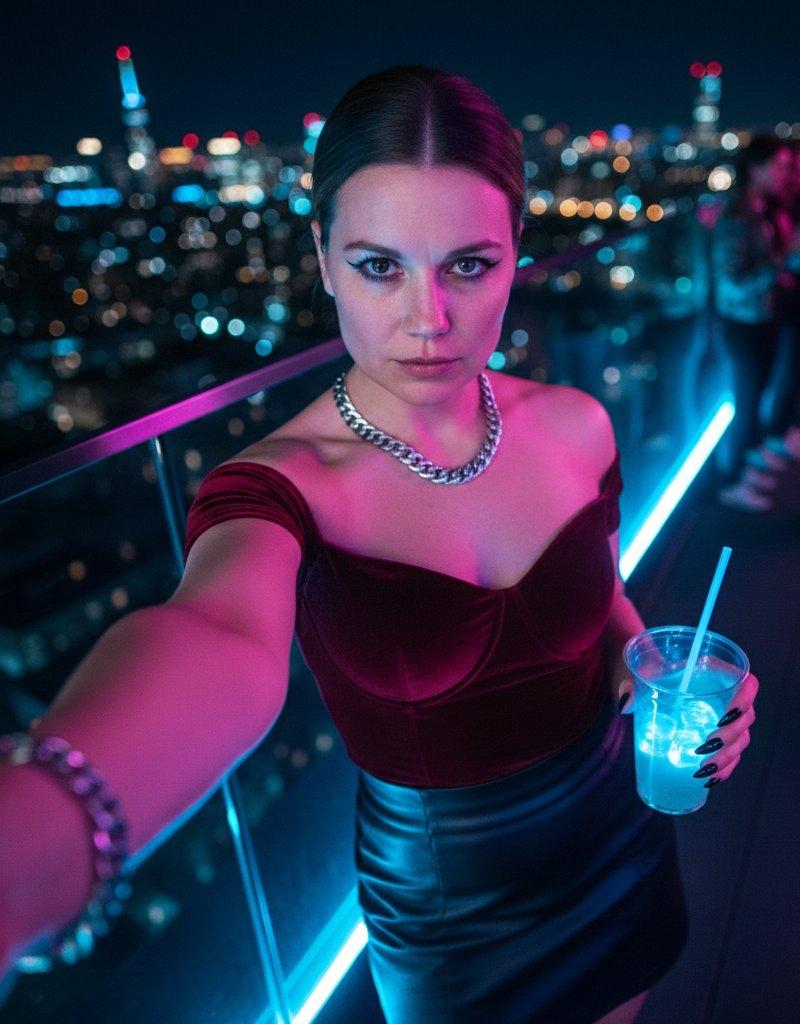
屋顶夜景自拍
Prompt
Selfie to use with Gemini and Nano Banana Pro
Prompt:
Use the uploaded image as the reference for the subject's face and likeness. Do not alter facial features; maintain 100% feature consistency. Generate the image in a Vertical 9:16 aspect ratio. The image must be strictly taller than it is wide (portrait orientation) to simulate a full-screen smartphone photo.
The subject is taking a POV selfie with one arm visibly stretched out towards the camera lens. The camera device itself is not visible. She is looking directly into the lens with a 'Cold Stare' expression—sharp direct eye contact, lips closed, icy and powerful. The camera angle is a dynamic Dutch Angle (tilted).
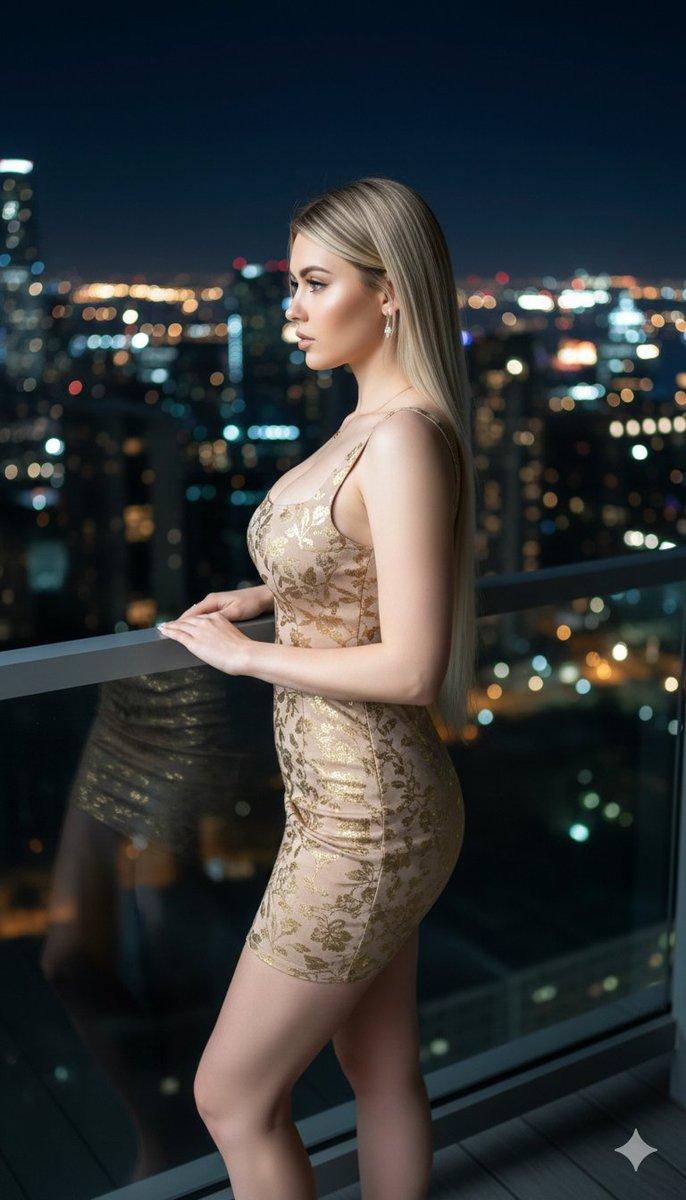
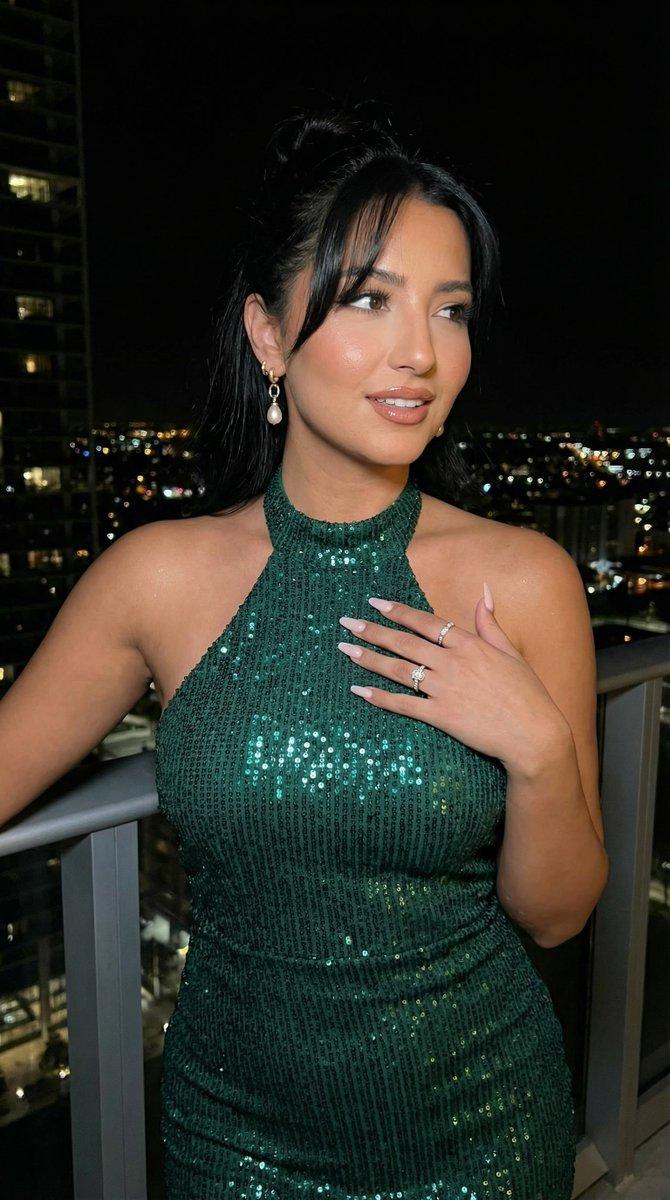
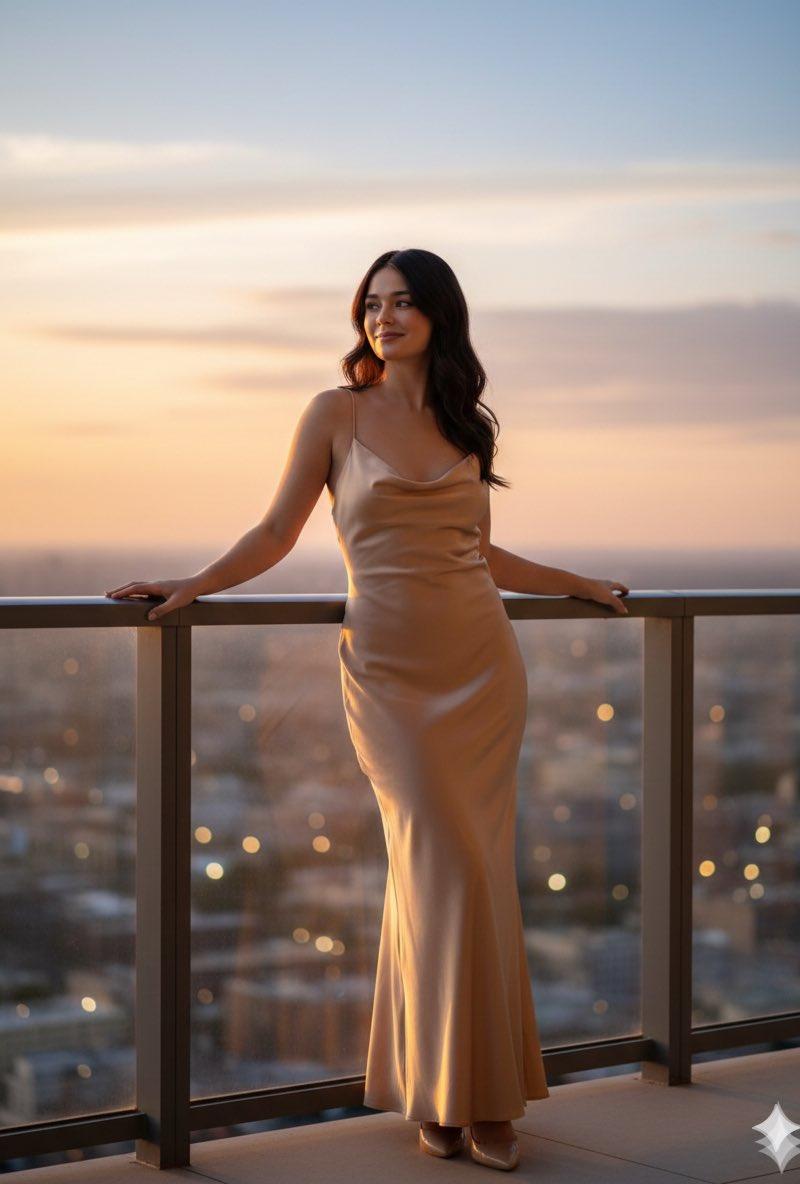
The setting is a 'Rooftop Night' with a glass railing behind her and a bokeh city skyline in the distance. The atmosphere is a 'Neon Night,' with blue and pink light casting a cyberpunk glow on her skin. In the background, blurred by deep bokeh, there is a hint of 'Nightlife' activity with people standing in line.
She is wearing a rich burgundy 'Velvet Off-Shoulder Bustier' paired with a high-waisted black 'Leather Mini' skirt. Her hair is styled in a severe 'Slicked-Back Bun.' Her makeup focuses on 'Siren Eyes' with elongated eyeliner.
Her free hand is holding a 'Takeaway Cocktail' in a clear plastic cup with a neon straw and glowing ice cubes. On the wrist of the stretched arm, she wears a 'Thick Silver Curb Chain' bracelet. Her nails are long 'Vampy Stiletto' style in deep black. She wears a 'Statement Silver' cuban link chain. The image has a sharp modern smartphone aesthetic.
- Category
- Photography & Realism
- Model
- Nano Banana Pro
- Creator
- Olde Grieze
- Source language
- zh-CN
- Source ID
- rooftop-night-selfie
Views0