20

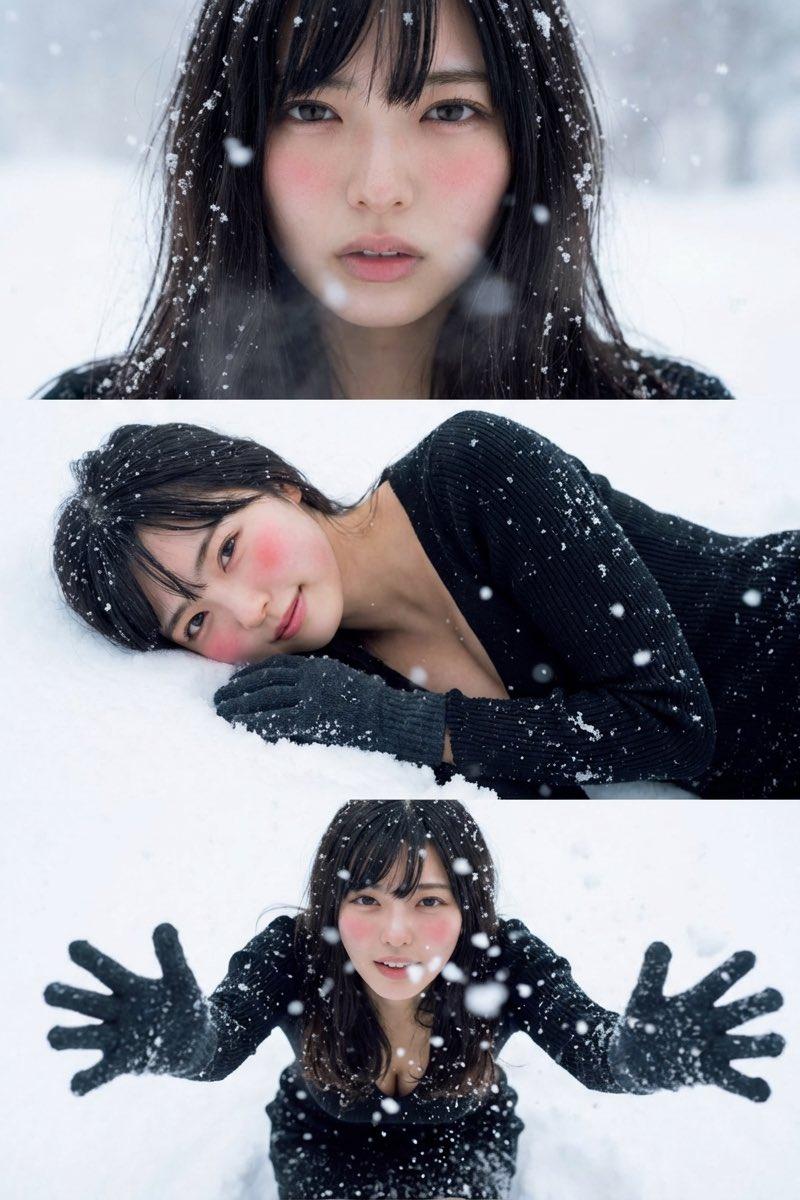
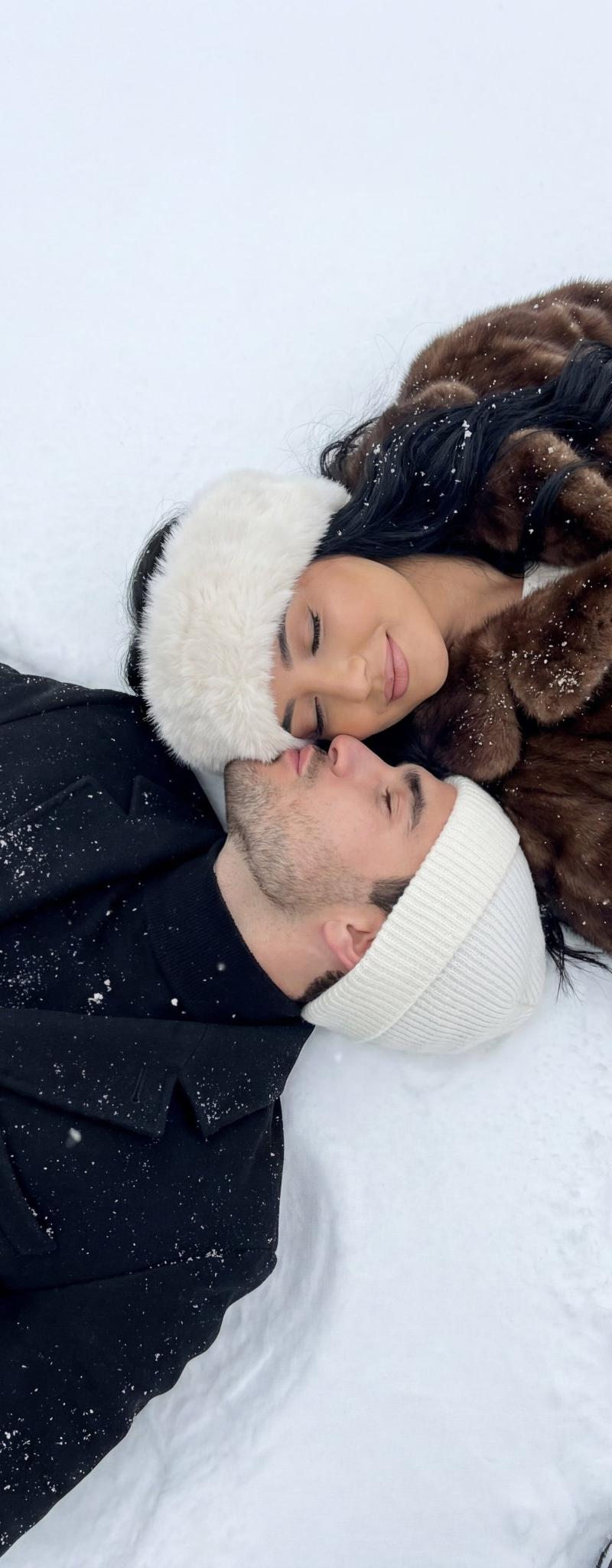
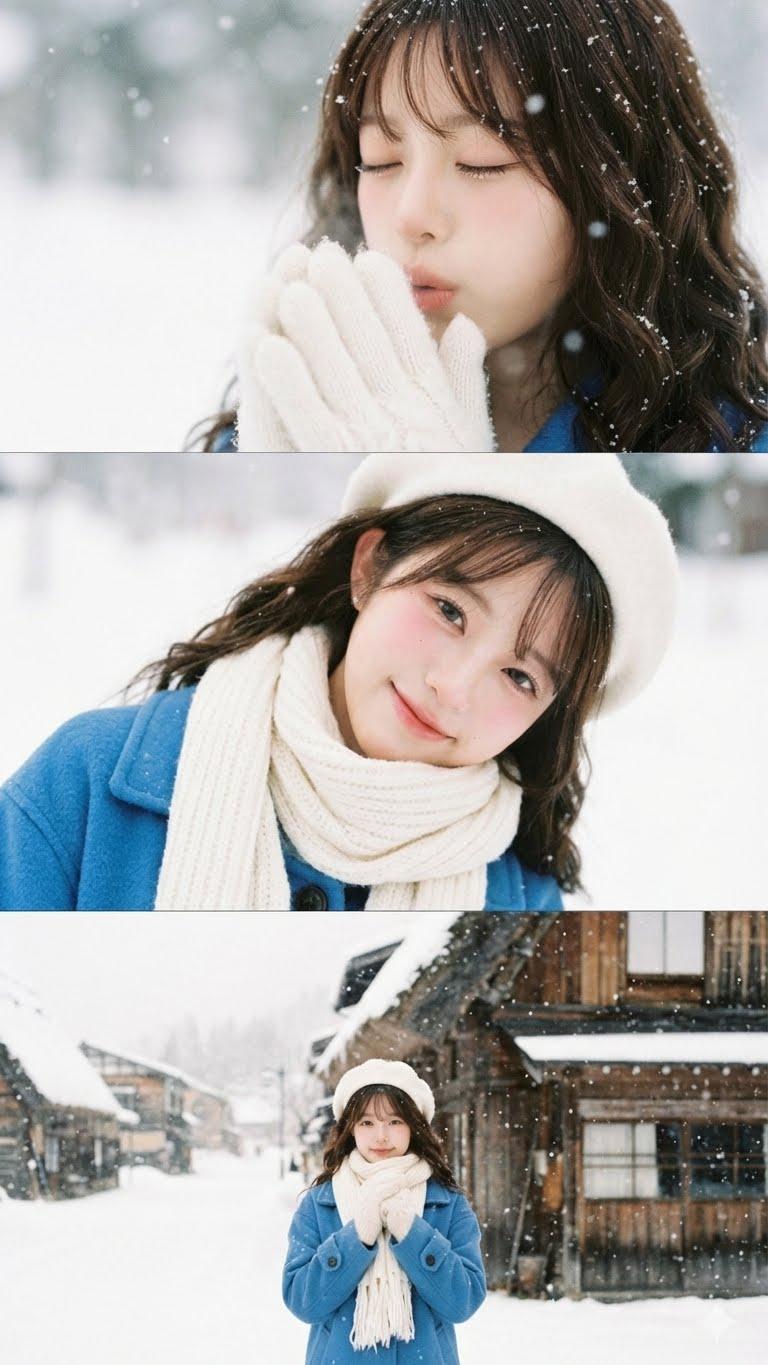
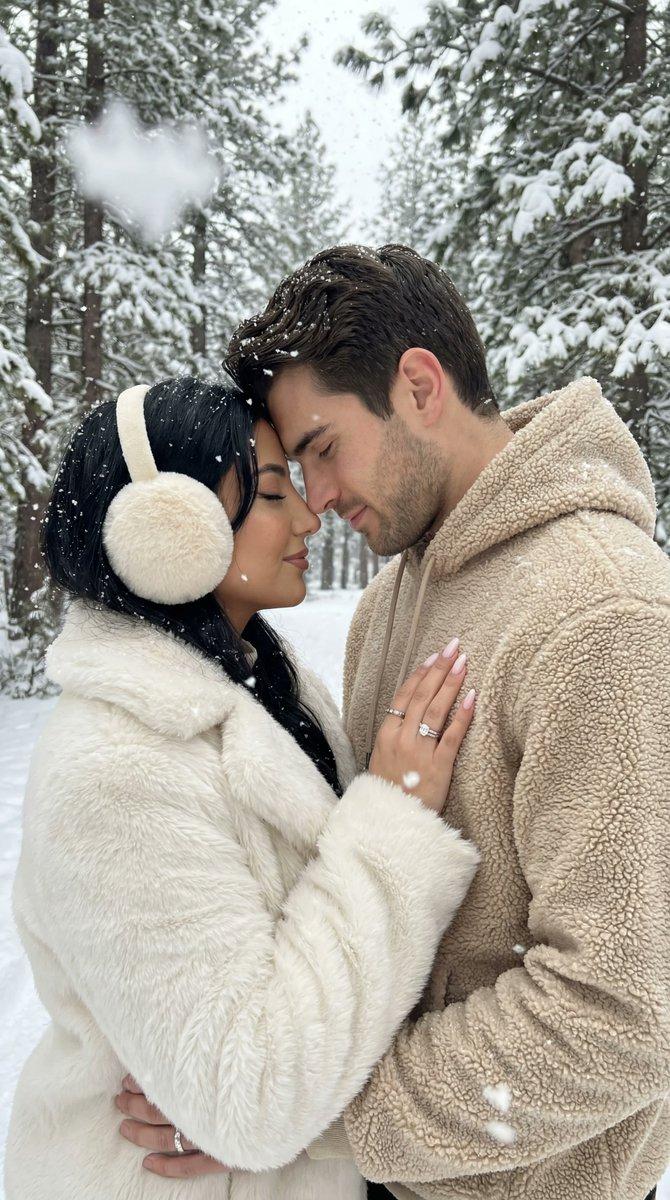
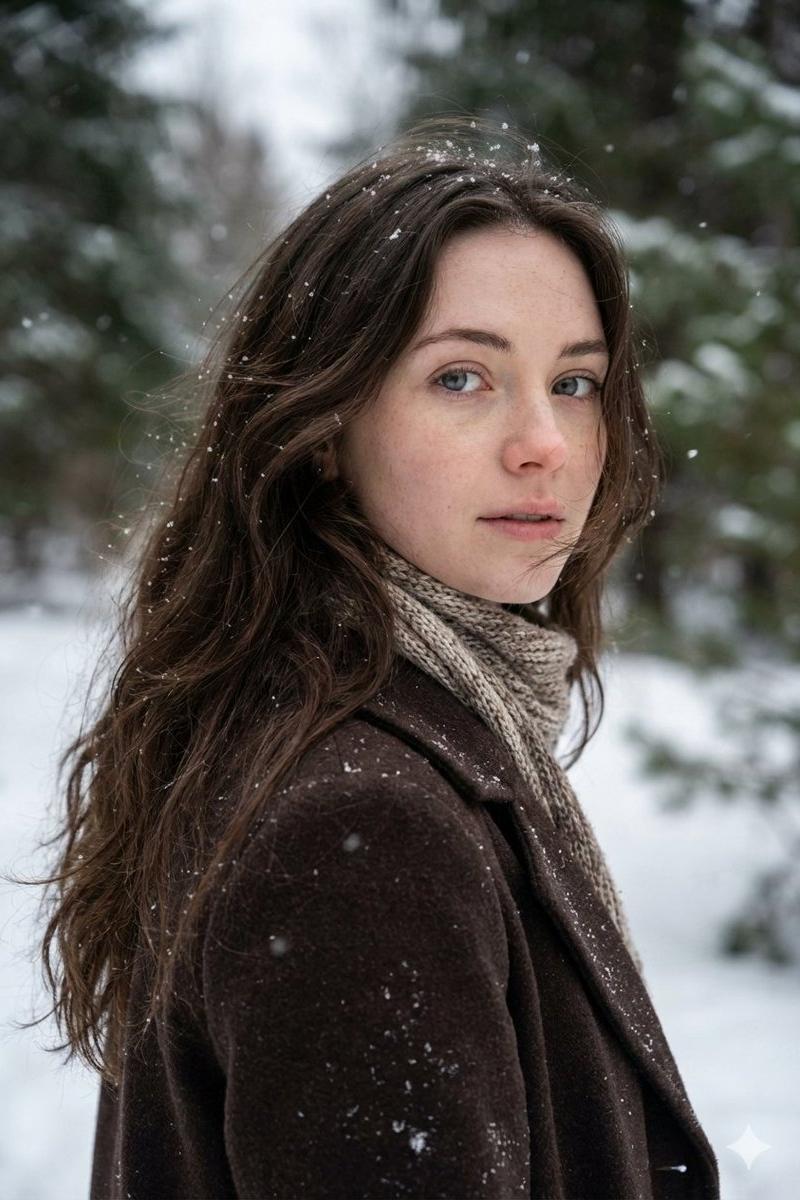
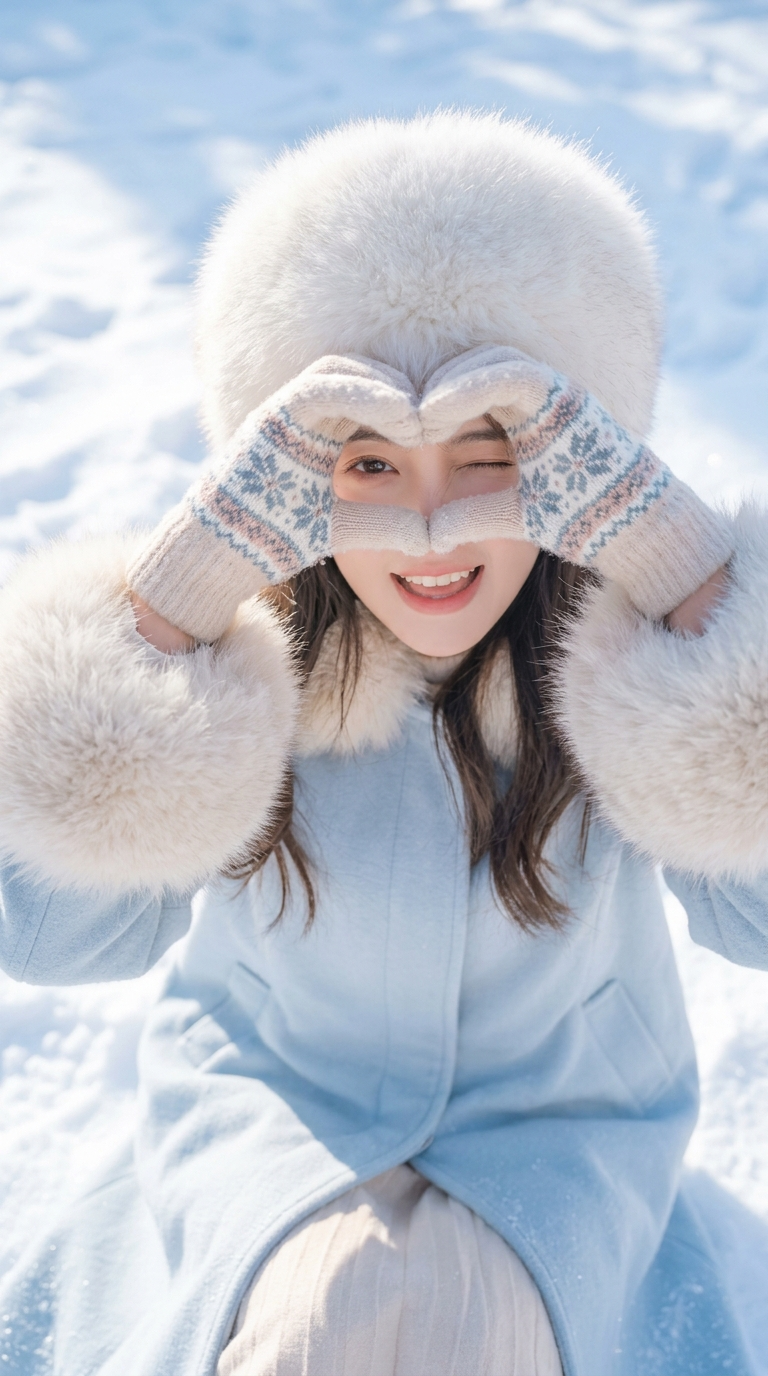
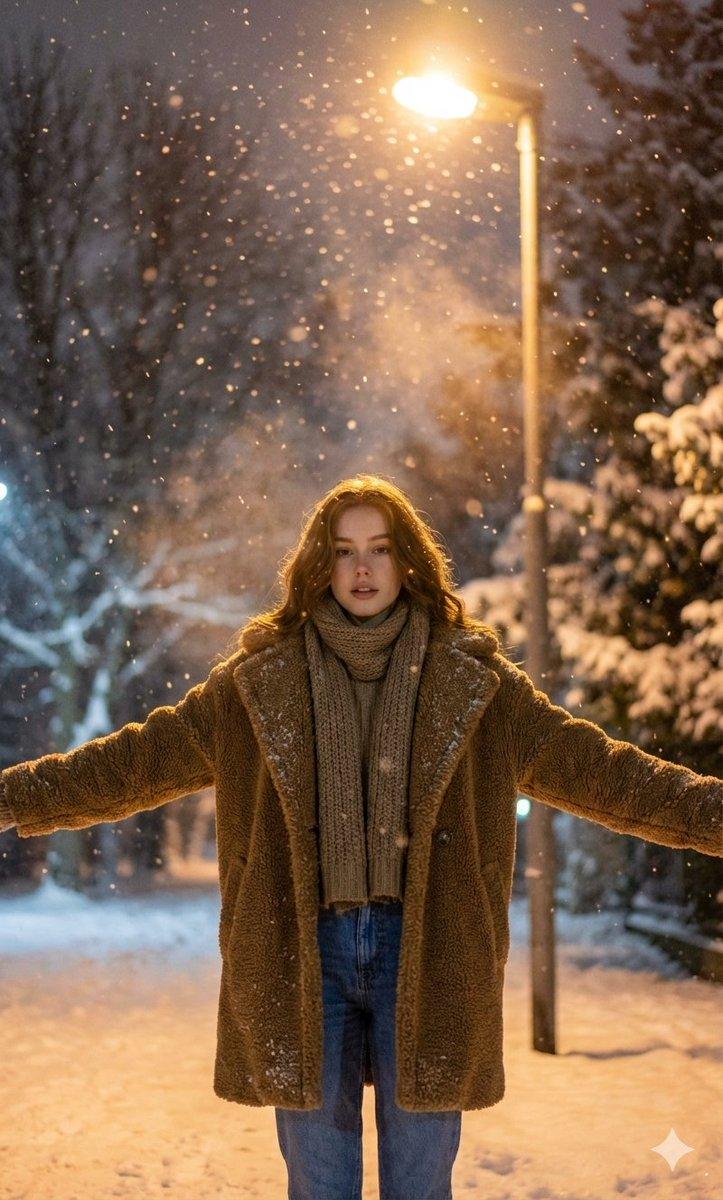
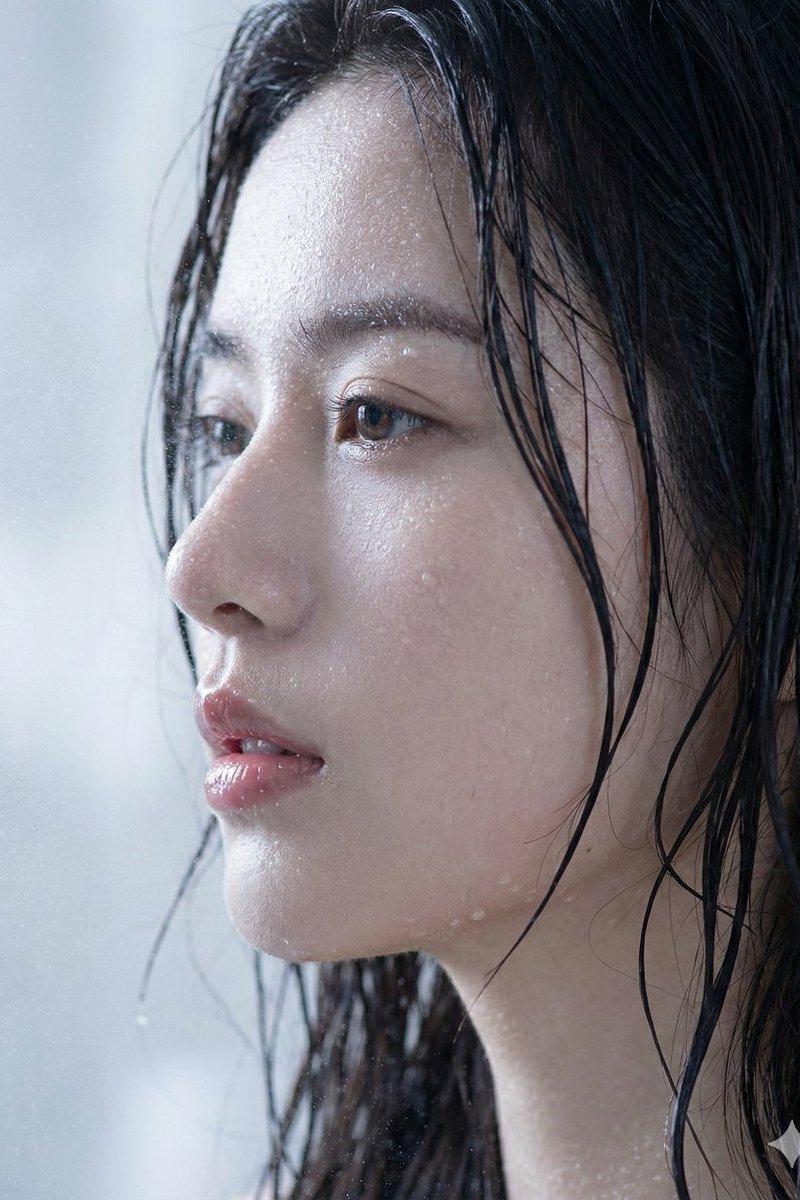
下雪天初恋写真
Enlarge

Example images

下雪天初恋写真

Prompt
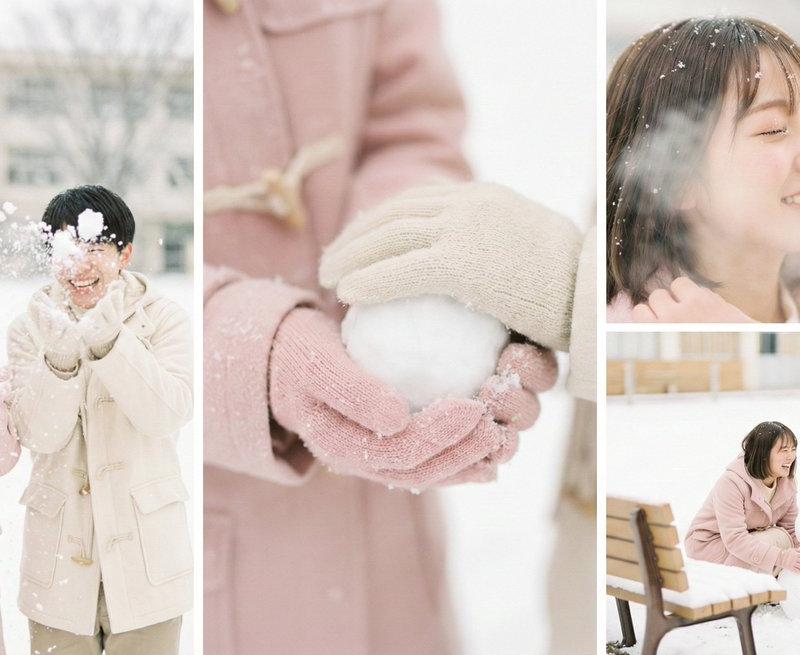
练习之作,将画面内容部分替换为你想要的即可:
────────
1. 画面调性
核心气质: 日系空气感写真, 清新唯美, 高调摄影
关键词: Soft Focus, Dreamy Atmosphere, Clean Minimalism, Portrait Photography, Natural Light
2. 视觉逻辑
空间构建:
- 视角: 平视视角与微距特写混合。
- 布局: 极简主义构图,主体突出,背景留白或弱化。
- 景深: 浅景深,背景虚化以强调主体与环境的隔离感。
3. 视觉渲染
成像质感:
- 光影: 极柔和的漫射光,模拟自然窗光。无死黑阴影,整体画面通透,高光部分略微过曝营造梦幻感。
- 材质: 细腻真实的摄影质感,但在皮肤和织物处理上带有轻微的“柔光滤镜”效果。
- 清晰度: 边缘柔和,非锐利数字渲染,追求胶片摄影的自然颗粒感。
4. 色彩系统
核心主色:
- Sakura Pink: #F2C4CE (作为视觉主体色,柔和粉嫩)
- Creamy White: #F9F6F0 (作为环境基调,暖白)
- Light Wood: #D8C6A8 (作为自然点缀,原木色)
- 色彩逻辑: 低饱和度,高明度。整体色温偏暖,营造温馨、无害的视觉心理。
5. 负向约束
绝对禁止:
- 严禁低调暗光、强烈的明暗对比。
- 严禁硬边缘阴影。
- 严禁脏旧、粗糙、赛博朋克式的噪点。
- 严禁高饱和霓虹色或人造塑料质感。
- 严禁二次元描边或矢量扁平化处理。
- 严禁出现任何文字。
6. 画面内容
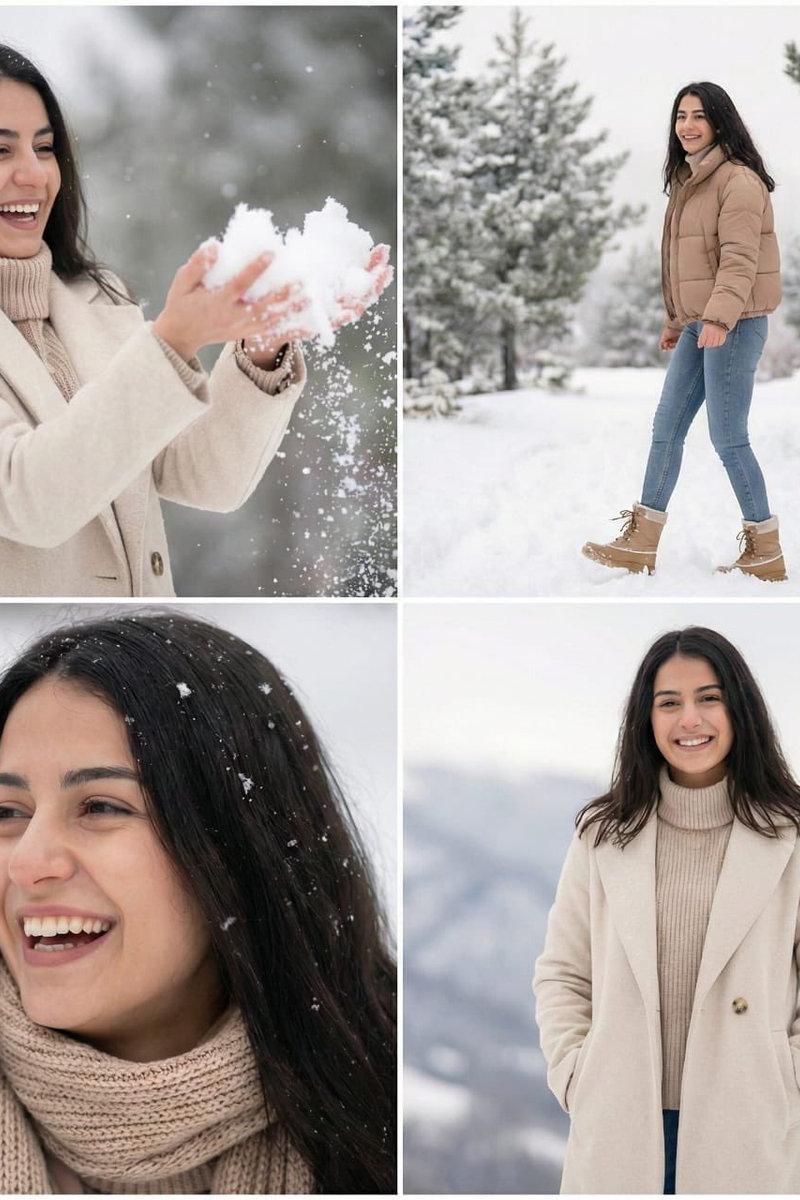
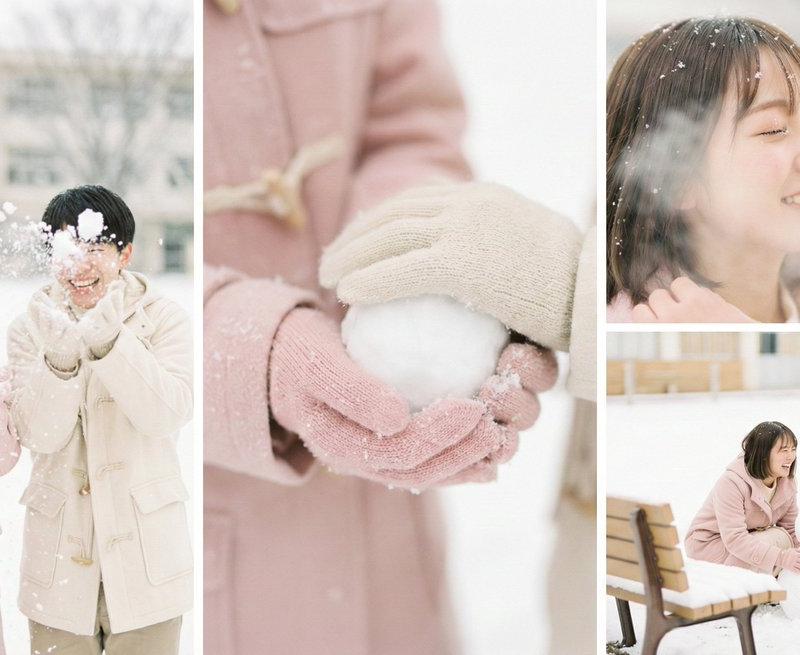
请生成多角度特写的写真海报图:
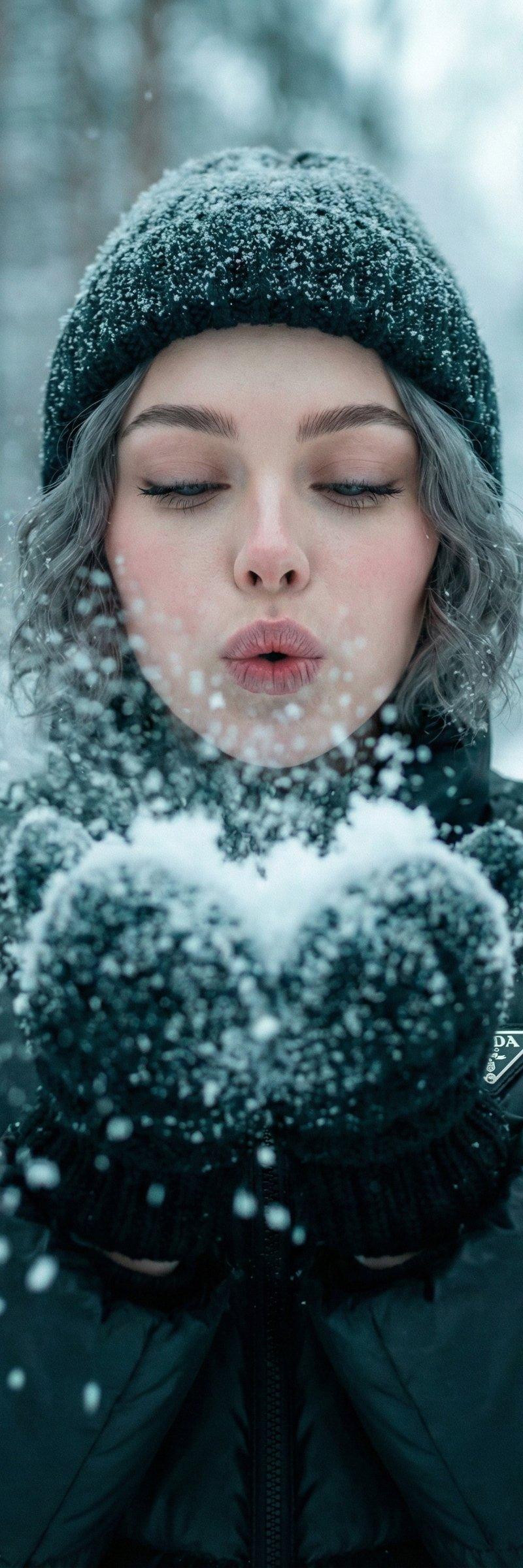
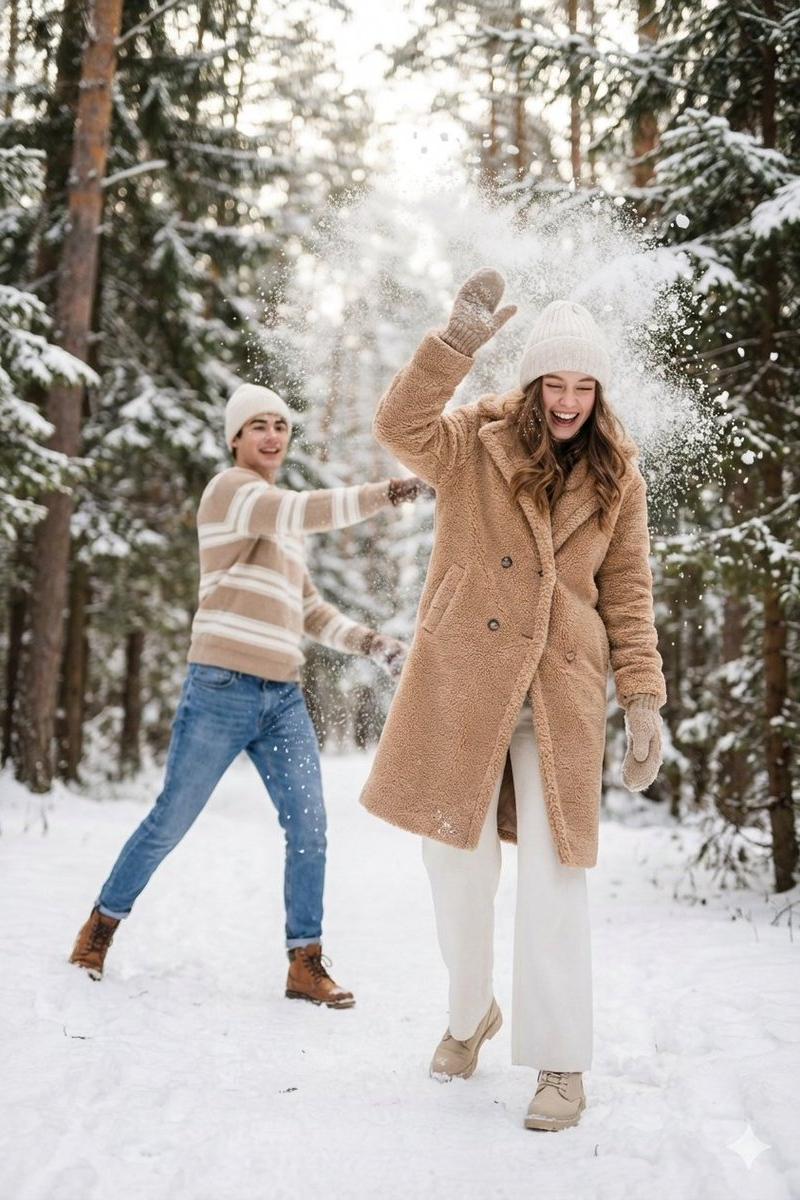
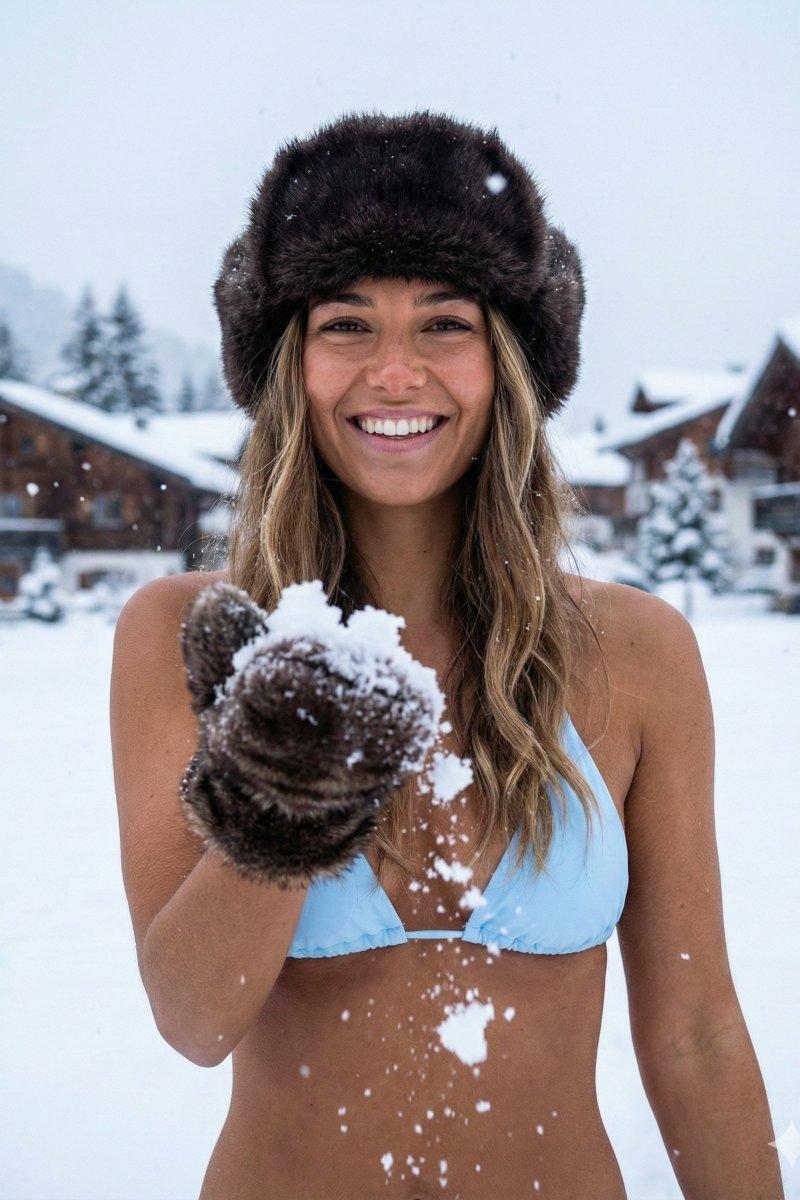
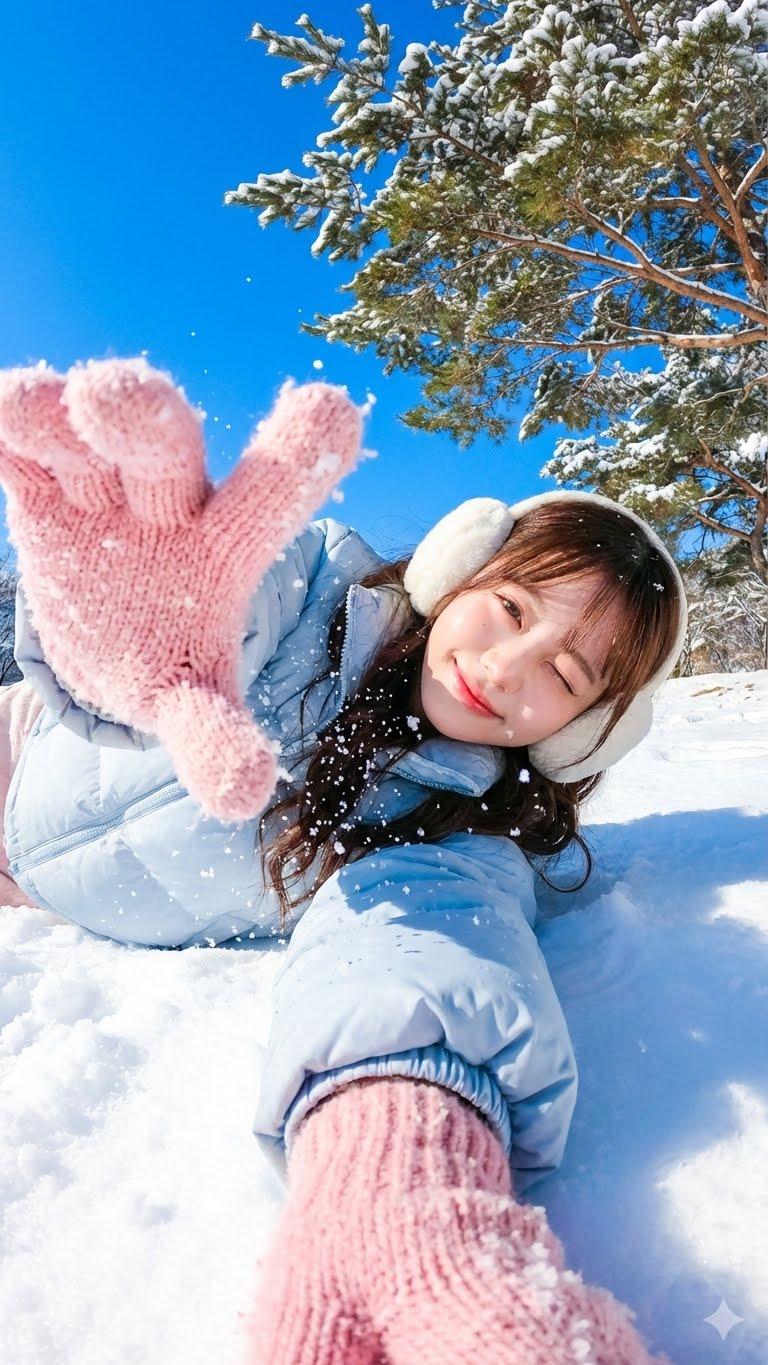
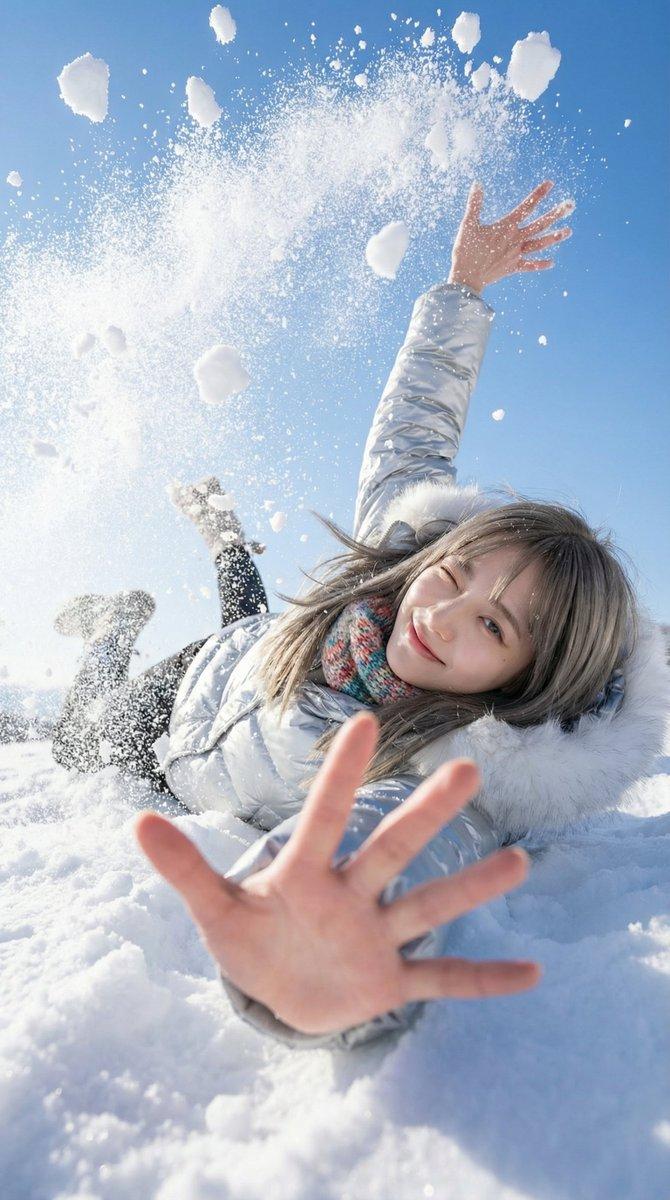
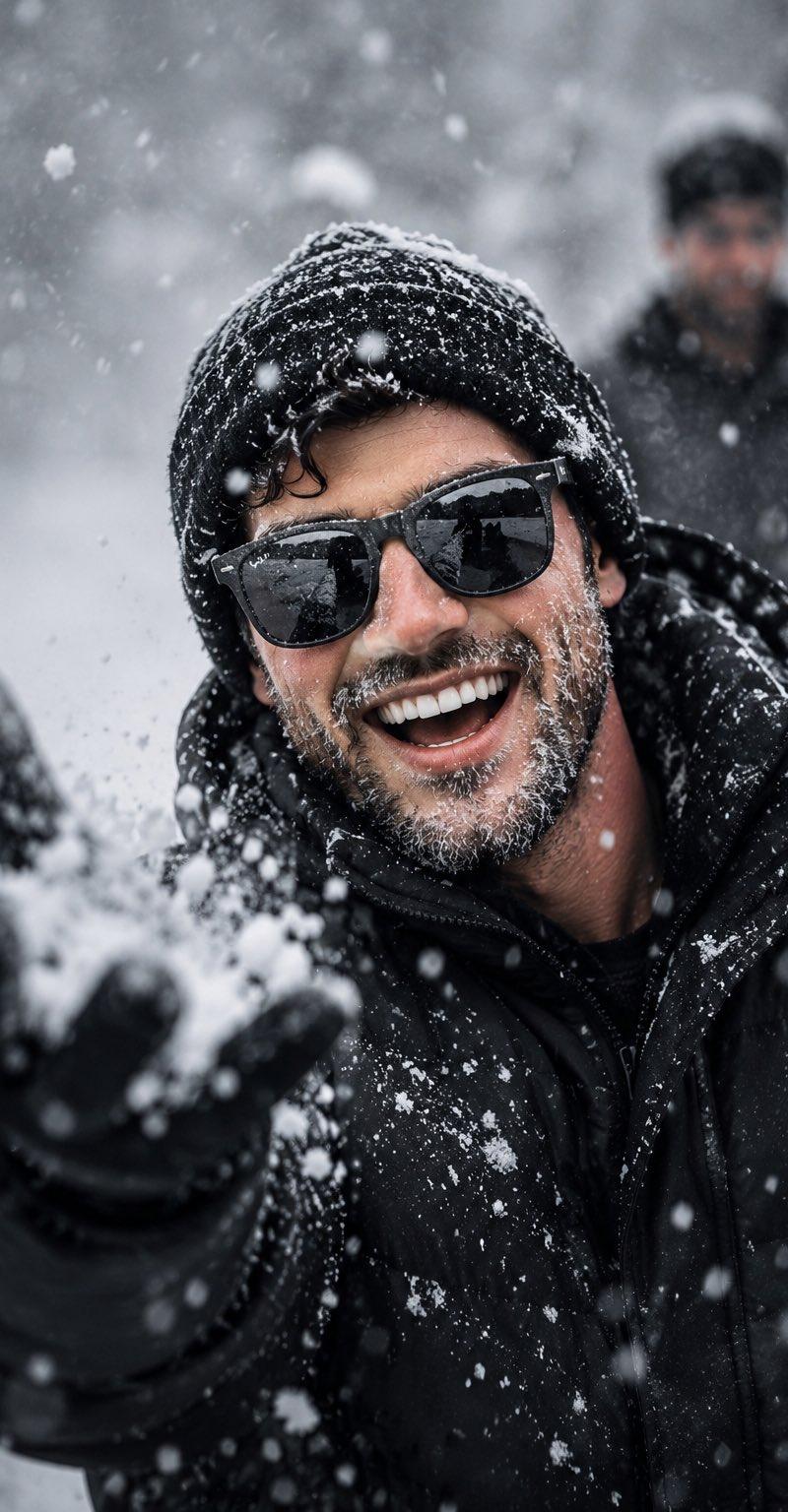
下雪天,初恋男女,在学校操场上玩闹。
Category
Photography & Realism
Model
Unknown
Creator
李继刚
Source language
zh-CN
Views0
Source ID
snowy-day-first-love-portrait
Studio

Guide

About "下雪天初恋写真"

What is this prompt for?

"下雪天初恋写真" AI image prompt for Unknown (Photography & Realism). 练习之作,将画面内容部分替换为你想要的即可: ──────── 1. 画面调性 核心气质: 日系空气感写真, 清新唯美, 高调摄影 关键词: Soft Focus, Dreamy Atmosp…

The full copyable prompt and example visuals above are ready for AI image generation or one-click recreate in Picva.

How to use this prompt

  1. Step 1

    Open the prompt detail

    Review the example visuals, category, and full prompt text for "下雪天初恋写真".

  2. Step 2

    Copy the prompt

    Copy the prompt body from this page, or load it directly in Studio.

  3. Step 3

    Pick a model (Unknown)

    Prefer Unknown. If you switch models, keep subject and composition and tweak style terms.

  4. Step 4

    Generate and export

    Recreate the look in Picva, or export into your workflow for editing and publishing.

FAQ

What is the "下雪天初恋写真" prompt?
It is an AI image-generation prompt for Unknown in the Photography & Realism category. This page includes the full prompt text, example visuals, and a one-click recreate path in Picva.
How do I use this prompt to generate an image?
Copy the prompt from this page, or use Generate / Studio. Paste it into a compatible image model, or recreate the look in Picva with optional reference images.
Which model is this prompt for?
This page lists Unknown. Most descriptive prompts also transfer to nearby image models such as GPT Image, Flux, or Midjourney with light style tweaks.
Can I use the result commercially?
You can usually copy the prompt for creation, but commercial use of the final image depends on the model terms, reference-image rights, and the generated content. Follow the source author and platform rules.