16

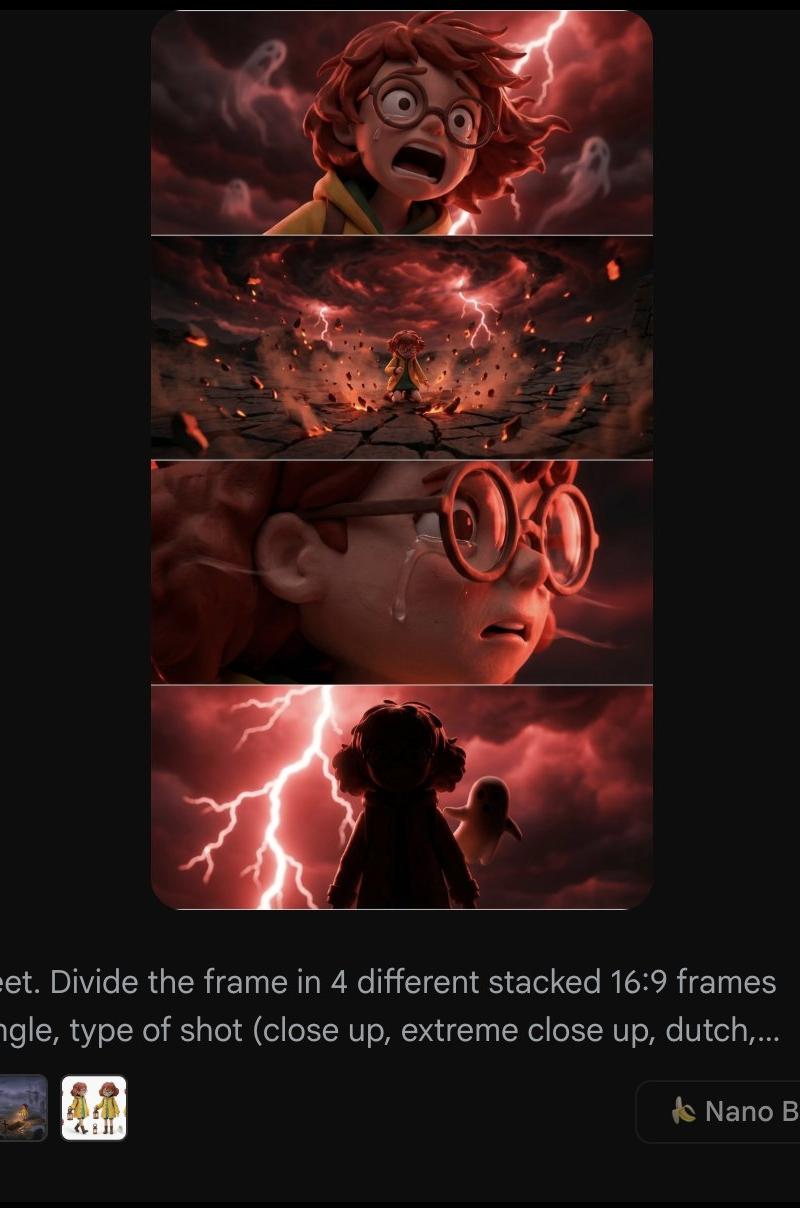
分割堆叠(1x4网格)
Enlarge

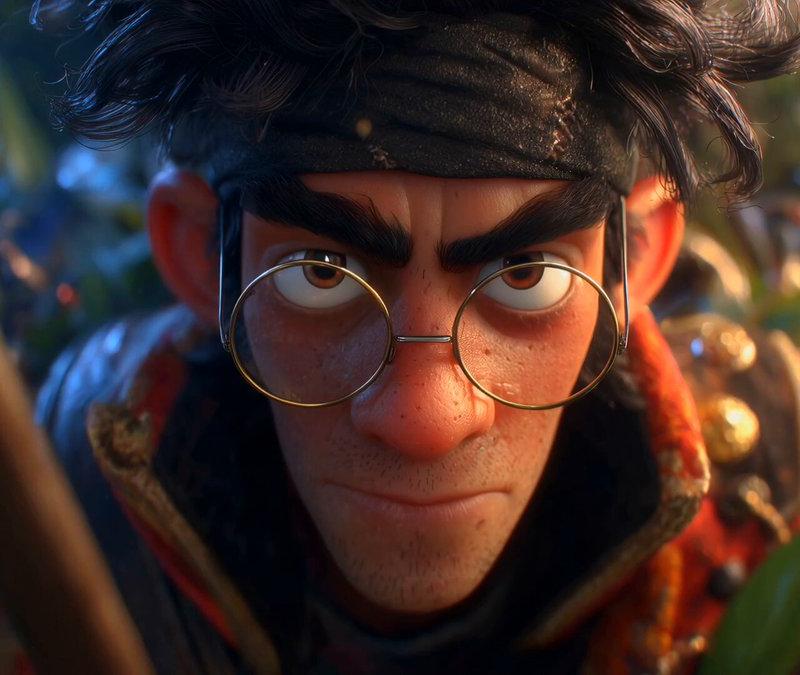
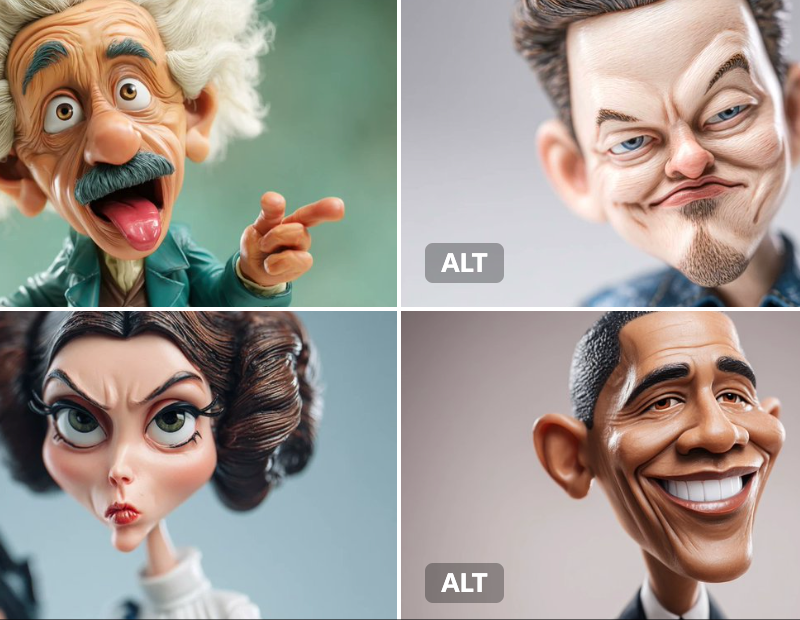
Example images

分割堆叠(1x4网格)

Prompt
SPLIT STACK (1X4 grid)
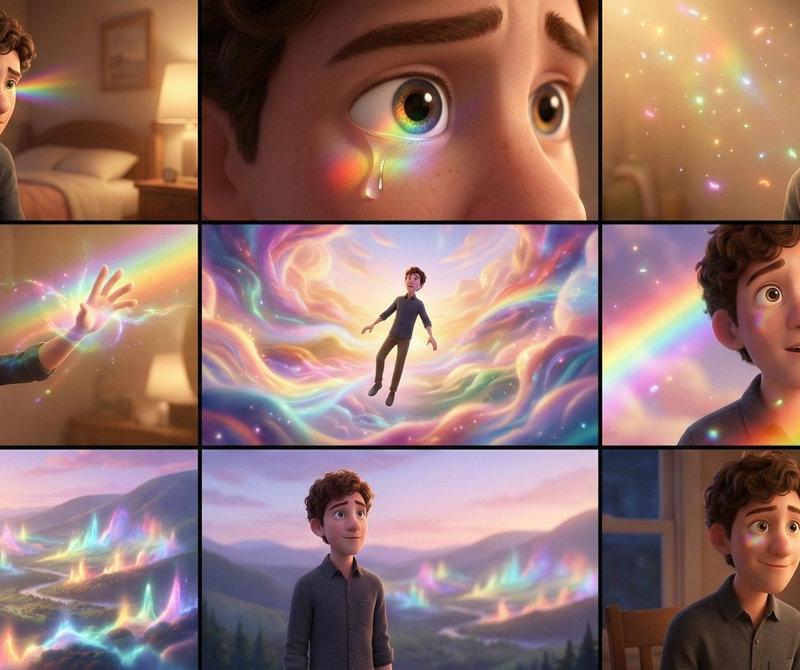
Now that everyone has gotten the 3x3 grids out of their system for generating different angles, it feels like the right moment to double down on something I shared on day one of Nano Banana’s public release.
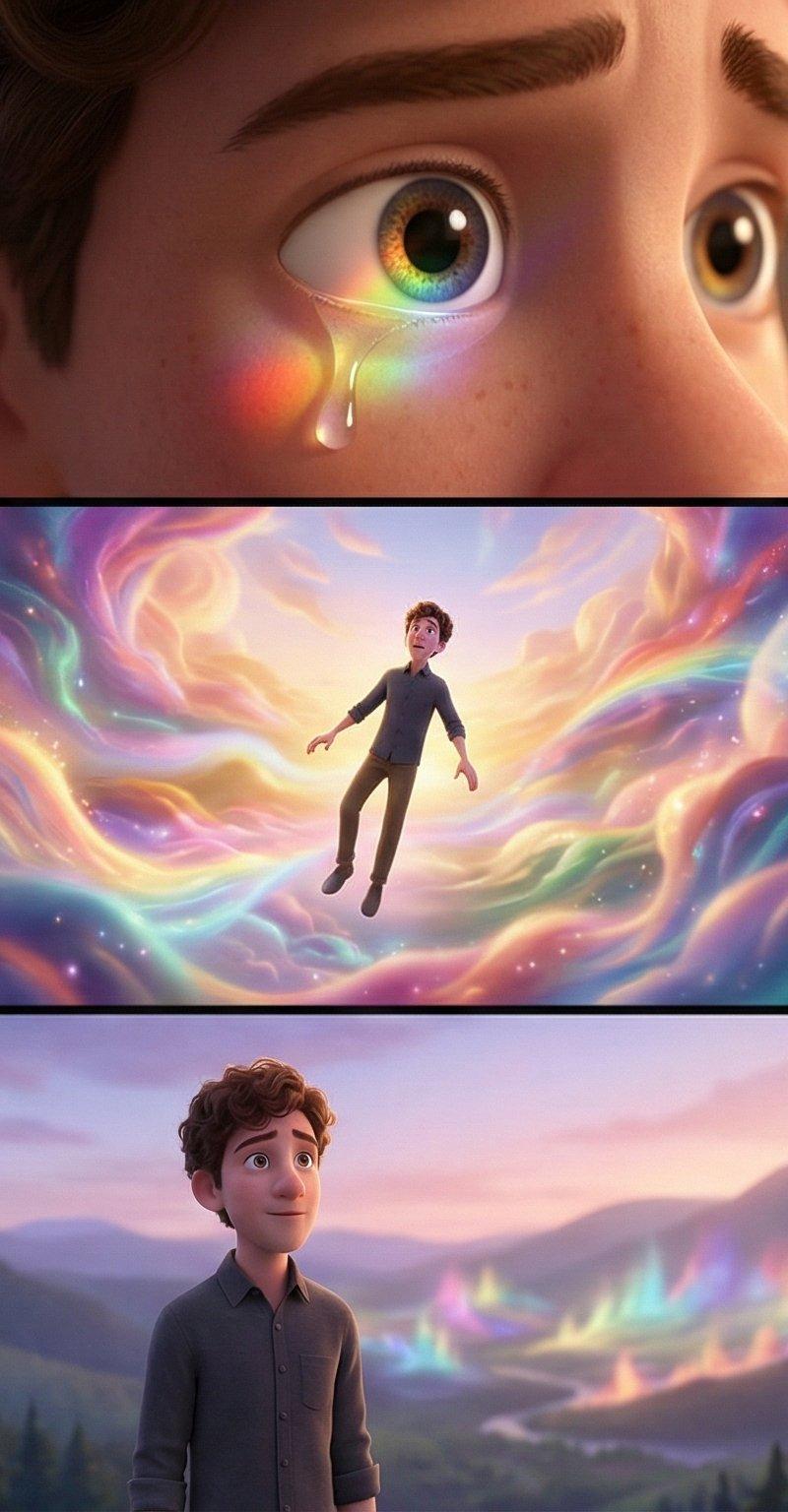
You will get more consistent results using a vertical image split into four frames (what I call a split stack), then splitting and extracting from there.
Lost detail is lost.
A 3x3 grid can give you something decent, but consistency quickly breaks down. Angles drift. Details soften. The model starts inventing what it thinks you want because its attention is split across 9, 12, or 16 frames at once.
Personally, I use 1x4 vertical grids and export each frame to 16:9 afterward.
Two reasons:
1/ It preserves detail and consistency shot after shot.
Instead of playing roulette by asking for random angles, it forces you to be intentional.
2/You describe the shot you need, the background you expect, and the framing that serves your story. Nano Banana Pro still struggles with environment rotation unless you guide it very explicitly.
You do you. But I have watched the 3x3 approach go viral a week after this method was shared, get adopted by everyone, and now I am seeing many of those same people quietly move away from it because it does not deliver on consistency.
Trends move fast. Fundamentals still matter.
Refresher: it's explained in this thread with prompts and results + a few more things
https://t.co/GiaolLThNc
Category
UI & Interfaces
Model
Nano Banana Pro
Creator
Henry Daubrez 🌸💀
Source language
zh-CN
Views0
Source ID
split-stack-1x4-grid
Studio

Guide

About "分割堆叠(1x4网格)"

What is this prompt for?

"分割堆叠(1x4网格)" AI image prompt for Nano Banana Pro (UI & Interfaces). SPLIT STACK (1X4 grid) Now that everyone has gotten the 3x3 grids out of their system for…

The full copyable prompt and example visuals above are ready for AI image generation or one-click recreate in Picva.

How to use this prompt

  1. Step 1

    Open the prompt detail

    Review the example visuals, category, and full prompt text for "分割堆叠(1x4网格)".

  2. Step 2

    Copy the prompt

    Copy the prompt body from this page, or load it directly in Studio.

  3. Step 3

    Pick a model (Nano Banana Pro)

    Prefer Nano Banana Pro. If you switch models, keep subject and composition and tweak style terms.

  4. Step 4

    Generate and export

    Recreate the look in Picva, or export into your workflow for editing and publishing.

FAQ

What is the "分割堆叠(1x4网格)" prompt?
It is an AI image-generation prompt for Nano Banana Pro in the UI & Interfaces category. This page includes the full prompt text, example visuals, and a one-click recreate path in Picva.
How do I use this prompt to generate an image?
Copy the prompt from this page, or use Generate / Studio. Paste it into a compatible image model, or recreate the look in Picva with optional reference images.
Which model is this prompt for?
This page lists Nano Banana Pro. Most descriptive prompts also transfer to nearby image models such as GPT Image, Flux, or Midjourney with light style tweaks.
Can I use the result commercially?
You can usually copy the prompt for creation, but commercial use of the final image depends on the model terms, reference-image rights, and the generated content. Follow the source author and platform rules.