17

使用Nano Banana Pro在LeonardoAi上创建令人惊叹的幻觉图像
Enlarge

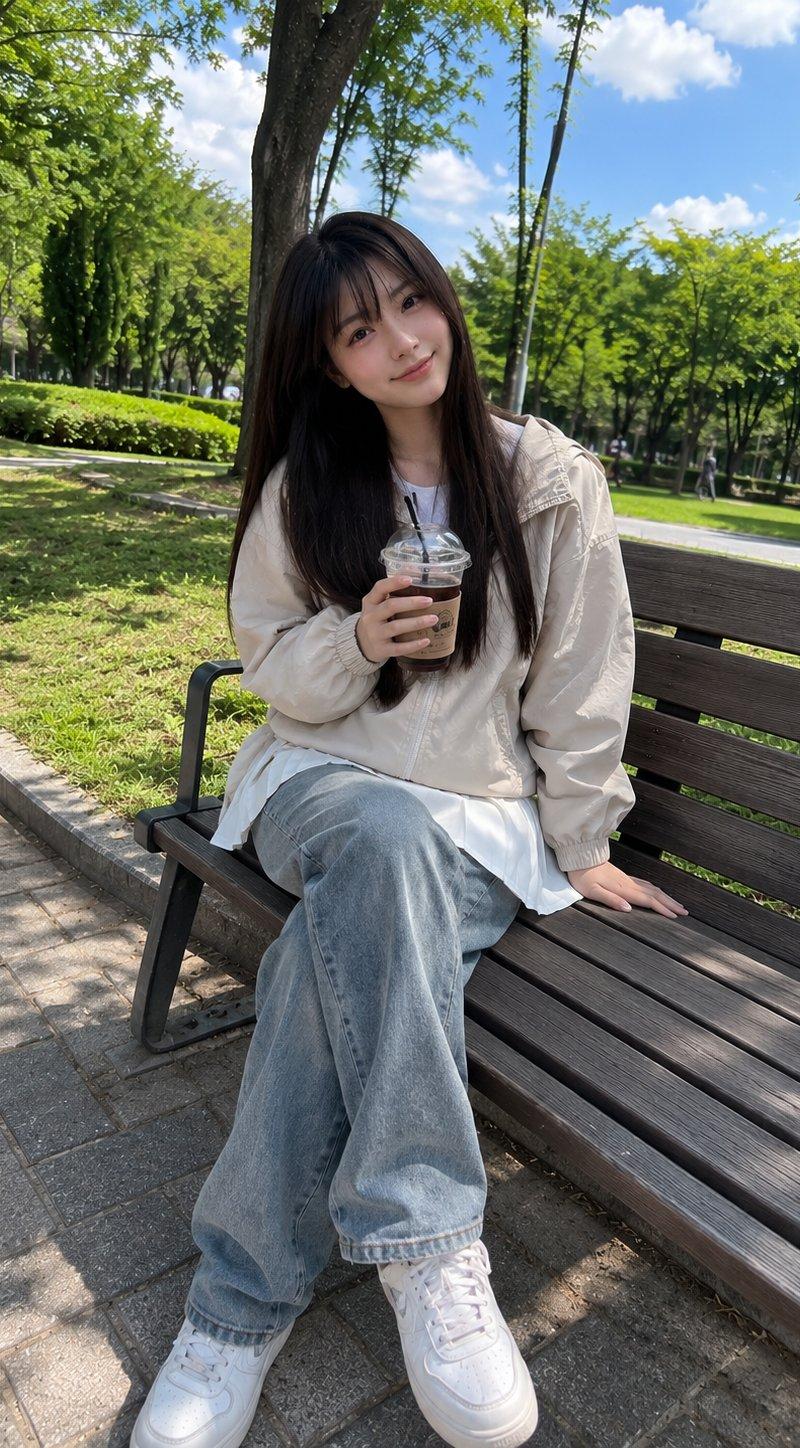
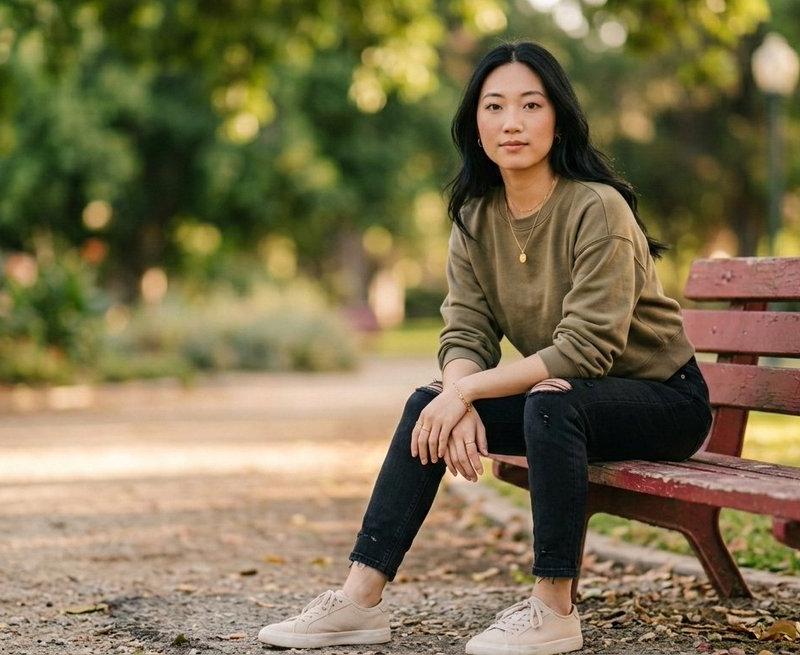
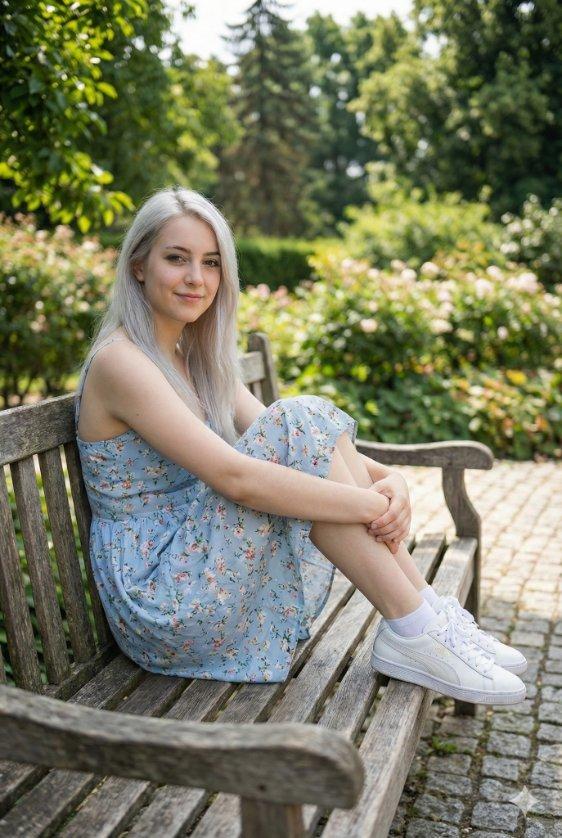
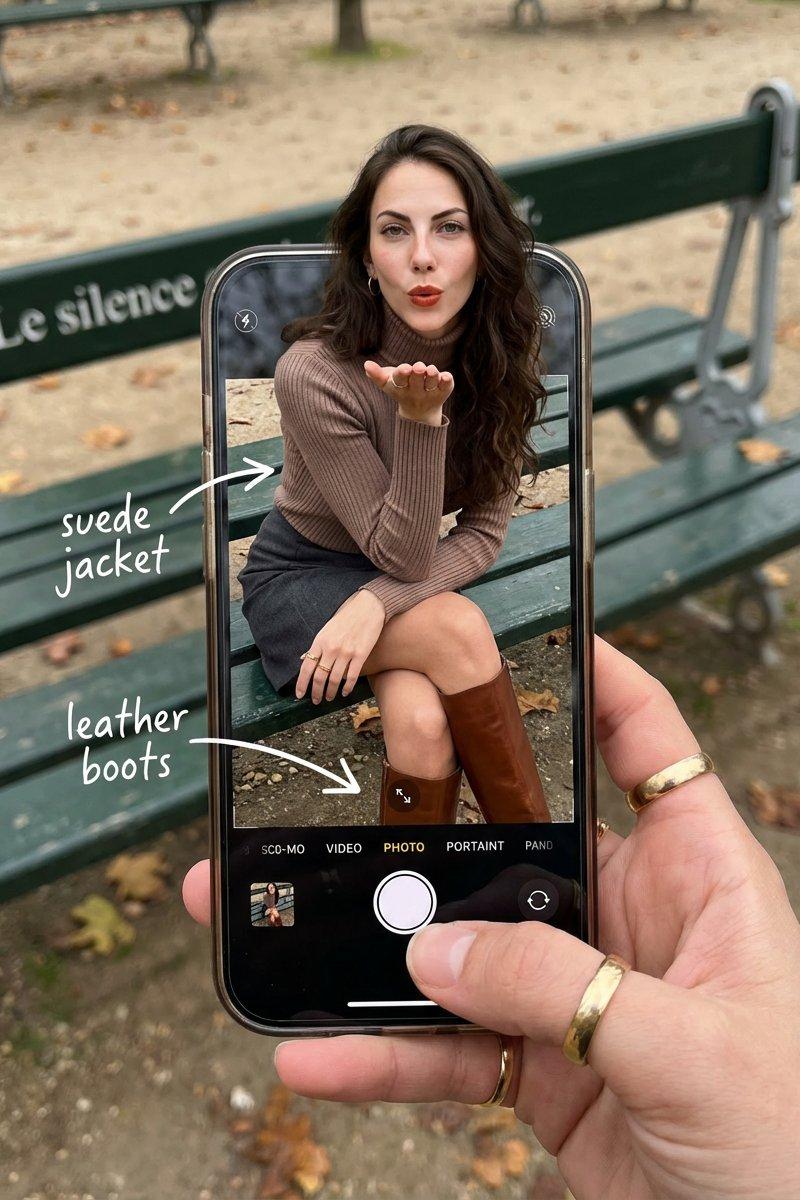
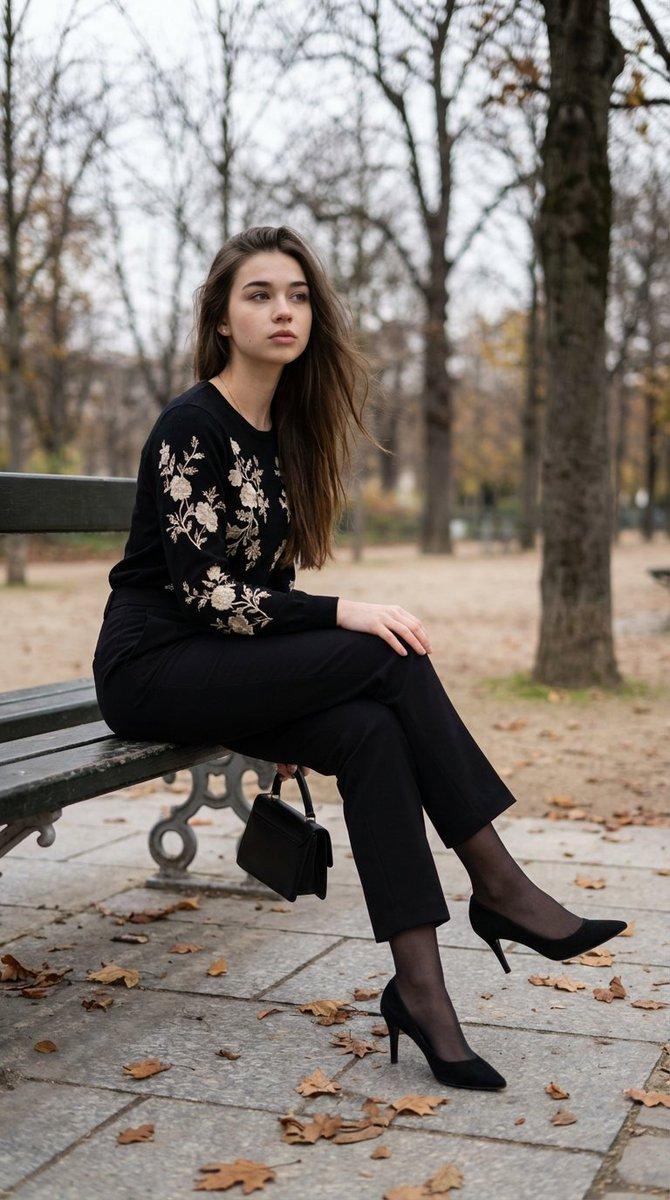
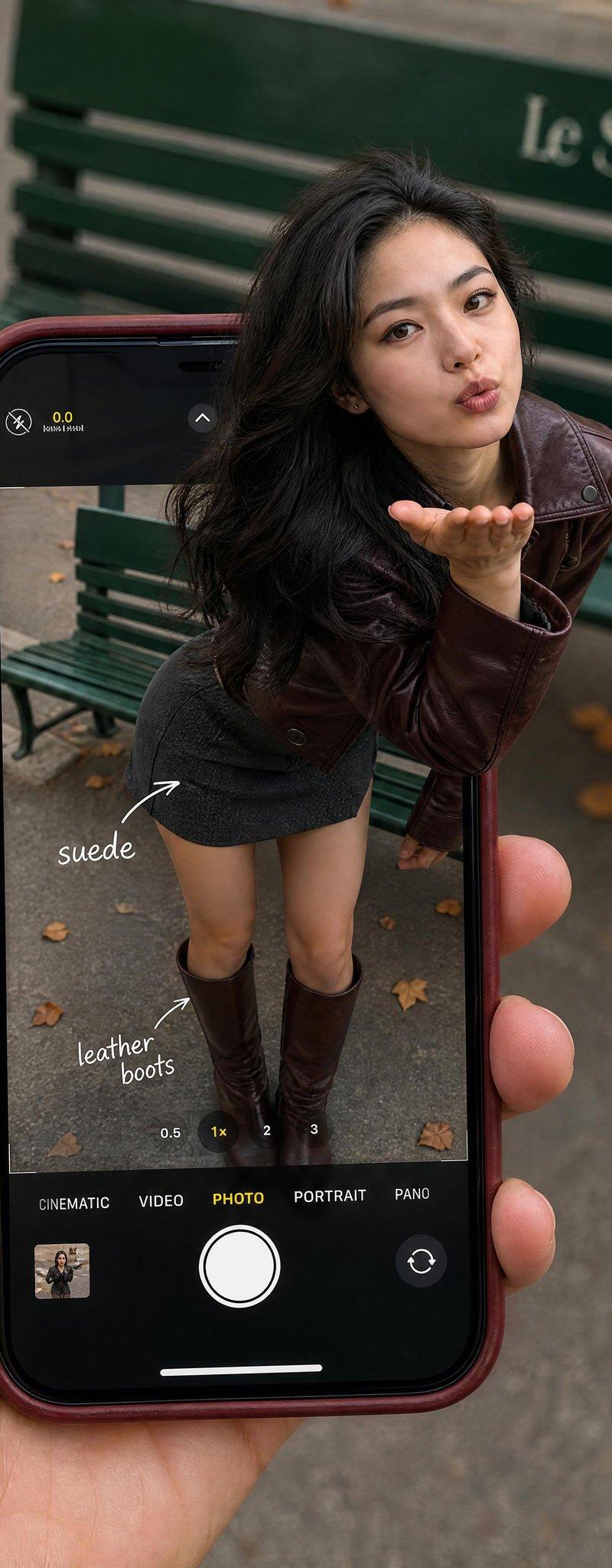
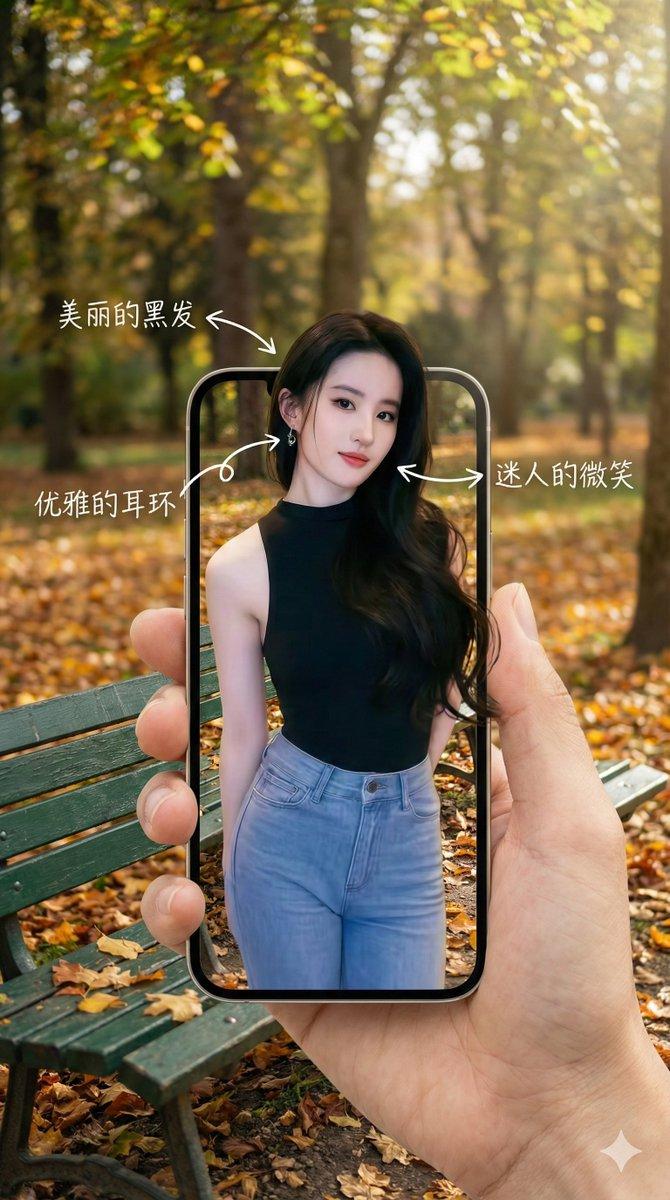
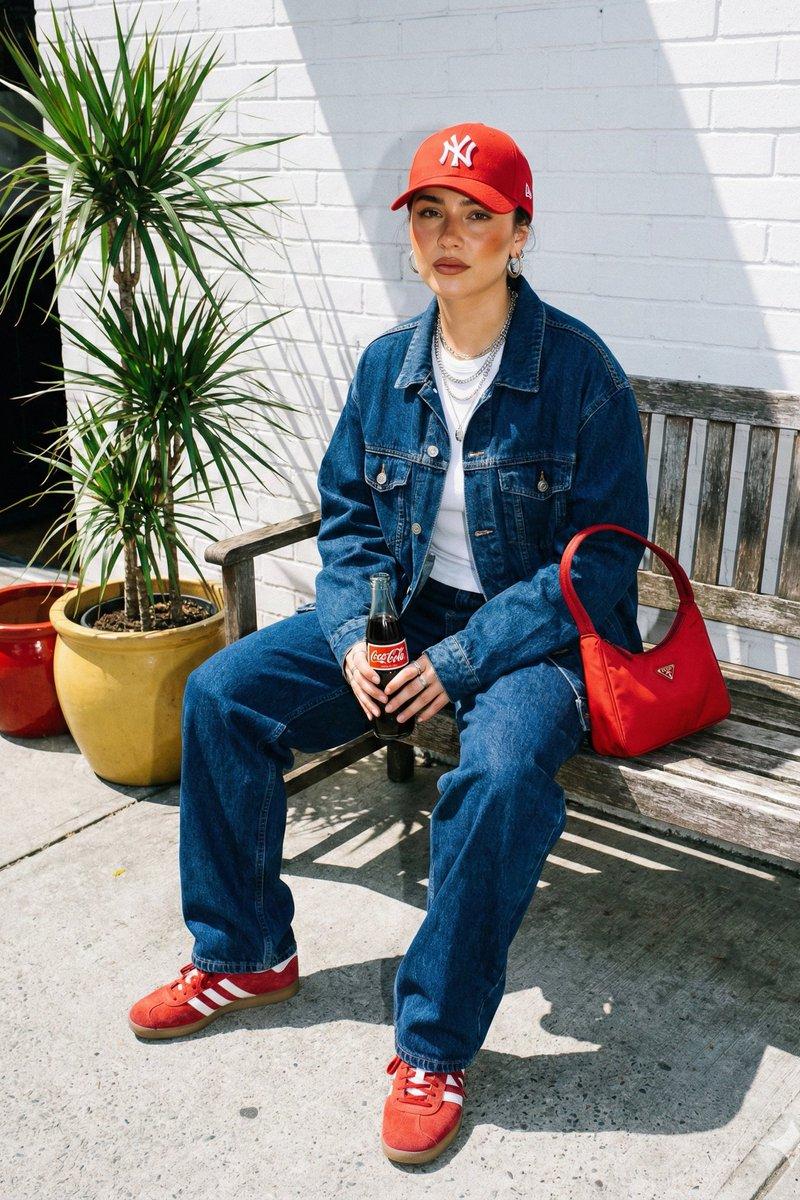
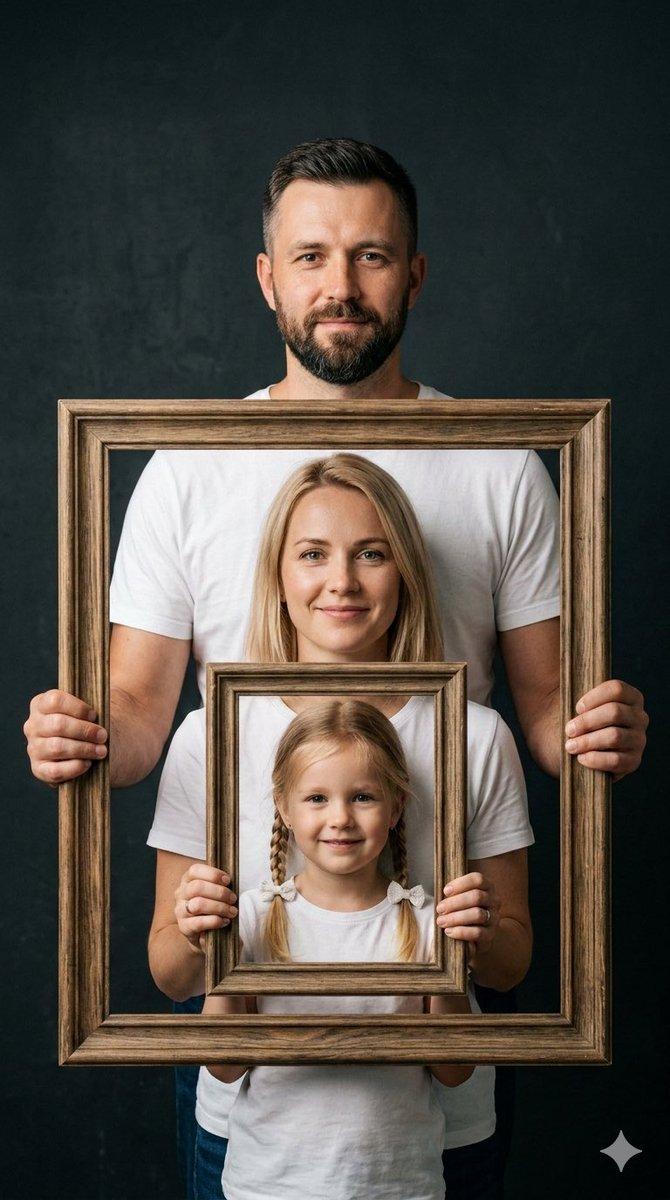
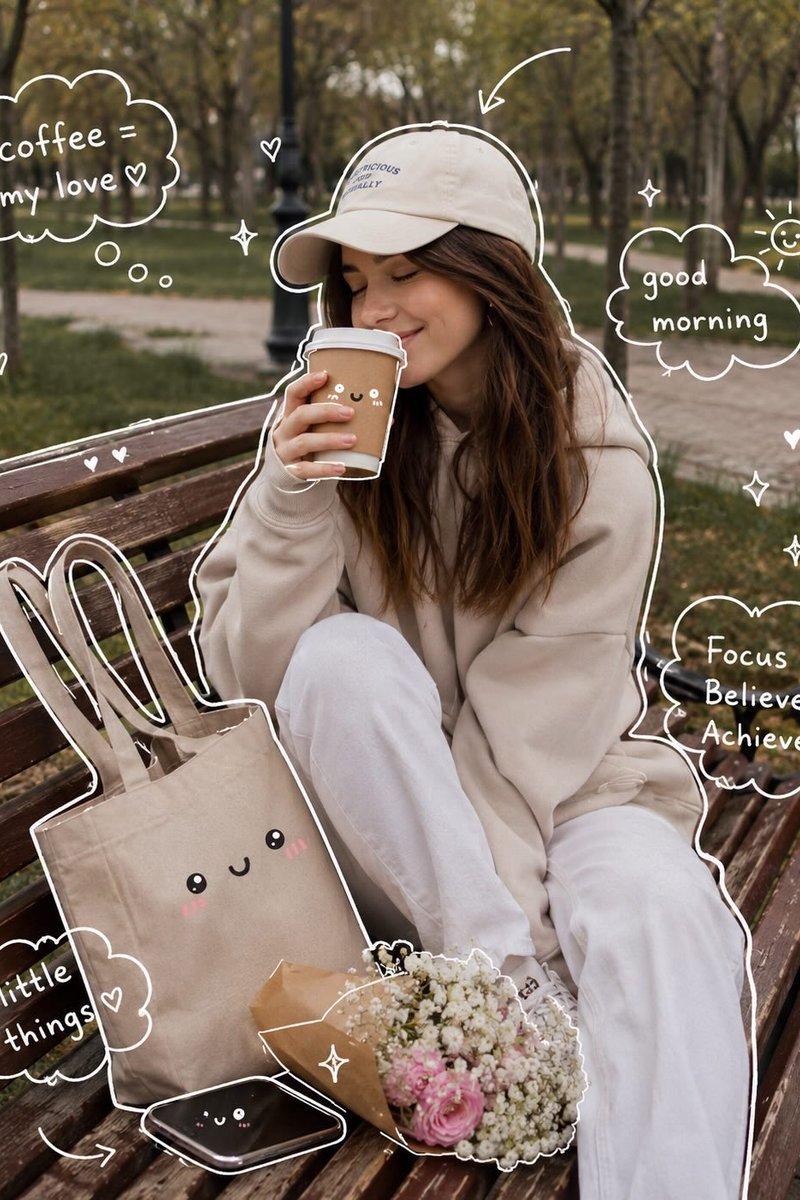
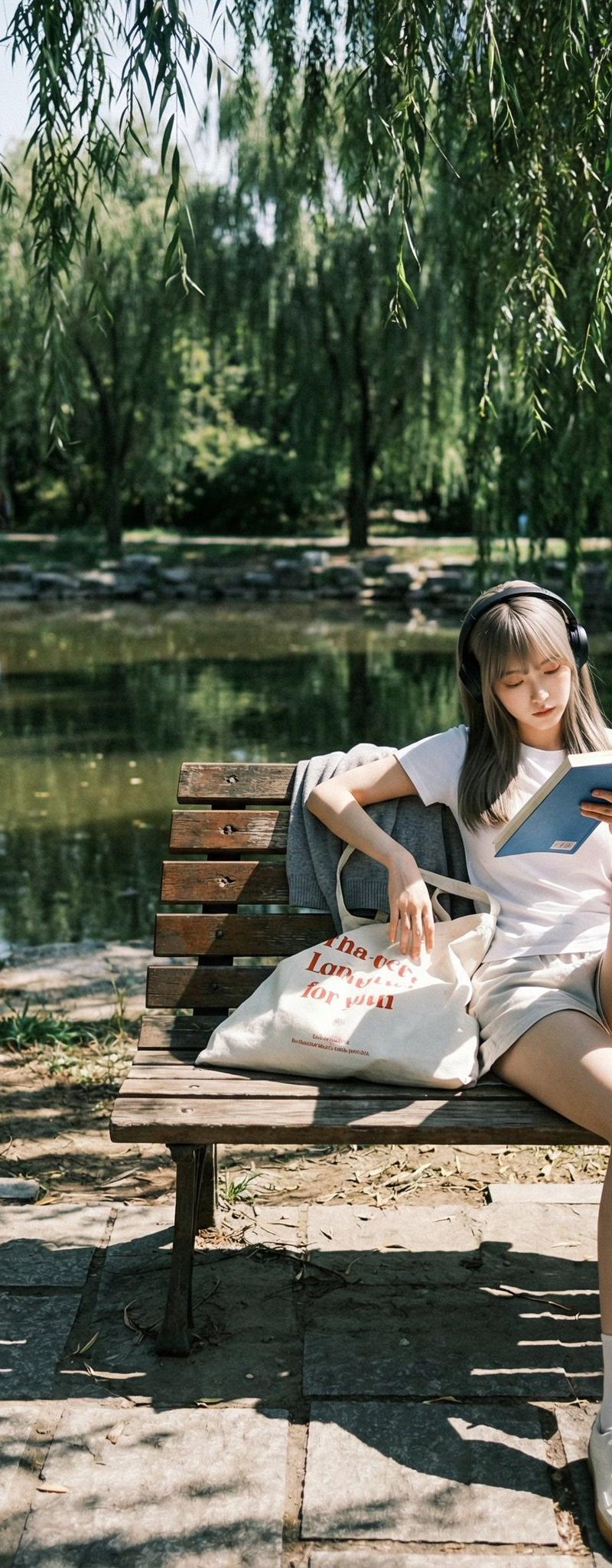
Example images

使用Nano Banana Pro在LeonardoAi上创建令人惊叹的幻觉图像

Prompt
Create stunning illusion images with Nano Banana Pro on @LeonardoAi
Below is a collection of prompts, plus a generic base prompt you can use to explore further. ⤵️
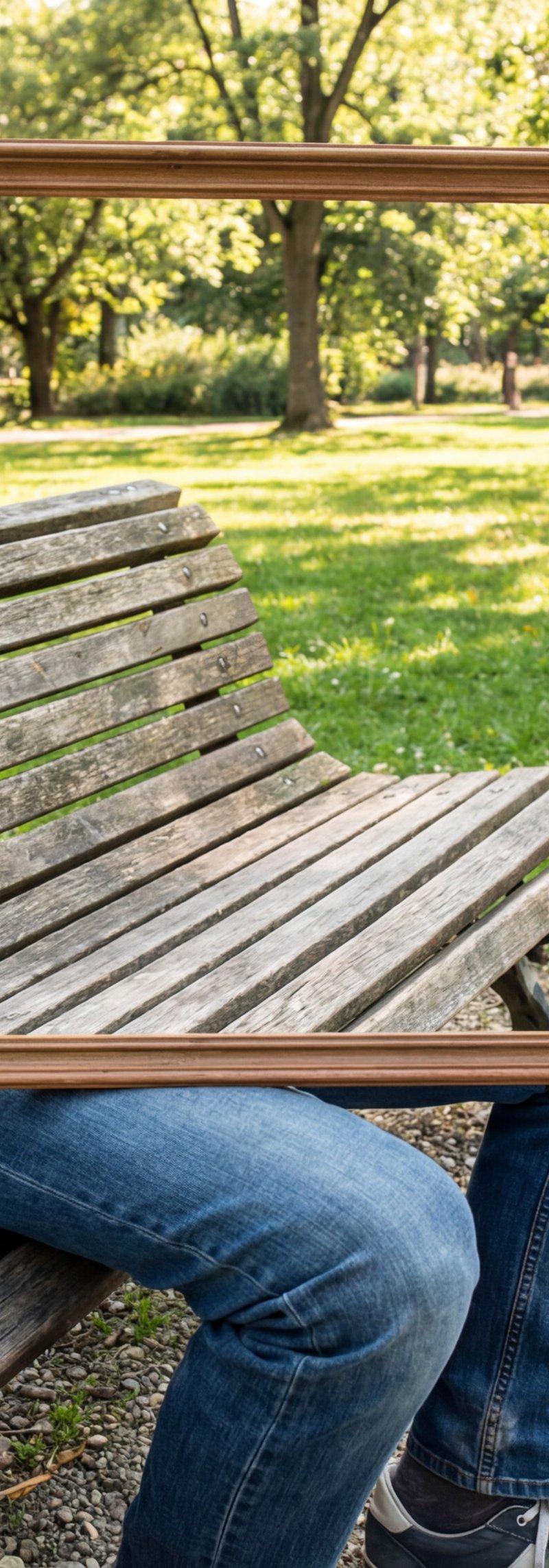
1. A man in casual clothes seated on the wooden slat of a park bench in a sunny city park, holding a rectangular wooden frame at chest level. Only parts visible are his face above the frame, his forearms and hands gripping the frame’s edges, and his legs below the frame, resting naturally on the ground. Inside the frame, instead of his torso, the park background continues seamlessly, showing grass, trees, and pathways as if his body is invisible. The frame acts like a cut-out window where his torso should be, perfectly aligned with the background. The park scenery inside the frame must match the environment outside it in an uncanny way, with precise continuity of bench, ground, and distant trees, while the edges of the frame stay clearly defined.
Category
UI & Interfaces
Model
Nano Banana Pro
Creator
Umesh
Source language
zh-CN
Views0
Source ID
stunning-illusion-images-with-nano-banana-pro-on-leonardoai
Studio

Guide

About "使用Nano Banana Pro在LeonardoAi上创建令人惊叹的幻觉图像"

What is this prompt for?

"使用Nano Banana Pro在LeonardoAi上创建令人惊叹的幻觉图像" AI image prompt for Nano Banana Pro (UI & Interfaces). Create stunning illusion images with Nano Banana Pro on @Leon…

The full copyable prompt and example visuals above are ready for AI image generation or one-click recreate in Picva.

How to use this prompt

  1. Step 1

    Open the prompt detail

    Review the example visuals, category, and full prompt text for "使用Nano Banana Pro在LeonardoAi上创建令人惊叹的幻觉图像".

  2. Step 2

    Copy the prompt

    Copy the prompt body from this page, or load it directly in Studio.

  3. Step 3

    Pick a model (Nano Banana Pro)

    Prefer Nano Banana Pro. If you switch models, keep subject and composition and tweak style terms.

  4. Step 4

    Generate and export

    Recreate the look in Picva, or export into your workflow for editing and publishing.

FAQ

What is the "使用Nano Banana Pro在LeonardoAi上创建令人惊叹的幻觉图像" prompt?
It is an AI image-generation prompt for Nano Banana Pro in the UI & Interfaces category. This page includes the full prompt text, example visuals, and a one-click recreate path in Picva.
How do I use this prompt to generate an image?
Copy the prompt from this page, or use Generate / Studio. Paste it into a compatible image model, or recreate the look in Picva with optional reference images.
Which model is this prompt for?
This page lists Nano Banana Pro. Most descriptive prompts also transfer to nearby image models such as GPT Image, Flux, or Midjourney with light style tweaks.
Can I use the result commercially?
You can usually copy the prompt for creation, but commercial use of the final image depends on the model terms, reference-image rights, and the generated content. Follow the source author and platform rules.