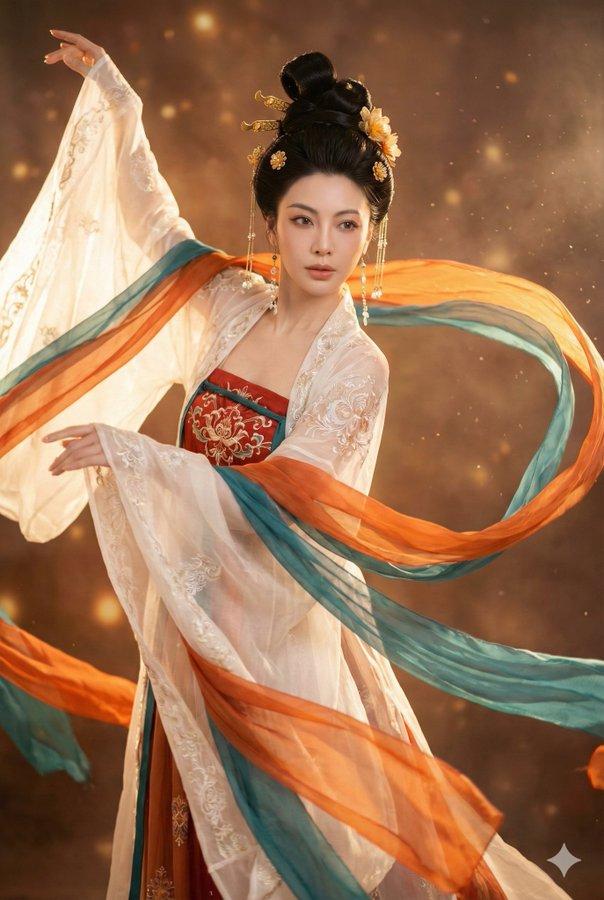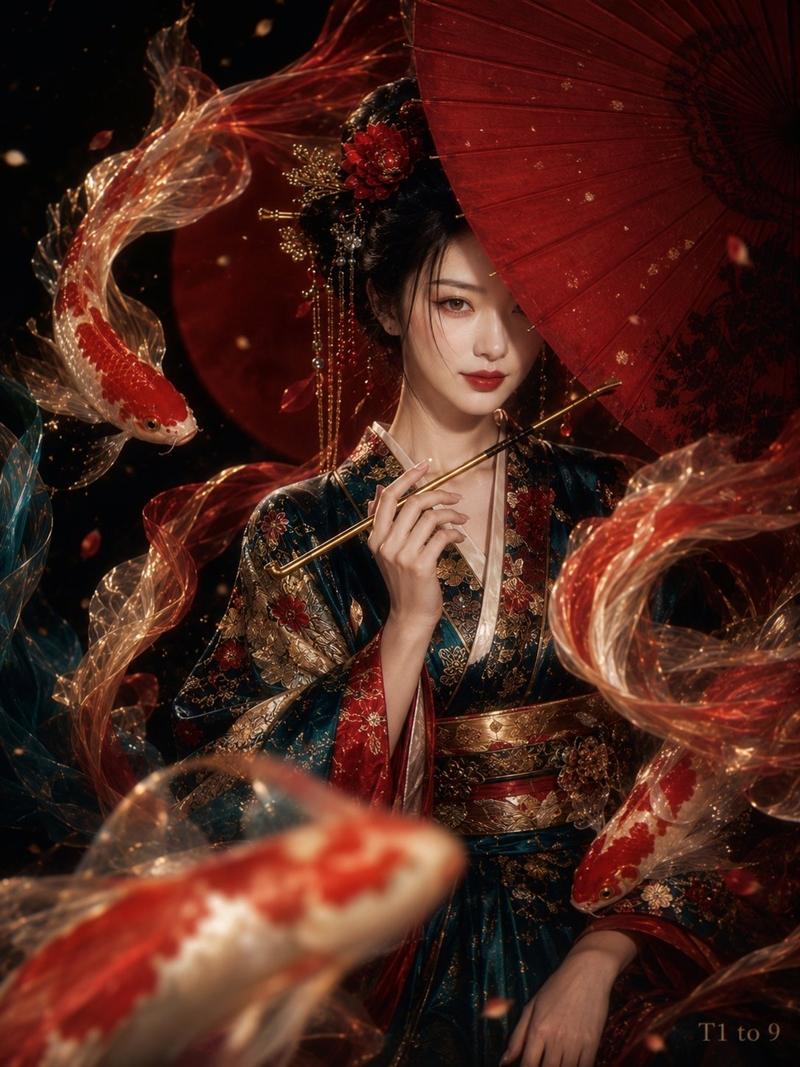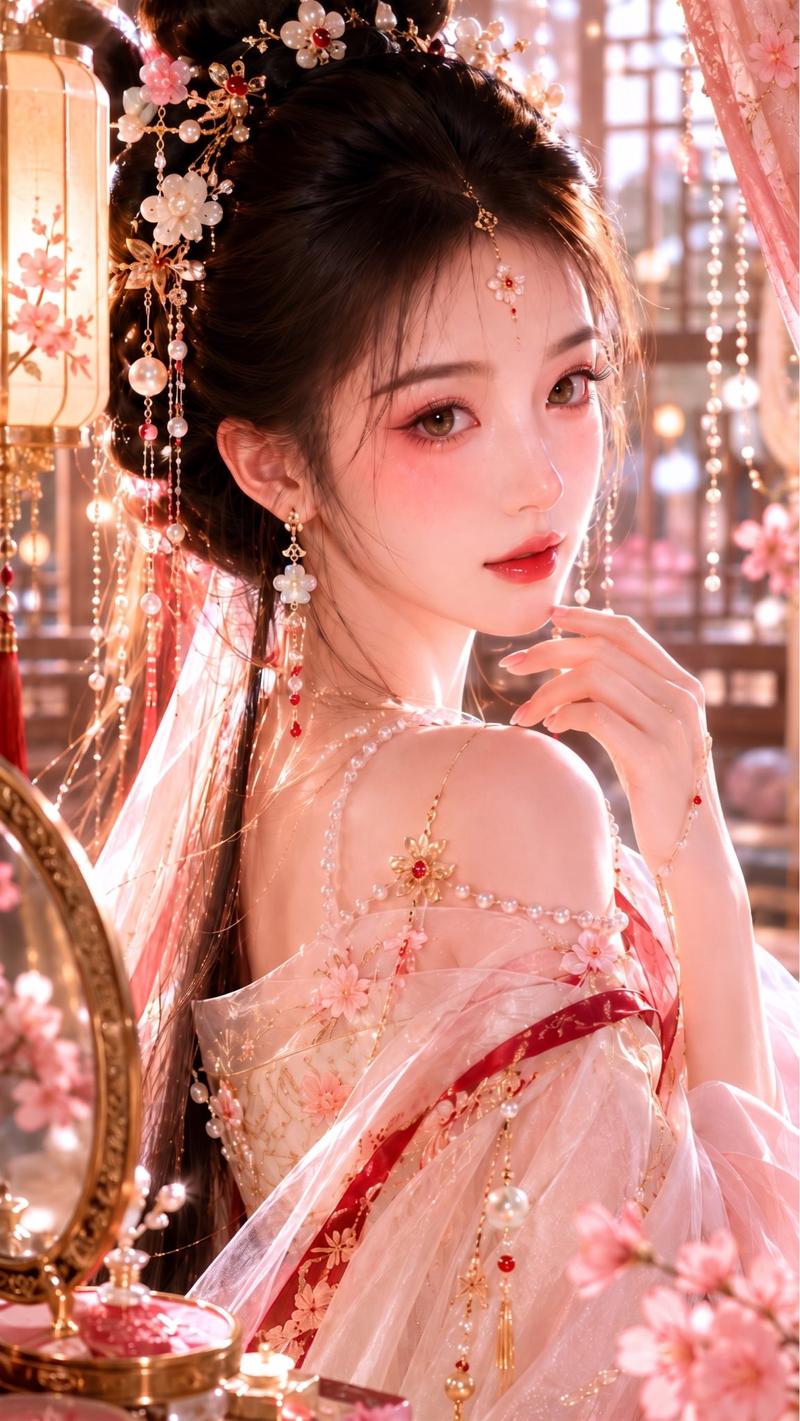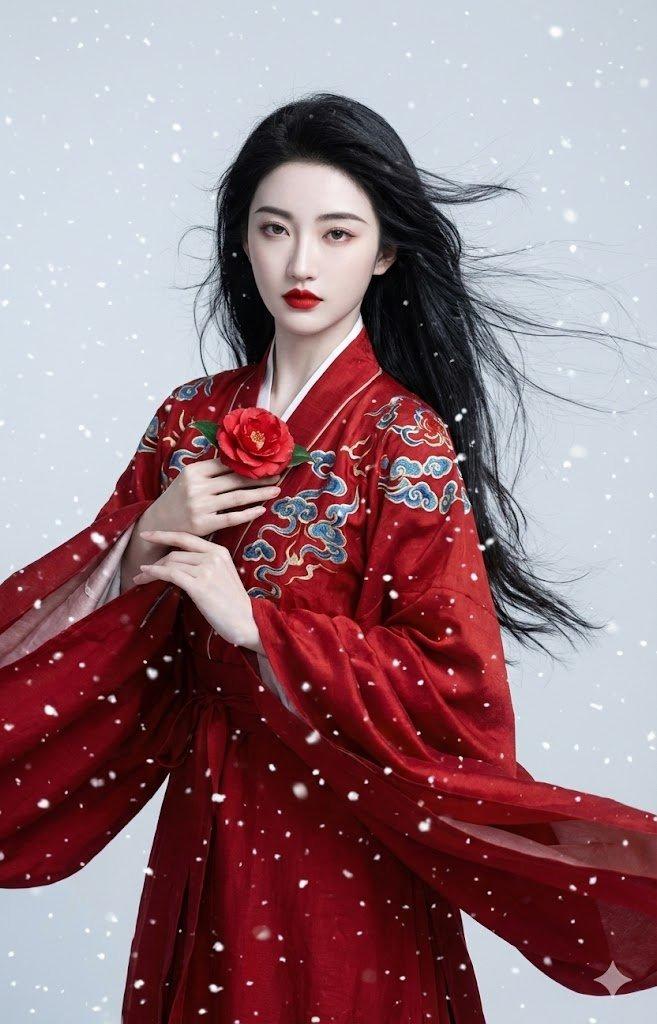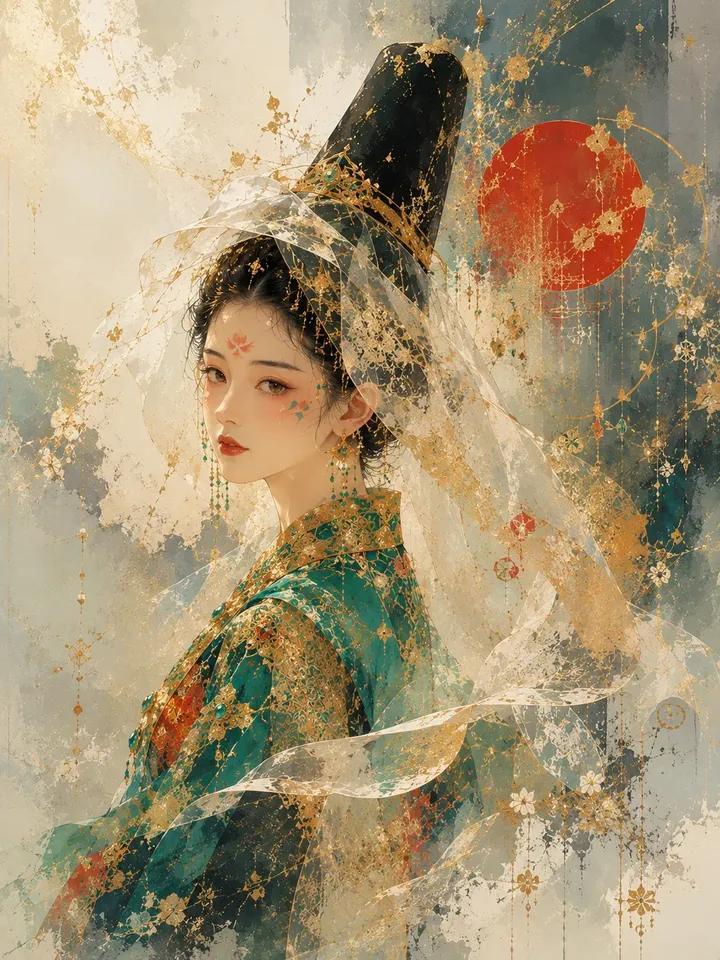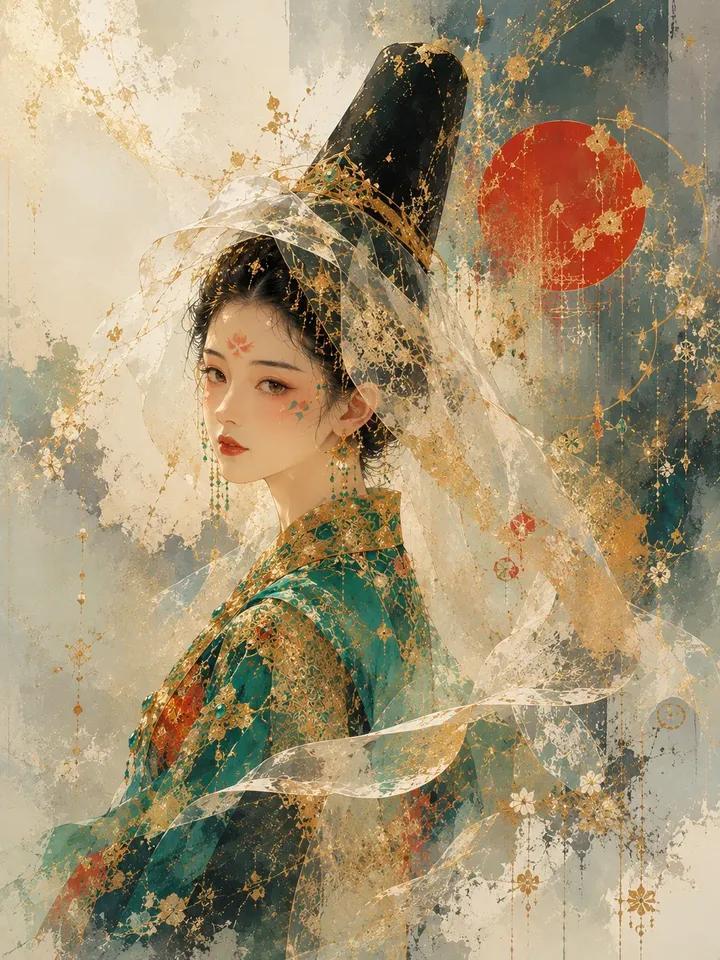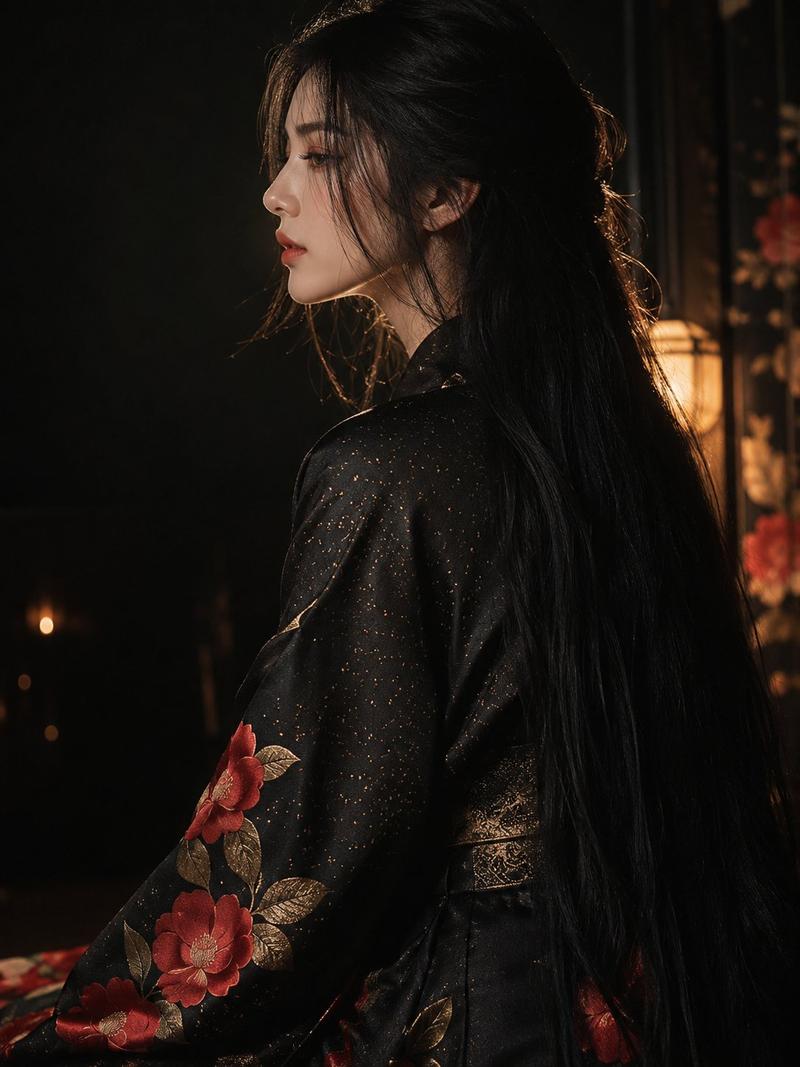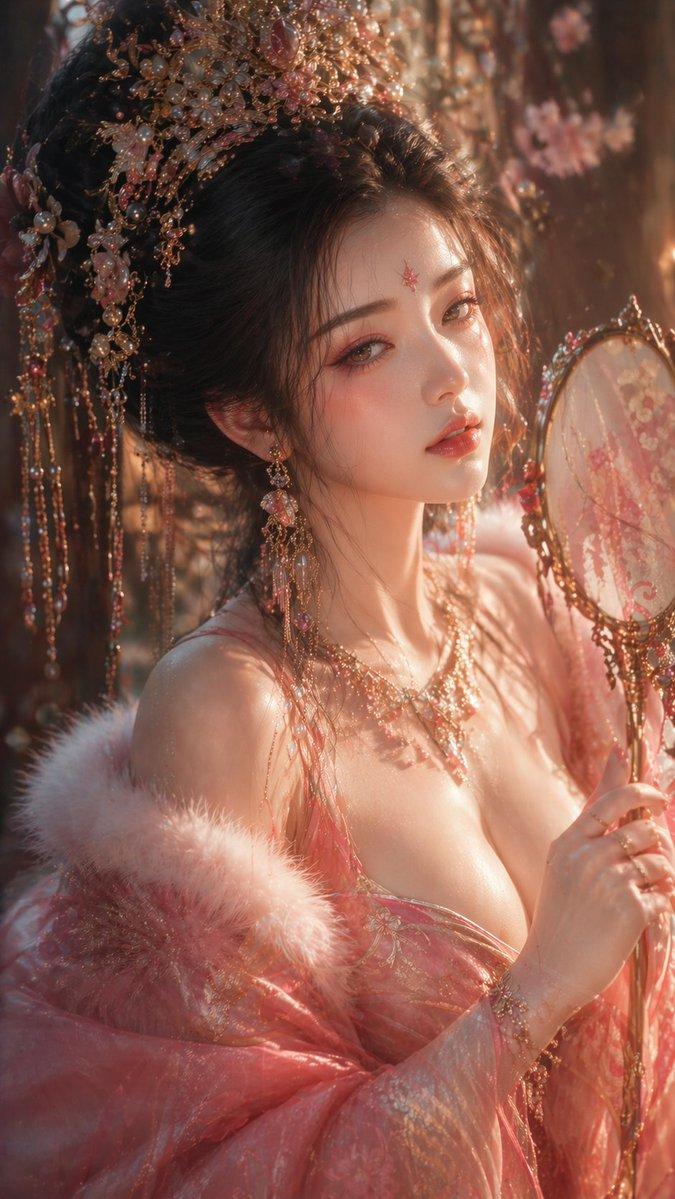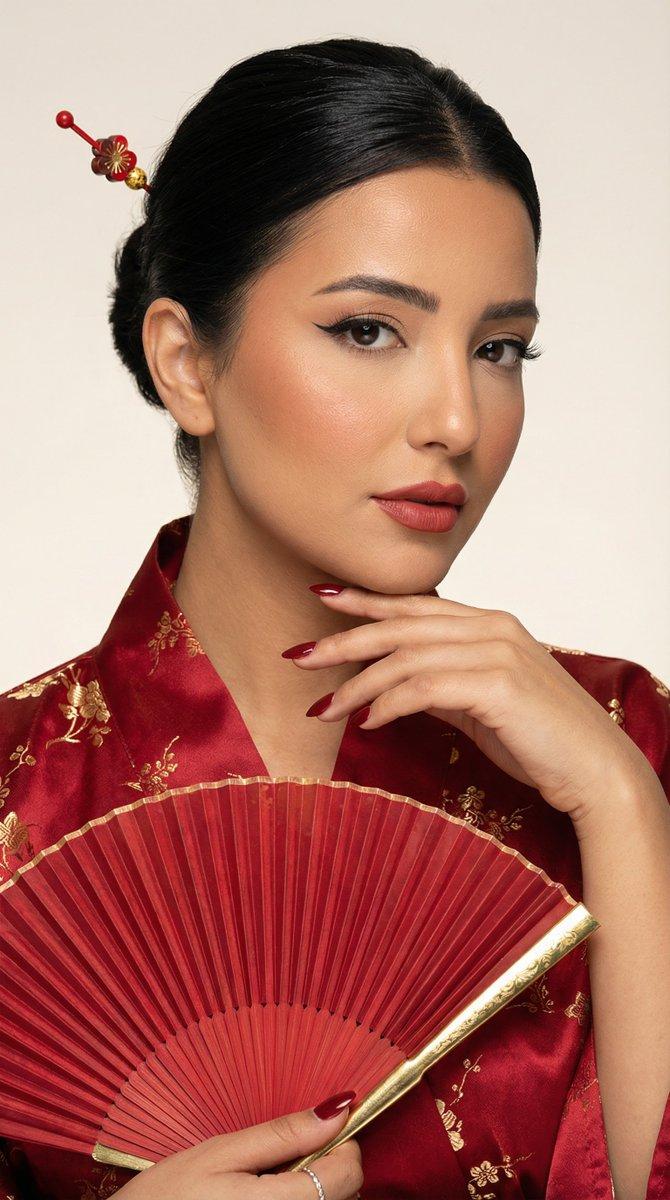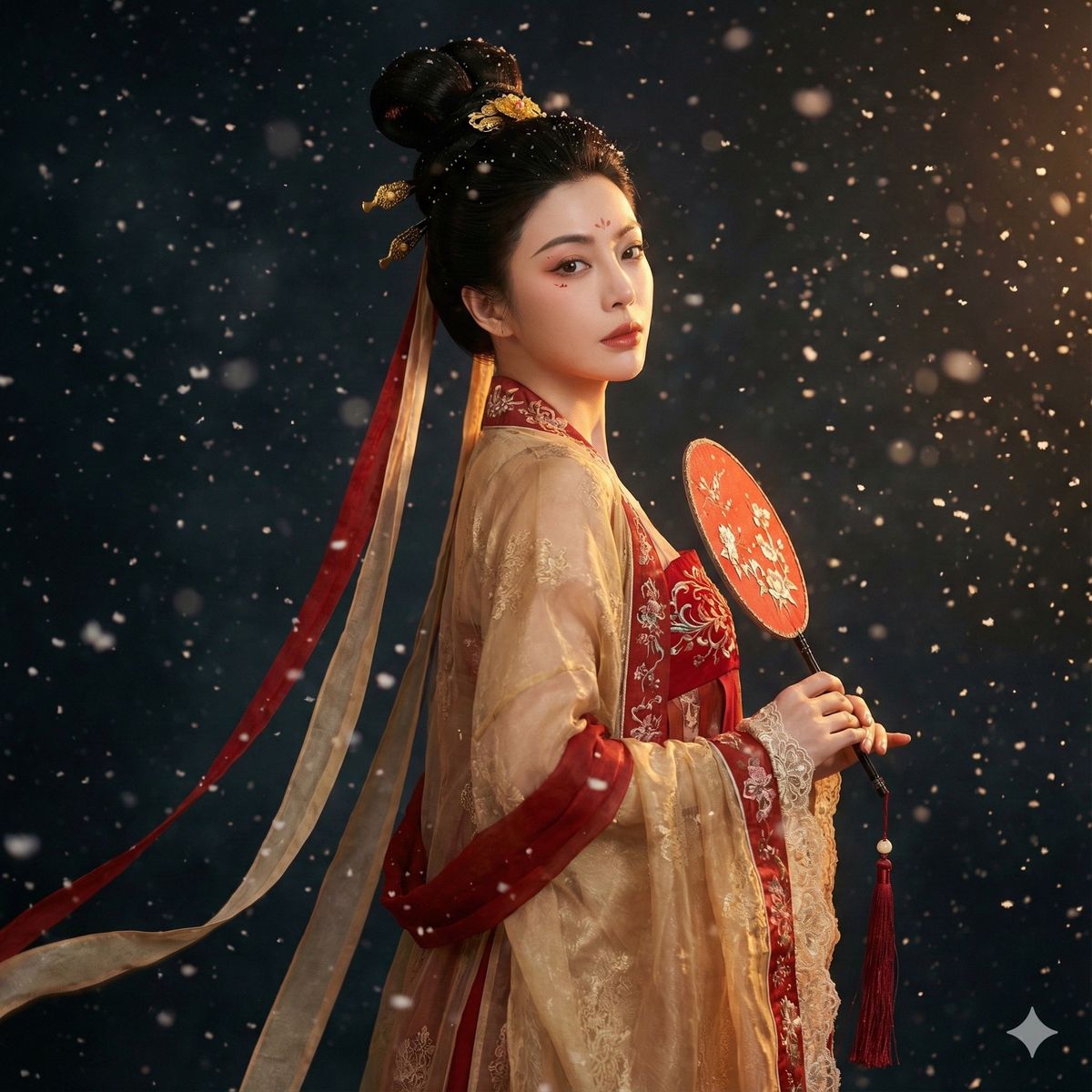
唐代服饰摄影:第六版超写实肖像
Prompt
4K hyper-detailed fashion photograph featuring hyper-realistic rendering.
**Crucial Character Consistency:** The character featured is precisely the same person shown in reference images ,
maintaining consistent facial features, hair style, and body structure across all shots.
{
 "core_structure": {
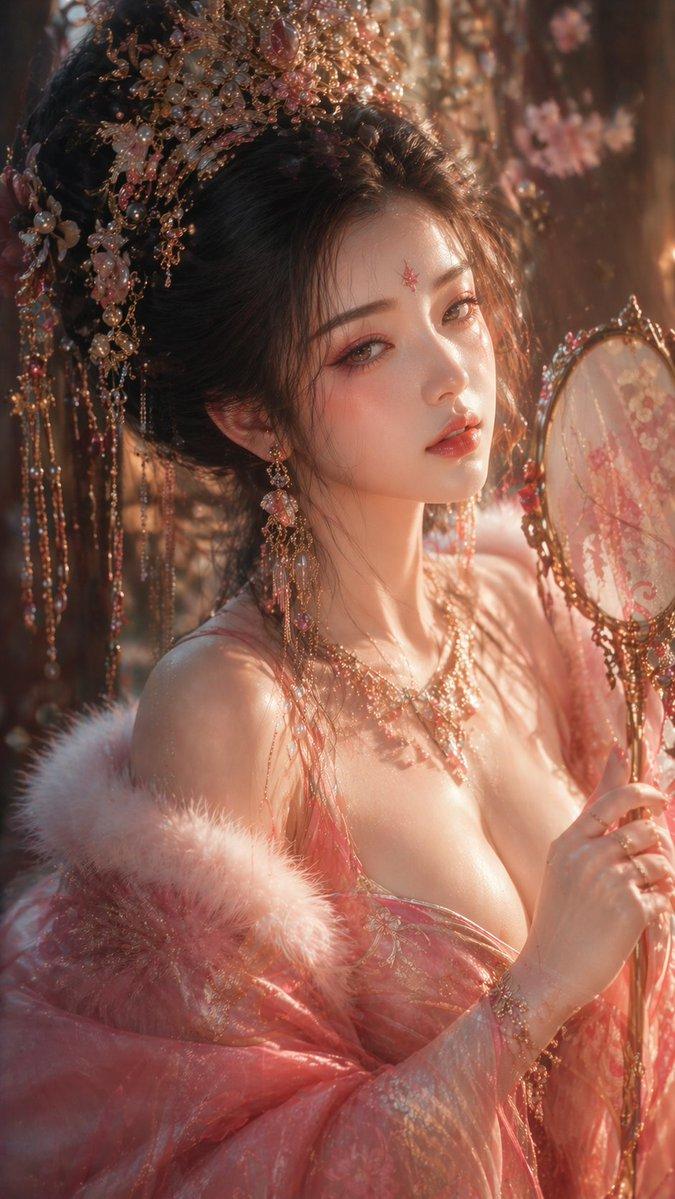
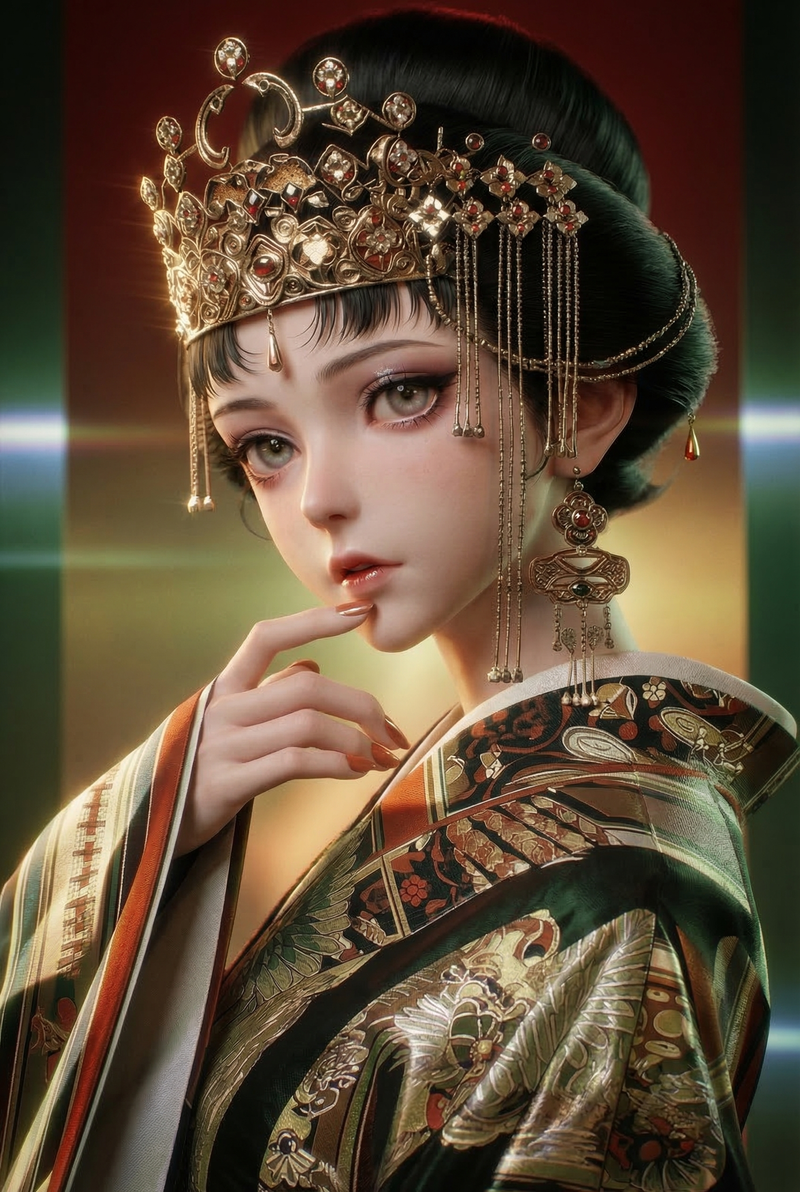
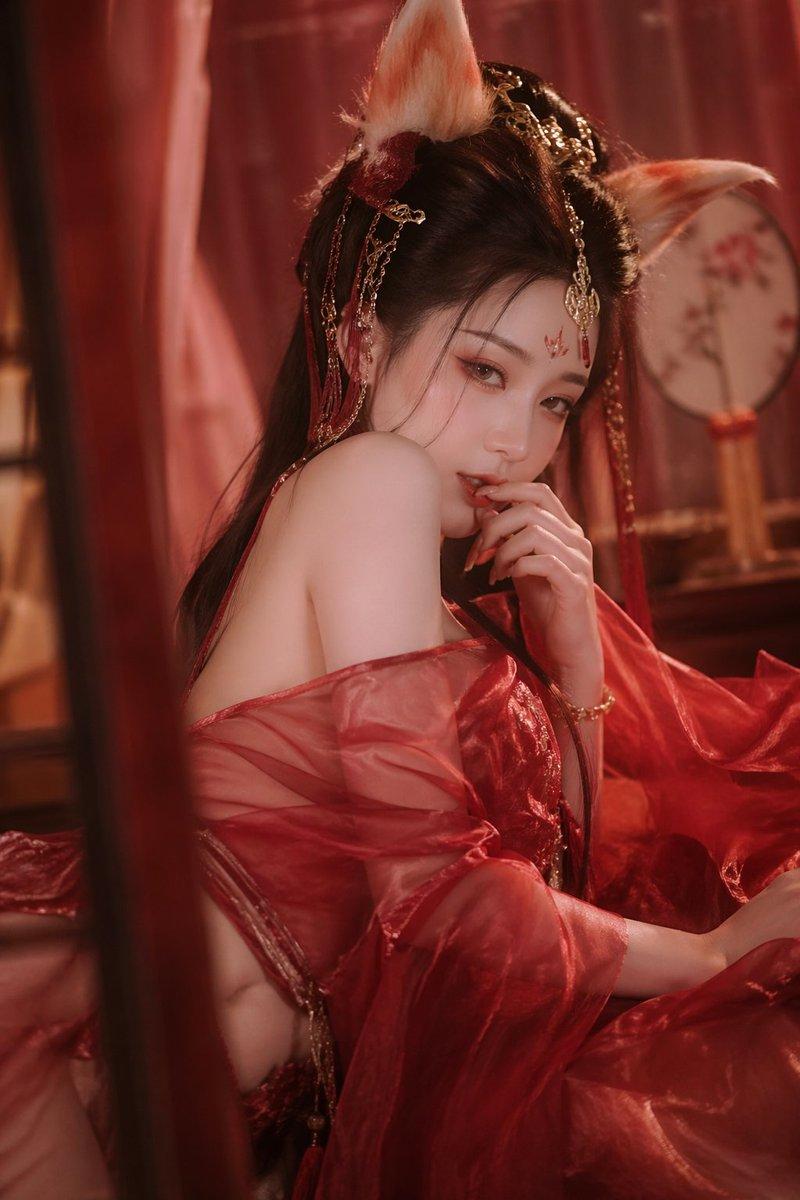
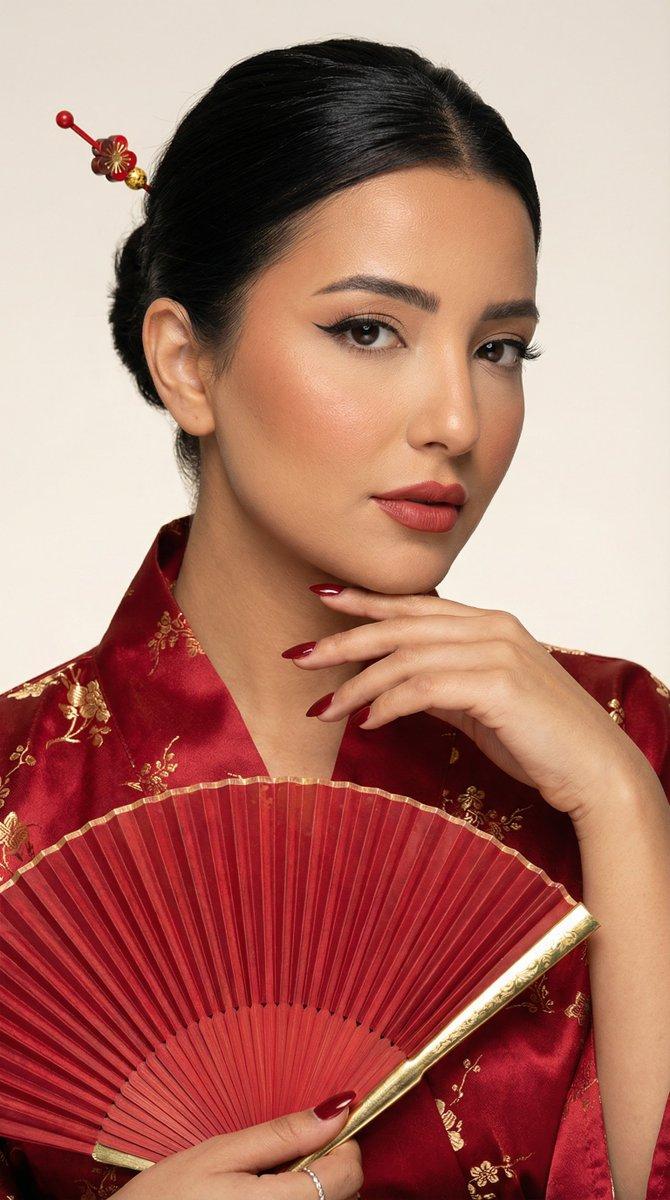
 "description": "一张超写实的电影感肖像,描绘了一位身着华丽唐代服装(齐胸襦裙)的年轻女子,手持红色刺绣团扇,在飘雪的黑色背景中回眸。",
 "elements": [
 {
 "object": "人物主体",
 "attributes": [
 "年轻东亚女性",
 "精致唐风妆容(花钿, 面靥)",
 "回眸姿态",
 "优雅"
 ]
 },
 {
 "object": "服饰 (唐风)",
 "attributes": [
 "唐代齐胸襦裙 (Tang Dynasty Qixiong Ruqun)",
 "袒领/低胸抹胸 (Low-cut bodice)",
 "半透明大袖衫 (Sheer wide sleeves)",
 "飘逸的披帛 (Flowing Pibo ribbon)",
 "红色与金色主调"
 ]
 },
 {
 "object": "发型",
 "attributes": [
 "唐代高髻 (High bun)",
 "牡丹花发饰",
 "金步摇",
 "华丽发梳"
 ]
 },
 {
 "object": "道具",
 "attributes": [
 "红色刺绣团扇 (保持不变)",
 "精致流苏"
 ]
 },
 {
 "object": "环境",
 "attributes": [
 "飘落的雪花 (Falling snow)",
 "黑色背景 (Dark background)",
 "微光氛围"
 ]
 }
 ]
 },
 "style_definition": {
 "primary_style": "photorealistic | cinematic | classical Chinese portrait",
 "rendering_quality": "8k resolution | ultra-detailed | masterpiece",
 "surface_textures": [
 "silk",
 "lace",
 "skin texture",
 "snow particles"
 ],
 "lighting": "rim lighting | soft facial spotlight | moody dark atmosphere"
 },
 "technical_specifications": {
 "camera_settings": {
 "depth_of_field": "shallow depth of field",
 "focal_length": "85mm",
 "aperture": "f/1.8",
 "exposure": "low key with highlight on face"
 },
 "resolution": "professional quality",
 "rendering": [
 "high contrast",
 "sharp focus"
 ],
 "physics_accuracy": [
 "natural fabric flow",
 "frozen snow motion"
 ]
 },
 "material_properties": {
 "skin_textures": [
 "pale",
 "soft"
 ],
 "fabric_details": [
 "embroidery",
 "sheer gauze (typical for Tang)",
 "layered silk"
 ],
 "surfaces": [
 "matte background",
 "reflective jewelry"
 ],
 "transparency": [
 "translucent outer sleeves"
 ]
 },
 "environmental_factors": {
 "atmosphere": [
 "cold but romantic",
 "quiet",
 "ethereal"
 ],
 "time_season": [
 "winter night",
 "snowing"
 ],
 "particles": [
 "white snowflakes",
 "cold breath"
 ]
 },
 "composition_controls": {
 "perspective": "eye-level",
 "framing": "medium shot | looking back over shoulder",
 "subject_placement": "center-right biased"
 },
 "quality_keywords": {
 "include": [
 "Tang Dynasty fashion",
 "historical accuracy",
 "snowy night",
 "beautiful eyes"
 ],
 "avoid": [
 "high collar (Ming style)",
 "thick clothes",
 "modern makeup"
 ],
 "reference": [
 "Tang Dynasty paintings",
 "cinematic photography"
 ]
 }
}
- Category
- Photography & Realism
- Model
- Unknown
- Creator
- 烟花老师(一支烟花)
- Source ID
- tang-dynasty-fashion-photography-6th-edition-hyper-realistic-portrait
Views0