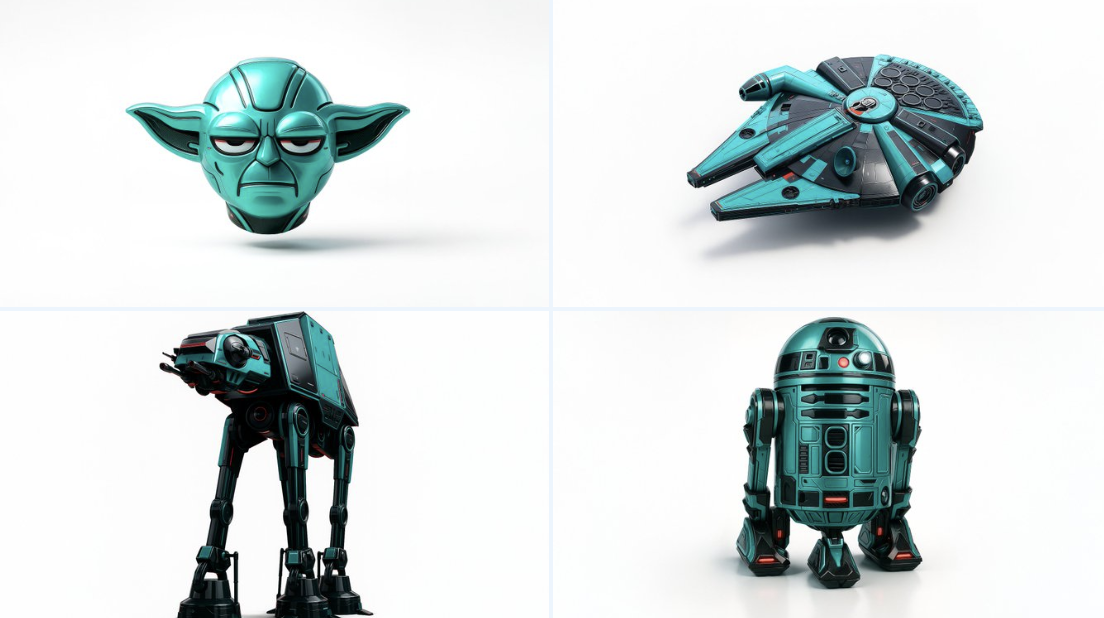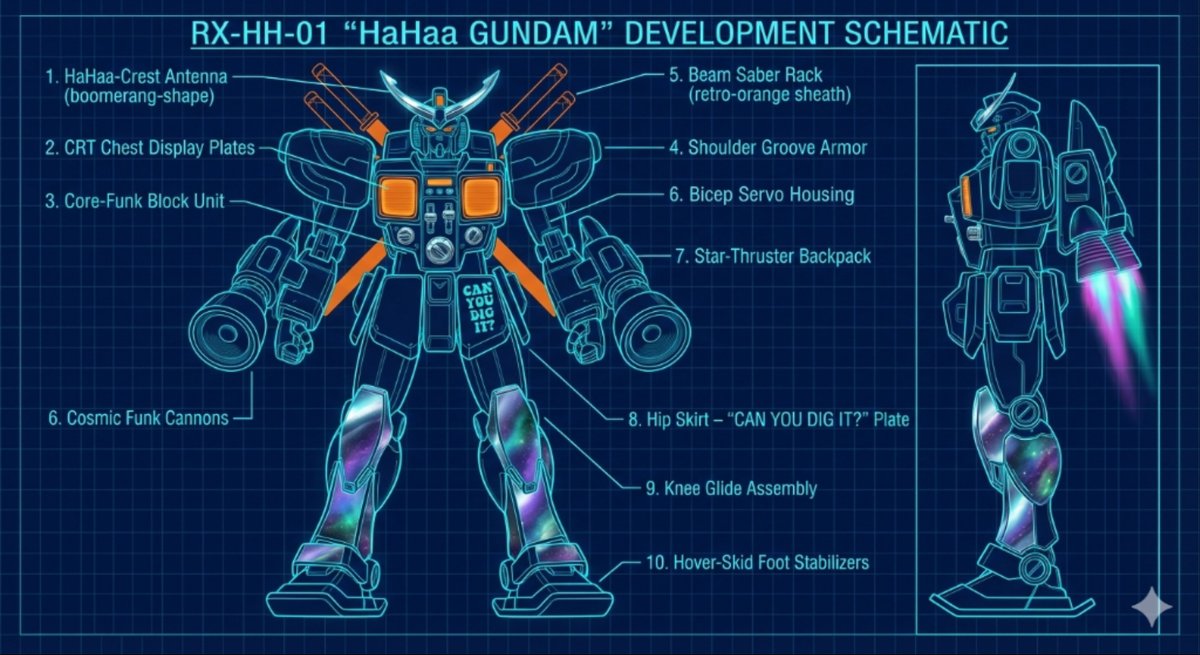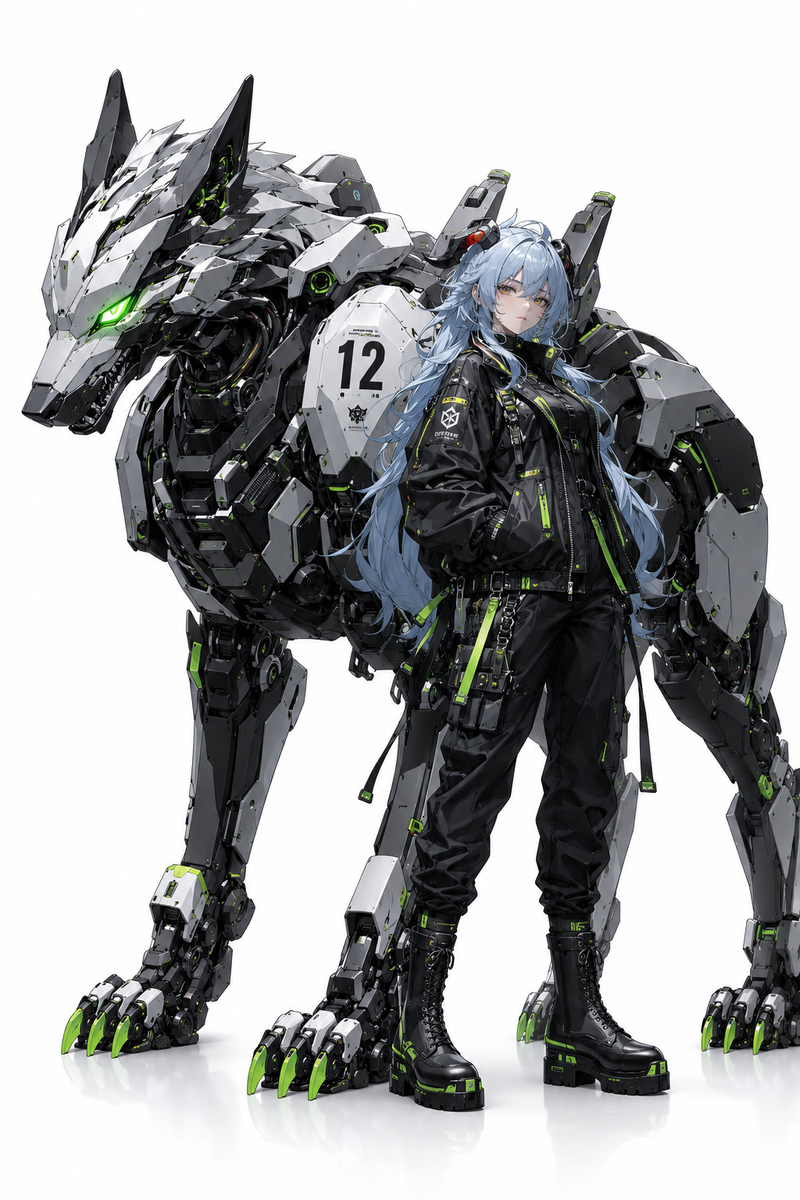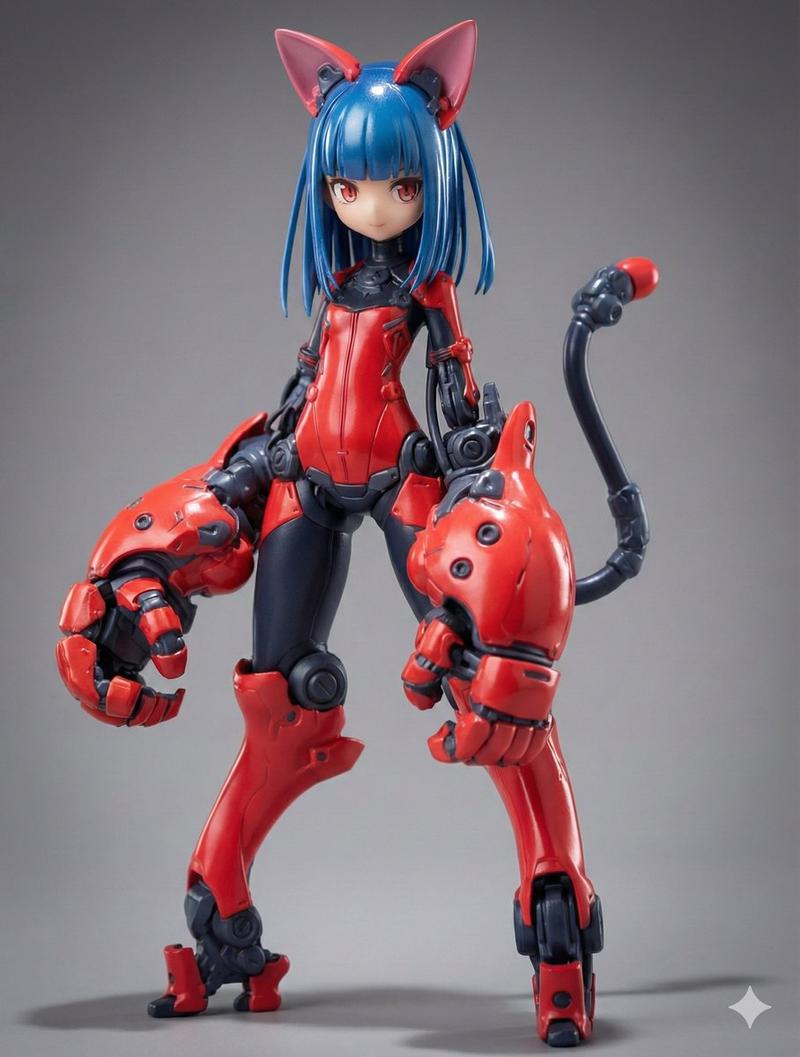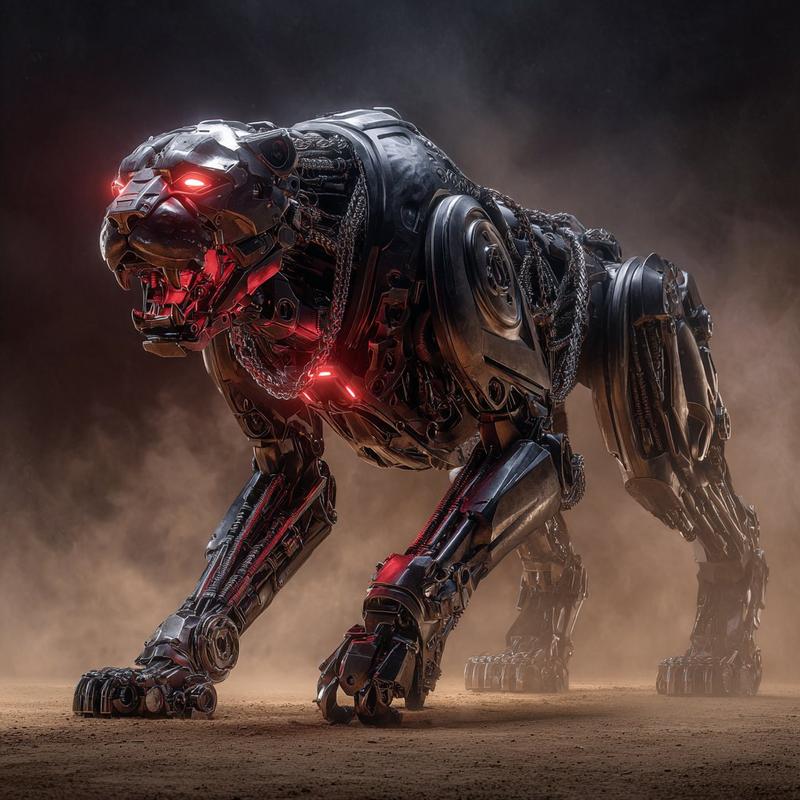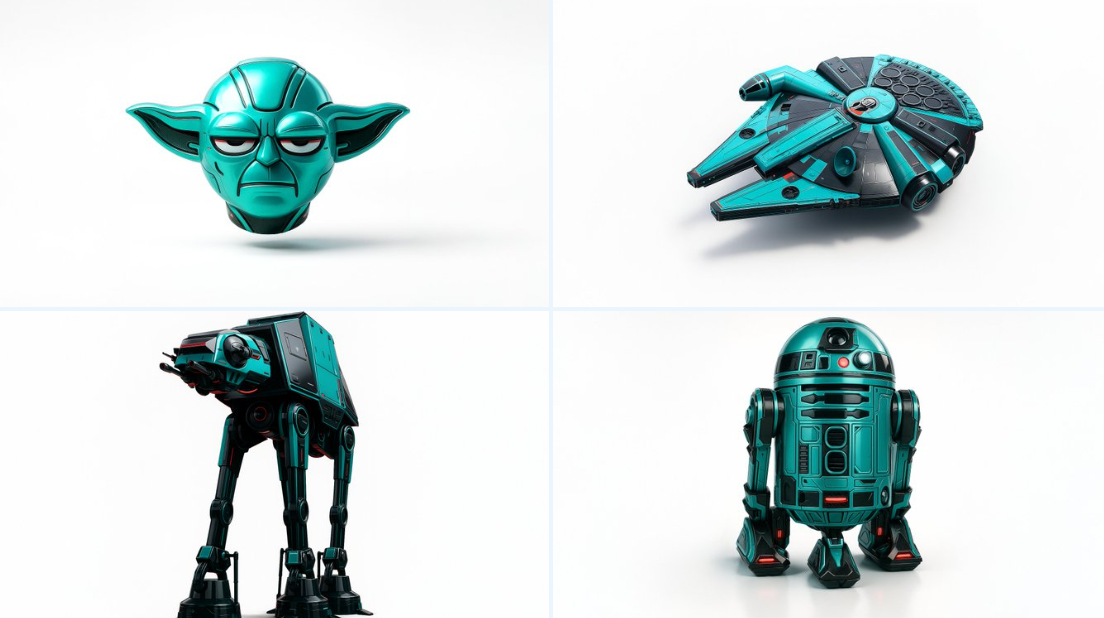
纹理化图片
Prompt
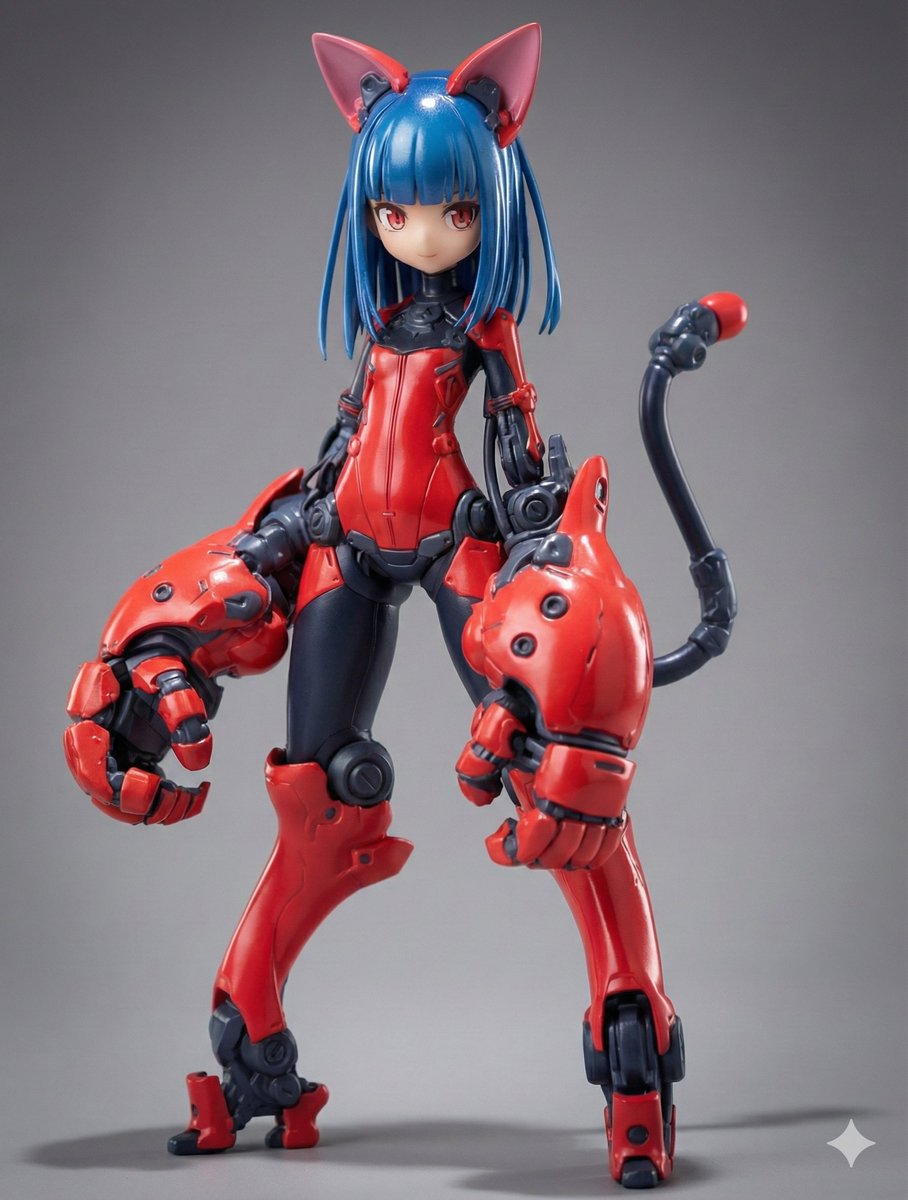
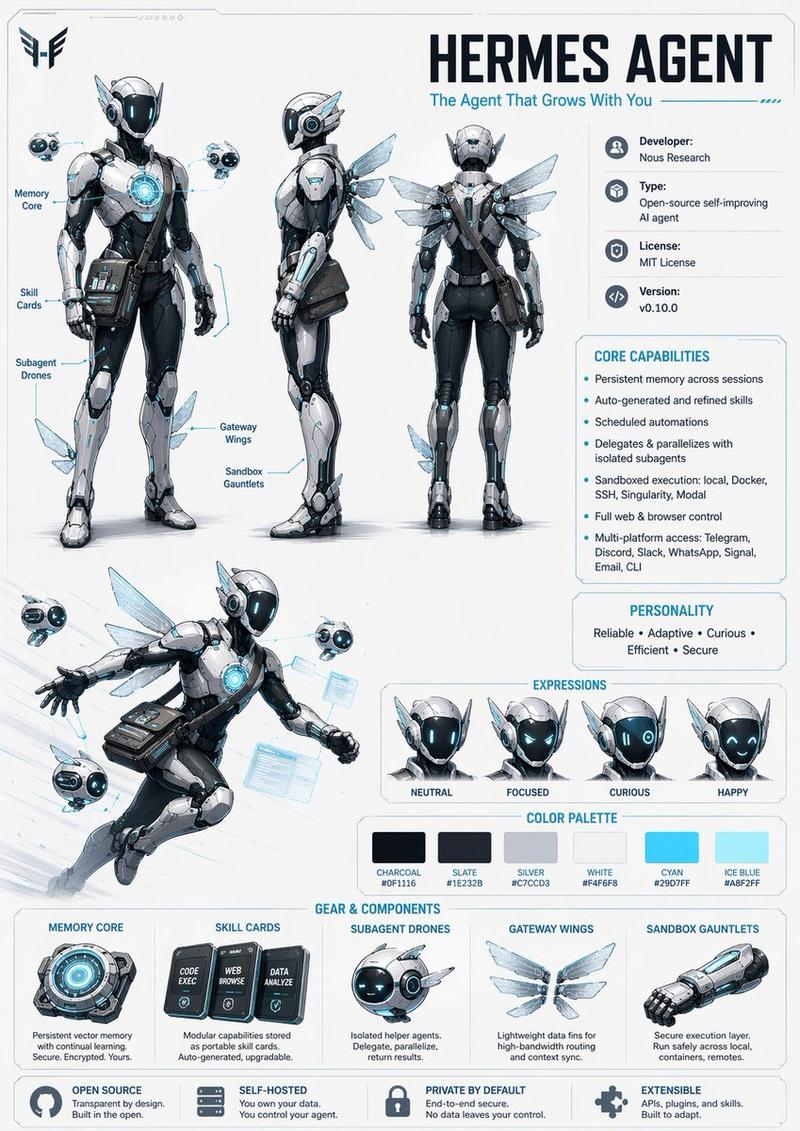
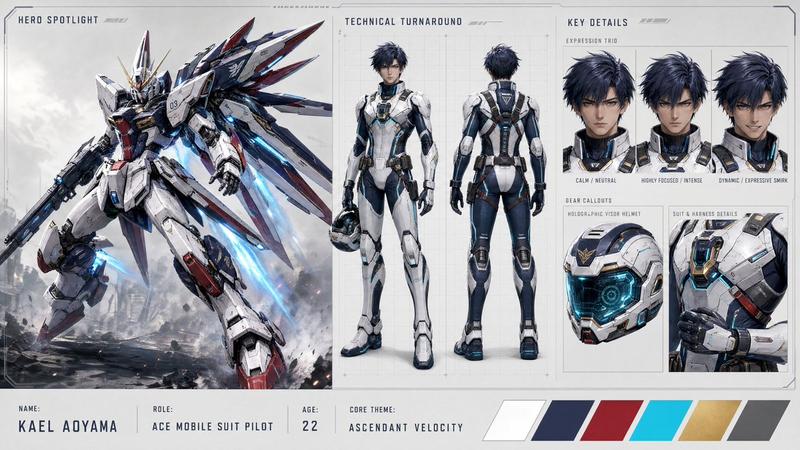
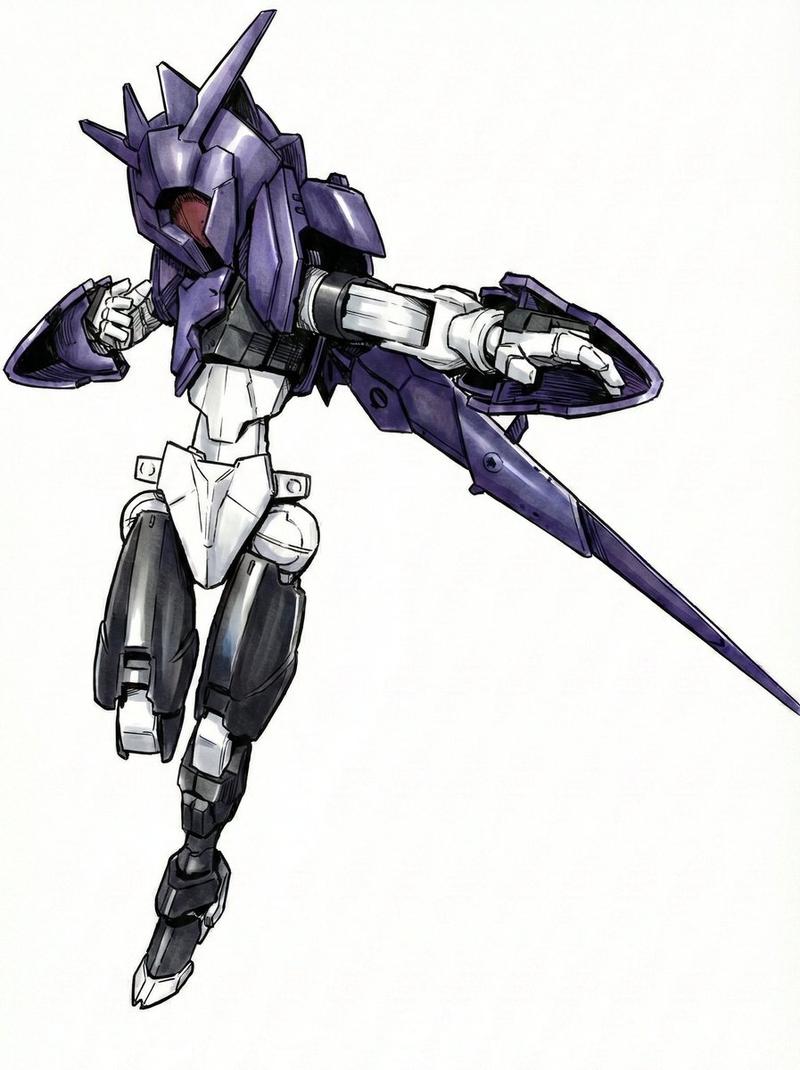
Retexture the image attached based on the json below\n{\n "style": "C4D hyper-realistic 3D render",\n "object_form": "detailed mechanical design",\n "geometry": {\n "shape": "sharp edges with smooth curves",\n "scale": "real-world proportion",\n "detailing": "high-poly mesh with intricate mechanical features"\n },\n "material": {\n "base": "polished plastic and carbon fiber",\n "texture": "fine surface variation with specular maps",\n "finish": "high gloss with realistic reflections"\n },\n "design_elements": {\n "decals": "subtle branding and panel lines",\n "surface_effects": "anodized gradients, emissive lighting elements",\n "aero_parts": "spoilers, splitters, and aggressive styling cues"\n },\n "color_scheme": {\n "primary": "#0ae2c0",\n "secondary": "#111111",\n "accents": ["#ffffff", "#e00000"],\n "reflections": "real-world HDRI light environment",\n "background": "#ffffff"\n },\n "lighting": {\n "type": "studio 3-point with HDRI",\n "intensity": "balanced with key fill and rim lights",\n "shadows": "soft, subtle contact shadow under object",\n "highlights": "strong specular reflections on curves"\n },\n "rendering": {\n "engine": "Cinema 4D Redshift or Octane",\n "resolution": "ultra high-definition (4K+)",\n "focus": "object-centered with floating illusion",\n "background_blur": "none"\n },\n "composition": {\n "layout": "centered in frame",\n "object_count": 1,\n "orientation": "three-quarter front view",\n "camera": "35mm lens, slightly elevated",\n "grounding": "floating mid-air with realistic soft shadow cast on white background"\n }\n}- Category
- Photography & Realism
- Model
- Unknown
- Creator
- Ege
- Source ID
- texturized-image
Views0