19

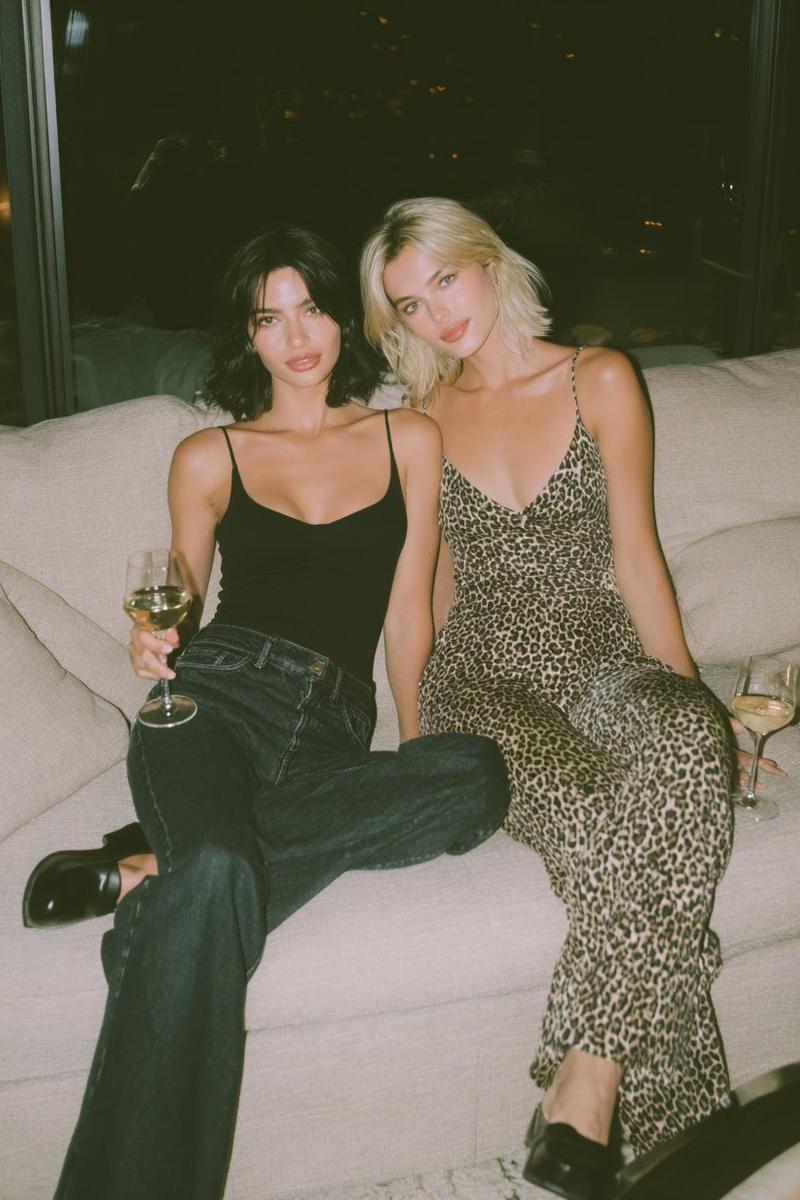
Midjourney与Nano Banana Pro:感恩节派对后场景
Enlarge

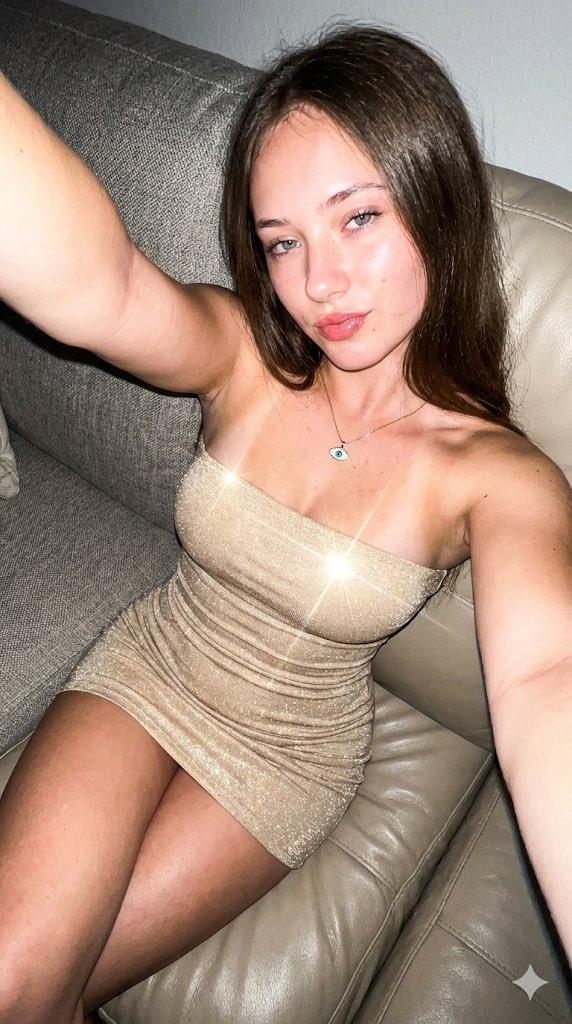
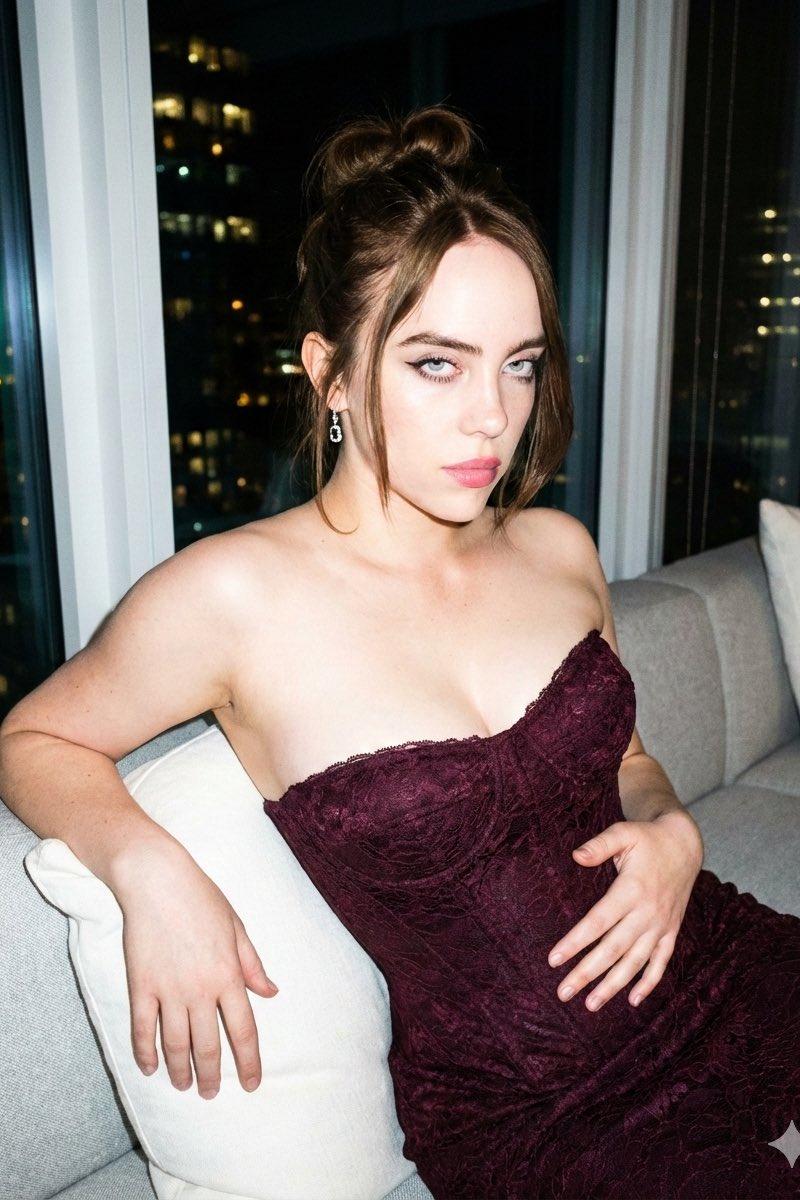
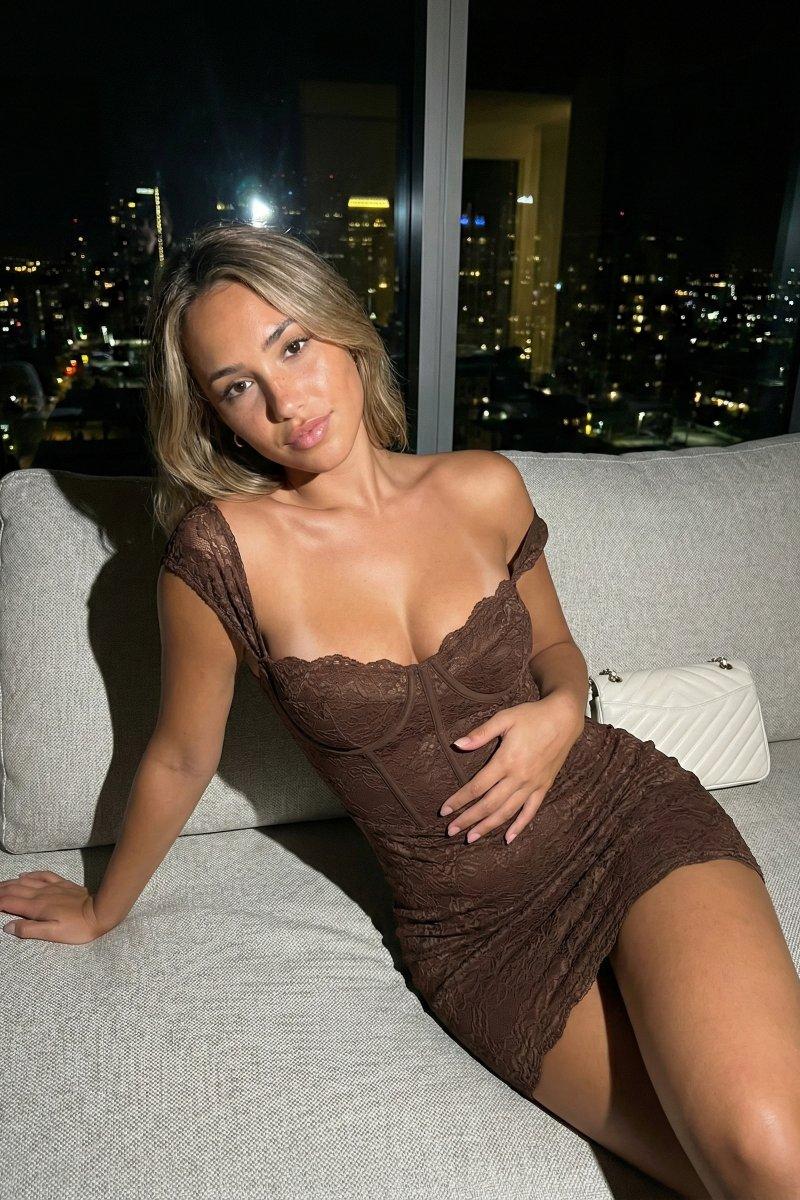
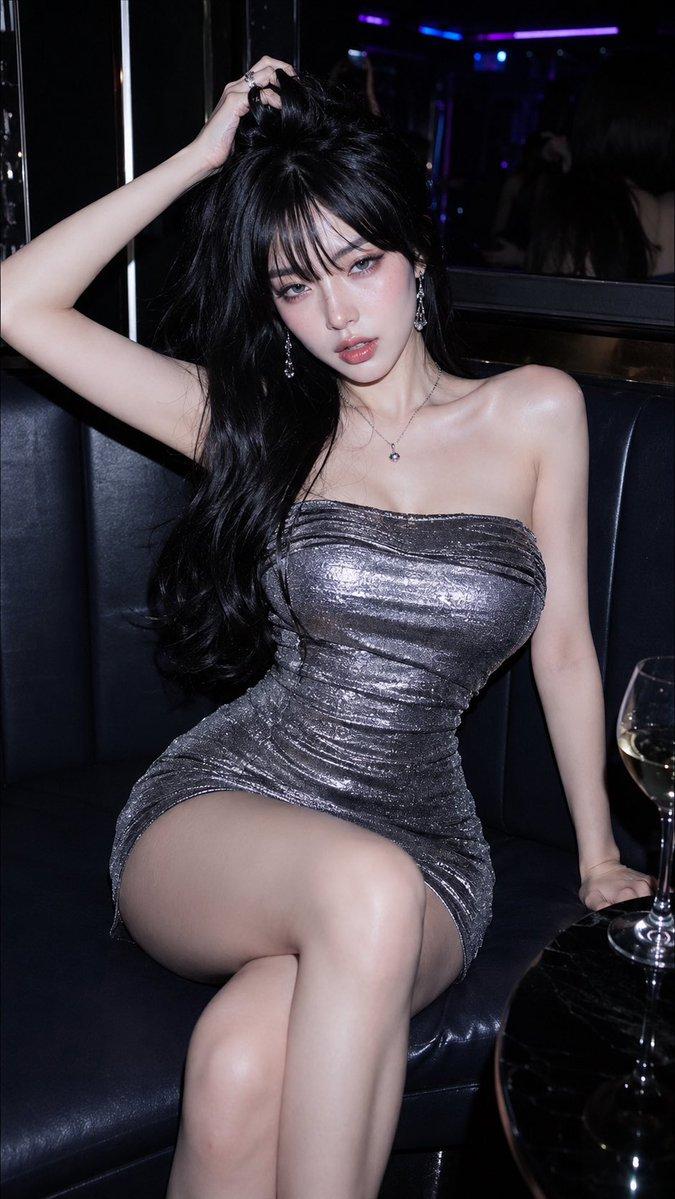
Example images

Midjourney与Nano Banana Pro:感恩节派对后场景

Prompt
Round 1;
Midjourney vs Nano Banana Pro
Prompt;
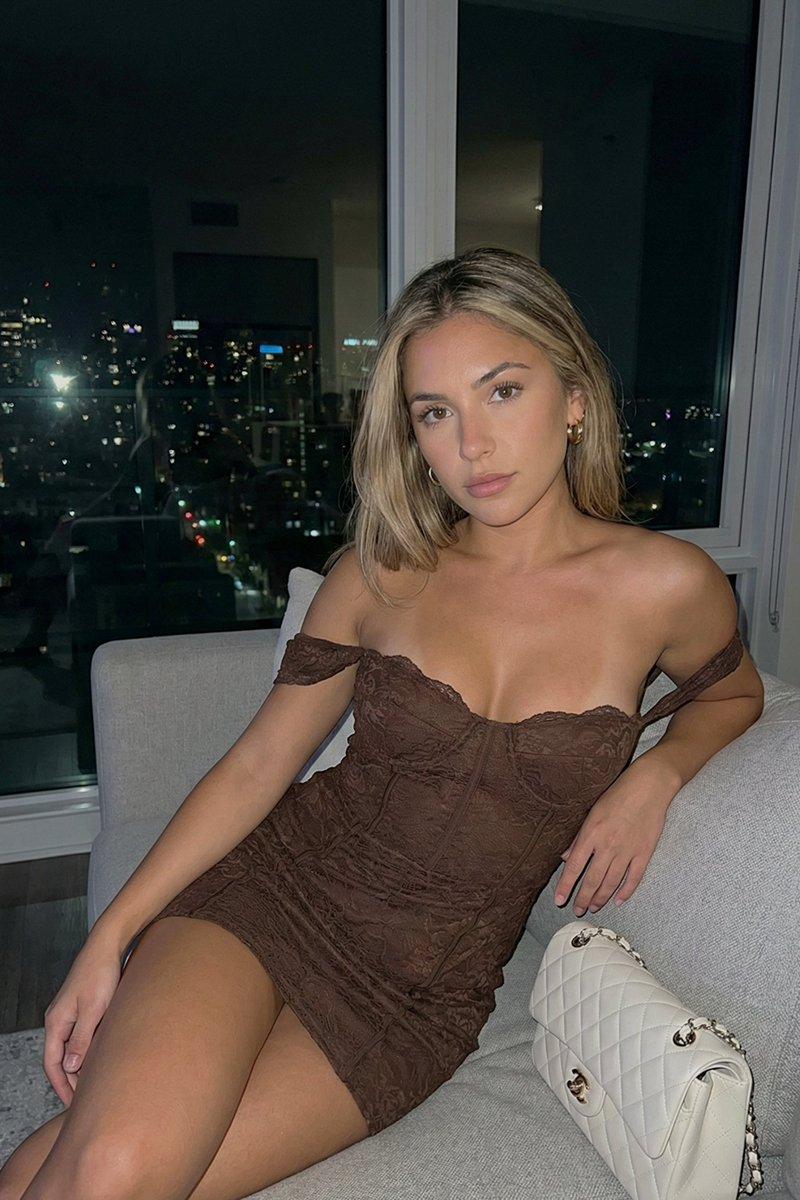
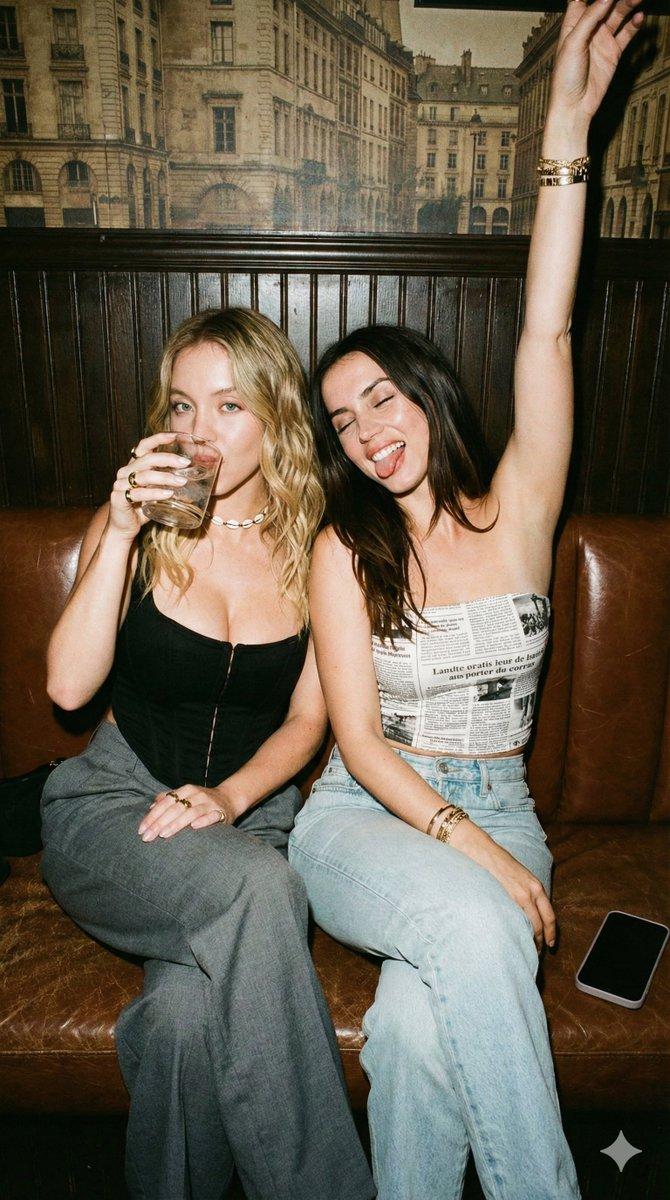
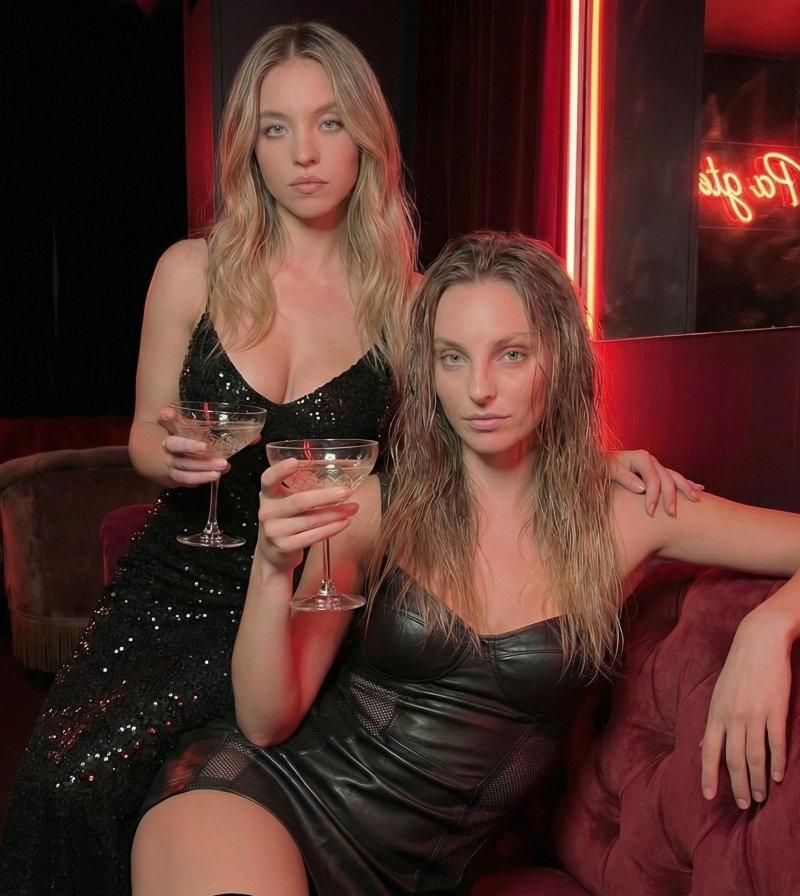
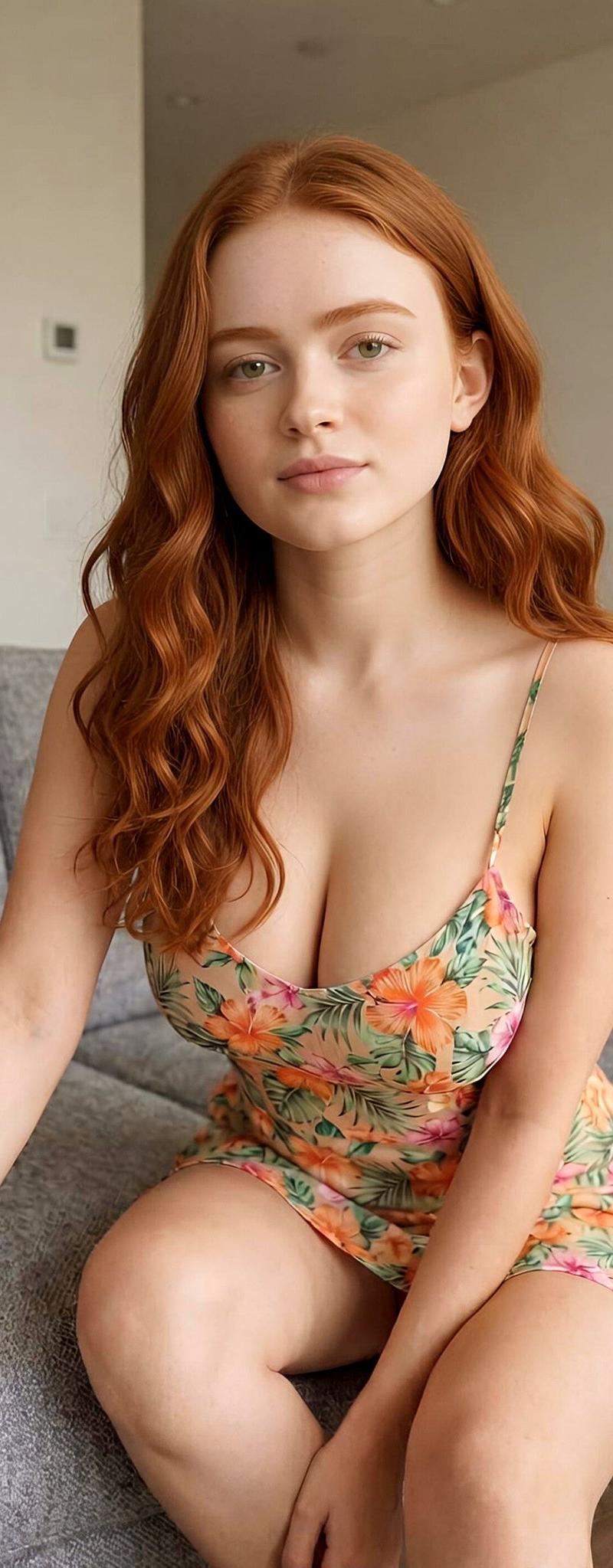
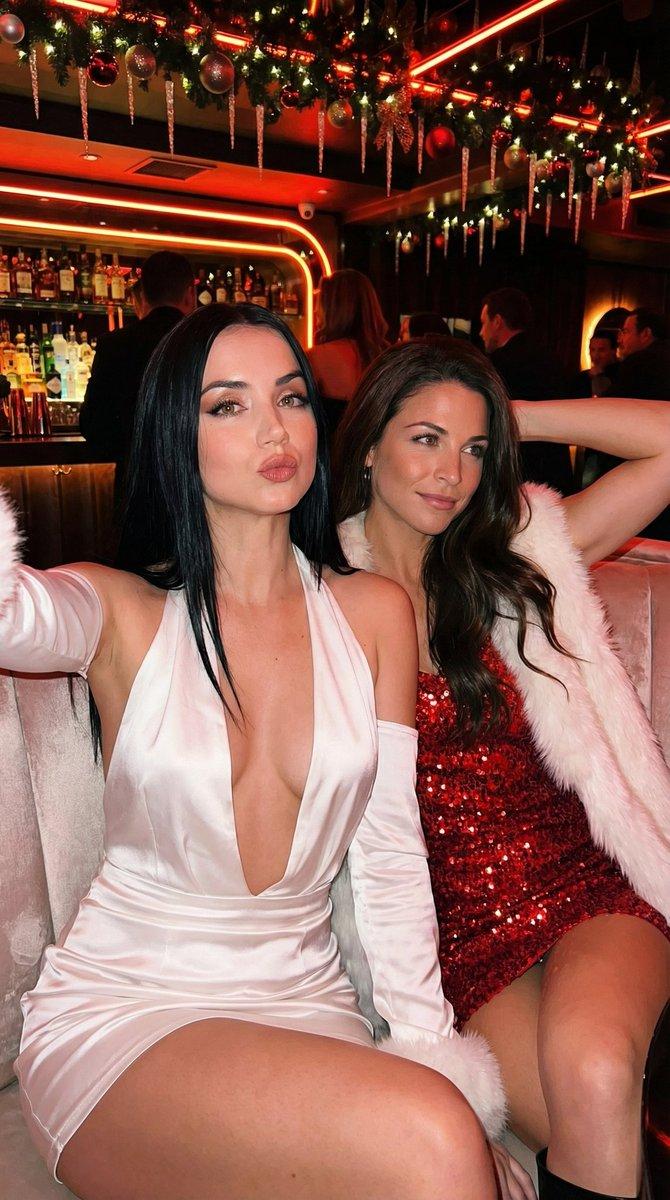
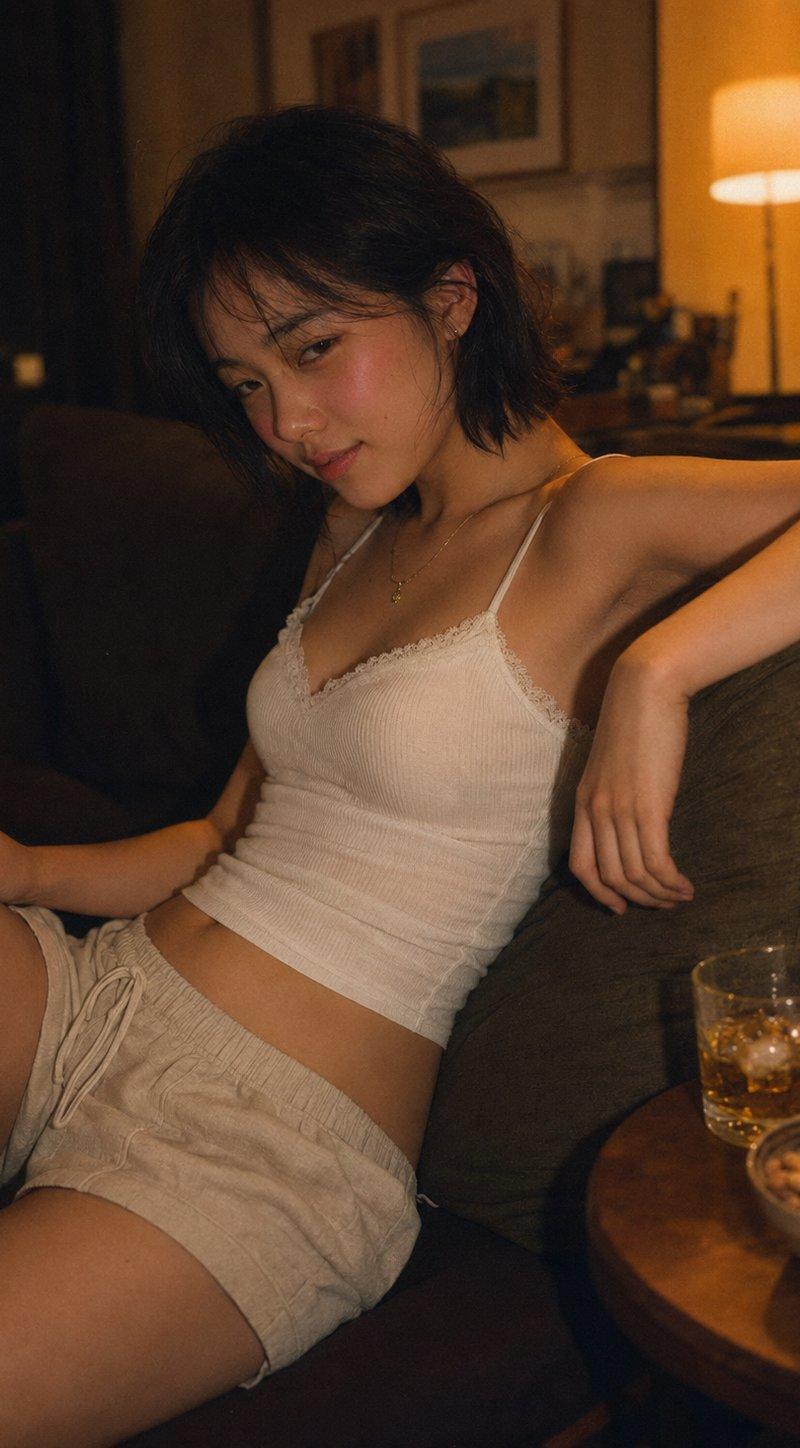
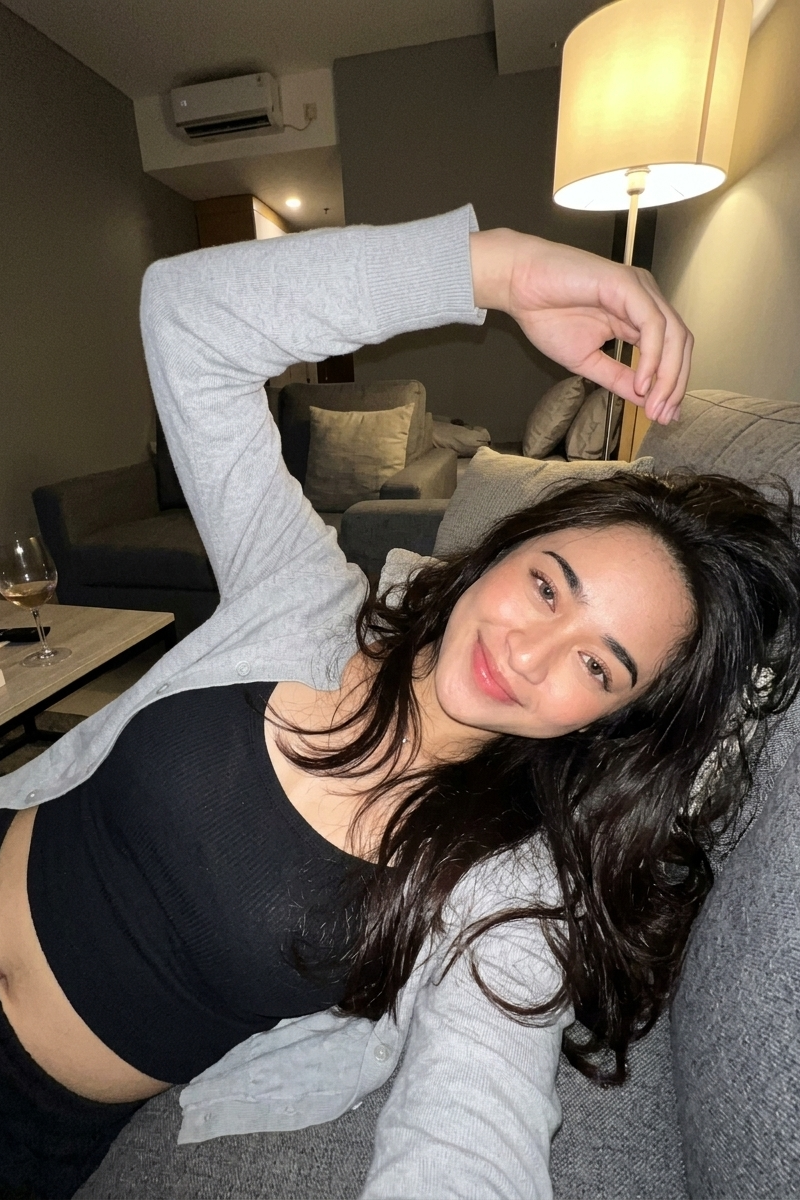
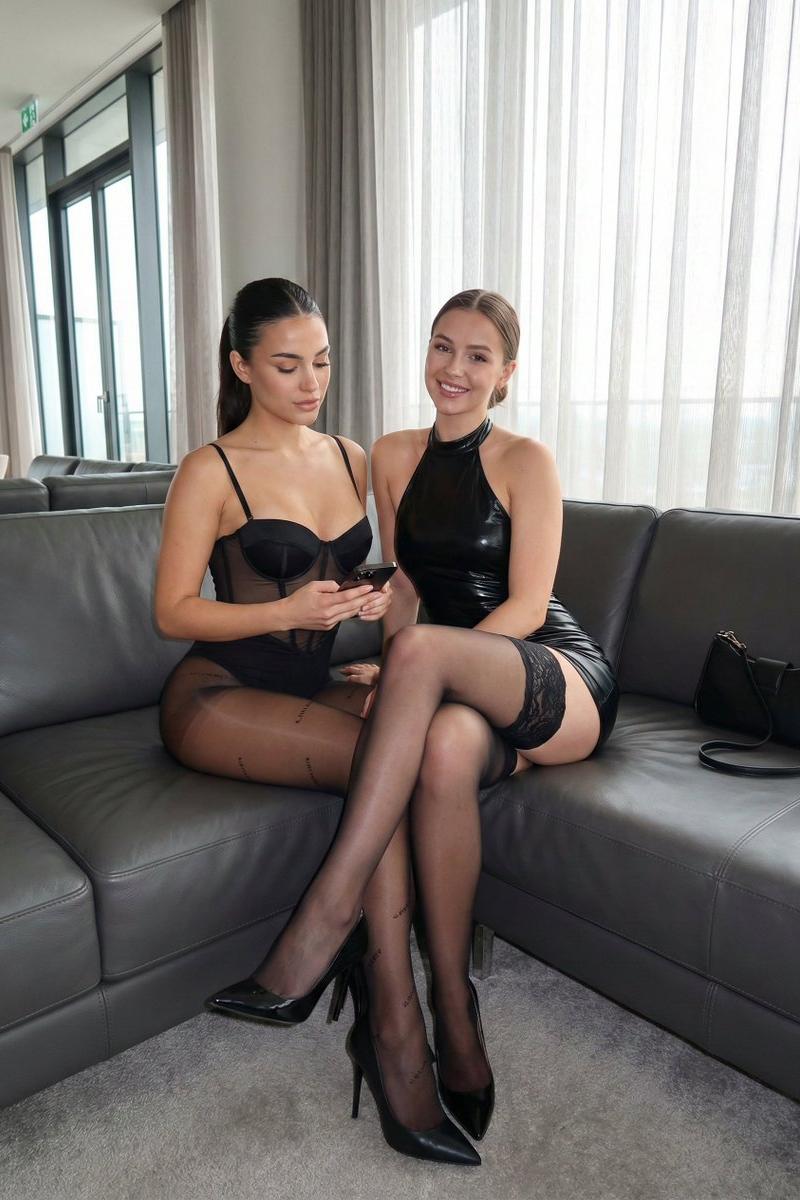
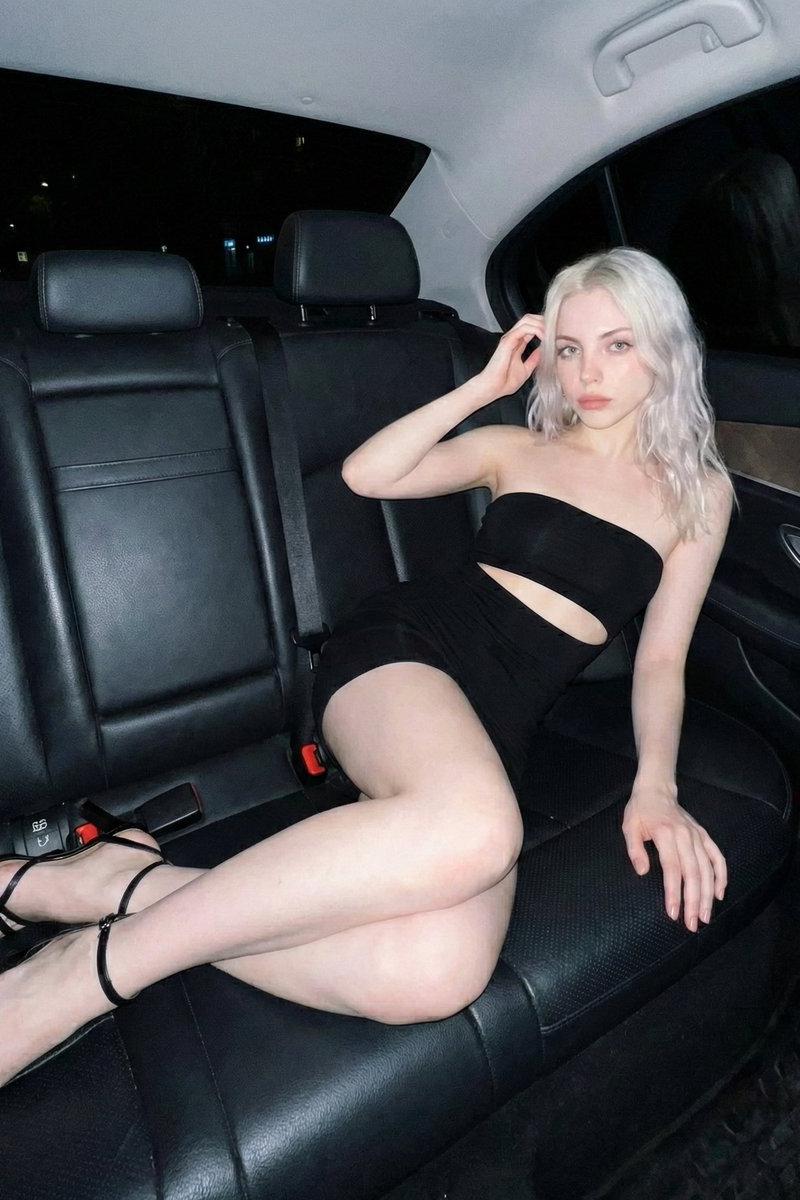
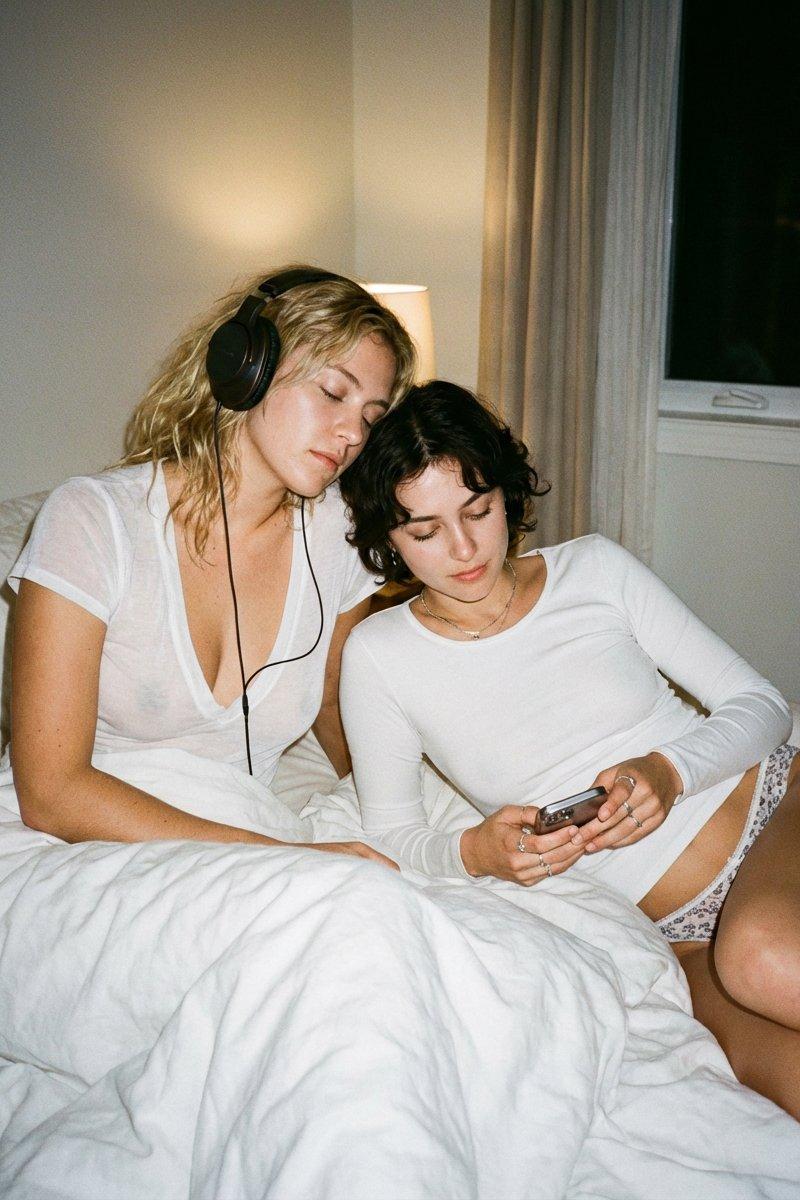
Thanksgiving after-party scene, two models sitting casually on a soft beige sofa, cozy indoor lighting. One model wearing dark wash straight-leg denim, the other wearing leopard print wide-leg pants . Both wearing chic a fitted, scoop-neck top with thin straps,. Black leather loafers on feet, legs relaxed and crossed naturally. Champagne glasses in hands, coffee table, warm ambient light, subtle reflections on leather shoes. Mood: intimate, calm, slightly messy, post-dinner vibe. 35mm film photography, warm tone, soft flash, slight grain, editorial fashion photography, natural imperfections. No high heels, no sneakers, no boots. Focus on pants texture and loafers. --chaos 5 --ar 3:4 --raw --profile jgkhnkb nfzvcko --stylize 600
Category
Photography & Realism
Model
Nano Banana Pro
Creator
Keskin
Source language
zh-CN
Views0
Source ID
thanksgiving-after-party-scene
Studio

Guide

About "Midjourney与Nano Banana Pro:感恩节派对后场景"

What is this prompt for?

"Midjourney与Nano Banana Pro:感恩节派对后场景" AI image prompt for Nano Banana Pro (Photography & Realism). Round 1; Midjourney vs Nano Banana Pro Prompt; Thanksgiving…

The full copyable prompt and example visuals above are ready for AI image generation or one-click recreate in Picva.

How to use this prompt

  1. Step 1

    Open the prompt detail

    Review the example visuals, category, and full prompt text for "Midjourney与Nano Banana Pro:感恩节派对后场景".

  2. Step 2

    Copy the prompt

    Copy the prompt body from this page, or load it directly in Studio.

  3. Step 3

    Pick a model (Nano Banana Pro)

    Prefer Nano Banana Pro. If you switch models, keep subject and composition and tweak style terms.

  4. Step 4

    Generate and export

    Recreate the look in Picva, or export into your workflow for editing and publishing.

FAQ

What is the "Midjourney与Nano Banana Pro:感恩节派对后场景" prompt?
It is an AI image-generation prompt for Nano Banana Pro in the Photography & Realism category. This page includes the full prompt text, example visuals, and a one-click recreate path in Picva.
How do I use this prompt to generate an image?
Copy the prompt from this page, or use Generate / Studio. Paste it into a compatible image model, or recreate the look in Picva with optional reference images.
Which model is this prompt for?
This page lists Nano Banana Pro. Most descriptive prompts also transfer to nearby image models such as GPT Image, Flux, or Midjourney with light style tweaks.
Can I use the result commercially?
You can usually copy the prompt for creation, but commercial use of the final image depends on the model terms, reference-image rights, and the generated content. Follow the source author and platform rules.