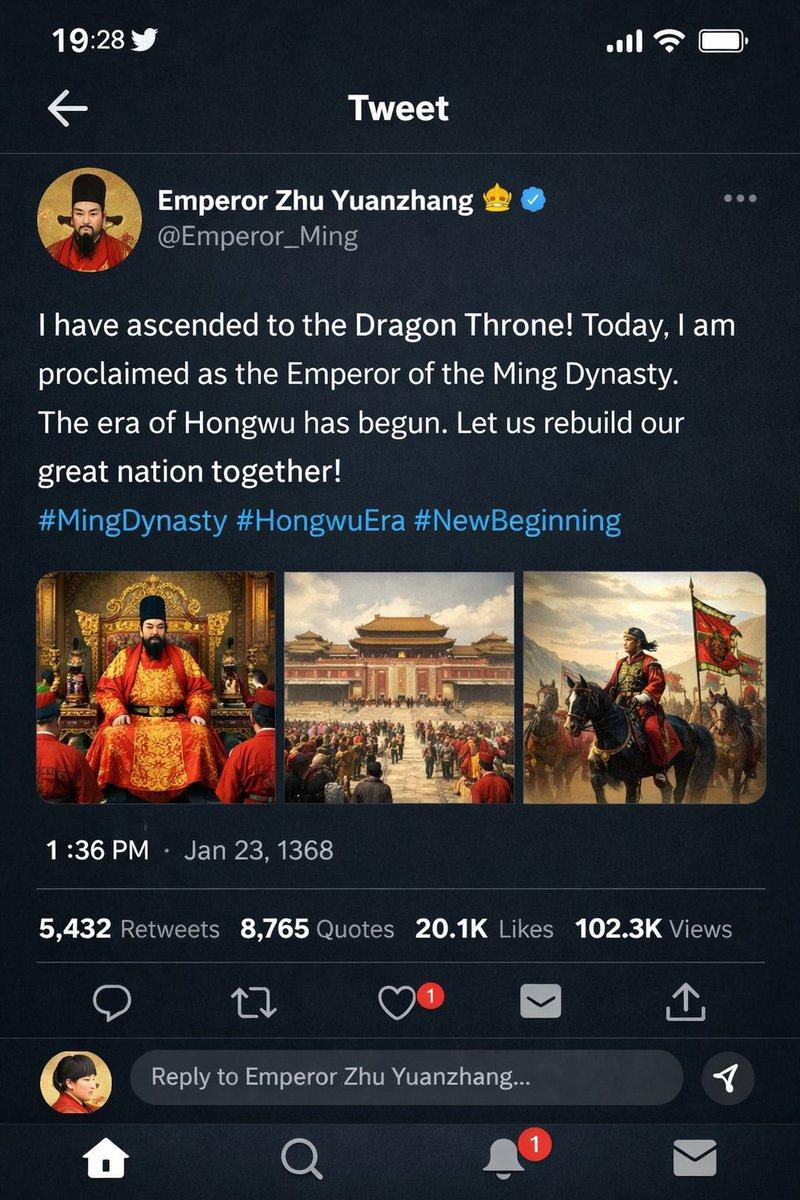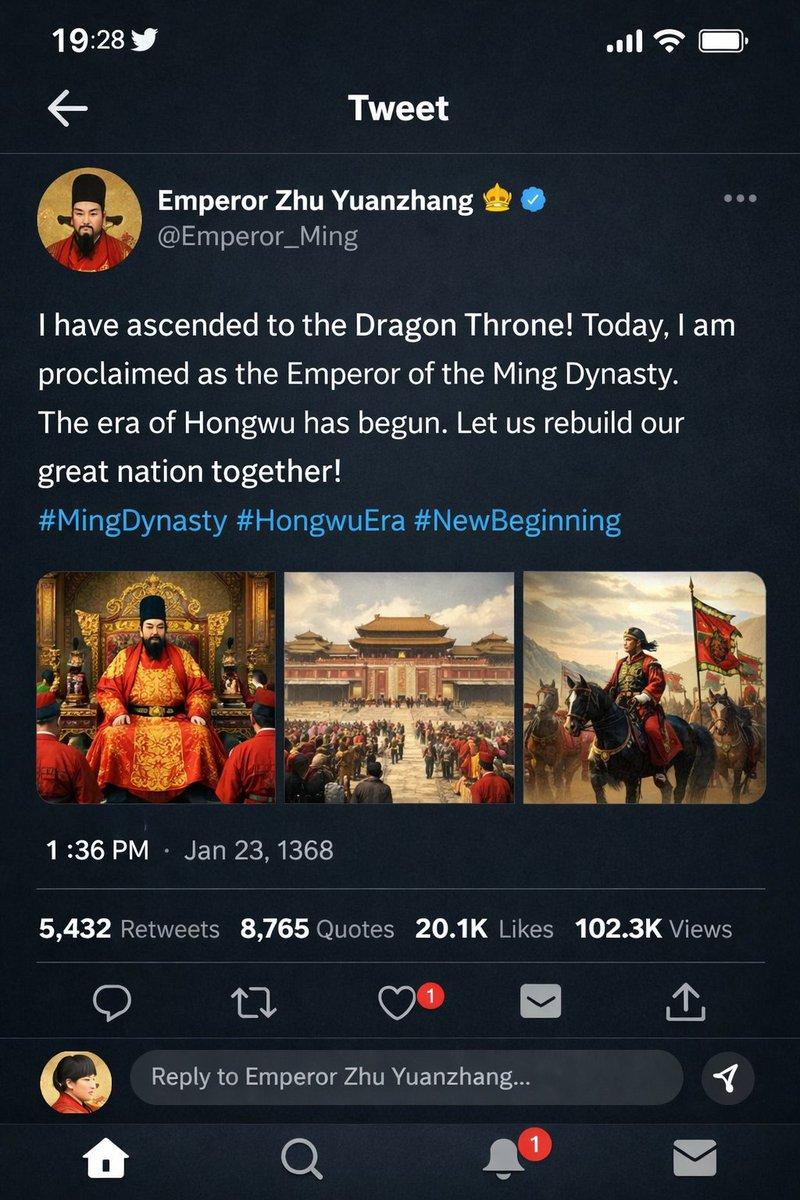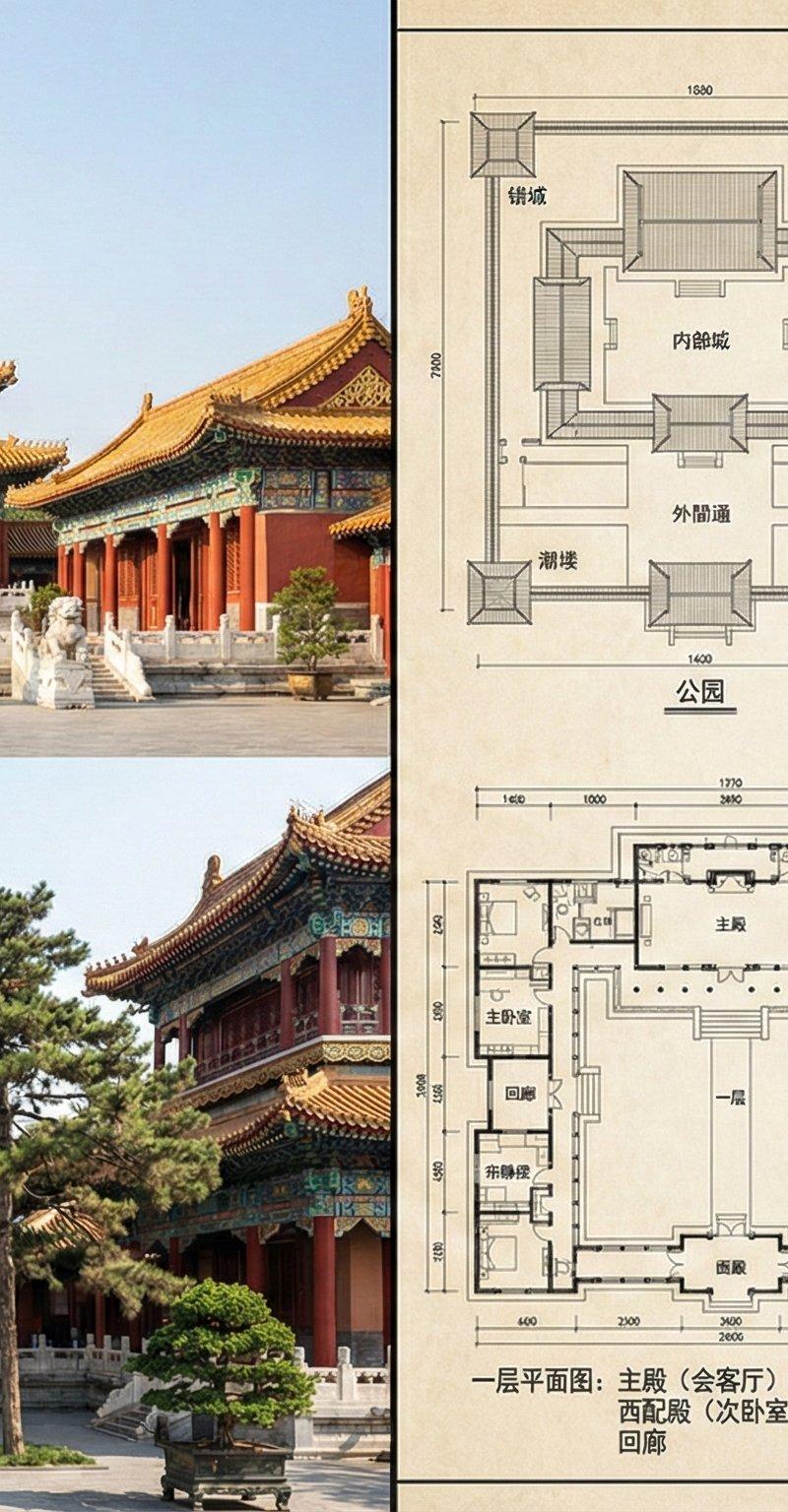
19

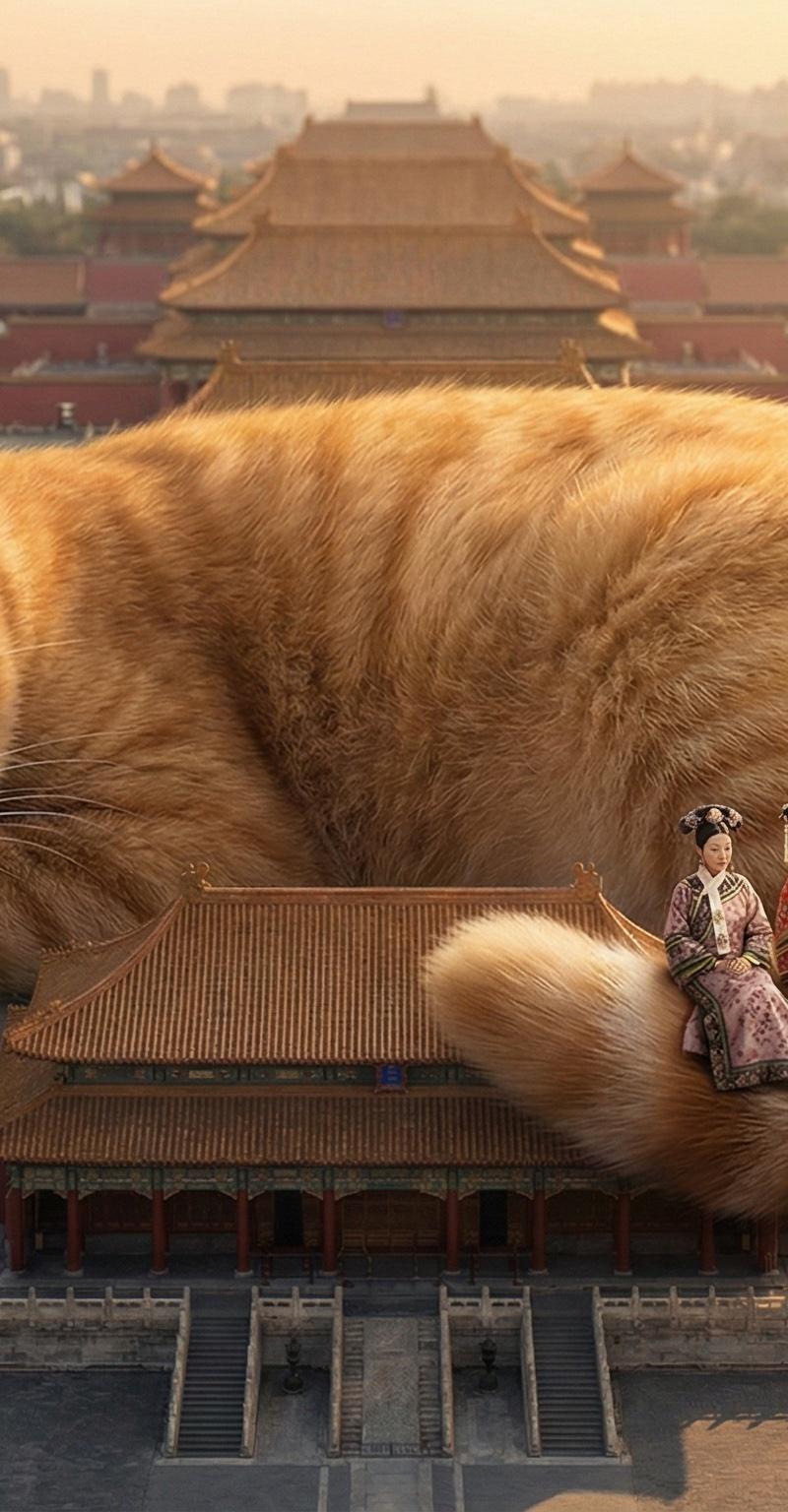
故宫的橘猫——疲惫的他和身边的人
Enlarge

Example images

故宫的橘猫——疲惫的他和身边的人

Prompt
故宫的橘猫——疲惫的他和身边的人
(提示词见图片的ALT,场景灵感来自于《甄嬛传》)
A scene where 【the Forbidden City (故宫)】 is occupied by a super gigantic, adorable 【orange tabby cat (大橘猫)】 lying prone across the ancient rooftops and courtyards.
On the cat's enormous, fluffy tail, miniature figures of characters from the drama 《甄嬛传》 (Empresses in the Palace) are sitting together. These include 【Zhenhuan (甄嬛)】, 【Hua Fei (华妃)】, 【The Empress (皇后)】, 【Su Peisheng (苏培盛)】, and 【Guo Junwang (果郡王)】, all dressed in detailed traditional Qing Dynasty attire.
The surrounding palaces and structures appear as small as delicate toy models beneath the colossal feline.
The setting features a realistic, historical palace environment bathed in soft, golden sunlight.
The overall mood is quiet, warm, soothing, and cute.
Category
UI & Interfaces
Model
Unknown
Creator
阿兹特克小羊驼🦙
Source language
zh-CN
Views0
Source ID
the-tired-orange-cat-at-the-forbidden-city
Studio

Guide

About "故宫的橘猫——疲惫的他和身边的人"

What is this prompt for?

"故宫的橘猫——疲惫的他和身边的人" AI image prompt for Unknown (UI & Interfaces). 故宫的橘猫——疲惫的他和身边的人 (提示词见图片的ALT,场景灵感来自于《甄嬛传》) A scene where 【the Forbidden City (故宫)】 is occupie…

The full copyable prompt and example visuals above are ready for AI image generation or one-click recreate in Picva.

How to use this prompt

  1. Step 1

    Open the prompt detail

    Review the example visuals, category, and full prompt text for "故宫的橘猫——疲惫的他和身边的人".

  2. Step 2

    Copy the prompt

    Copy the prompt body from this page, or load it directly in Studio.

  3. Step 3

    Pick a model (Unknown)

    Prefer Unknown. If you switch models, keep subject and composition and tweak style terms.

  4. Step 4

    Generate and export

    Recreate the look in Picva, or export into your workflow for editing and publishing.

FAQ

What is the "故宫的橘猫——疲惫的他和身边的人" prompt?
It is an AI image-generation prompt for Unknown in the UI & Interfaces category. This page includes the full prompt text, example visuals, and a one-click recreate path in Picva.
How do I use this prompt to generate an image?
Copy the prompt from this page, or use Generate / Studio. Paste it into a compatible image model, or recreate the look in Picva with optional reference images.
Which model is this prompt for?
This page lists Unknown. Most descriptive prompts also transfer to nearby image models such as GPT Image, Flux, or Midjourney with light style tweaks.
Can I use the result commercially?
You can usually copy the prompt for creation, but commercial use of the final image depends on the model terms, reference-image rights, and the generated content. Follow the source author and platform rules.