18

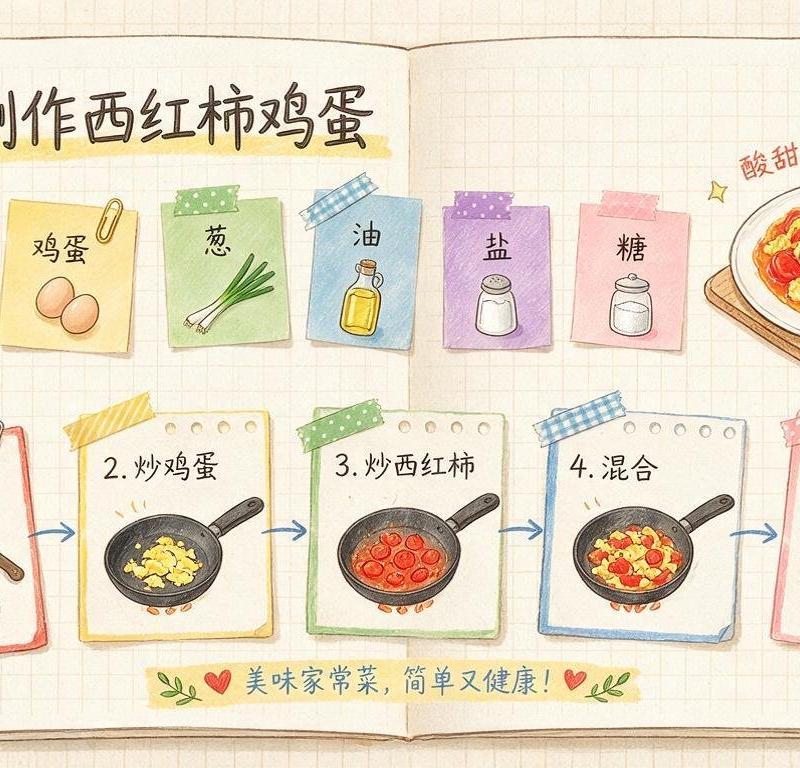
菜谱-番茄炒蛋
Enlarge

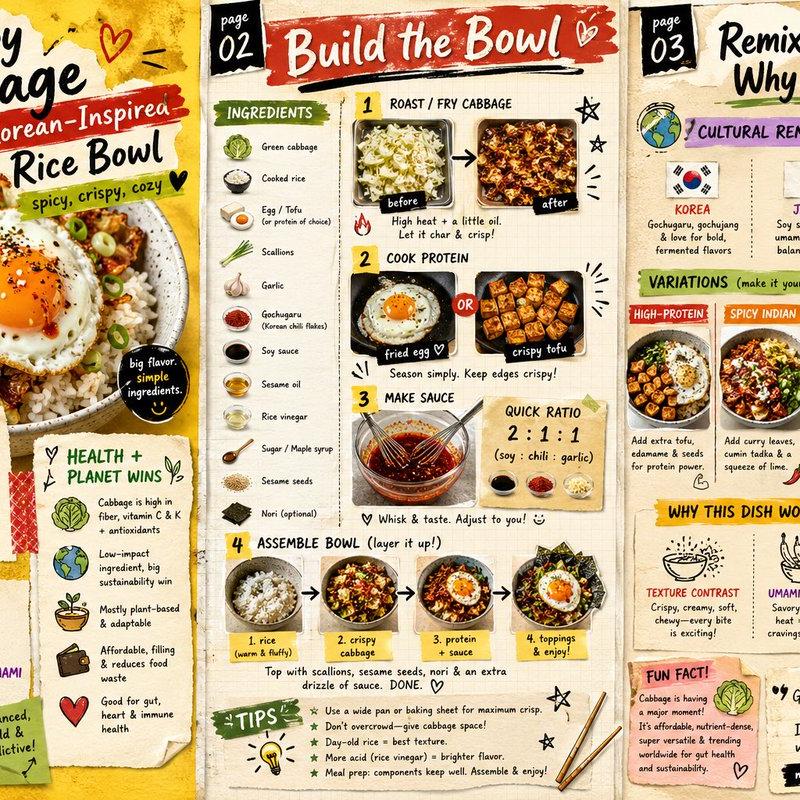
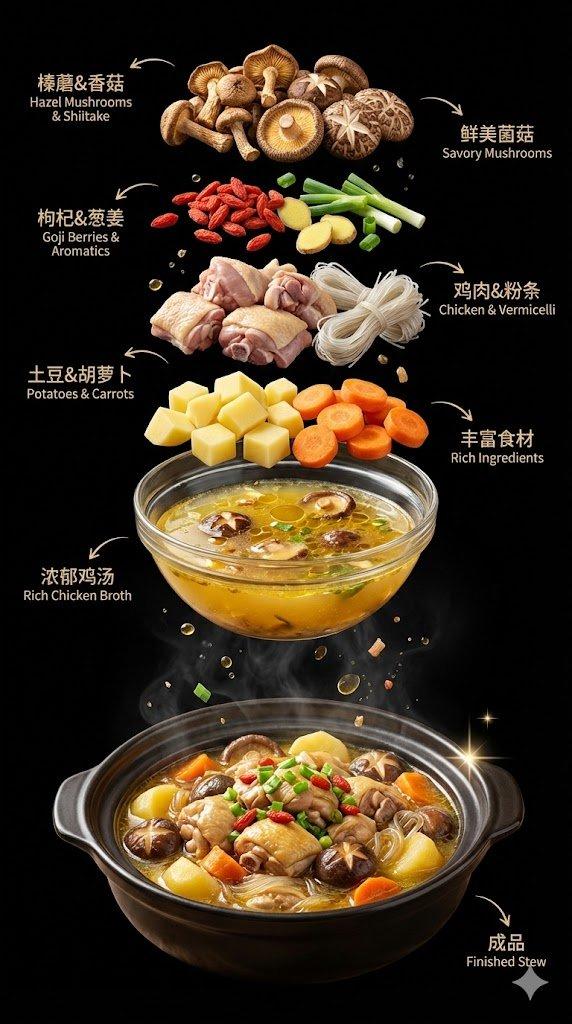
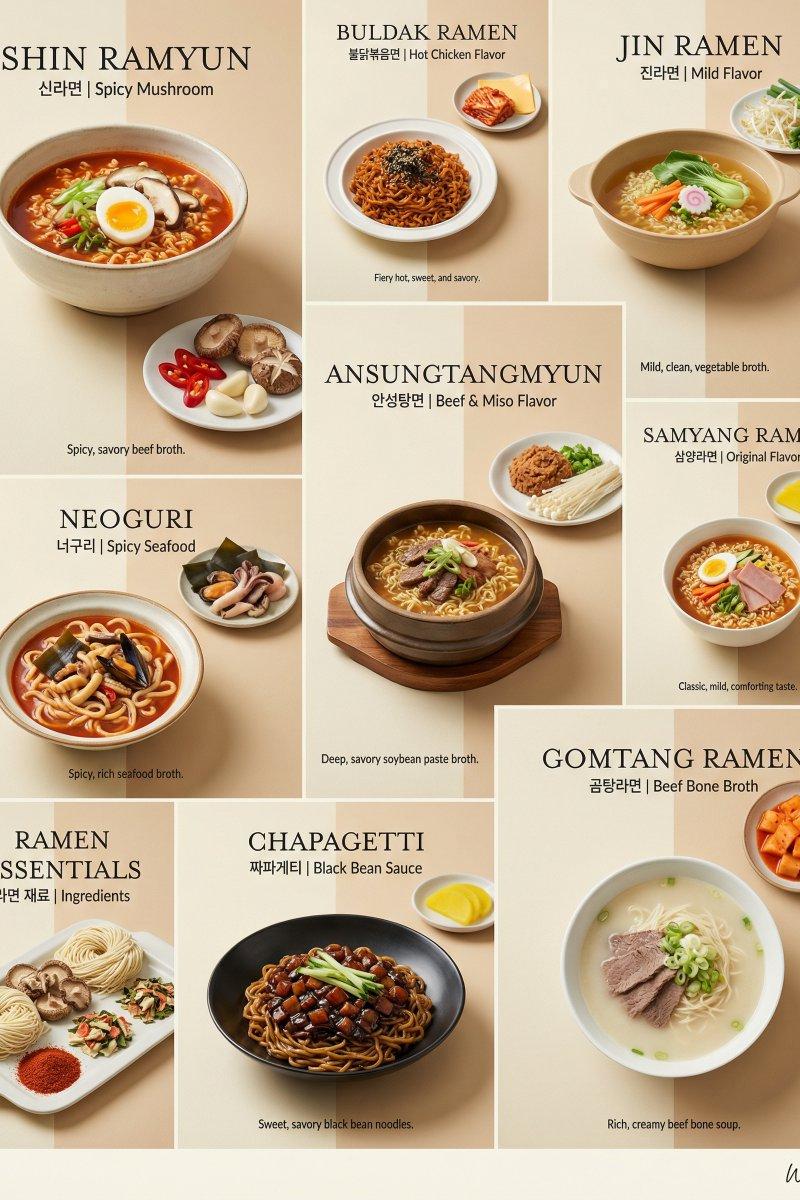
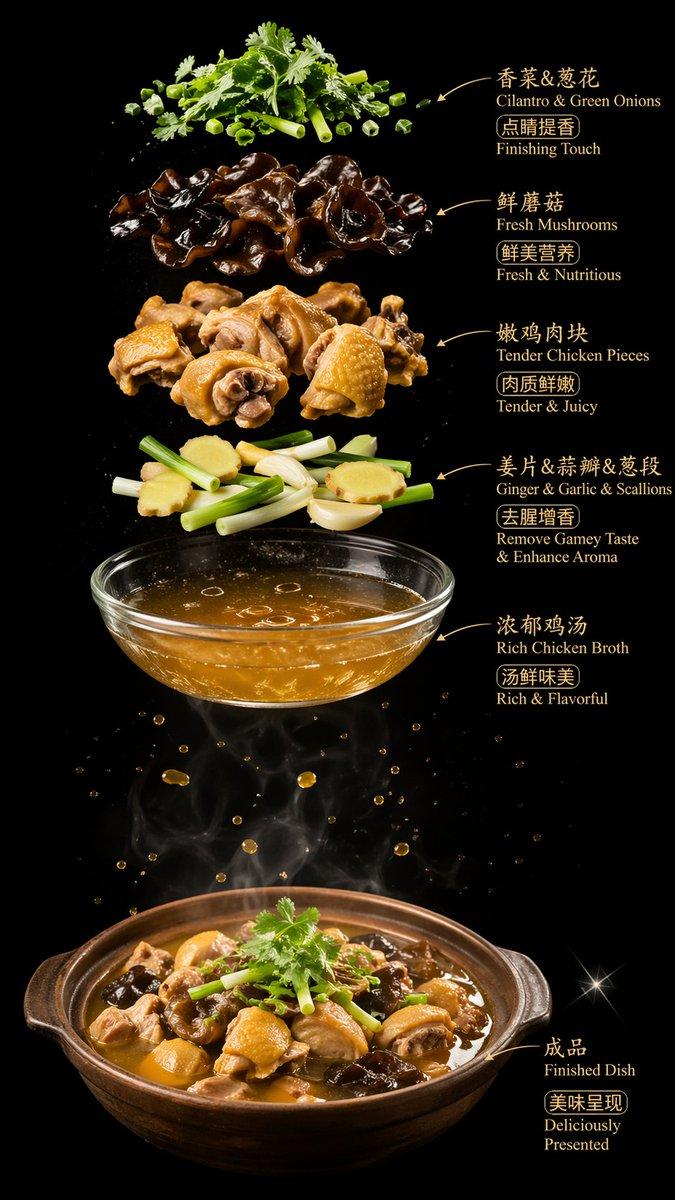
Example images

菜谱-番茄炒蛋

Prompt
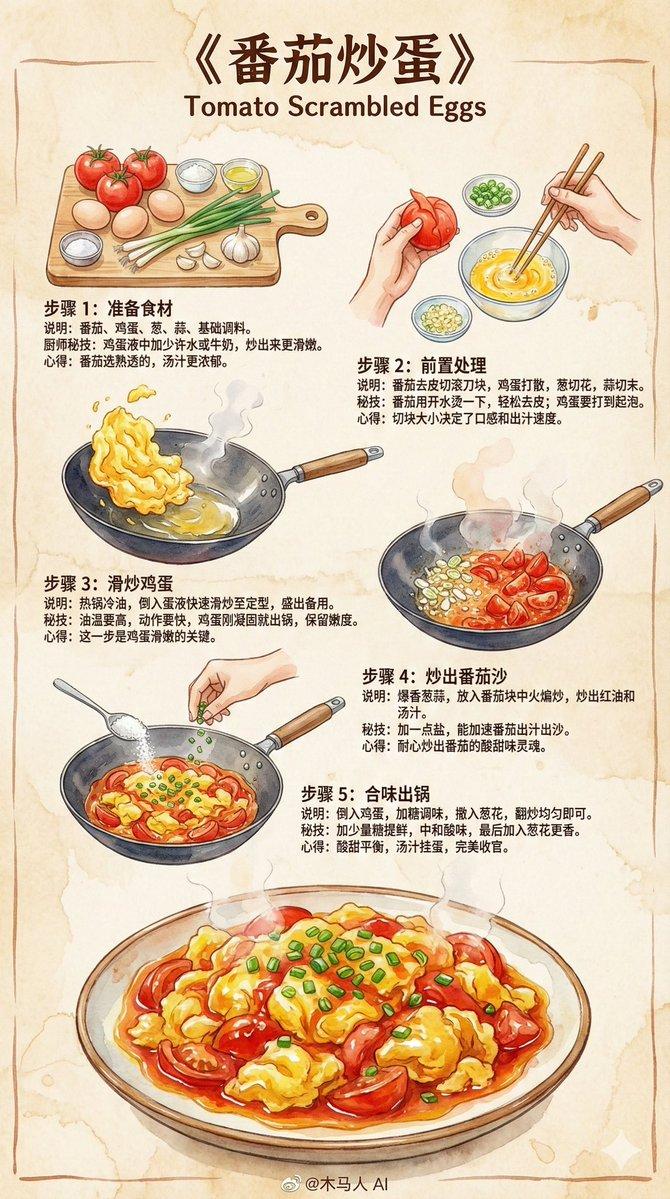
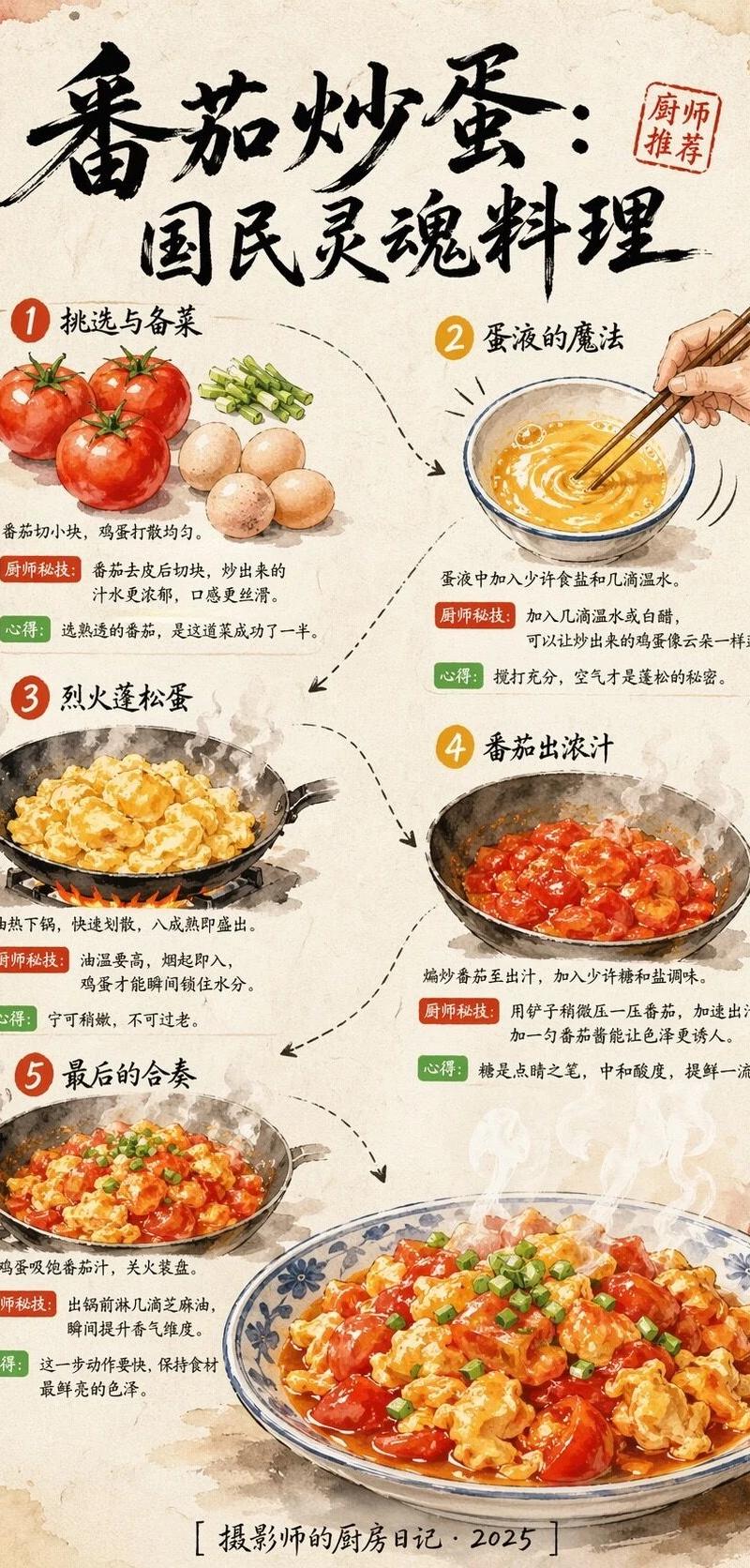
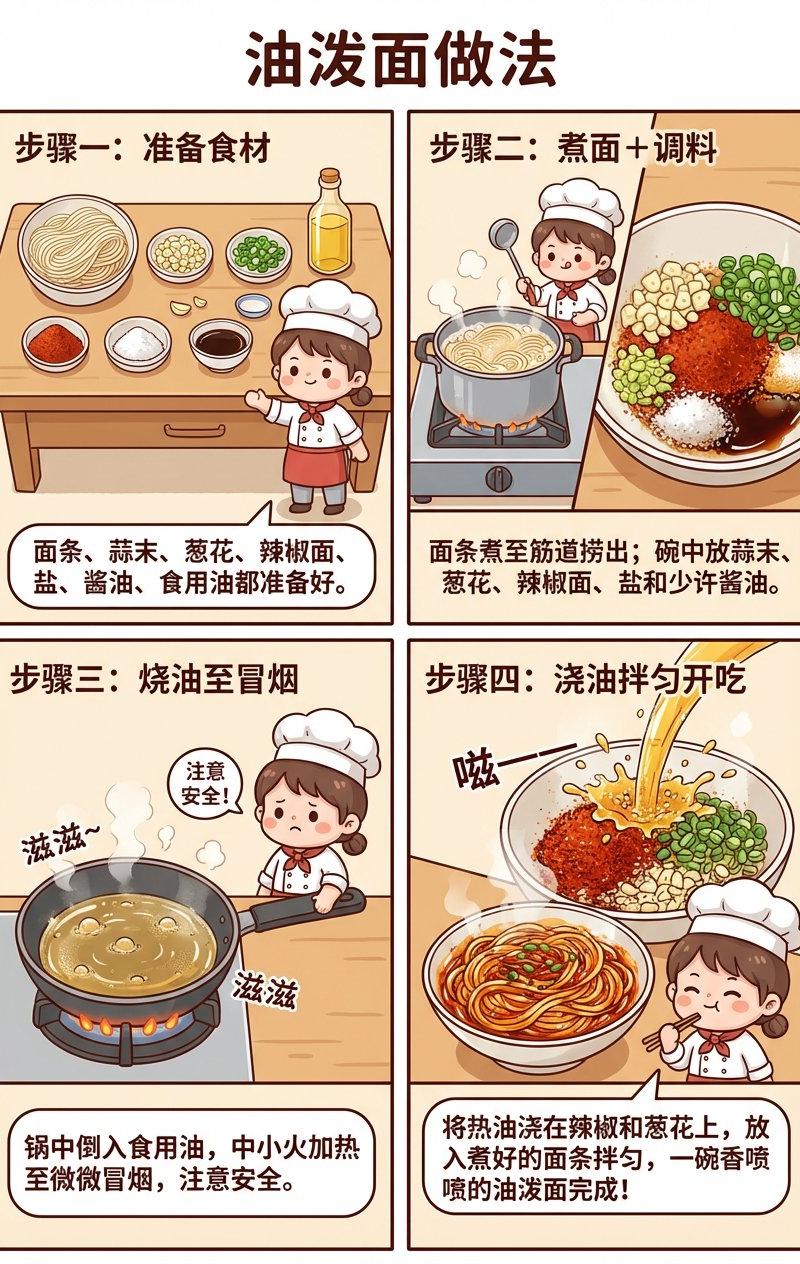
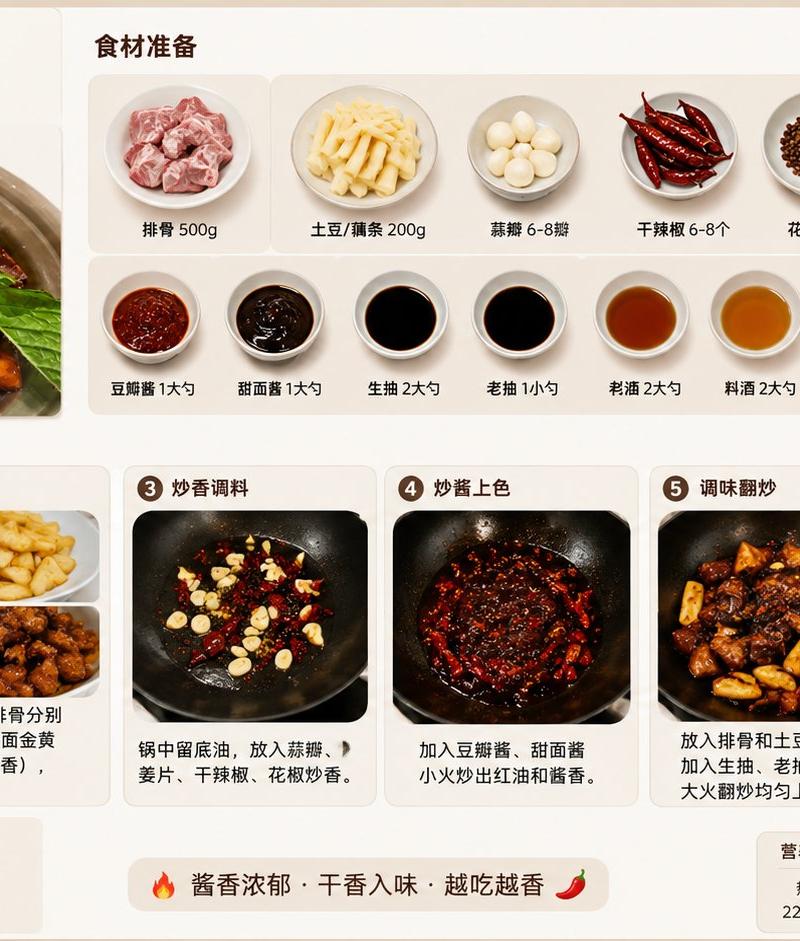
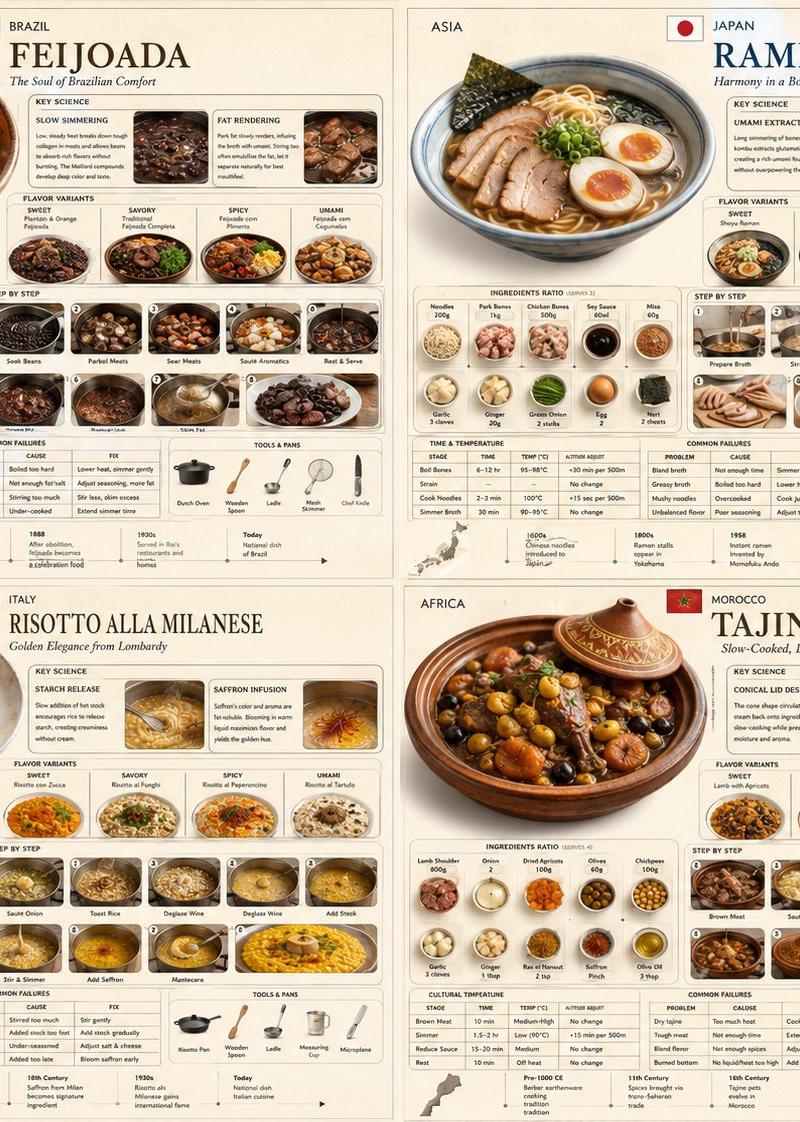
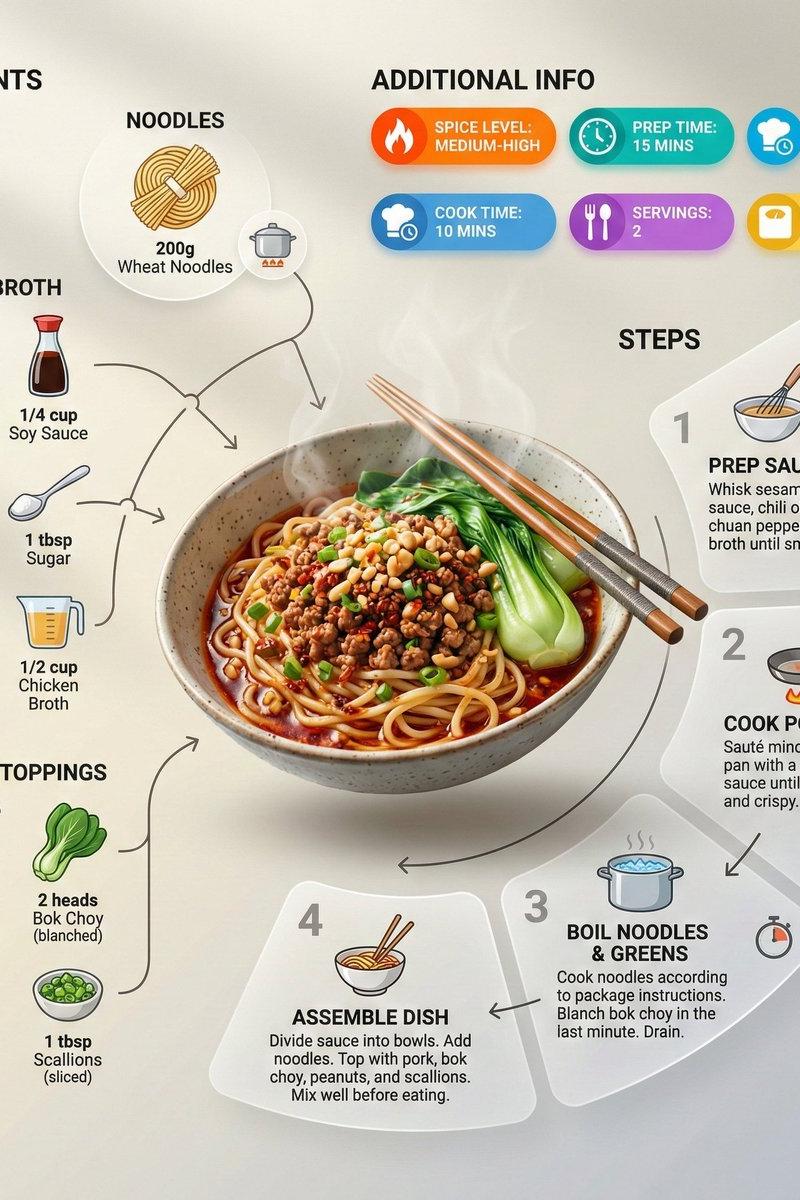
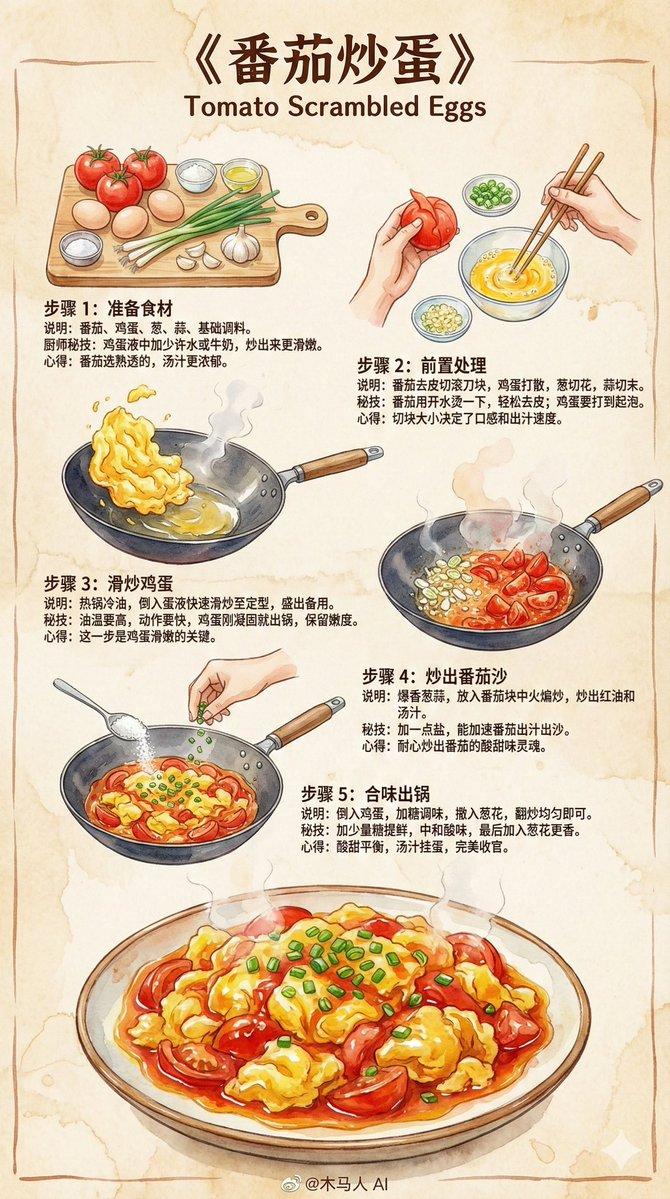
创作一张 9:16 竖版 的 《番茄炒蛋》手绘风格教学食谱信息图。\\n\\n整体风格要求:\\n\\t•\\t由专业厨师写给普通人的教学食谱\\n\\t•\\t使用 Z 字形动线排版(左上 → 右上 → 左下),阅读顺畅\\n\\t•\\t彩色水彩笔速写风格,搭配 细腻墨线轮廓\\n\\t•\\t采用 2025 主流插画配色与笔触\\n\\t•\\t米色纸张纹理背景,温暖、质朴、亲切\\n\\t•\\t插图必须让人“看了就想做”\\n\\n⸻\\n\\n内容结构(通用)\\n\\n1. 顶部标题(醒目)\\n\\n《{菜名}》\\n\\n⸻\\n\\n2. 步骤区块(Z 动线排版,3–5 步)\\n\\n每个步骤包含:\\n\\t•\\t手绘步骤插图(彩色水彩+墨线)\\n\\t•\\t简短图文说明\\n\\t•\\t厨师秘技\\n\\t•\\t小心得或提示\\n\\n⸻\\n\\n步骤模板(通用,可被模型自动填充)\\n\\n步骤 1:准备食材\\n(自动根据菜名生成相关食材)\\n插图:整齐摆放的主要食材和调味料。\\n说明:列出并处理该菜的基本材料。\\n秘技:告诉用户如何提升风味或口感。\\n心得:提供简单经验或提醒。\\n\\n⸻\\n\\n步骤 2:调味 / 腌制 / 前置处理\\n插图:调制酱汁、腌肉、处理主料的小碗或砧板画面。\\n说明:展示关键基础步骤。\\n秘技:比例、小技巧、避免失败要点。\\n心得:轻松风格的小提示。\\n\\n⸻\\n\\n步骤 3:炒制 / 烹调关键步骤\\n插图:锅中食材的烹调场景,水彩烟气柔和。\\n说明:大火、小火、顺序、重要动作。\\n秘技:保持火候、控制时间、提升香气的办法。\\n心得:强调料理灵魂所在。\\n\\n⸻\\n\\n步骤 4:合味 / 出锅前步骤\\n插图:加入酱汁、调味、配料混合的场景。\\n说明:整体收汁、调味到位。\\n秘技:亮油、保持口感或香味的小技巧。\\n心得:此步决定成败。\\n\\n⸻\\n\\n步骤 5:点缀 / 完成步骤\\n插图:撒香料、加入坚果、盛盘等动作。\\n说明:最后调整味道或摆盘。\\n秘技:保持脆感、避免过熟等技巧。\\n心得:成品风味描述。\\n\\n⸻\\n\\n底部成品插图\\n\\t•\\t一份精致、色香俱全的 《{菜名}》\\n\\t•\\t水彩质感强烈、油亮、鲜嫩、诱人\\n\\t•\\t让读者看了就想做\\n\\n⸻\\n\\n底部中央署名\\n\\n@木马人 AI
Category
Illustration & Art
Model
Unknown
Creator
cnyzgkc
Source language
zh-CN
Views0
Source ID
tomato-egg-stir-fry-recipe
Studio

Guide

About "菜谱-番茄炒蛋"

What is this prompt for?

"菜谱-番茄炒蛋" AI image prompt for Unknown (Illustration & Art). 创作一张 9:16 竖版 的 《番茄炒蛋》手绘风格教学食谱信息图。\\n\\n整体风格要求:\\n\\t•\\t由专业厨师写给普通人的教学食谱\\n\\t•\\t使用 Z 字形动线排版(左上 → 右…

The full copyable prompt and example visuals above are ready for AI image generation or one-click recreate in Picva.

How to use this prompt

  1. Step 1

    Open the prompt detail

    Review the example visuals, category, and full prompt text for "菜谱-番茄炒蛋".

  2. Step 2

    Copy the prompt

    Copy the prompt body from this page, or load it directly in Studio.

  3. Step 3

    Pick a model (Unknown)

    Prefer Unknown. If you switch models, keep subject and composition and tweak style terms.

  4. Step 4

    Generate and export

    Recreate the look in Picva, or export into your workflow for editing and publishing.

FAQ

What is the "菜谱-番茄炒蛋" prompt?
It is an AI image-generation prompt for Unknown in the Illustration & Art category. This page includes the full prompt text, example visuals, and a one-click recreate path in Picva.
How do I use this prompt to generate an image?
Copy the prompt from this page, or use Generate / Studio. Paste it into a compatible image model, or recreate the look in Picva with optional reference images.
Which model is this prompt for?
This page lists Unknown. Most descriptive prompts also transfer to nearby image models such as GPT Image, Flux, or Midjourney with light style tweaks.
Can I use the result commercially?
You can usually copy the prompt for creation, but commercial use of the final image depends on the model terms, reference-image rights, and the generated content. Follow the source author and platform rules.