18

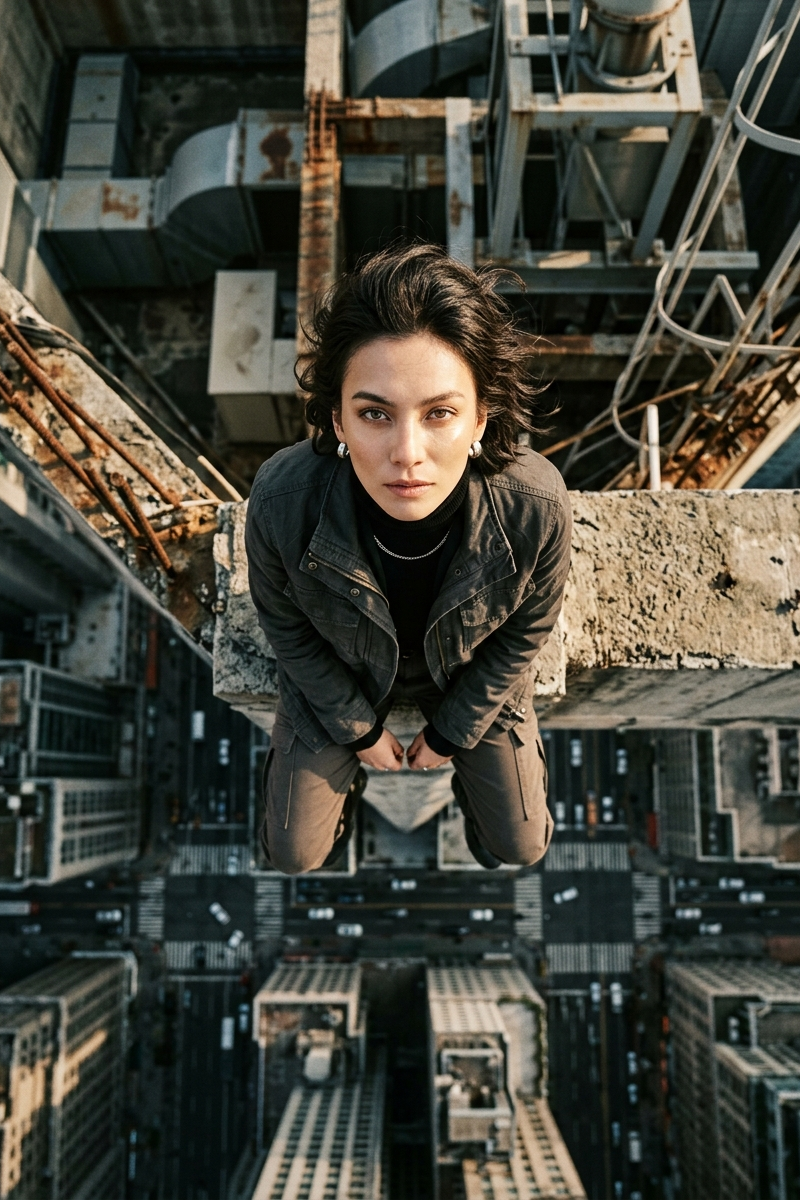
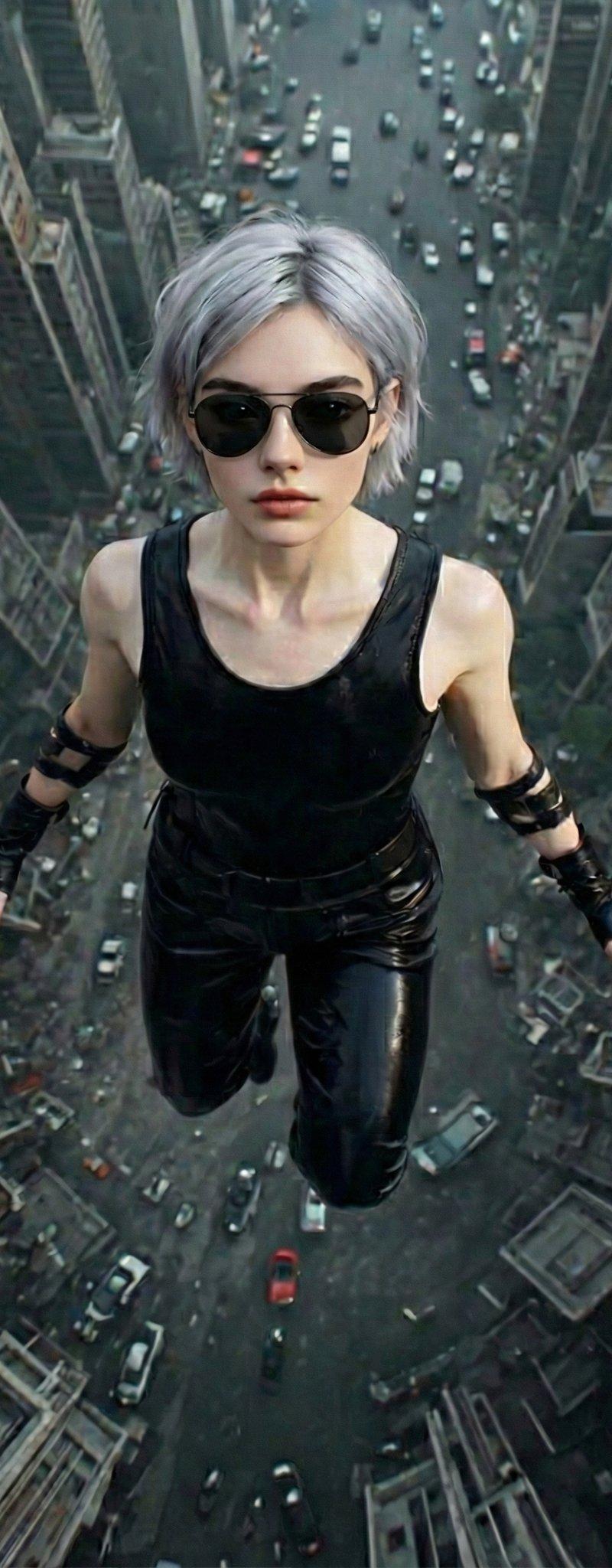
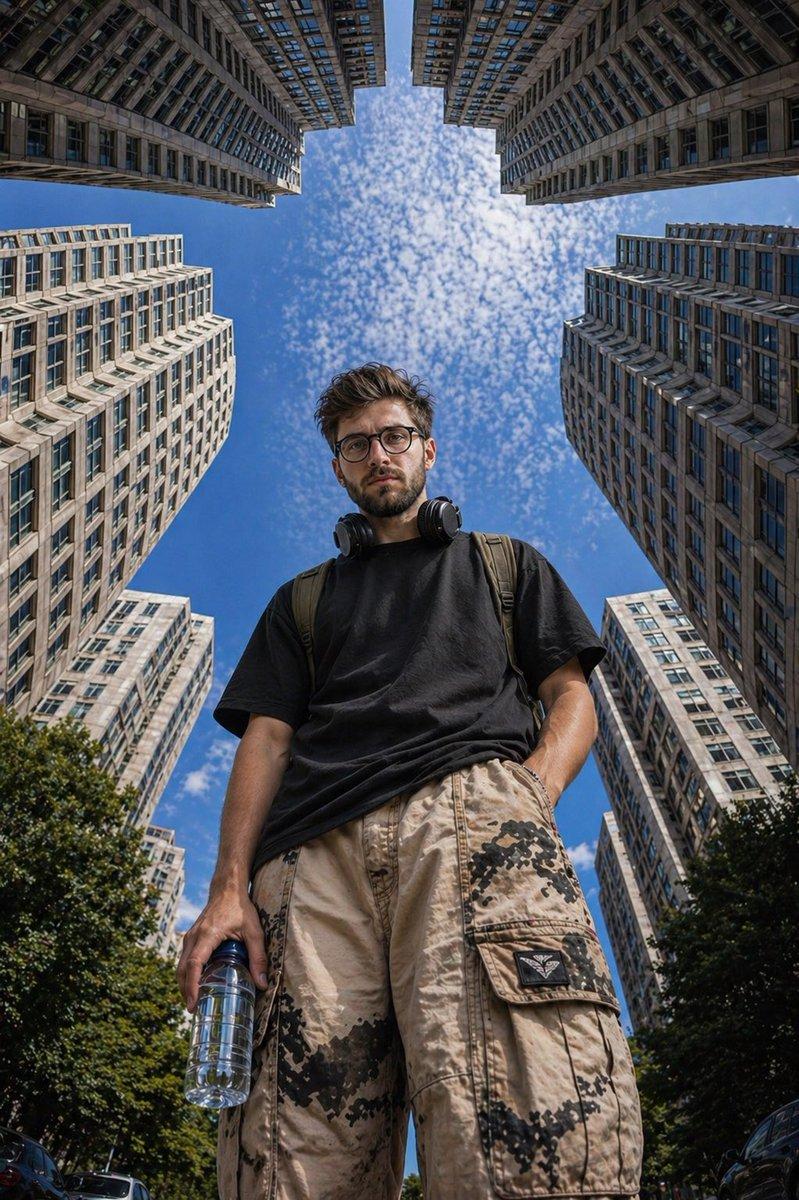
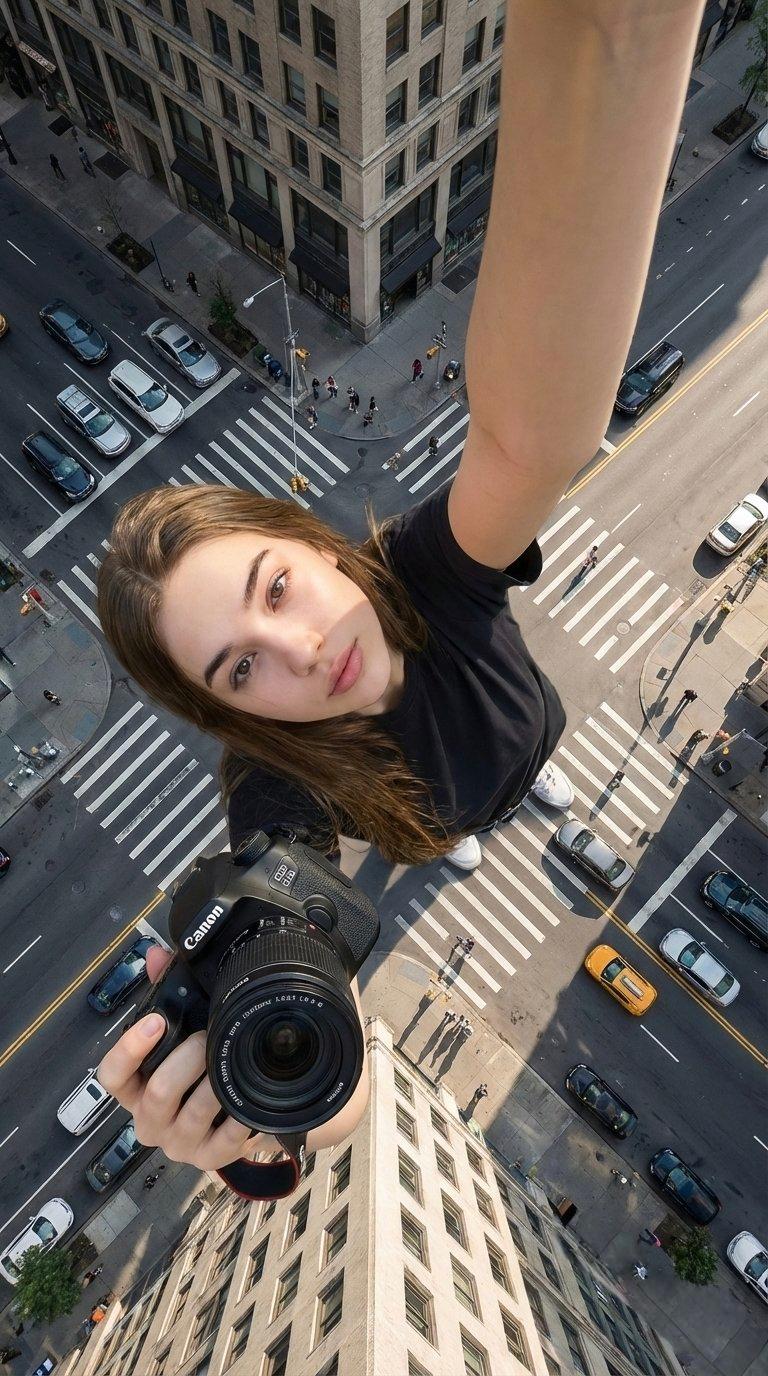
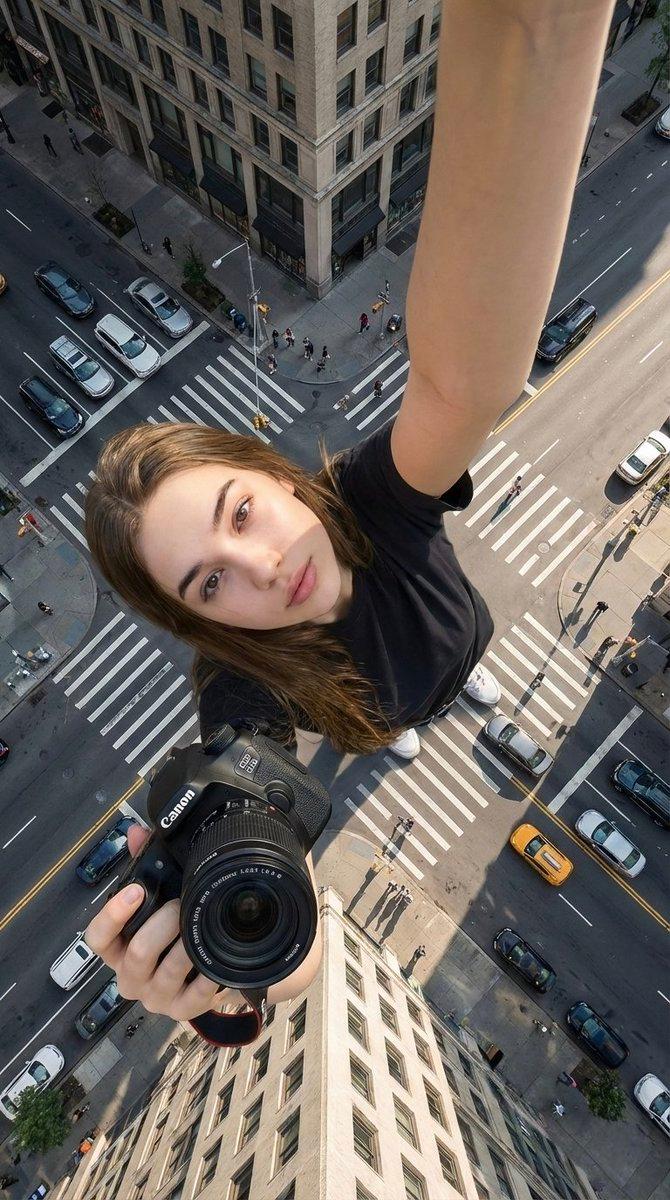
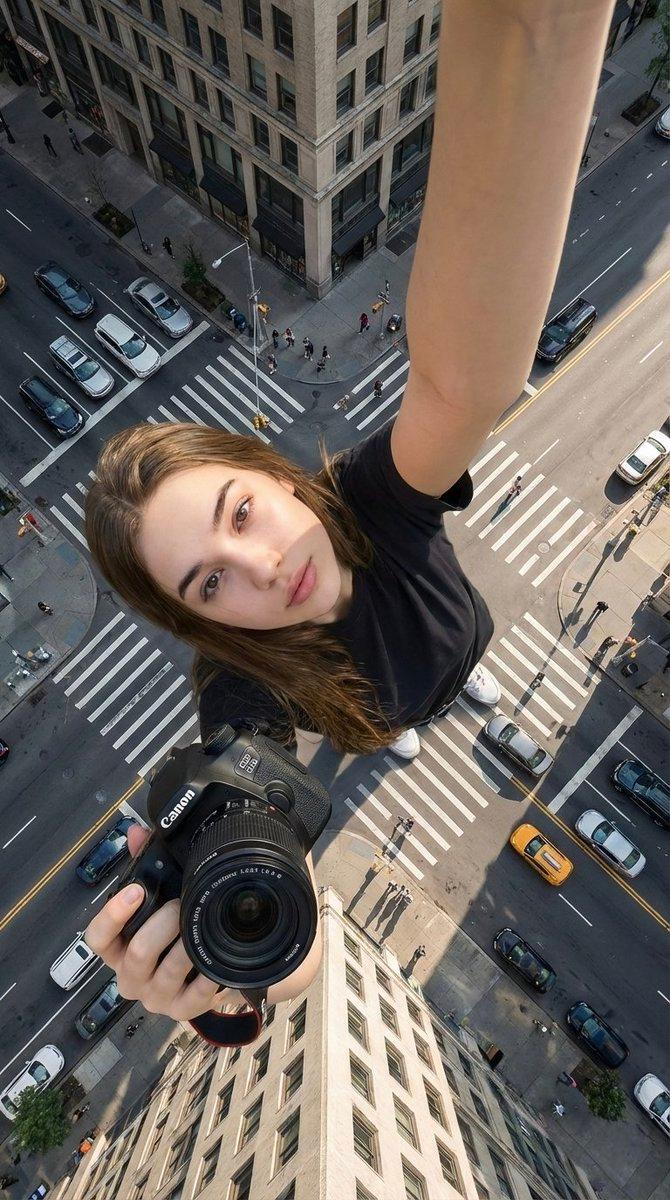
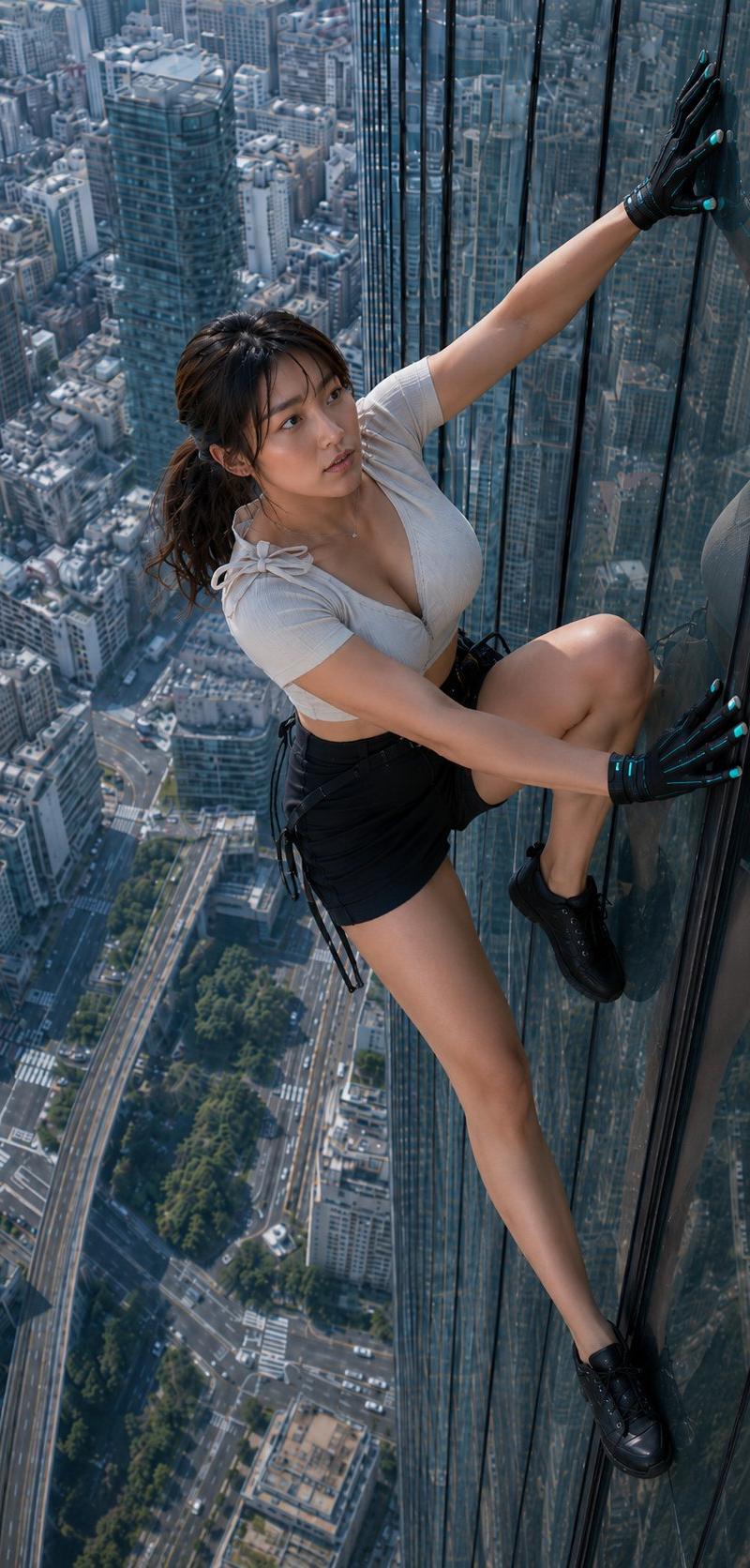
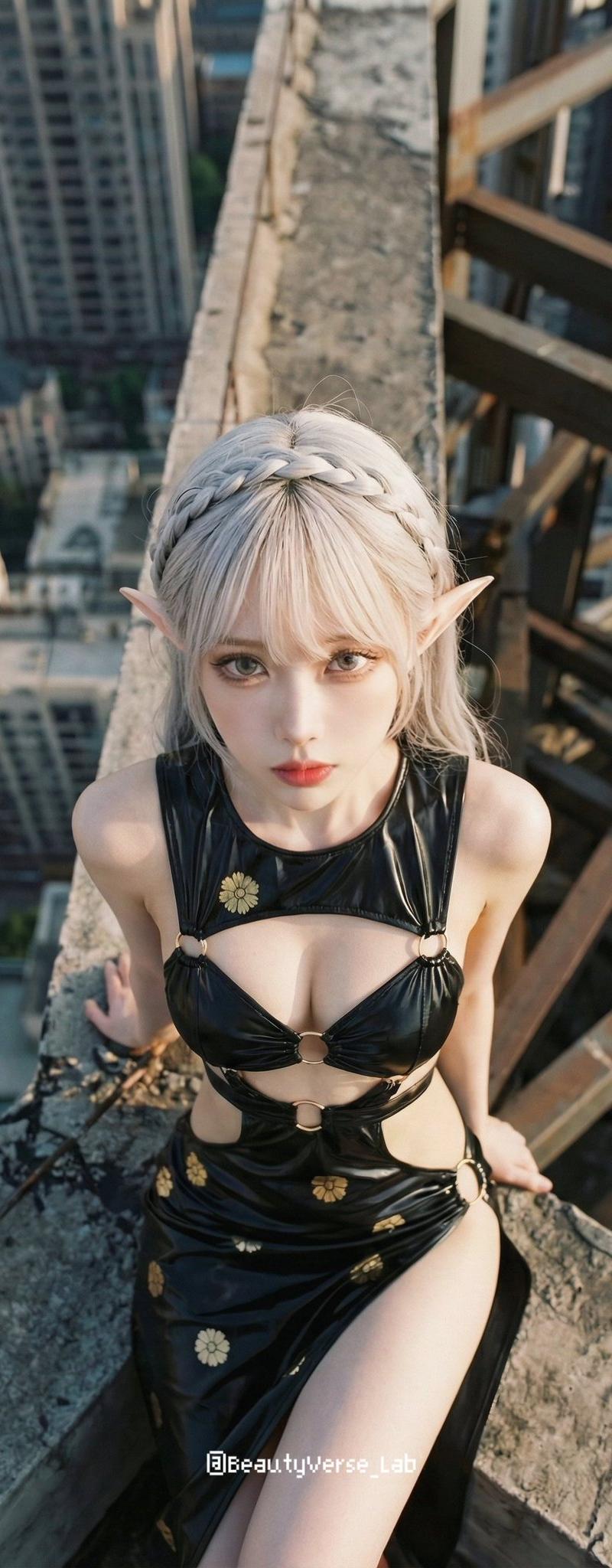
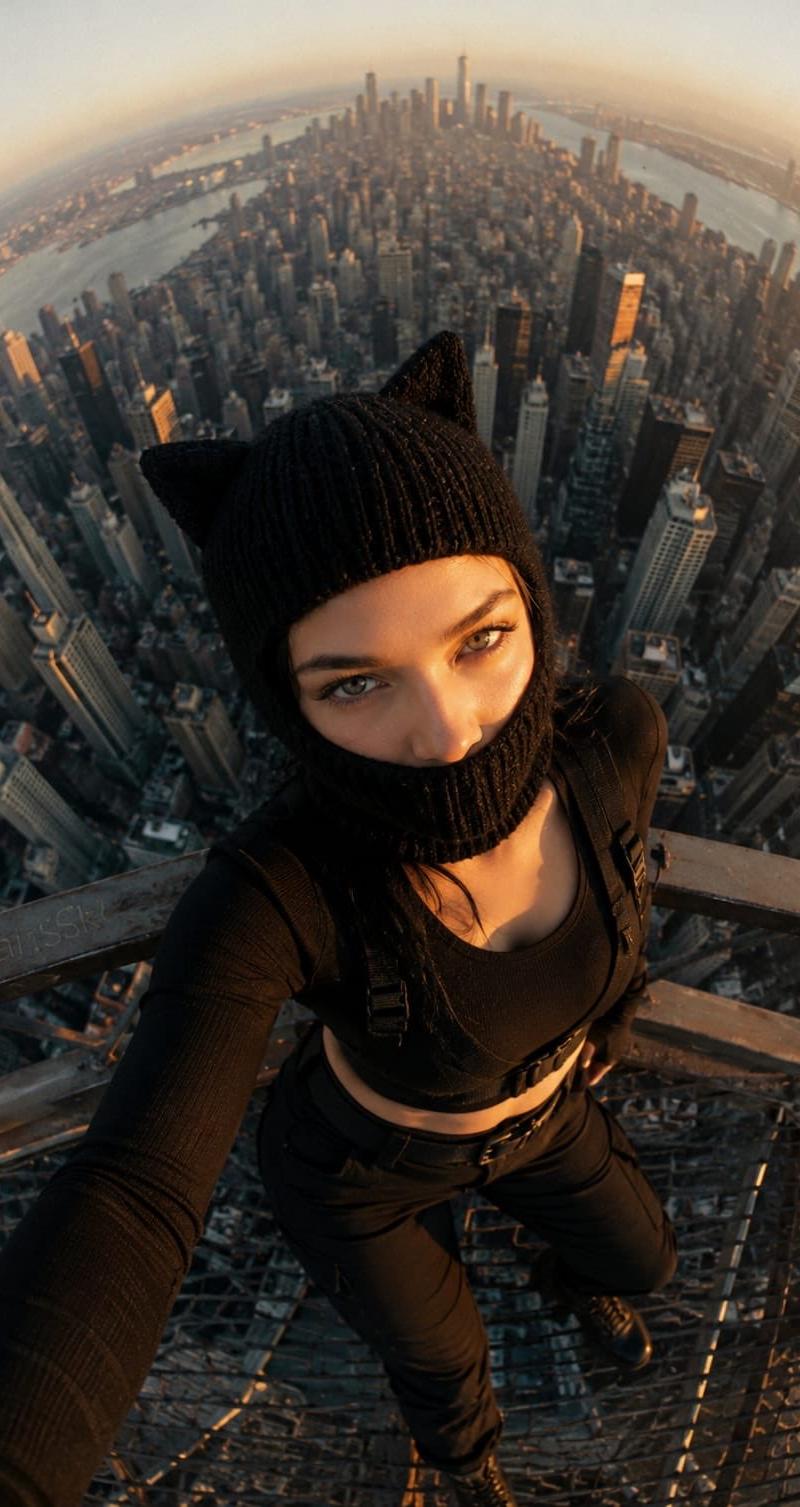
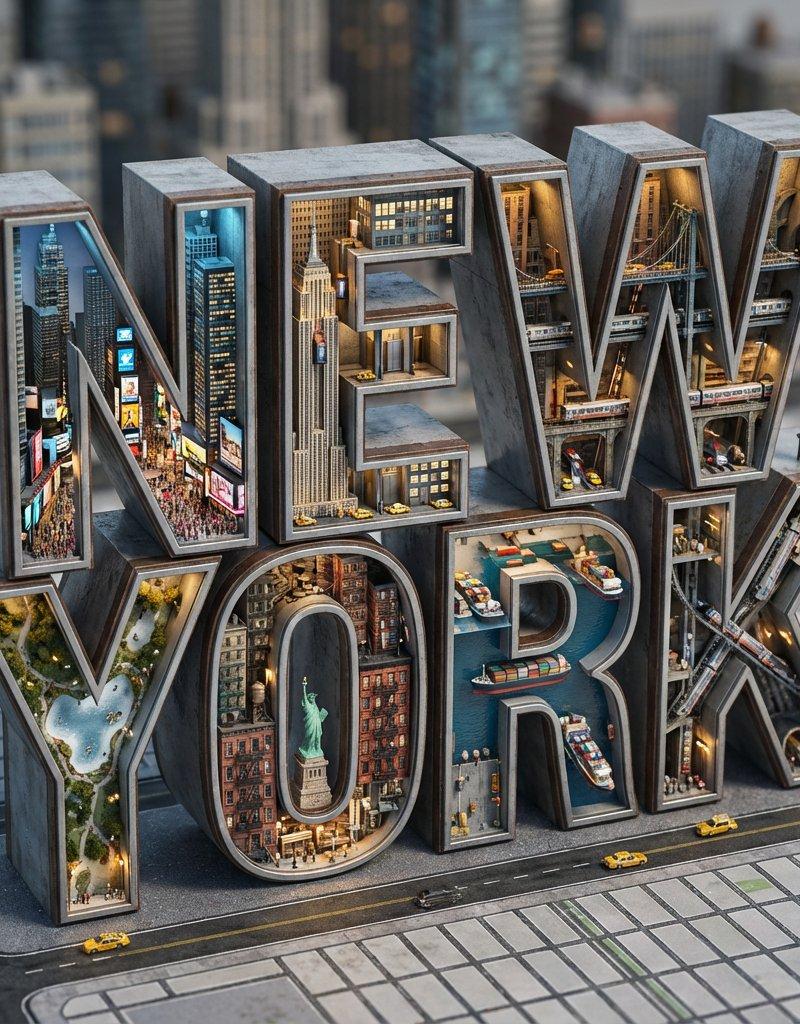
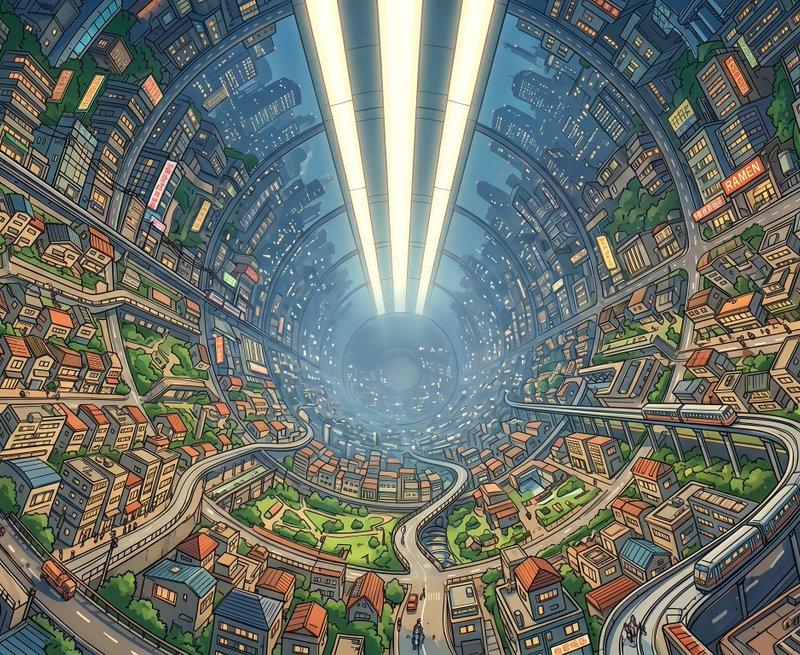
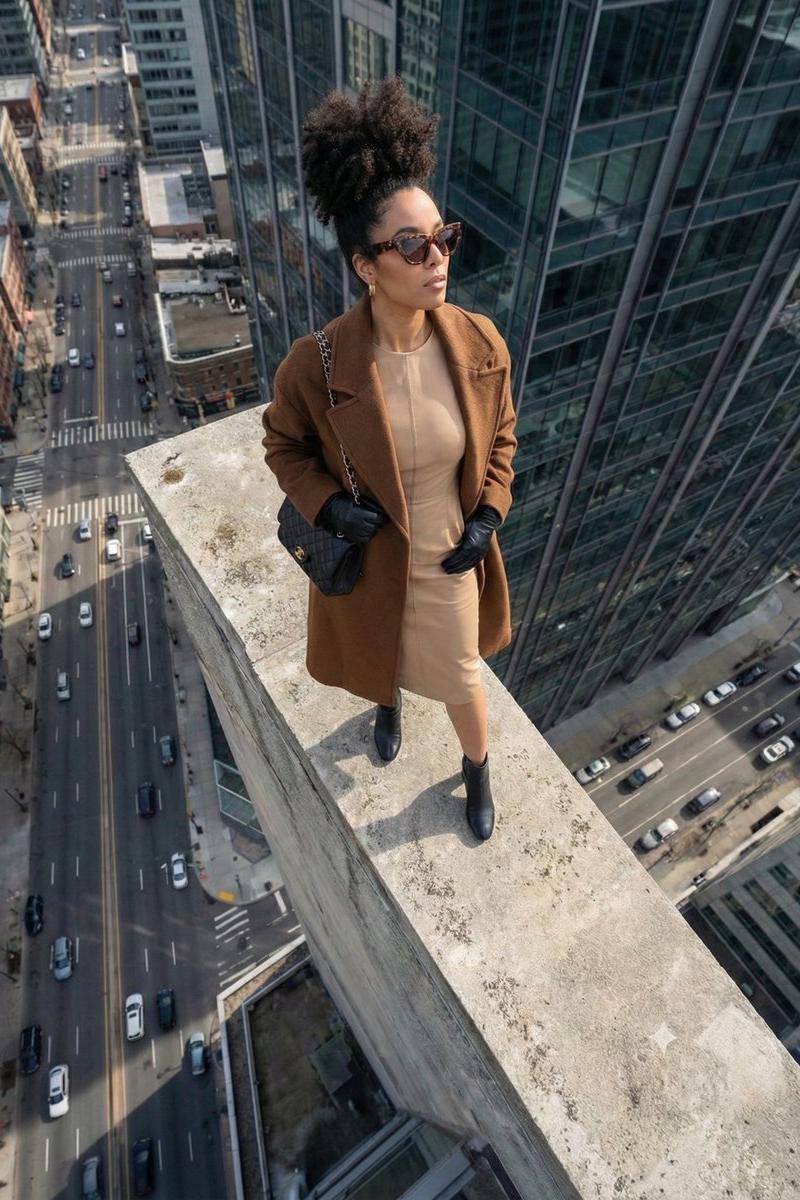
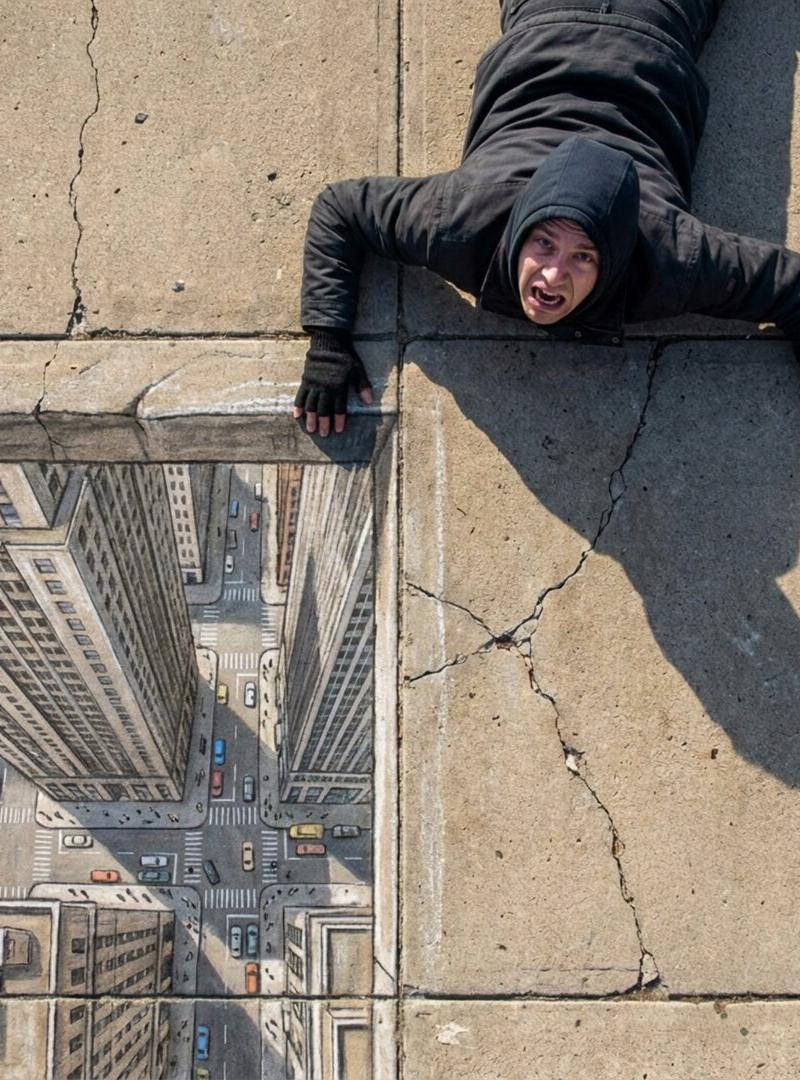
混凝土人行道上俯拍的人物照片,表现惊恐表情与立体感十足的壁画
Enlarge

Example images

混凝土人行道上俯拍的人物照片,表现惊恐表情与立体感十足的壁画

Prompt
These prompts are so trippy. This was done with Nano Banana Pro & Kling 2.6 on @higgsfield_ai
Prompt: A top-down "flat lay" photograph taken of a person lying on a textured concrete sidewalk. The person is posed dramatically as if hanging by their fingertips from a dangerous ledge, with an expression of terror. To their left, a hyper-realistic chalk drawing on the sidewalk depicts a 50-story drop down the side of a skyscraper. The lighting should make the chalk drawing look like a real three-dimensional drop, making the viewer feel vertigo despite knowing the person is lying flat on the ground.
Category
Photography & Realism
Model
Nano Banana Pro
Creator
Gadgetify
Source language
zh-CN
Views0
Source ID
top-down-photograph-textured-concrete-sidewalk-person-hanging-fingertips-terrible-expression-skyscraper-drop
Studio

Guide

About "混凝土人行道上俯拍的人物照片,表现惊恐表情与立体感十足的壁画"

What is this prompt for?

"混凝土人行道上俯拍的人物照片,表现惊恐表情与立体感十足的壁画" AI image prompt for Nano Banana Pro (Photography & Realism). These prompts are so trippy. This was done with Nano Banana Pro &…

The full copyable prompt and example visuals above are ready for AI image generation or one-click recreate in Picva.

How to use this prompt

  1. Step 1

    Open the prompt detail

    Review the example visuals, category, and full prompt text for "混凝土人行道上俯拍的人物照片,表现惊恐表情与立体感十足的壁画".

  2. Step 2

    Copy the prompt

    Copy the prompt body from this page, or load it directly in Studio.

  3. Step 3

    Pick a model (Nano Banana Pro)

    Prefer Nano Banana Pro. If you switch models, keep subject and composition and tweak style terms.

  4. Step 4

    Generate and export

    Recreate the look in Picva, or export into your workflow for editing and publishing.

FAQ

What is the "混凝土人行道上俯拍的人物照片,表现惊恐表情与立体感十足的壁画" prompt?
It is an AI image-generation prompt for Nano Banana Pro in the Photography & Realism category. This page includes the full prompt text, example visuals, and a one-click recreate path in Picva.
How do I use this prompt to generate an image?
Copy the prompt from this page, or use Generate / Studio. Paste it into a compatible image model, or recreate the look in Picva with optional reference images.
Which model is this prompt for?
This page lists Nano Banana Pro. Most descriptive prompts also transfer to nearby image models such as GPT Image, Flux, or Midjourney with light style tweaks.
Can I use the result commercially?
You can usually copy the prompt for creation, but commercial use of the final image depends on the model terms, reference-image rights, and the generated content. Follow the source author and platform rules.