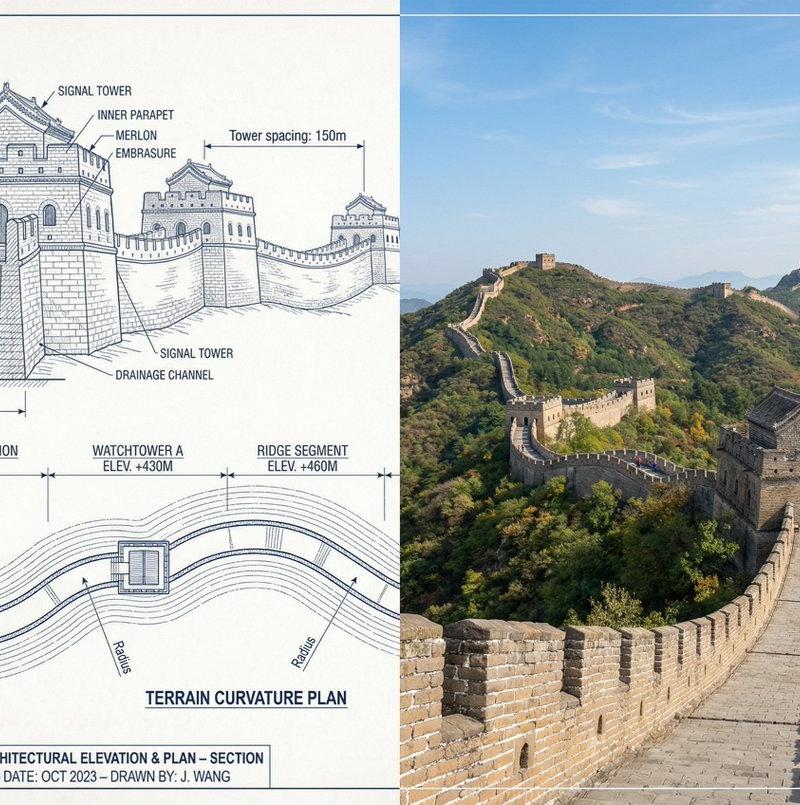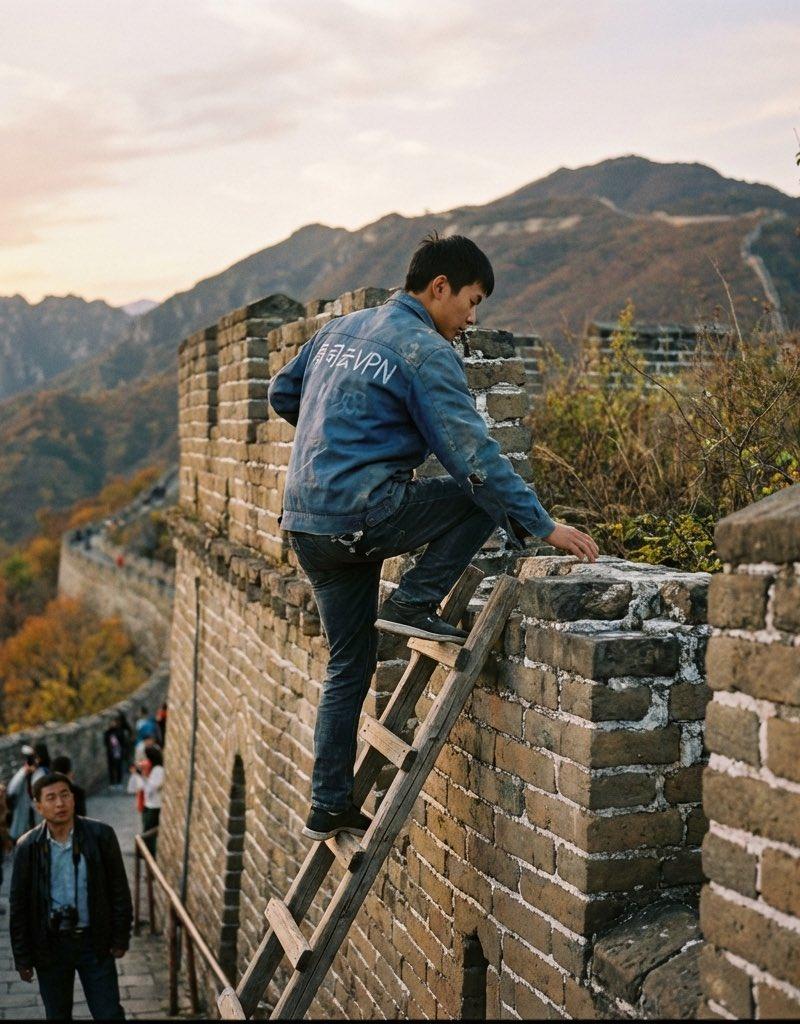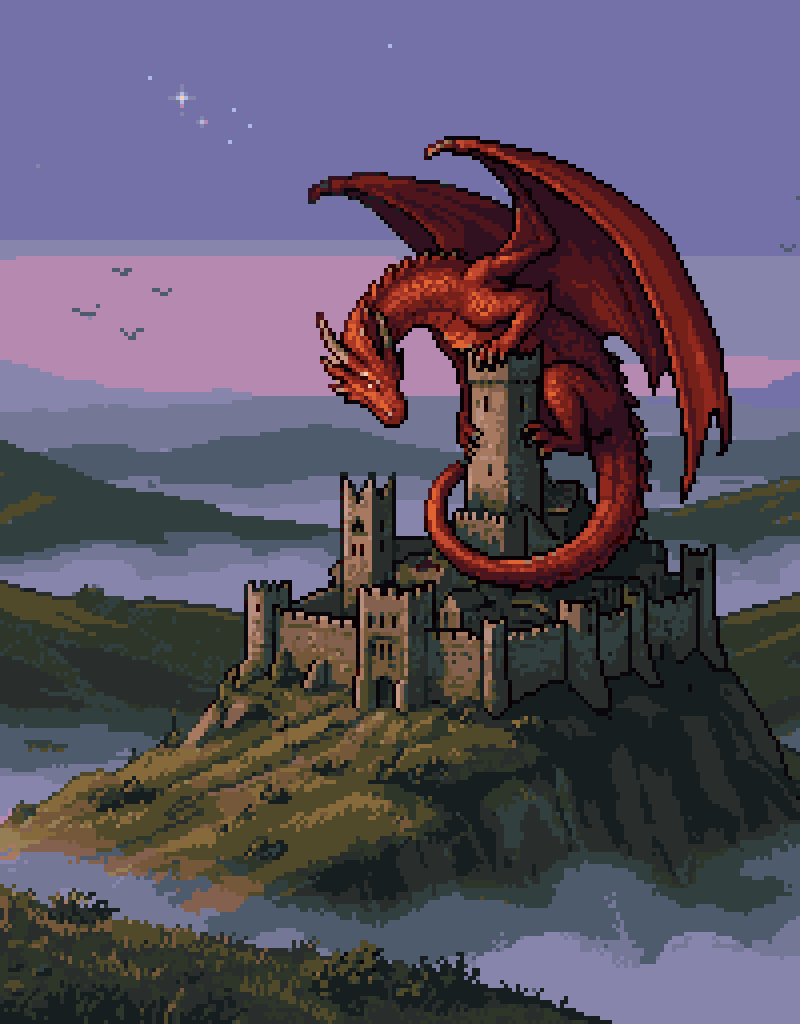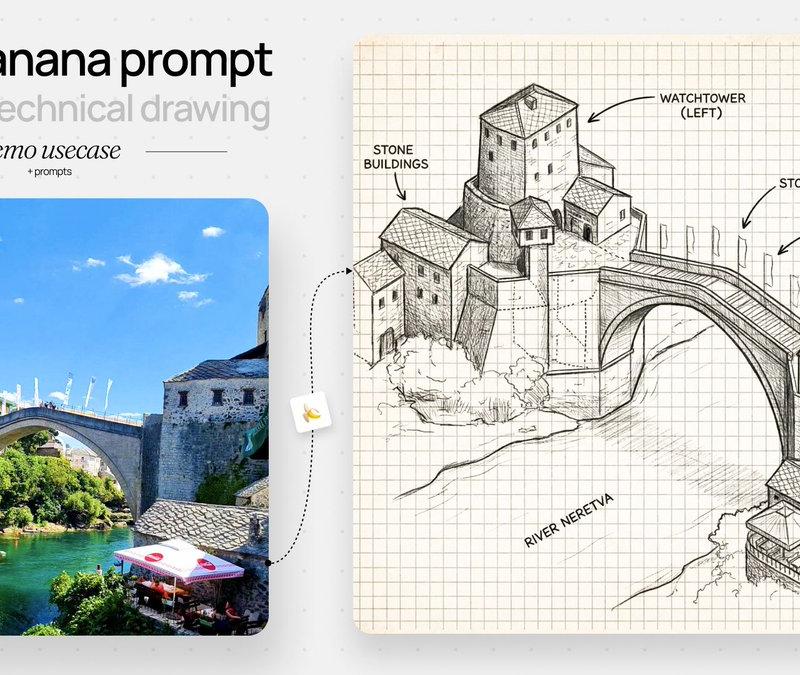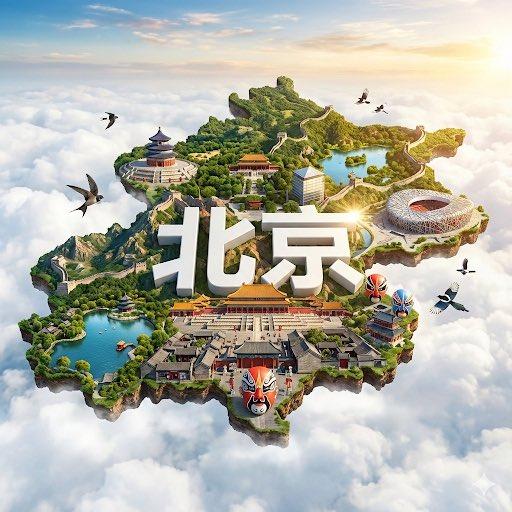
文旅宣传创意:四季变化提示词模型
Prompt
🔥文旅宣传的的同学们,不要错过啊!(🍌模型为例)
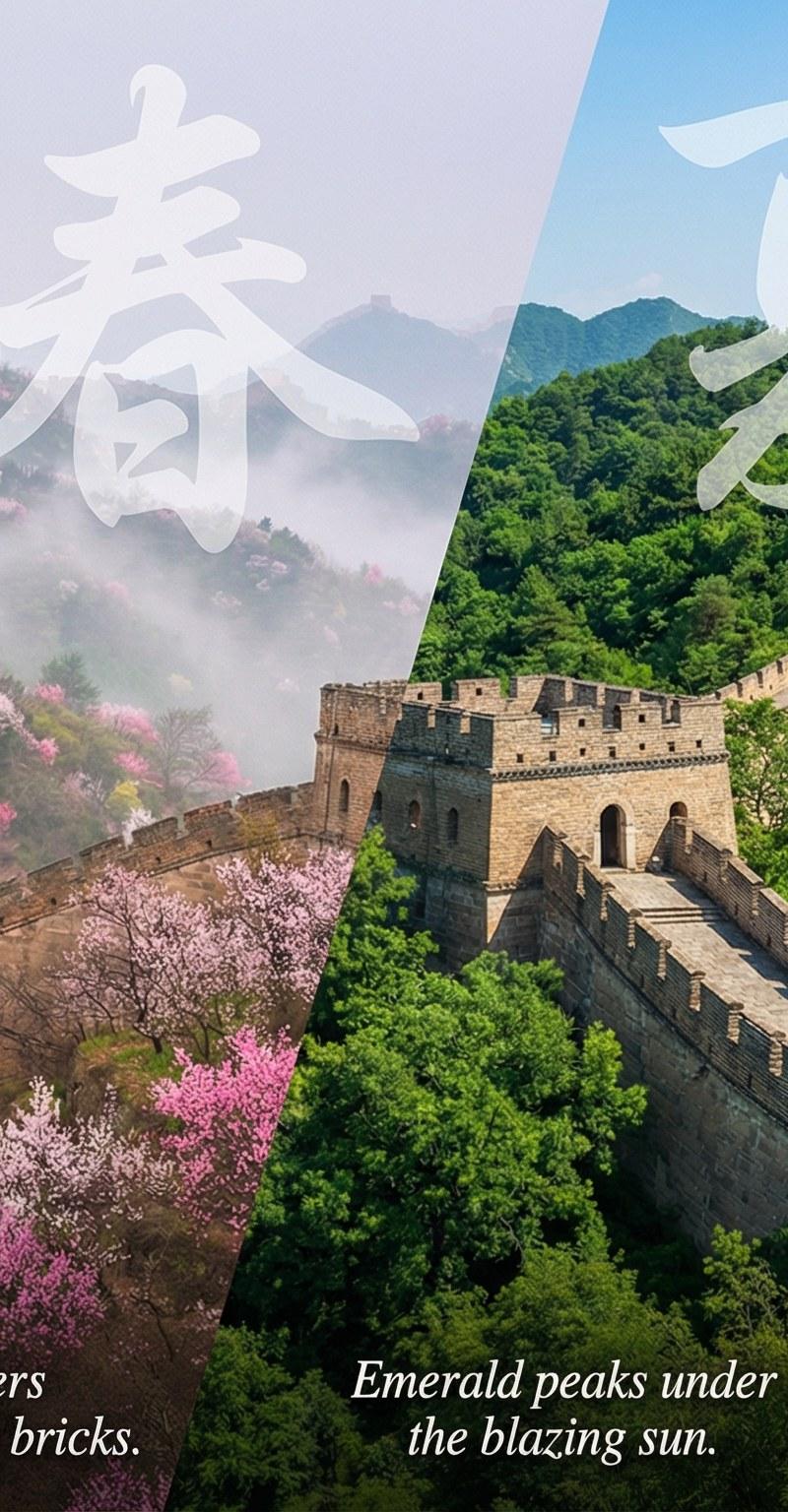
🧠灵感来源:看到很多人喜欢宝玉老师的这个四季变化的提示词,我将其结合自己的理解进行了迭代。主要增加了过度的切片效果以及季节文化的描述,包括每个城市的典型代表市花或者植物等!
☀️使用场景:可以直接用于海报宣传以及PPT幻灯片展示一些变化切换的场景,你应该看到过很多类似的设计!
✍🏻使用方法:直接发送我的这个提示词给Gemini,然后会给你生成对应的城市 提示词,直接复制粘贴到Gemini或者第三方生图工具如YOUMIND、flowith、Lovart等均可。
PS:这里建议使用第三方的效果好过于Gemini的效果!
💻系统提示词Prompt:
[The Composition: Dynamic Diagonal Slicing]
Hyper-realistic digital art, 8k resolution, a wide cinematic panorama of **{City_Name}** featuring **{Landmark}**.
The composition utilizes a "**Dynamic Diagonal Phase Shift**" technique. The scene is visually divided into four distinct slanted zones (diagonal cuts flowing from top-right to bottom-left) representing the four seasons. The architecture and landscape maintain perfect structural continuity across these diagonal slices, creating a surreal but cohesive masterpiece.
**[Textual Layout: Clean & Non-Redundant]**
* **Layer A (Background Watermark - Season Identity):** Behind the main architecture in each diagonal zone, place a large, translucent, artistic calligraphy watermark acting as a graphic element.
* Zone 1: "**{Calligraphy_Winter}**"
* Zone 2: "**{Calligraphy_Spring}**"
* Zone 3: "**{Calligraphy_Summer}**"
* Zone 4: "**{Calligraphy_Autumn}**"
* **Layer B (Bottom Edge - Cultural Narrative):** At the very bottom, place strictly the poetic quotes (small, elegant sans-serif font). **DO NOT** repeat the season names here. Just the sentence.
* Zone 1 Bottom: "**{Quote_Winter}**"
* Zone 2 Bottom: "**{Quote_Spring}**"
* Zone 3 Bottom: "**{Quote_Summer}**"
* Zone 4 Bottom: "**{Quote_Autumn}**"
**[Visual Flow - The Diagonal Gradient]**
* **Zone 1 (Far Left Diagonal - WINTER):** The slice cuts through the left side of **{Landmark}**. The surface is covered in frost/snow.
* *Atmosphere:* Cold blue tones, visible breath, sharp air.
* *Botany:* **{Botany_Winter}** (bare branches/ice).
* **Zone 2 (Center-Left Diagonal - SPRING):** The next diagonal slice transforms the structure into a wet, blooming environment.
* *Atmosphere:* Pastel pinks/greens, soft mist.
* *Botany:* **{Botany_Spring}** (bursting flowers/buds).
* **Zone 3 (Center-Right Diagonal - SUMMER):** The diagonal slice reveals the structure under intense vertical sunlight.
* *Atmosphere:* High contrast, vibrant saturation, deep blue sky.
* *Botany:* **{Botany_Summer}** (lush dark greens/shade).
* **Zone 4 (Far Right Diagonal - AUTUMN):** The final diagonal slice on the right bathes the scene in golden light.
* *Atmosphere:* Warm amber glow, long shadows.
* *Botany:* **{Botany_Autumn}** (red/gold foliage).
**[Technical Specs]**
Seamless diagonal transitions, no hard lines but distinct color shifts. The landscape (roads/rivers) connects perfectly through the diagonal cuts. 8k resolution, photorealistic textures. --ar 21:9 --v 6.0 --stylize 300- Category
- Photography & Realism
- Model
- Unknown
- Creator
- Berryxia.AI
- Source language
- zh-CN
- Source ID
- tourism-promotion-creative-four-seasons-prompt-model
Views0