19

调出噪音,提高音量
Enlarge

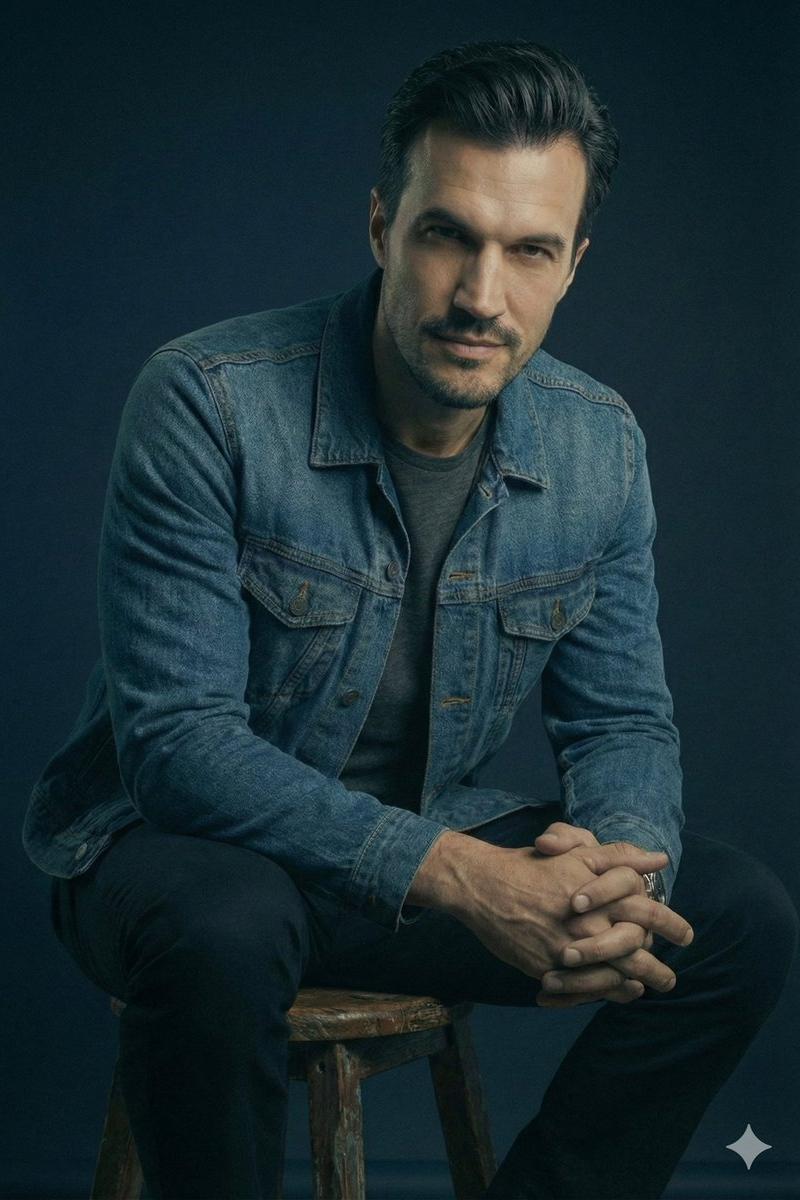
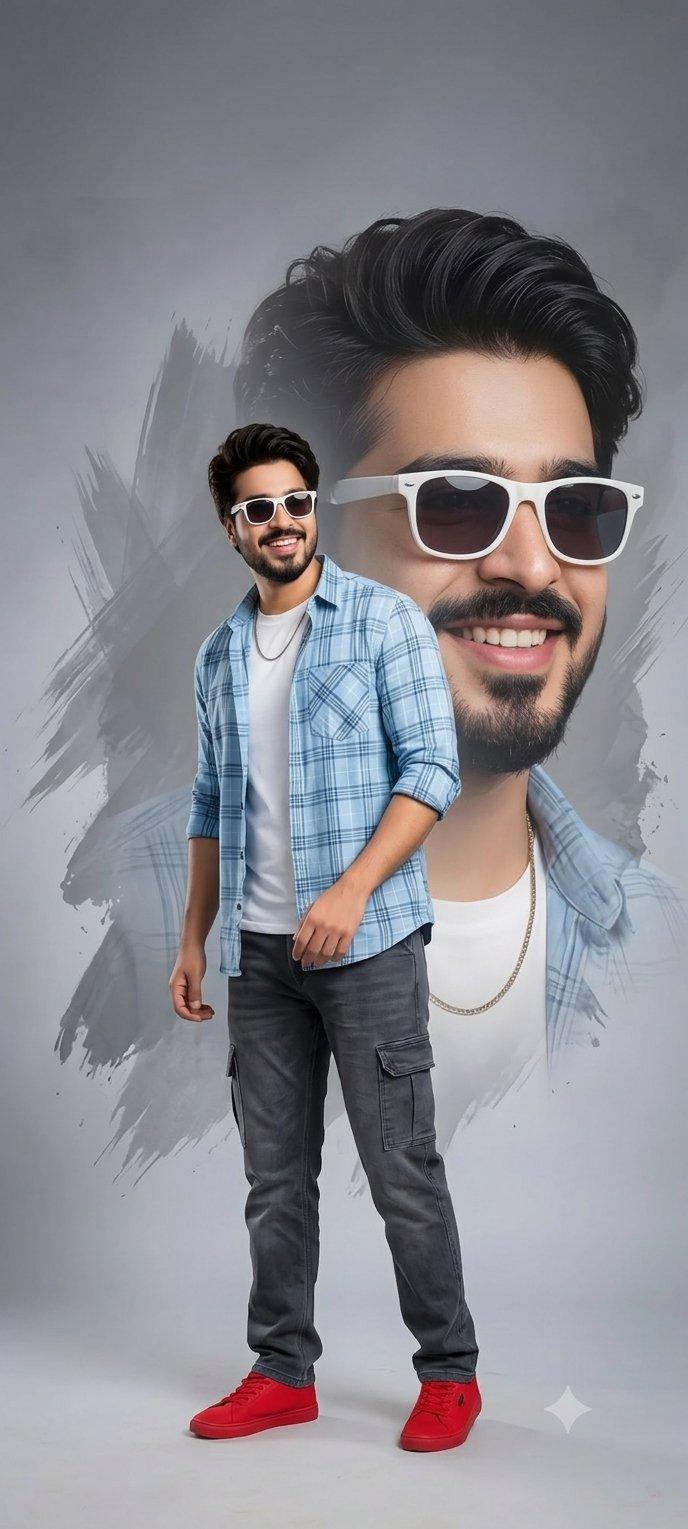
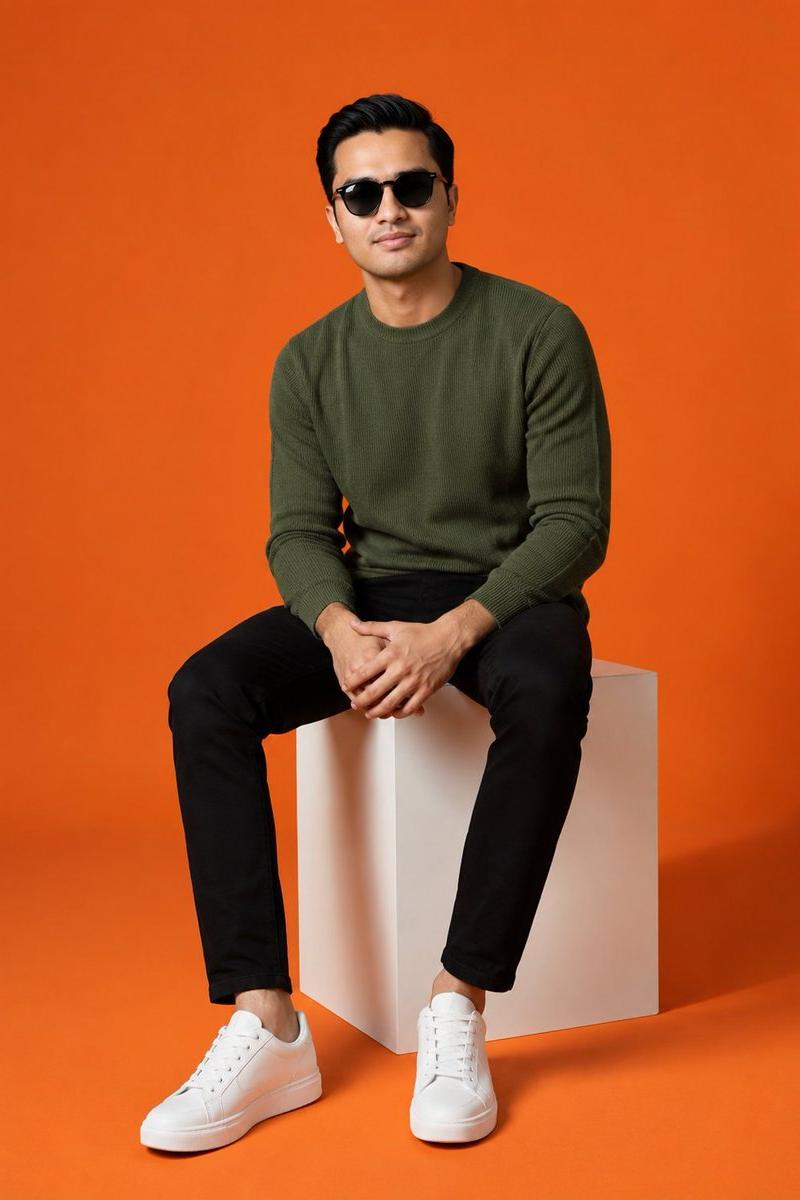
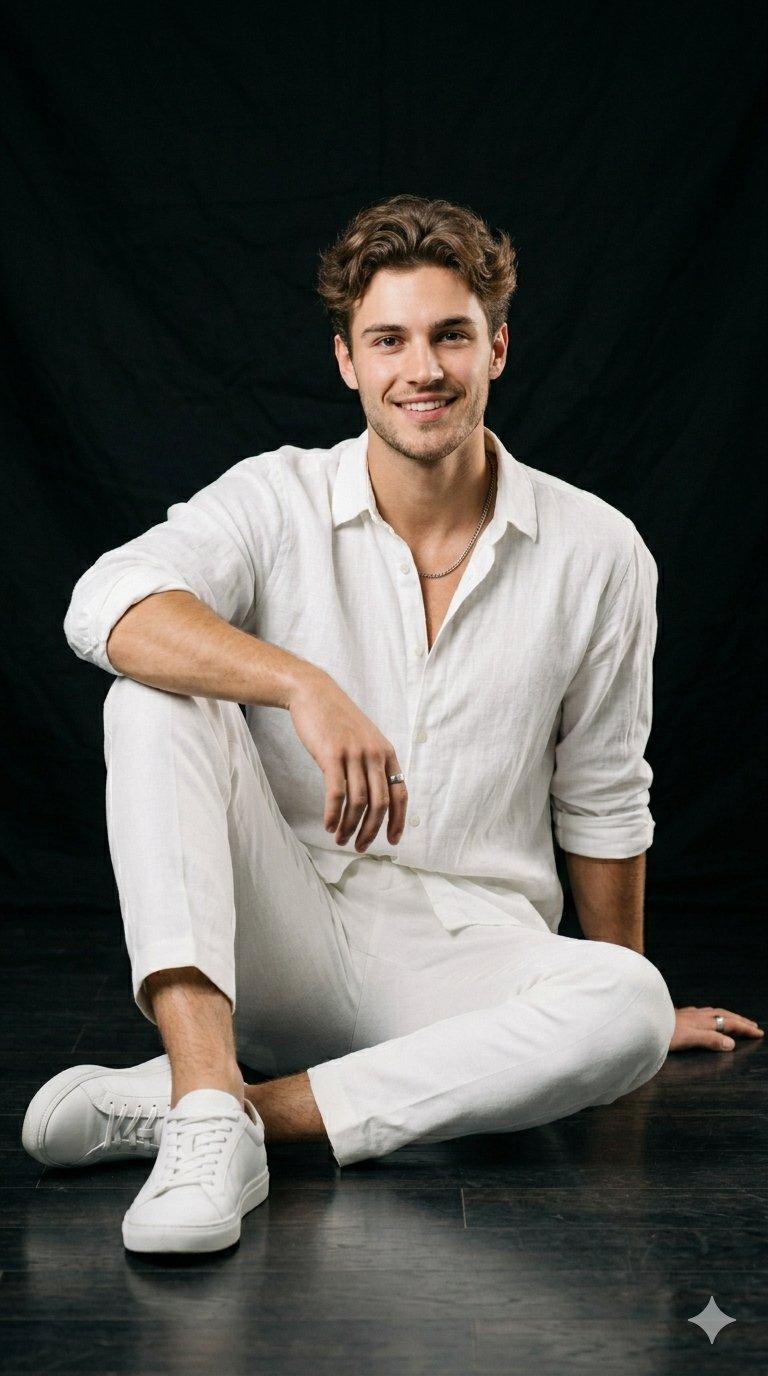
Example images

调出噪音,提高音量

Prompt
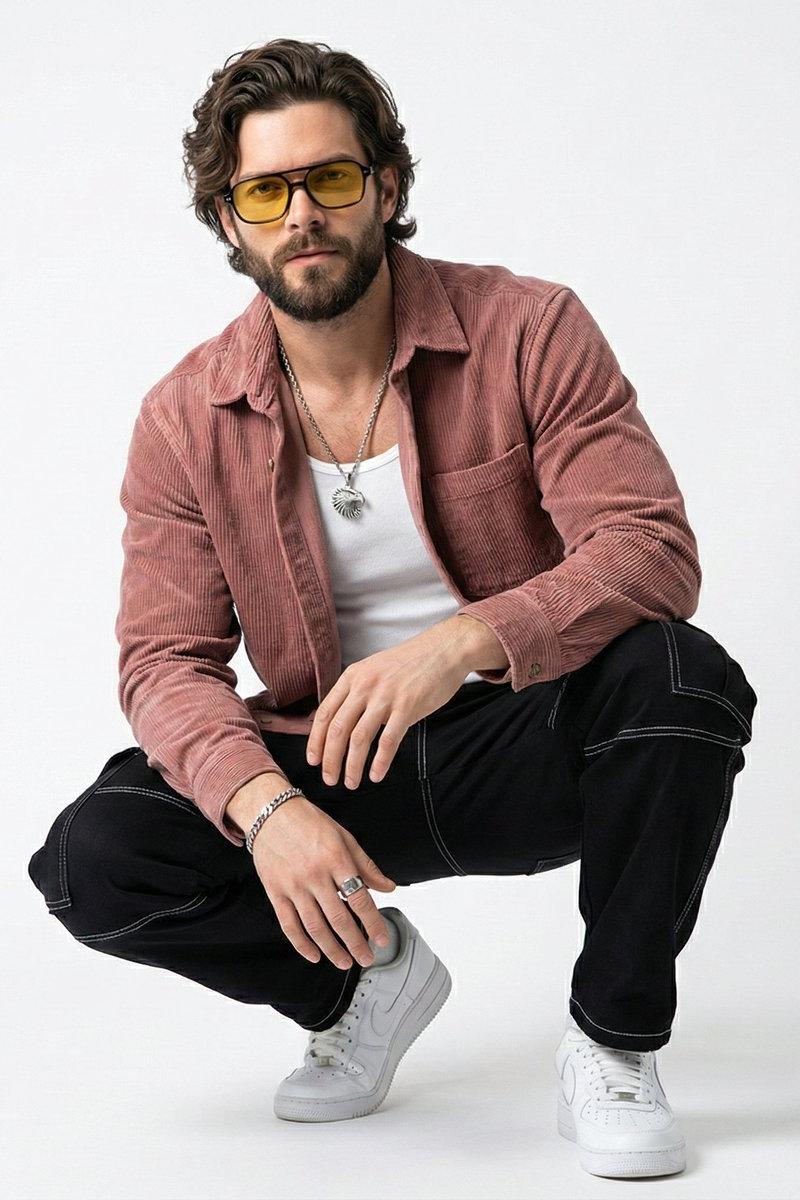
Tuning out the noise, turning up the volume 🔊
Sit low, aim high. It’s not just about the look; it’s about the frequency.
Created with Gemini Nano Banana 3.0
Prompt:
{
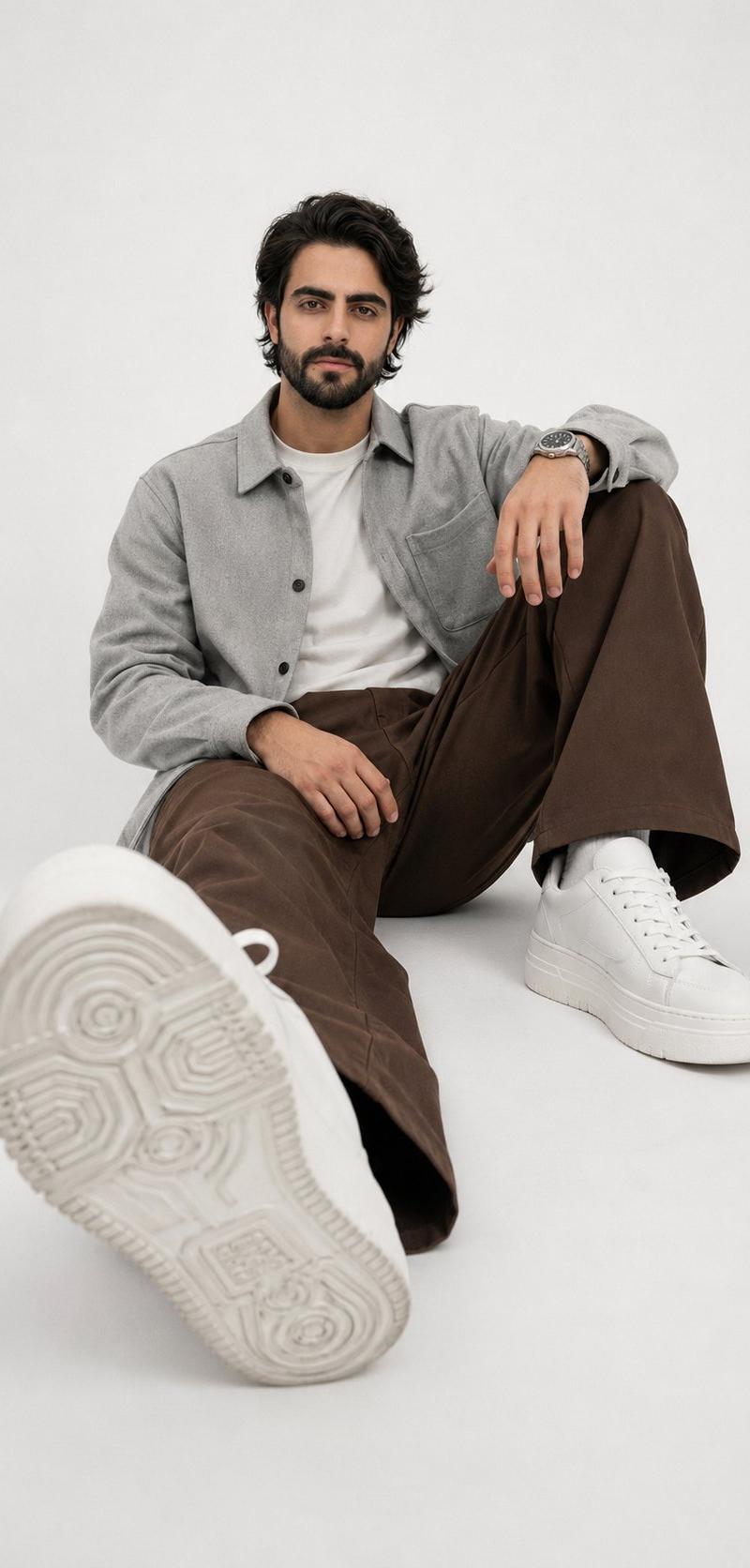
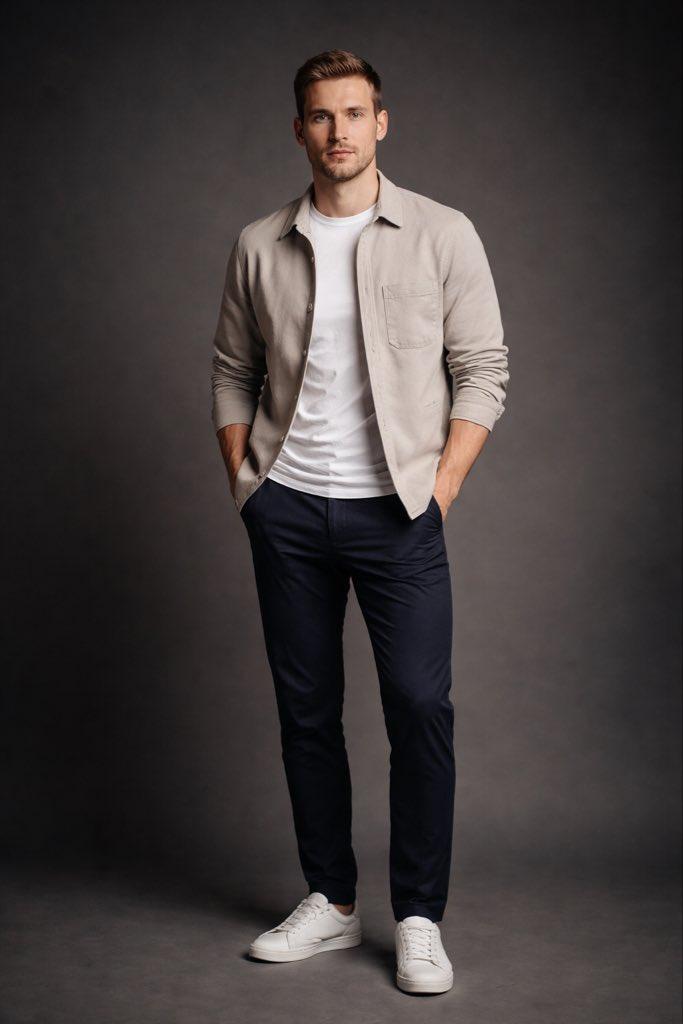
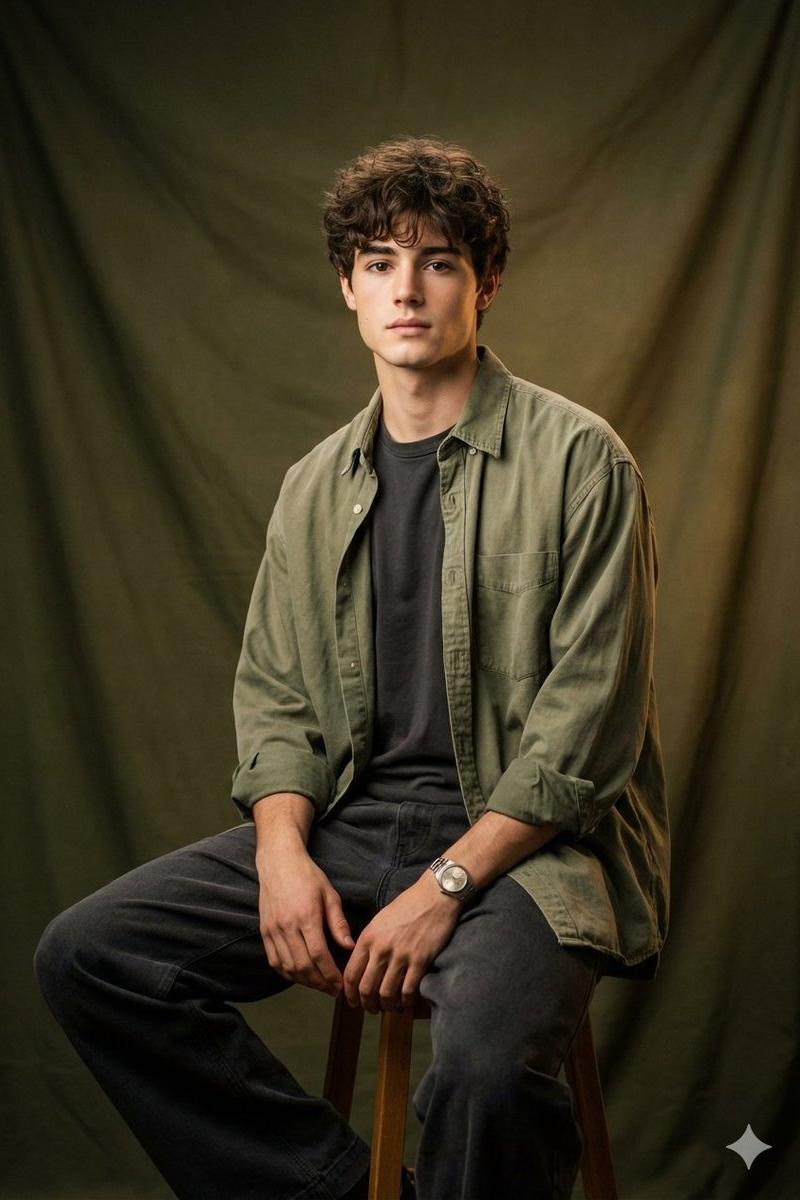
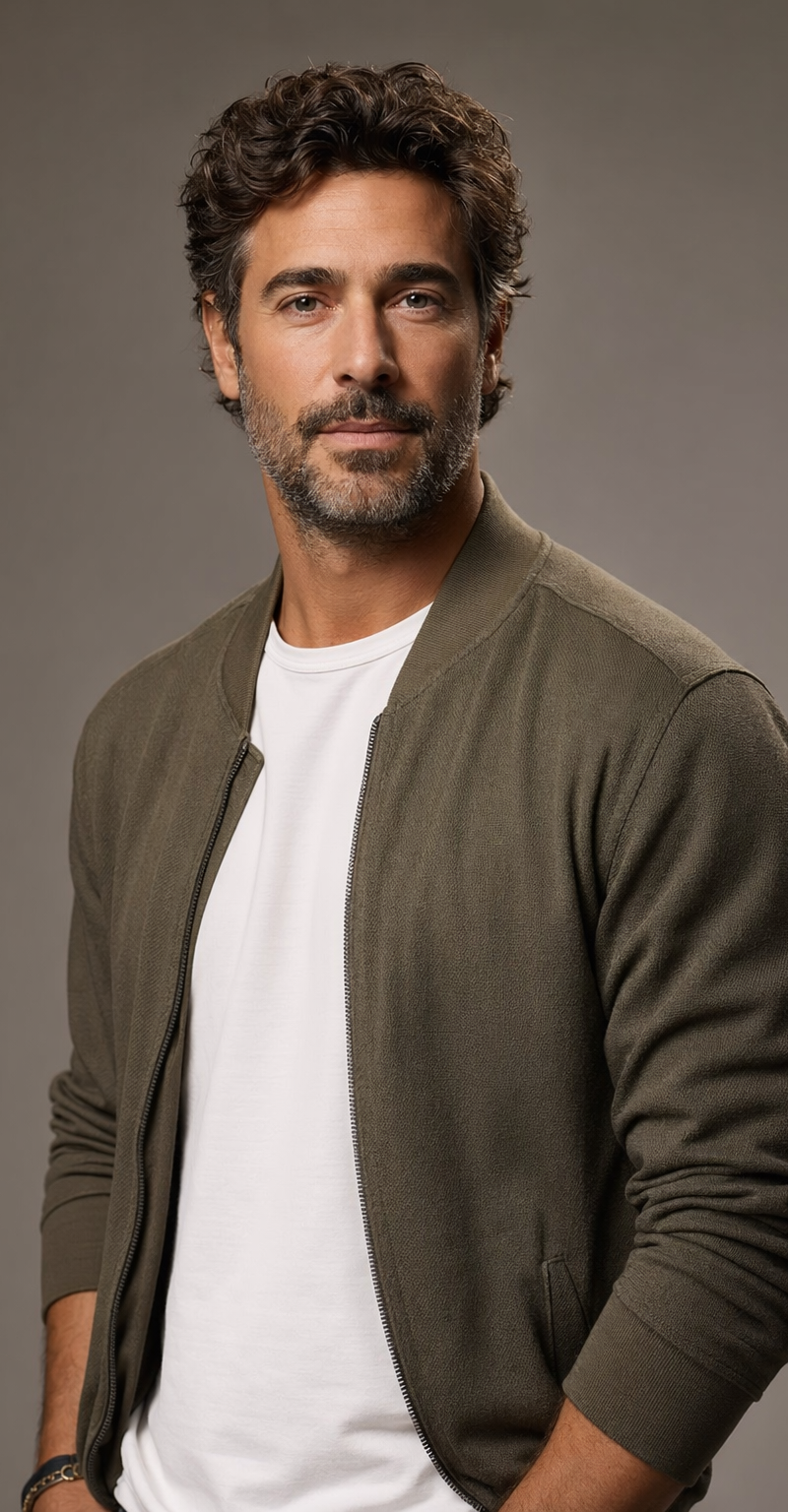
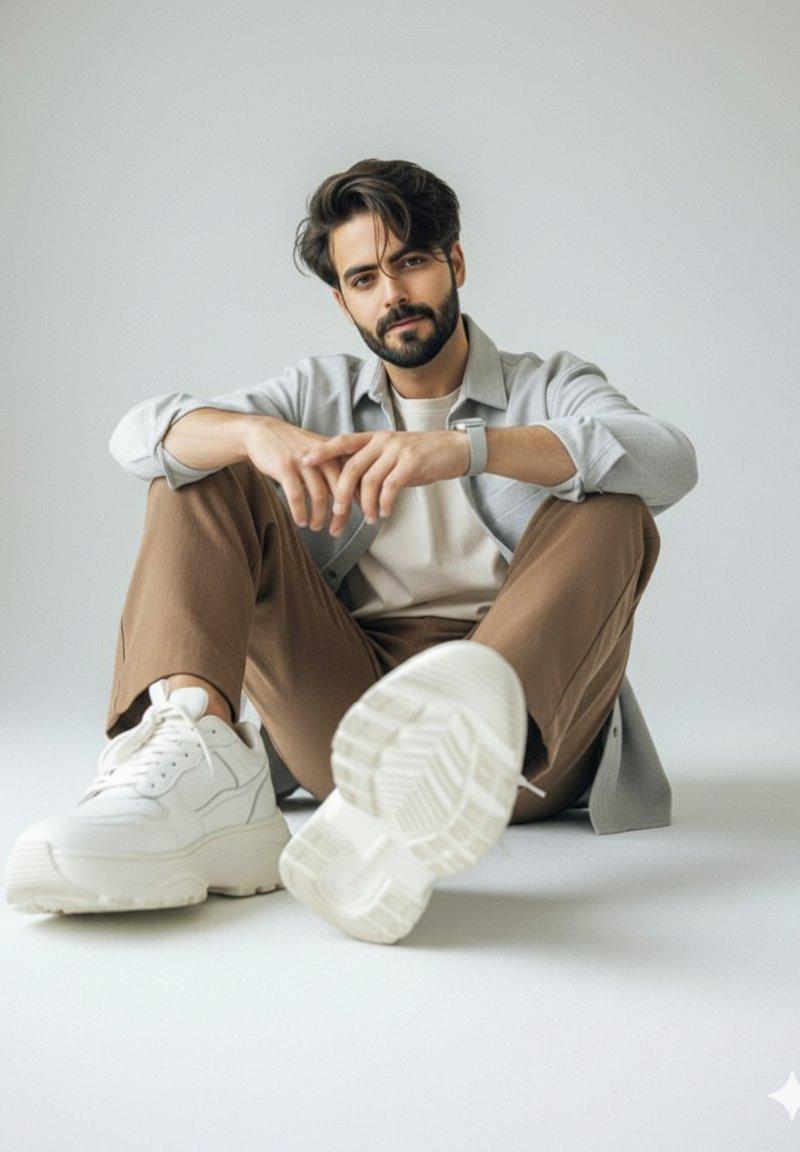
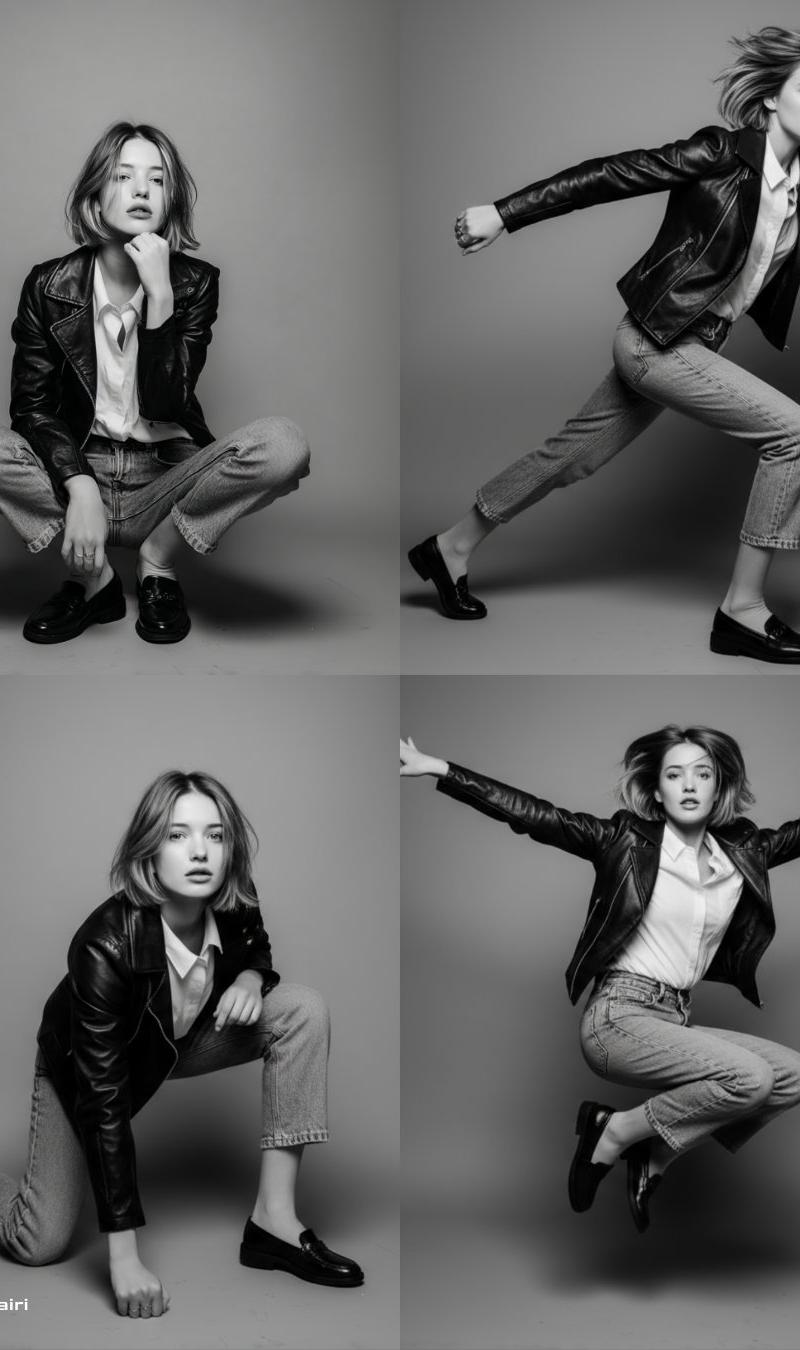
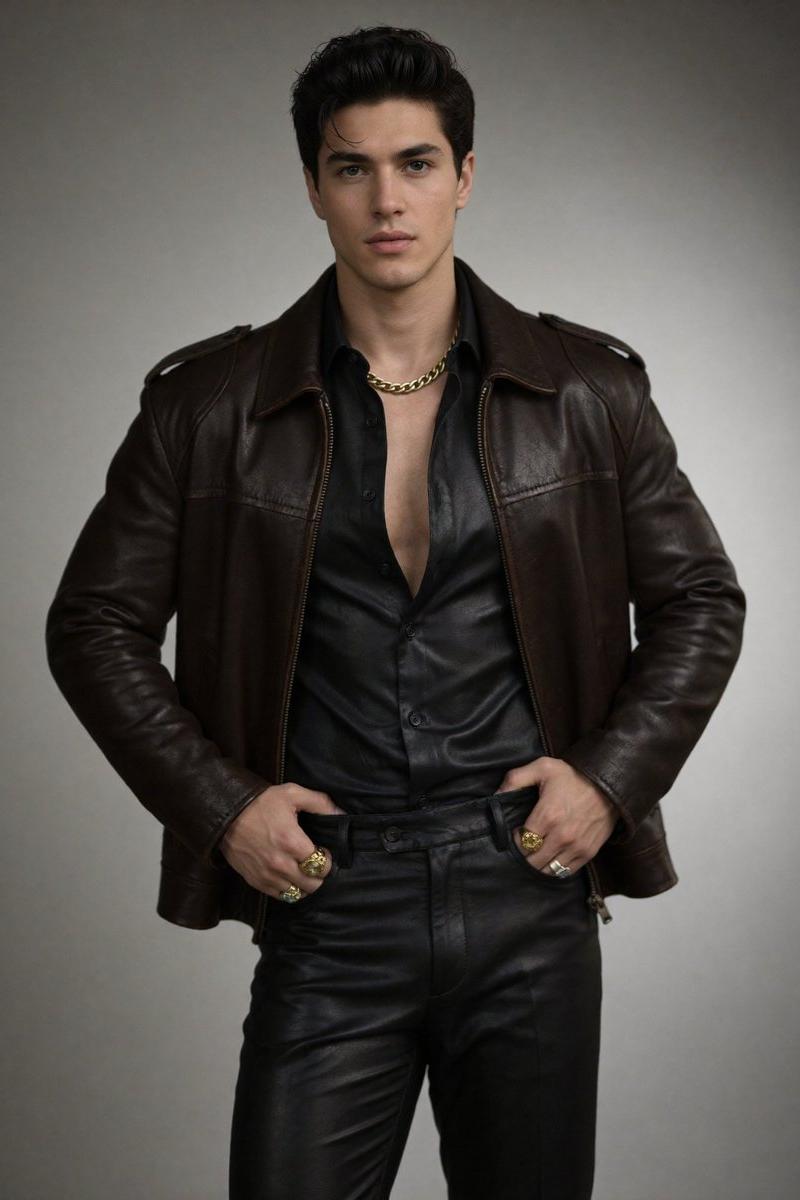
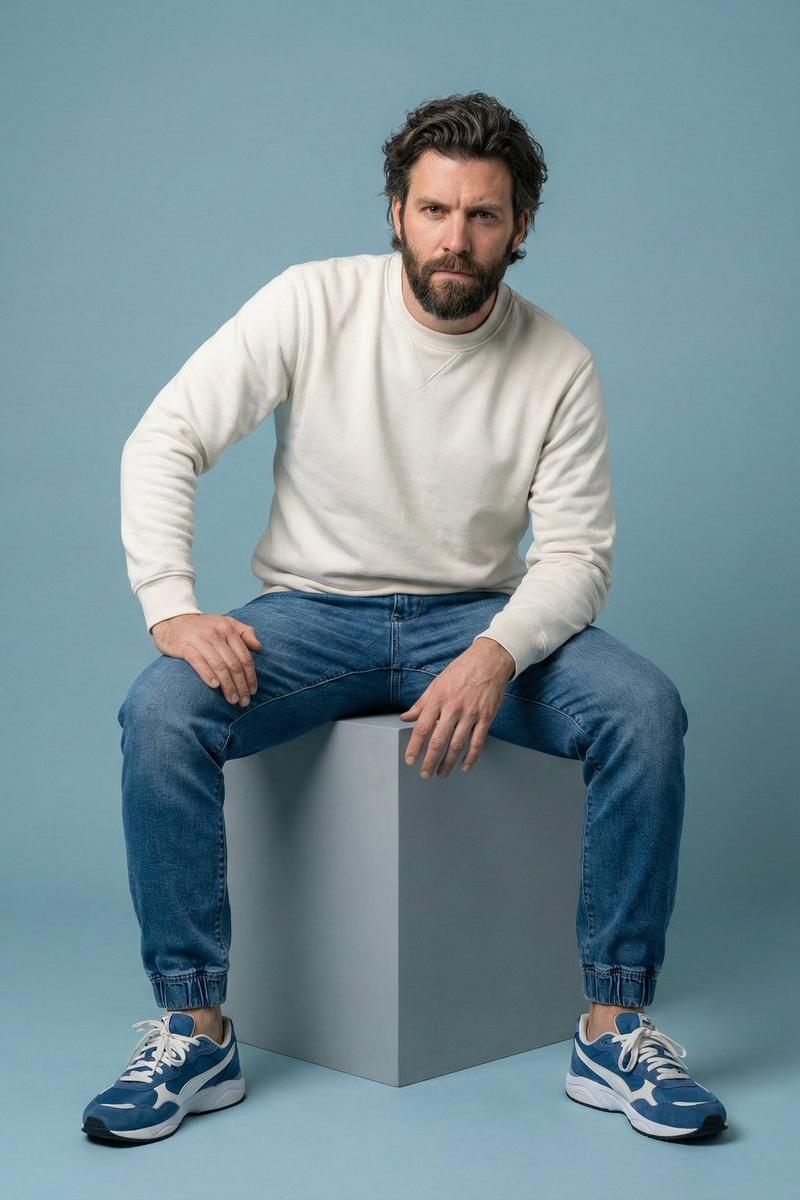
 "prompt": "Full-body studio portrait of a handsome man with medium-length wavy dark hair and a well-groomed beard, squatting in a confident, stylish pose. He is wearing a dusty rose corduroy overshirt left open over a plain white ribbed tank top, paired with loose black cargo pants featuring white contrast stitching and white leather sneakers. Accessories include yellow-tinted retro aviator sunglasses, a silver chain necklace with an eagle pendant, a silver link bracelet, and a chunky silver ring. The background is a seamless bright white studio backdrop. The lighting is soft and professional, highlighting the textures of the corduroy and skin. Hyper-realistic, 8k resolution, cinematic photography, sharp focus, fashion lookbook style.",
 "negative_prompt": "blurry, low quality, distorted, deformed hands, extra fingers, bad anatomy, dark background, messy, illustration, painting, cartoon, 3d render, watermark, text",
 "aspect_ratio": "1:1",
 "style_preset": "photographic"
}
Category
Photography & Realism
Model
Nano Banana
Creator
𝐌𝐢𝐧𝐝𝐒𝐩𝐚𝐫𝐤
Source language
zh-CN
Views0
Source ID
tuning-out-the-noise-turning-up-the-volume
Studio

Guide

About "调出噪音,提高音量"

What is this prompt for?

"调出噪音,提高音量" AI image prompt for Nano Banana (Photography & Realism). Tuning out the noise, turning up the volume 🔊 Sit low, aim high. It’s not just about the…

The full copyable prompt and example visuals above are ready for AI image generation or one-click recreate in Picva.

How to use this prompt

  1. Step 1

    Open the prompt detail

    Review the example visuals, category, and full prompt text for "调出噪音,提高音量".

  2. Step 2

    Copy the prompt

    Copy the prompt body from this page, or load it directly in Studio.

  3. Step 3

    Pick a model (Nano Banana)

    Prefer Nano Banana. If you switch models, keep subject and composition and tweak style terms.

  4. Step 4

    Generate and export

    Recreate the look in Picva, or export into your workflow for editing and publishing.

FAQ

What is the "调出噪音,提高音量" prompt?
It is an AI image-generation prompt for Nano Banana in the Photography & Realism category. This page includes the full prompt text, example visuals, and a one-click recreate path in Picva.
How do I use this prompt to generate an image?
Copy the prompt from this page, or use Generate / Studio. Paste it into a compatible image model, or recreate the look in Picva with optional reference images.
Which model is this prompt for?
This page lists Nano Banana. Most descriptive prompts also transfer to nearby image models such as GPT Image, Flux, or Midjourney with light style tweaks.
Can I use the result commercially?
You can usually copy the prompt for creation, but commercial use of the final image depends on the model terms, reference-image rights, and the generated content. Follow the source author and platform rules.