16

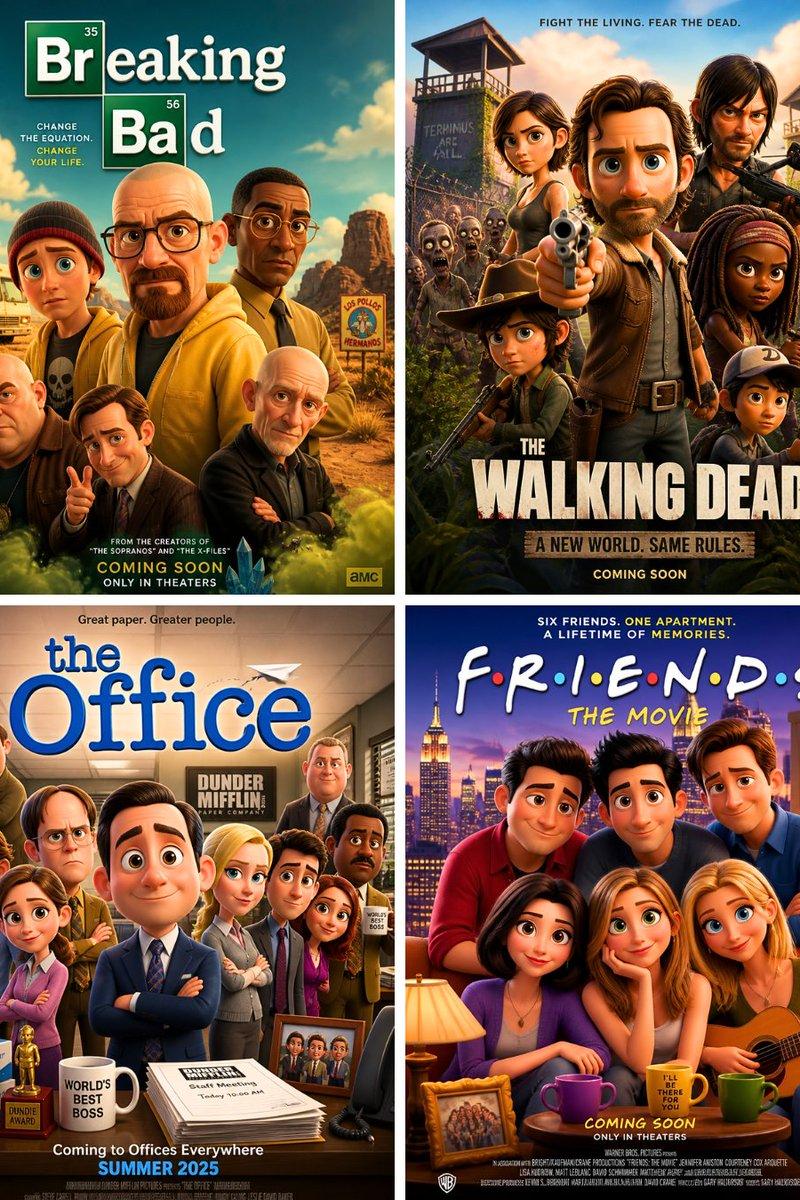
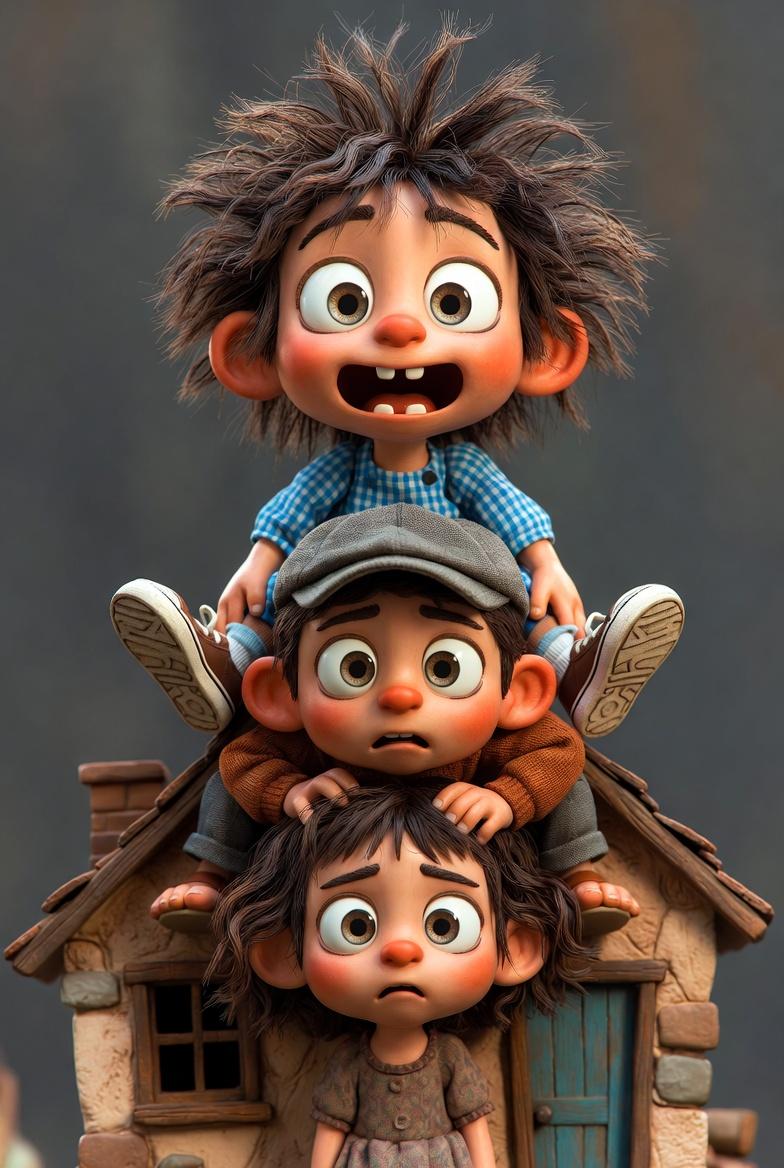
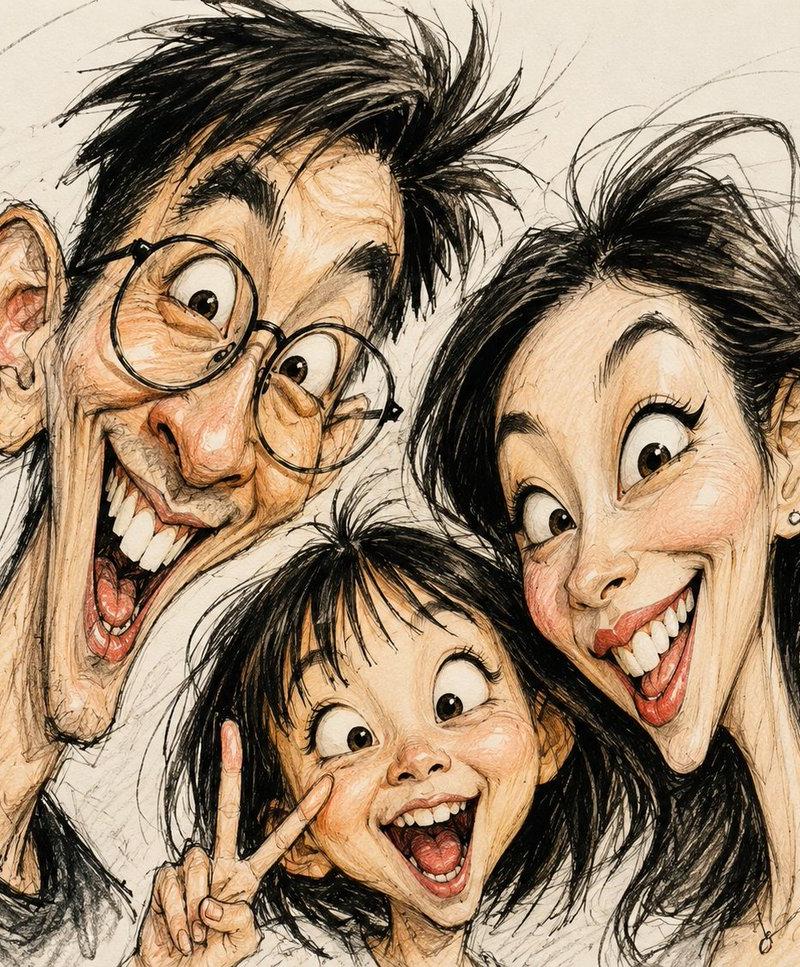
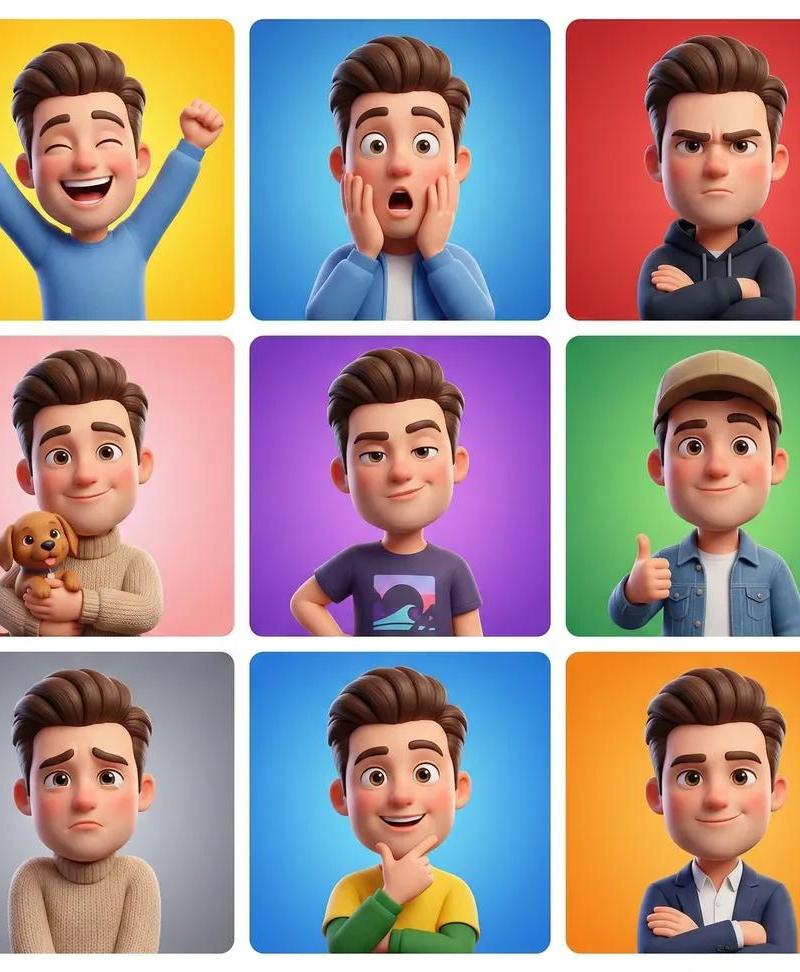
将您的照片转换为皮克斯风格✨
Enlarge

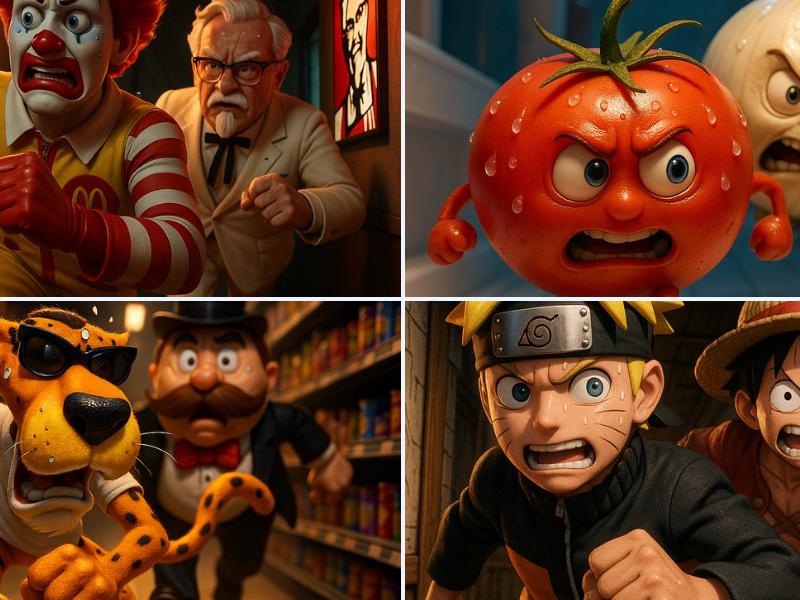
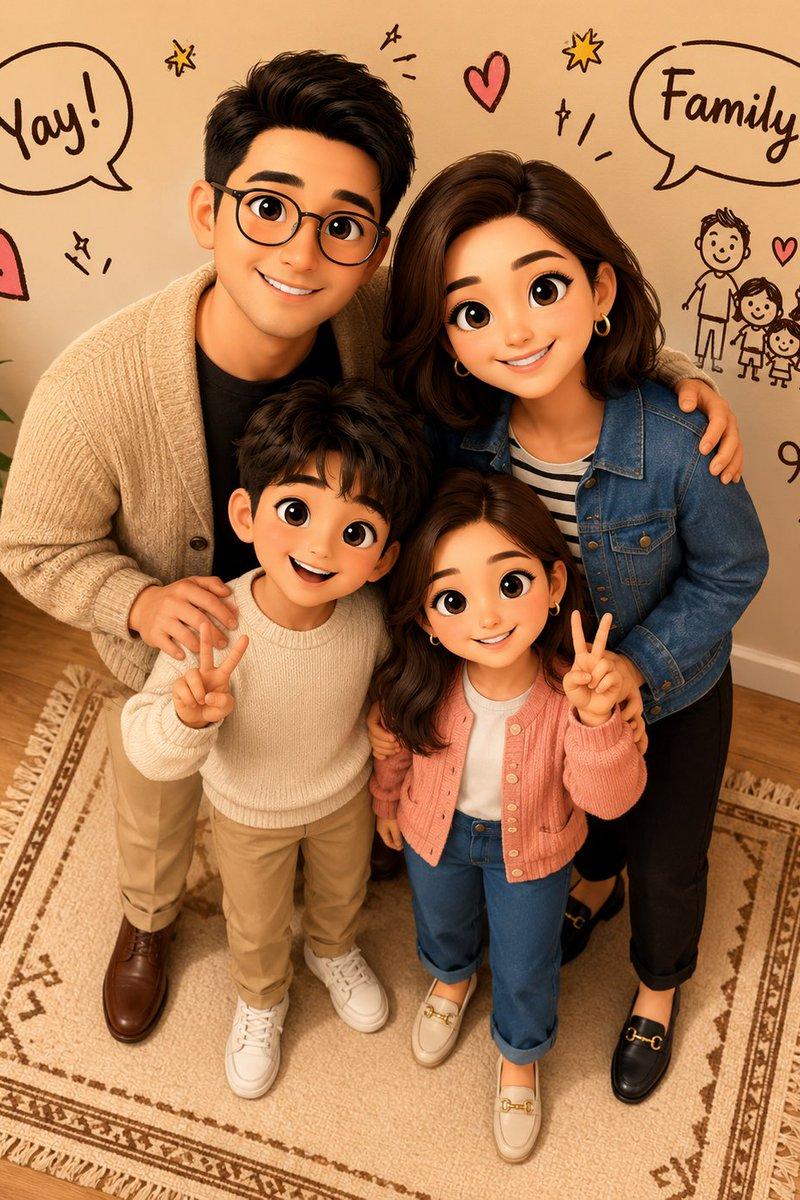
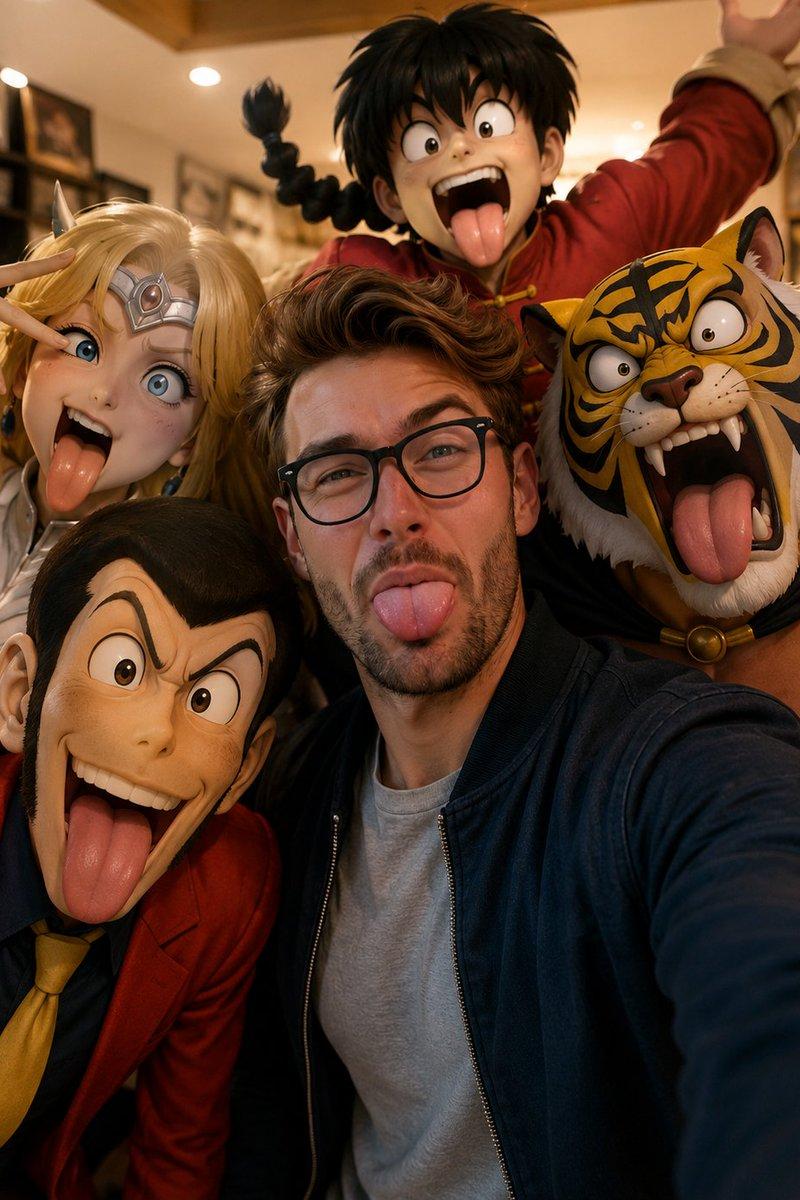
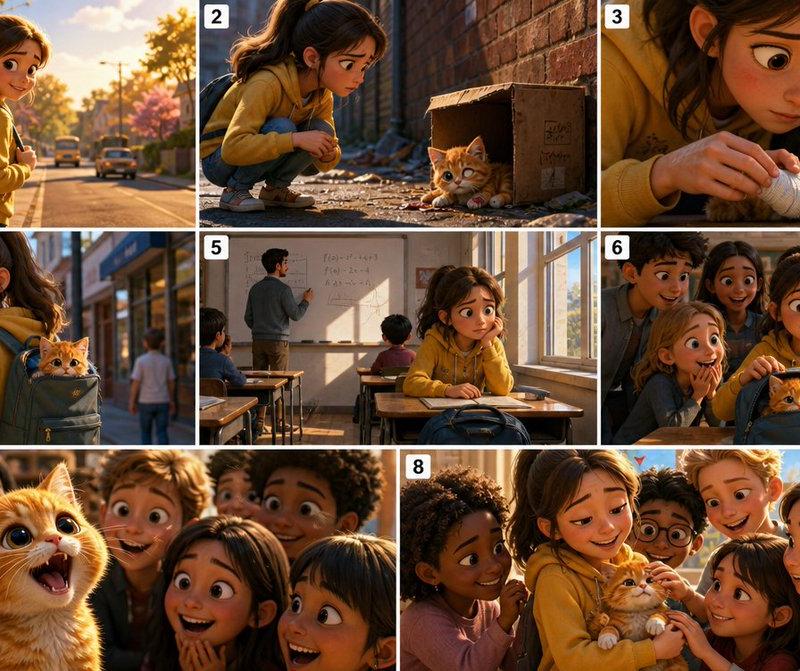
Example images

将您的照片转换为皮克斯风格✨

Prompt
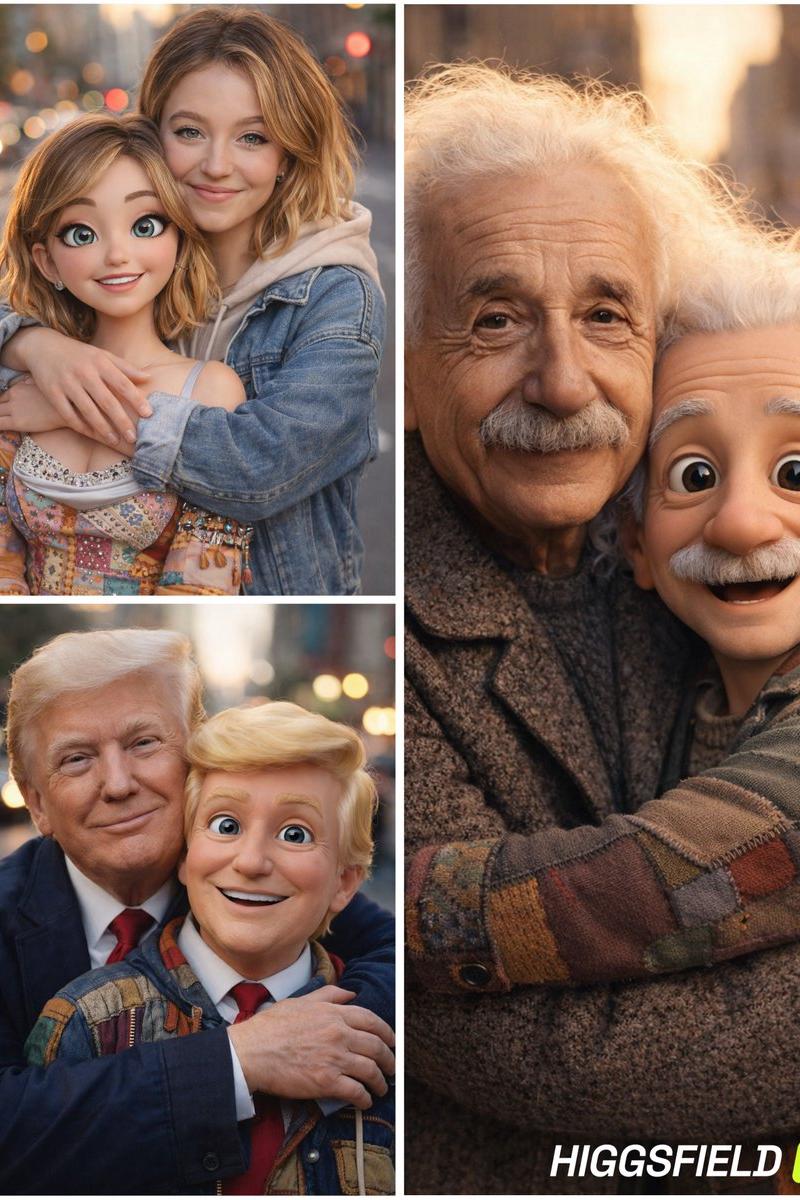
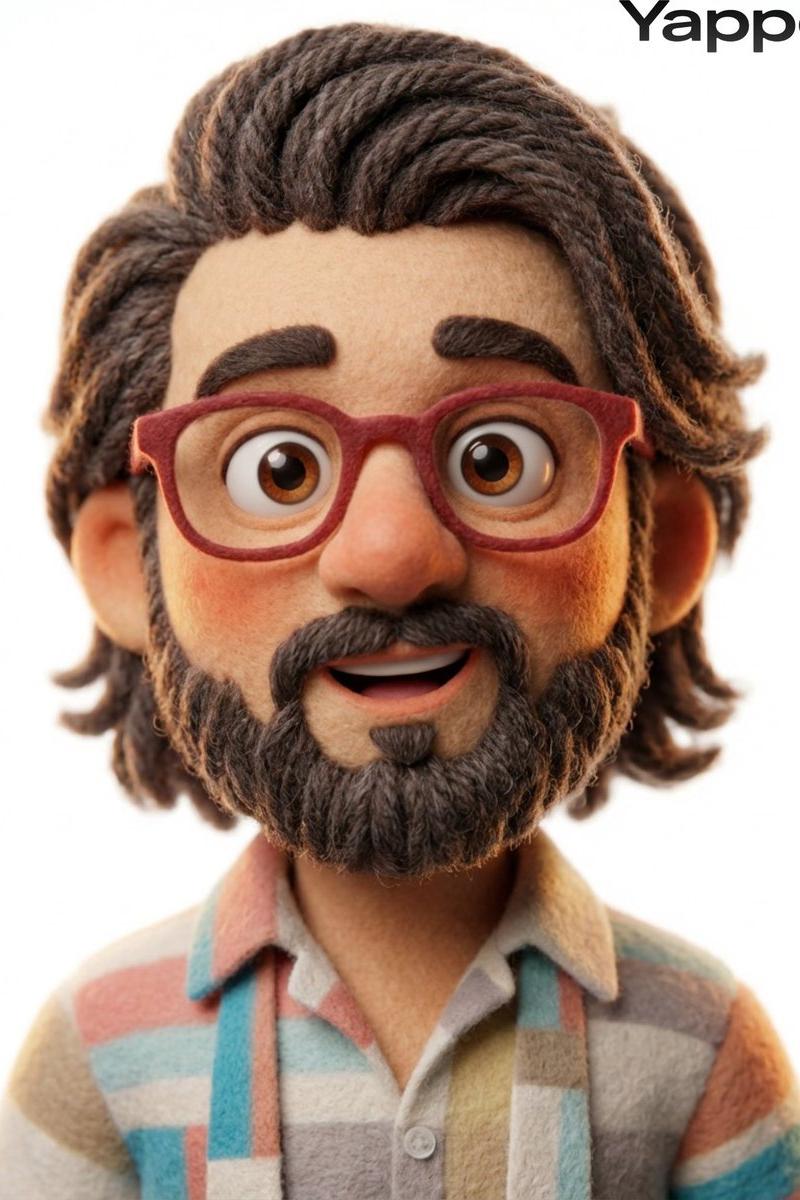
Turn own image to Pixar Style image ✨
1. Open ChatGPT / N.B. 3Pro
2. Upload Image
3. Write Prompt
Prompt ⤵️
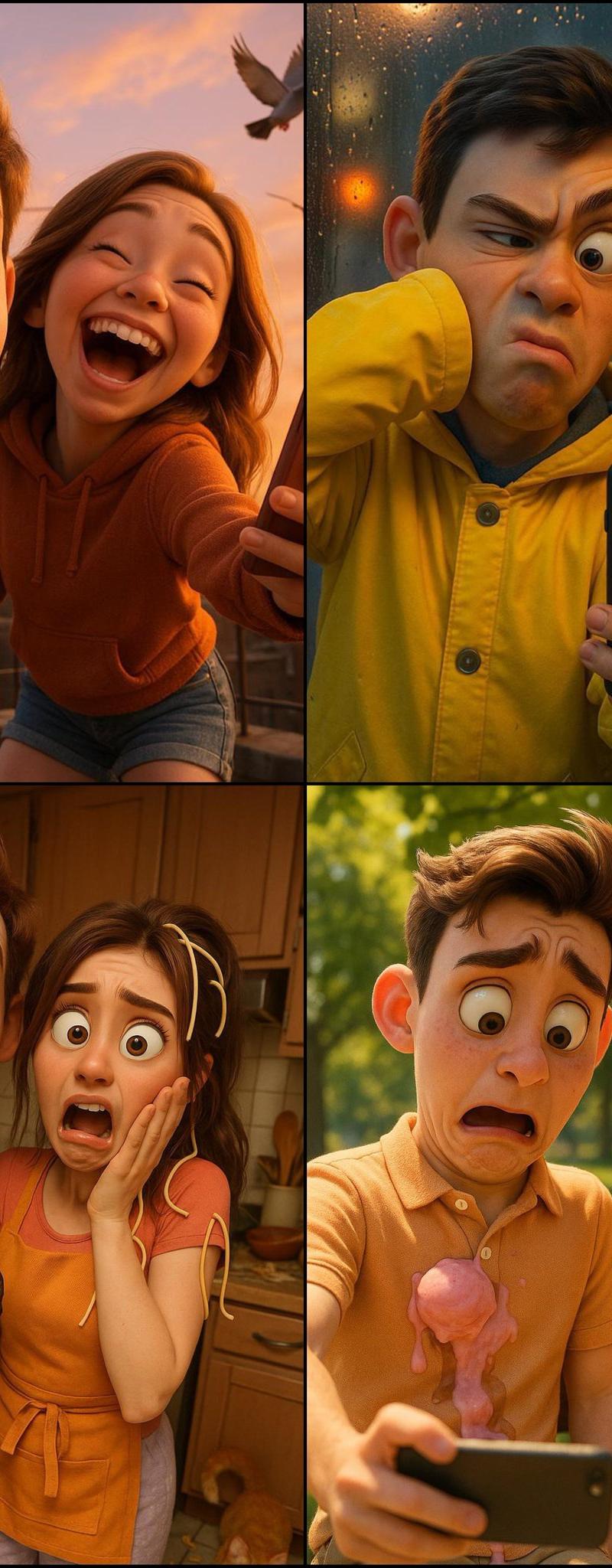
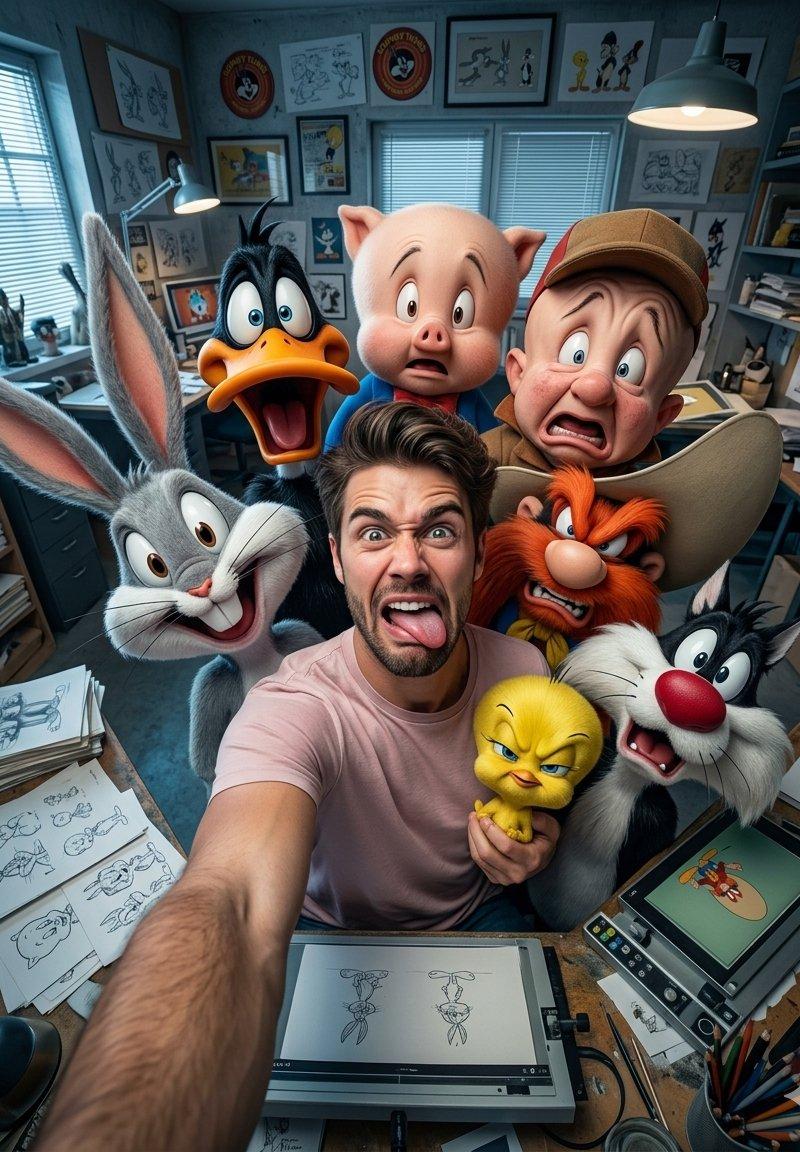
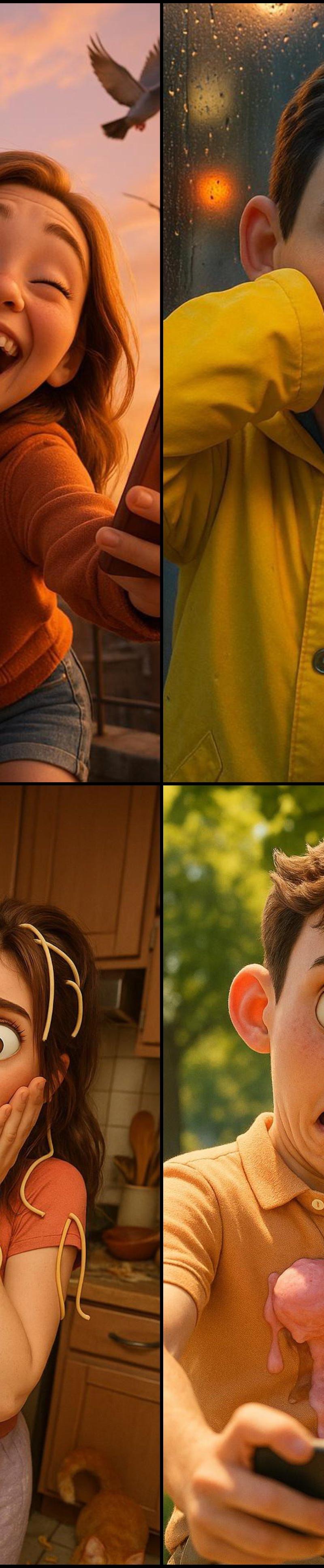
Ultra HD 4K Pixar-style 3D portrait of a young couple attempting a selfie on a city rooftop at golden hour. The boy accidentally sneezes mid-shot, eyes half-closed and cheeks puffed out, while the girl bursts out laughing, leaning away from him with her phone tilted and out of frame. They wear casual evening clothes—he in a graphic tee and joggers,she in a hoodie and denim shorts. The warm sunset paints the sky in orange and pink hues, with pigeons flying past and laundry fluttering in the background. Camera angle slightly low and tilted to enhance the chaotic moment, emphasizing their exaggerated cartoon-like expressions.
Category
Photography & Realism
Model
Unknown
Creator
Shreya Yadav
Source language
zh-CN
Views0
Source ID
turn-your-image-into-a-pixar-style-image
Studio

Guide

About "将您的照片转换为皮克斯风格✨"

What is this prompt for?

"将您的照片转换为皮克斯风格✨" AI image prompt for Unknown (Photography & Realism). Turn own image to Pixar Style image ✨ 1. Open ChatGPT / N.B. 3Pro 2. Upload Image 3. Writ…

The full copyable prompt and example visuals above are ready for AI image generation or one-click recreate in Picva.

How to use this prompt

  1. Step 1

    Open the prompt detail

    Review the example visuals, category, and full prompt text for "将您的照片转换为皮克斯风格✨".

  2. Step 2

    Copy the prompt

    Copy the prompt body from this page, or load it directly in Studio.

  3. Step 3

    Pick a model (Unknown)

    Prefer Unknown. If you switch models, keep subject and composition and tweak style terms.

  4. Step 4

    Generate and export

    Recreate the look in Picva, or export into your workflow for editing and publishing.

FAQ

What is the "将您的照片转换为皮克斯风格✨" prompt?
It is an AI image-generation prompt for Unknown in the Photography & Realism category. This page includes the full prompt text, example visuals, and a one-click recreate path in Picva.
How do I use this prompt to generate an image?
Copy the prompt from this page, or use Generate / Studio. Paste it into a compatible image model, or recreate the look in Picva with optional reference images.
Which model is this prompt for?
This page lists Unknown. Most descriptive prompts also transfer to nearby image models such as GPT Image, Flux, or Midjourney with light style tweaks.
Can I use the result commercially?
You can usually copy the prompt for creation, but commercial use of the final image depends on the model terms, reference-image rights, and the generated content. Follow the source author and platform rules.