17

真实自我像与行尸走肉角色
Enlarge

真实自我像与行尸走肉角色

Prompt
1. Open Gemini Nano Banana Pro.
2. Upload your picture
3. Prompt :
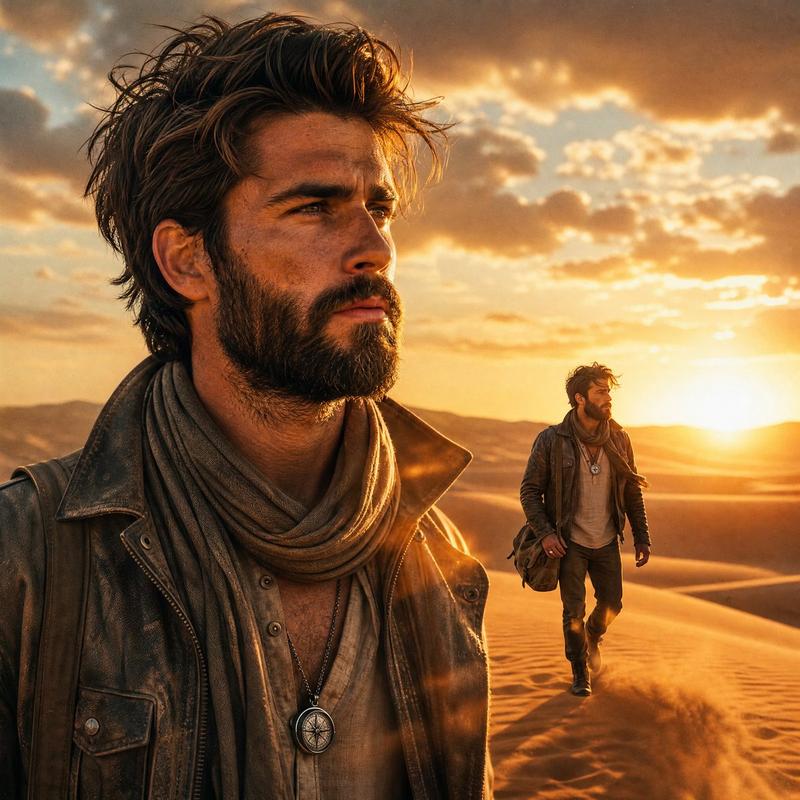
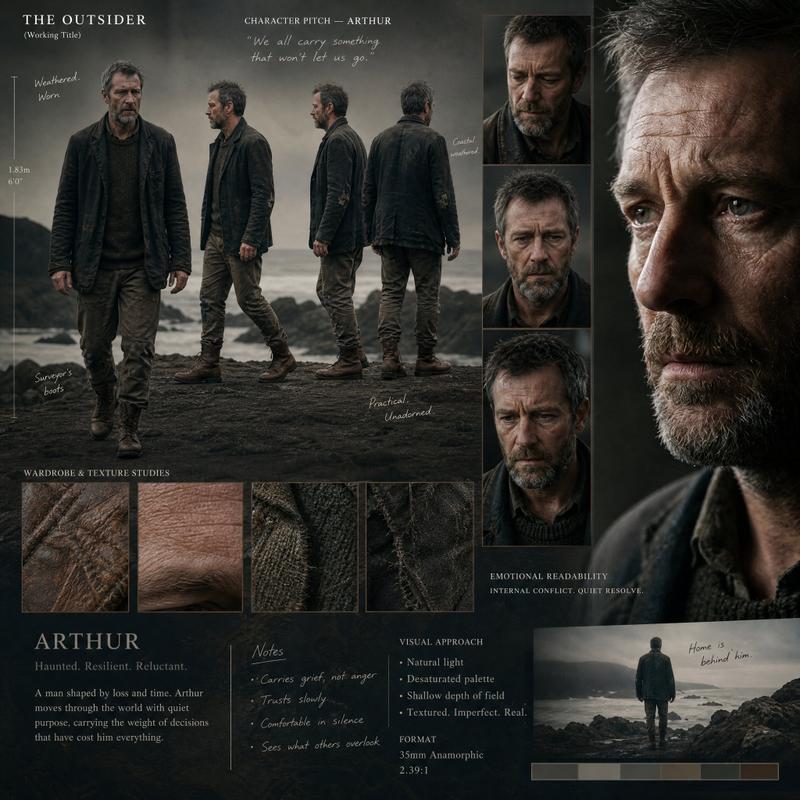
Ultra-realistic selfie of me in the foreground, holding the camera at arm’s length, with rick grimes character from the walking dead and daryl dixon standing close beside me, all three faces clearly visible and sharply in focus. Tight selfie framing with slight wide-angle lens distortion. Rick grimes with beard, long hair ,goatee, intense expression. Daryl dixon wearing a black t shirt and crossbow in hand,gritty look. The iconic The walking dead zombies is clearly visible in the background, Harsh moody sunlight, dry cracked ground, pale blue sky, subtle dust in the air. Natural skin texture, cinematic realism, authentic walking dead atmosphere, 4K photorealistic quality, no text.
(Change characters and other details according to your wish)
Category
Photography & Realism
Model
Nano Banana Pro
Creator
Abhi
Views0
Source ID
ultra-realistic-selfie-with-the-walking-dead-characters

Guide

About "真实自我像与行尸走肉角色"

What is this prompt for?

"真实自我像与行尸走肉角色" AI image prompt for Nano Banana Pro (Photography & Realism). 1. Open Gemini Nano Banana Pro. 2. Upload your picture 3. Prompt : Ultra-realistic…

The full copyable prompt and example visuals above are ready for AI image generation or one-click recreate in Picva.

How to use this prompt

  1. Step 1

    Open the prompt detail

    Review the example visuals, category, and full prompt text for "真实自我像与行尸走肉角色".

  2. Step 2

    Copy the prompt

    Copy the prompt body from this page, or load it directly in Studio.

  3. Step 3

    Pick a model (Nano Banana Pro)

    Prefer Nano Banana Pro. If you switch models, keep subject and composition and tweak style terms.

  4. Step 4

    Generate and export

    Recreate the look in Picva, or export into your workflow for editing and publishing.

FAQ

What is the "真实自我像与行尸走肉角色" prompt?
It is an AI image-generation prompt for Nano Banana Pro in the Photography & Realism category. This page includes the full prompt text, example visuals, and a one-click recreate path in Picva.
How do I use this prompt to generate an image?
Copy the prompt from this page, or use Generate / Studio. Paste it into a compatible image model, or recreate the look in Picva with optional reference images.
Which model is this prompt for?
This page lists Nano Banana Pro. Most descriptive prompts also transfer to nearby image models such as GPT Image, Flux, or Midjourney with light style tweaks.
Can I use the result commercially?
You can usually copy the prompt for creation, but commercial use of the final image depends on the model terms, reference-image rights, and the generated content. Follow the source author and platform rules.