20

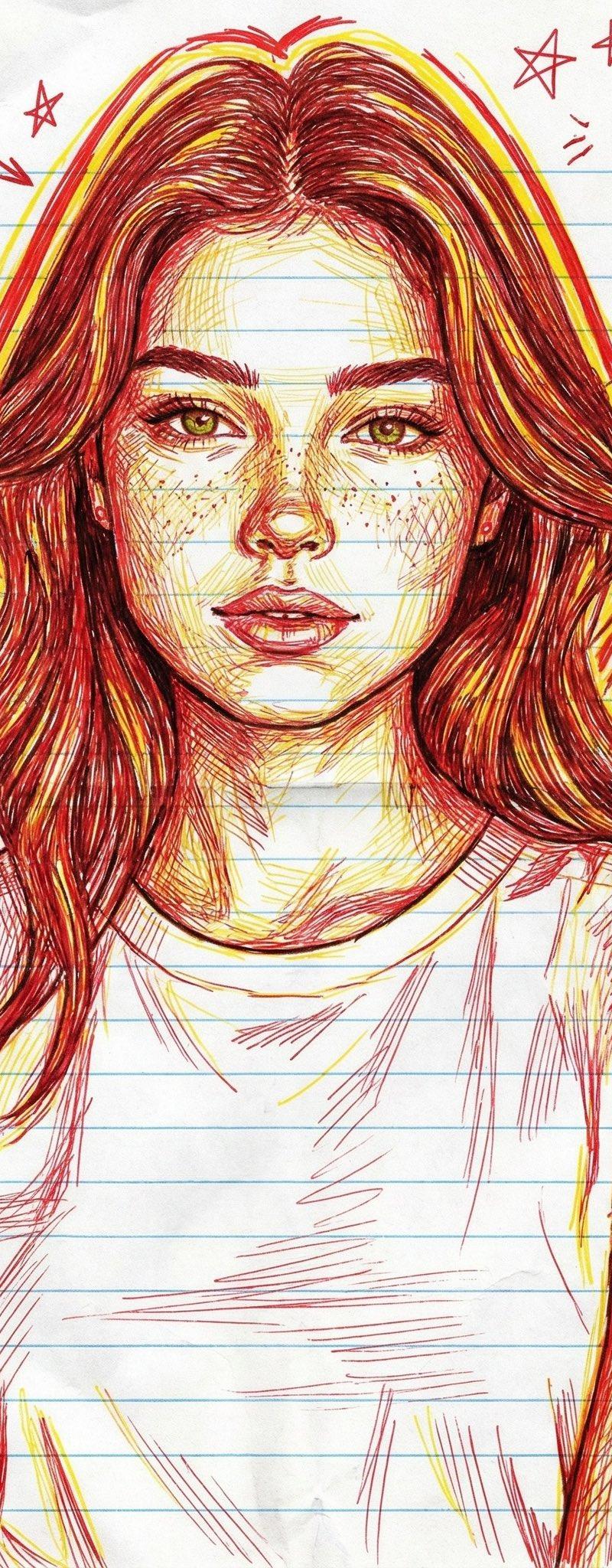
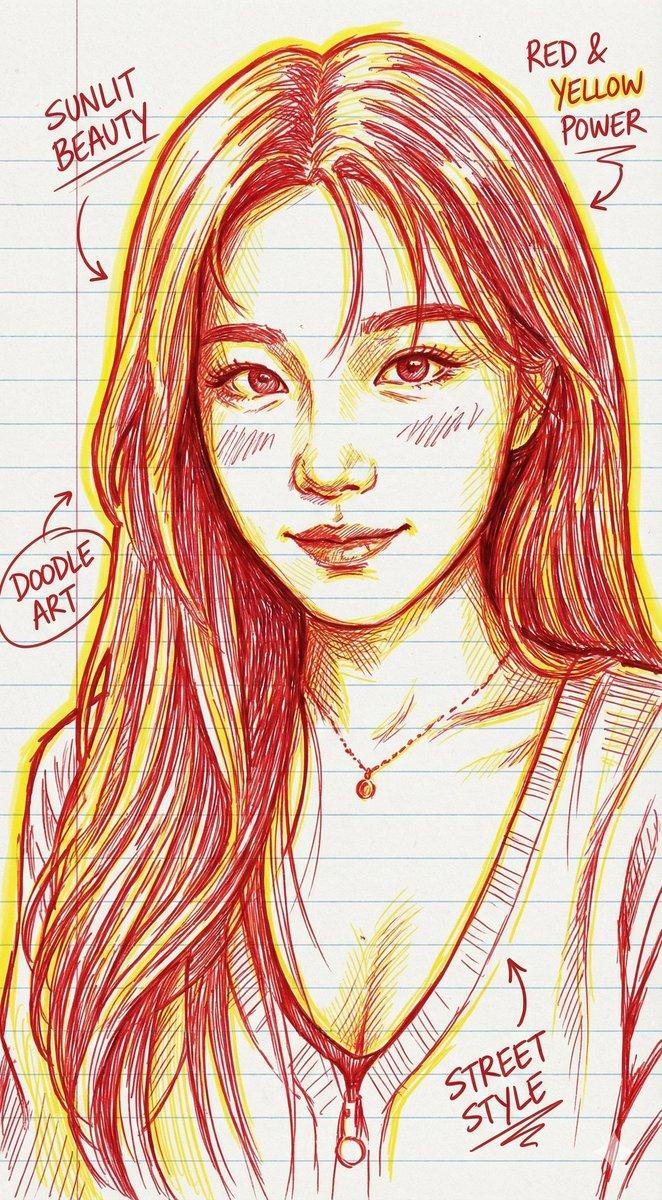
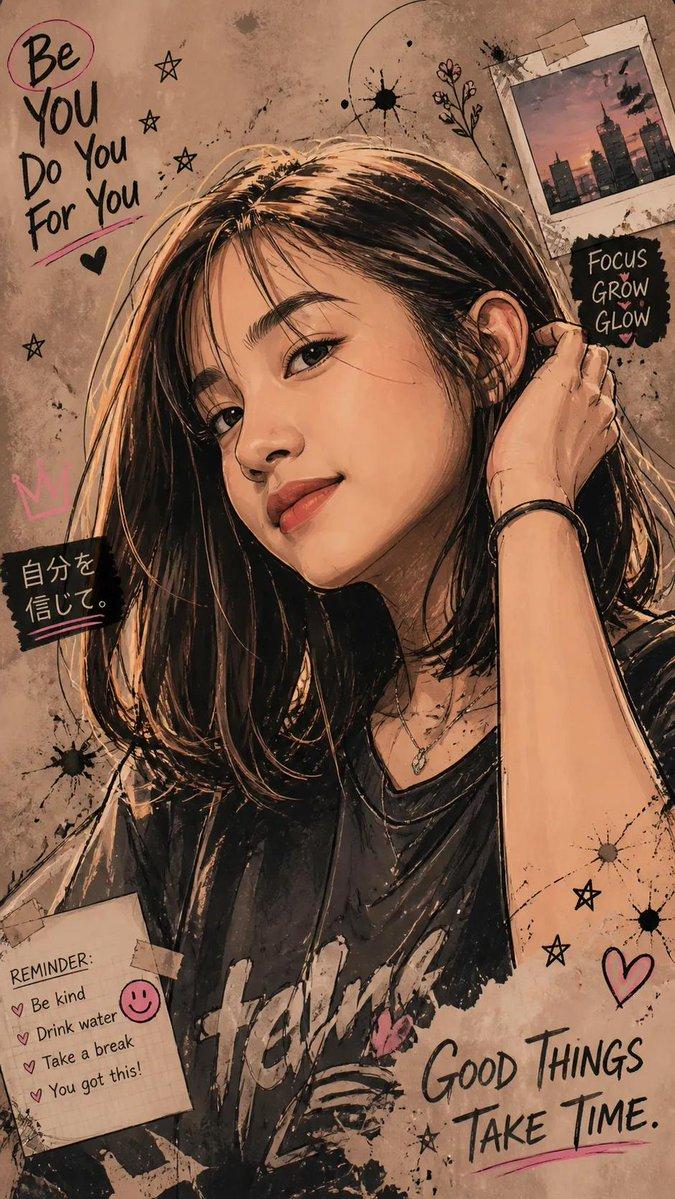
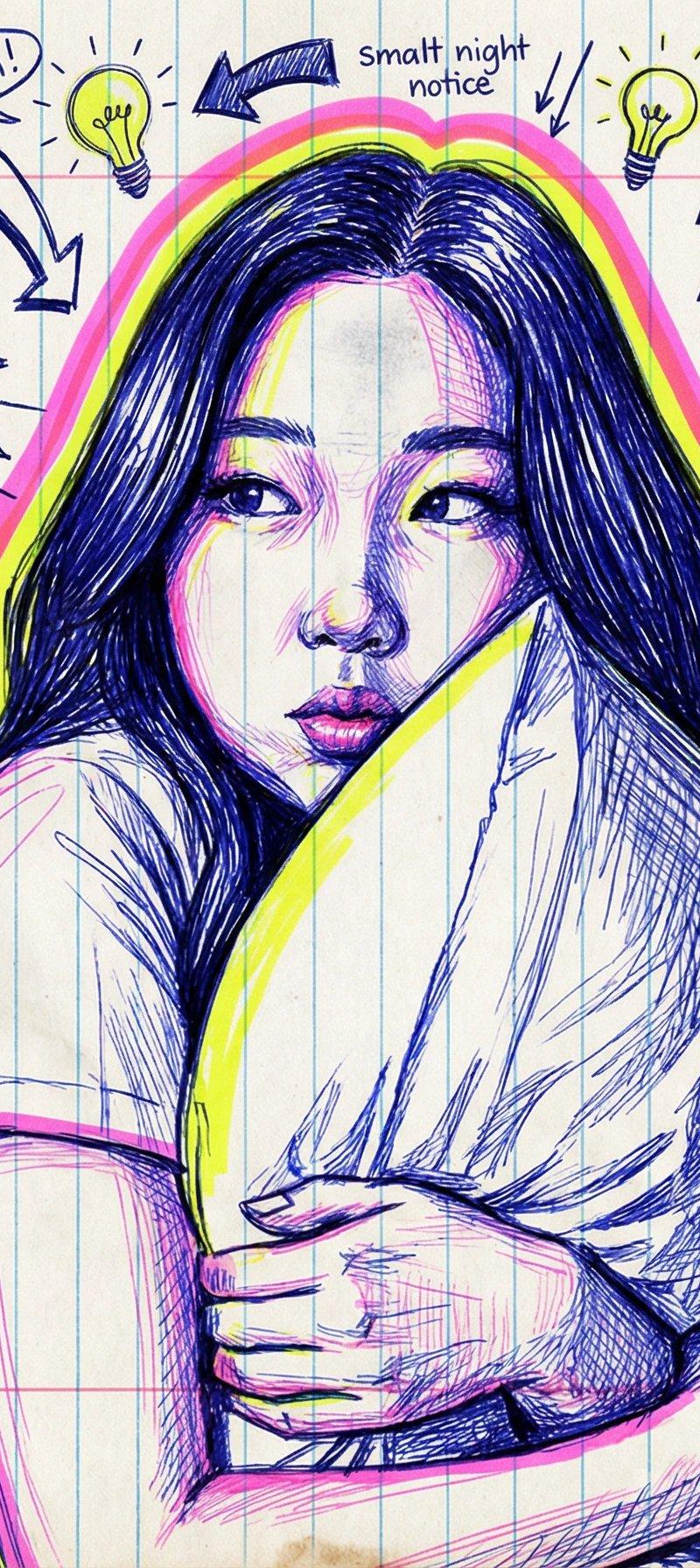
独特笔记本涂鸦风格
Enlarge

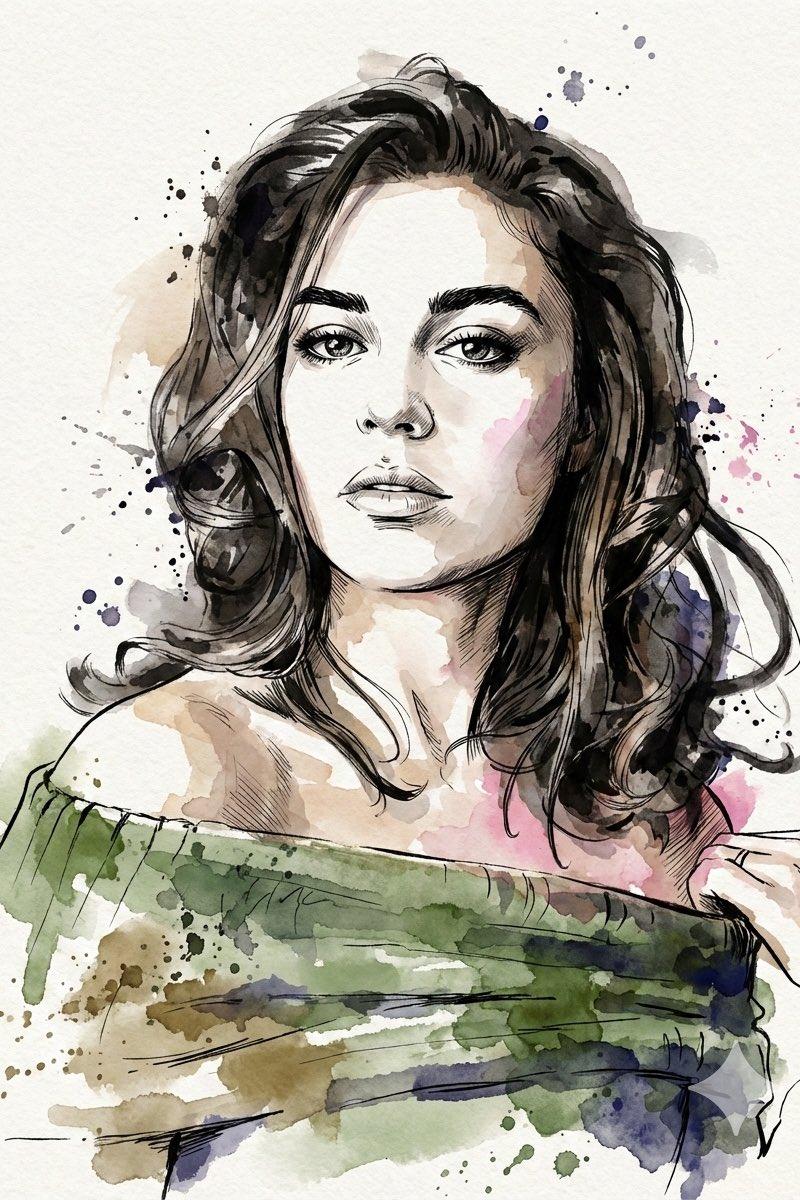
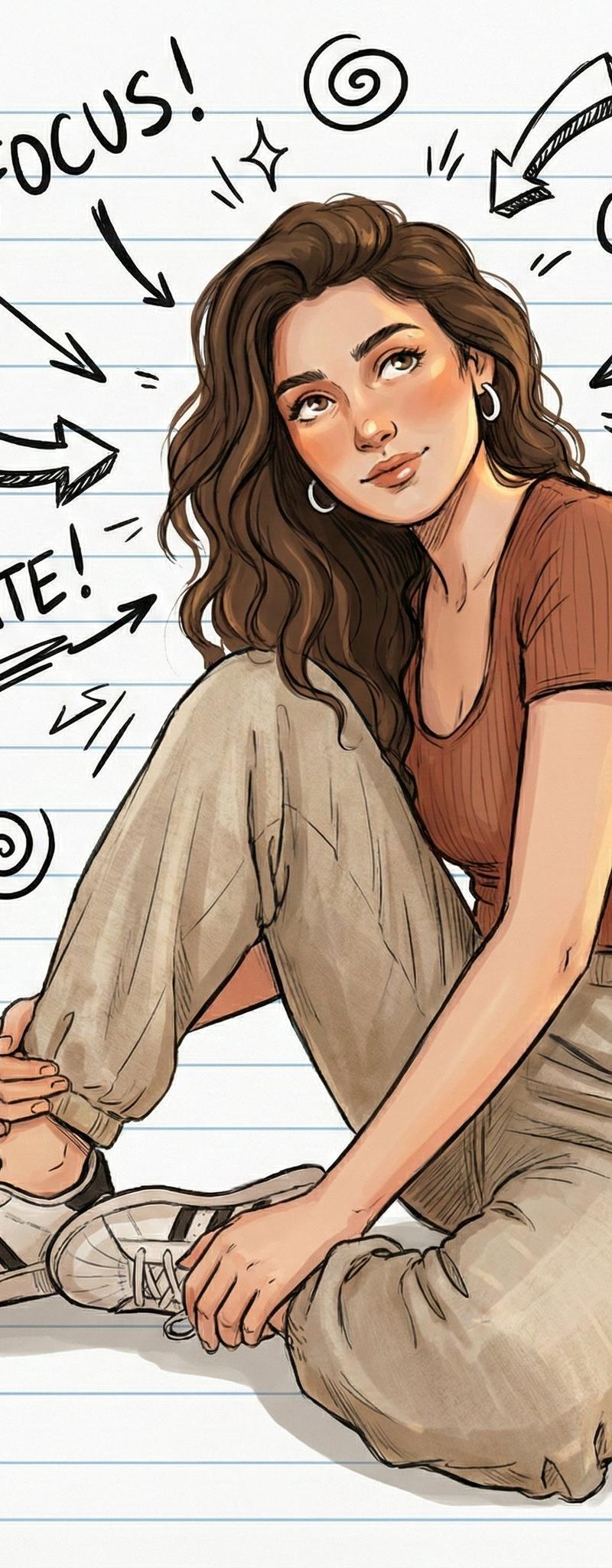
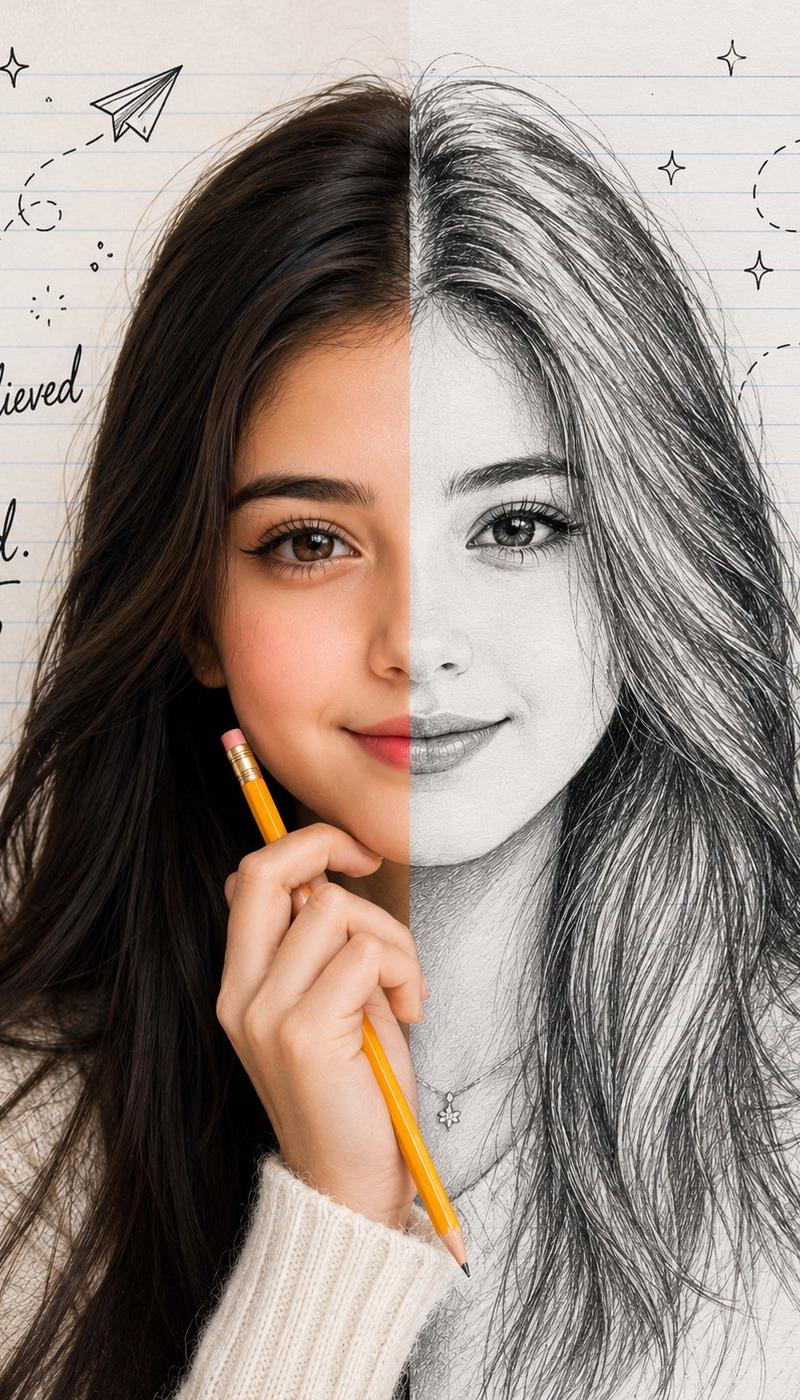
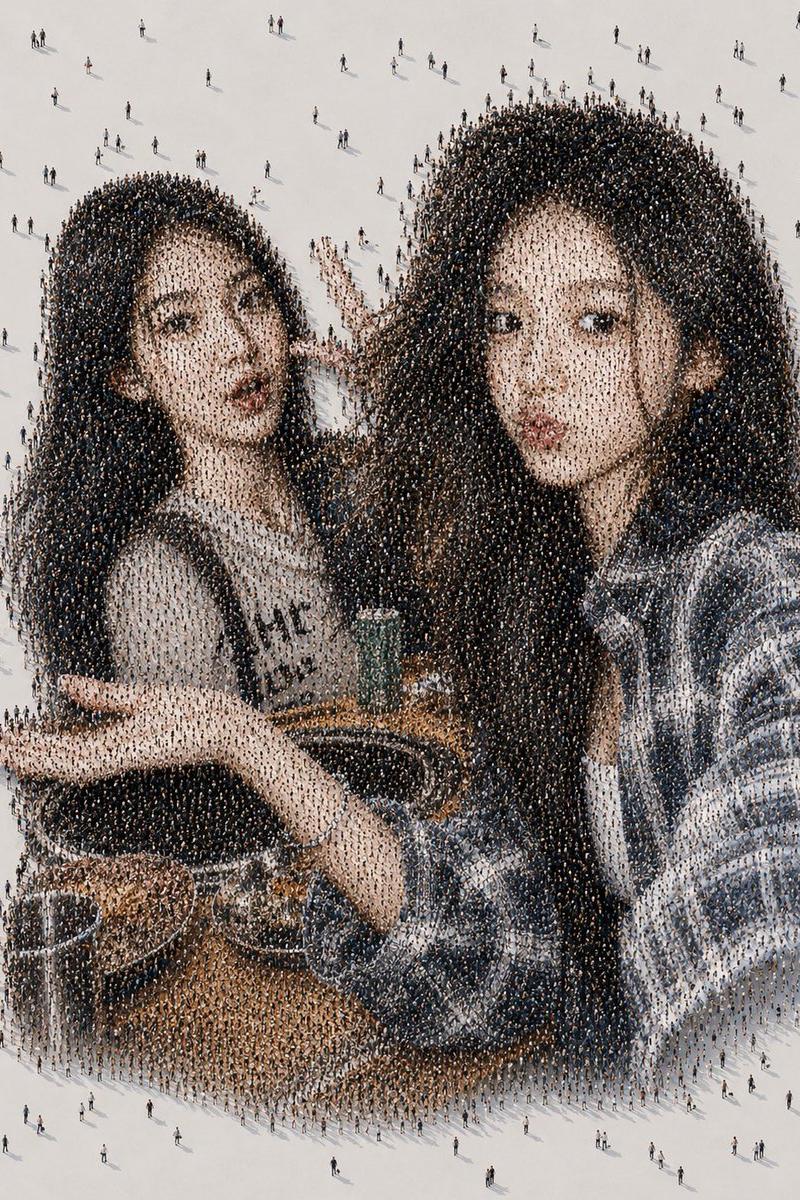
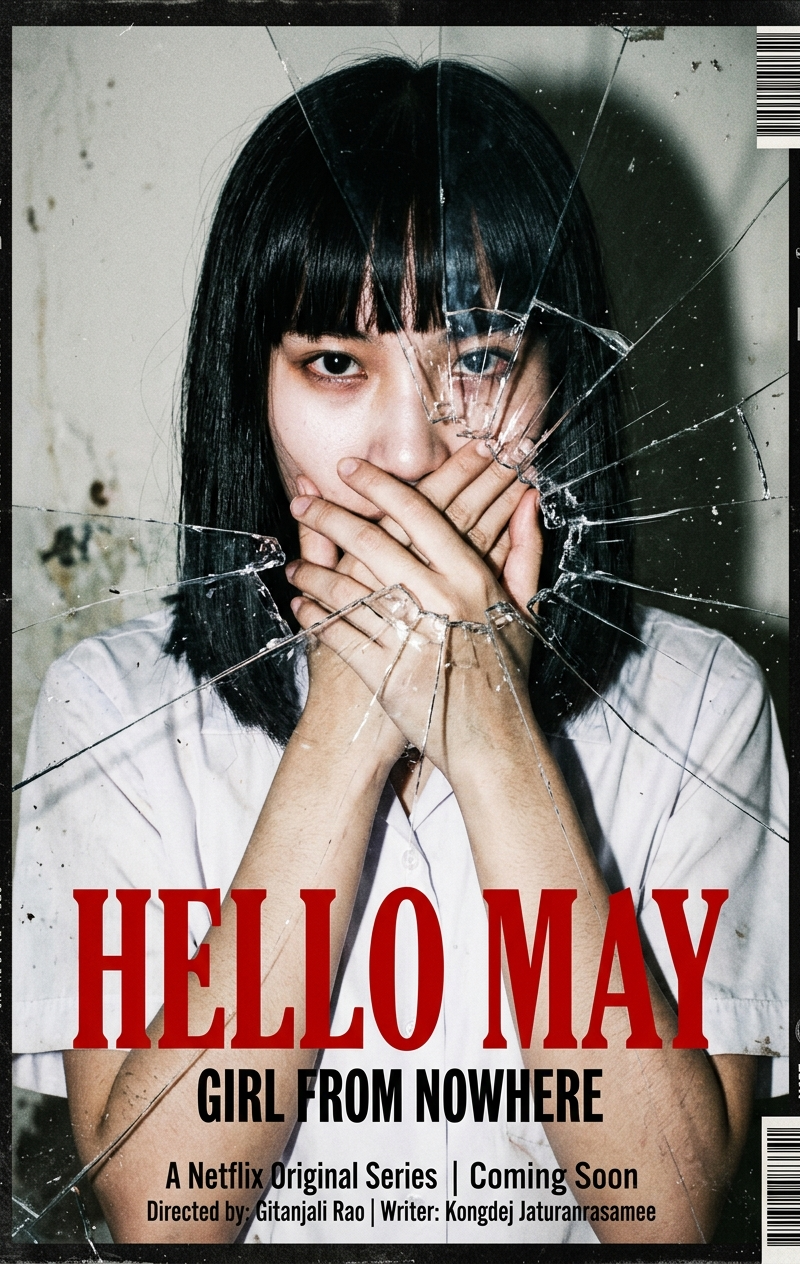
Example images

独特笔记本涂鸦风格

Prompt
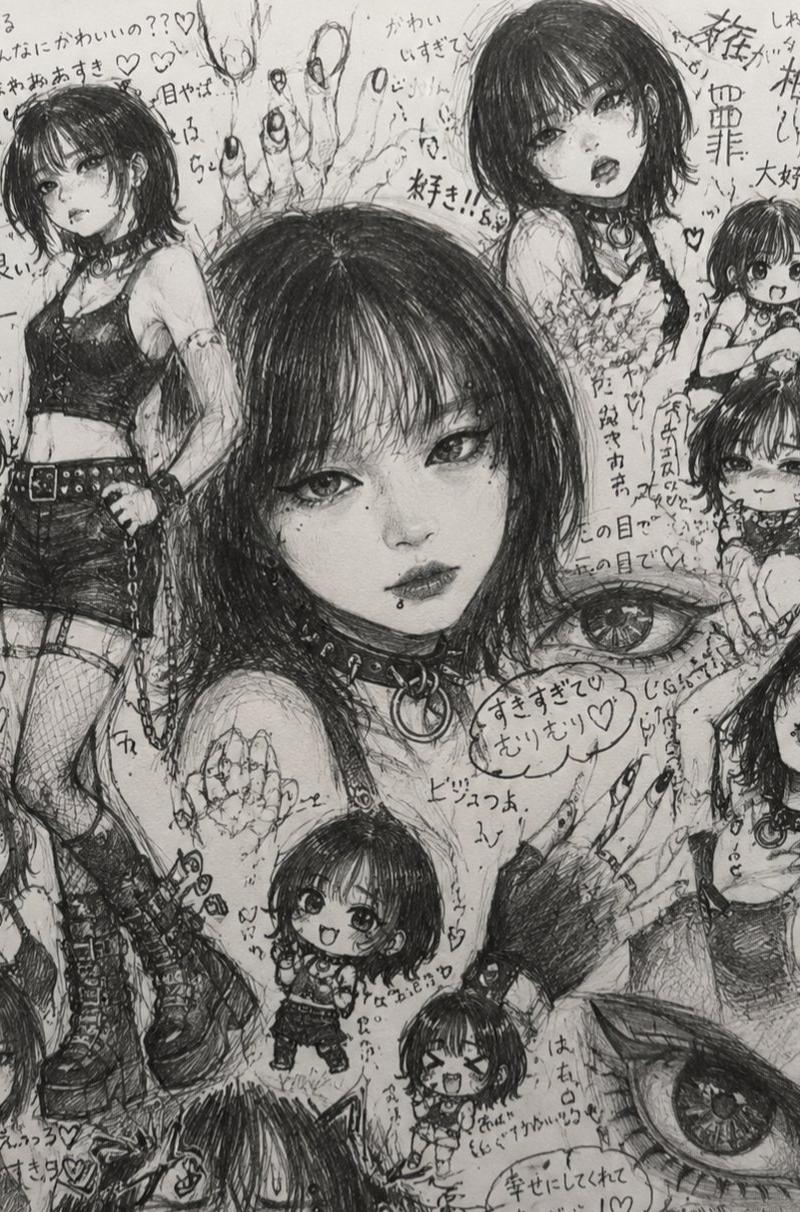
哇塞,这个风格太独特了🔥
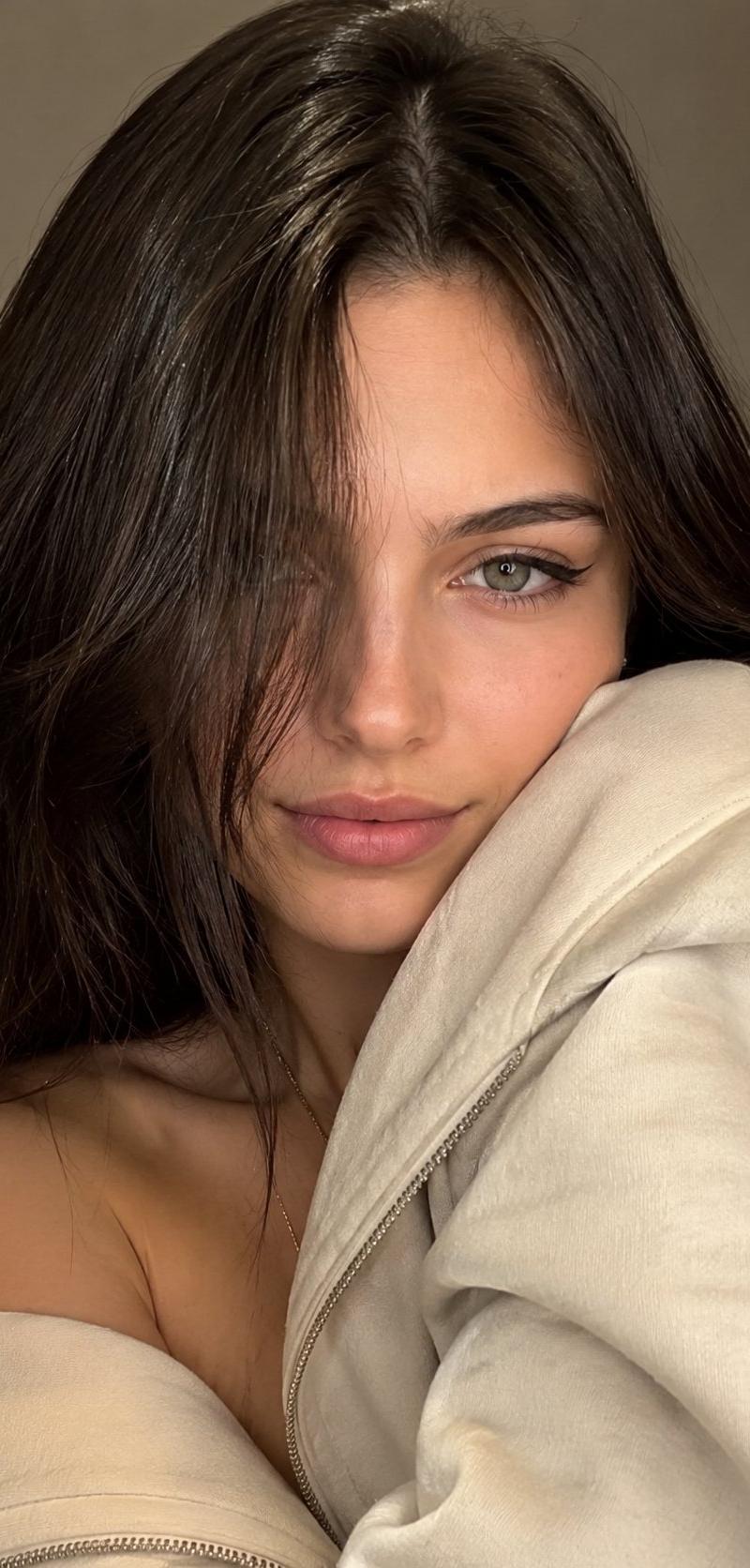
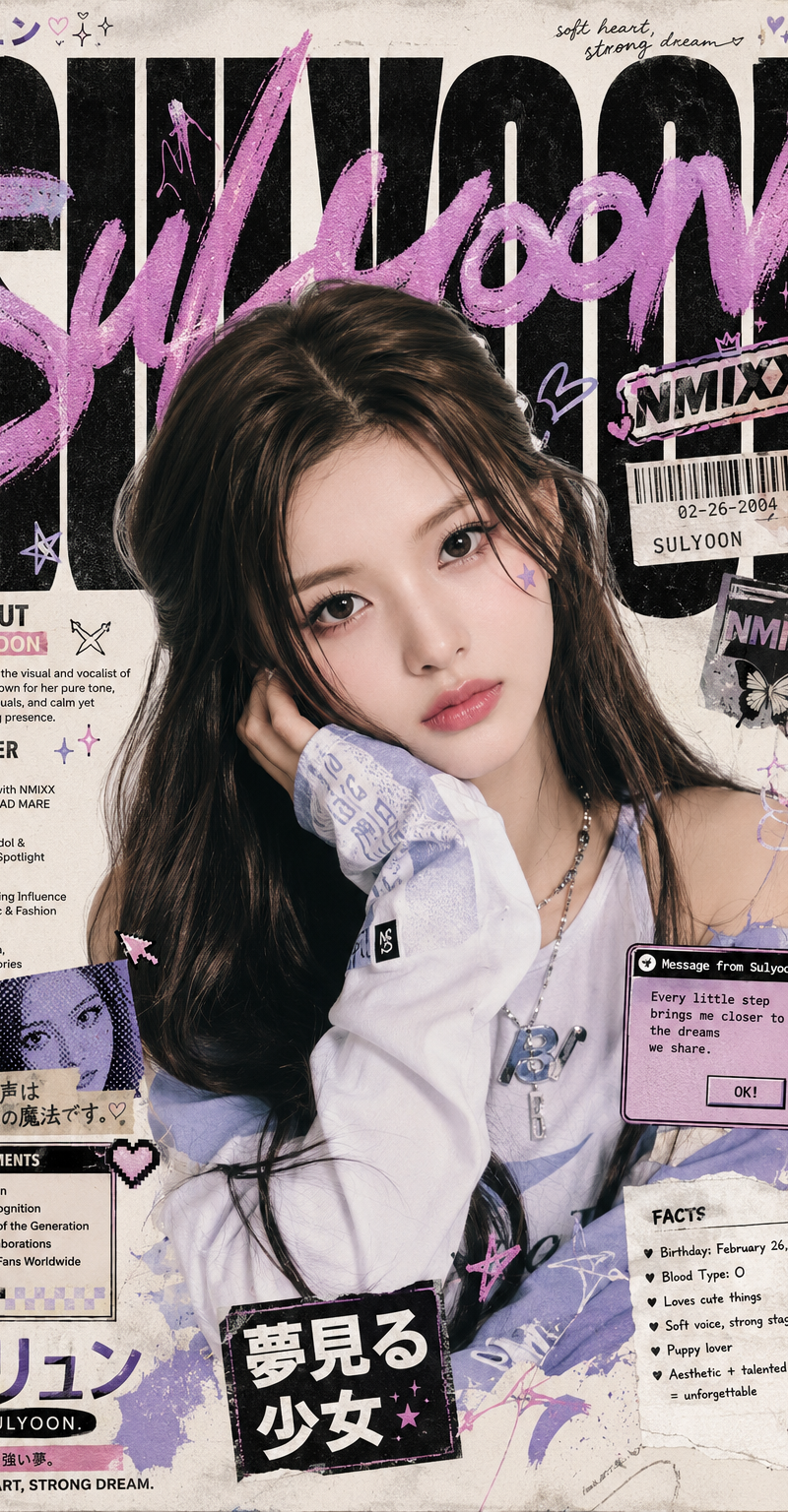
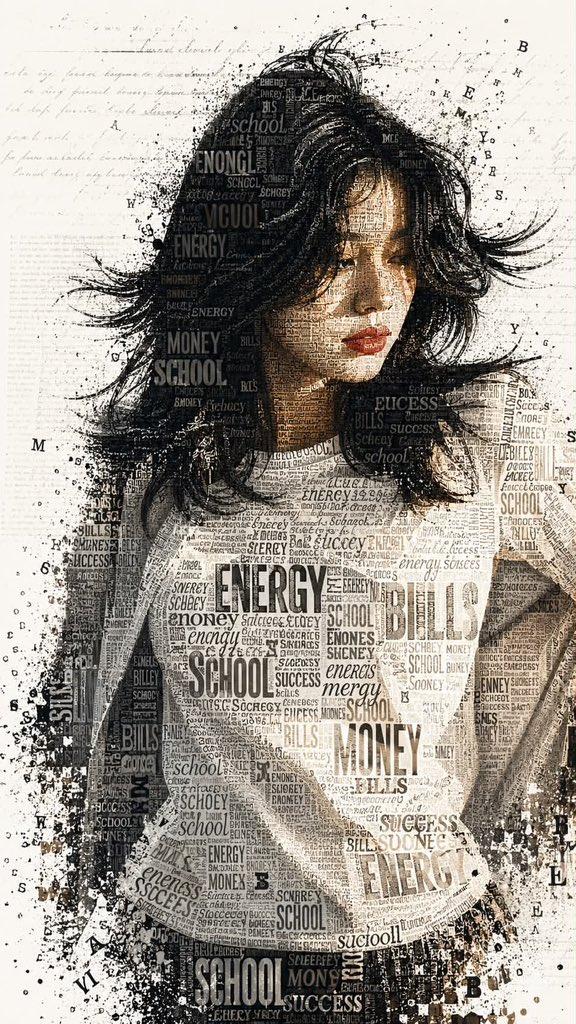
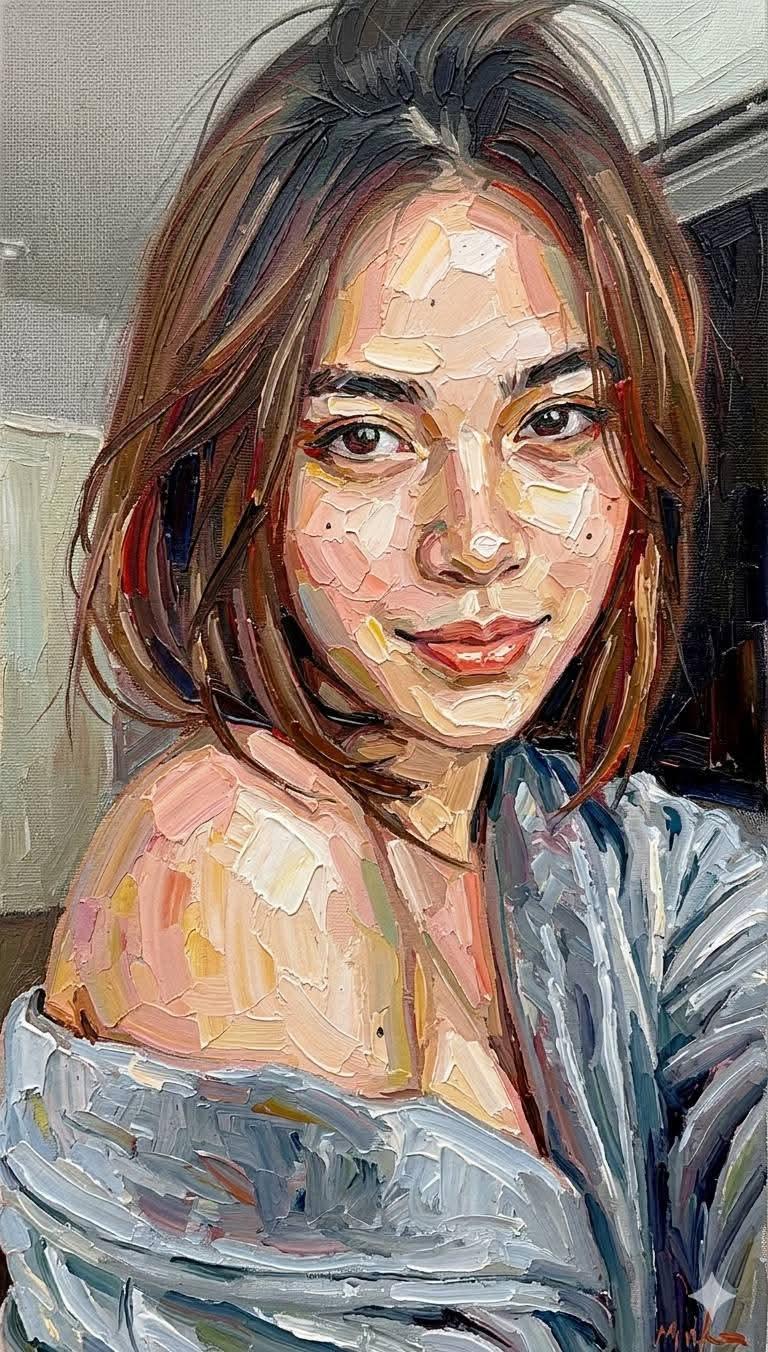
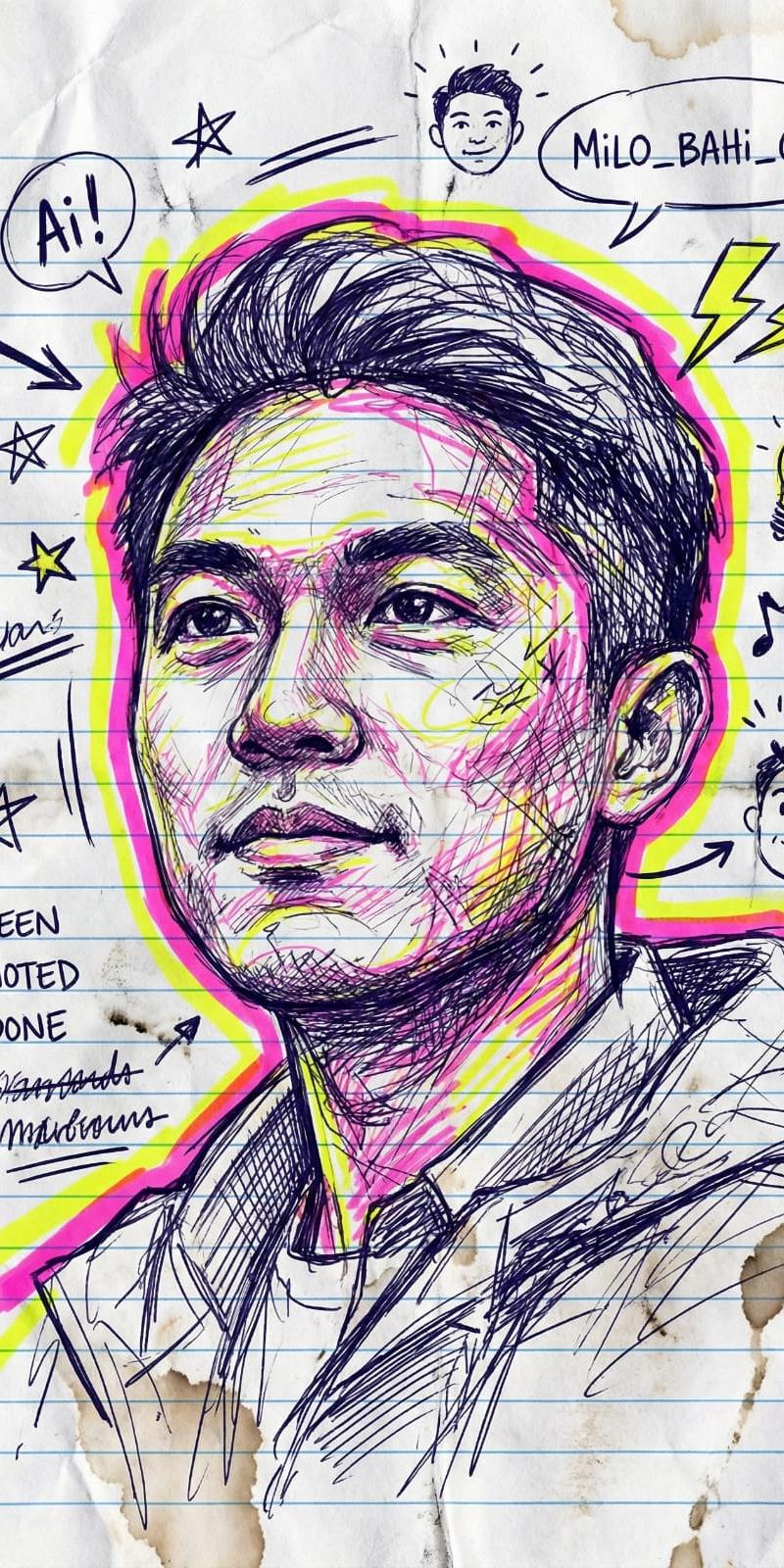
只需要上传图片,即可生成笔记本涂鸦风格,太适合做小红书,ins的个性化头像了
多种风格可选:流行大胆 、霓虹高光 、电子涂鸦 、密集素描
提示词:
{
 "图像生成任务": {
 "任务类型": "图生图",
 "输入源": "用户上传图片",
 "约束条件": "完全保留人物相似度",
 "基础配置": {
 "媒介": {
 "底材": "横线笔记本纸",
 "工具": [
 "圆珠笔",
 "荧光笔",
 "墨水"
 ],
 "纹理细节": [
 "真实的墨水渗透效果",
 "分层的笔压变化",
 "纸张边缘污渍",
 "涂抹痕迹",
 "细微的纸张褶皱"
 ]
 },
 "艺术风格": {
 "类型": [
 "涂鸦艺术",
 "漫画注释",
 "速写"
 ],
 "线条特征": "粗细变化、自由随性、凌乱笔触、动态交叉阴影线",
 "氛围": "混乱、充满活力、自发、密集"
 },
 "渲染": {
 "分辨率": "4K",
 "细节层级": "高",
 "光效": "大胆的外发光、高对比度"
 }
 },
 "构图元素": {
 "画面框架": "肖像头部周围有粗边框线包围",
 "周边元素": [
 "凌乱的箭头",
 "星星",
 "下划线",
 "随机涂鸦",
 "对话气泡",
 "重叠注释",
 "复选框"
 ],
 "图标符号": [
 "闪电",
 "灯泡",
 "音符",
 "迷你自画像"
 ],
 "文字排版": {
 "风格": "手写漫画注释",
 "音效文字": [
 "ZAP!",
 "WHOOSH!"
 ]
 }
 },
 "风格变体": [
 {
 "编号": "变体01_流行大胆",
 "配色方案": [
 "大胆青色",
 "洋红"
 ],
 "特定氛围": "充满活力的流行风、时尚漫画笔记"
 },
 {
 "编号": "变体02_霓虹高光",
 "配色方案": [
 "霓虹粉",
 "霓虹黄"
 ],
 "特定氛围": "荧光笔美学、富有表现力的姿态"
 },
 {
 "编号": "变体03_电子涂鸦",
 "配色方案": [
 "炽热电蓝",
 "霓虹红"
 ],
 "特定氛围": "涂鸦风格、夸张轮廓、玩味高光"
 },
 {
 "编号": "变体04_密集素描",
 "配色方案": [
 "蓝色线条",
 "红色点缀"
 ],
 "特定氛围": "密集填充、自然厌恶空白(Horror Vacui)、生动凌乱"
 }
 ]
 }
}
Category
UI & Interfaces
Model
Unknown
Creator
yanhua1010
Source language
zh-CN
Views0
Source ID
unique-notebook-sketch-style
Studio

Guide

About "独特笔记本涂鸦风格"

What is this prompt for?

"独特笔记本涂鸦风格" AI image prompt for Unknown (UI & Interfaces). 哇塞,这个风格太独特了🔥 只需要上传图片,即可生成笔记本涂鸦风格,太适合做小红书,ins的个性化头像了 多种风格可选:流行大胆 、霓虹高光 、电子涂鸦 、密集素描 提示词: { "图像生成任务":…

The full copyable prompt and example visuals above are ready for AI image generation or one-click recreate in Picva.

How to use this prompt

  1. Step 1

    Open the prompt detail

    Review the example visuals, category, and full prompt text for "独特笔记本涂鸦风格".

  2. Step 2

    Copy the prompt

    Copy the prompt body from this page, or load it directly in Studio.

  3. Step 3

    Pick a model (Unknown)

    Prefer Unknown. If you switch models, keep subject and composition and tweak style terms.

  4. Step 4

    Generate and export

    Recreate the look in Picva, or export into your workflow for editing and publishing.

FAQ

What is the "独特笔记本涂鸦风格" prompt?
It is an AI image-generation prompt for Unknown in the UI & Interfaces category. This page includes the full prompt text, example visuals, and a one-click recreate path in Picva.
How do I use this prompt to generate an image?
Copy the prompt from this page, or use Generate / Studio. Paste it into a compatible image model, or recreate the look in Picva with optional reference images.
Which model is this prompt for?
This page lists Unknown. Most descriptive prompts also transfer to nearby image models such as GPT Image, Flux, or Midjourney with light style tweaks.
Can I use the result commercially?
You can usually copy the prompt for creation, but commercial use of the final image depends on the model terms, reference-image rights, and the generated content. Follow the source author and platform rules.