17

移动应用支付收集指南
Enlarge

移动应用支付收集指南

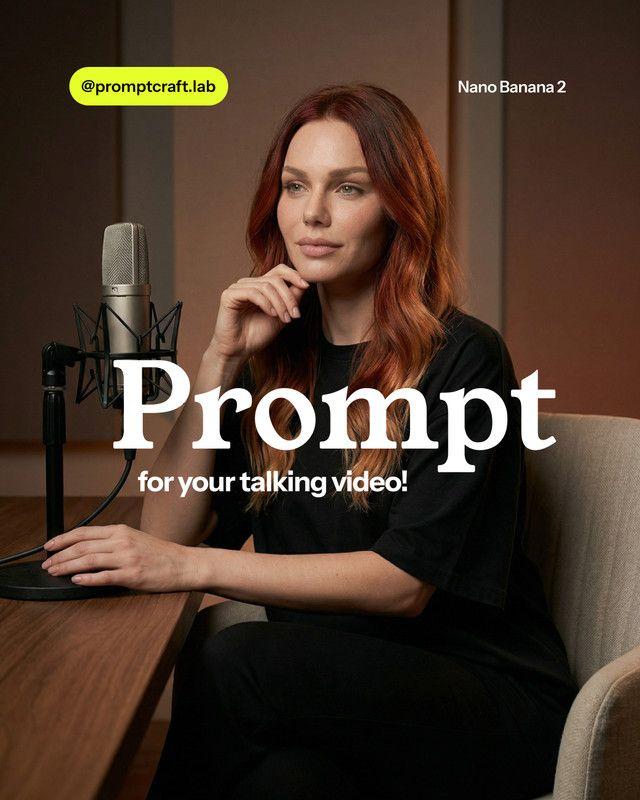
Prompt
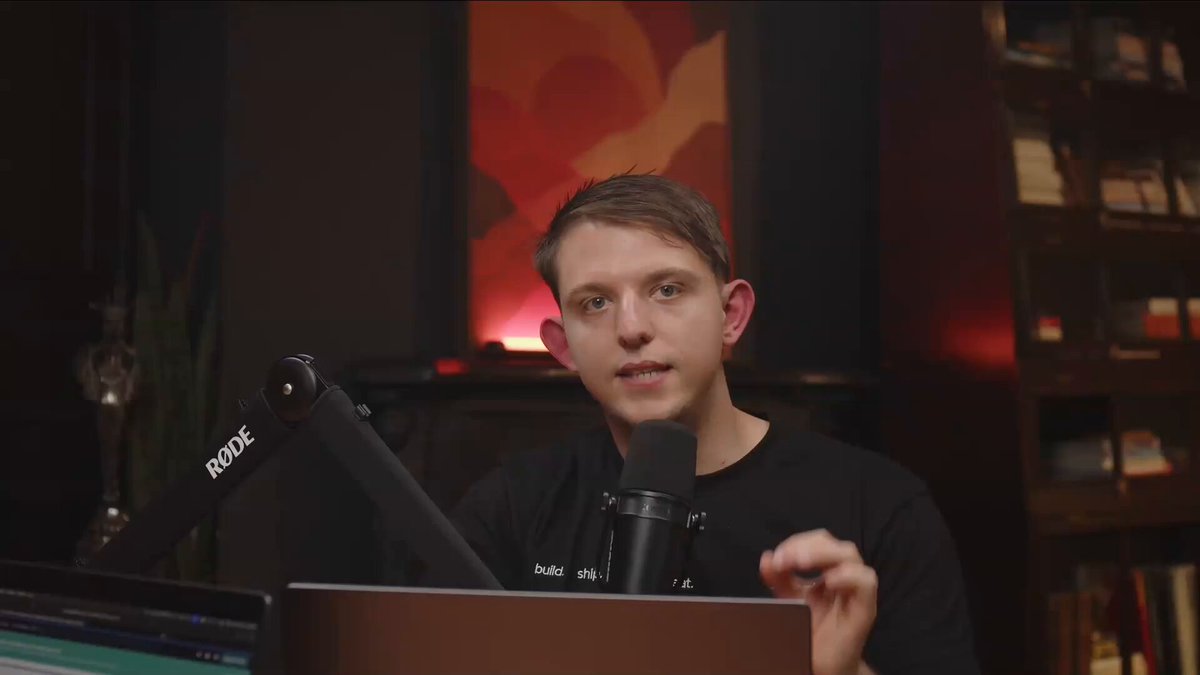
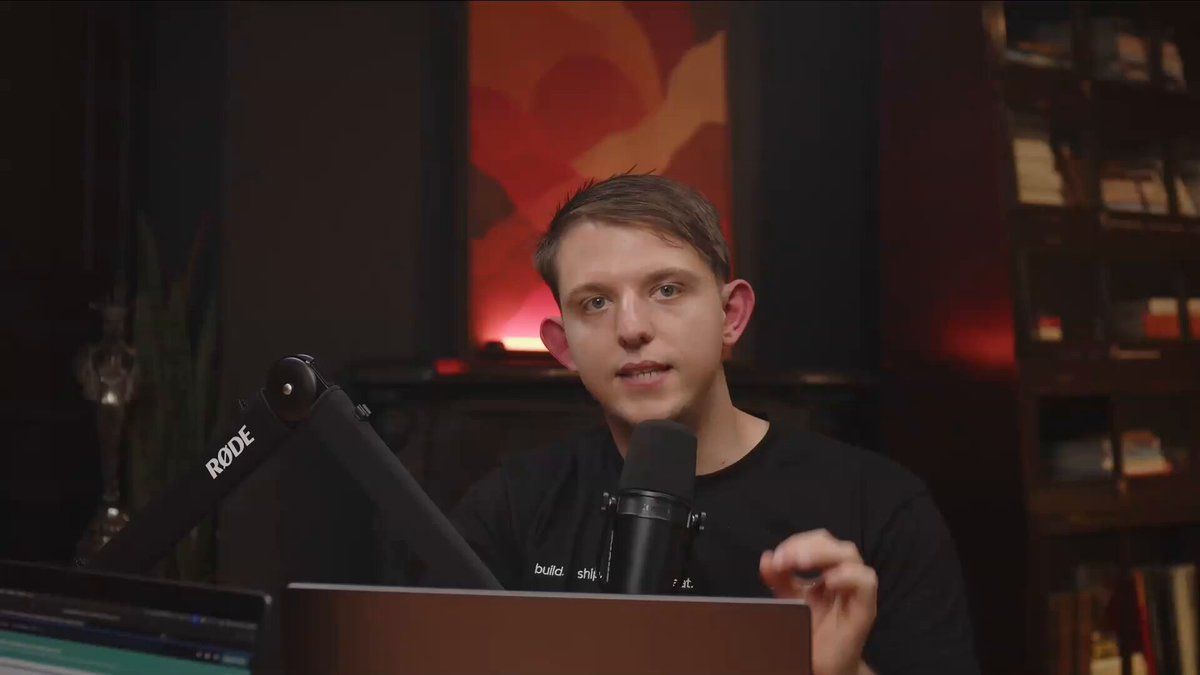
Vibe Coding Mobile Apps that COLLECT PAYMENTS
(Complete Guide)
In this video we:
> Cloned an app that does $5M / Year w/ AI
> Added API's (Gemini 3 and Nano Banana)
> Added a @RevenueCat Paywall and tested it
> Finished setup on App Store Connect
Zero coding, built on the only app that can do this:
@vibecodeapp
00:00 Intro
00:43 The $5M App We're Cloning
02:14 First Prompt with Claude 4.5 Opus
02:49 Adding Gemini 3 API's and other Featurees
08:05 Testing Nano Banana Pro In App
09:04 Adding Payments to our App Starting the Flow
09:37 What is RevenueCat
10:11 Connecting RevenueCat
11:52 Prompting the Paywall with Products
13:52 Testing the Paywall
15:08 Altering the Paywall in RevenueCat
18:02 Shipping the App to the App Store
20:52 Additional Set up in App Store Connect
29:45 Testing the TEST FLIGHT Version
31:50 Final Thoughts
Category
UI & Interfaces
Model
Nano Banana Pro
Views0
Source ID
vibe-coding-mobile-apps-collecting-payments-guide

Guide

About "移动应用支付收集指南"

What is this prompt for?

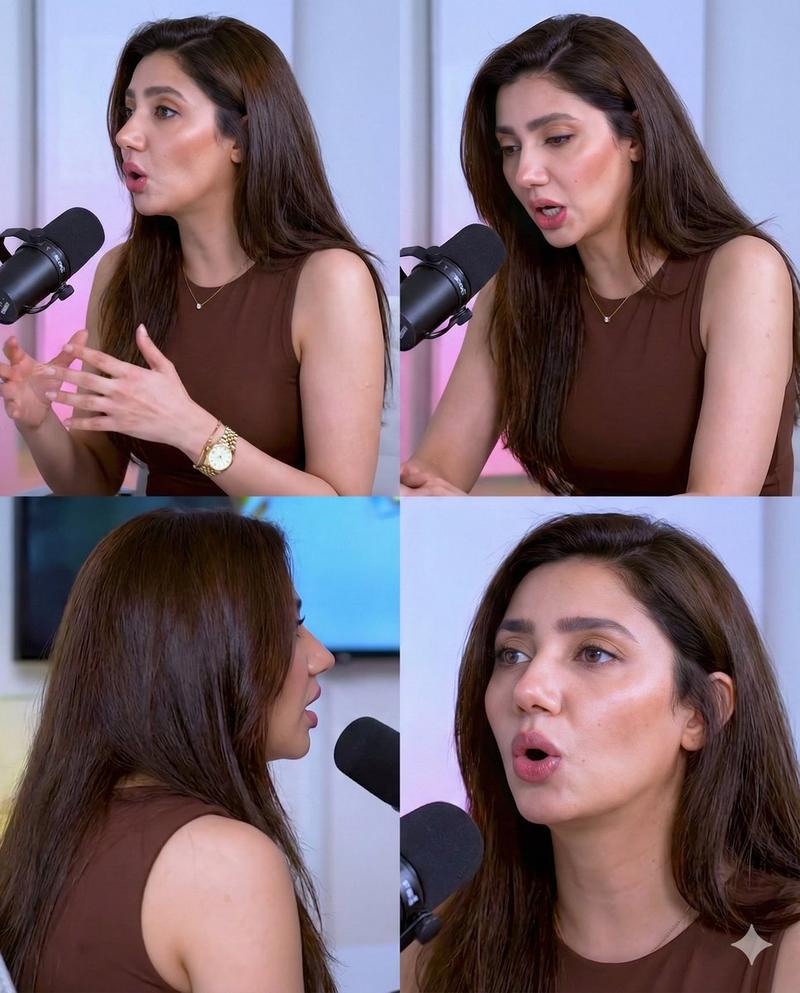
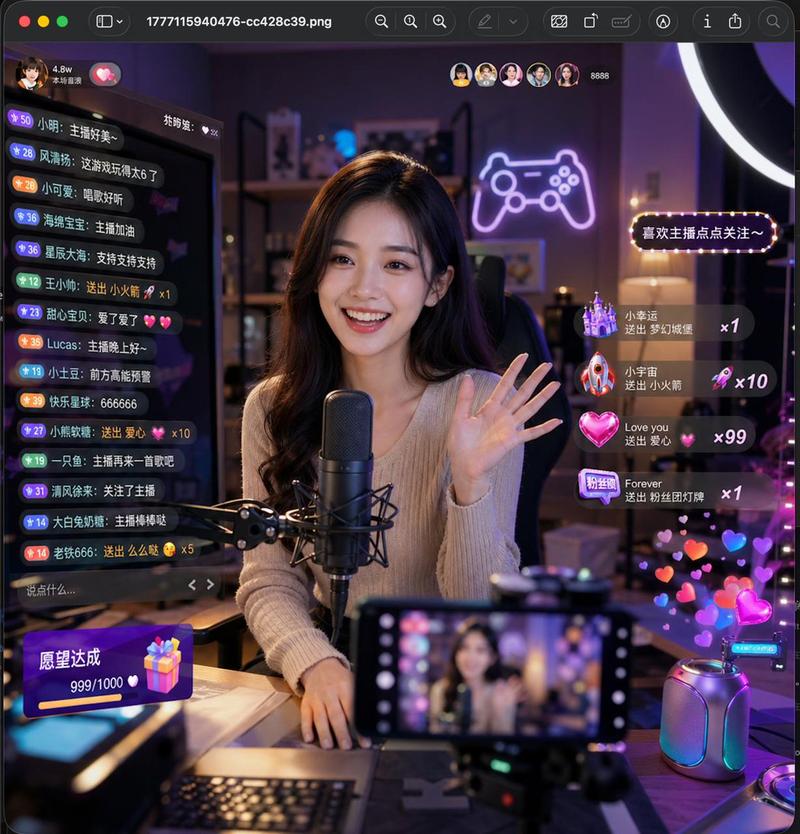
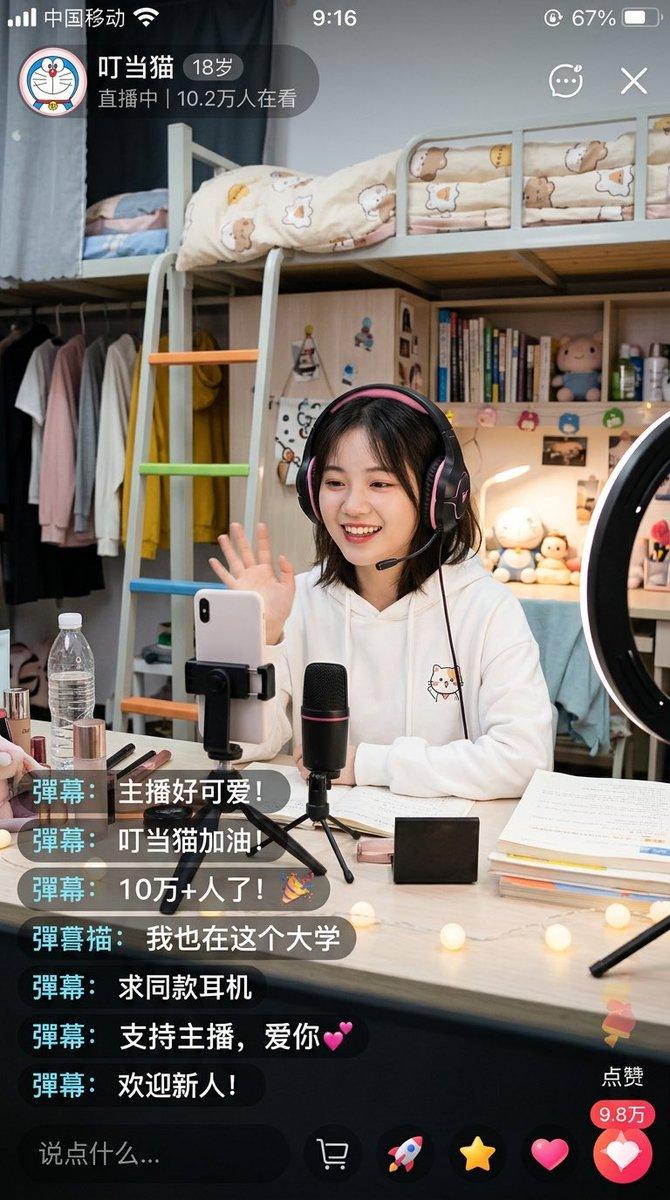
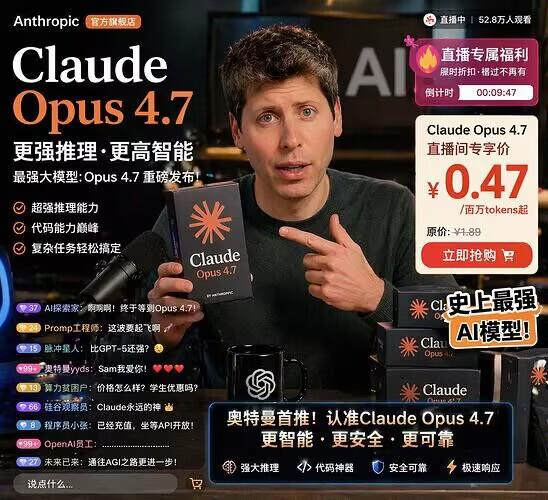
"移动应用支付收集指南" AI image prompt for Nano Banana Pro (UI & Interfaces). Vibe Coding Mobile Apps that COLLECT PAYMENTS (Complete Guide) In this video we: > Cloned a…

The full copyable prompt and example visuals above are ready for AI image generation or one-click recreate in Picva.

How to use this prompt

  1. Step 1

    Open the prompt detail

    Review the example visuals, category, and full prompt text for "移动应用支付收集指南".

  2. Step 2

    Copy the prompt

    Copy the prompt body from this page, or load it directly in Studio.

  3. Step 3

    Pick a model (Nano Banana Pro)

    Prefer Nano Banana Pro. If you switch models, keep subject and composition and tweak style terms.

  4. Step 4

    Generate and export

    Recreate the look in Picva, or export into your workflow for editing and publishing.

FAQ

What is the "移动应用支付收集指南" prompt?
It is an AI image-generation prompt for Nano Banana Pro in the UI & Interfaces category. This page includes the full prompt text, example visuals, and a one-click recreate path in Picva.
How do I use this prompt to generate an image?
Copy the prompt from this page, or use Generate / Studio. Paste it into a compatible image model, or recreate the look in Picva with optional reference images.
Which model is this prompt for?
This page lists Nano Banana Pro. Most descriptive prompts also transfer to nearby image models such as GPT Image, Flux, or Midjourney with light style tweaks.
Can I use the result commercially?
You can usually copy the prompt for creation, but commercial use of the final image depends on the model terms, reference-image rights, and the generated content. Follow the source author and platform rules.