20

与童年自己进行一次心理治疗?✨
Enlarge

与童年自己进行一次心理治疗?✨

Prompt
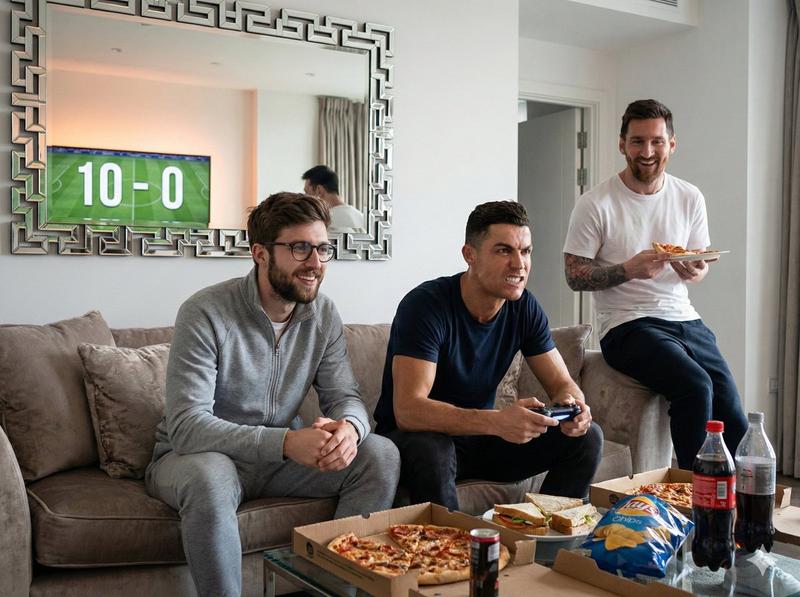
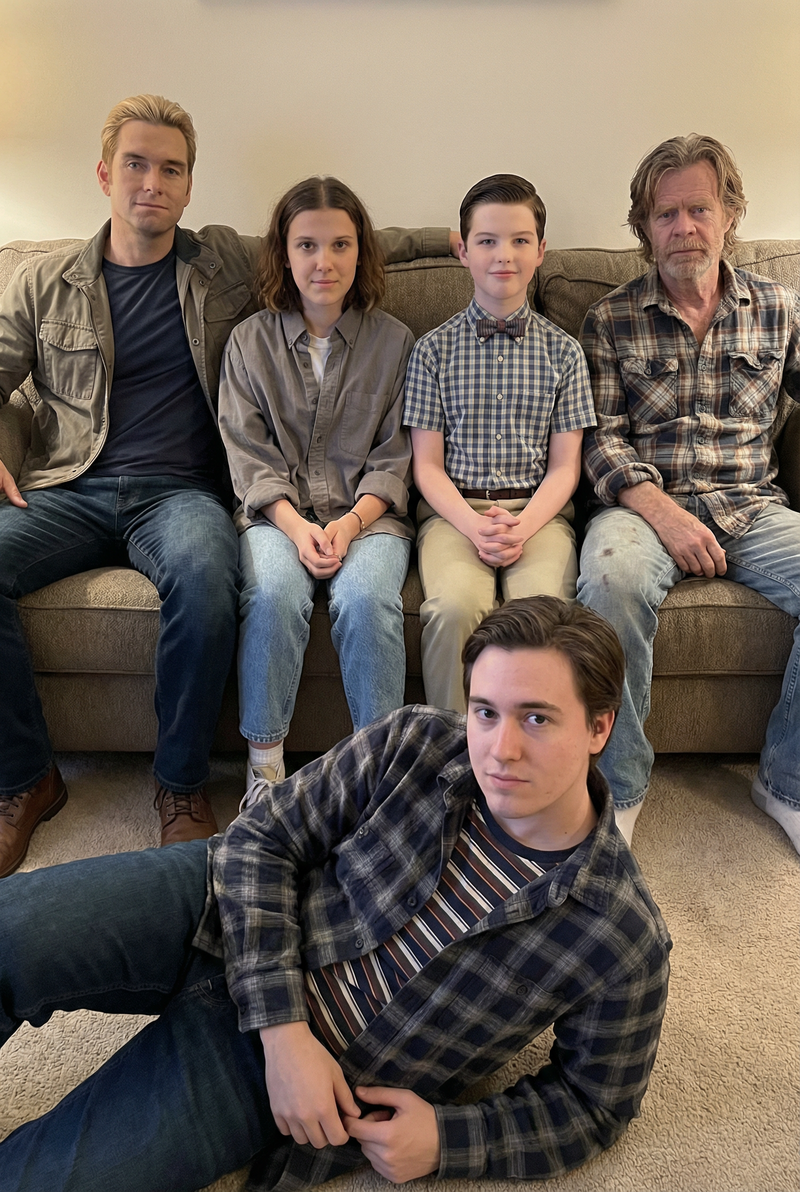
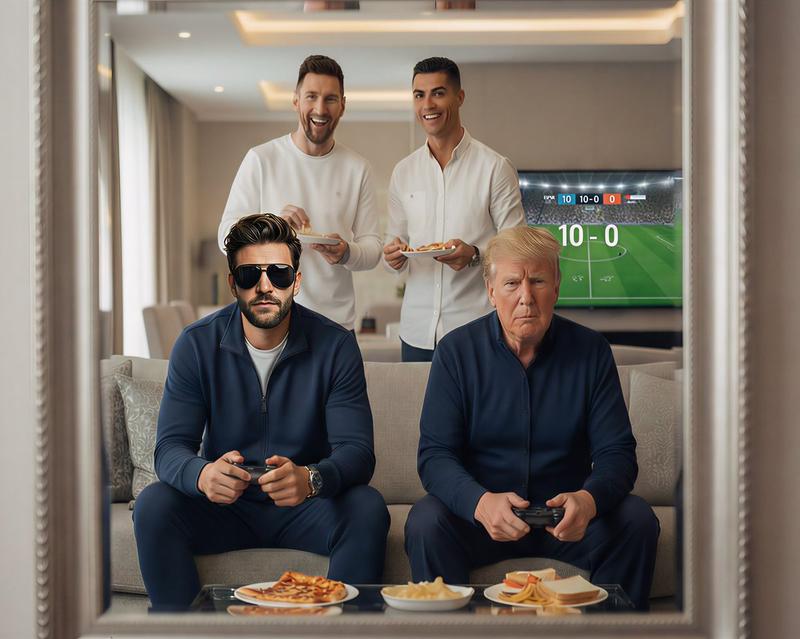
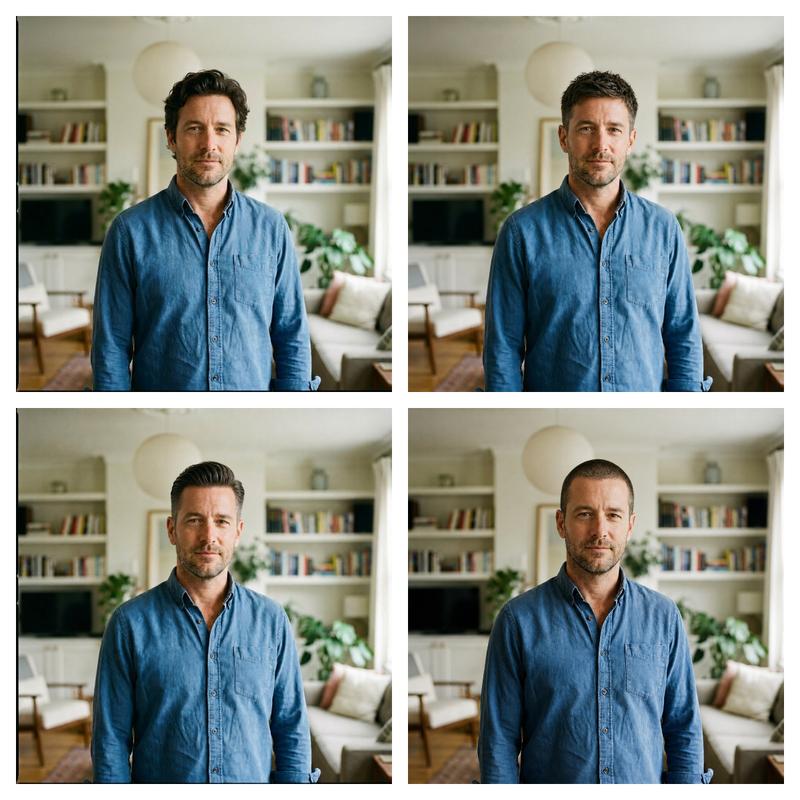
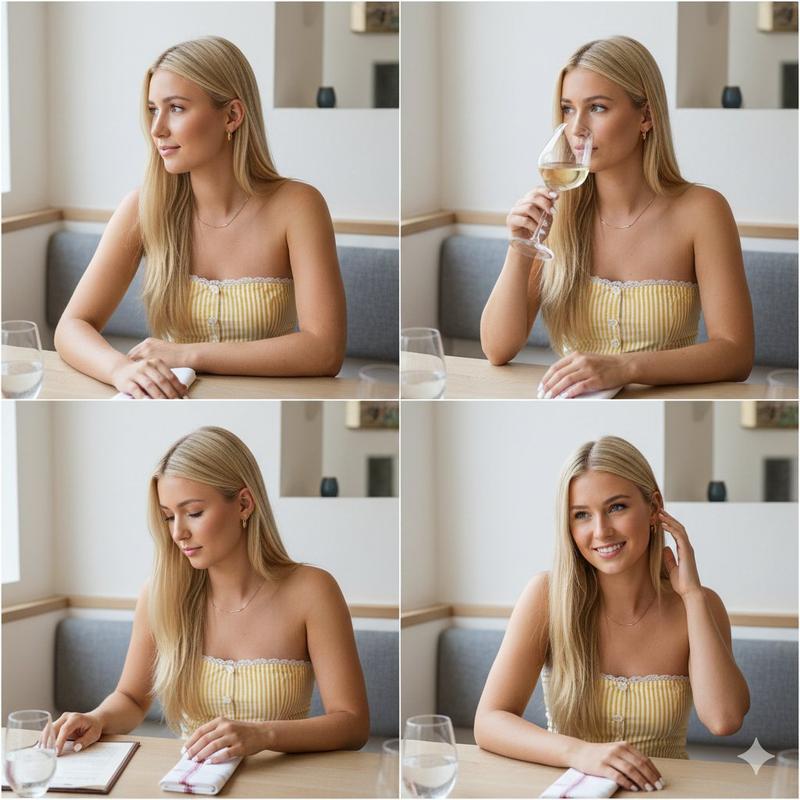
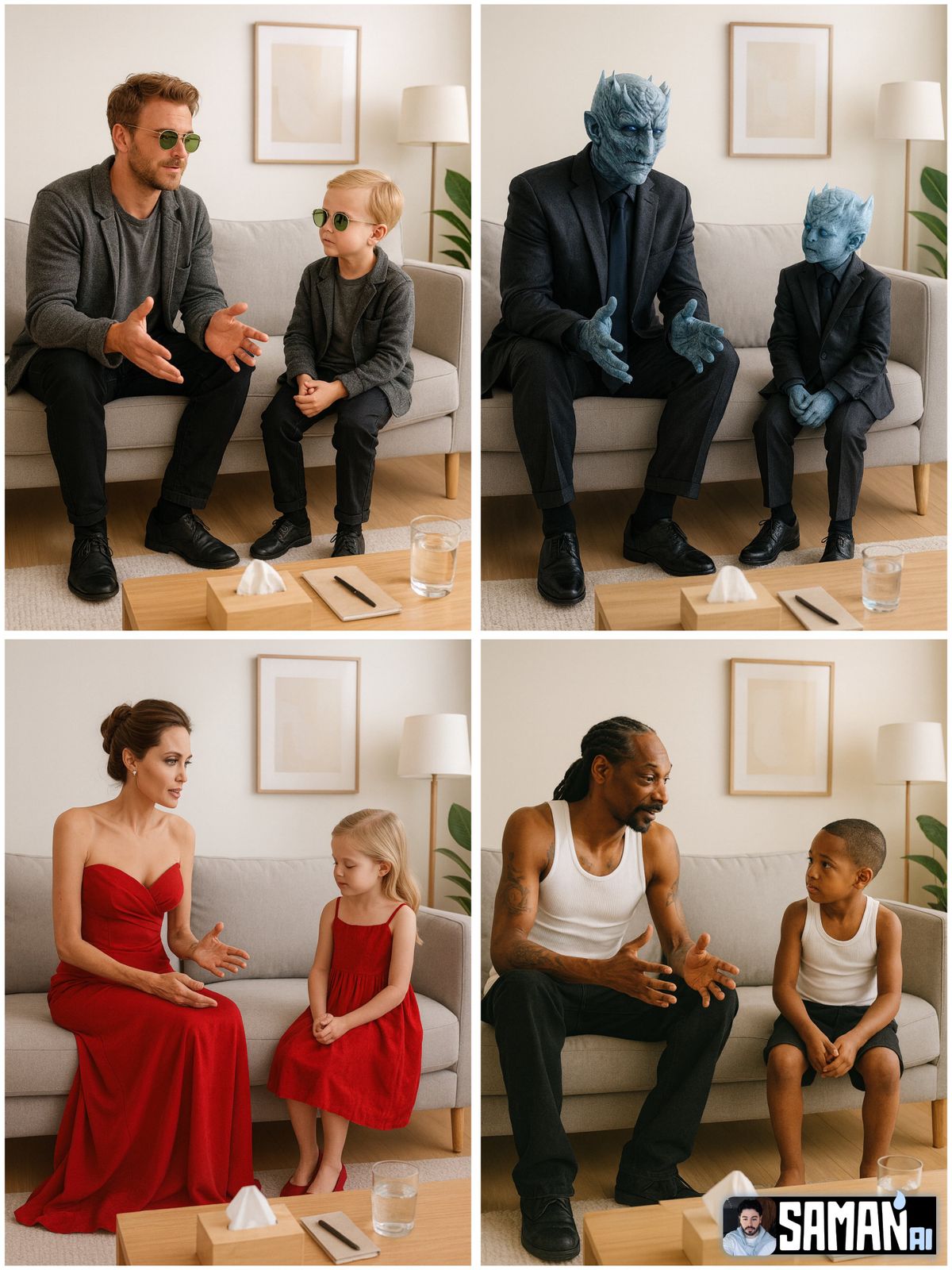
✨ What if you could have a THERAPY session… with YOUR CHILDHOOD self? 🪞👶
(Just Drop your current photo and your childhood ones)made with nanobanana
Our guest today: @ecommartinez 🩵
⭐️See ALL cool Ai style on my page
PROMPT :
Use the two uploaded photos for likeness:
- Adult reference: [ADULT_PHOTO]
- Child reference: [CHILD_PHOTO]
Prompt: Photorealistic minimalist therapy room; light walls, grey sofa, wooden coffee table with a tissue box, notebook and a glass of water, simple frame and floor lamp, soft natural daylight. The same person at two ages sits side-by-side: adult on the left speaking with open hands; child on the right listening with head slightly down. Both wear matching [OUTFIT] (same color & style). Clean studio vibe, centered composition, shallow depth of field, 50mm look, 4K, vertical 3:4. No extra people, no text, no watermark.
#nanobanana #childhood #therapy
Category
Photography & Realism
Model
Unknown
Creator
samann_ai
Views0
Source ID
what-if-you-could-have-a-therapy-session-with-your-childhood-self

Guide

About "与童年自己进行一次心理治疗?✨"

What is this prompt for?

"与童年自己进行一次心理治疗?✨" AI image prompt for Unknown (Photography & Realism). ✨ What if you could have a THERAPY session… with YOUR CHILDHOOD self? 🪞👶 (Just Drop yo…

The full copyable prompt and example visuals above are ready for AI image generation or one-click recreate in Picva.

How to use this prompt

  1. Step 1

    Open the prompt detail

    Review the example visuals, category, and full prompt text for "与童年自己进行一次心理治疗?✨".

  2. Step 2

    Copy the prompt

    Copy the prompt body from this page, or load it directly in Studio.

  3. Step 3

    Pick a model (Unknown)

    Prefer Unknown. If you switch models, keep subject and composition and tweak style terms.

  4. Step 4

    Generate and export

    Recreate the look in Picva, or export into your workflow for editing and publishing.

FAQ

What is the "与童年自己进行一次心理治疗?✨" prompt?
It is an AI image-generation prompt for Unknown in the Photography & Realism category. This page includes the full prompt text, example visuals, and a one-click recreate path in Picva.
How do I use this prompt to generate an image?
Copy the prompt from this page, or use Generate / Studio. Paste it into a compatible image model, or recreate the look in Picva with optional reference images.
Which model is this prompt for?
This page lists Unknown. Most descriptive prompts also transfer to nearby image models such as GPT Image, Flux, or Midjourney with light style tweaks.
Can I use the result commercially?
You can usually copy the prompt for creation, but commercial use of the final image depends on the model terms, reference-image rights, and the generated content. Follow the source author and platform rules.