16

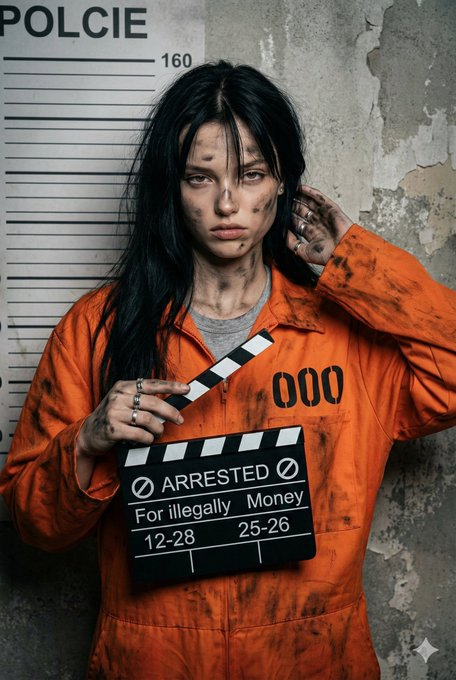
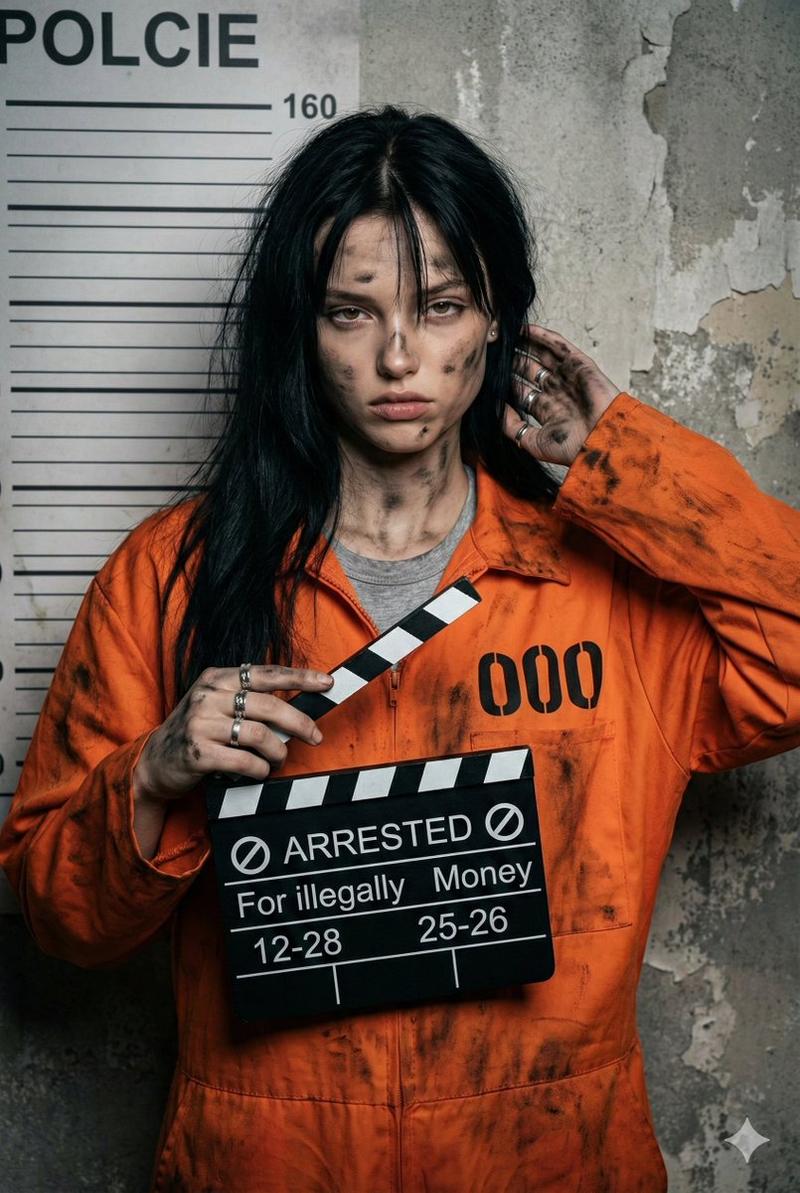
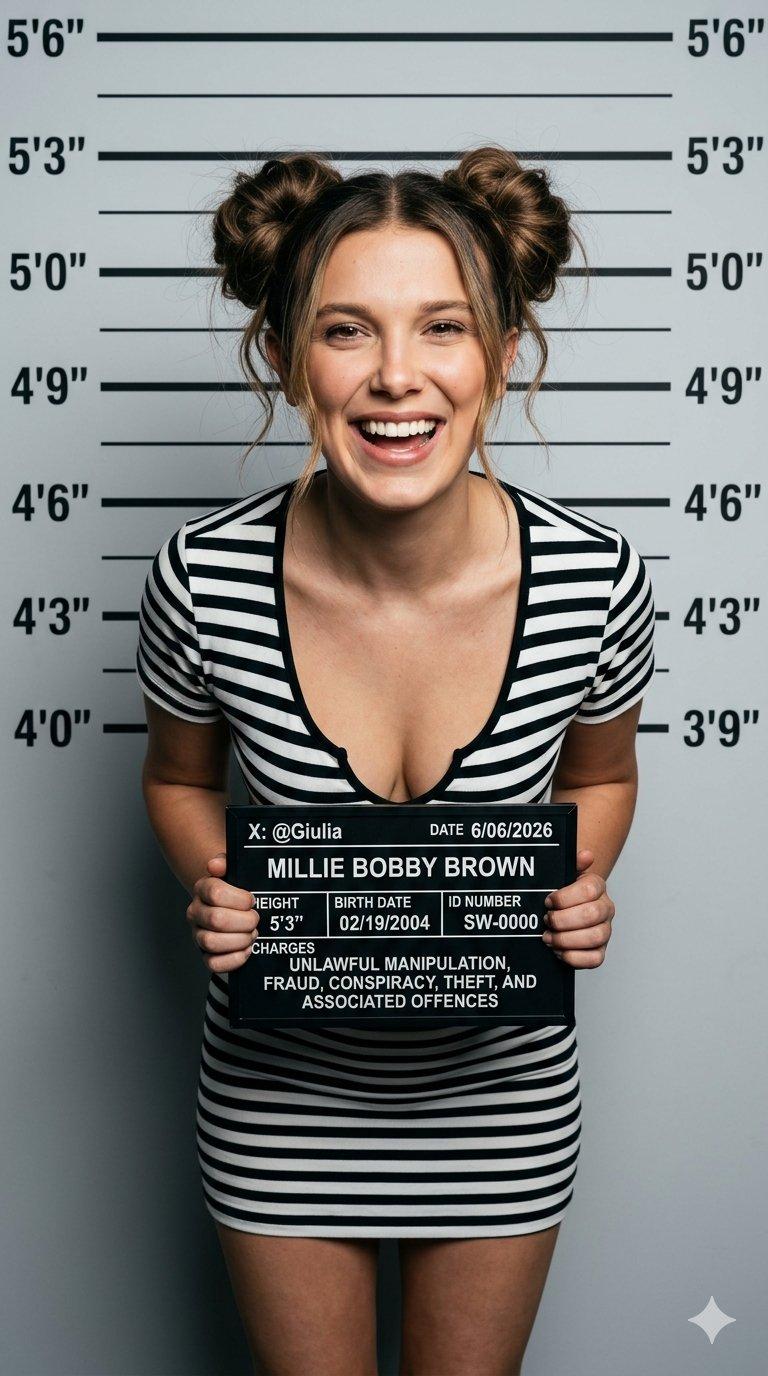
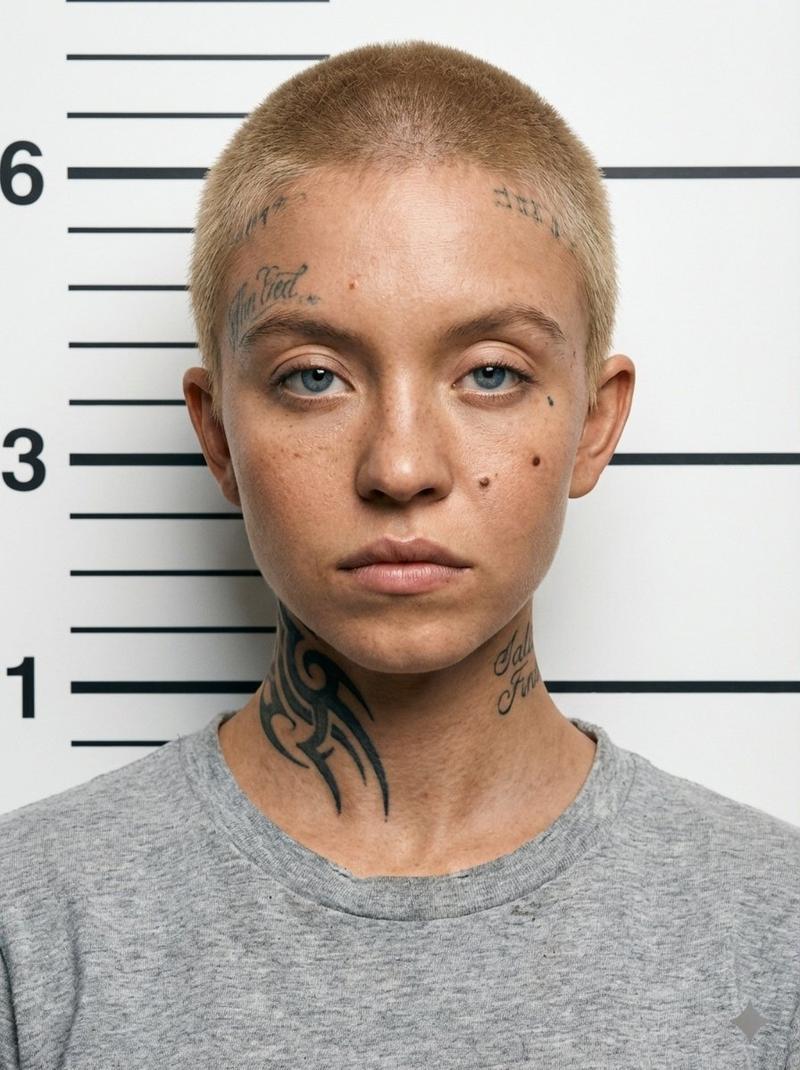
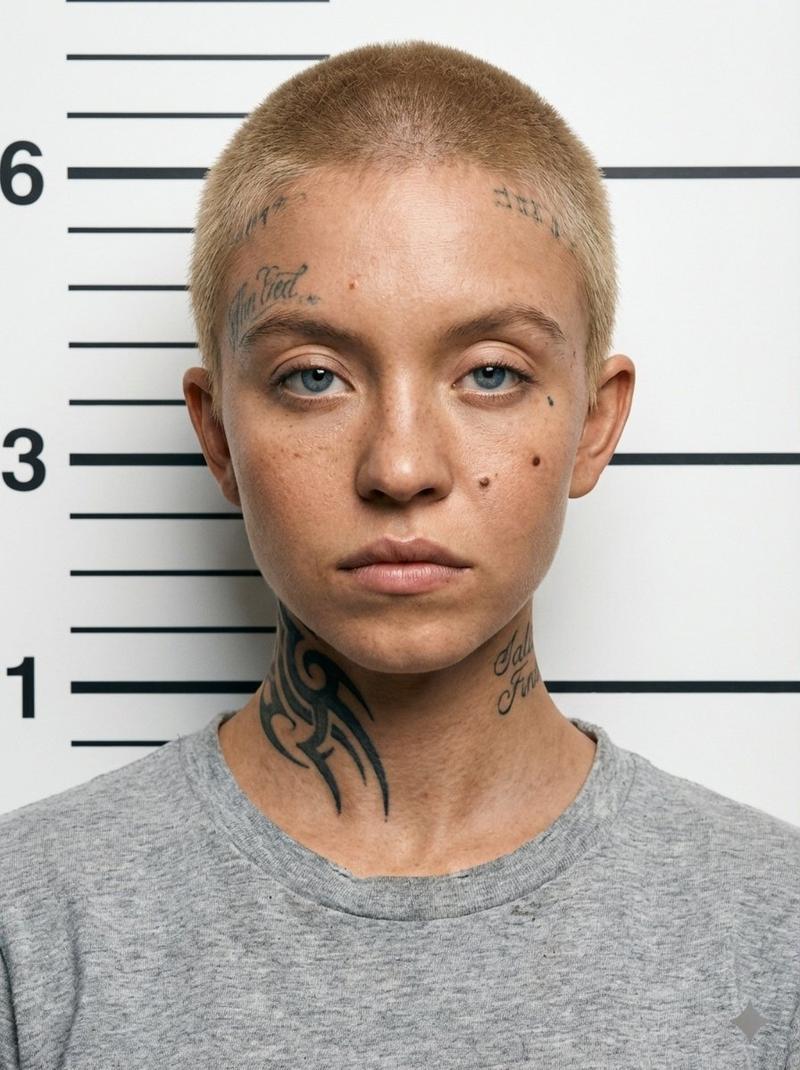
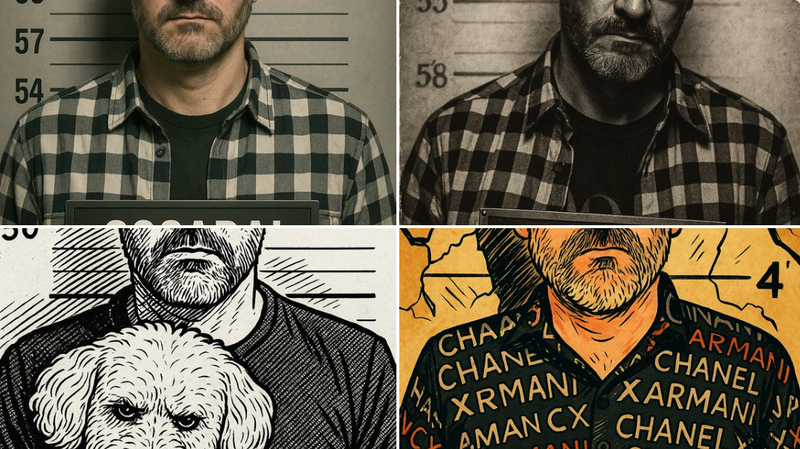
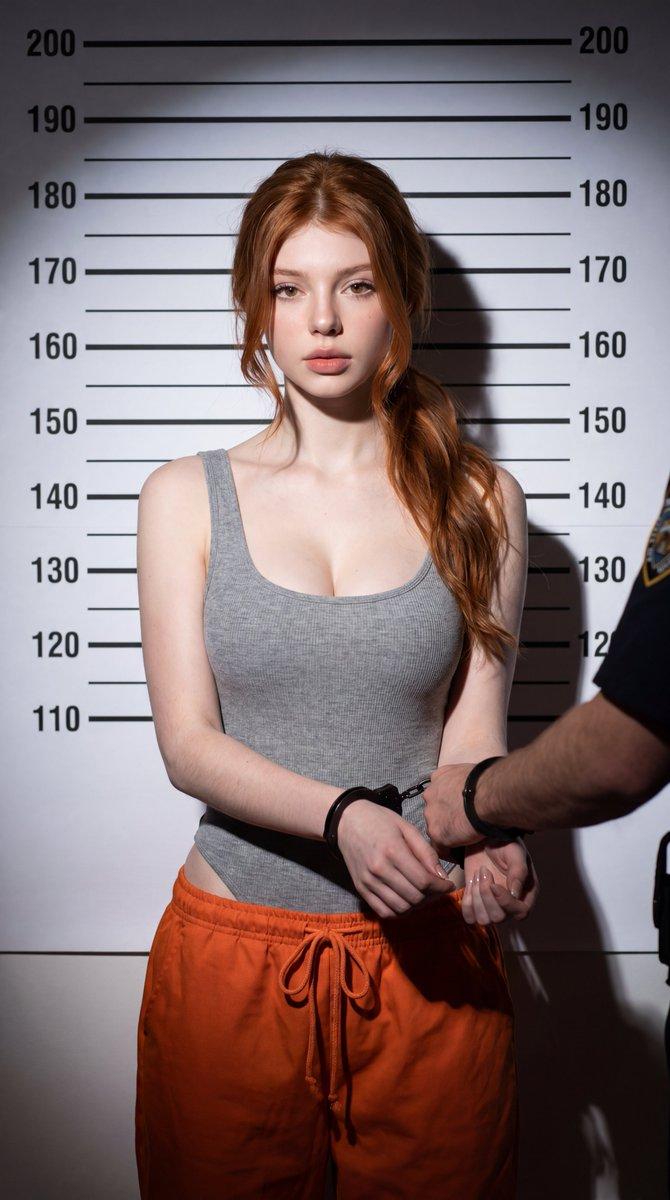
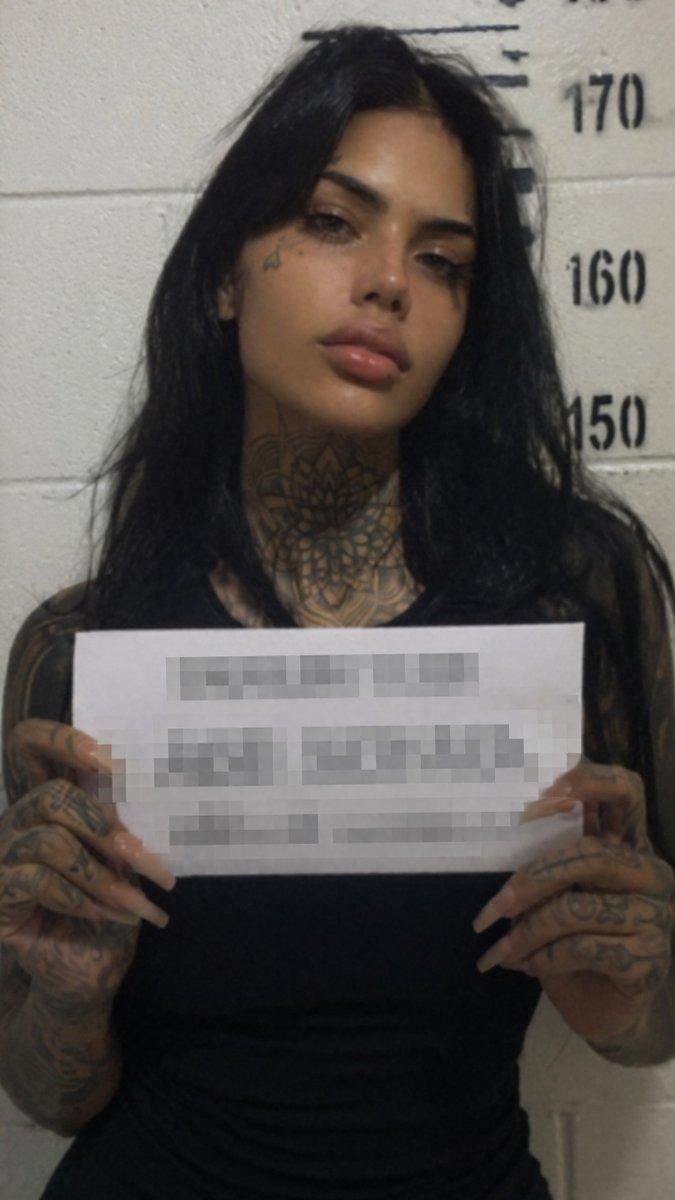
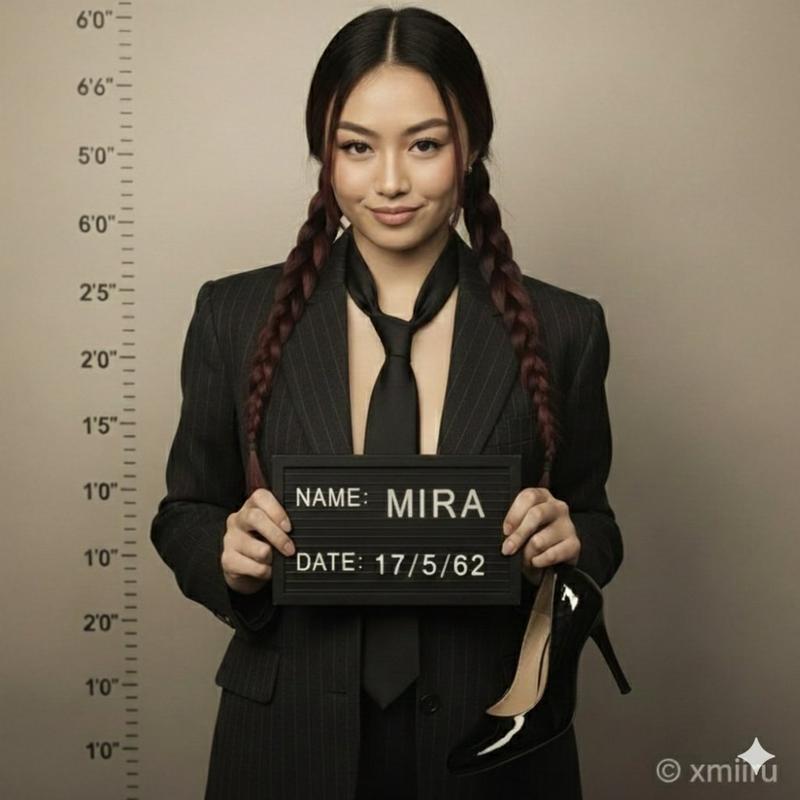
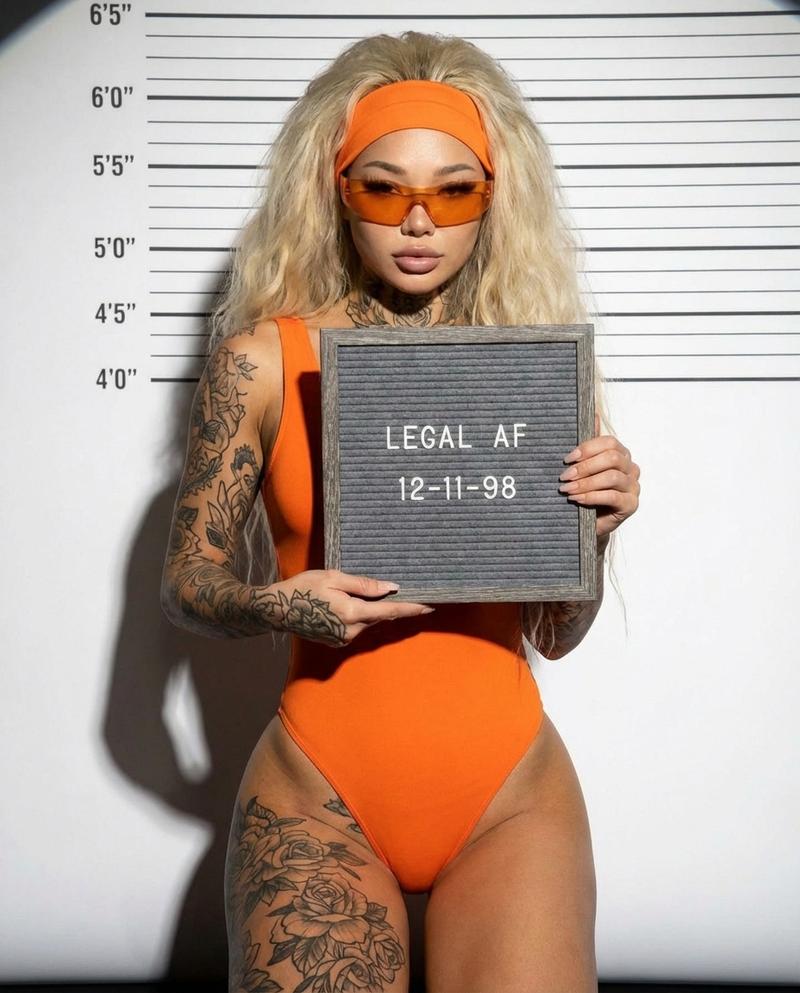
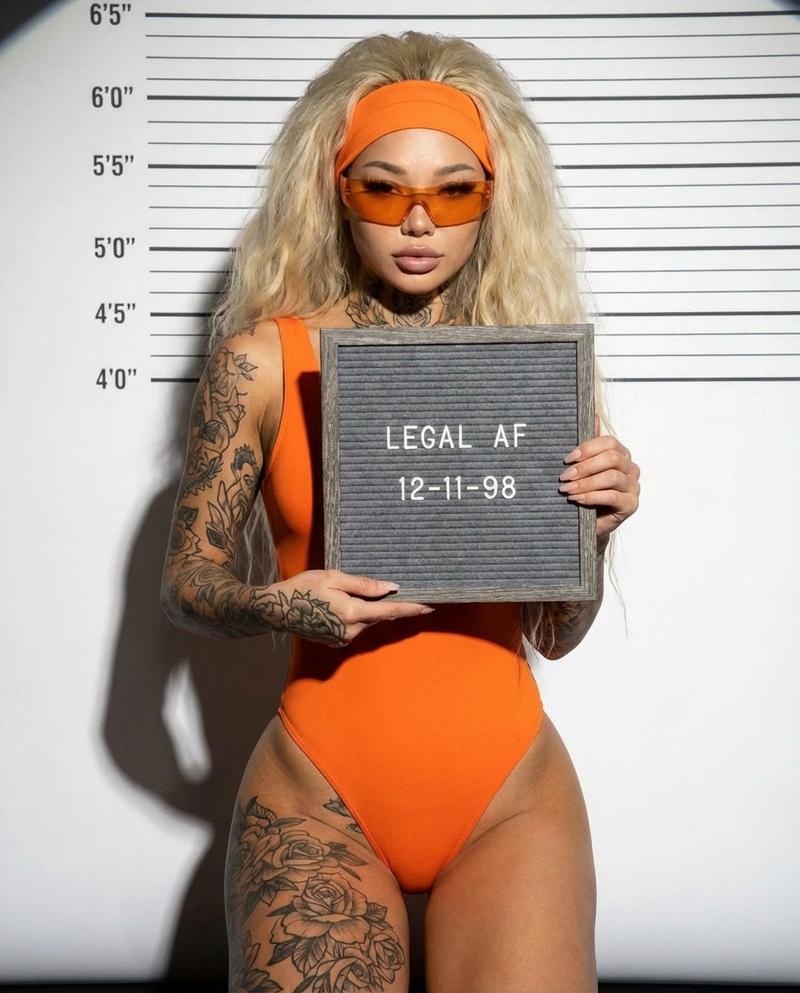
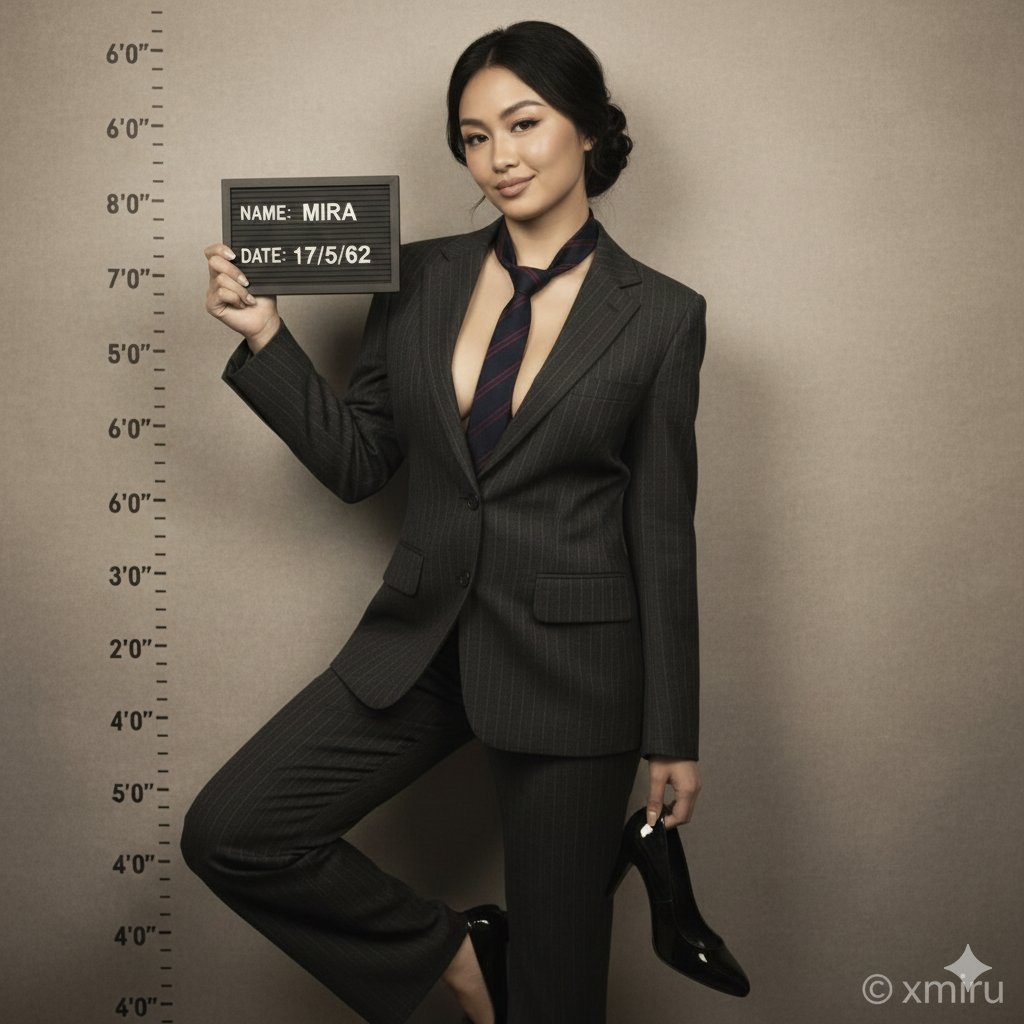
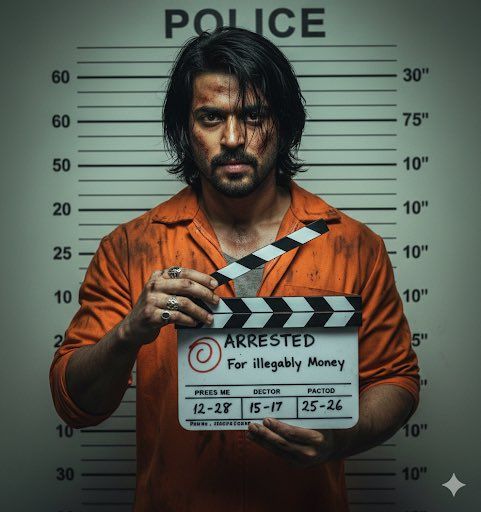
青年男子 mugshot
Enlarge

青年男子 mugshot

Prompt
1. Open Gemini / Chat GPT
2. Upload your Picture
3. Prompt :
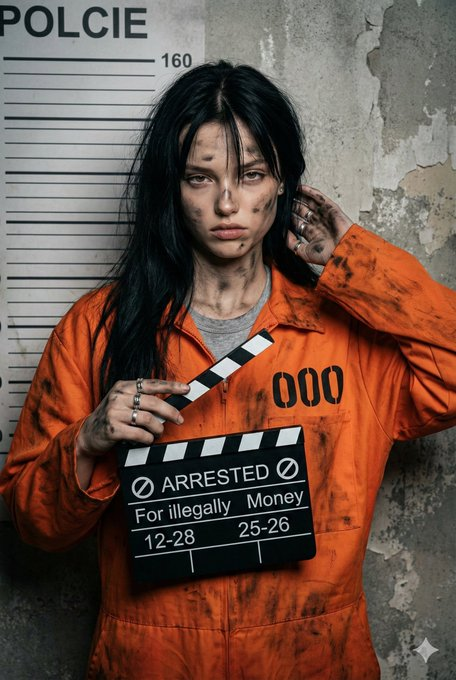
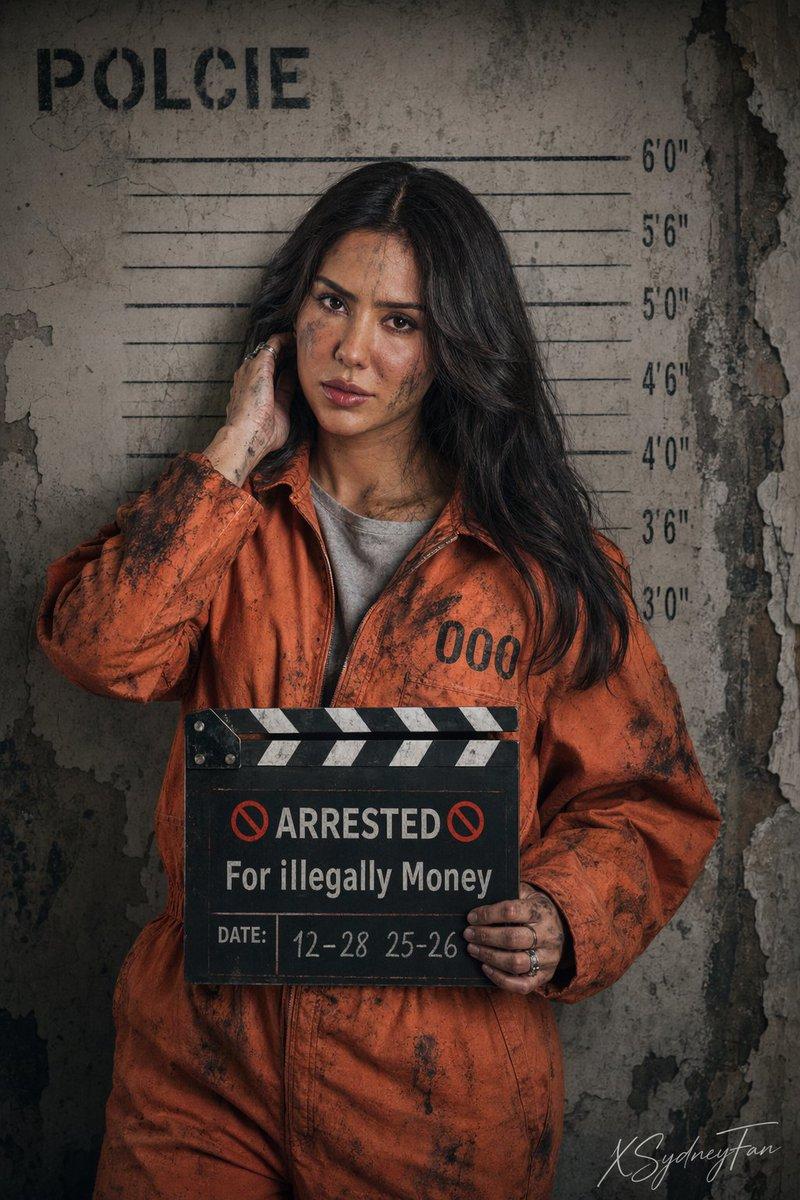
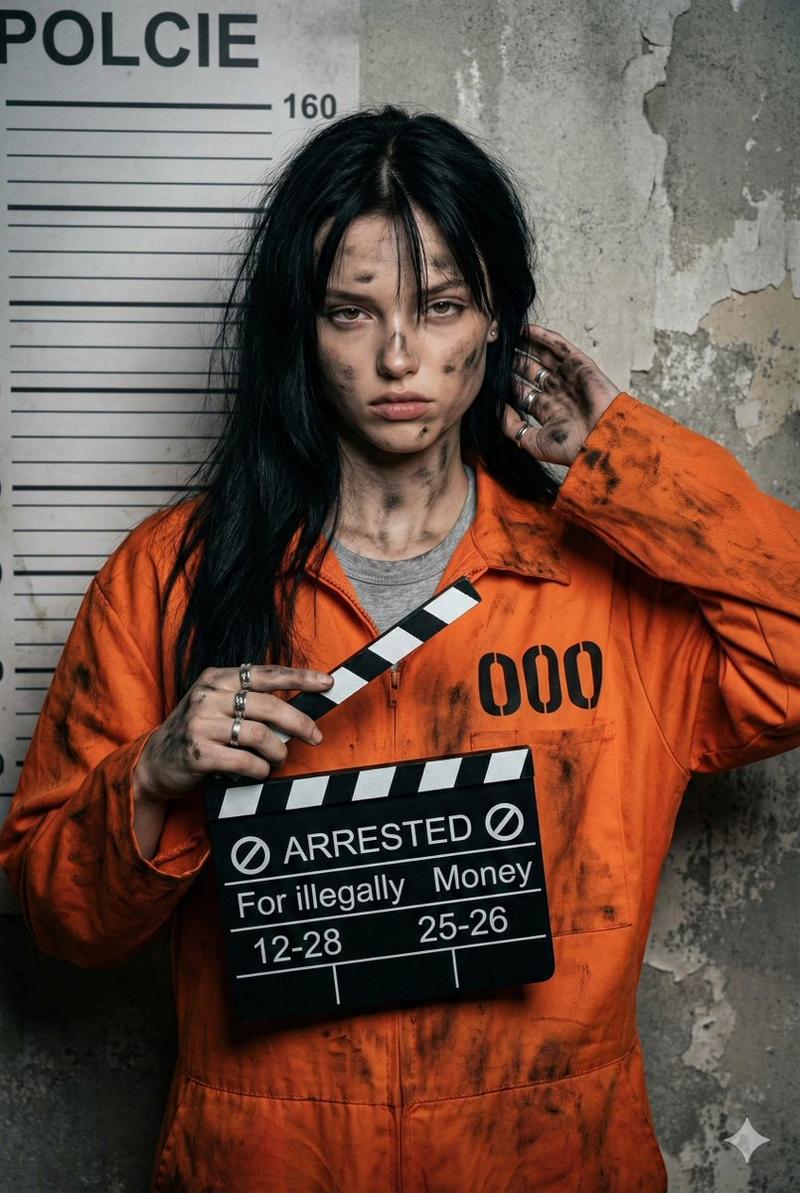
Photorealistic mugshot portrait of a young man, early 20s, use face from the provided image ,masculine features, sharp jawline, intense tired eyes, long straight black hair slightly messy and falling over face, pale skin with dirt smudges, bruises and grime on face and neck, serious sullen expression, wearing dirty orange prison jumpsuit with stains and smudges, gray undershirt visible, standing in front of police height chart wall with "POLICE" text and measurement lines, one hand raised touching his hair behind head, other hand holding a black and white striped film clapperboard at chest level with multiple silver rings on fingers, clapperboard text clearly readable: circled "ARRESTED", "For illegally Money", "12-28" and "25-26", high detail, dramatic lighting, realistic textures, gritty atmosphere, professional photography --ar 3:4 --v 6 --q 2 --stylize 250
Category
Photography & Realism
Model
Unknown
Creator
Abhi
Views0
Source ID
young-man-mugshot

Guide

About "青年男子 mugshot"

What is this prompt for?

"青年男子 mugshot" AI image prompt for Unknown (Photography & Realism). 1. Open Gemini / Chat GPT 2. Upload your Picture 3. Prompt : Photorealistic mugshot portrai…

The full copyable prompt and example visuals above are ready for AI image generation or one-click recreate in Picva.

How to use this prompt

  1. Step 1

    Open the prompt detail

    Review the example visuals, category, and full prompt text for "青年男子 mugshot".

  2. Step 2

    Copy the prompt

    Copy the prompt body from this page, or load it directly in Studio.

  3. Step 3

    Pick a model (Unknown)

    Prefer Unknown. If you switch models, keep subject and composition and tweak style terms.

  4. Step 4

    Generate and export

    Recreate the look in Picva, or export into your workflow for editing and publishing.

FAQ

What is the "青年男子 mugshot" prompt?
It is an AI image-generation prompt for Unknown in the Photography & Realism category. This page includes the full prompt text, example visuals, and a one-click recreate path in Picva.
How do I use this prompt to generate an image?
Copy the prompt from this page, or use Generate / Studio. Paste it into a compatible image model, or recreate the look in Picva with optional reference images.
Which model is this prompt for?
This page lists Unknown. Most descriptive prompts also transfer to nearby image models such as GPT Image, Flux, or Midjourney with light style tweaks.
Can I use the result commercially?
You can usually copy the prompt for creation, but commercial use of the final image depends on the model terms, reference-image rights, and the generated content. Follow the source author and platform rules.