Minecraft 已保存位置 UI 模型
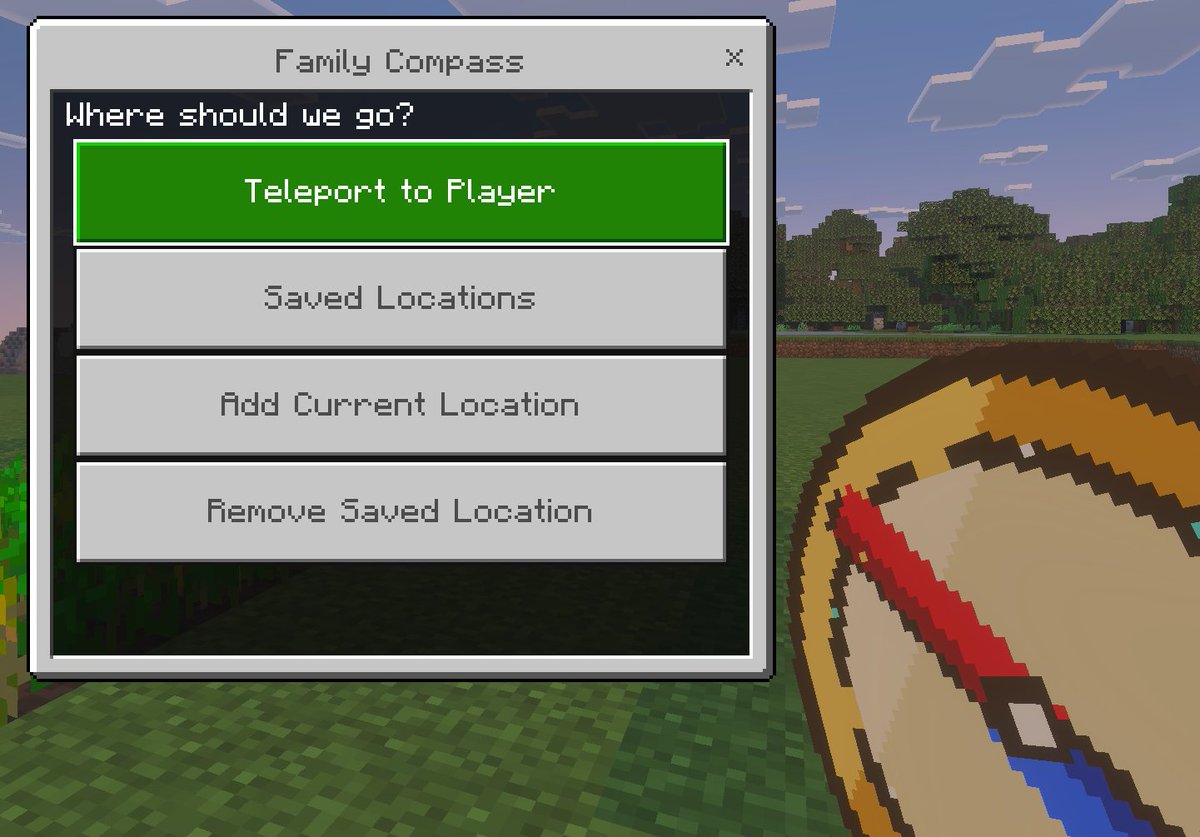
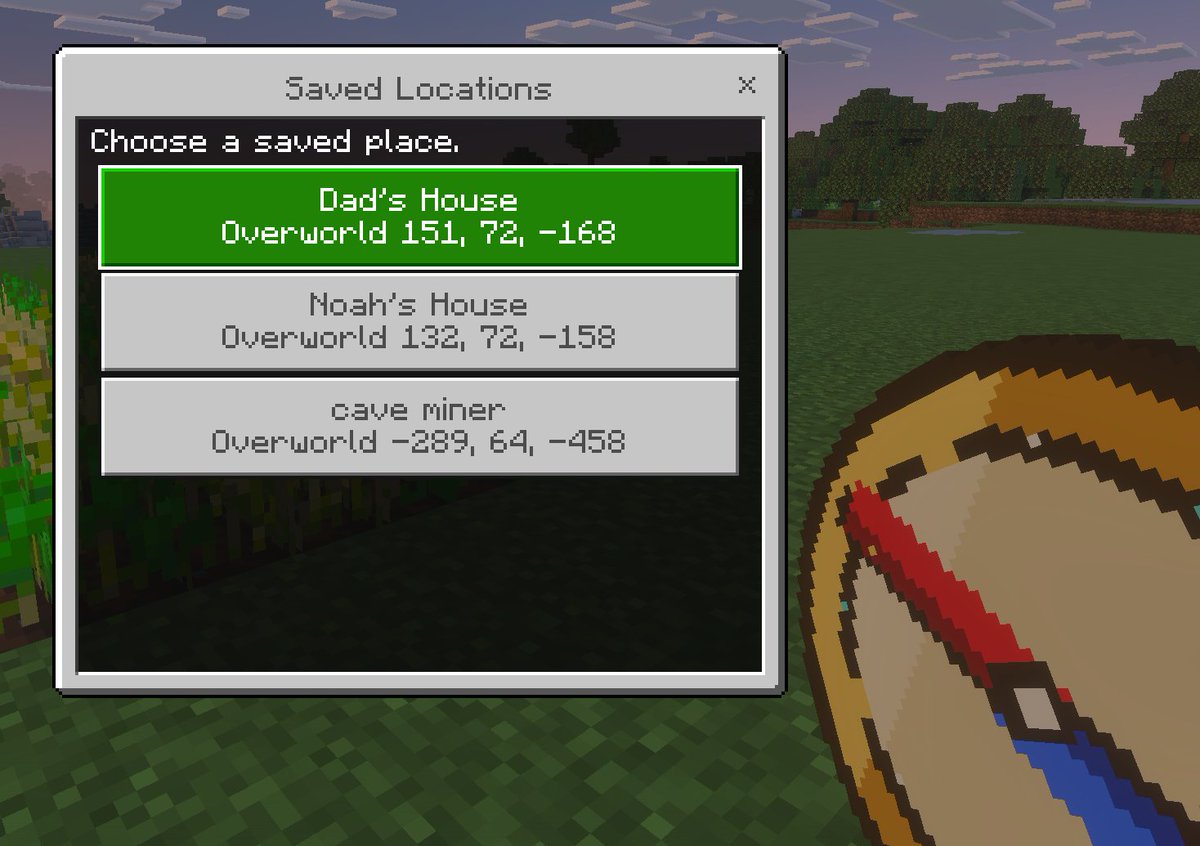
一张像素艺术风格的 Minecraft 第一人称截图,展示了自定义的已保存位置菜单,适用于展示游戏 UI 概念、插件或传送导航工具。
- Category
- UI & Interfaces
- Model
- GPT Image 2
- Creator
- Stephen Day | Google AI, Agents & Vibe Coding
- Source language
- en
- Source ID
- 16434
- Published
- Apr 26, 2026
Full prompt
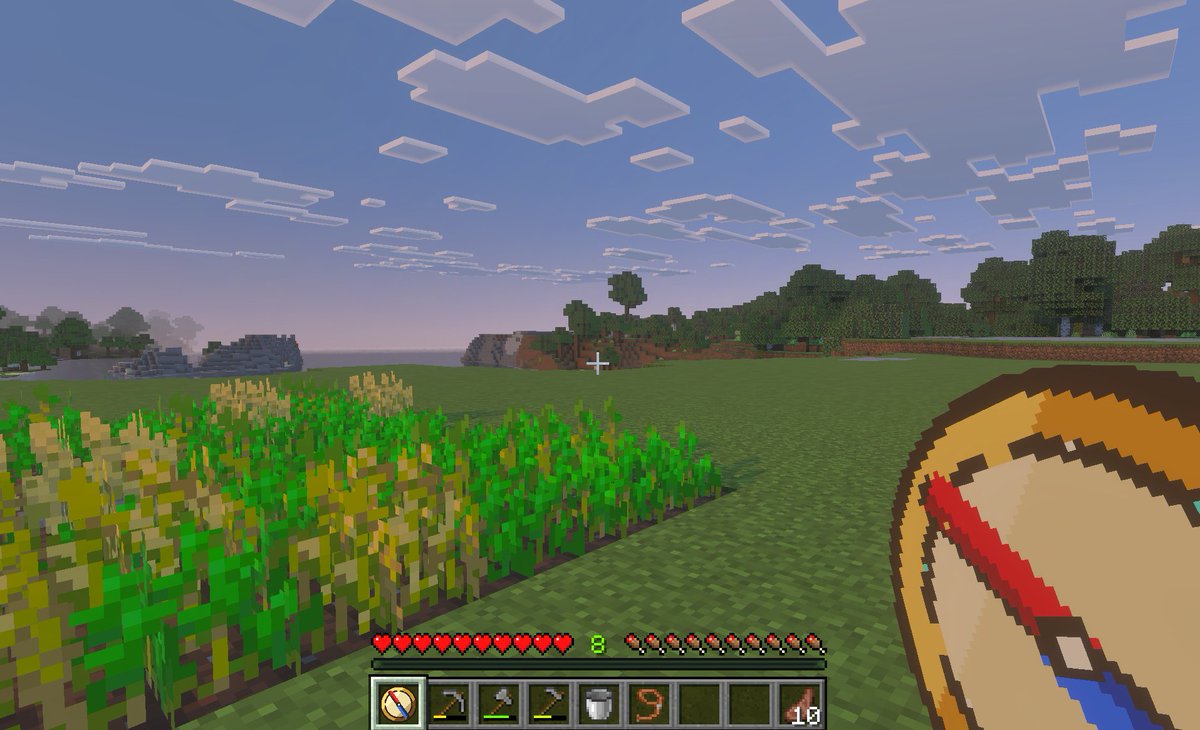
A clean Minecraft Bedrock-style game UI mockup shown as a first-person in-game screenshot at dusk. The background is a blocky grassy field with pixelated trees, a soft purple-blue evening sky, and a small patch of crops on the far left edge. In the lower right foreground, show a large pixel-art compass item held in the player’s hand, angled diagonally upward, with a tan face, dark brown rim, red needle, and blue tip. Center-left, overlay a rectangular Minecraft menu window with a light gray frame, thin dark border, and a black translucent interior panel. At the top of the window, a title bar reads {argument name="window title" default="Saved Locations"} in a Minecraft-inspired pixel font, with a small x close button on the top right. Inside the panel, add the instruction text {argument name="instruction text" default="Choose a saved place."} near the top left. Below it, display exactly 3 stacked destination buttons, each wide and centered. The first button is highlighted bright green with white pixel text and contains 2 lines: {argument name="location 1 name" default="Dad's House"} and "Overworld 151, 72, -168". The second button is light gray with darker gray text and contains 2 lines: "Noah's House" and "Overworld 132, 72, -158". The third button is light gray with darker gray text and contains 2 lines: {argument name="location 3 name" default="cave miner"} and "Overworld -289, 64, -458". Use crisp pixel edges, retro voxel-game aesthetics, subtle screen depth, and an authentic Minecraft Bedrock menu look.Translations
Minecraft 已保存位置 UI 模型
enA clean Minecraft Bedrock-style game UI mockup shown as a first-person in-game screenshot at dusk. The background is a blocky grassy field with pixelated trees, a soft purple-blue evening sky, and a small patch of crops on the far left edge. In the lower right foreground, show a large pixel-art compass item held in the player’s hand, angled diagonally upward, with a tan face, dark brown rim, red needle, and blue tip. Center-left, overlay a rectangular Minecraft menu window with a light gray frame, thin dark border, and a black translucent interior panel. At the top of the window, a title bar reads {argument name="window title" default="Saved Locations"} in a Minecraft-inspired pixel font, with a small x close button on the top right. Inside the panel, add the instruction text {argument name="instruction text" default="Choose a saved place."} near the top left. Below it, display exactly 3 stacked destination buttons, each wide and centered. The first button is highlighted bright green with white pixel text and contains 2 lines: {argument name="location 1 name" default="Dad's House"} and "Overworld 151, 72, -168". The second button is light gray with darker gray text and contains 2 lines: "Noah's House" and "Overworld 132, 72, -158". The third button is light gray with darker gray text and contains 2 lines: {argument name="location 3 name" default="cave miner"} and "Overworld -289, 64, -458". Use crisp pixel edges, retro voxel-game aesthetics, subtle screen depth, and an authentic Minecraft Bedrock menu look.
Minecraft 已保存位置 UI 模型
zh-CN一张简洁的 Minecraft 基岩版风格游戏 UI 模型,呈现为黄昏时的第一人称游戏内截图。背景是方块状的草地和像素风树木,天空呈现柔和的紫蓝色,左侧边缘有一小片农作物。在右下角前景中,展示一个玩家手中持有的巨大像素风指南针物品,呈对角线向上倾斜,具有棕褐色表面、深棕色边缘、红色指针和蓝色尖端。在左侧中央,叠加一个矩形的 Minecraft 菜单窗口,带有浅灰色边框、细深色轮廓和黑色半透明内部面板。窗口顶部标题栏显示 {argument name="window title" default="Saved Locations"},采用 Minecraft 风格的像素字体,右上角有一个小的 x 关闭按钮。在面板内部,在左上方添加说明文本 {argument name="instruction text" default="Choose a saved place."}。在其下方,显示 3 个堆叠的目的地按钮,每个按钮都宽大且居中。第一个按钮为高亮亮绿色,带有白色像素文字,包含 2 行内容:{argument name="location 1 name" default="Dad's House"} 和 "Overworld 151, 72, -168"。第二个按钮为浅灰色,带有深灰色文字,包含 2 行内容:"Noah's House" 和 "Overworld 132, 72, -158"。第三个按钮为浅灰色,带有深灰色文字,包含 2 行内容:{argument name="location 3 name" default="cave miner"} 和 "Overworld -289, 64, -458"。使用清晰的像素边缘、复古体素游戏美学、微妙的屏幕深度以及地道的 Minecraft 基岩版菜单外观。