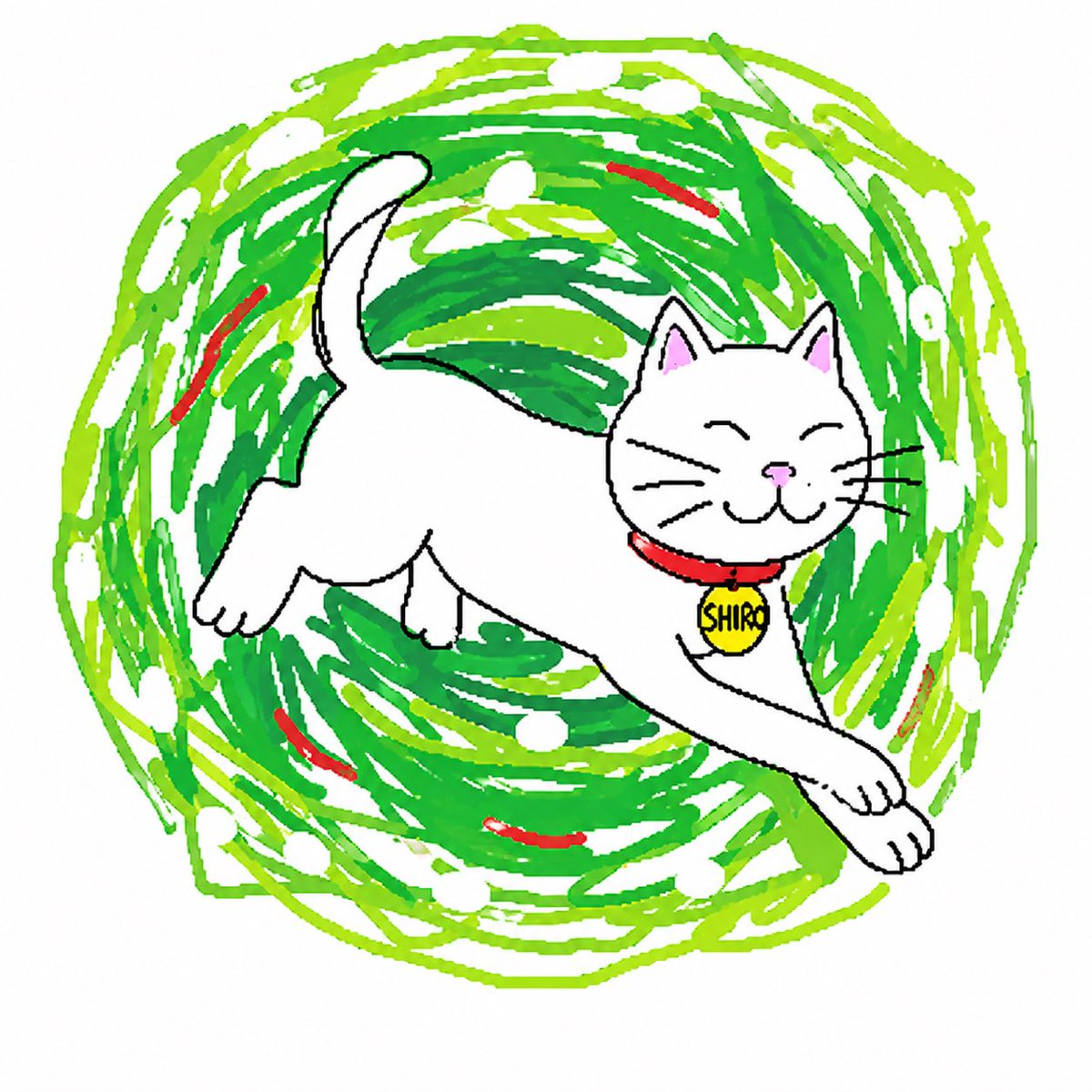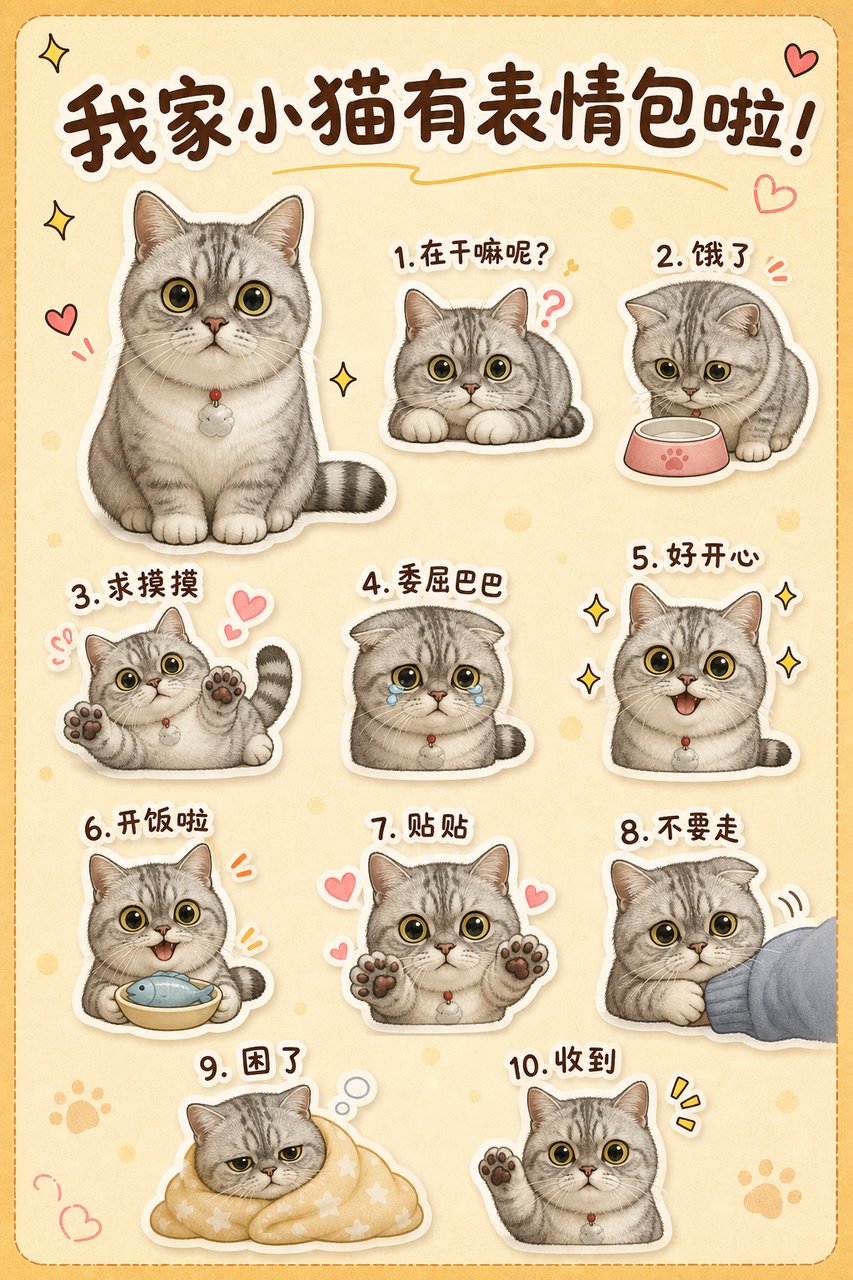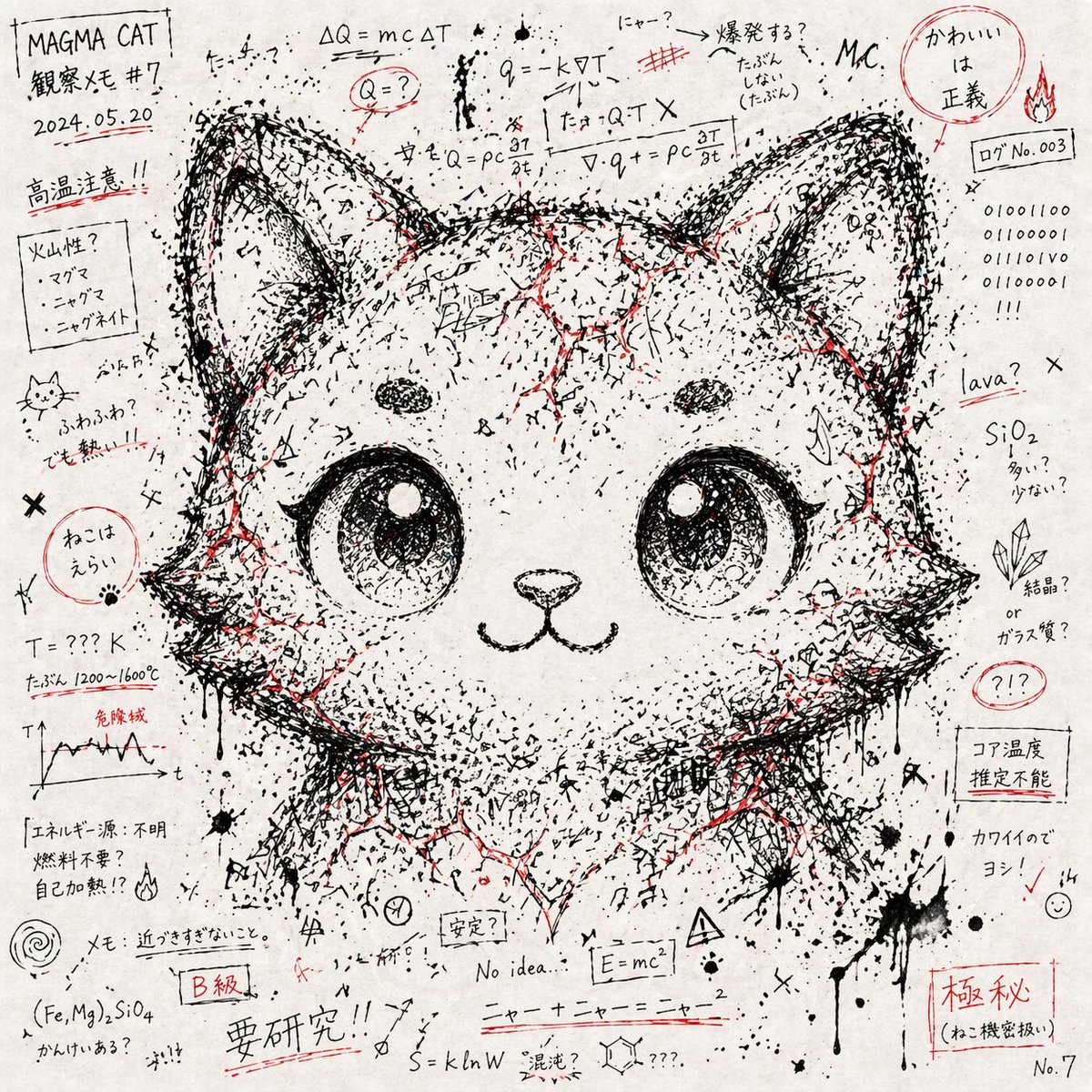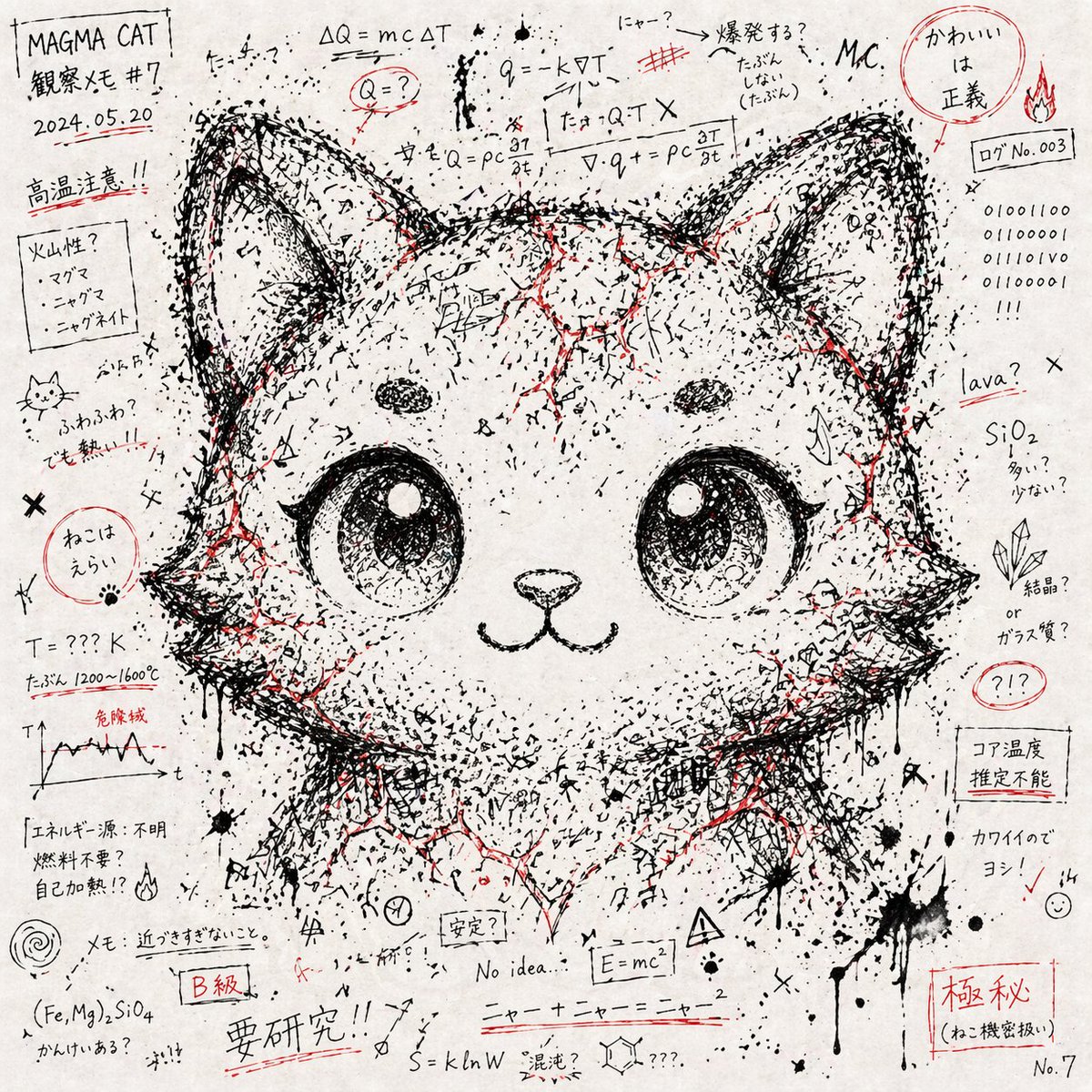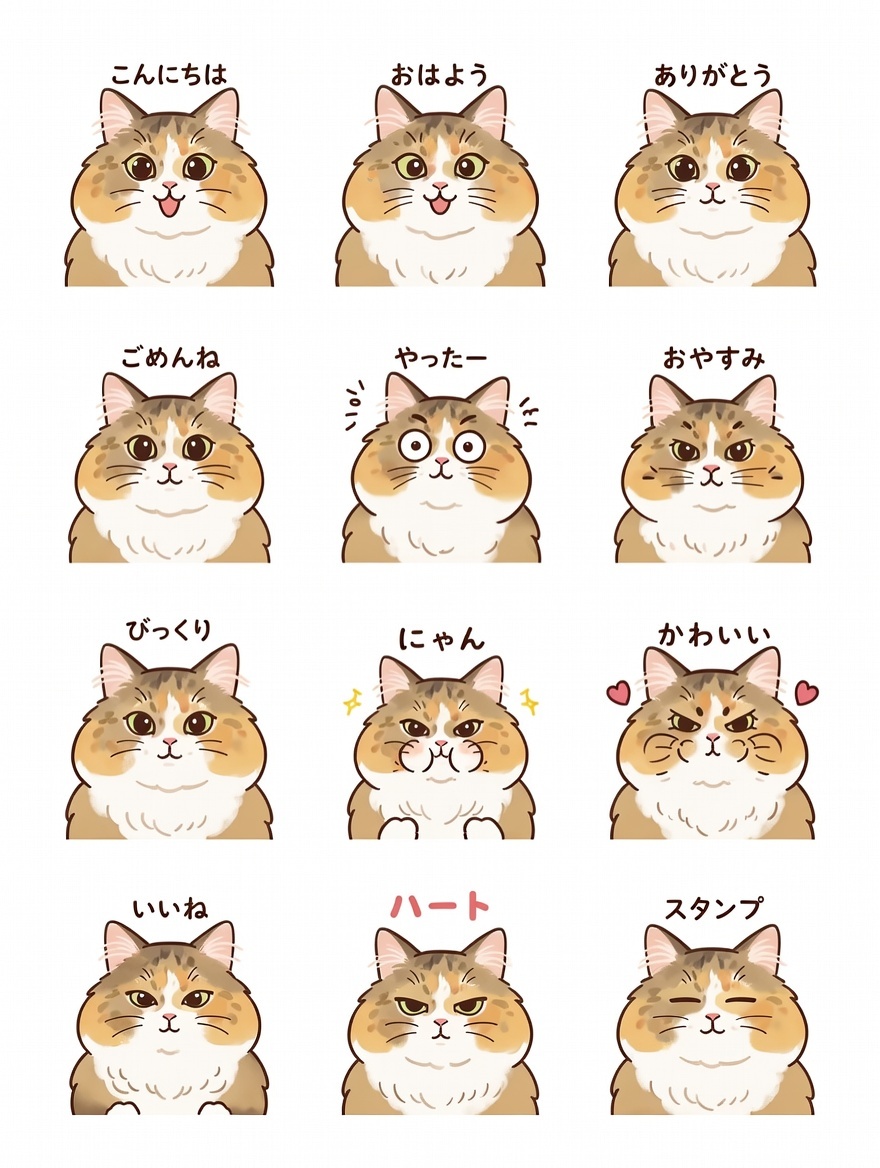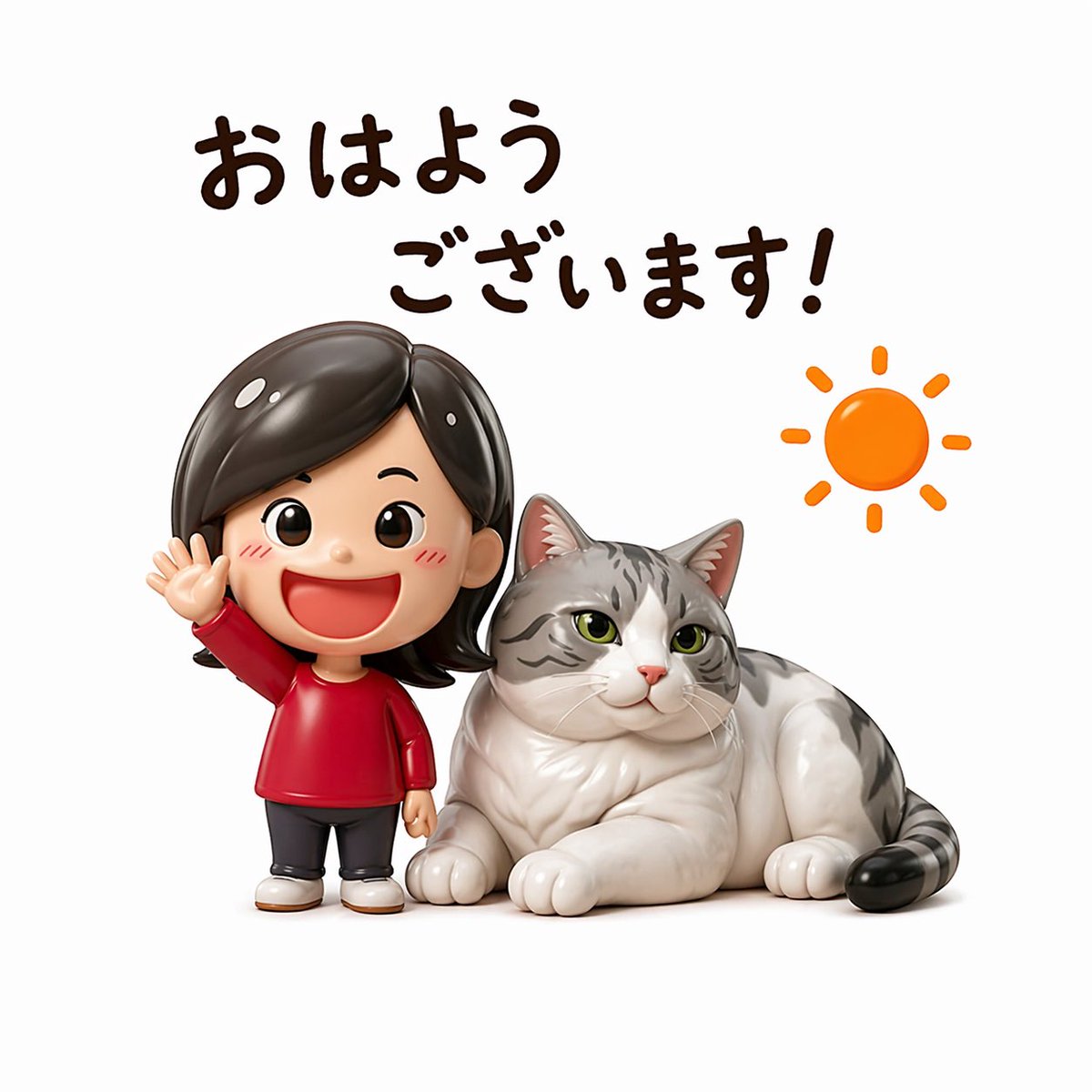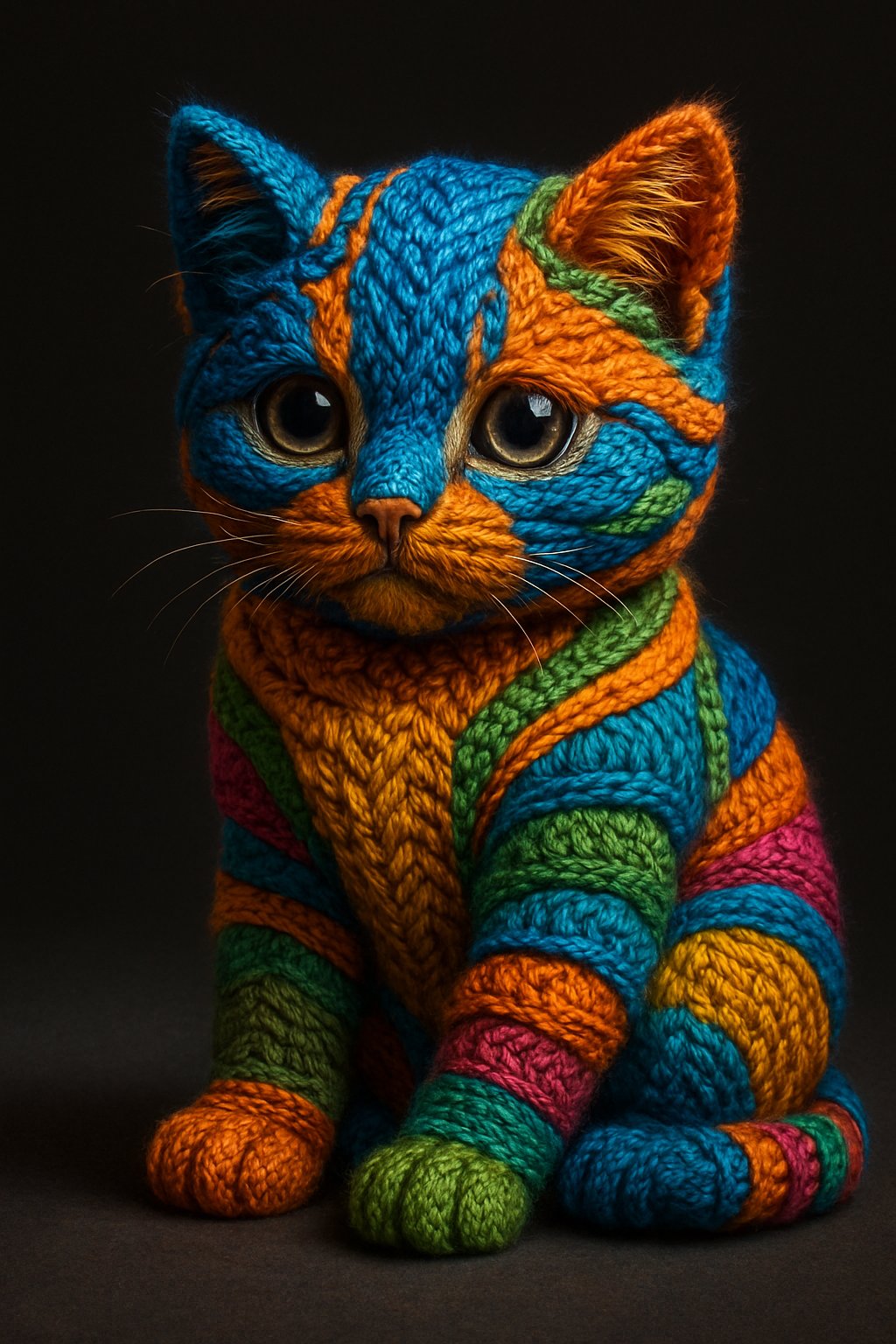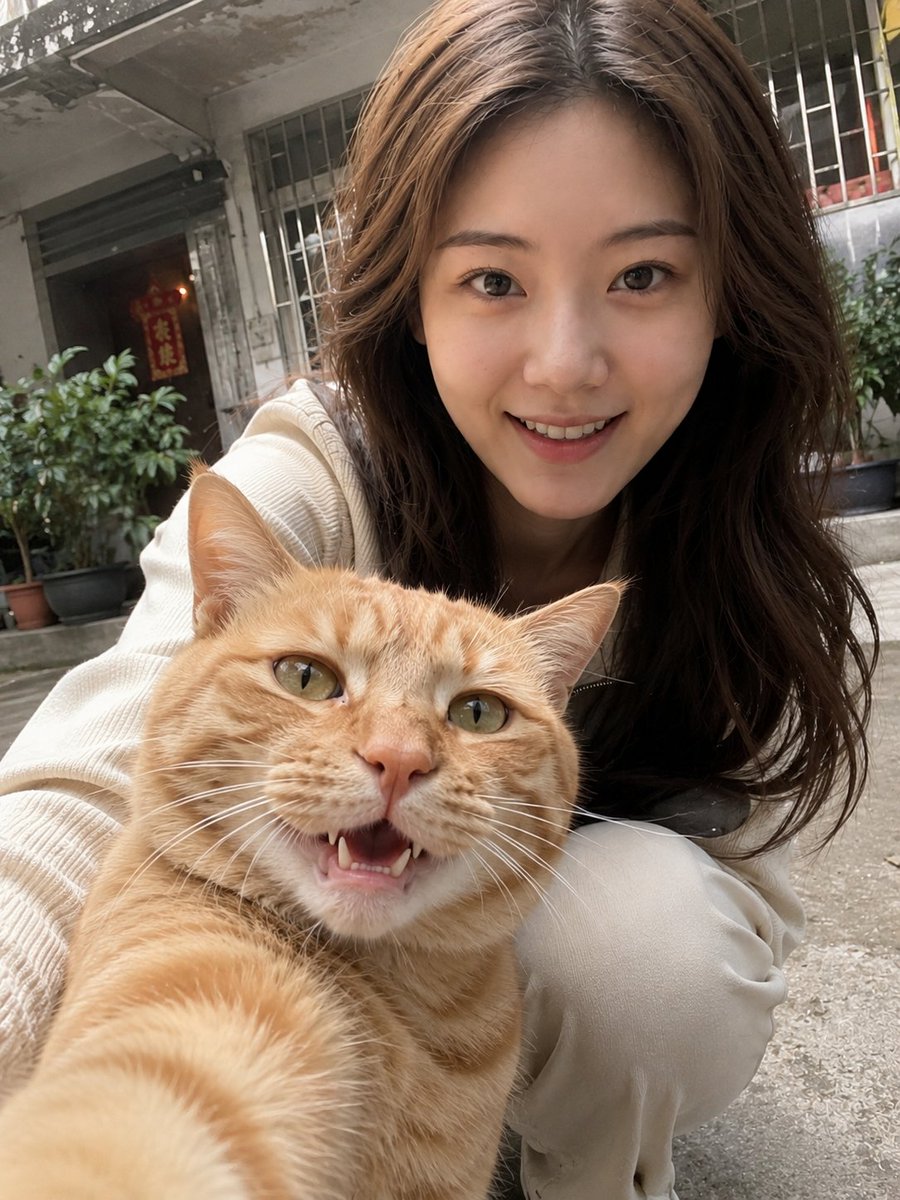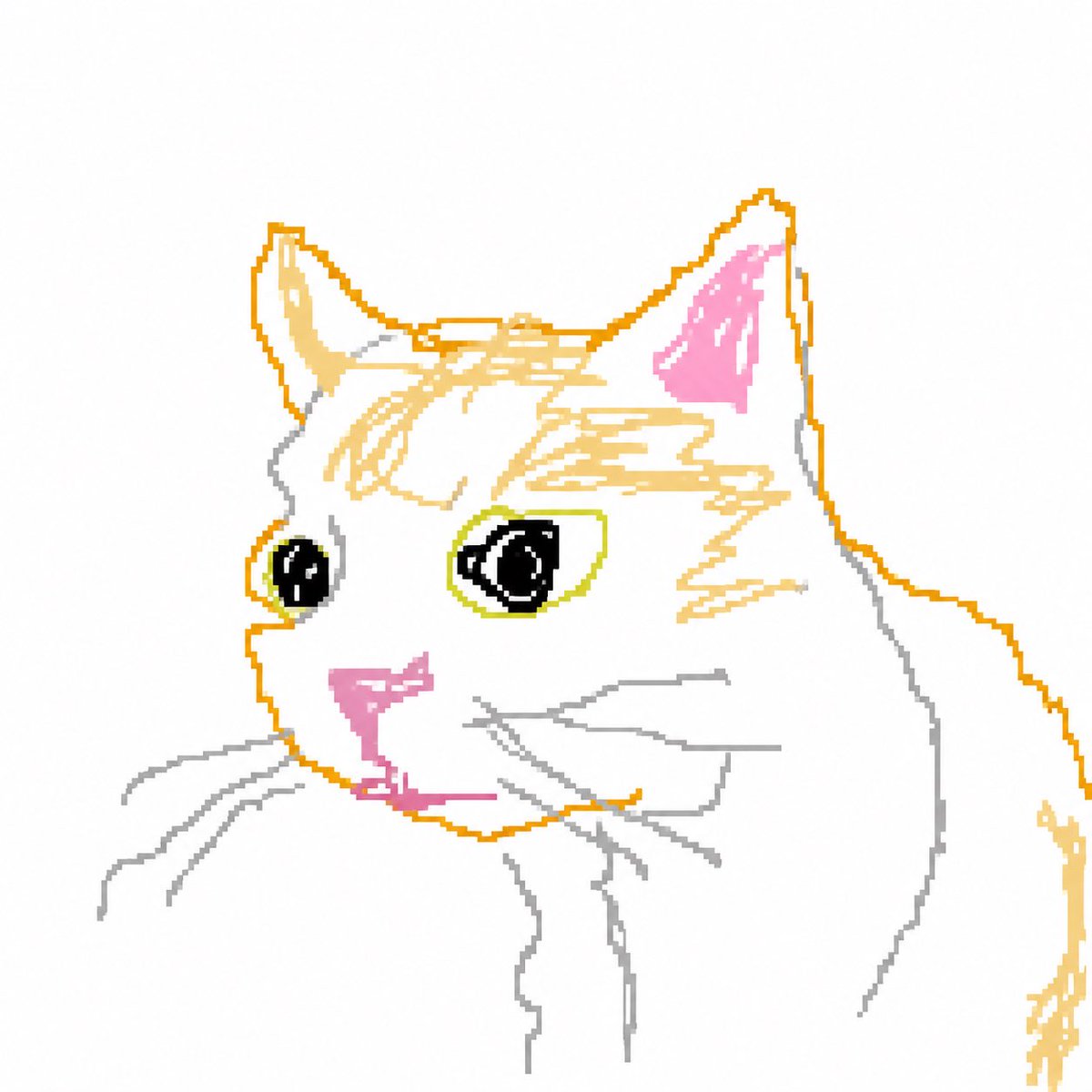
Scribbly MS Paint 风格转换
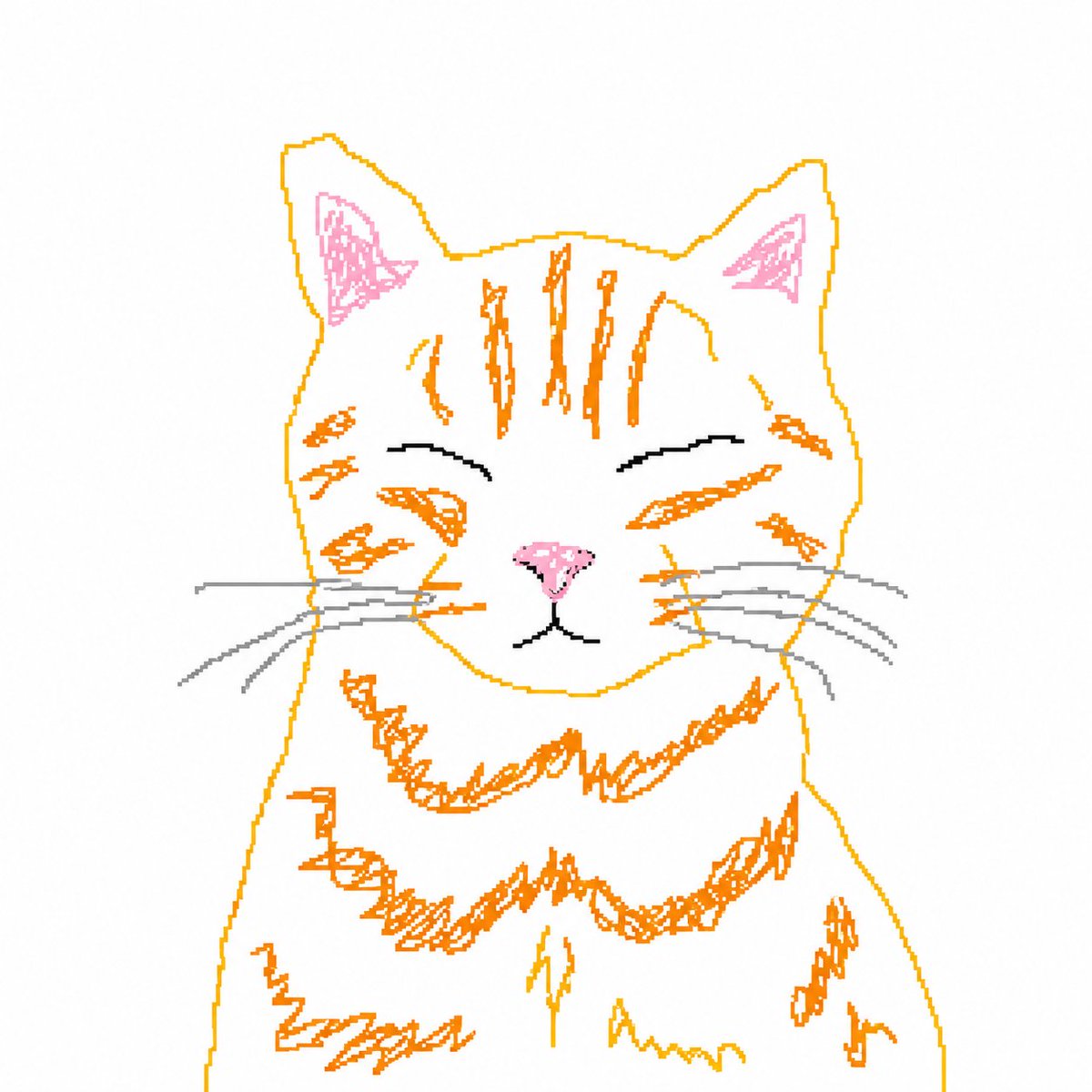
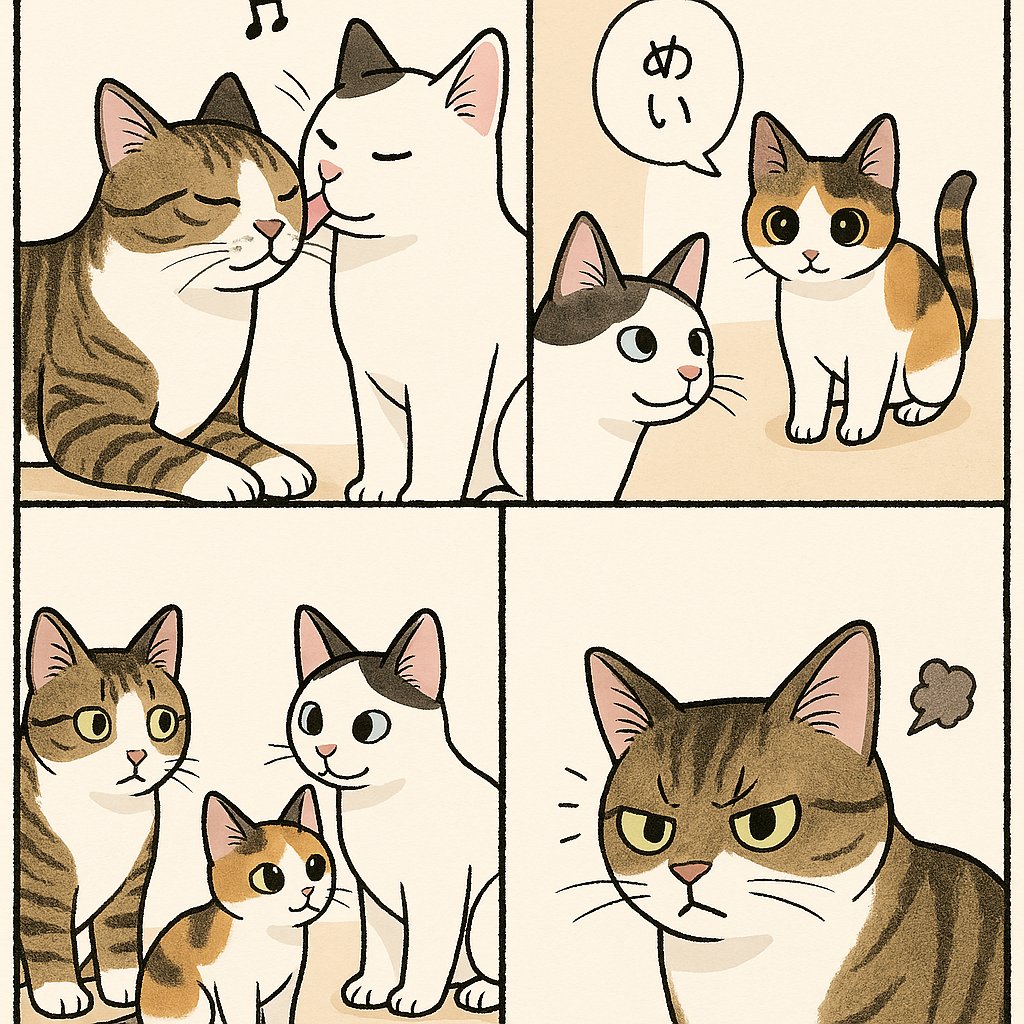
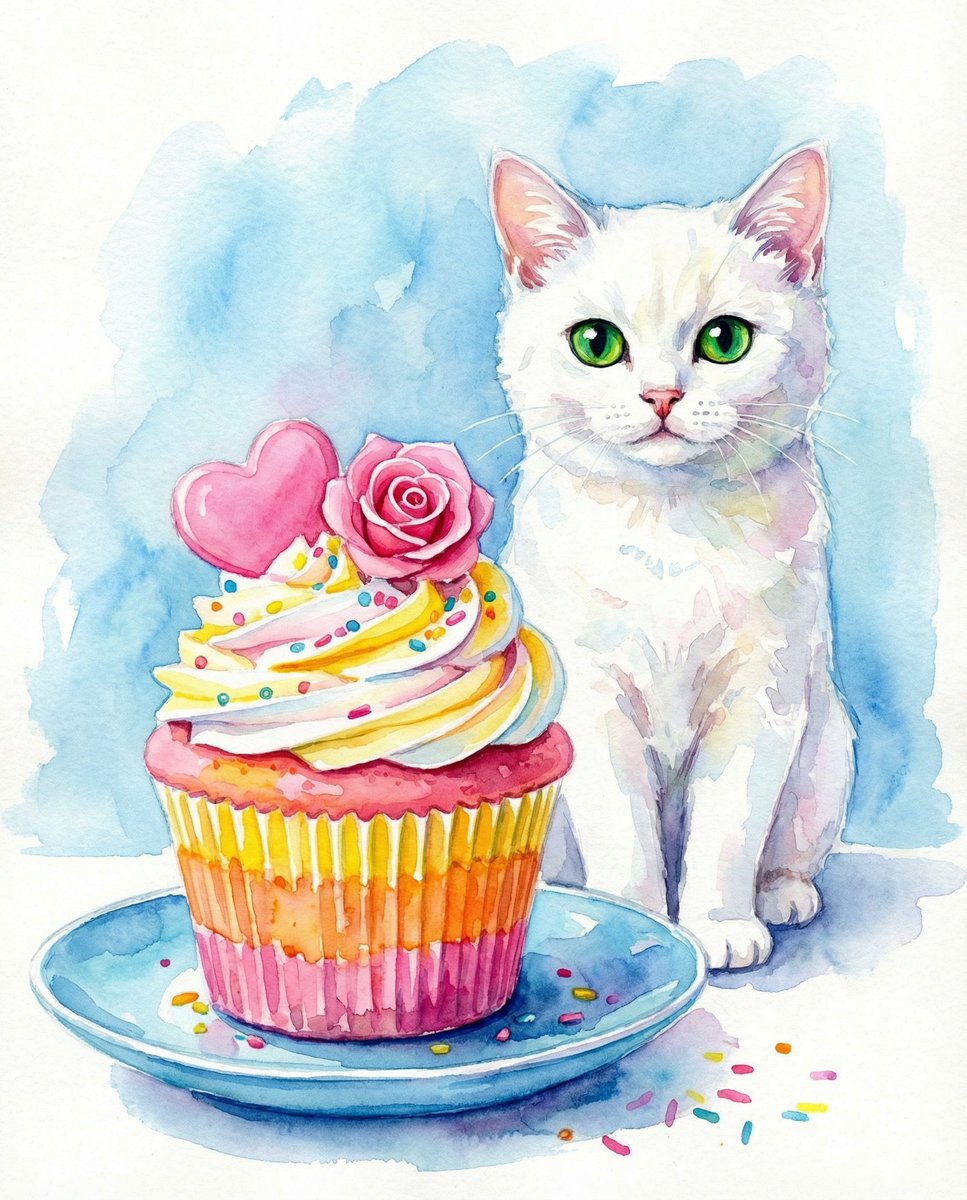
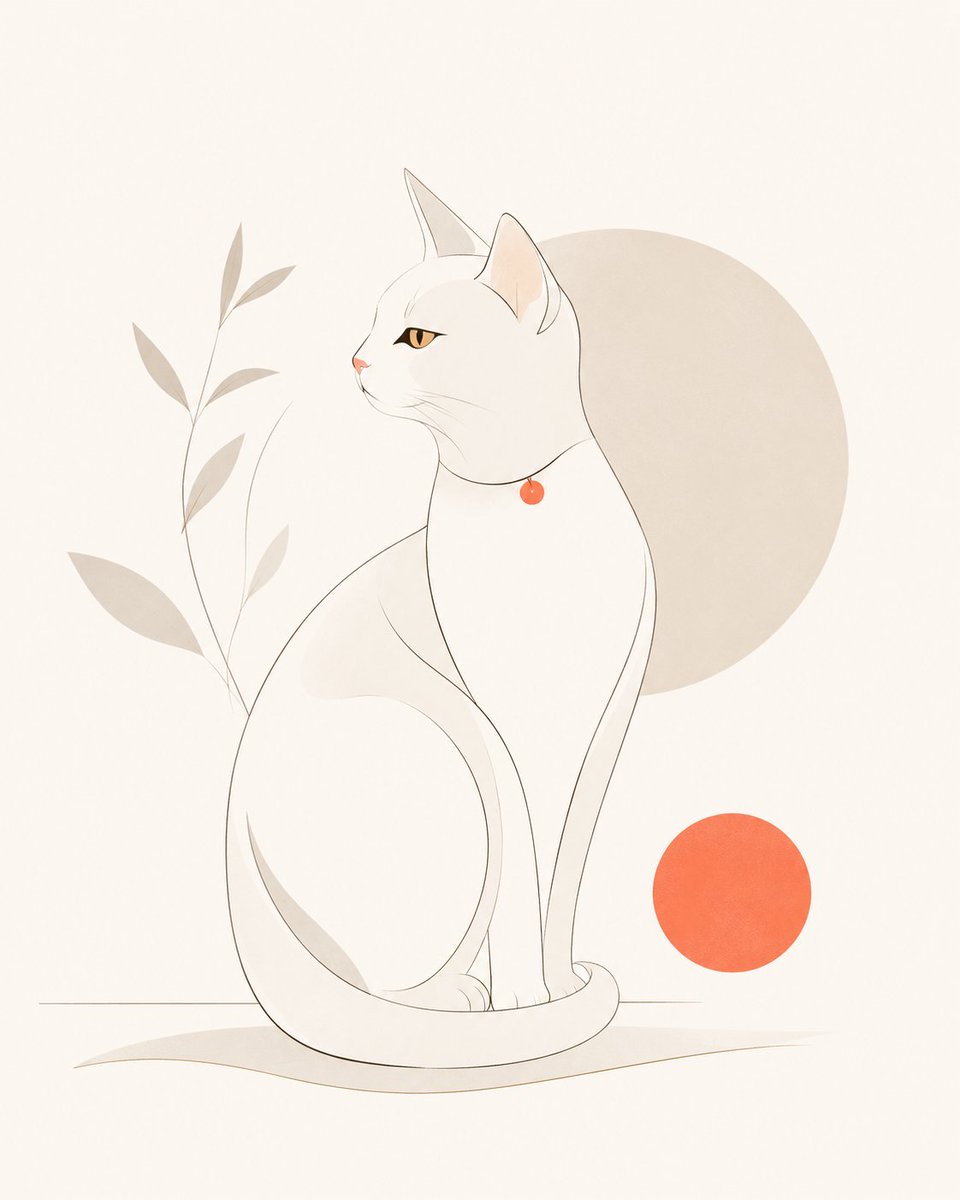
一个可以将现有图像转换为低质量、笨拙的 MS Paint 风格绘图的病毒式提示词。
- Category
- Posters & Typography
- Model
- GPT Image 2
- Creator
- yellowdoodle
- Source language
- en
- Source ID
- 17324
- Published
- May 1, 2026
Full prompt
Redraw the attached image in the {argument name="style" default="most clumsy, scribbly, and utterly pathetic way possible"}. Use a white background, and make it look like it was drawn in MS Paint with a mouse. It should be vaguely similar but also not really, kind of matching but also off in a confusing, awkward way, with that {argument name="quality" default="low-quality pixel-by-pixel feel"} that really emphasizes how ridiculously bad it is. Actually, you know what, whatever, just draw it however you want.Translations
Scribbly MS Paint 风格转换
enRedraw the attached image in the {argument name="style" default="most clumsy, scribbly, and utterly pathetic way possible"}. Use a white background, and make it look like it was drawn in MS Paint with a mouse. It should be vaguely similar but also not really, kind of matching but also off in a confusing, awkward way, with that {argument name="quality" default="low-quality pixel-by-pixel feel"} that really emphasizes how ridiculously bad it is. Actually, you know what, whatever, just draw it however you want.
Scribbly MS Paint 风格转换
zh-CN将附件中的图像重新绘制为 {argument name="style" default="最笨拙、潦草且极其拙劣的风格"}。使用白色背景,使其看起来像是用鼠标在 MS Paint 中绘制的一样。它应该在视觉上似是而非,既有某种相似性,又在某种令人困惑且尴尬的层面上显得格格不入,并带有那种 {argument name="quality" default="低质量的像素化质感"},以突显其荒谬的拙劣感。说实话,无所谓了,你想怎么画就怎么画吧。