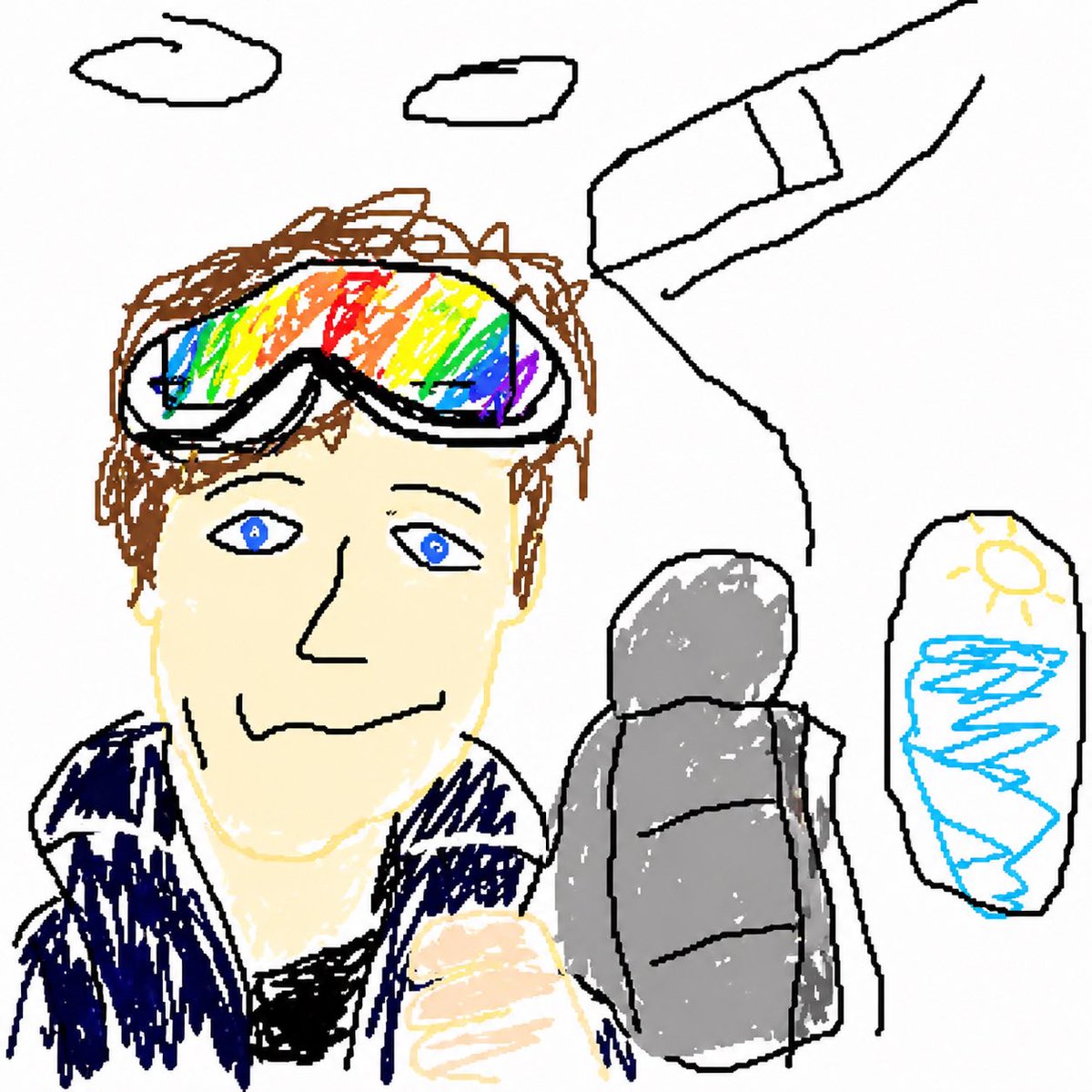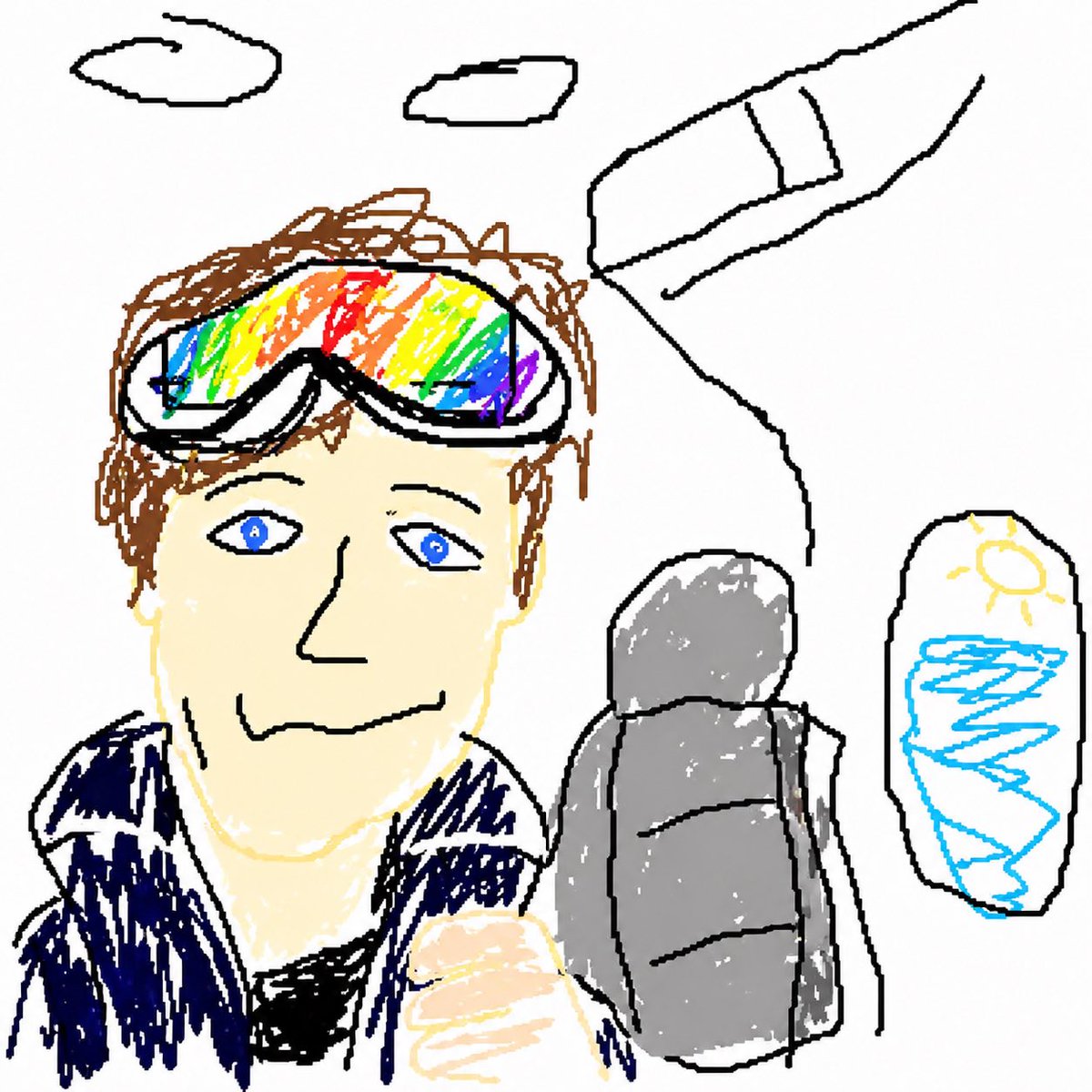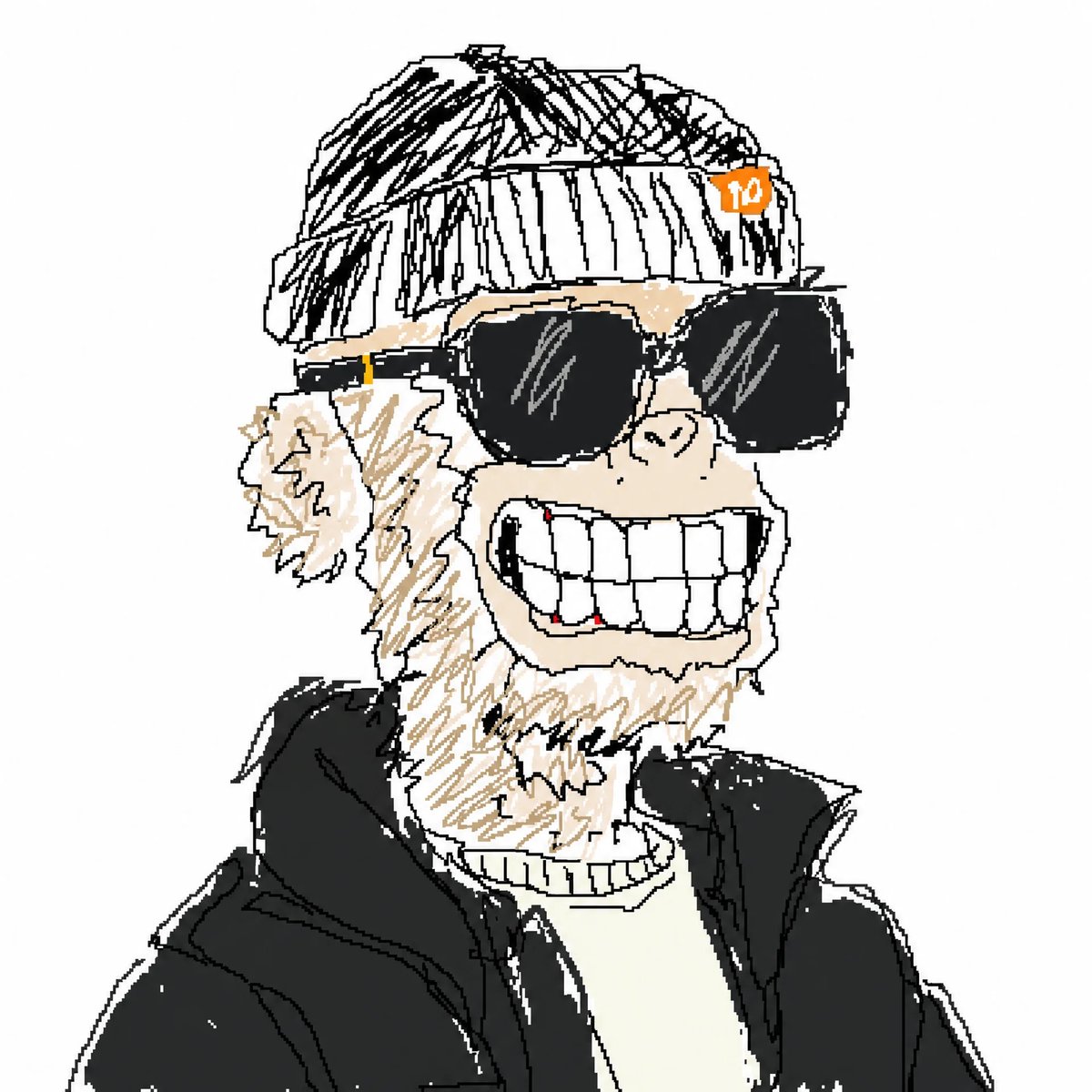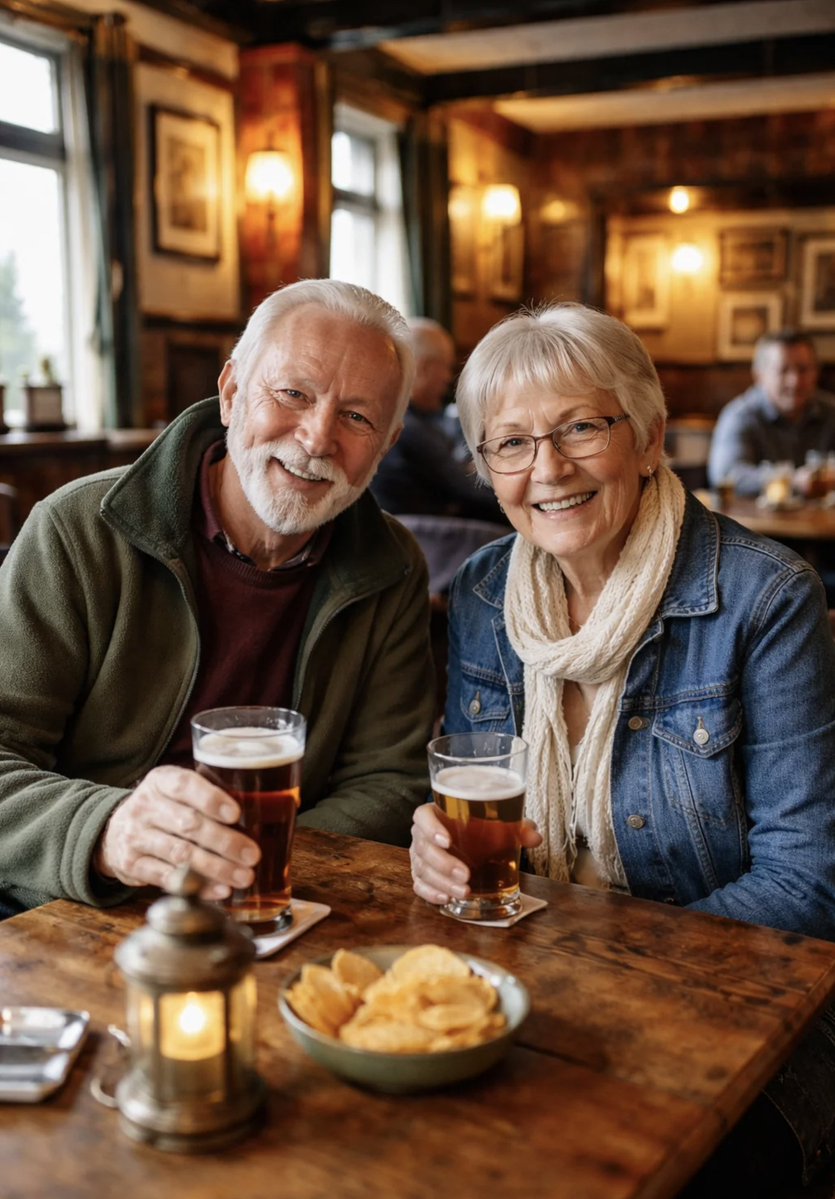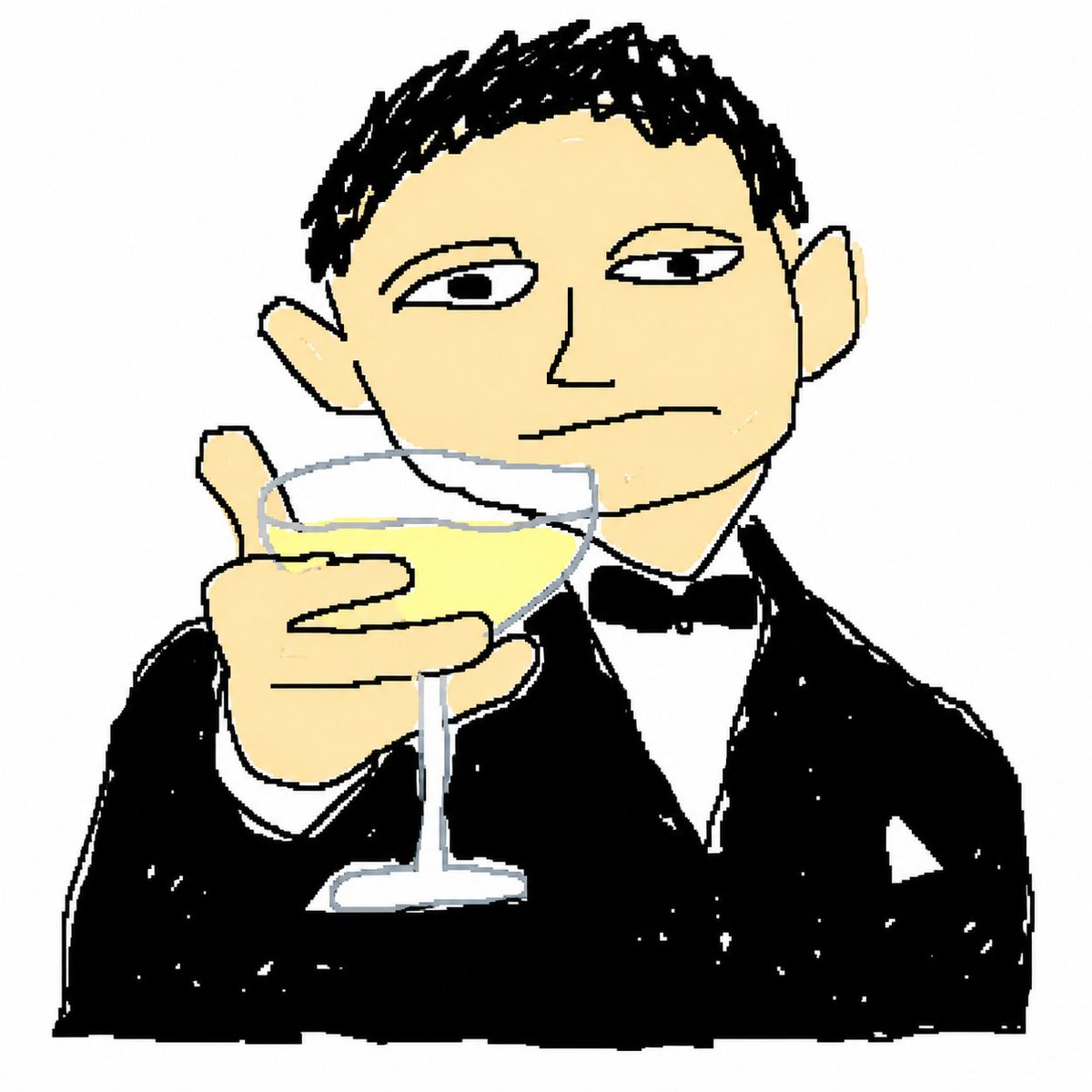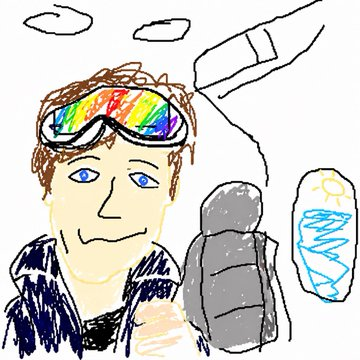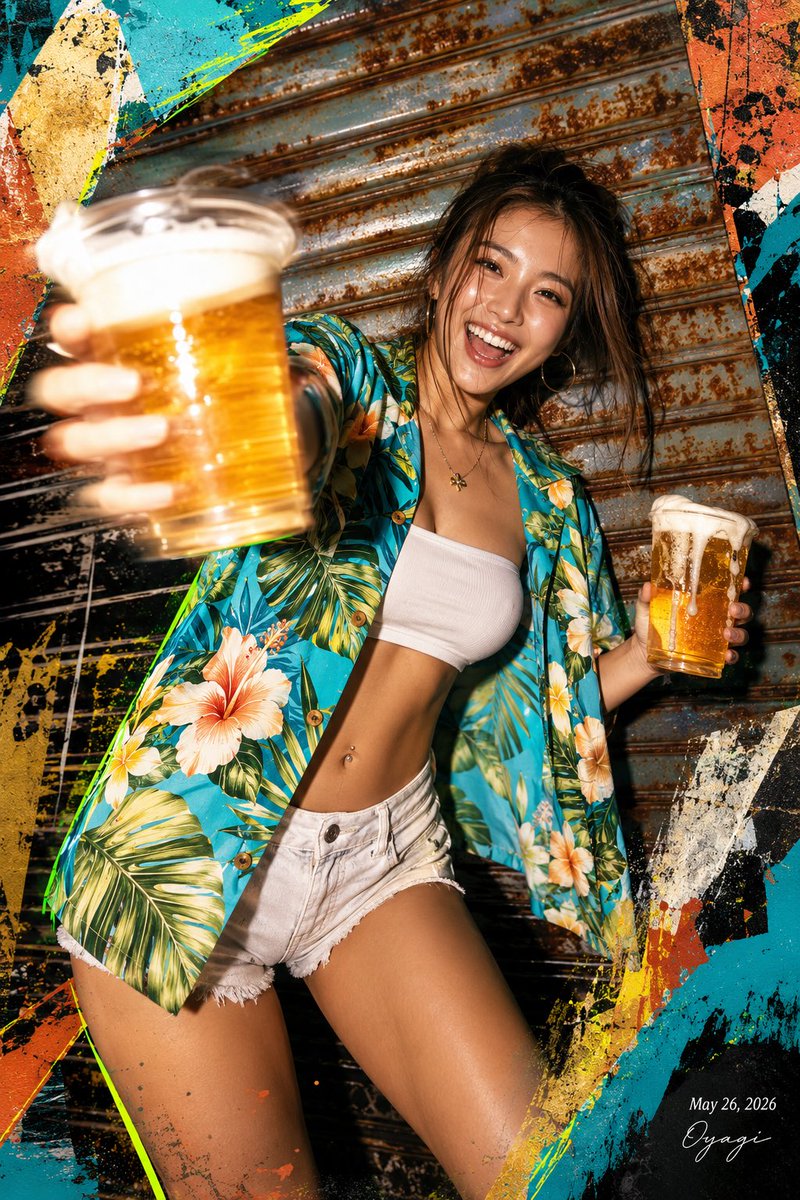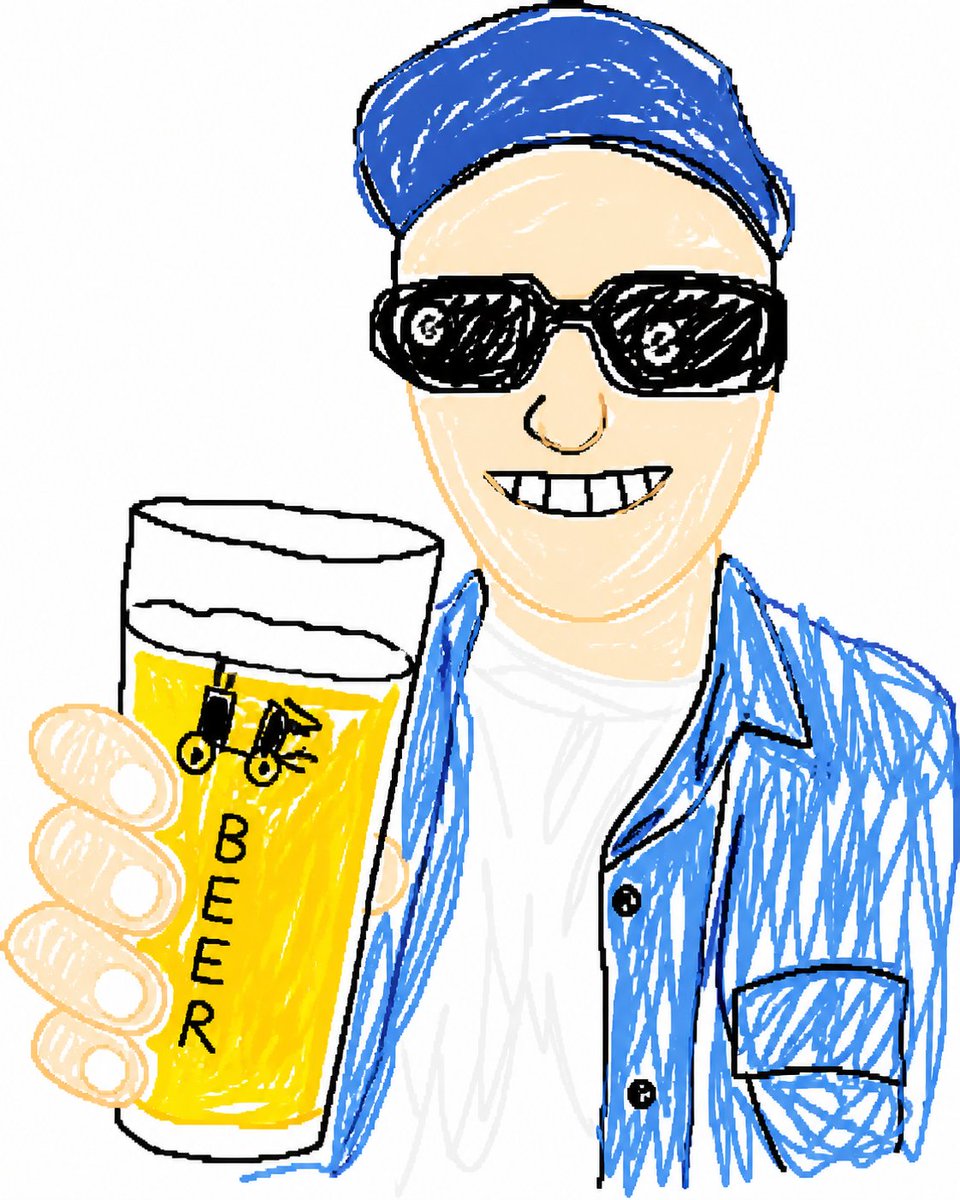
涂鸦风格啤酒自拍肖像
此提示词可将参考自拍转换为简洁的涂鸦卡通肖像,背景干净纯白,非常适合制作社交媒体上的爆款头像。
- Category
- Brand & Logos
- Model
- GPT Image 2
- Creator
- Panofsky167
- Source language
- en
- Source ID
- 17641
- Published
- May 1, 2026
Full prompt
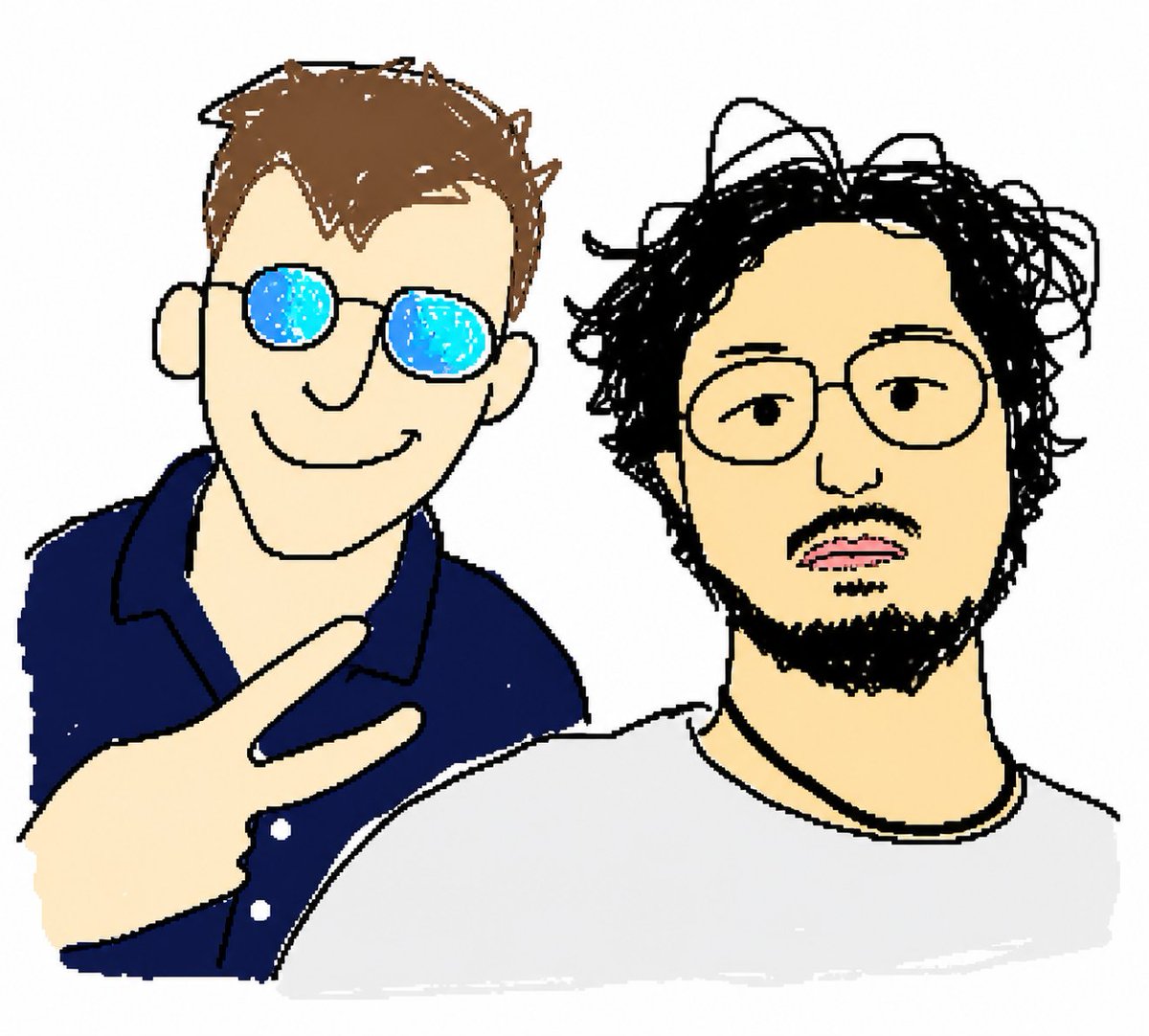
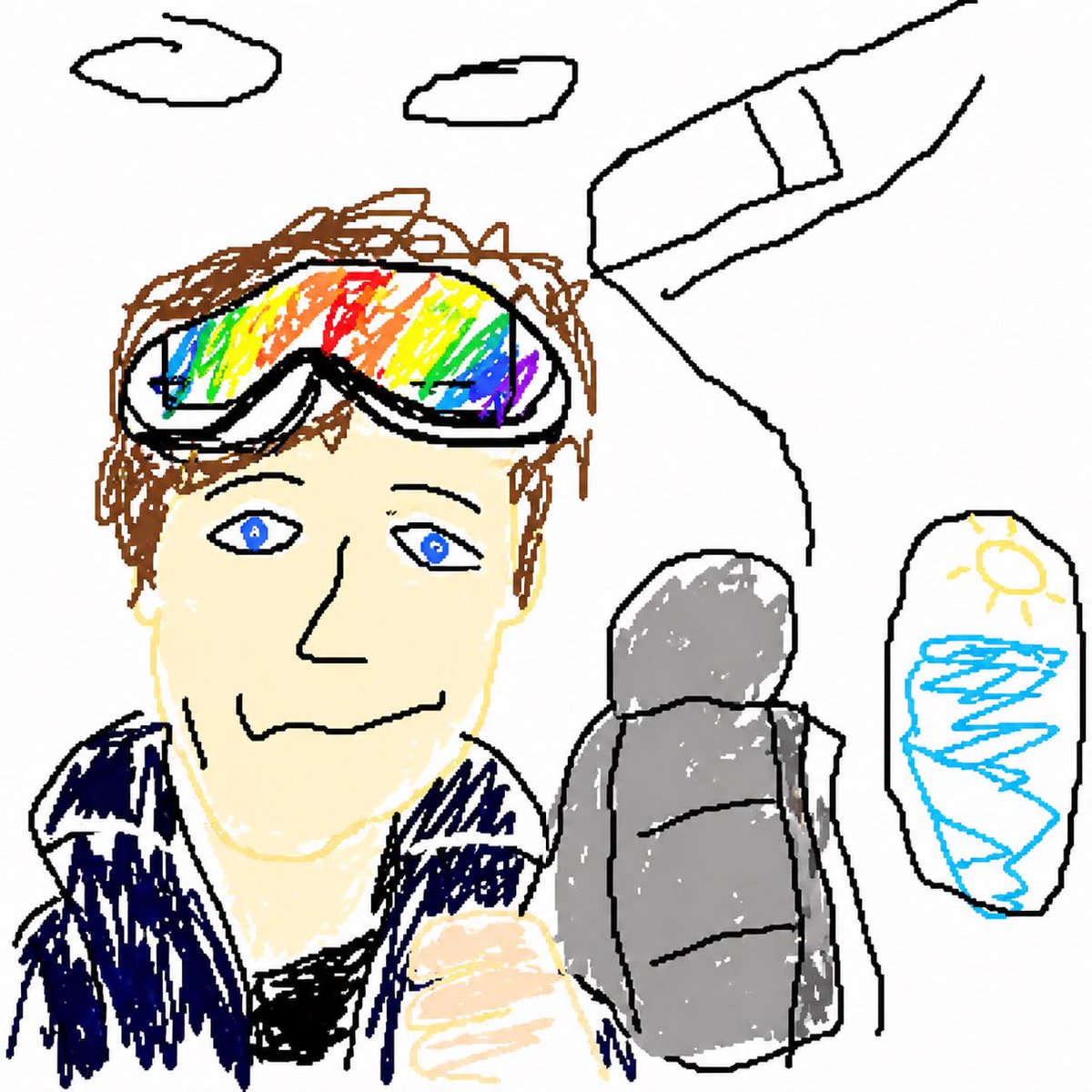
Using REFERENCE_0, recreate the same selfie composition as a simplified hand-drawn doodle portrait. Keep the person’s pose, clothing, cap, sunglasses, and the raised beer glass in the same positions, but transform everything into a rough sketch style with bold black outlines, loose scribbled fill, and flat minimal color on a plain white background. Remove the outdoor scenery entirely. Keep the beer logo simplified and change the visible text on the glass to the single vertical word {argument name="glass text" default="BEER"}. Make the beer a bright saturated yellow, render the shirt in white and the overshirt and cap in vivid blue, and keep the face area blank/obscured as in the reference-driven result.Translations
涂鸦风格啤酒自拍肖像
enUsing REFERENCE_0, recreate the same selfie composition as a simplified hand-drawn doodle portrait. Keep the person’s pose, clothing, cap, sunglasses, and the raised beer glass in the same positions, but transform everything into a rough sketch style with bold black outlines, loose scribbled fill, and flat minimal color on a plain white background. Remove the outdoor scenery entirely. Keep the beer logo simplified and change the visible text on the glass to the single vertical word {argument name="glass text" default="BEER"}. Make the beer a bright saturated yellow, render the shirt in white and the overshirt and cap in vivid blue, and keep the face area blank/obscured as in the reference-driven result.
涂鸦风格啤酒自拍肖像
zh-CN使用 REFERENCE_0,将同一自拍构图重绘为简洁的手绘涂鸦肖像。保持人物姿势、服装、帽子、墨镜以及举起的啤酒杯位置不变,但将其转换为粗犷的素描风格,采用醒目的黑色轮廓、随意的涂鸦填充,并在纯白色背景上使用平面的极简色彩。完全去除户外场景。将啤酒标志简化,并将杯子上可见的文字更改为单个垂直单词 {argument name="glass text" default="BEER"}。啤酒颜色设为明亮的饱和黄色,衬衫设为白色,外套和帽子设为鲜艳的蓝色,并保持面部区域空白/遮挡,以达到参考图的效果。